Mcculloch County Trustees Deed (Corporate Trustee) Form
Last validated November 3, 2026 by our Forms Development TeamFormatted for recording in Mcculloch County, for property anywhere in the county: rural and unincorporated areas as well as Brady, Doole, Lohn, Melvin, Rochelle, Voca.
- 3 documents included
- Immediate PDF download
- Formatting guarantee
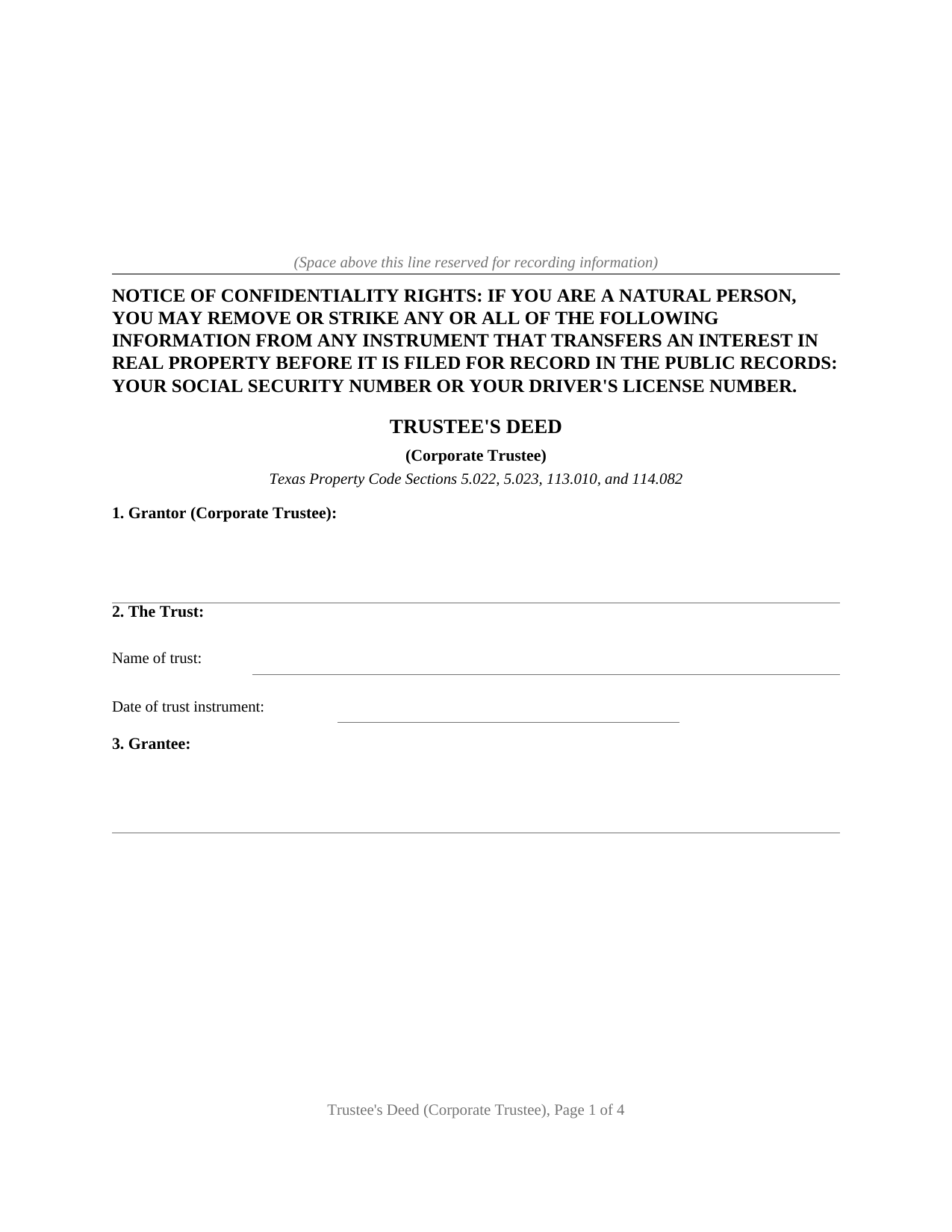
Mcculloch County Trustees Deed (Corporate Trustee) Form
Fill in the blank Trustees Deed (Corporate Trustee) form formatted to comply with all Texas recording and content requirements.
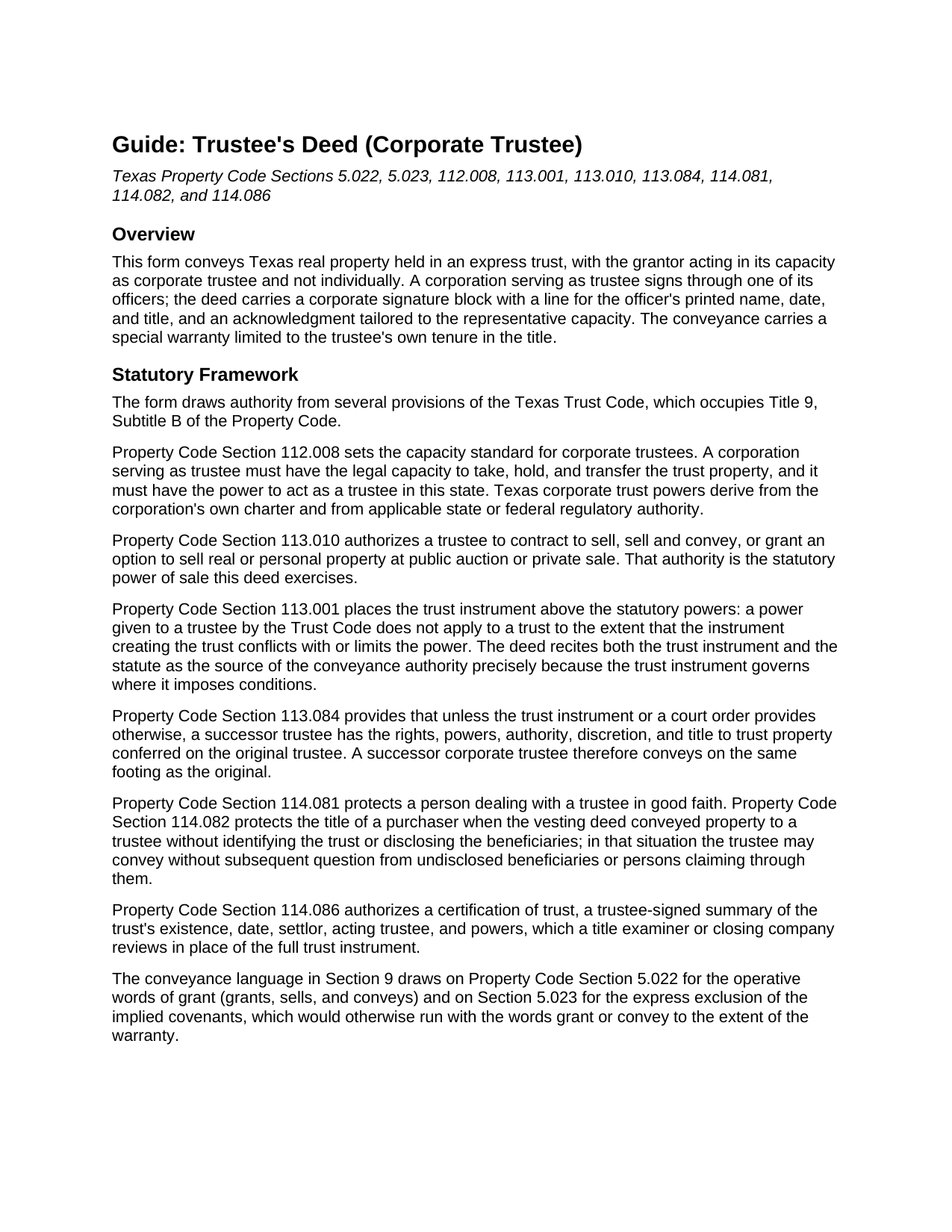
Mcculloch County Trustees Deed (Corporate Trustee) Guide
Line by line guide explaining every blank on the Trustees Deed (Corporate Trustee) form.
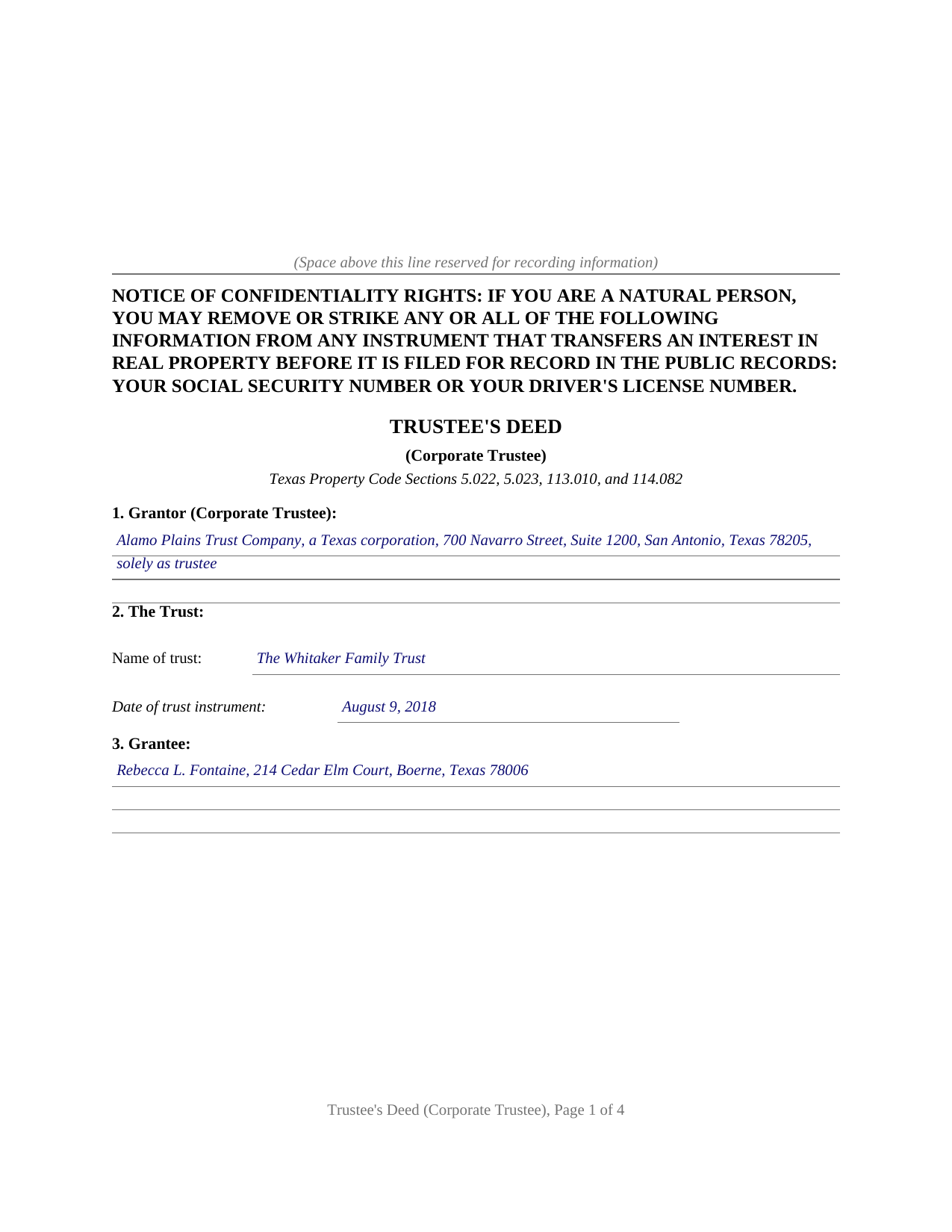
Mcculloch County Completed Example of the Trustees Deed (Corporate Trustee) Document
Example of a properly completed Texas Trustees Deed (Corporate Trustee) document for reference.
All 3 documents above included • One-time purchase • No recurring fees
Immediate Download • Secure Checkout
Additional Texas and Mcculloch County documents included at no extra charge:
Where to Record Your Documents
McCulloch County Clerk
Brady, Texas 76825
Hours: Monday - Friday 8:00am - 4:45pm
Phone: 325-597-2400 x2
Recording Tips for Mcculloch County:
- Bring your driver's license or state-issued photo ID
- Ensure all signatures are in blue or black ink
- Recorded documents become public record - avoid including SSNs
- Recording fees may differ from what's posted online - verify current rates
- Request a receipt showing your recording numbers
Cities and Jurisdictions in Mcculloch County
Properties in any of these areas use Mcculloch County forms:
- Brady
- Doole
- Lohn
- Melvin
- Rochelle
- Voca
Hours, fees, requirements, and more for Mcculloch County
How do I get my forms?
Forms are available for immediate download after payment. The Mcculloch County forms will be in your account ready to download to your computer. An account is created for you during checkout if you don't have one. Forms are NOT emailed.
Are these forms guaranteed to be recordable in Mcculloch County?
Yes. Our form blanks are guaranteed to meet or exceed the applicable formatting requirements used for recording in Mcculloch County, including margin requirements, font requirements, and other layout standards. This guarantee applies to formatting, not to the legal sufficiency of information entered by the user or the suitability of a form for a particular transaction.
Can I reuse these forms?
Yes. You can reuse the forms for your personal use. For example, if you have multiple properties in Mcculloch County you only need to order once.
What do I need to use these forms?
The forms are PDFs that you fill out on your computer. The free Adobe Acrobat Reader is recommended, and most PDF apps also work. You do NOT enter your property information online - you download the blank forms and complete them privately on your own computer.
Are there any recurring fees?
No. This is a one-time purchase. Nothing to cancel, no memberships, no recurring fees.
How much does it cost to record in Mcculloch County?
Recording fees in Mcculloch County vary. Contact the recorder's office at 325-597-2400 x2 for current fees.
Questions answered? Let's get started!
When Texas real estate leaves a trust, the deed comes from the trustee, because legal title to trust property stands in the trustee rather than in the trust itself. This trustee's deed is drafted for a corporate trustee: a trust company, bank, or other corporation with the power to act as a trustee in Texas under Property Code Section 112.008, conveying trust real property to a purchaser or distributing it to a beneficiary through the signature of one of its officers.
A conveyance built on the power of sale
A Texas trustee sells real property under Property Code Section 113.010, which authorizes a trustee to contract to sell, sell and convey, or grant an option to sell, at public auction or private sale. That statutory power always operates subject to Section 113.001, under which the trust instrument controls where it limits or conditions a power, so the deed opens by reciting the capacity in which the corporation acts, identifying the trust by name and date, and stating that the conveyance exercises the power of sale in the trust instrument or the statute. A successor corporate trustee conveys on the same footing: Section 113.084 confers on a successor the title and powers of the original trustee.
A warranty scoped to the fiduciary capacity
The deed conveys the property itself with the words grants, sells, and conveys, the drafting that keeps a Texas instrument on the conveyance side of the line the Texas Supreme Court drew between deeds and quitclaims. Its warranty is special: the trust estate stands behind claims arising by, through, or under the grantor in the trustee capacity, but not otherwise, and an express provision under Property Code Section 5.023 holds the covenants implied from words of grant to that same scope. The result is the warranty posture Texas fiduciary practice expects, in which no covenant in the deed becomes an obligation of the corporation's own assets.
What reaches the county records
The trust agreement itself stays private. The recorded picture is the deed into the trustee, this deed out, and, where the transaction uses one, a certification of trust under Property Code Section 114.086, the signed summary of the trust's existence, date, settlor, acting trustee, and powers that a title examiner reviews in place of the full agreement. The Trust Code backs that structure with protections for the other side of the transaction: a person dealing with a trustee in good faith and for fair value is protected under Section 114.081, and Section 114.082 lets a trustee convey without subsequent question from undisclosed beneficiaries where the vesting deed never identified the trust. The completed deed is recorded with the county clerk of the county where the property is located and carries the confidentiality notice of Property Code Section 11.008 at the top of its first page.
Inside the package
The download prepares one recordable instrument: a fillable PDF deed with a corporate signature block and a representative acknowledgment matching the short form of Civil Practice and Remedies Code Section 121.008, a completed example showing the deed filled in for a realistic Bexar County fact pattern, and a plain language guide that walks through every numbered section, from the capacity recital to the recording steps. The materials are informational and are not legal advice; a Texas attorney can apply these statutes to a specific trust or transaction.
Important: Your property must be located in Mcculloch County to use these forms. Documents should be recorded at the county recording office listed above.
This Trustees Deed (Corporate Trustee) meets all recording requirements specific to Mcculloch County.
Our Promise
The documents you receive here are guaranteed to meet or exceed the applicable Mcculloch County recording format requirements. If there is a rejection caused by our formatting, we will correct the issue or refund your payment. This guarantee applies to document formatting only and does not extend to information entered by the user, the selection of the form, or the legal effect of the completed document.
Save Time and Money
Get your Mcculloch County Trustees Deed (Corporate Trustee) form done right the first time with Deeds.com Uniform Conveyancing Blanks. At Deeds.com, we understand that your time and money are valuable resources, and we don't want you to face a penalty fee or rejection imposed by a county recorder for submitting nonstandard documents. We constantly review and update our forms to meet rapidly changing state and county recording requirements for roughly 3,500 counties and local jurisdictions.
4.8 out of 5 - ( 4,844 Reviews )
Steve R. 5 out of 5 stars
Hopefully filling out and filing the paperwork is as easy as this was.
Thank you for your feedback. We really appreciate it. Have a great day!
Elizabeth W. 5 out of 5 stars
would have been smart to give each pdf a name instead of unintelligible numbers...
Thank you for your feedback. We really appreciate it. Have a great day!
Gloria R. 5 out of 5 stars
Great system
Thank you!
Lawrence D. 5 out of 5 stars
My first time using it; very fast service. I am an estate planning attorney (44 years). None of my old title company contacts are around anymore to provide deed copies, so this is a great source. I will be using it again.
Thank you Lawrence, we appreciate your feedback. Have a fantastic day!
Ralph L. 5 out of 5 stars
Thank you.Very good.
Thank you for your feedback. We really appreciate it. Have a great day!
Michael O. 5 out of 5 stars
Great experience. Pre-printed forms, line explanations and samples - solve a lot of problems, eliminate many headaches and research. Thank You!!!
We appreciate your business and value your feedback. Thank you. Have a wonderful day!
Michael A. 2 out of 5 stars
Customer service was poor. I felt like I had to debate the representative to provide guidance and assistance. They acted as though I knew the process, the documents involved, etc. At the same time, they asked me to confirm which documents or at least pages needed to be filed. I was leaning of Deeds.com for their expertise.
Thank you!
sonja E. 5 out of 5 stars
It's very easy to find your way around on deeds.com, Excellent layout on this website and user friendly!
Thank you!
Della M. 5 out of 5 stars
Very easy to purchase with immediate use of all of the forms that you need for probate of property. My parents had died and left equal shares of their home to my 2 brothers and I.
Thank you!
Sylvia B. 5 out of 5 stars
What a wonderful resource! Forms are so easy to use, made the process a breeze. Deeds even helped with the recording. Thank you.
We appreciate your business and value your feedback. Thank you. Have a wonderful day!
Charles K. 5 out of 5 stars
Was successful, I'm happy. Tks
Glad to hear everything went smoothly. Thanks for your feedback, Charles!
Michael L. 5 out of 5 stars
I accidentally ordered the wrong deed package. Was looking for a quit claim deed and got a trustee deed. I immediately emailed the company, nothing back from them. I would like to exchange my purchase.
Thank you for your feedback. We replied to your message on December 20th at 2:05 pm, the reply was as follows: As a one time courtesy we have canceled your order/payment for the Trustee Deed document.
Robert B. 5 out of 5 stars
Very easy to use.
Thank you for your feedback. We really appreciate it. Have a great day!
Karen V. 5 out of 5 stars
It was a easy process to get the forms I needed.
We appreciate your business and value your feedback. Thank you. Have a wonderful day!
Frank B. 5 out of 5 stars
Great website, super easy to use, user friendly to navigate. Will definitely use for future needs, and will definitely refer to other customers. F. Betancourt Texas
Thank you!