Borden County Warranty Deed (Corporation Grantor) Form
Last validated October 1, 2026 by our Forms Development TeamFormatted for recording in Borden County, for property anywhere in the county: rural and unincorporated areas as well as Gail.
- 3 documents included
- Immediate PDF download
- Formatting guarantee
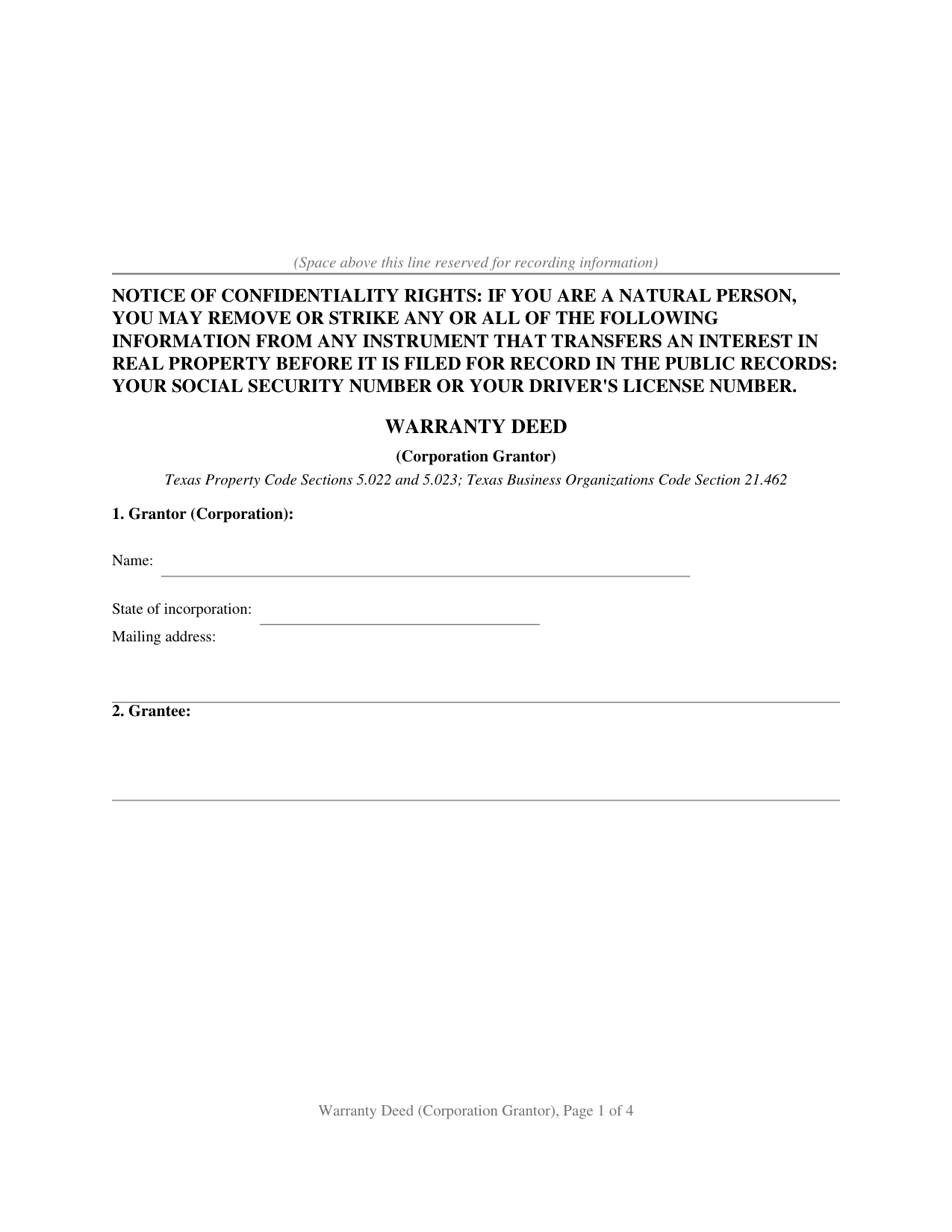
Borden County Warranty Deed (Corporation Grantor) Form
Fill in the blank Warranty Deed (Corporation Grantor) form formatted to comply with all Texas recording and content requirements.
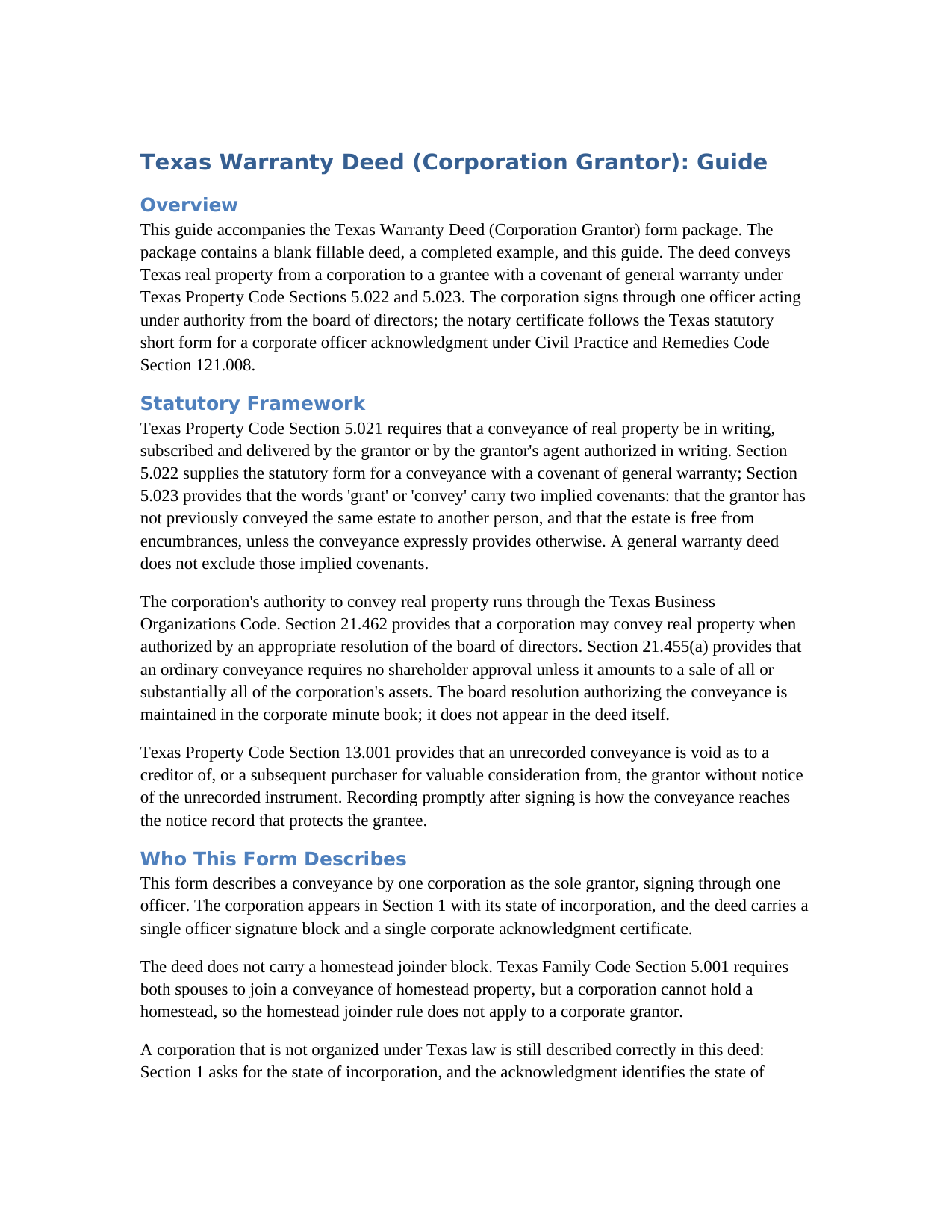
Borden County Warranty Deed (Corporation Grantor) Guide
Line by line guide explaining every blank on the Warranty Deed (Corporation Grantor) form.
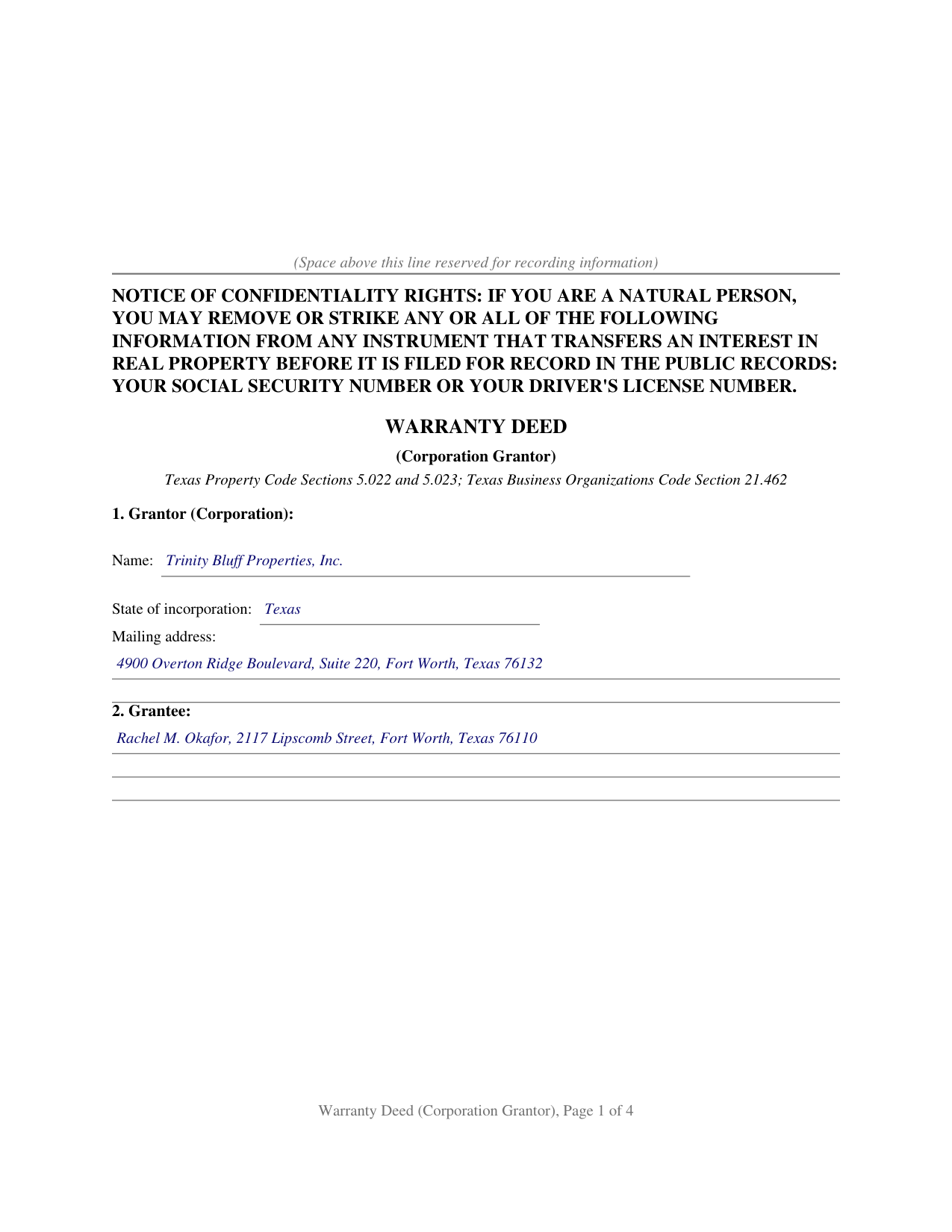
Borden County Completed Example of the Warranty Deed (Corporation Grantor) Document
Example of a properly completed Texas Warranty Deed (Corporation Grantor) document for reference.
All 3 documents above included • One-time purchase • No recurring fees
Immediate Download • Secure Checkout
Additional Texas and Borden County documents included at no extra charge:
Where to Record Your Documents
Borden County Clerk
Gail, Texas 79738
Hours: Monday - Friday 8:00am - 12:00 & 1:00 - 5:00pm
Phone: (806) 756-4312
Recording Tips for Borden County:
- Bring your driver's license or state-issued photo ID
- Ensure all signatures are in blue or black ink
- Recorded documents become public record - avoid including SSNs
- Recording fees may differ from what's posted online - verify current rates
- Request a receipt showing your recording numbers
Cities and Jurisdictions in Borden County
Properties in any of these areas use Borden County forms:
- Gail
Hours, fees, requirements, and more for Borden County
How do I get my forms?
Forms are available for immediate download after payment. The Borden County forms will be in your account ready to download to your computer. An account is created for you during checkout if you don't have one. Forms are NOT emailed.
Are these forms guaranteed to be recordable in Borden County?
Yes. Our form blanks are guaranteed to meet or exceed the applicable formatting requirements used for recording in Borden County, including margin requirements, font requirements, and other layout standards. This guarantee applies to formatting, not to the legal sufficiency of information entered by the user or the suitability of a form for a particular transaction.
Can I reuse these forms?
Yes. You can reuse the forms for your personal use. For example, if you have multiple properties in Borden County you only need to order once.
What do I need to use these forms?
The forms are PDFs that you fill out on your computer. The free Adobe Acrobat Reader is recommended, and most PDF apps also work. You do NOT enter your property information online - you download the blank forms and complete them privately on your own computer.
Are there any recurring fees?
No. This is a one-time purchase. Nothing to cancel, no memberships, no recurring fees.
How much does it cost to record in Borden County?
Recording fees in Borden County vary. Contact the recorder's office at (806) 756-4312 for current fees.
Questions answered? Let's get started!
When a corporation conveys Texas real estate, the deed answers two distinct questions in a single instrument: what title protection the grantee receives, and who speaks for the entity granting it. This form is built around the corporate answer to each. The grantor is the corporation, signing through one authorized officer. The title promise is a full covenant of general warranty under Texas Property Code Sections 5.022 and 5.023, reaching back through the entire chain of title rather than stopping at the corporation's own period of ownership.
The corporate grantor structure
A corporation conveys only through authorized people. Texas Business Organizations Code Section 21.462 provides that a corporation may convey real property when authorized by an appropriate resolution of the board of directors, and Section 21.455(a) provides that an ordinary conveyance requires no shareholder approval unless it amounts to a sale of substantially all of the corporation's assets. The board resolution authorizing the sale stays in the corporate minute book; the deed itself carries the officer's name, title, and signature on a By line, with the corporation's name on the line above it. Local Government Code Section 191.007(e) independently requires a typed or printed name immediately under each signature on a recorded instrument, and the officer printed-name line on this form satisfies that requirement for the corporation's signing officer.
A warranty that reaches the whole chain
The operative section conveys the property with the words GRANTS, SELLS, AND CONVEYS, which under Property Code Section 5.023 carry two implied covenants: that the grantor has not previously conveyed the same estate to anyone else, and that the estate is free from encumbrances. The warranty clause binds the corporation and its successors to warrant and forever defend the title against every person whomsoever lawfully claiming any part of it. That promise is not limited to the years the corporation held the property; it reaches any defect that arose at any point in the chain, wherever it originated. A dedicated reservations and exceptions section lists the recorded matters the conveyance and the warranty are subject to, such as existing easements, restrictive covenants, and mineral interests, so the warranty describes the title as it actually stands.
The corporate acknowledgment
The notary certificate on this form follows the Texas statutory short form for a corporate officer under Civil Practice and Remedies Code Section 121.008. The certificate identifies the officer by name and title, names the corporation and its state of incorporation, and certifies that the officer acknowledged the instrument on behalf of the corporation. The form carries one certificate because one officer signs on behalf of the corporate grantor. Civil Practice and Remedies Code Section 121.006(a) additionally permits altering an authorized form as circumstances require, so a foreign corporation described in both Section 1 and the acknowledgment is correctly captured wherever it appears in the record.
Recording the deed
After the officer signs before the notary, the deed is recorded with the county clerk of the county where the property is located. Texas imposes no deed transfer tax and requires no companion filing alongside the deed. The confidentiality notice required by Property Code Section 11.008 appears at the top of the first page. Under Property Code Section 13.001, recording provides constructive notice to all subsequent purchasers and creditors; an unrecorded deed is void as to a creditor or subsequent purchaser for value without notice of it. Beginning December 4, 2025, Local Government Code Section 191.010(b) and Property Code Section 12.001(b)(2), as amended by Senate Bill 16, require a person presenting a deed in person to provide government-issued photo identification at the recording counter.
The download contains a fillable PDF of the blank deed, with a non-recorded instructions page at the front, and a completed example filled in for a realistic Tarrant County transaction, together with a plain-language guide that walks through every numbered section, the corporate signature block, and the acknowledgment certificate. The materials are informational and are not legal advice.
Important: Your property must be located in Borden County to use these forms. Documents should be recorded at the county recording office listed above.
This Warranty Deed (Corporation Grantor) meets all recording requirements specific to Borden County.
Our Promise
The documents you receive here are guaranteed to meet or exceed the applicable Borden County recording format requirements. If there is a rejection caused by our formatting, we will correct the issue or refund your payment. This guarantee applies to document formatting only and does not extend to information entered by the user, the selection of the form, or the legal effect of the completed document.
Save Time and Money
Get your Borden County Warranty Deed (Corporation Grantor) form done right the first time with Deeds.com Uniform Conveyancing Blanks. At Deeds.com, we understand that your time and money are valuable resources, and we don't want you to face a penalty fee or rejection imposed by a county recorder for submitting nonstandard documents. We constantly review and update our forms to meet rapidly changing state and county recording requirements for roughly 3,500 counties and local jurisdictions.
4.8 out of 5 - ( 4,830 Reviews )
Michael V. 5 out of 5 stars
Exactly what I needed and VERY fair price. I paid $19.97 for what a local attorney wanted $200 to do. I filled out the form using the line by line guide and filed it at the court house today. Absolutely no problems.
We appreciate your business and value your feedback. Thank you. Have a wonderful day!
yvonne e. 1 out of 5 stars
Poor communication. Confusing charges. (Waiting for explanation) overall, not thrilled and at this point would not recommend.
Sorry to hear of your confusion. We've gone ahead and canceled your order. We do hope that you find something more suitable to your needs elsewhere. Have a wonderful day.
Julie G. 5 out of 5 stars
Great online tool to get your deeds recorded without having to go downtown! Will be using deeds.com for all our future recordings!
Thank you!
Lisa G. 5 out of 5 stars
Rec'd downloads for quitclaim deed process in Florida. Recorded with the clerk of courts today and the form was done perfectly--she had no changes to make. Well worth the money--thanks
Glad to hear Lisa, we appreciate you taking the time to leave your feedback.
FRANK D. 5 out of 5 stars
Excellent software along with my other Will/Trust programs. I always use your program regarding deeds.
Thank you!
Rob F. 5 out of 5 stars
They are fantastic. I am a little technically challenged, but very helpful and respectful. Highly recommended. Thank you
We appreciate your business and value your feedback. Thank you. Have a wonderful day!
John M. 5 out of 5 stars
I found just what I needed at a very good price.
We appreciate your business and value your feedback. Thank you. Have a wonderful day!
Shirley P. 5 out of 5 stars
Very easy to use, download and print. Thank you!
We appreciate your business and value your feedback. Thank you. Have a wonderful day!
Marc T. 5 out of 5 stars
Excellent service
Thank you!
Gina B. 5 out of 5 stars
This website is reliable and informative. So glad I can across this website. They provide a wide range of documents that are always provided on the recording county website. Thanks!
Thank you!
John H. 1 out of 5 stars
Re: Idaho Affidavit of Successor: Decedent's residence may be a state other than Idaho. Death certificate documnet# field is too small.
Thank you for your feedback. We have emailed you an amended document to address your specific needs outlined in your feedback, hope this helps. Have a wonderful day.
Thomas F. 5 out of 5 stars
Haven't filed yet but it seems everything I need is here. Easy process
Thank you!
Kristen N. 5 out of 5 stars
Very easy to use, helpful instructions and examples. I also like the chat feature and the erecording. So much better than other DIY law websites out there.
We appreciate your business and value your feedback. Thank you. Have a wonderful day!
Raymond M. 5 out of 5 stars
It would be really nice if you had an example of the document full size that can be examined/read before having to pay. I was gambling that it was the exact document that I needed when I paid my fee. Fortunately, it was, and I commend you for that.
Thank you for your feedback. We really appreciate it. Have a great day!
Phoenix D. 5 out of 5 stars
I was looking for the proper quit claim deed for my state. I found it on deeds.com along with instructions and a sample. I couldn't have filed without them.
Thank you for your feedback. We really appreciate it. Have a great day!