Scurry County Warranty Deed (Corporation Grantor) Form
Last validated October 1, 2026 by our Forms Development TeamFormatted for recording in Scurry County, for property anywhere in the county: rural and unincorporated areas as well as Dunn, Fluvanna, Hermleigh, Ira, Snyder.
- 3 documents included
- Immediate PDF download
- Formatting guarantee
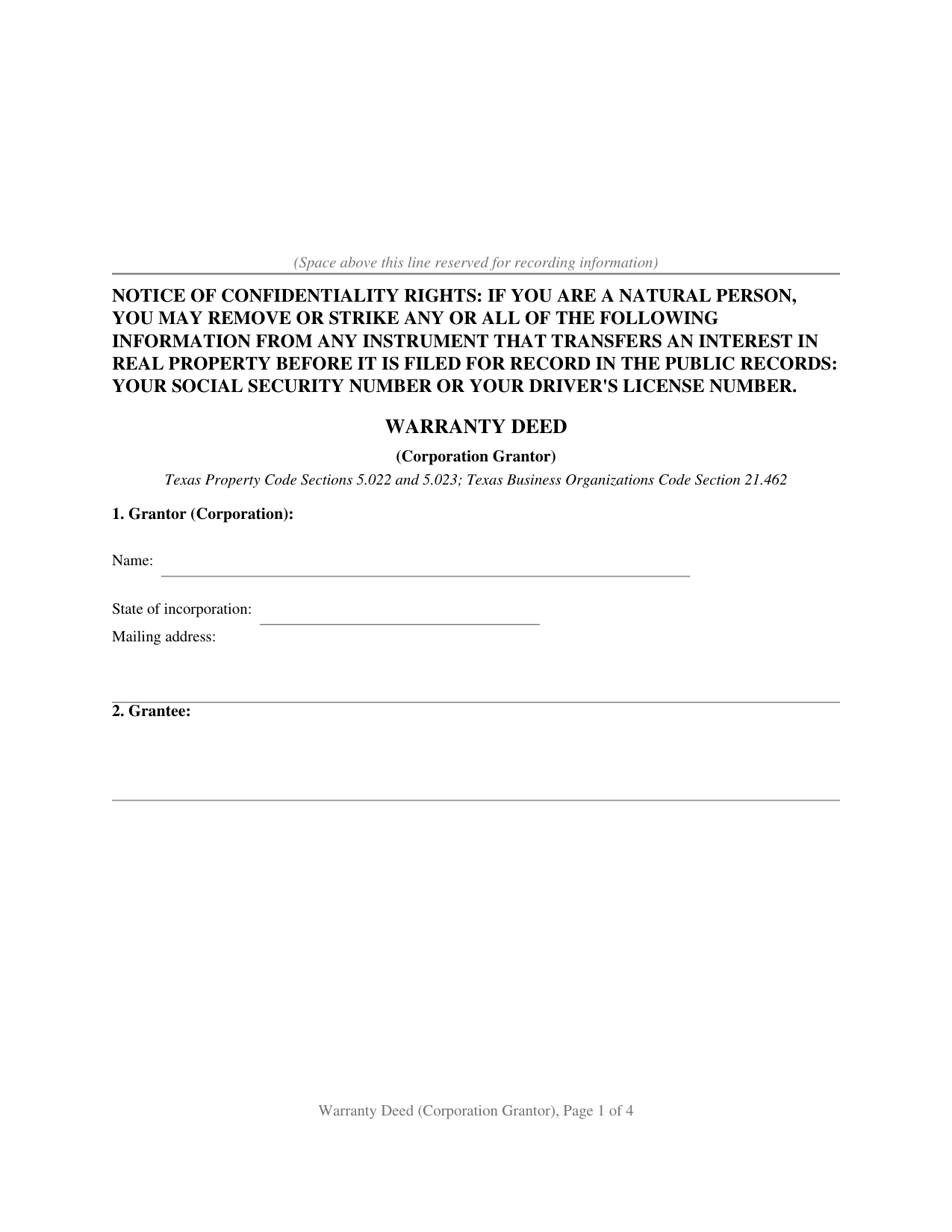
Scurry County Warranty Deed (Corporation Grantor) Form
Fill in the blank Warranty Deed (Corporation Grantor) form formatted to comply with all Texas recording and content requirements.
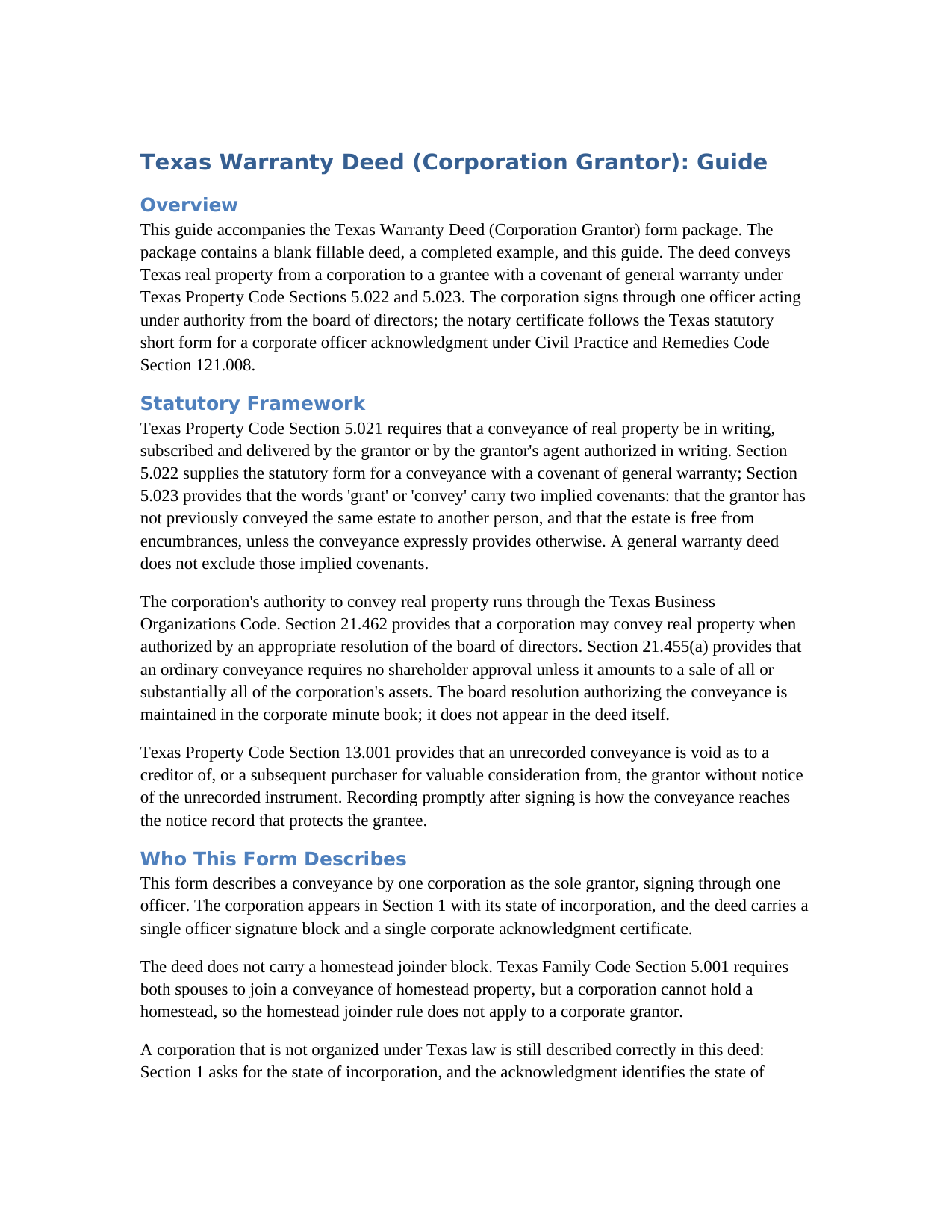
Scurry County Warranty Deed (Corporation Grantor) Guide
Line by line guide explaining every blank on the Warranty Deed (Corporation Grantor) form.
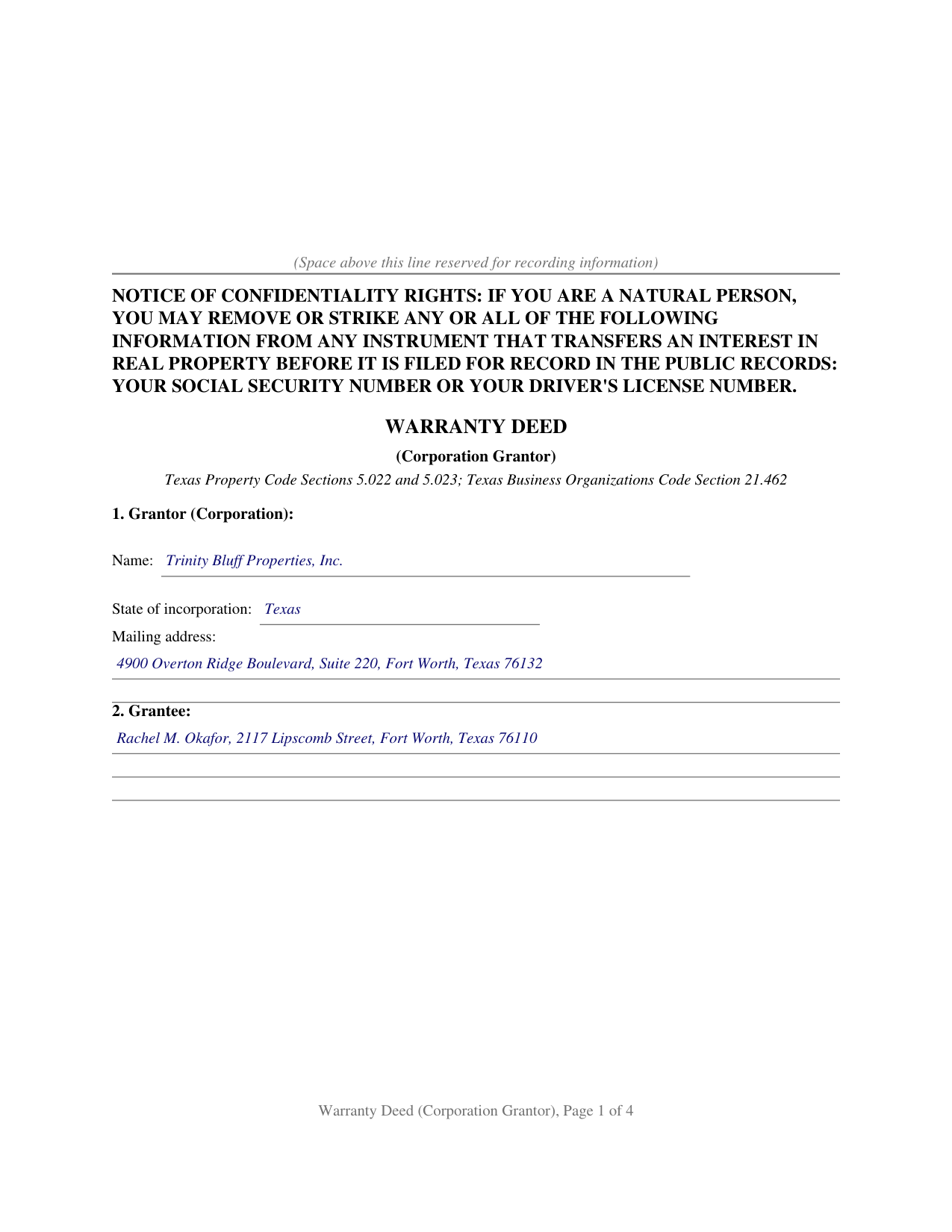
Scurry County Completed Example of the Warranty Deed (Corporation Grantor) Document
Example of a properly completed Texas Warranty Deed (Corporation Grantor) document for reference.
All 3 documents above included • One-time purchase • No recurring fees
Immediate Download • Secure Checkout
Additional Texas and Scurry County documents included at no extra charge:
Where to Record Your Documents
County Clerk/Recording
Snyder, Texas 79549
Hours: 8:00am to 4:30pm M-F
Phone: (325) 573-5332
Recording Tips for Scurry County:
- Bring your driver's license or state-issued photo ID
- Ensure all signatures are in blue or black ink
- Bring extra funds - fees can vary by document type and page count
- Check margin requirements - usually 1-2 inches at top
- Leave recording info boxes blank - the office fills these
Cities and Jurisdictions in Scurry County
Properties in any of these areas use Scurry County forms:
- Dunn
- Fluvanna
- Hermleigh
- Ira
- Snyder
Hours, fees, requirements, and more for Scurry County
How do I get my forms?
Forms are available for immediate download after payment. The Scurry County forms will be in your account ready to download to your computer. An account is created for you during checkout if you don't have one. Forms are NOT emailed.
Are these forms guaranteed to be recordable in Scurry County?
Yes. Our form blanks are guaranteed to meet or exceed the applicable formatting requirements used for recording in Scurry County, including margin requirements, font requirements, and other layout standards. This guarantee applies to formatting, not to the legal sufficiency of information entered by the user or the suitability of a form for a particular transaction.
Can I reuse these forms?
Yes. You can reuse the forms for your personal use. For example, if you have multiple properties in Scurry County you only need to order once.
What do I need to use these forms?
The forms are PDFs that you fill out on your computer. The free Adobe Acrobat Reader is recommended, and most PDF apps also work. You do NOT enter your property information online - you download the blank forms and complete them privately on your own computer.
Are there any recurring fees?
No. This is a one-time purchase. Nothing to cancel, no memberships, no recurring fees.
How much does it cost to record in Scurry County?
Recording fees in Scurry County vary. Contact the recorder's office at (325) 573-5332 for current fees.
Questions answered? Let's get started!
When a corporation conveys Texas real estate, the deed answers two distinct questions in a single instrument: what title protection the grantee receives, and who speaks for the entity granting it. This form is built around the corporate answer to each. The grantor is the corporation, signing through one authorized officer. The title promise is a full covenant of general warranty under Texas Property Code Sections 5.022 and 5.023, reaching back through the entire chain of title rather than stopping at the corporation's own period of ownership.
The corporate grantor structure
A corporation conveys only through authorized people. Texas Business Organizations Code Section 21.462 provides that a corporation may convey real property when authorized by an appropriate resolution of the board of directors, and Section 21.455(a) provides that an ordinary conveyance requires no shareholder approval unless it amounts to a sale of substantially all of the corporation's assets. The board resolution authorizing the sale stays in the corporate minute book; the deed itself carries the officer's name, title, and signature on a By line, with the corporation's name on the line above it. Local Government Code Section 191.007(e) independently requires a typed or printed name immediately under each signature on a recorded instrument, and the officer printed-name line on this form satisfies that requirement for the corporation's signing officer.
A warranty that reaches the whole chain
The operative section conveys the property with the words GRANTS, SELLS, AND CONVEYS, which under Property Code Section 5.023 carry two implied covenants: that the grantor has not previously conveyed the same estate to anyone else, and that the estate is free from encumbrances. The warranty clause binds the corporation and its successors to warrant and forever defend the title against every person whomsoever lawfully claiming any part of it. That promise is not limited to the years the corporation held the property; it reaches any defect that arose at any point in the chain, wherever it originated. A dedicated reservations and exceptions section lists the recorded matters the conveyance and the warranty are subject to, such as existing easements, restrictive covenants, and mineral interests, so the warranty describes the title as it actually stands.
The corporate acknowledgment
The notary certificate on this form follows the Texas statutory short form for a corporate officer under Civil Practice and Remedies Code Section 121.008. The certificate identifies the officer by name and title, names the corporation and its state of incorporation, and certifies that the officer acknowledged the instrument on behalf of the corporation. The form carries one certificate because one officer signs on behalf of the corporate grantor. Civil Practice and Remedies Code Section 121.006(a) additionally permits altering an authorized form as circumstances require, so a foreign corporation described in both Section 1 and the acknowledgment is correctly captured wherever it appears in the record.
Recording the deed
After the officer signs before the notary, the deed is recorded with the county clerk of the county where the property is located. Texas imposes no deed transfer tax and requires no companion filing alongside the deed. The confidentiality notice required by Property Code Section 11.008 appears at the top of the first page. Under Property Code Section 13.001, recording provides constructive notice to all subsequent purchasers and creditors; an unrecorded deed is void as to a creditor or subsequent purchaser for value without notice of it. Beginning December 4, 2025, Local Government Code Section 191.010(b) and Property Code Section 12.001(b)(2), as amended by Senate Bill 16, require a person presenting a deed in person to provide government-issued photo identification at the recording counter.
The download contains a fillable PDF of the blank deed, with a non-recorded instructions page at the front, and a completed example filled in for a realistic Tarrant County transaction, together with a plain-language guide that walks through every numbered section, the corporate signature block, and the acknowledgment certificate. The materials are informational and are not legal advice.
Important: Your property must be located in Scurry County to use these forms. Documents should be recorded at the county recording office listed above.
This Warranty Deed (Corporation Grantor) meets all recording requirements specific to Scurry County.
Our Promise
The documents you receive here are guaranteed to meet or exceed the applicable Scurry County recording format requirements. If there is a rejection caused by our formatting, we will correct the issue or refund your payment. This guarantee applies to document formatting only and does not extend to information entered by the user, the selection of the form, or the legal effect of the completed document.
Save Time and Money
Get your Scurry County Warranty Deed (Corporation Grantor) form done right the first time with Deeds.com Uniform Conveyancing Blanks. At Deeds.com, we understand that your time and money are valuable resources, and we don't want you to face a penalty fee or rejection imposed by a county recorder for submitting nonstandard documents. We constantly review and update our forms to meet rapidly changing state and county recording requirements for roughly 3,500 counties and local jurisdictions.
4.8 out of 5 - ( 4,836 Reviews )
samantha b. 5 out of 5 stars
excellent instructions and the examples made completing the forms so very simple. thanks so much.
Thank you Samantha.
Michael L. 5 out of 5 stars
Quick and Easy. Much appreciated!
Thank you for your feedback. We really appreciate it. Have a great day!
Ralph H. 5 out of 5 stars
They must have busy when I applied. The screen said it should be done in under10 mins unless heavier traffic. I was a little nervous because of a time deadline. It was completed in 45 mins and for under $30 it was worth every penny to have my deed details at my fingertips. So I give it a 5 on ease of use and quick handling. You can get it done less expensively, but great in a time crunch.
We appreciate your business and value your feedback. Thank you. Have a wonderful day!
Camille L. 5 out of 5 stars
very user friendly!
Thank you!
Lajeanne F. 5 out of 5 stars
Your service was as you promoted and I was able to get a copy of my deed and find the information on it I needed. Thank you.
Thank you for your feedback. We really appreciate it. Have a great day!
Larry C. 5 out of 5 stars
Very easy and convenient, thank you so much.
Thank you!
AKILAH S. 4 out of 5 stars
It was a little challenging and I had to call to speak to someone a few time but I got it done and and over with so I'm happy.
It was a pleasure serving you. Thank you for the positive feedback!
Pamela J. 5 out of 5 stars
The form was short, and explainable.. so that is my feed back on that...but we have not received anything back to actually see if we filled the form out correctly. So I definitely can not say if I'm satisfied with it or not until I know that it is approved. I would recommend Coos County web site for Forms to people. Thank you.
Thank you for your feedback. We really appreciate it. Have a great day!
Douglas C. 5 out of 5 stars
Excellent website with examples on how to fill out forms. Even better was the help from the office of the county clerk. I called them twice and they were extremely helpful on how to fill out the forms. Kudos to them!!!
Thank you for your feedback. We really appreciate it. Have a great day!
Ashley D. 5 out of 5 stars
Was able to print my documents immediately. Documents included deed form, a guide, a sample document, etc. Very helpful!
Thank you for your feedback. We really appreciate it. Have a great day!
Michael W. 5 out of 5 stars
This was really easy and very helpful. Thanks,
Thank you!
Kimberly F. 5 out of 5 stars
Wow! This process was incredibly easy and no commitments to monthly memberships.
Thanks for the kind words Kimberly. Have an amazing day!
Anthony P. 5 out of 5 stars
Documents exactly as described, no complaints.
Thank you!
Francine H. 4 out of 5 stars
Somewhat confusing, but I'm really not sure what I need. I have not complete4d the document.
We appreciate your business and value your feedback. Thank you. Have a wonderful day!
Robin B. 5 out of 5 stars
Nice and easy
Thank you!