Prince Edward County Quitclaim Deed (Divorce) Form
Last validated October 22, 2026 by our Forms Development TeamFormatted for recording in Prince Edward County, for property anywhere in the county or independent city: rural and unincorporated areas as well as Farmville, Green Bay, Hampden Sydney, Meherrin, Prospect, Rice.
- 3 documents included
- Immediate PDF download
- Formatting guarantee
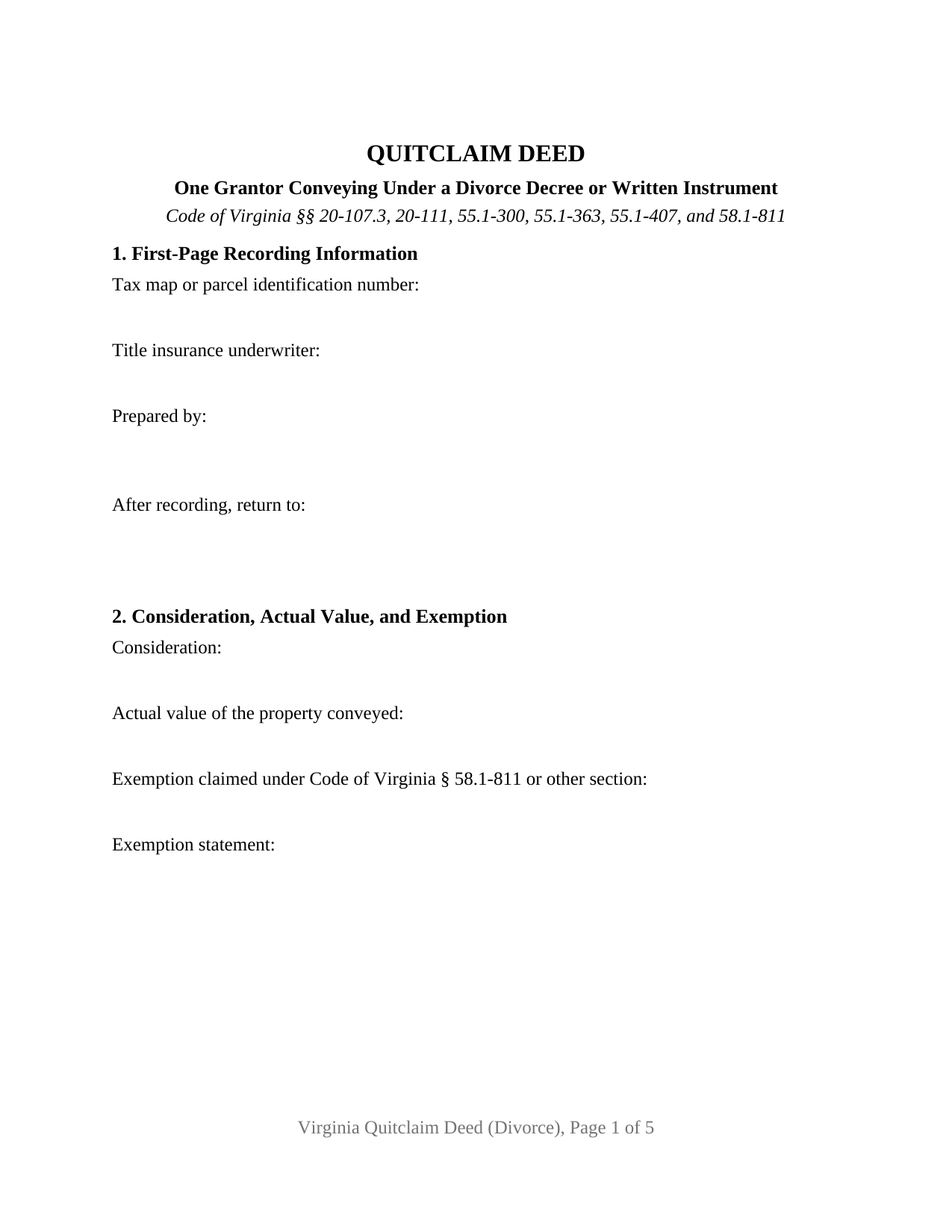
Prince Edward County Quitclaim Deed (Divorce) Form
Fill in the blank Quitclaim Deed (Divorce) form formatted to comply with all Virginia recording and content requirements.
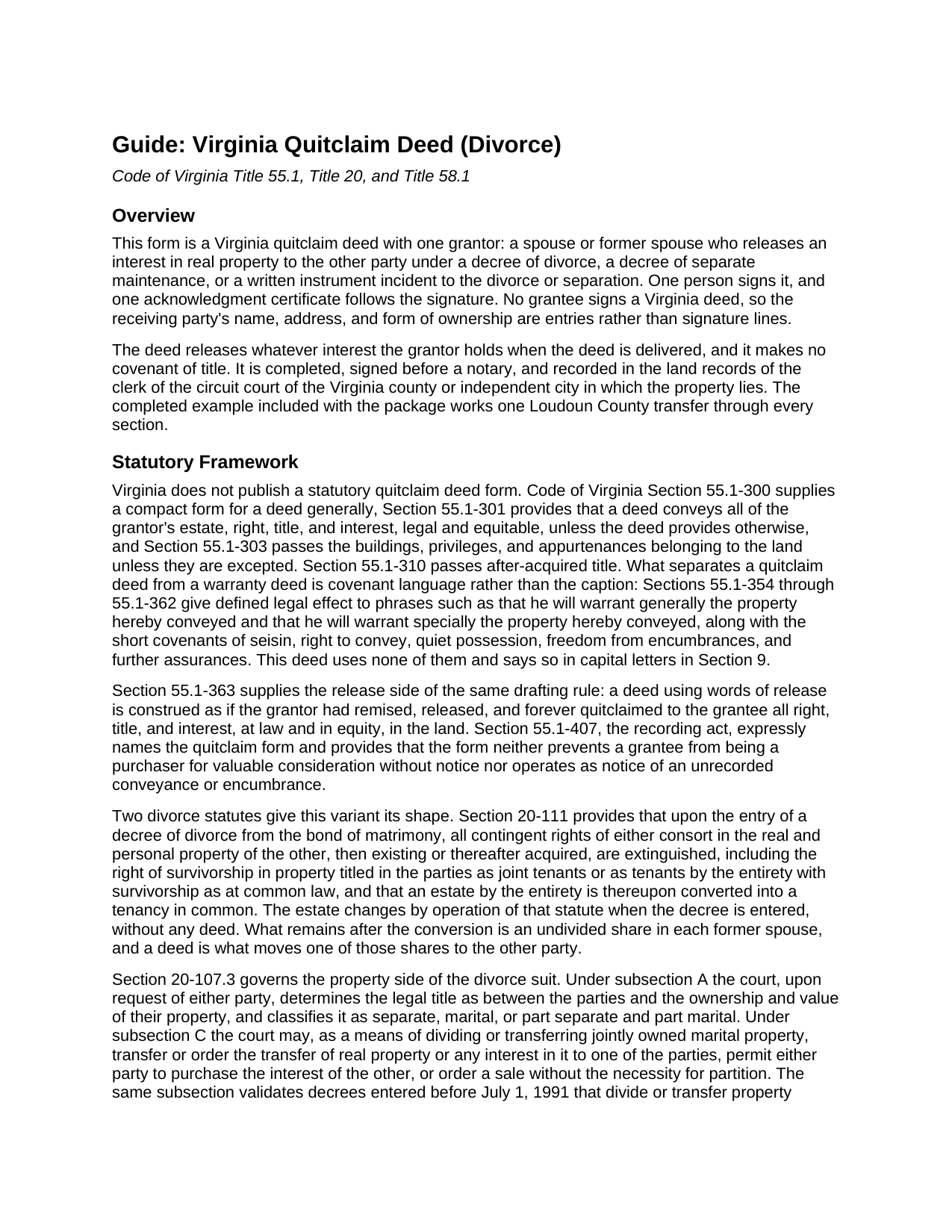
Prince Edward County Quitclaim Deed (Divorce) Guide
Line by line guide explaining every blank on the Quitclaim Deed (Divorce) form.
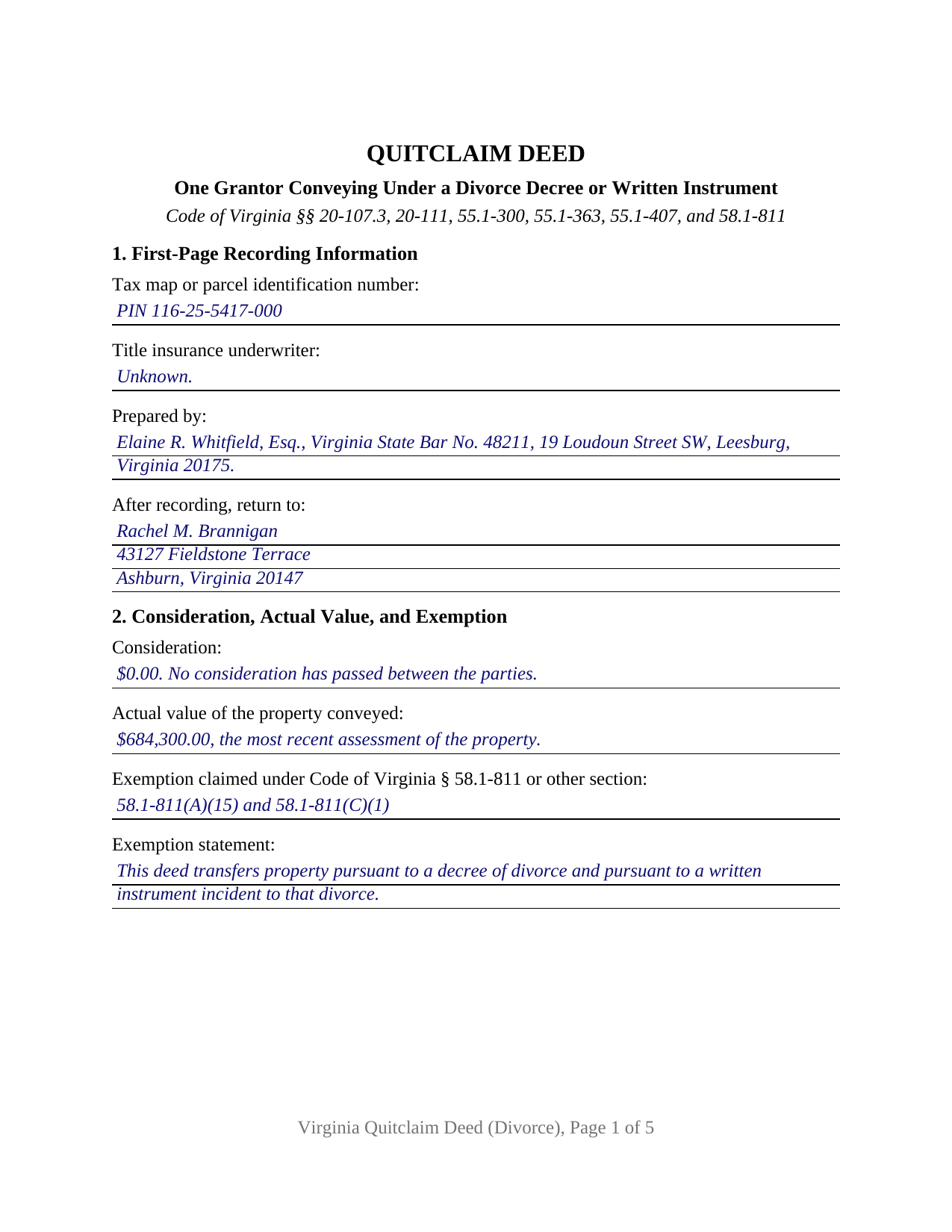
Prince Edward County Completed Example of the Quitclaim Deed (Divorce) Document
Example of a properly completed Virginia Quitclaim Deed (Divorce) document for reference.
All 3 documents above included • One-time purchase • No recurring fees
Immediate Download • Secure Checkout
Additional Virginia and Prince Edward County documents included at no extra charge:
Where to Record Your Documents
Prince Edward Circuit Court Clerk
Farmville, Virginia 23901
Hours: 8:30 to 4:30 M-F
Phone: (434) 392-5145
Recording Tips for Prince Edward County:
- Bring your driver's license or state-issued photo ID
- Ensure all signatures are in blue or black ink
- Make copies of your documents before recording - keep originals safe
- Recorded documents become public record - avoid including SSNs
- Recording fees may differ from what's posted online - verify current rates
Cities and Jurisdictions in Prince Edward County
Properties in any of these areas use Prince Edward County forms:
- Farmville
- Green Bay
- Hampden Sydney
- Meherrin
- Prospect
- Rice
Hours, fees, requirements, and more for Prince Edward County
How do I get my forms?
Forms are available for immediate download after payment. The Prince Edward County forms will be in your account ready to download to your computer. An account is created for you during checkout if you don't have one. Forms are NOT emailed.
Are these forms guaranteed to be recordable in Prince Edward County?
Yes. Our form blanks are guaranteed to meet or exceed the applicable formatting requirements used for recording in Prince Edward County, including margin requirements, font requirements, and other layout standards. This guarantee applies to formatting, not to the legal sufficiency of information entered by the user or the suitability of a form for a particular transaction.
Can I reuse these forms?
Yes. You can reuse the forms for your personal use. For example, if you have multiple properties in Prince Edward County you only need to order once.
What do I need to use these forms?
The forms are PDFs that you fill out on your computer. The free Adobe Acrobat Reader is recommended, and most PDF apps also work. You do NOT enter your property information online - you download the blank forms and complete them privately on your own computer.
Are there any recurring fees?
No. This is a one-time purchase. Nothing to cancel, no memberships, no recurring fees.
How much does it cost to record in Prince Edward County?
Recording fees in Prince Edward County vary. Contact the recorder's office at (434) 392-5145 for current fees.
Questions answered? Let's get started!
This Virginia quitclaim deed carries one signature, and the reason sits in the divorce statute rather than in the deed. Code of Virginia Section 20-111 provides that upon the entry of a decree of divorce from the bond of matrimony the contingent rights of each consort in the property of the other are extinguished, including the right of survivorship in property titled as joint tenants or as tenants by the entirety, and an estate by the entirety is thereupon converted into a tenancy in common. What the decree leaves behind is an undivided share in each former spouse, and this deed moves one of those shares to the other party.
The signature configuration a decree produces
The form recites exactly one grantor, an individual signing personally, with a single signature line and one acknowledgment certificate. Section 3 takes both names with each individual surname in capital letters, the relationship of the two people, and the ownership designation for the receiving party, who signs nothing. Section 4 takes the court, the case number, the date the decree was entered, the date of any property settlement agreement, and the recording reference of the decree itself. A former spouse releasing the undivided one-half interest a final decree left standing as a tenancy in common, and a former spouse carrying out an order that jointly owned marital property go to the other party, present the pattern these recitals carry. Two grantors signing together, the configuration Section 55.1-136(B) calls for while an entireties estate still stands of record, run on other recitals, as do fiduciary, entity, and attorney-in-fact capacities.
What the court can order, and where the order goes
Section 20-107.3 supplies the property powers this deed follows. Under subsection A the court determines legal title as between the parties and classifies what they own as separate, marital, or part of each. Under subsection C it may transfer or order the transfer of jointly owned marital property to one of them, permit one to buy out the other, or order a sale without the necessity for partition. The same subsection routes the paperwork into the land records: orders and decrees dividing or transferring real property between the parties are to be recorded and indexed in the names of the parties in the grantor and grantee indexes where the property lies. The decree, prepared and recorded separately from this package, and the deed end up in the same books under the same two names.
One exemption reaching three charges
Section 58.1-811(A)(15) lifts the taxes of Sections 58.1-801 and 58.1-807 from a deed transferring property pursuant to a decree of divorce or of separate maintenance, or pursuant to a written instrument incident to such divorce or separation. Section 58.1-811(C)(1) carries that same transaction out of the grantor tax of Section 58.1-802 and out of the regional transportation fees of Sections 58.1-802.3, 58.1-802.4, and 58.1-802.5, which are collected in the Northern Virginia and Hampton Roads localities. Section 2 takes what was paid, the assessed figure Section 58.1-801 uses to measure value, the exemption claimed, and the sentence the deed makes about itself; the example claims both subsections on a Loudoun County transfer where nothing passed. Clerk fees and the flat filing charges are collected all the same.
What the release withholds, and what rides through it
Virginia reads covenant language rather than the caption at the top of a page. Section 55.1-363 gives words of release the force of a remise, release, and forever quitclaim of whatever the grantor holds at law and in equity, and the conveyance in Section 8 speaks that way, while every phrase Sections 55.1-354 through 55.1-362 turn into a covenant is left out. Section 9 states in capitals that no warranty of title is made, and adds the point this transaction turns on: a deed of trust is neither released nor assumed by the transfer, and no obligation on the note changes because a name came off the title.
Buyers search for this instrument as a divorce deed, a quit claim deed after divorce, or a deed transferring a house in a divorce settlement; this package prepares the Virginia quitclaim deed for one spouse or former spouse conveying under a decree. Three files arrive: the blank deed as a fillable PDF, the completed Loudoun County example, and a plain-language guide covering each blank, notarization under Title 47.1, and the charges collected at the clerk's counter. These materials describe Virginia law in general terms and are not legal advice.
Important: Your property must be located in Prince Edward County to use these forms. Documents should be recorded at the county or independent city recording office listed above.
This Quitclaim Deed (Divorce) meets all recording requirements specific to Prince Edward County.
Our Promise
The documents you receive here are guaranteed to meet or exceed the applicable Prince Edward County recording format requirements. If there is a rejection caused by our formatting, we will correct the issue or refund your payment. This guarantee applies to document formatting only and does not extend to information entered by the user, the selection of the form, or the legal effect of the completed document.
Save Time and Money
Get your Prince Edward County Quitclaim Deed (Divorce) form done right the first time with Deeds.com Uniform Conveyancing Blanks. At Deeds.com, we understand that your time and money are valuable resources, and we don't want you to face a penalty fee or rejection imposed by a county recorder for submitting nonstandard documents. We constantly review and update our forms to meet rapidly changing state and county recording requirements for roughly 3,500 counties and local jurisdictions.
4.8 out of 5 - ( 4,845 Reviews )
Dennis E. 5 out of 5 stars
Easy to complete form. Examples were very helpful in using correct verbiage for form. Also way less expensive than the $500 an attorney wanted to charge me for doing the very same thing!!!
Thanks Dennis, we appreciate you taking the time to leave your feedback.
diana l. 5 out of 5 stars
Easy to use & got my one question answered in less than 5 minutes! Excellence.
Your satisfaction with our services is of utmost importance to us. Thank you for letting us know how we did!
Shane J. 5 out of 5 stars
I use deeds.com for all of my document filing needs. The amount of time and money saved on making trips to the auditor's office is well worth the nominal fee that is charged. I highly recommend deeds.com!
Your feedback is greatly appreciated. Thank you for taking the time to share your experience!
MARY LACEY M. 5 out of 5 stars
The recording process was done perfectly. We much appreciate your communication, prompt service and highly professional assistance. Thank you.
Thank you so much for the kind words. We're glad the recording went smoothly and that our team kept you informed along the way. Keeping things prompt and professional is exactly what we aim for, so it means a lot to hear it landed. We appreciate you taking the time to share this, and we're here whenever you need us again.
Eileen S. 5 out of 5 stars
It seems fast.
Thank you!
Veronica F. 5 out of 5 stars
Fabulous service team. VERY responsive with any issue I encountered. Preparing forms out of state to record in another is never easy but this team assists expeditiously.
Your feedback is greatly appreciated. Thank you for taking the time to share your experience!
Sterling H. 4 out of 5 stars
I liked being able to drill down to state and county. Just simply the search for all property records
We welcome your positive feedback and are thrilled to have met your expectations. Thank you for choosing our services.
Rose C. 5 out of 5 stars
easy breezy *****
We appreciate your business and value your feedback. Thank you. Have a wonderful day!
Charles B. 5 out of 5 stars
Excellent andeasy to navigate website for non-lawyers. Needed some forms for a specific county in a specific state, and Deeds.com took me right there, where I downloaded the forms and a guide on how to fill them out.
We appreciate your business and value your feedback. Thank you. Have a wonderful day!
Galina K. 5 out of 5 stars
Was fast and easy to get the forms with instructions on how to fill them out.
Thank you for the kind words Galina. We appreciate you. Have an amazing day!
Pamela P. 5 out of 5 stars
Access to all the necessary forms was easy. The detailed guide very helpful for ensuring a customer can fill out the documents accurately.
We appreciate your business and value your feedback. Thank you. Have a wonderful day!
Steven G. 5 out of 5 stars
Easy to navigate and easy purchase.
Laurie D. 5 out of 5 stars
Comforting that you include an example of a completed TOD Deed form. Just downloaded all forms for my state & county and I'm SURE this will save a paying for a massive attorney fee!
We are grateful for your feedback and looking forward to serving you again. Thank you!
Robert P. 5 out of 5 stars
excellent reference
Thank you for your feedback. We really appreciate it. Have a great day!
Timothy B. 5 out of 5 stars
Information was very helpful and straight forward, Thankyou!
Thank you!