Lexington City Quitclaim Mineral Deed Form
Last validated October 20, 2026 by our Forms Development TeamFormatted for recording in Lexington City, for property anywhere in the county or independent city: rural and unincorporated areas as well as Lexington.
- 3 documents included
- Immediate PDF download
- Formatting guarantee
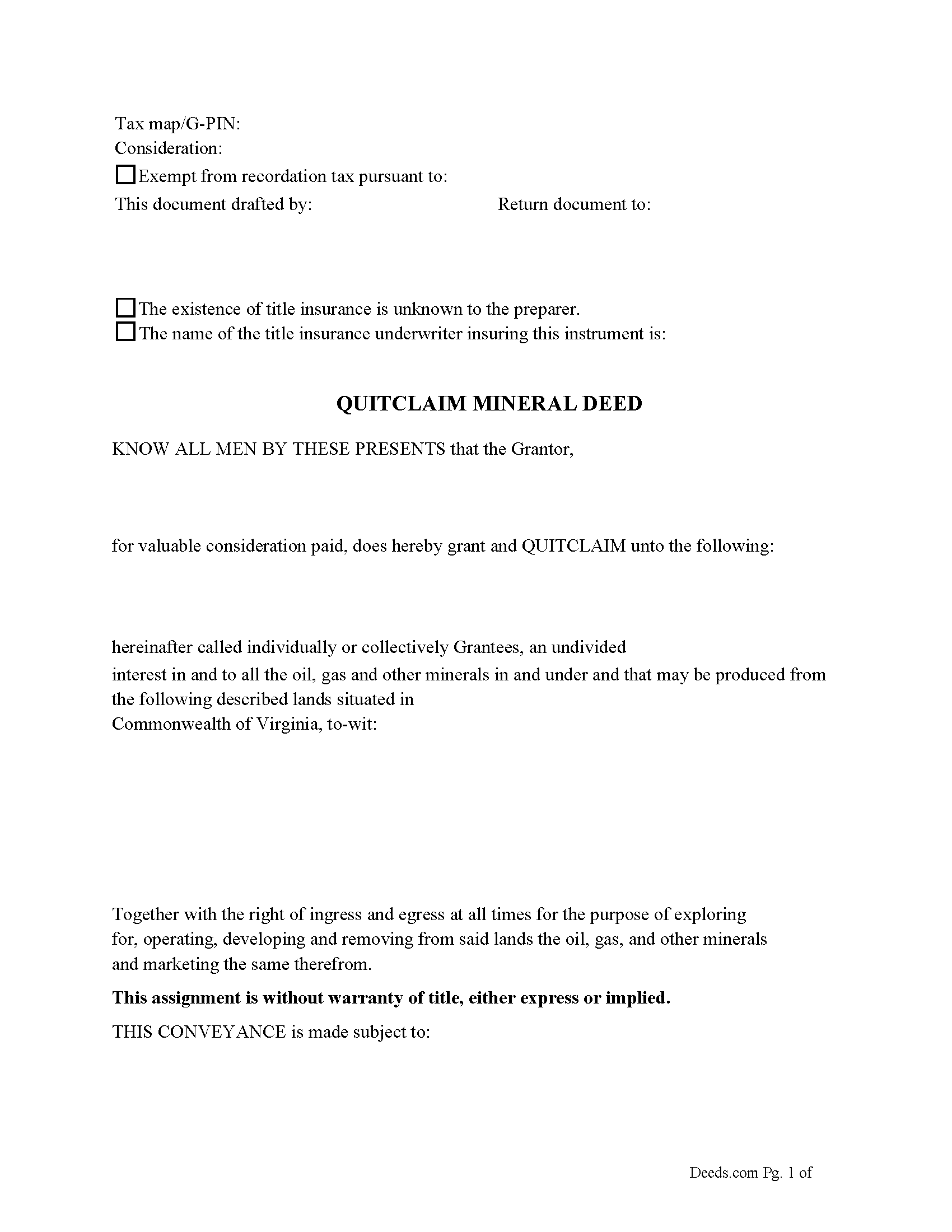
Lexington City Quitclaim Mineral Deed Form
Fill in the blank Quitclaim Mineral Deed form formatted to comply with all Virginia recording and content requirements.
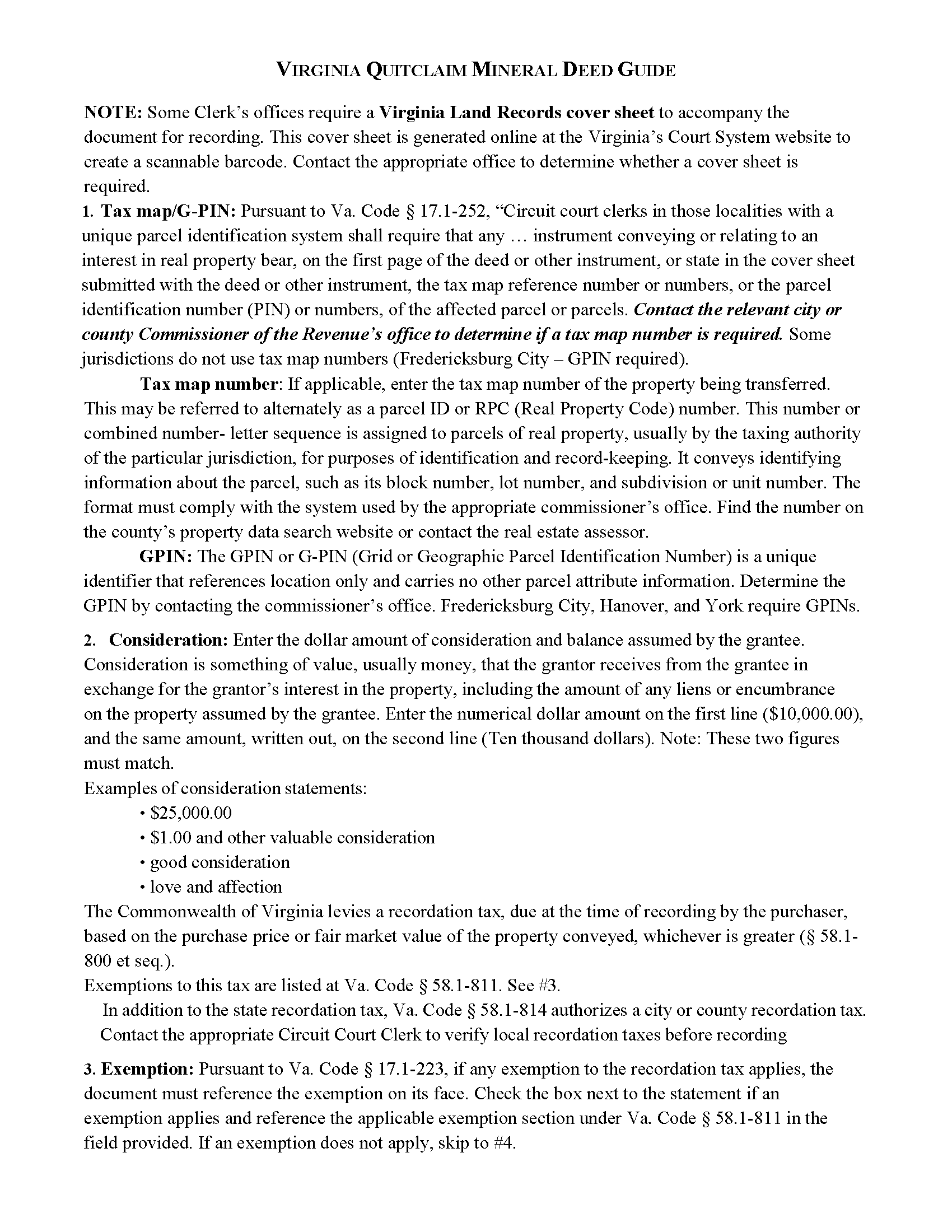
Lexington City Quitclaim Mineral Deed Guide
Line by line guide explaining every blank on the Quitclaim Mineral Deed form.
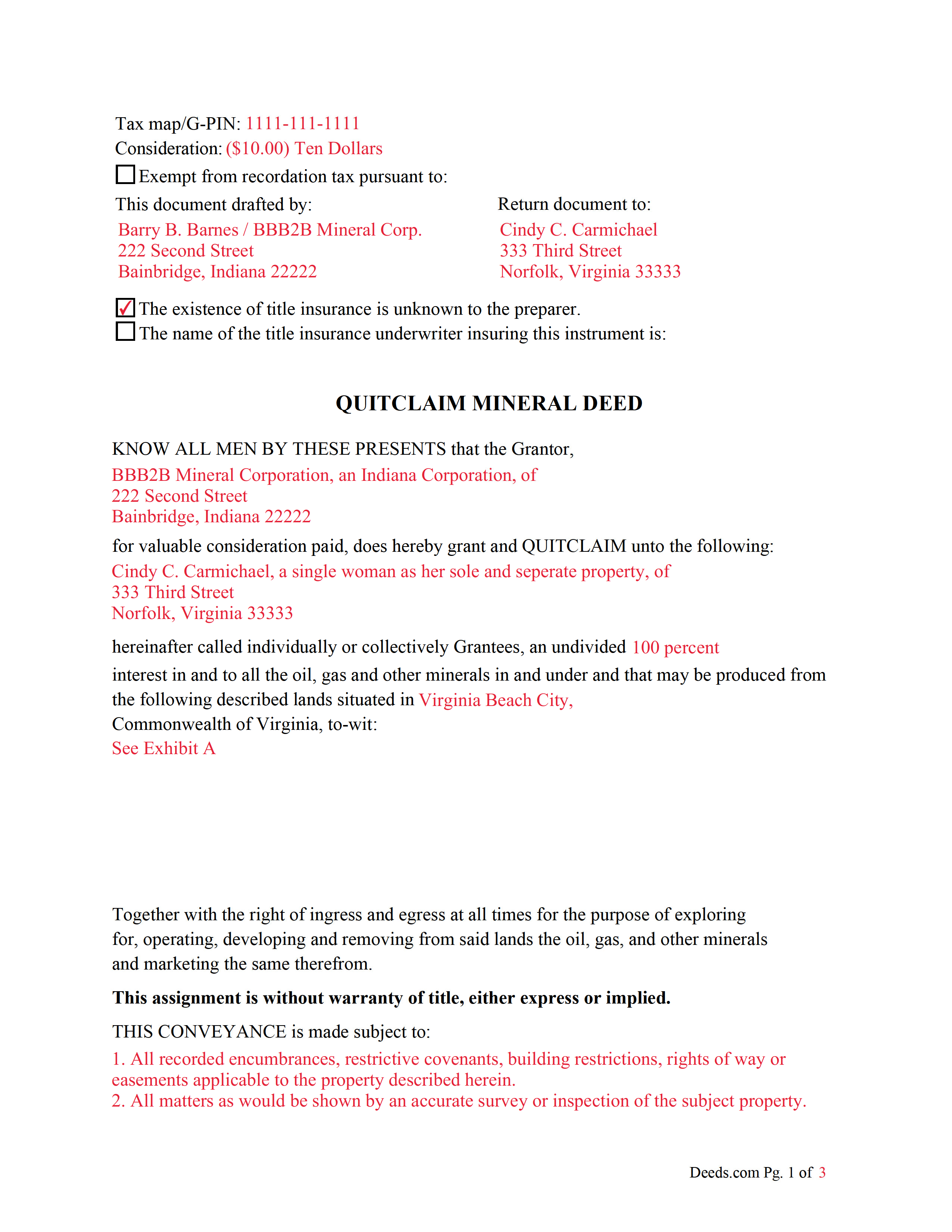
Lexington City Completed Example of the Quitclaim Mineral Deed Document
Example of a properly completed Virginia Quitclaim Mineral Deed document for reference.
All 3 documents above included • One-time purchase • No recurring fees
Immediate Download • Secure Checkout
Additional Virginia and Lexington City documents included at no extra charge:
Where to Record Your Documents
Clerk of the Circuit Court
Lexington, Virginia 24450-2552
Hours: Mon-Fri 8:30am - 4:30pm
Phone: (540) 463-2232
Recording Tips for Lexington City:
- Bring your driver's license or state-issued photo ID
- Ensure all signatures are in blue or black ink
- Request a receipt showing your recording numbers
- Ask about accepted payment methods when you call ahead
- Ask for certified copies if you need them for other transactions
Cities and Jurisdictions in Lexington City
Properties in any of these areas use Lexington City forms:
- Lexington
Hours, fees, requirements, and more for Lexington City
How do I get my forms?
Forms are available for immediate download after payment. The Lexington City forms will be in your account ready to download to your computer. An account is created for you during checkout if you don't have one. Forms are NOT emailed.
Are these forms guaranteed to be recordable in Lexington City?
Yes. Our form blanks are guaranteed to meet or exceed the applicable formatting requirements used for recording in Lexington City, including margin requirements, font requirements, and other layout standards. This guarantee applies to formatting, not to the legal sufficiency of information entered by the user or the suitability of a form for a particular transaction.
Can I reuse these forms?
Yes. You can reuse the forms for your personal use. For example, if you have multiple properties in Lexington City you only need to order once.
What do I need to use these forms?
The forms are PDFs that you fill out on your computer. The free Adobe Acrobat Reader is recommended, and most PDF apps also work. You do NOT enter your property information online - you download the blank forms and complete them privately on your own computer.
Are there any recurring fees?
No. This is a one-time purchase. Nothing to cancel, no memberships, no recurring fees.
How much does it cost to record in Lexington City?
Recording fees in Lexington City vary. Contact the recorder's office at (540) 463-2232 for current fees.
Questions answered? Let's get started!
The General Mineral Deed in Virginia Quitclaims oil, gas, and mineral rights from the grantor to the grantee. THIS IS NOT A LEASE. There are no Exceptions or Reservations included.
The transfer includes the oil, gas and other minerals of every kind and nature. The Grantor can stipulate the percentage of Mineral Rights the Grantee will receive.
This general mineral deed gives the grantee the right to access, for the purpose of mining, drilling, exploring, operating and developing said lands for oil, gas, and other minerals, and storing handling, transporting and marketing of such.
The seller, or grantor Quitclaims the mineral rights and does NOT accept responsibility to any discrepancy of title (This assignment is without warranty of title, either express or implied)
Uses: Mineral deeds with quitclaim are often used in situations where the grantor wants to quickly release any interest they might have in mineral rights, such as in settling estates, resolving disputes, clearing up uncertainties about ownership in a title's history or when mineral rights have previously been severed or fragmented from surface rights and cloud a title, making it difficult to transfer property. Resolution often involves the holder(s) of the mineral rights, quit-claiming any rights he/she/they have or might have in the subject property.
Use of this document can have a permanent effect on your rights to the property, if you are not completely sure of what you are executing seek the advice of a legal professional.
(Virginia Quitclaim Mineral Deed Package includes form, guidelines, and completed example)
Important: Your property must be located in Lexington City to use these forms. Documents should be recorded at the county or independent city recording office listed above.
This Quitclaim Mineral Deed meets all recording requirements specific to Lexington City.
Our Promise
The documents you receive here are guaranteed to meet or exceed the applicable Lexington City recording format requirements. If there is a rejection caused by our formatting, we will correct the issue or refund your payment. This guarantee applies to document formatting only and does not extend to information entered by the user, the selection of the form, or the legal effect of the completed document.
Save Time and Money
Get your Lexington City Quitclaim Mineral Deed form done right the first time with Deeds.com Uniform Conveyancing Blanks. At Deeds.com, we understand that your time and money are valuable resources, and we don't want you to face a penalty fee or rejection imposed by a county recorder for submitting nonstandard documents. We constantly review and update our forms to meet rapidly changing state and county recording requirements for roughly 3,500 counties and local jurisdictions.
4.8 out of 5 - ( 4,837 Reviews )
Shana D. 5 out of 5 stars
I ordered the wrong forms because I didn't do enough research to understand what I needed. Their customer service was more understanding than I deserved.
Thank you!
Ben C. 5 out of 5 stars
Easy and Quick,Thanks
Thank you for your feedback. We really appreciate it. Have a great day!
Jason U. 5 out of 5 stars
Extremely useful! The guide was excellent with the sample. Used and went exceptionally smoothly.
Thank you for your positive words! We’re thrilled to hear about your experience.
GLENN A M. 5 out of 5 stars
I loved the easy to understand and use system, very user friendly.
Thank you!
Mary B. 5 out of 5 stars
Great job, Deeds.com! I'm a retired lawyer, and I'm liking what I see. Well done.
Thank you!
JAMES E. 5 out of 5 stars
Easy to use and excellent software.
Thank you!
Maria Lucy A. 4 out of 5 stars
Very good service. Directions were easy to follow to obtain the document I needed.
Thank you!
matt k. 5 out of 5 stars
you guys/girls are the bestest..
Thank you!
Kevin V. 5 out of 5 stars
This is an option for recording that worked flawlessly with my county government. Given Covid19 has closed county offices to the public as well as the personal kiosks options to record shrunk dramatically. I recommend Deeds.Com for your recording needs.
Thank you for your feedback. We really appreciate it. Have a great day!
Karen S. 5 out of 5 stars
Excellent support! They were patient and knowledgeable.
Thank you!
Roxanne C. 5 out of 5 stars
I love that this service is available. Uploading my document took no time at all. I love that we have an option of upload our documentsinsread of going in to file.
Thank you for your feedback. We really appreciate it. Have a great day!
Sherri R. 5 out of 5 stars
I was impressed with how quick and easy the process was.
Happy we could assist. Thank you for sharing your experience.
Jessica S. 1 out of 5 stars
Paid the money, but never received any information; not even an email saying they couldn't find anything.
Thank you for your feedback. Reviewing your account, looks like the property detail report you ordered was completed on December 14, 2018 at 10:56am. The report has been available for you to download in your account ever since.
Thomas D. 2 out of 5 stars
The documents themselves are fine and the information provided with them is helpful. I find the actual processing of the documents, however, to be difficult particularly once the document has been saved. First, I note that the box for the date only allows entry of the last 2 digits of the year. Unfortunately, my download only allows me to enter one of the 2 digits required. When I delete it repeatedly, it eventually allows both digits to be entered but puts them in extremely small text and in superscrypt. I have not found a solution to this problem and am not sure the deed can even be recorded with this problem. Another problem is that if you try to revise the document after you have saved it the curser goes to the end of the line after each key entry. This means that there basically is no way to efficiently save the document for reworking later since you will have to delete everything you have entered in the text box unless you only need to make a single keystroke change or are willing to replace the curser after each entry. Try that with a long property description! Please note that I am using a Mac to prepare my documents and perhaps this is part of an "incompatibility problem". However, I didn't see a disclaimer regarding Mac use and so would expect the documents to perform correctly. Overall, I give the program a "2 star" rating because I am experiencing significant difficulties in entering dates in the documents even before saving them and because saving your work for later revision appears to be basically unworkable.
Thank you for your feedback Thomas, we appreciate you being specific about the issues you encountered. Adobe and Mac have a fairly long history of issues working together.
Vince D. 5 out of 5 stars
Great product and service, really makes me rethink the value I provide to my customers.
Thank you!