Covington City Subcontractor Memorandum for Mechanics Lien Form
Last validated October 6, 2026 by our Forms Development TeamFormatted for recording in Covington City, for property anywhere in the county or independent city: rural and unincorporated areas as well as Covington.
- 3 documents included
- Immediate PDF download
- Formatting guarantee
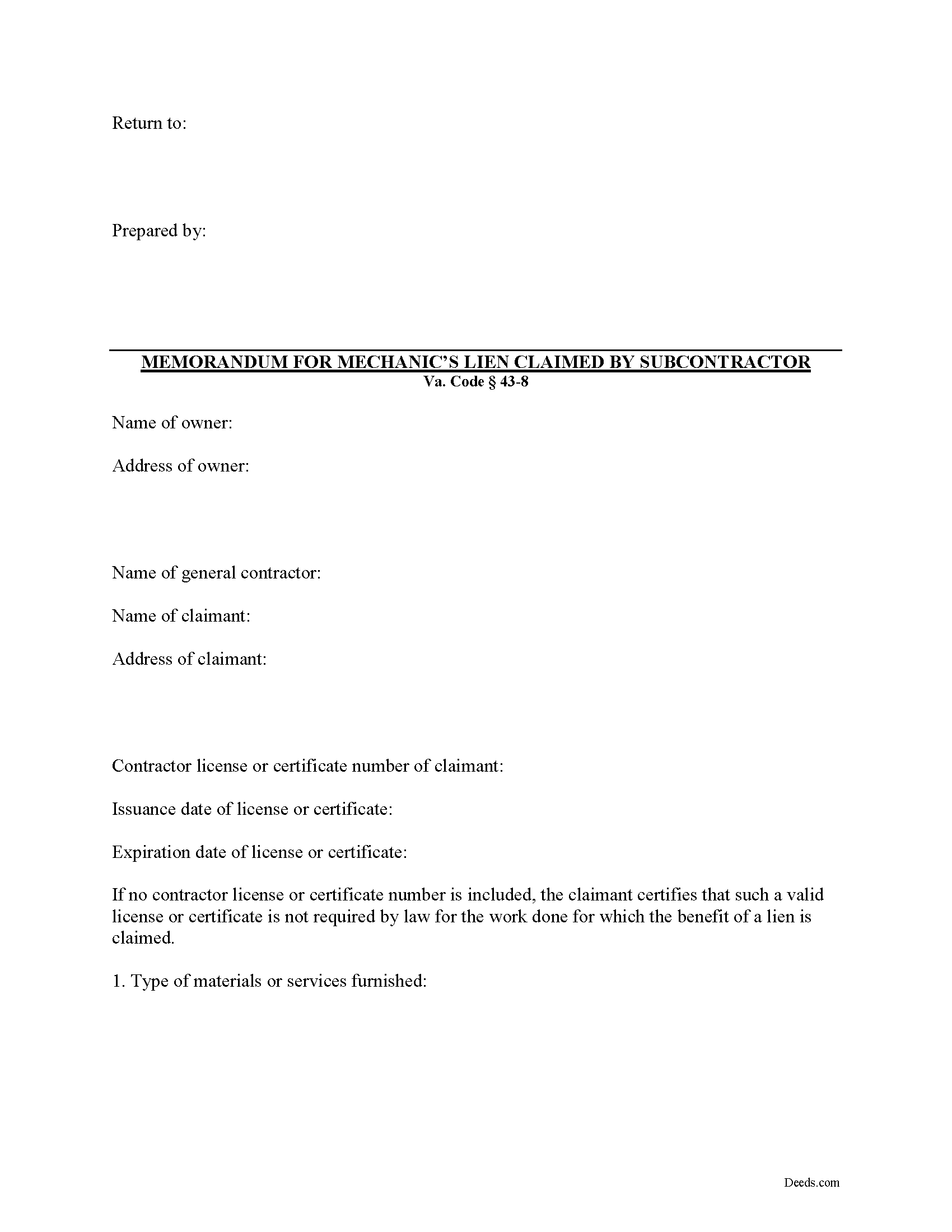
Covington City Subcontractor Memorandum for Mechanics Lien Form
Fill in the blank Subcontractor Memorandum for Mechanics Lien form formatted to comply with all Virginia recording and content requirements.
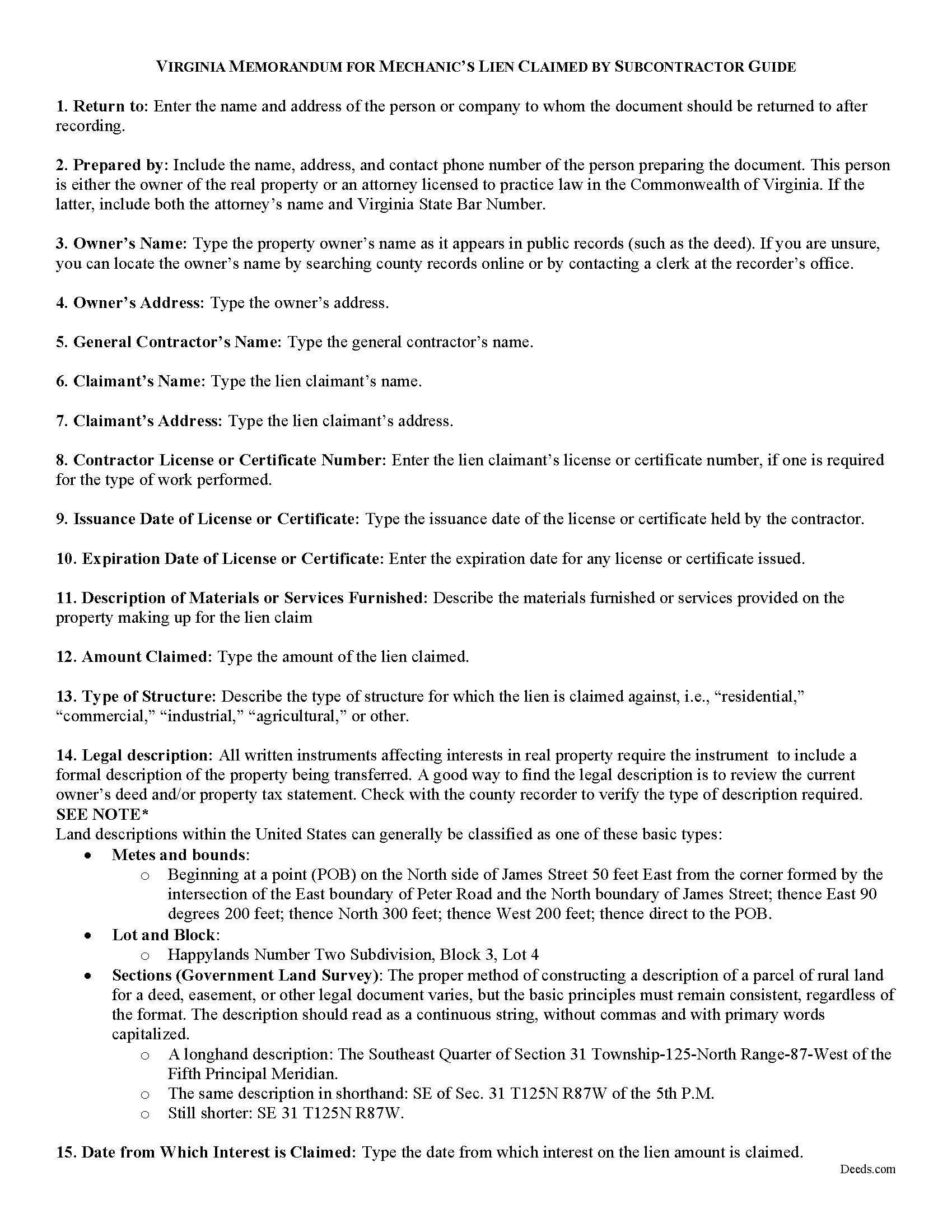
Covington City Memorandum for Mechanics Lien Guide
Line by line guide explaining every blank on the form.
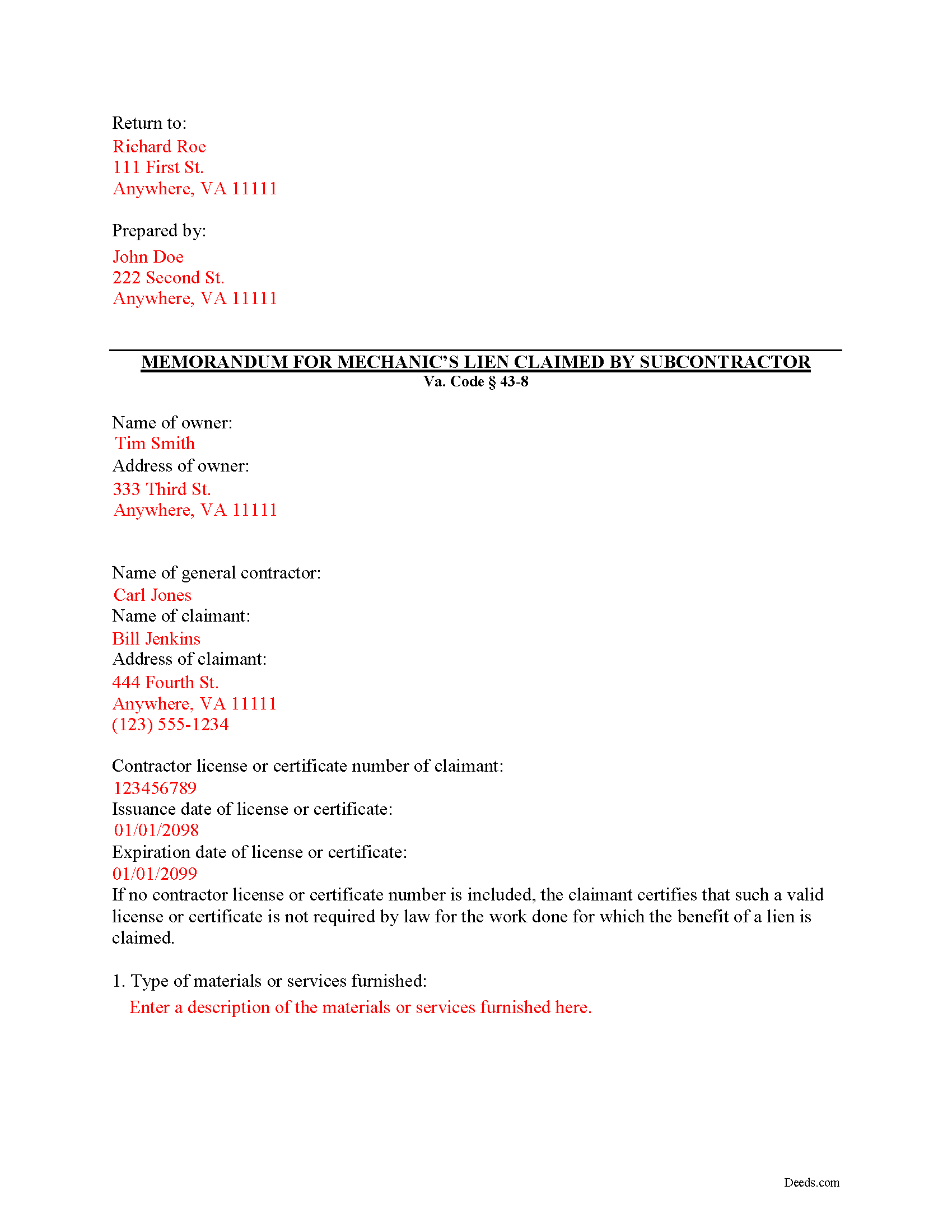
Covington City Completed Example of the Memorandum for Mechanics Lien Document
Example of a properly completed form for reference.
All 3 documents above included • One-time purchase • No recurring fees
Immediate Download • Secure Checkout
Additional Virginia and Covington City documents included at no extra charge:
Where to Record Your Documents
Circuit Court Clerk
Covington, Virginia 24426
Hours: Monday - Friday 8:30 am - 5:00 pm
Phone: (540) 965-1730
Recording Tips for Covington City:
- Bring your driver's license or state-issued photo ID
- Ensure all signatures are in blue or black ink
- Ask for certified copies if you need them for other transactions
- Ask if they accept credit cards - many offices are cash/check only
- Check that your notary's commission hasn't expired
Cities and Jurisdictions in Covington City
Properties in any of these areas use Covington City forms:
- Covington
Hours, fees, requirements, and more for Covington City
How do I get my forms?
Forms are available for immediate download after payment. The Covington City forms will be in your account ready to download to your computer. An account is created for you during checkout if you don't have one. Forms are NOT emailed.
Are these forms guaranteed to be recordable in Covington City?
Yes. Our form blanks are guaranteed to meet or exceed the applicable formatting requirements used for recording in Covington City, including margin requirements, font requirements, and other layout standards. This guarantee applies to formatting, not to the legal sufficiency of information entered by the user or the suitability of a form for a particular transaction.
Can I reuse these forms?
Yes. You can reuse the forms for your personal use. For example, if you have multiple properties in Covington City you only need to order once.
What do I need to use these forms?
The forms are PDFs that you fill out on your computer. The free Adobe Acrobat Reader is recommended, and most PDF apps also work. You do NOT enter your property information online - you download the blank forms and complete them privately on your own computer.
Are there any recurring fees?
No. This is a one-time purchase. Nothing to cancel, no memberships, no recurring fees.
How much does it cost to record in Covington City?
Recording fees in Covington City vary. Contact the recorder's office at (540) 965-1730 for current fees.
Questions answered? Let's get started!
Virginia Mechanic's Lien by a Subcontractor
In Virginia, a lien claimant may make a claim for a mechanic's lien by completing and recording a "Memorandum for Mechanic's Lien" document. There are separate versions of the Memorandum depending on whether the claimant is a contractor, subcontractor, or sub-subcontractor.
In general, a mechanic's lien claim is made when a property owner or other person in the chain has not paid the contractor or others owed payment. The lien works as a security device by placing an encumbrance on the property, which in turn prompts the property's owner to pay in order to remove the lien. Liens can also be sought against payment funds, for example, by preventing a contractor from being paid by the owner until the subcontractors are paid.
A general contractor must file a memorandum of lien at any time after the work is commenced or material furnished, but not later than 90 days from the last day of the month in which he last performs labor or furnishes material, and a maximum of 90 days from the time the work ends. Va. Code 43-4. The memorandum is then filed in the clerk's office in the county or city in which the property is located. Id.
The memorandum must show: (1) the name of the owner of the property, (2) the claimant of the lien, (3) the amount and consideration of the claim, (4) the time or times when the claim is or will be due and payable, (5) a verification by the oath of the claimant, or his agent, including a statement declaring his intention to claim the benefit of the lien, and (6) a brief description of the property. Id. It must also contain the claimant's license or certificate number issued by the Board for Contractors, if any, and the date such license or certificate was issued as well as the date such license or certificate expires. Id.
A subcontractor follows the same process as for a lien by a general contractor, plus additional entries for the general contractor's and property owner's names. In addition, the subcontractor must also give notice in writing to the owner of the property or his agent of the amount and character of his claim. Va. Code 43-7. The subcontractor's lien may not exceed the amount owed to the general contractor at the time the notice is given. Id.
In conclusion, a mechanic's lien is a powerful tool when used properly. By keeping track of key dates and parties in each construction job, contractors can protect their rights.
This article is provided for informational purposes only, and is not a substitute for the advice of an attorney. Please contact an attorney with any questions about filing a Virginia Memorandum for a Mechanic's Lien.
Important: Your property must be located in Covington City to use these forms. Documents should be recorded at the county or independent city recording office listed above.
This Subcontractor Memorandum for Mechanics Lien meets all recording requirements specific to Covington City.
Our Promise
The documents you receive here are guaranteed to meet or exceed the applicable Covington City recording format requirements. If there is a rejection caused by our formatting, we will correct the issue or refund your payment. This guarantee applies to document formatting only and does not extend to information entered by the user, the selection of the form, or the legal effect of the completed document.
Save Time and Money
Get your Covington City Subcontractor Memorandum for Mechanics Lien form done right the first time with Deeds.com Uniform Conveyancing Blanks. At Deeds.com, we understand that your time and money are valuable resources, and we don't want you to face a penalty fee or rejection imposed by a county recorder for submitting nonstandard documents. We constantly review and update our forms to meet rapidly changing state and county recording requirements for roughly 3,500 counties and local jurisdictions.
4.8 out of 5 - ( 4,836 Reviews )
Brenda R. 5 out of 5 stars
Excellent!! Site VERY easy/simple to navigate.
Happy we could assist. Thank you for sharing your experience.
dill h. 5 out of 5 stars
easy-peasy
We appreciate your business and value your feedback. Thank you. Have a wonderful day!
Stephen B. 5 out of 5 stars
They have been fabulous not only for getting me the Title and Property info I needed quickly, but also for determining which Deed (of many) that I actually needed. They are an outstanding resource for any real estate investor, property owner, Realtor, or attorney.
Thank you for your feedback. We really appreciate it. Have a great day!
John C. 5 out of 5 stars
Great site and information. Very useful.
Thanks John, we appreciate your kind words.
James B. 5 out of 5 stars
Was a lot easier than driving to the County Building and faster than expected. Thank you!
We appreciate your business and value your feedback. Thank you. Have a wonderful day!
Anna P. 5 out of 5 stars
Deeds.com was a life saver! I was able to have a document recorded the very same day of my request. Thank you for taking care of this! Top notch service.
Thank you!
John B. 5 out of 5 stars
Helpful, timely service. Overall, an excellent transaction. Would definitely use Deeds.com again if the need arises.
Thank you!
Linda s. 5 out of 5 stars
This was such an easy process and even tho you had to pay a $15 - to me it was well worth not having to drive downtown etc or take the risk of mailing the documents (fearing that they would get lost). I'll be using this from now on...
We appreciate your business and value your feedback. Thank you. Have a wonderful day!
Terry M. 4 out of 5 stars
Application is not well laid out. I guess it does the job but leaves a lot to be desired. Hard to follow
Thank you for your feedback. We really appreciate it. Have a great day!
JOHNNY M. 5 out of 5 stars
The information provided is quite thorough.I recommend this Site to anyone, in need of Material for Quit Claim Deeds.
Thank you!
Sue B. 5 out of 5 stars
Easy to download and complete. Thank you for this service!
Thank you for your feedback Sue, we really appreciate it!
MARILYN I. 5 out of 5 stars
Very pleased with your user friendly site.
Thank you!
Lynd P. 5 out of 5 stars
Good
Thanks Lynd.
Laurence G. 5 out of 5 stars
Easy to use, inexpensive, very helpful
Thank you!
angela t. 4 out of 5 stars
good forms for what i needed.
We appreciate your business and value your feedback. Thank you. Have a wonderful day!