Orange County Trustee Deed Form
Last validated October 13, 2026 by our Forms Development TeamFormatted for recording in Orange County, for property anywhere in the county or independent city: rural and unincorporated areas as well as Barboursville, Burr Hill, Gordonsville, Locust Grove, Montpelier Station, Orange, Rhoadesville, Somerset and 1 more.
- 3 documents included
- Immediate PDF download
- Formatting guarantee
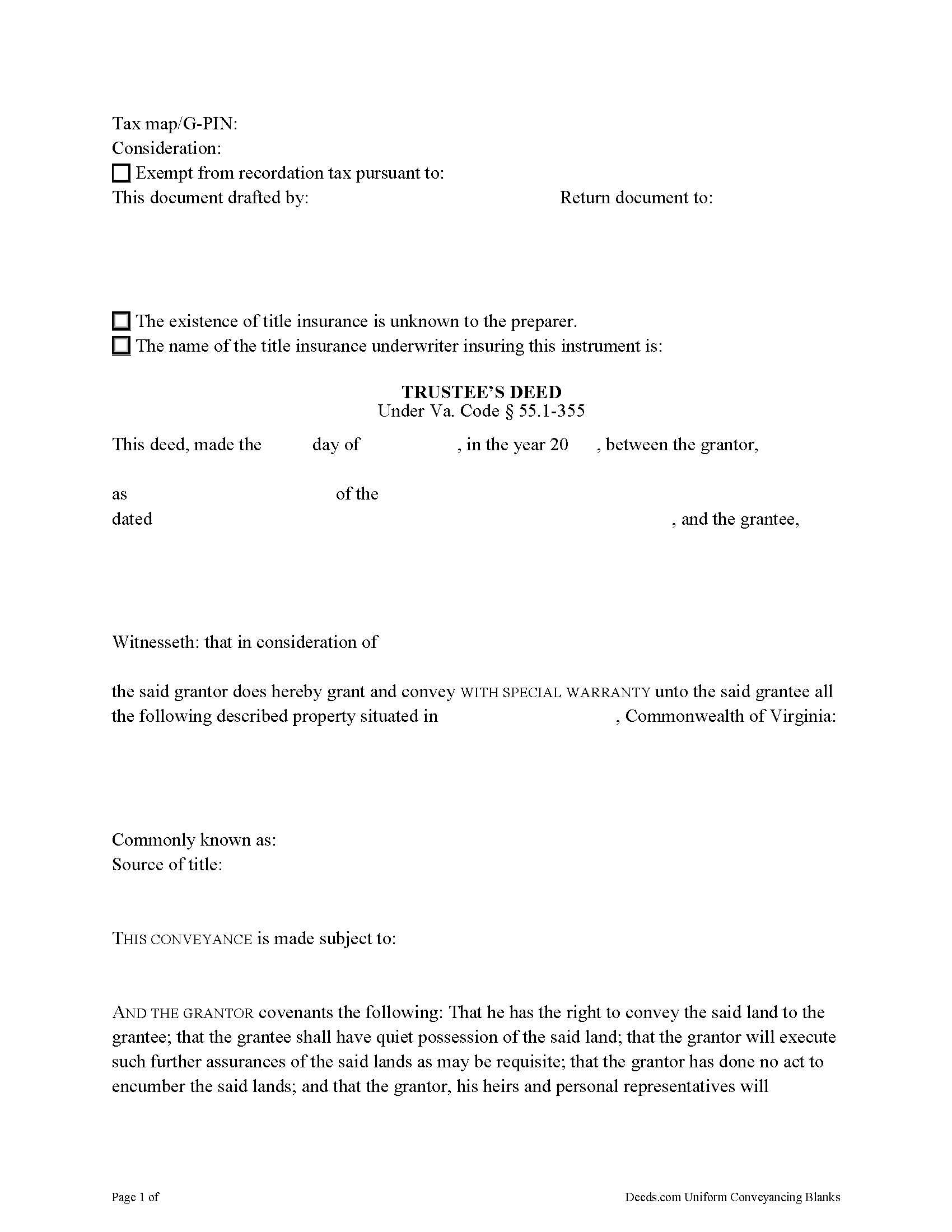
Orange County Trustee Deed Form
Fill in the blank form formatted to comply with all recording and content requirements.
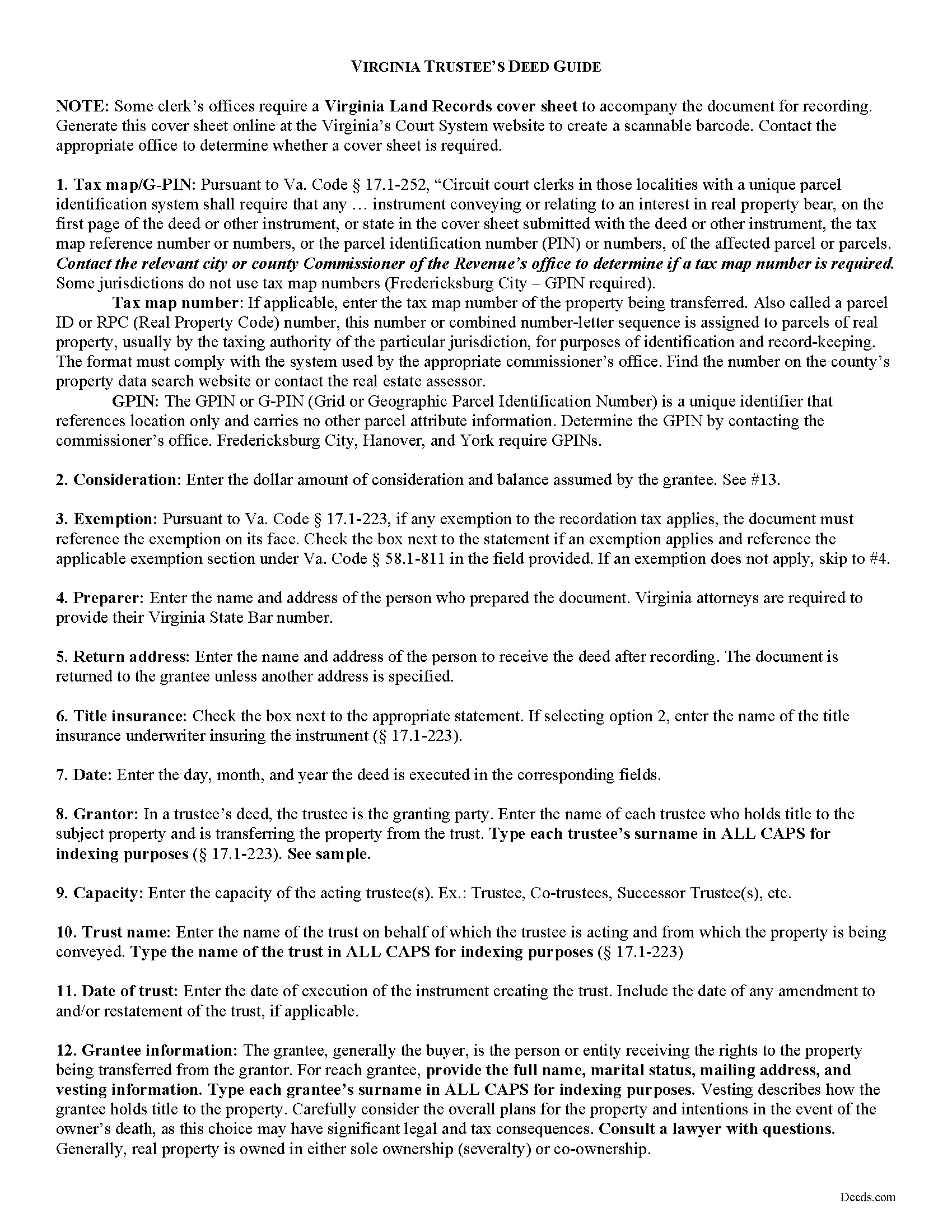
Orange County Trustee Deed Guide
Line by line guide explaining every blank on the form.
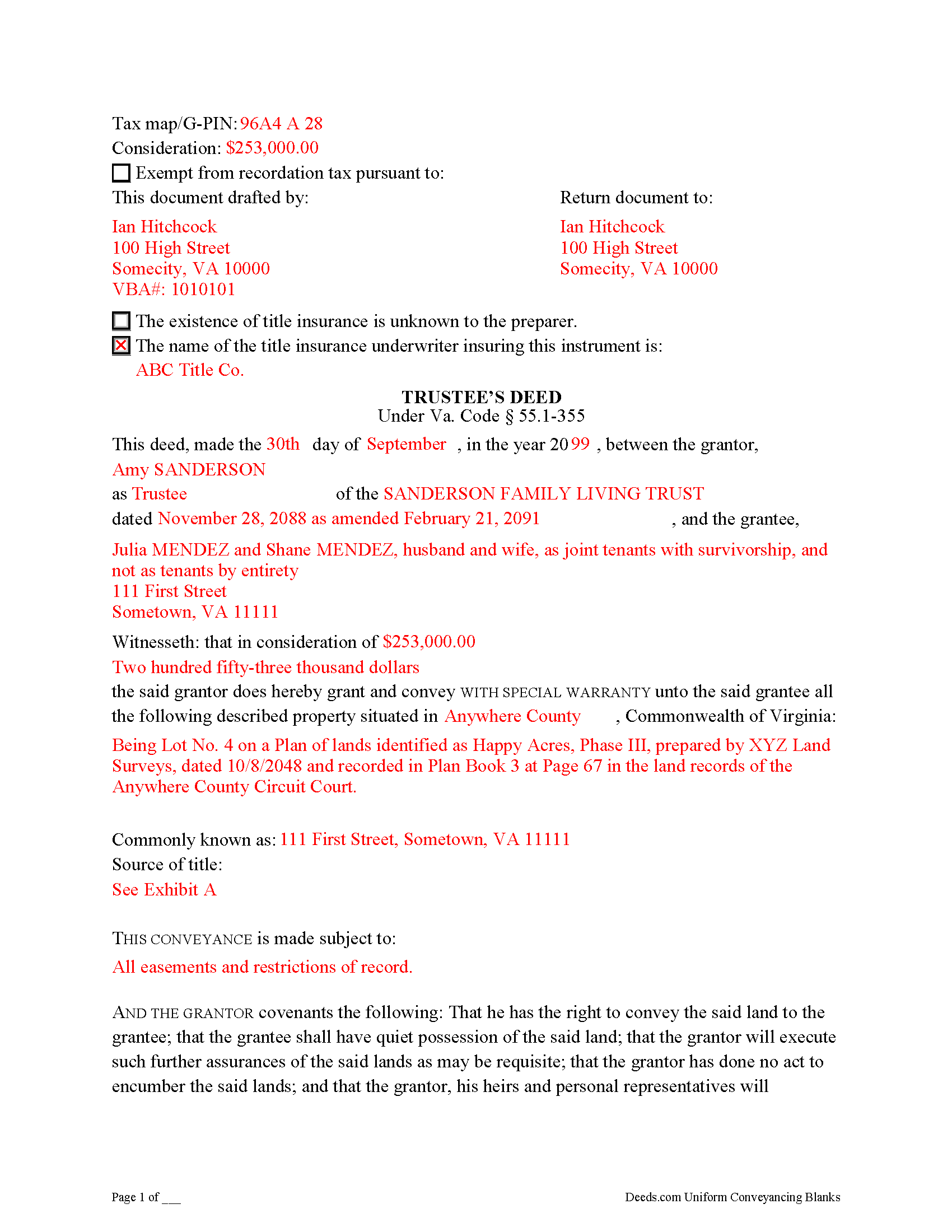
Orange County Completed Example of the Trustee Deed Document
Example of a properly completed form for reference.
All 3 documents above included • One-time purchase • No recurring fees
Immediate Download • Secure Checkout
Additional Virginia and Orange County documents included at no extra charge:
Where to Record Your Documents
Orange County Circuit Court Clerk
Orange, Virginia 22960-0133
Hours: Monday - Friday 8:30am - 4:30pm
Phone: (540) 672-4030
Recording Tips for Orange County:
- Bring your driver's license or state-issued photo ID
- Ensure all signatures are in blue or black ink
- Request a receipt showing your recording numbers
- Ask about accepted payment methods when you call ahead
- Ask for certified copies if you need them for other transactions
Cities and Jurisdictions in Orange County
Properties in any of these areas use Orange County forms:
- Barboursville
- Burr Hill
- Gordonsville
- Locust Grove
- Montpelier Station
- Orange
- Rhoadesville
- Somerset
- Unionville
Hours, fees, requirements, and more for Orange County
How do I get my forms?
Forms are available for immediate download after payment. The Orange County forms will be in your account ready to download to your computer. An account is created for you during checkout if you don't have one. Forms are NOT emailed.
Are these forms guaranteed to be recordable in Orange County?
Yes. Our form blanks are guaranteed to meet or exceed the applicable formatting requirements used for recording in Orange County, including margin requirements, font requirements, and other layout standards. This guarantee applies to formatting, not to the legal sufficiency of information entered by the user or the suitability of a form for a particular transaction.
Can I reuse these forms?
Yes. You can reuse the forms for your personal use. For example, if you have multiple properties in Orange County you only need to order once.
What do I need to use these forms?
The forms are PDFs that you fill out on your computer. The free Adobe Acrobat Reader is recommended, and most PDF apps also work. You do NOT enter your property information online - you download the blank forms and complete them privately on your own computer.
Are there any recurring fees?
No. This is a one-time purchase. Nothing to cancel, no memberships, no recurring fees.
How much does it cost to record in Orange County?
Recording fees in Orange County vary. Contact the recorder's office at (540) 672-4030 for current fees.
Questions answered? Let's get started!
Transferring Real Property from a Living Trust Using a Virginia Trustee's Deed
A trustee's deed conveys interest in real property held in a living (inter vivos) trust. The deed is named for the granting party, the trustee, who holds legal title to property contributed to the trust by the trust's settlor. A settlor is any person who creates or contributes property to a trust by transferring it to another. Property held in trust is administered by the trustee for the benefit of a trust beneficiary. In most living trusts, the settlor designates himself as trustee and names a successor, who will take over fiduciary duties upon the settlor's death or incapacitation.
The trust is established by a written instrument executed by the settlor and governed by the Uniform Trust Code, codified in Virginia at Va. Code Ann. 64.2-7. The trust instrument contains the terms of the trust and sets forth the settlor's estate plan. The document names the trustees and enumerates the trustee's powers in acting on behalf of the trust, and designates the trust beneficiary or beneficiaries. Generally, the settlor designates himself as the living trust's beneficiary during his lifetime, and identifies another in the trust instrument who will receive the benefit of the trust's assets upon his death.
Trustees rely on the terms of the trust instrument and statutory trustee powers to convey property held in trust. A deed executed by trustee to convey real property from a trust typically carries a special warranty covenant of title. This means that the grantor promises to warrant and defend the property for the grantee "against the claims and demands of the grantor, and all persons claiming or to claim by, through, or under him" (Va. Code Ann. 55.1-355). Because the trustee is acting "in a fiduciary capacity," a narrower covenant than a general warranty is offered "to warrant title [only] during the time they had legal possession of it" [1].
A trustee's deed requires additional information because the grantor is acting in a fiduciary capacity. When real property is held in trust, the assets vest in the name of the trustee on behalf of the trust. Therefore, the trustee's deed names the acting trustee, the trust, and the date of the trust when reciting the grantor's information. The trustee's deed should comply with the statutory form for deeds and satisfy recording requirements for documents pertaining to interest in real property in Virginia (55.1-300, 17.1-223 et seq.). A trustee may provide a certification of trust under 64.2-804 to confirm the trust's existence and his authority to convey real property.
Before recording the deed in the independent city or county wherein the subject property is located, the deed must be signed by each acting trustee and acknowledged in the presence of a notary public.
(Virginia TD Package includes form, guidelines, and completed example)
Important: Your property must be located in Orange County to use these forms. Documents should be recorded at the county or independent city recording office listed above.
This Trustee Deed meets all recording requirements specific to Orange County.
Our Promise
The documents you receive here are guaranteed to meet or exceed the applicable Orange County recording format requirements. If there is a rejection caused by our formatting, we will correct the issue or refund your payment. This guarantee applies to document formatting only and does not extend to information entered by the user, the selection of the form, or the legal effect of the completed document.
Save Time and Money
Get your Orange County Trustee Deed form done right the first time with Deeds.com Uniform Conveyancing Blanks. At Deeds.com, we understand that your time and money are valuable resources, and we don't want you to face a penalty fee or rejection imposed by a county recorder for submitting nonstandard documents. We constantly review and update our forms to meet rapidly changing state and county recording requirements for roughly 3,500 counties and local jurisdictions.
4.8 out of 5 - ( 4,830 Reviews )
Willard V. 3 out of 5 stars
While it's nice to get all the forms and info in one package for a reasonable cost, the fixed format of the form does not allow for a lengthy meet and bounds property description for real property. Also, the Cover Sheet has big fillable sections with no instructions about what's supposed to go there. I tried the "Contact Us" link, but all it does is spin saying it's trying verify the security of my connection. Looks like I;m going to have to create my own deed in MS Word instead of just filling in the blacks of the PDF file that I downloaded. Bummer!
Your feedback is a crucial part of our dedication to ongoing improvement. Thank you for your insightful comments.
Elaine L. 5 out of 5 stars
5 STAR, THIS WAS A GREAT EXPERIENCE, FAST VERY RESOURCEFUL TOOL TO PROVIDE FOR MY CLIENTS. Thank you
Thank you!
Louise S. 5 out of 5 stars
The form was easy to download and complete however you should be able to convert to a word document.
Thank you for your feedback. We really appreciate it. Have a great day!
Lucus S. 5 out of 5 stars
I tried to do it myself by copying an old deed and ended up with a bunch of headaches (expensive ones) wish I would have used these documents first. Live and learn.
Thank you!
Rick H. 5 out of 5 stars
Great service... patient with me through the process.
We appreciate your business and value your feedback. Thank you. Have a wonderful day!
Arthur M. 5 out of 5 stars
Efficient and easy to use. Thanks.
Thank you!
patricia l. 5 out of 5 stars
found this site very easy to use
Thank you for your feedback. We really appreciate it. Have a great day!
Shantu S. 5 out of 5 stars
Easy to follow directions and complete the Deed.
Thank you!
LAWRENCE P. 4 out of 5 stars
How about a single button zip download of the files displayed instead of downloading them one at a time?
Thank you for your feedback. We really appreciate it. Have a great day!
Nancy J. 5 out of 5 stars
This is a great service recommended by CSC. I only had one document to e-file. I would recommend to anyone.
Thank you for your feedback. We really appreciate it. Have a great day!
Cecelia C. 5 out of 5 stars
Service was fantastic. So helpful and they promptly get back with you. No reason to drive if you are out of state and need to get a deed filed. Safe way to file if you don't want to go to public office or can't physically get there.
Thank you for your feedback. We really appreciate it. Have a great day!
Preston P. 5 out of 5 stars
Filled my need for the documents needed. thank you, I am sure I will return soon.
We appreciate your business and value your feedback. Thank you. Have a wonderful day!
Christine B. B. 4 out of 5 stars
The Personal Representatives Deed is definitely a helpful document for my files. I find it need just a little tweaking by deeds.com , There should be more space for the legal description. I did see in the FAQ's you recommend putting it in the Exhibit and this is what I did. Also I couldn't get the year to be accepted and had to write it in. These are just some minor suggestions, on the whole I was grateful to find this document. Thank you.
Thank you for your feedback. Sorry to hear that you had trouble with the date field, we will have it reviewed.
Laura S. 5 out of 5 stars
Easy to utilize database and instructions!
We are grateful for your feedback and looking forward to serving you again. Thank you!
Linda T. 5 out of 5 stars
All downloaded now I just have to fill them out. Will let you know how it does. Thanks for the service. Linda
Thank you for your feedback. We really appreciate it. Have a great day!