Outagamie County Construction Lien Waiver Form
Last validated October 16, 2026 by our Forms Development TeamFormatted for recording in Outagamie County, for property anywhere in the county: rural and unincorporated areas as well as Appleton, Bear Creek, Black Creek, Combined Locks, Dale, Freedom, Greenville, Hortonville and 6 more.
- 3 documents included
- Immediate PDF download
- Formatting guarantee
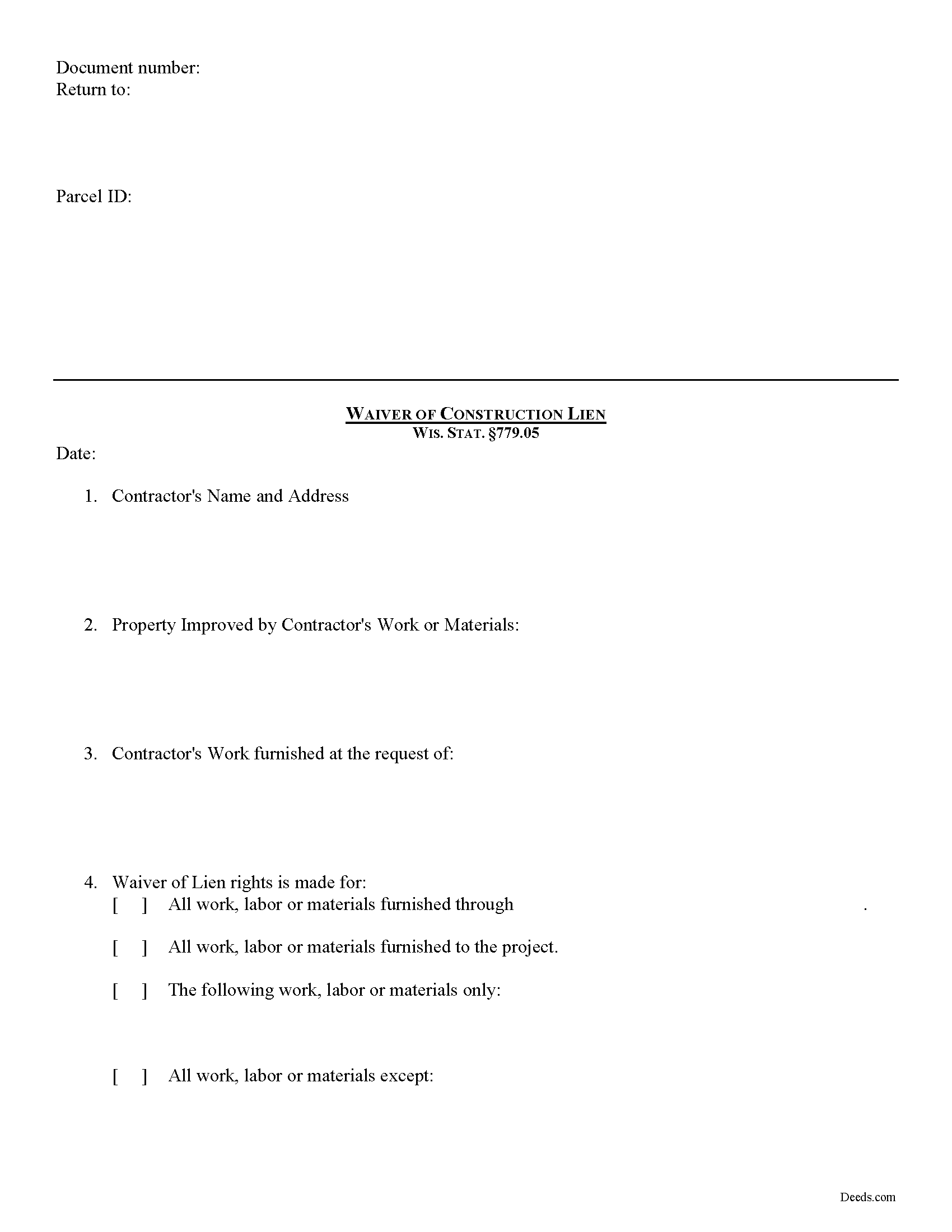
Outagamie County Construction Lien Waiver Form
Fill in the blank form formatted to comply with all recording and content requirements.
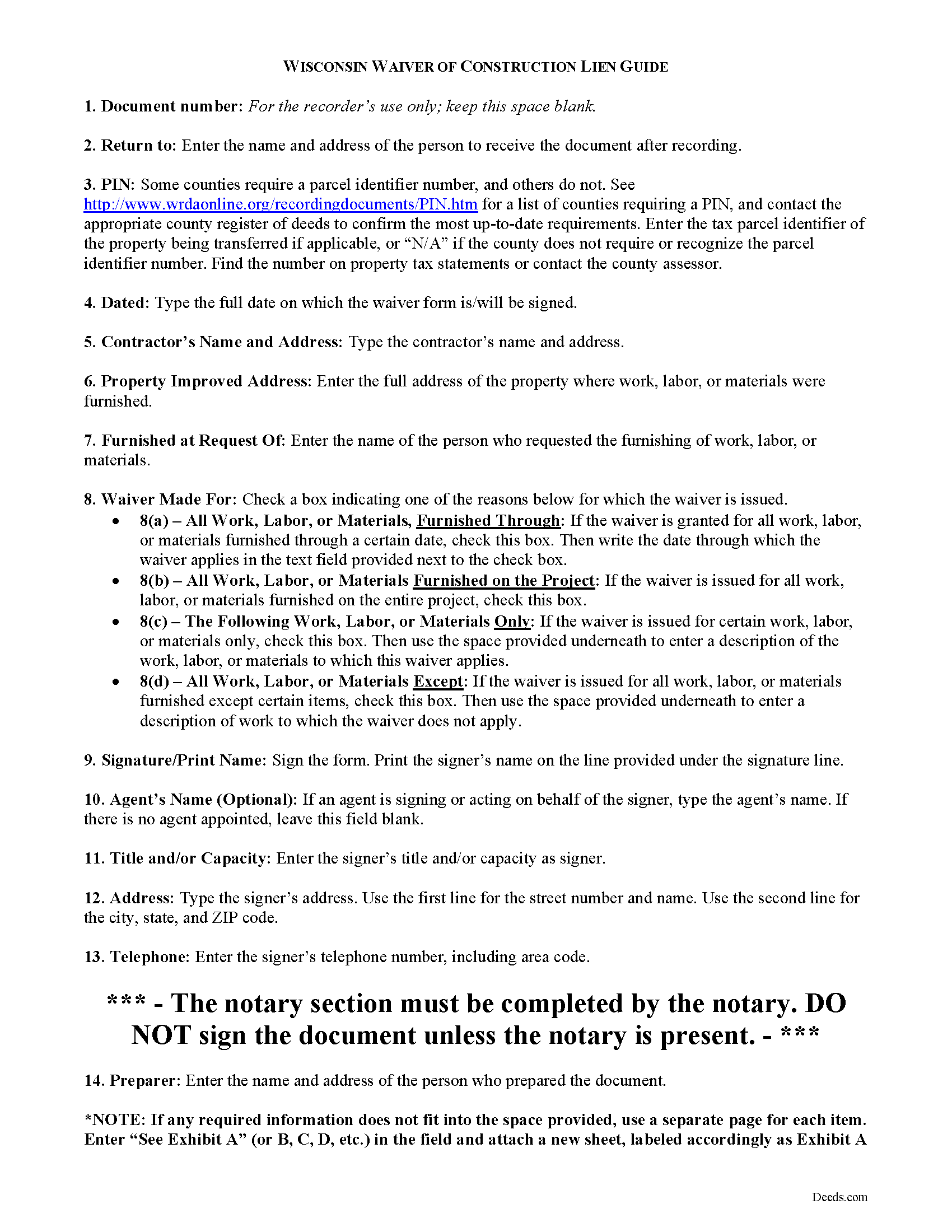
Outagamie County Construction Lien Waiver Guide
Line by line guide explaining every blank on the form.
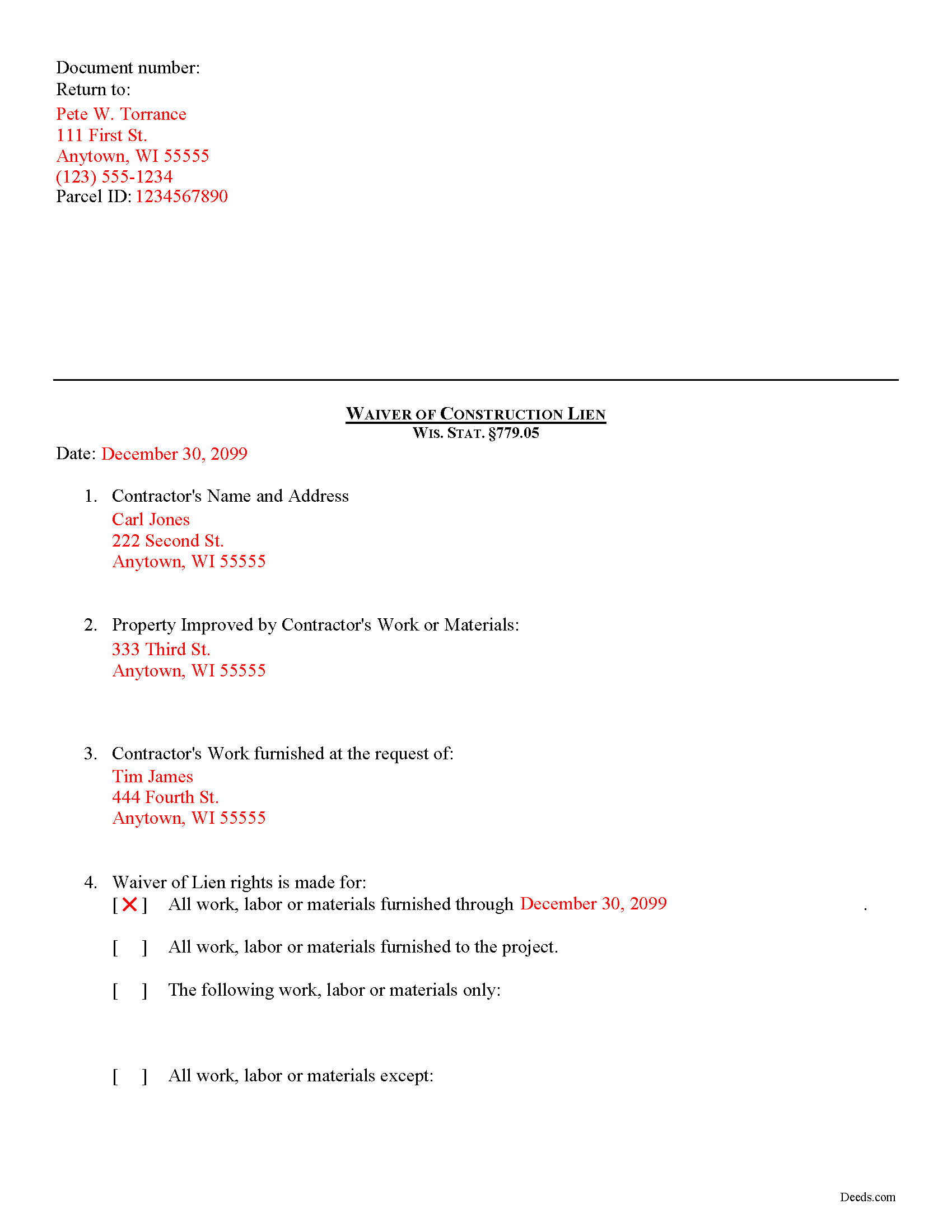
Outagamie County Completed Example of the Construction Lien Waiver Document
Example of a properly completed form for reference.
All 3 documents above included • One-time purchase • No recurring fees
Immediate Download • Secure Checkout
Additional Wisconsin and Outagamie County documents included at no extra charge:
Where to Record Your Documents
Outagamie County Register of Deeds
Appleton, Wisconsin 54911
Hours: Monday - Friday 8:00am to 4:30pm
Phone: (920) 832-5095
Recording Tips for Outagamie County:
- Bring your driver's license or state-issued photo ID
- Ensure all signatures are in blue or black ink
- Ask about accepted payment methods when you call ahead
- Ask for certified copies if you need them for other transactions
- Ask if they accept credit cards - many offices are cash/check only
Cities and Jurisdictions in Outagamie County
Properties in any of these areas use Outagamie County forms:
- Appleton
- Bear Creek
- Black Creek
- Combined Locks
- Dale
- Freedom
- Greenville
- Hortonville
- Kaukauna
- Kimberly
- Little Chute
- Nichols
- Seymour
- Shiocton
Hours, fees, requirements, and more for Outagamie County
How do I get my forms?
Forms are available for immediate download after payment. The Outagamie County forms will be in your account ready to download to your computer. An account is created for you during checkout if you don't have one. Forms are NOT emailed.
Are these forms guaranteed to be recordable in Outagamie County?
Yes. Our form blanks are guaranteed to meet or exceed the applicable formatting requirements used for recording in Outagamie County, including margin requirements, font requirements, and other layout standards. This guarantee applies to formatting, not to the legal sufficiency of information entered by the user or the suitability of a form for a particular transaction.
Can I reuse these forms?
Yes. You can reuse the forms for your personal use. For example, if you have multiple properties in Outagamie County you only need to order once.
What do I need to use these forms?
The forms are PDFs that you fill out on your computer. The free Adobe Acrobat Reader is recommended, and most PDF apps also work. You do NOT enter your property information online - you download the blank forms and complete them privately on your own computer.
Are there any recurring fees?
No. This is a one-time purchase. Nothing to cancel, no memberships, no recurring fees.
How much does it cost to record in Outagamie County?
Recording fees in Outagamie County vary. Contact the recorder's office at (920) 832-5095 for current fees.
Questions answered? Let's get started!
Lien Waivers in Wisconsin
Lien waivers are used to simplify payments between contractors, subcontractors, customers, and property owners. A waiver is a known forfeiture of a legal right. In this case, the person granting the waiver forfeits the right to seek a mechanic's lien for all or part of the amount due.
Unlike other states, Wisconsin outlines a broad array of waiver rights and the law does not require verification of payment before the waiver takes effect. Any document signed by a lien claimant or potential claimant and purporting to be a waiver of construction lien right, is valid and binding as a waiver whether or not consideration was paid therefor and whether the document was signed before or after the labor, services, materials, plans, or specifications were performed, furnished, or procured, or contracted for. WIS. STAT. 779.05(1). Any ambiguity in such document shall be construed against the person signing it. Id.
Any waiver document shall be deemed to waive all lien rights of the signer for all labor, services, materials, plans, or specifications performed, furnished, or procured, or to be performed, furnished, or procured, by the claimant at any time for the improvement to which the waiver relates, except to the extent that the document specifically and expressly limits the waiver to apply to a particular portion of such labor, services, materials, plans, or specifications. Id. Therefore, be sure to spell out any exceptions to the waiver in the waiver document as any mistake could lead to an inadvertent waiver.
Be certain that payment is guaranteed before issuing a waiver, especially if the account still shows a balance due. A lien claimant or potential lien claimant of whom a waiver is requested is entitled to refuse to furnish a waiver unless paid in full for the labor, services, materials, plans, or specifications to which the waiver relates. Id. A waiver furnished is a waiver of lien rights only, and not of any contract rights of the claimant otherwise existing. Id.
A promissory note or other evidence of debt given for any lienable claim shall not be deemed a waiver of lien rights unless the note or other instrument is received as payment and expressly declares that receipt thereof is a waiver of lien rights. WIS. STAT. 779.05(2).
This article is provided for informational purposes only and should not be relied upon as a substitute for the advice from a legal professional. Please contact an attorney with questions about lien waivers, or any other issues related to liens in Wisconsin.
Important: Your property must be located in Outagamie County to use these forms. Documents should be recorded at the county recording office listed above.
This Construction Lien Waiver meets all recording requirements specific to Outagamie County.
Our Promise
The documents you receive here are guaranteed to meet or exceed the applicable Outagamie County recording format requirements. If there is a rejection caused by our formatting, we will correct the issue or refund your payment. This guarantee applies to document formatting only and does not extend to information entered by the user, the selection of the form, or the legal effect of the completed document.
Save Time and Money
Get your Outagamie County Construction Lien Waiver form done right the first time with Deeds.com Uniform Conveyancing Blanks. At Deeds.com, we understand that your time and money are valuable resources, and we don't want you to face a penalty fee or rejection imposed by a county recorder for submitting nonstandard documents. We constantly review and update our forms to meet rapidly changing state and county recording requirements for roughly 3,500 counties and local jurisdictions.
4.8 out of 5 - ( 4,849 Reviews )
ray r. 5 out of 5 stars
excellent service
Thank you!
Rebekah T. 5 out of 5 stars
Easy to use especially with instruction page and examples. Thank you!
Thank you for your feedback. We really appreciate it. Have a great day!
Susie k. 5 out of 5 stars
No complaints
Thank you!
Carl T. 5 out of 5 stars
Awesome! Quick service and well worth the very minimal fee for the convenience of being able to quickly record my mothers will without having to leave the house. Also, our court is currently closed due to Covid. So happy to have found Deeds.com
We appreciate your business and value your feedback. Thank you. Have a wonderful day!
Robert F. 5 out of 5 stars
Breeze.... It feels silly to hire an attorney to do this for just one beneficiary. Thanks.
Thank you for your feedback. We really appreciate it. Have a great day!
Patricia R. 5 out of 5 stars
Great Transaction. Easy to follow instructions!
We appreciate your business and value your feedback. Thank you. Have a wonderful day!
Kathy Ann M. 5 out of 5 stars
Got the report. However, Retrieving process was not clear.
Thank you for your feedback. We really appreciate it. Have a great day!
Robert M. 5 out of 5 stars
Best site of its kind I have ever found. Informative, intuitive, and best of all, everything worked on the first try. I will be HAPPY to recommend it. --- A retired full prof of business administration
We appreciate your business and value your feedback. Thank you. Have a wonderful day!
Robert F. 5 out of 5 stars
Came with all the paperwork that I needed plus a lot more paperwork than what I needed. Covered all the bases! The instructions were a big help. Easy fill in the blanks. Had no problem filing the paperwork afterword at the County Clerks office. Definitely worth the $20.
Thanks Robert. We appreciate you taking the time to give us your feedback. Have a fantastic day!
Linda L. 5 out of 5 stars
Excellent service. Very quick response.
Thank you Linda, we appreciate your feedback.
Barbara S. 5 out of 5 stars
I had an issue due to the fact that I had many beneficiaries. I was and still am not sure how to handle this. We do have Adobe Pro and can modify the form, if needed. But I would like to talk to your organization for more information.
While we are unable to assist you specifically with completing the document we can note that this is addressed in the guide. Information that does not fit in the available space should be included in an exhibit page.
Thomas W. 5 out of 5 stars
easy to use, no problems except in beneficiary box. Need to make the box bigger because I have 4 beneficiaries to list. how do I enlarge the box.
Thanks for reaching out. All available space on the document is being used. As is noted in the guide, if you have information that does not fit in the available space the included exhibit page should be used.
Thomas S. 1 out of 5 stars
Not good. The blanks on the form, supposedly especially tailored for the specific county, didn't have enough space for a document name or the doc #. I had to retype the whole doc myself.
Thank you for your feedback. We’re sorry the form did not provide enough room for the prior document information you needed to enter. We have canceled the order and reversed the payment. We are also reviewing the field spacing for the prior document title and recording number so we can improve the form. No further action is needed from you.
Susan G. 5 out of 5 stars
Very easy to use!
We are thankful for your continued support and feedback, which inspire us to continuously improve. Thank you..
Neil S. 5 out of 5 stars
Very impressive. The only change I would suggest is a smaller font on the title.
Thank you for your feedback. We really appreciate it. Have a great day!