Oconto County Personal Representative Deed Form
Last validated November 20, 2026 by our Forms Development TeamFormatted for recording in Oconto County, for property anywhere in the county: rural and unincorporated areas as well as Abrams, Gillett, Lakewood, Lena, Little Suamico, Mountain, Oconto, Oconto Falls and 3 more.
- 3 documents included
- Immediate PDF download
- Formatting guarantee
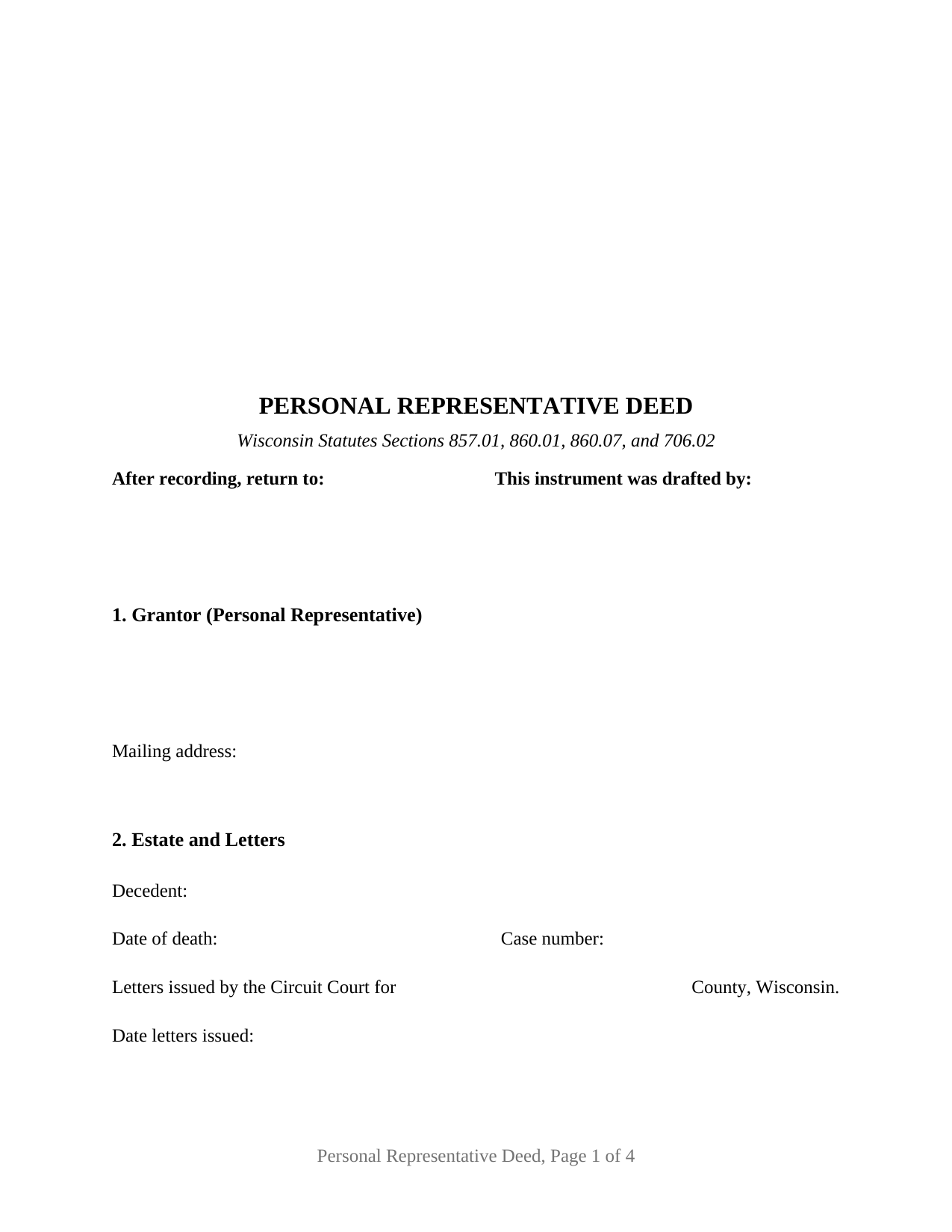
Oconto County Personal Representative Deed Form
Fill in the blank Personal Representative Deed form formatted to comply with all Wisconsin recording and content requirements.
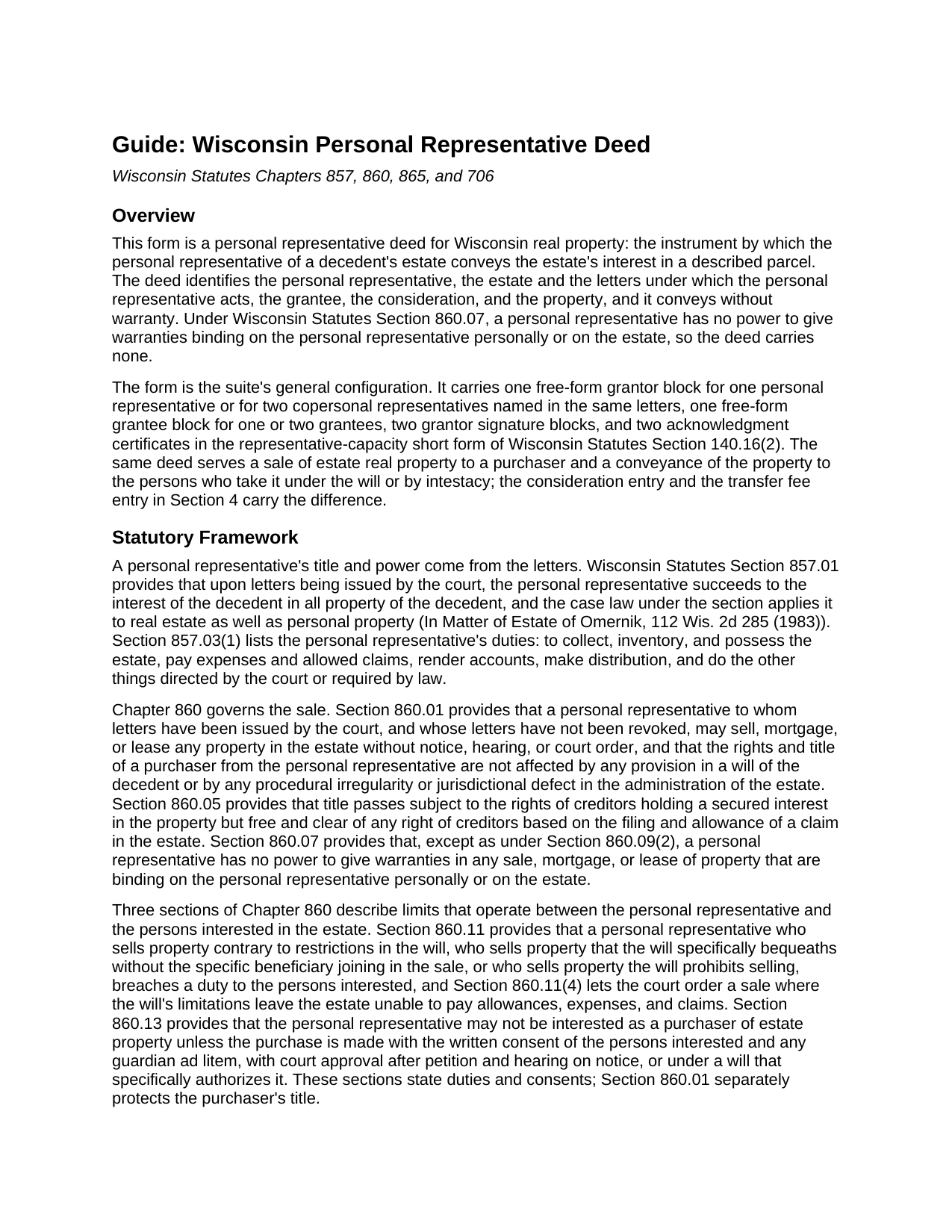
Oconto County Personal Representative Deed Guide
Line by line guide explaining every blank on the Personal Representative Deed form.
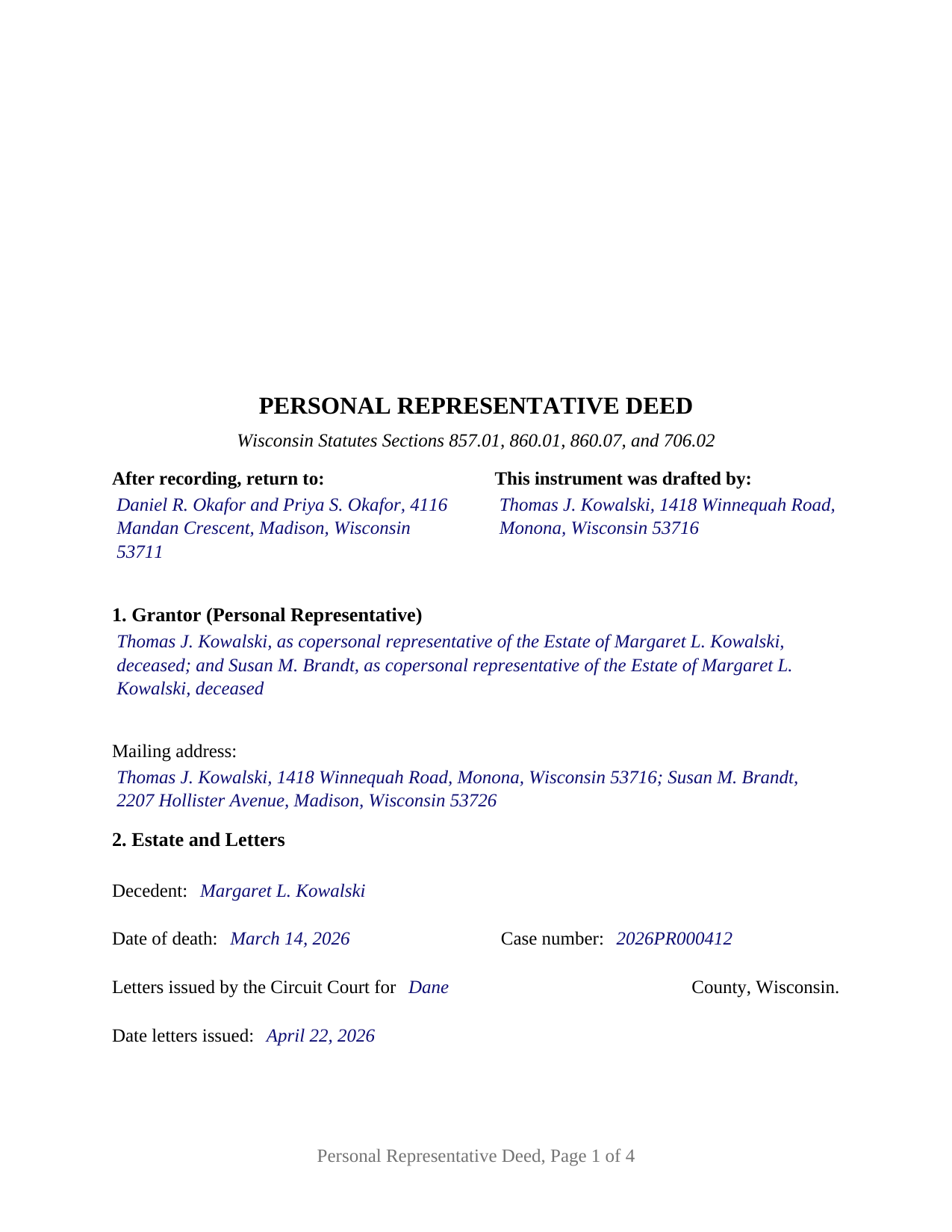
Oconto County Completed Example of the Personal Representative Deed Document
Example of a properly completed Wisconsin Personal Representative Deed document for reference.
All 3 documents above included • One-time purchase • No recurring fees
Immediate Download • Secure Checkout
Additional Wisconsin and Oconto County documents included at no extra charge:
Where to Record Your Documents
Oconto County Register of Deeds
Oconto, Wisconsin 54153
Hours: Monday - Friday 8:00 am - 4:00 pm
Phone: 920-834-7113
Recording Tips for Oconto County:
- Bring your driver's license or state-issued photo ID
- Ensure all signatures are in blue or black ink
- Avoid the last business day of the month when possible
- Both spouses typically need to sign if property is jointly owned
- Bring extra funds - fees can vary by document type and page count
Cities and Jurisdictions in Oconto County
Properties in any of these areas use Oconto County forms:
- Abrams
- Gillett
- Lakewood
- Lena
- Little Suamico
- Mountain
- Oconto
- Oconto Falls
- Sobieski
- Suring
- Townsend
Hours, fees, requirements, and more for Oconto County
How do I get my forms?
Forms are available for immediate download after payment. The Oconto County forms will be in your account ready to download to your computer. An account is created for you during checkout if you don't have one. Forms are NOT emailed.
Are these forms guaranteed to be recordable in Oconto County?
Yes. Our form blanks are guaranteed to meet or exceed the applicable formatting requirements used for recording in Oconto County, including margin requirements, font requirements, and other layout standards. This guarantee applies to formatting, not to the legal sufficiency of information entered by the user or the suitability of a form for a particular transaction.
Can I reuse these forms?
Yes. You can reuse the forms for your personal use. For example, if you have multiple properties in Oconto County you only need to order once.
What do I need to use these forms?
The forms are PDFs that you fill out on your computer. The free Adobe Acrobat Reader is recommended, and most PDF apps also work. You do NOT enter your property information online - you download the blank forms and complete them privately on your own computer.
Are there any recurring fees?
No. This is a one-time purchase. Nothing to cancel, no memberships, no recurring fees.
How much does it cost to record in Oconto County?
Recording fees in Oconto County vary. Contact the recorder's office at 920-834-7113 for current fees.
Questions answered? Let's get started!
Wisconsin Personal Representative Deed
This download supplies a Wisconsin personal representative deed: the instrument by which the personal representative of a decedent's estate, acting under the letters issued in the probate proceeding, conveys the estate's interest in a described parcel of Wisconsin real property. The form is titled Personal Representative Deed and cites Wis. Stat. §§ 857.01, 860.01, 860.07, and 706.02 beneath its title. The same form serves an estate in formal administration, where the circuit court issues the letters, and an estate in informal administration under ch. 865, where the probate registrar issues them and the personal representative holds the same powers.
What the download includes
- Personal Representative Deed form: a fillable PDF made up of a one-page instructions cover sheet, which is not part of the recorded instrument, followed by the four-page deed. Typed entries print as a continuous instrument with open entry space rather than lines or boxes.
- Guide: an eight-page explanation of the statutory basis in chs. 857, 860, 865, and 706, who the form describes, the Wisconsin ownership forms a grantee designation can create, each numbered section of the deed, completing and printing, signing and notarization, recording, and what the deed does not do.
- Completed example: the same four-page deed with sample entries in every field for a fictional Dane County estate, showing a sale by two copersonal representatives to two spouses.
All three files are delivered as a single statewide set; there are no county-specific versions.
What the deed does
The conveyance language is preprinted and conveys without warranty. The deed states on its face that the grantor has no power to give, and gives, no warranty binding on the personal representative personally or on the estate, which is the rule of § 860.07. It does not carry the warranties that § 860.09(2) requires when a conveyance performs the decedent's own contract to sell. Under § 860.05, title to property sold by a personal representative passes subject to creditors holding a secured interest in the property, such as a mortgage of record, but free of claims based only on their filing and allowance in the estate.
One form covers two situations: a sale of estate real property to a purchaser, and a conveyance to the heirs or devisees who take under the will or by intestacy. The guide explains that the difference is carried in Section 4's consideration and transfer-fee entries: a sale for value is subject to Wisconsin's real estate transfer fee, while a conveyance by will, descent, or survivorship falls within the § 77.25(11) exemption, which is stated on the face of the deed. The Department of Revenue confirms that a sale made under a will is not exempt. The completed example shows the sale configuration.
Signers and acknowledgments
The form is set up for one personal representative or for two copersonal representatives named in the same letters, signing as natural persons in that capacity. It carries a grantor signature block, a second grantor block for a copersonal representative, and a separate acknowledgment certificate for each signer in the Wisconsin statutory short form for an acknowledgment in a representative capacity under § 140.16(2). Because each signer has an independent certificate, copersonal representatives can acknowledge on the same or different dates and before different notaries, as the completed example shows. The certificates are conventional in-person forms; the guide notes that a remote notarial act uses a different certificate.
How the guide and example work together
The guide's commentary follows the seven numbered sections of the deed in order and refers to the matching entries of the completed example, so the three files read as one set. Its title-holding section describes the ownership forms a grantee designation can create in Wisconsin, notes that Wisconsin does not recognize tenancy by the entirety and that two grantees named with no designation hold as tenants in common, and shows where a designation appears in the grantee section; the example demonstrates a survivorship marital property designation in that position. The guide's recording section explains that the deed is recorded with the register of deeds of the county where the land lies, that a completed electronic real estate transfer return is a prerequisite to recording even when the § 77.25(11) exemption is claimed, and that the recording fee is $30 per document.
Configurations the form does not cover
The guide states that the form is not set up as a deed by a corporate personal representative such as a bank or trust company, by a personal representative signing through an attorney-in-fact, by a special administrator under ch. 867, or by three or more copersonal representatives. A trustee's deed, a guardian's or conservator's deed, and a deed by heirs or devisees in their own names after distribution are different instruments.
What the deed does not do
The deed conveys only the estate's interest. It does not convey a surviving spouse's own one-half of marital property, and it has no signature line for a surviving spouse or for a signer's spouse. Survivorship marital property and joint tenancy interests pass outside the estate at the first death and are cleared by the termination filings of §§ 867.045 and 867.046 rather than by this deed. The deed does not close the estate, discharge the personal representative, or take the place of the court's final judgment, the sworn closing statement, or the personal representative's other statutory duties. It does not authorize a sale the will prohibits or restricts, a sale of specifically bequeathed property without the specific beneficiary's joinder, or a sale to the personal representative; §§ 860.11 and 860.13 treat those as matters of the personal representative's duties and required consents, while § 860.01 separately protects a purchaser's title.
This description and the included guide are general information about the supplied documents and are not legal advice.
Important: Your property must be located in Oconto County to use these forms. Documents should be recorded at the county recording office listed above.
This Personal Representative Deed meets all recording requirements specific to Oconto County.
Our Promise
The documents you receive here are guaranteed to meet or exceed the applicable Oconto County recording format requirements. If there is a rejection caused by our formatting, we will correct the issue or refund your payment. This guarantee applies to document formatting only and does not extend to information entered by the user, the selection of the form, or the legal effect of the completed document.
Save Time and Money
Get your Oconto County Personal Representative Deed form done right the first time with Deeds.com Uniform Conveyancing Blanks. At Deeds.com, we understand that your time and money are valuable resources, and we don't want you to face a penalty fee or rejection imposed by a county recorder for submitting nonstandard documents. We constantly review and update our forms to meet rapidly changing state and county recording requirements for roughly 3,500 counties and local jurisdictions.
4.8 out of 5 - ( 4,864 Reviews )
Glenda M. 5 out of 5 stars
I am very pleased with my purchase of the Affidavit Death of Joint Tenant form. I previously purchased this form from the leading providing of DIY legal forms and it was rejected by the Registrar in my state. I then had to start over. Plus I needed a form that would show me a completed example and give me line-by-line instructions. Deeds.com filled the bill perfectly. Their website also let me know the last date the form was updated.
We appreciate your business and value your feedback. Thank you. Have a wonderful day!
Jeffery H. 5 out of 5 stars
Very easy to use. Thanks for your quick response on my document submissions and follow up and guidance on specific questions.
Thank you for your positive words! We’re thrilled to hear about your experience.
Gordon W. 5 out of 5 stars
Nice forms but it sure would have been nice to be able to at least print the guide and the example so that I don't spend all of my time bouncing back and forth between windows on a laptop.
Thank you for your feedback. We really appreciate it. Have a great day!
Stacey H. 5 out of 5 stars
This was my first time using Deeds.com and I was very impressed on the professionalism and the expediency of the recording. Will definitely be using them again. Stacey H.
Your satisfaction with our services is of utmost importance to us. Thank you for letting us know how we did!
Mark R. 4 out of 5 stars
All documents were site specific and up-to-date. Not recorded yet but have high hopes.
Thank you for your feedback. We really appreciate it. Have a great day!
irene a. 5 out of 5 stars
good forms thanks, irene
Thank you Irene.
Donna S. 5 out of 5 stars
Very easy forms to fill out and convenient since my county does not carry these forms , great service .
Thank you for your feedback. We really appreciate it. Have a great day!
Yvette B. 1 out of 5 stars
Rude customer service. Will not be using deeds.com again. Thanks
Thank you for your feedback Yvette, we do hope that you find something more suitable to your needs elsewhere. Have a wonderful day.
Timothy B. 3 out of 5 stars
Excellent sample deed, very helpful. Unfortunately, the fill-able template only allowed for one BENEFICIARY.
Thank you for your feedback. We really appreciate it. Have a great day!
Patrick M. 5 out of 5 stars
Very useful and easy to use. Great value too. Especially liked the example.
Thank you for your feedback. We really appreciate it. Have a great day!
Kayreen B. 5 out of 5 stars
Very happy with my experience with using Deeds.com! Especially easy to use with the sample page of what a form looks like filled out. saved a lot of money and it worked!
We appreciate your business and value your feedback. Thank you. Have a wonderful day!
Thomas D. 2 out of 5 stars
The documents themselves are fine and the information provided with them is helpful. I find the actual processing of the documents, however, to be difficult particularly once the document has been saved. First, I note that the box for the date only allows entry of the last 2 digits of the year. Unfortunately, my download only allows me to enter one of the 2 digits required. When I delete it repeatedly, it eventually allows both digits to be entered but puts them in extremely small text and in superscrypt. I have not found a solution to this problem and am not sure the deed can even be recorded with this problem. Another problem is that if you try to revise the document after you have saved it the curser goes to the end of the line after each key entry. This means that there basically is no way to efficiently save the document for reworking later since you will have to delete everything you have entered in the text box unless you only need to make a single keystroke change or are willing to replace the curser after each entry. Try that with a long property description! Please note that I am using a Mac to prepare my documents and perhaps this is part of an "incompatibility problem". However, I didn't see a disclaimer regarding Mac use and so would expect the documents to perform correctly. Overall, I give the program a "2 star" rating because I am experiencing significant difficulties in entering dates in the documents even before saving them and because saving your work for later revision appears to be basically unworkable.
Thank you for your feedback Thomas, we appreciate you being specific about the issues you encountered. Adobe and Mac have a fairly long history of issues working together.
Tai H. 5 out of 5 stars
Great service. Save me a time and effort in filling out LA County Quitclaim Deed.
We appreciate your business and value your feedback. Thank you. Have a wonderful day!
Michael M. 5 out of 5 stars
Deeds.com had what I needed at the time that I needed it. Thank you very much.
We appreciate your business and value your feedback. Thank you. Have a wonderful day!
Kathleen H. 5 out of 5 stars
EASY!!
Thank you!