La Crosse County Subcontractor Notice of Intent to File Lien Form
Last validated November 13, 2026 by our Forms Development TeamFormatted for recording in La Crosse County, for property anywhere in the county: rural and unincorporated areas as well as Bangor, Holmen, La Crosse, Mindoro, Onalaska, Rockland, West Salem.
- 3 documents included
- Immediate PDF download
- Formatting guarantee
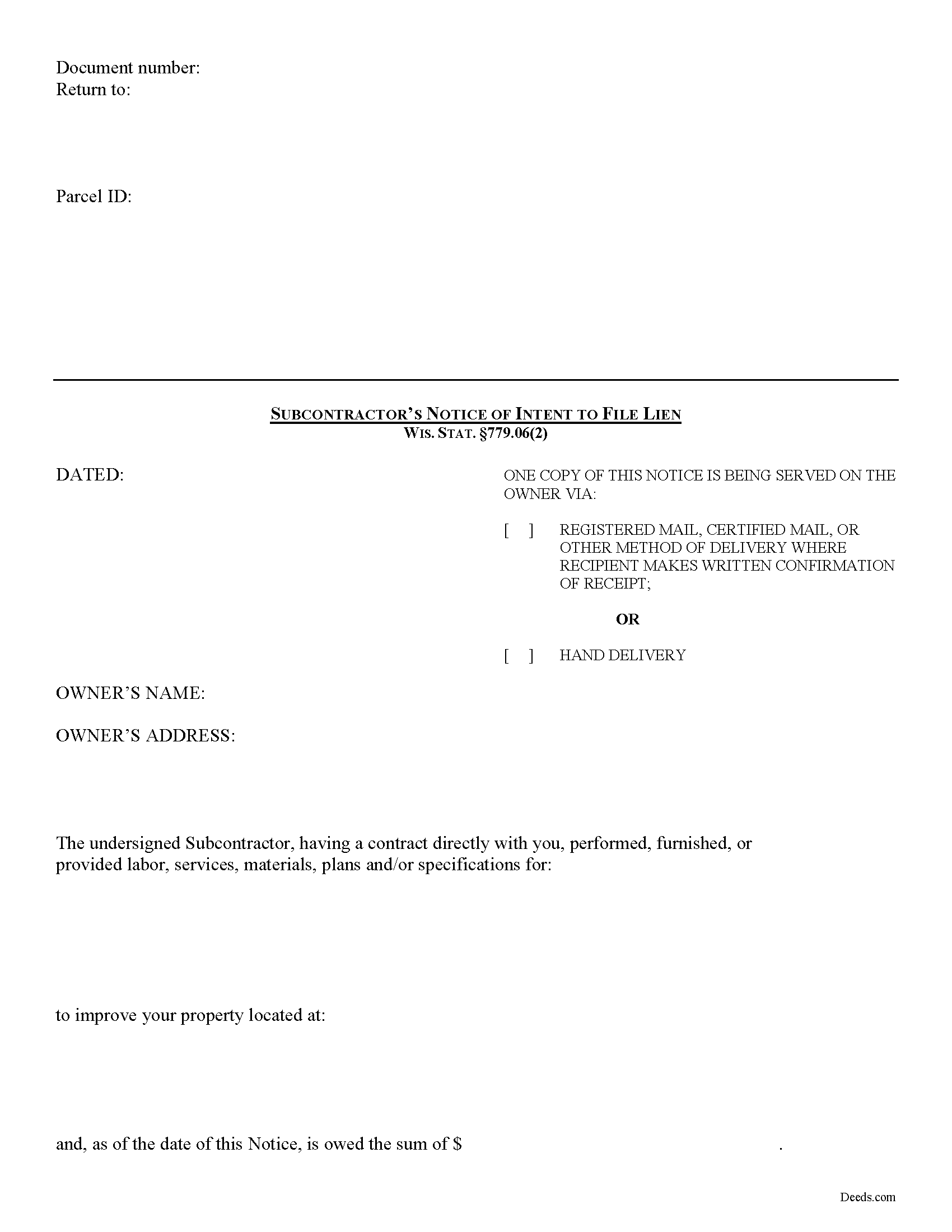
La Crosse County Subcontractor Notice of Intent to File Lien Form
Fill in the blank form formatted to comply with all recording and content requirements.
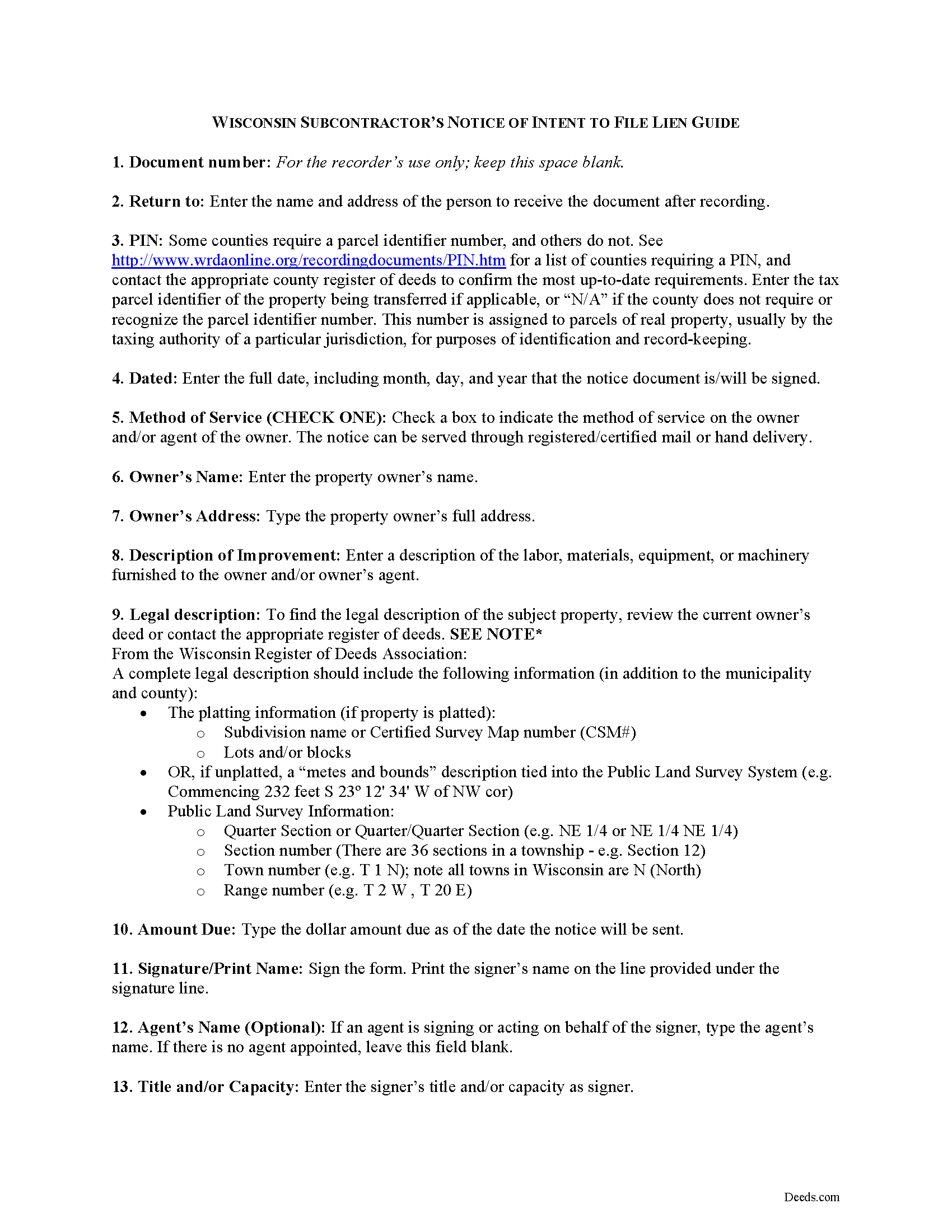
La Crosse County Subcontractor Notice of Intent to File Lien Guide
Line by line guide explaining every blank on the form.
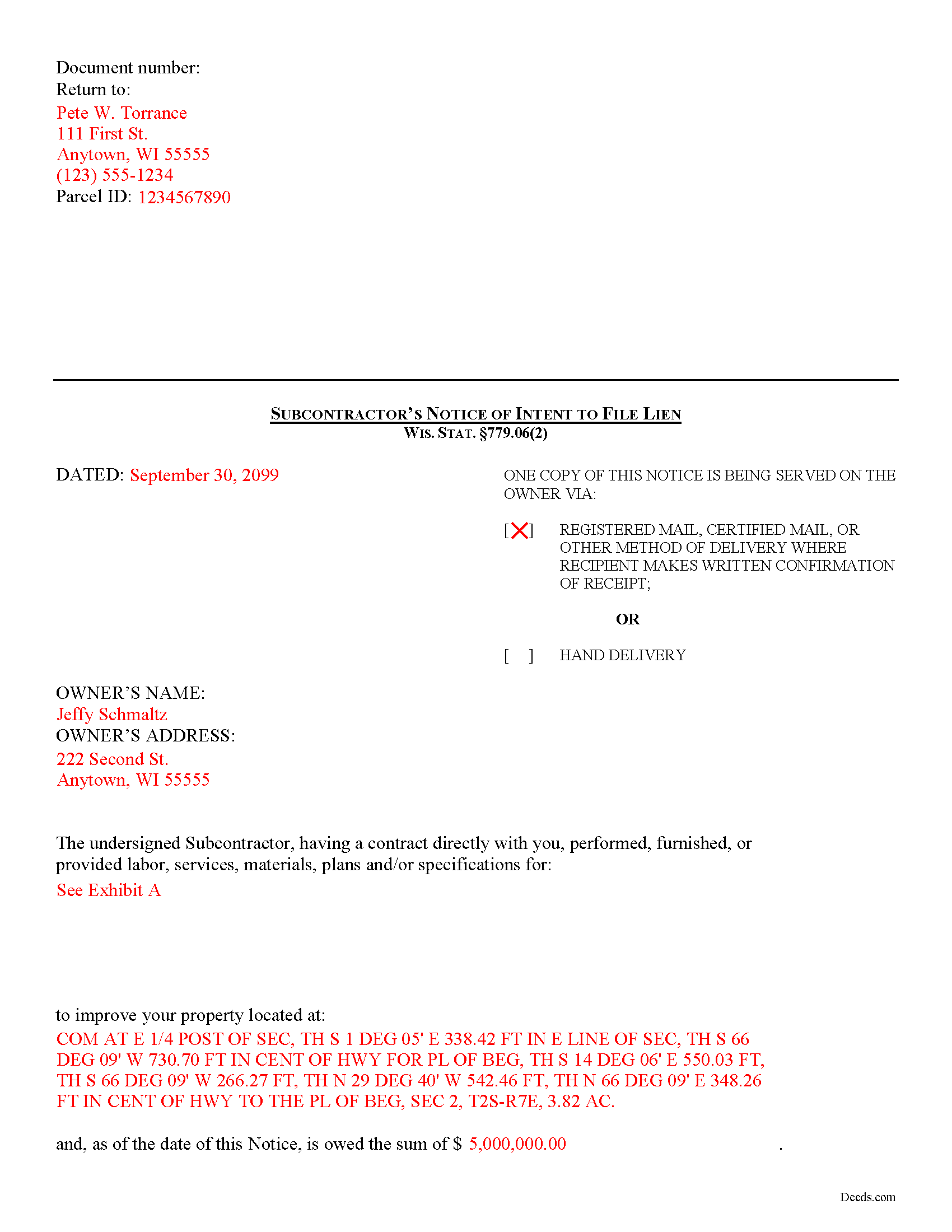
La Crosse County Completed Example of the Subcontractor Notice of Intent to File Lien Document
Example of a properly completed form for reference.
All 3 documents above included • One-time purchase • No recurring fees
Immediate Download • Secure Checkout
Additional Wisconsin and La Crosse County documents included at no extra charge:
Where to Record Your Documents
La Crosse County Register
La Crosse, Wisconsin 54601
Hours: Monday - Friday 8:00am to 4:30pm
Phone: (608) 785-9644 and 9645
Recording Tips for La Crosse County:
- Bring your driver's license or state-issued photo ID
- Ensure all signatures are in blue or black ink
- Ask if they accept credit cards - many offices are cash/check only
- Check that your notary's commission hasn't expired
- Documents must be on 8.5 x 11 inch white paper
Cities and Jurisdictions in La Crosse County
Properties in any of these areas use La Crosse County forms:
- Bangor
- Holmen
- La Crosse
- Mindoro
- Onalaska
- Rockland
- West Salem
Hours, fees, requirements, and more for La Crosse County
How do I get my forms?
Forms are available for immediate download after payment. The La Crosse County forms will be in your account ready to download to your computer. An account is created for you during checkout if you don't have one. Forms are NOT emailed.
Are these forms guaranteed to be recordable in La Crosse County?
Yes. Our form blanks are guaranteed to meet or exceed the applicable formatting requirements used for recording in La Crosse County, including margin requirements, font requirements, and other layout standards. This guarantee applies to formatting, not to the legal sufficiency of information entered by the user or the suitability of a form for a particular transaction.
Can I reuse these forms?
Yes. You can reuse the forms for your personal use. For example, if you have multiple properties in La Crosse County you only need to order once.
What do I need to use these forms?
The forms are PDFs that you fill out on your computer. The free Adobe Acrobat Reader is recommended, and most PDF apps also work. You do NOT enter your property information online - you download the blank forms and complete them privately on your own computer.
Are there any recurring fees?
No. This is a one-time purchase. Nothing to cancel, no memberships, no recurring fees.
How much does it cost to record in La Crosse County?
Recording fees in La Crosse County vary. Contact the recorder's office at (608) 785-9644 and 9645 for current fees.
Questions answered? Let's get started!
Subcontractor Preliminary Notice in Wisconsin
In Wisconsin, subcontractors may only make a lien claim if they submit a Notice of Intent to File a Lien within statutory time limits.
No lien claim may be filed or action brought thereon unless, at least thirty (30) days before timely filing of the lien claim, the lien claimant serves on the owner a written notice of intent to file a lien claim. WIS. STAT. 779.06(2). The notice is required to be given whether or not the claimant has been required to and has given a previous notice. Id. It also briefly describes the nature of the claim, its amount, and the land and improvement to which it relates. Id.
This article is provided for informational purposes only and should not be relied upon as a substitute for the advice from a legal professional. Please contact an attorney with questions about preliminary notice by a subcontractor, or any other issues related to liens in Wisconsin.
Important: Your property must be located in La Crosse County to use these forms. Documents should be recorded at the county recording office listed above.
This Subcontractor Notice of Intent to File Lien meets all recording requirements specific to La Crosse County.
Our Promise
The documents you receive here are guaranteed to meet or exceed the applicable La Crosse County recording format requirements. If there is a rejection caused by our formatting, we will correct the issue or refund your payment. This guarantee applies to document formatting only and does not extend to information entered by the user, the selection of the form, or the legal effect of the completed document.
Save Time and Money
Get your La Crosse County Subcontractor Notice of Intent to File Lien form done right the first time with Deeds.com Uniform Conveyancing Blanks. At Deeds.com, we understand that your time and money are valuable resources, and we don't want you to face a penalty fee or rejection imposed by a county recorder for submitting nonstandard documents. We constantly review and update our forms to meet rapidly changing state and county recording requirements for roughly 3,500 counties and local jurisdictions.
4.8 out of 5 - ( 4,862 Reviews )
James B. 5 out of 5 stars
All required forms readily available at fair price. Easy to create account. Immediately acquired documents upon order.
We appreciate your business and value your feedback. Thank you. Have a wonderful day!
Henry J. 5 out of 5 stars
Worked out Great!
We appreciate your business and value your feedback. Thank you. Have a wonderful day!
Angela B. 5 out of 5 stars
Great forms! Quick, easy, and to the point. The completed document, when printed out, looks really professional.
We appreciate your business and value your feedback. Thank you. Have a wonderful day!
Jane C. 5 out of 5 stars
I wasn't sure what I was looking for initially so I printed out the wrong thing. Had to pay again to get the right one but much less expensive than getting it from a lawyer. Our military lawyers will make the forms official but they don't have the forms. Hope this makes things easier for our children when we pass. Thank you for offering this service.
Thank you for taking the time to leave your feedback. We have canceled and refunded the payment for your first order. We don't want you to pay for something you're not going to use. Have an amazing day.
Martha G. 5 out of 5 stars
Well-designed site. Incredibly easy to find what I needed, very reasonable cost.
Thank you for your feedback. We really appreciate it. Have a great day!
Gerald G. 5 out of 5 stars
I am researching forms required to change deed from joint owners to individual. Subsequently, forms required when/after a trust is established for real property.
Thank you!
Brian S. 3 out of 5 stars
PDF fields change font sizes leading to an unprofessional-appearing printed page. The examples for "Convey to" section don't include how to specify just one person instead of a married couple. Maybe that is simple but it would help to spell it out in an example. Haven't submitted to County Recorder yet, so will find out if it is acceptable.
Thank you for the feedback Brian.
The font issue is caused by using a PDF viewer other than Adobe Acrobat Reader. Our form fields are set to a uniform 12-point font, but non-Adobe viewers often render form fields inconsistently. Opening and printing the form with the free Adobe Acrobat Reader will resolve that.
Regarding the examples, that's a fair point, we'll look at expanding them.
Michael K. 5 out of 5 stars
I haven't used them yet. So far so good.
Thank you!
Philip S. 5 out of 5 stars
This was our first time using Deeds.Com. We were tremendously impressed. The website works well, but the customer service really makes this organization special. The prompt, professional and knowledgeable responses to inquiries and recording issues was refreshing.
We appreciate your business and value your feedback. Thank you. Have a wonderful day!
Patricia R. 5 out of 5 stars
Very helpful. Worth the cost. Hopefully we will be able to proceed without expense of an attorney.
We are thankful for your continued support and feedback, which inspire us to continuously improve. Thank you..
Michael W. 5 out of 5 stars
Appreciate the help with DC's non-intuitive forms. Superb service.
Thank you!
Janette C. 5 out of 5 stars
Love the service !!
Your appreciative words mean the world to us. Thank you.
James S. 4 out of 5 stars
It worked great. But it turns out I didn't need it.
Thank you!
Chad N. 5 out of 5 stars
Thank you for taking care of a recording very quickly. I am very impressed by your service an would recommend to anyone. Easy to navigate.
Thank you for your feedback. We really appreciate it. Have a great day!
Kenneth K. 5 out of 5 stars
It was fast and easy to use.
Thank you!