Walker County Quitclaim Deed (Corrective) Form
Last validated October 26, 2026 by our Forms Development TeamFormatted for recording in Walker County, for property anywhere in the county: rural and unincorporated areas as well as Burnwell, Carbon Hill, Cordova, Eldridge, Empire, Goodsprings, Jasper, Kansas and 7 more.
- 3 documents included
- Immediate PDF download
- Formatting guarantee
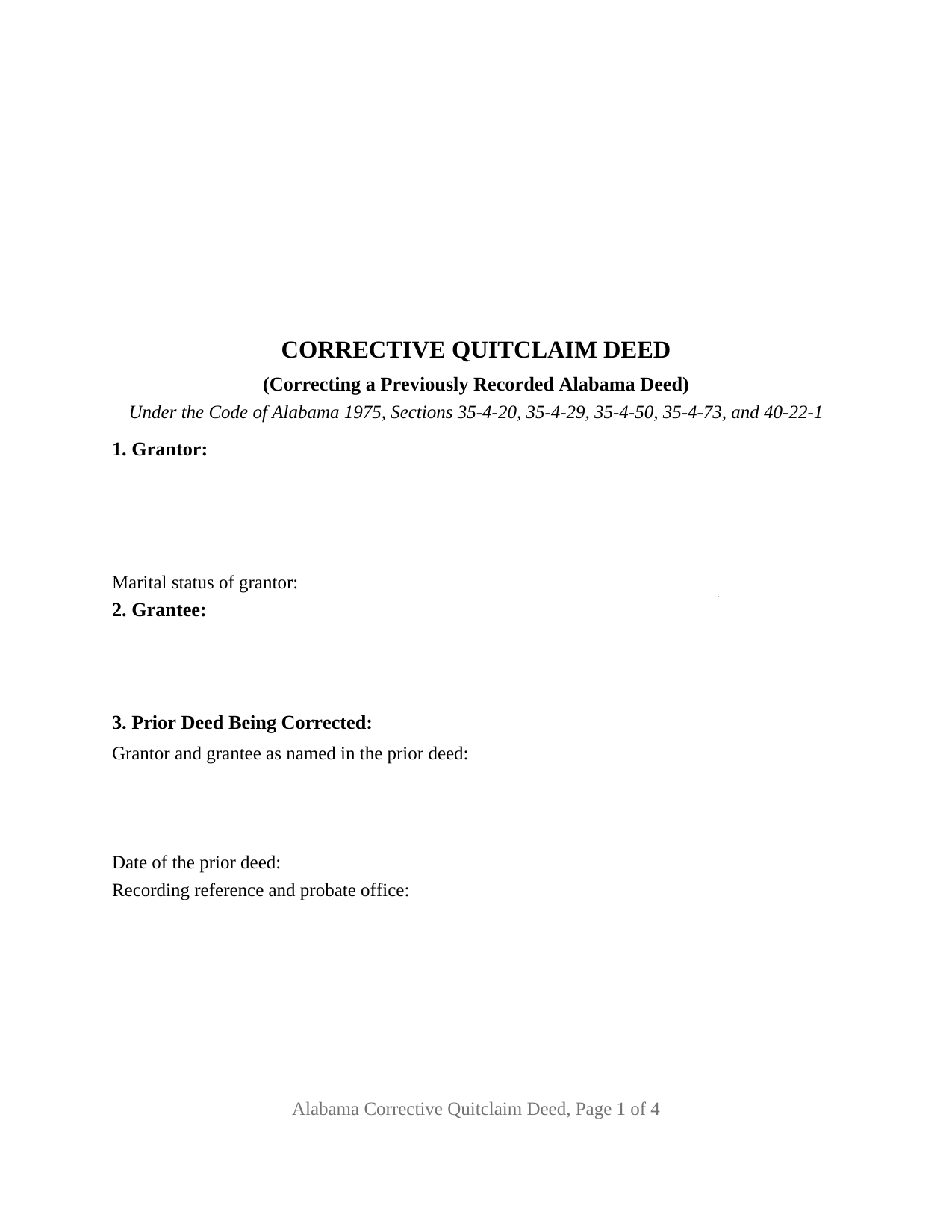
Walker County Quitclaim Deed (Corrective) Form
Fill in the blank Quitclaim Deed (Corrective) form formatted to comply with all Alabama recording and content requirements.
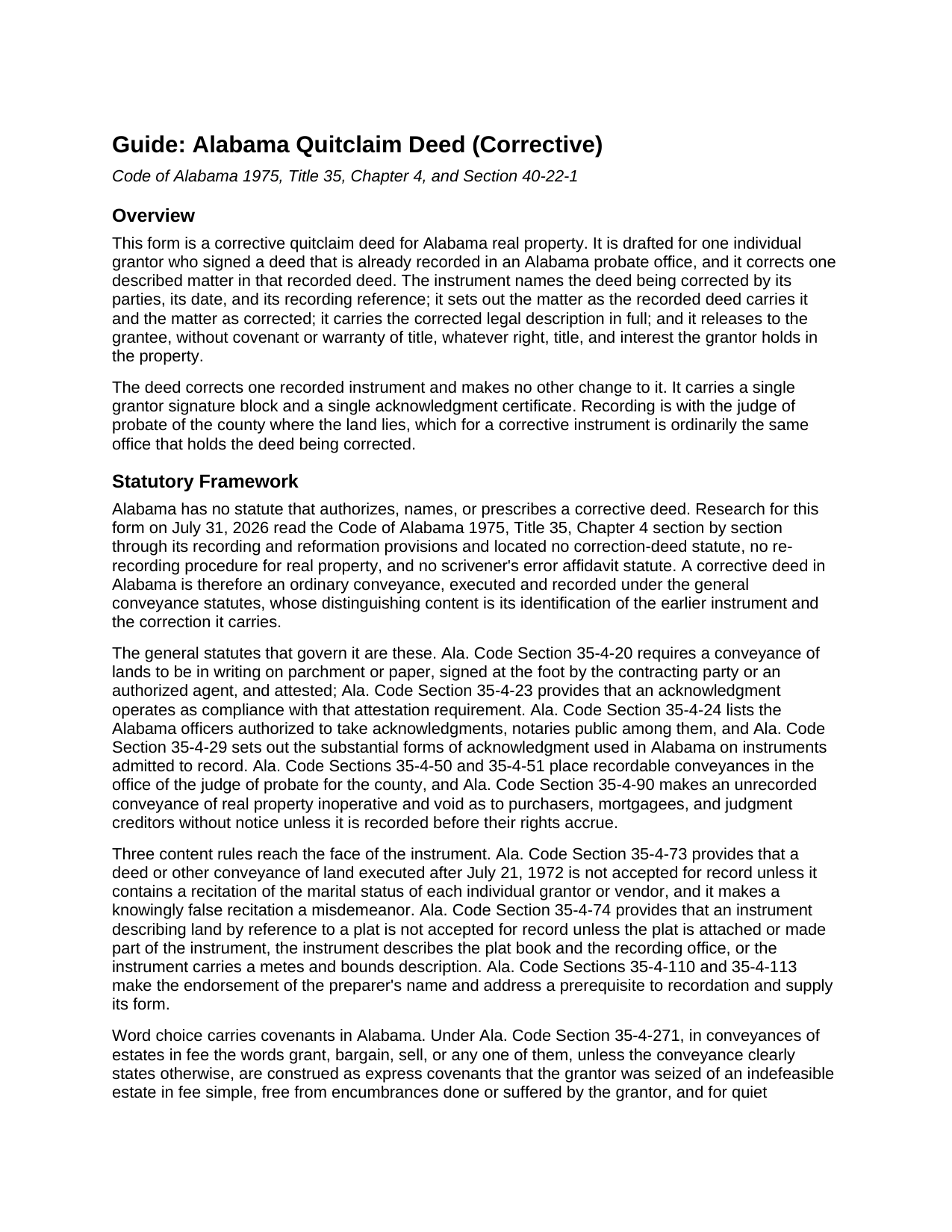
Walker County Quitclaim Deed (Corrective) Guide
Line by line guide explaining every blank on the Quitclaim Deed (Corrective) form.
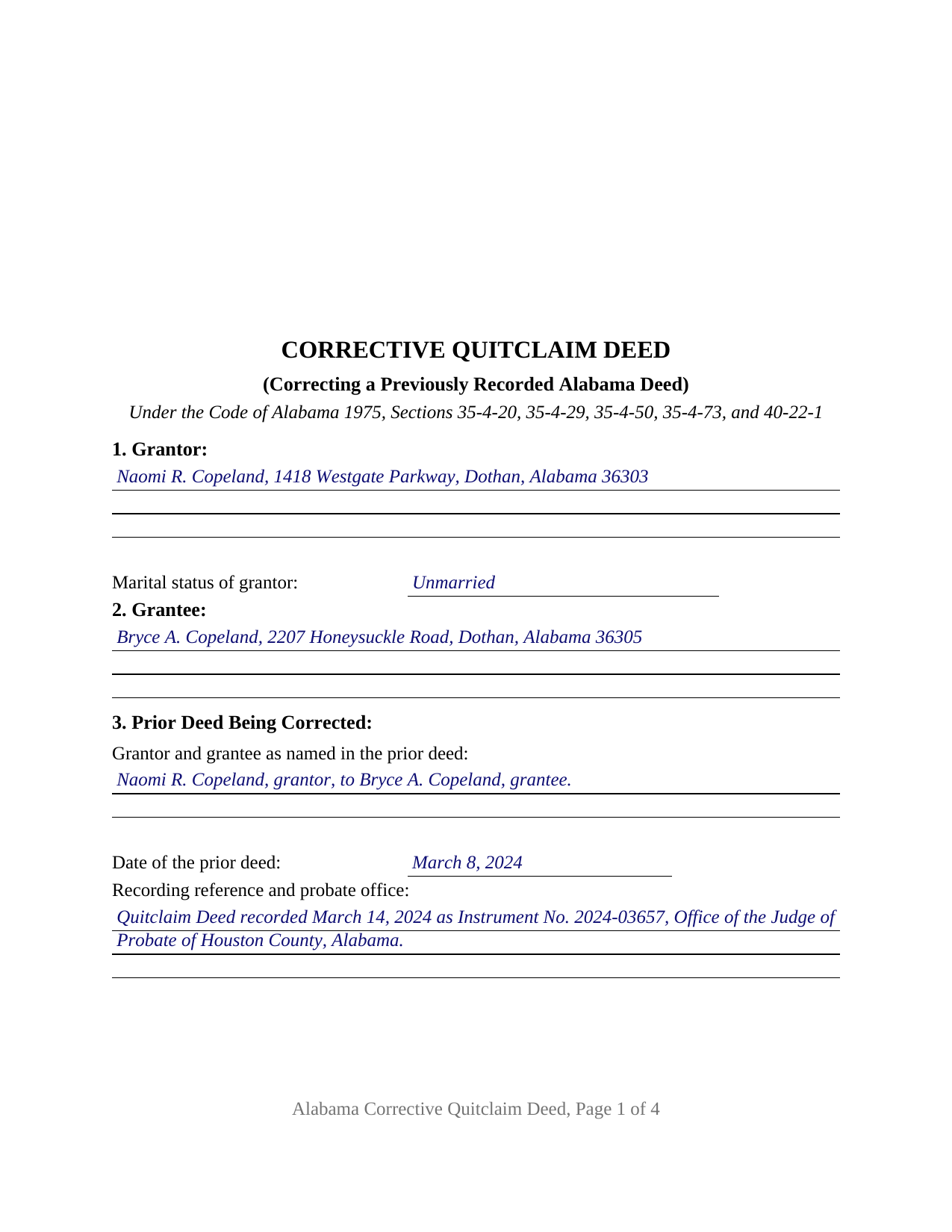
Walker County Completed Example of the Quitclaim Deed (Corrective) Document
Example of a properly completed Alabama Quitclaim Deed (Corrective) document for reference.
All 3 documents above included • One-time purchase • No recurring fees
Immediate Download • Secure Checkout
Additional Alabama and Walker County documents included at no extra charge:
Where to Record Your Documents
Judge of Probate: Recording
Jasper, Alabama 35502
Hours: 8:30 to 4:00 M-F
Phone: (205) 384-7281
Recording Tips for Walker County:
- Bring your driver's license or state-issued photo ID
- Ensure all signatures are in blue or black ink
- Verify all names are spelled correctly before recording
- White-out or correction fluid may cause rejection
- Ask about their eRecording option for future transactions
Cities and Jurisdictions in Walker County
Properties in any of these areas use Walker County forms:
- Burnwell
- Carbon Hill
- Cordova
- Eldridge
- Empire
- Goodsprings
- Jasper
- Kansas
- Nauvoo
- Oakman
- Parrish
- Quinton
- Sipsey
- Sumiton
- Townley
Hours, fees, requirements, and more for Walker County
How do I get my forms?
Forms are available for immediate download after payment. The Walker County forms will be in your account ready to download to your computer. An account is created for you during checkout if you don't have one. Forms are NOT emailed.
Are these forms guaranteed to be recordable in Walker County?
Yes. Our form blanks are guaranteed to meet or exceed the applicable formatting requirements used for recording in Walker County, including margin requirements, font requirements, and other layout standards. This guarantee applies to formatting, not to the legal sufficiency of information entered by the user or the suitability of a form for a particular transaction.
Can I reuse these forms?
Yes. You can reuse the forms for your personal use. For example, if you have multiple properties in Walker County you only need to order once.
What do I need to use these forms?
The forms are PDFs that you fill out on your computer. The free Adobe Acrobat Reader is recommended, and most PDF apps also work. You do NOT enter your property information online - you download the blank forms and complete them privately on your own computer.
Are there any recurring fees?
No. This is a one-time purchase. Nothing to cancel, no memberships, no recurring fees.
How much does it cost to record in Walker County?
Recording fees in Walker County vary. Contact the recorder's office at (205) 384-7281 for current fees.
Questions answered? Let's get started!
Most deeds have to describe land. This one also has to describe a document. The Alabama Quitclaim Deed (Corrective) is drafted for an individual grantor who signed a deed already sitting in an Alabama probate record with one thing wrong in it, and its third section pins that earlier instrument down by the parties it named, its date, and its recording reference. What follows is a release to the same grantee, with no covenant of title.
Two entries that have to be read together
Sections 4 and 5 work as a pair: the first takes the matter as the recorded deed actually carries it, the second takes that same matter as corrected. Section 6 then holds the corrected legal description in full, and the operative section makes it controlling, so it governs over a conflicting description in the deed being corrected.
A correction Alabama has no correction statute for
Research for this form read Title 35, Chapter 4 of the Code of Alabama 1975 through its recording and reformation provisions and located no statute authorizing, naming, or prescribing a corrective deed, and no scrivener's error affidavit statute. A corrective deed here is an ordinary conveyance, executed and recorded under Alabama's general conveyance statutes. What the Code supplies instead is a courthouse route: Ala. Code Section 35-4-153 lets a court revise a conveyance that fraud or mutual mistake left short of the parties' intention, insofar as that can be done without prejudice to rights acquired by third persons in good faith and for value. A deed the original grantor signs avoids the courthouse, and that limit on third-party rights marks where the two routes part.
The tax paragraph written for corrections
Ala. Code Section 40-22-1(a) keeps an instrument off the record until the privilege tax is paid, and subsection (c) measures it against the value of the interest conveyed. Subsection (b) lists what carries none, and two of its paragraphs speak to this instrument: (b)(2) reaches deeds executed for a nominal consideration for the purpose of perfecting the title to real estate, and (b)(3) reaches the re-recordation of corrected deeds executed for that same perfecting purpose. Section 8 takes the consideration; how a probate office applies either paragraph, alongside the sales value information Alabama gathers on Form RT-1, is a county counter question.
Configured for one grantor and one recorded deed
Section 1 takes the grantor's name, address, and the marital status Ala. Code Section 35-4-73 makes a condition of acceptance for record. Section 2 takes the grantee who took under the earlier deed. Section 10 carries one signature line, and one certificate closes the instrument, its substance drawn from the individual form of Ala. Code Section 35-4-29. A recorded deed pointing at a plat without the plat book and page Ala. Code Section 35-4-74 contemplates, a transposed lot or block number, and a misspelled party name are the error patterns this form is drafted around. It is not set up for two grantors, an entity grantor, a representative signer, or a correction swapping in a different grantee. Capitalized text on the face of the deed adds that it conveys no interest the grantor does not hold and divests no interest vested in a nonparty, and that under Ala. Code Section 6-10-3 a married person's homestead conveyance meets a spouse assent condition this single-signature configuration does not carry.
Release words, and a return to the same office
The operative sentence remises, releases, quitclaims, and conveys, leaving out grant, bargain, and sell, which Ala. Code Section 35-4-271 turns into express covenants in a fee conveyance; the deed says plainly that none arises. It returns to the probate office holding the corrected deed, so both instruments sit in one chain and one index, and until recorded Ala. Code Section 35-4-90 leaves it void against a later purchaser, mortgagee, or judgment creditor without notice. Intake content is built in, down to the preparer endorsement Sections 35-4-110 and 35-4-113 require.
Shoppers reach this Alabama quitclaim deed as a correction deed, a quit claim deed, or a quick claim deed. Three files download: the blank fillable PDF, a completed example worked through a Houston County plat reference correction, and a guide covering every entry and the certificate. These pages describe Alabama law generally and are not legal advice; an Alabama attorney can weigh them against one recorded deed and one error.
Important: Your property must be located in Walker County to use these forms. Documents should be recorded at the county recording office listed above.
This Quitclaim Deed (Corrective) meets all recording requirements specific to Walker County.
Our Promise
The documents you receive here are guaranteed to meet or exceed the applicable Walker County recording format requirements. If there is a rejection caused by our formatting, we will correct the issue or refund your payment. This guarantee applies to document formatting only and does not extend to information entered by the user, the selection of the form, or the legal effect of the completed document.
Save Time and Money
Get your Walker County Quitclaim Deed (Corrective) form done right the first time with Deeds.com Uniform Conveyancing Blanks. At Deeds.com, we understand that your time and money are valuable resources, and we don't want you to face a penalty fee or rejection imposed by a county recorder for submitting nonstandard documents. We constantly review and update our forms to meet rapidly changing state and county recording requirements for roughly 3,500 counties and local jurisdictions.
4.8 out of 5 - ( 4,837 Reviews )
Noelle V. 5 out of 5 stars
I requested a copy of some documents and within the hour, they were waiting for me in PDF form. It was easy and helped a great deal to have this service available.
Your feedback is valuable to us and helps us improve. Thank you for sharing your thoughts!
BRIAN M. 5 out of 5 stars
Excellent Service, Fast and efficient. Thank You!
Thank you!
sheila B. 5 out of 5 stars
awesome
Thank you!
James W. 5 out of 5 stars
We were able to find deceased parents' deed.
Thank you!
Stanley S. 5 out of 5 stars
Extremely convenient and easy to execute the document. Instructions and example are very helpful. I have bookmarked the site and will surely use again. 5 stars!!
Thank you!
Petre A. 5 out of 5 stars
Easy @ useful
Thank you!
Della F. 5 out of 5 stars
Always total satisfaction when information is needed. Request for information provided quickly from extremely knowledgeable and courteous personnel.
Thank you!
Kelly M. 5 out of 5 stars
Received exactly what you said I would get. Good Quick Service
Thank you, Kelly. We’re glad everything was as expected and that the service was quick.
Valerie C. 5 out of 5 stars
Thanks
Thank you!
Ute P. 5 out of 5 stars
Thank you it was hard for me to pull these documents online you been a big help since I am in a different state, quick and awesome.
We appreciate your business and value your feedback. Thank you. Have a wonderful day!
Brian M. 1 out of 5 stars
The document had all the information needed but could have been presented with a more professional look for the price.
We appreciate you highlighting the balance between compliance and presentation. While our main focus is on the legal correctness and statutory compliance of the documents, we also strive to present this information in a clear and accessible manner.
Katherine S. 5 out of 5 stars
This was easy!!
Thank you!
Anitra C. 5 out of 5 stars
This was so easy and the instructions were great.
We appreciate your business and value your feedback. Thank you. Have a wonderful day!
Bernard H. 5 out of 5 stars
The site is clear and easy to submit requests. I will be using again when needed. No problems and a pleasure to deal with.
Thank you for your feedback. We really appreciate it. Have a great day!
Grace G. 3 out of 5 stars
I like the service, it is hard to see enough of the document to know you're choosing what you need.
Thank you for your feedback. Our previews are intended to show general format and layout. Because these are legal forms, customers should already know the type of document they need before purchasing.