Lowndes County Quitclaim Deed (Trustee Grantor) Form
Last validated October 30, 2026 by our Forms Development TeamFormatted for recording in Lowndes County, for property anywhere in the county: rural and unincorporated areas as well as Fort Deposit, Hayneville, Letohatchee, Lowndesboro, Tyler.
- 3 documents included
- Immediate PDF download
- Formatting guarantee
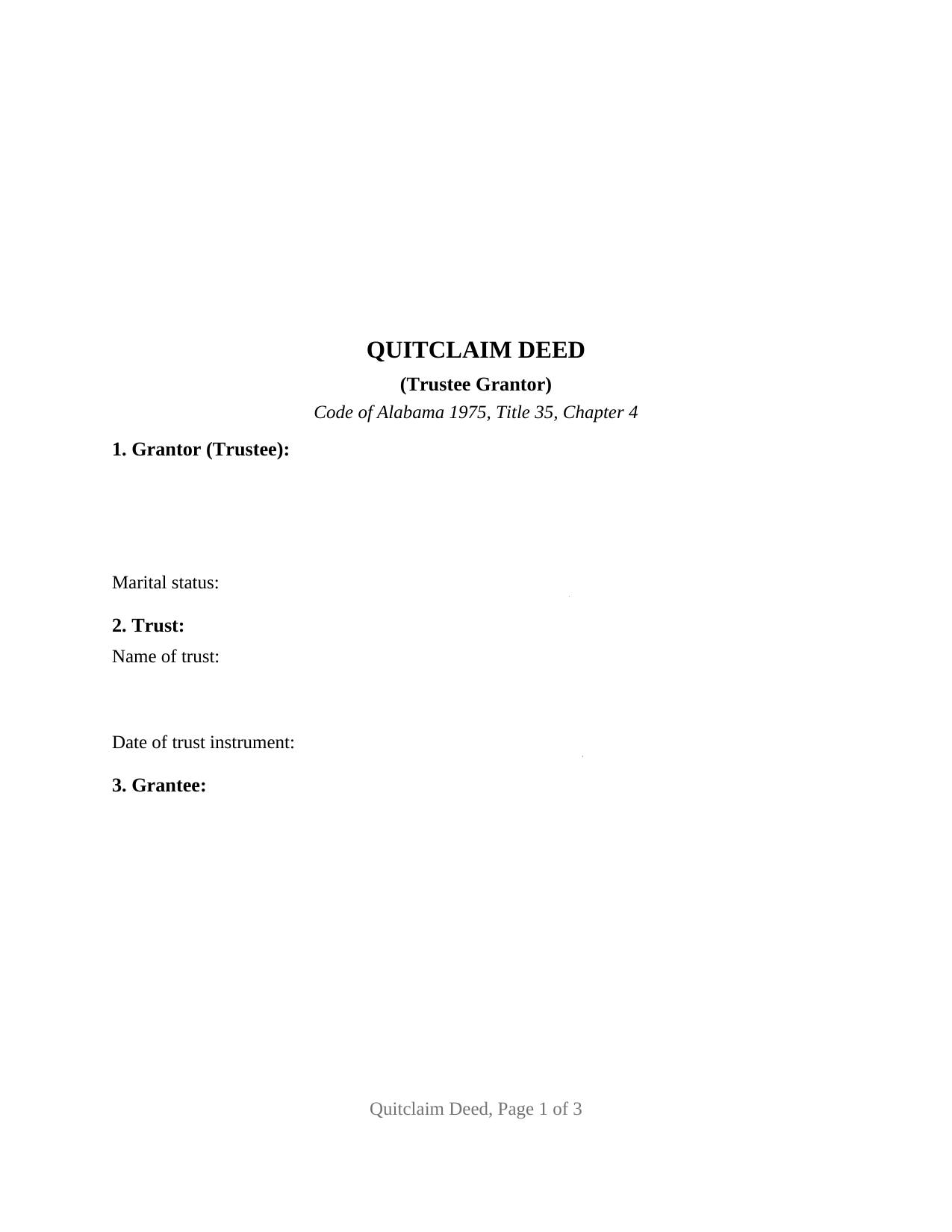
Lowndes County Quitclaim Deed (Trustee Grantor) Form
Fill in the blank Quitclaim Deed (Trustee Grantor) form formatted to comply with all Alabama recording and content requirements.
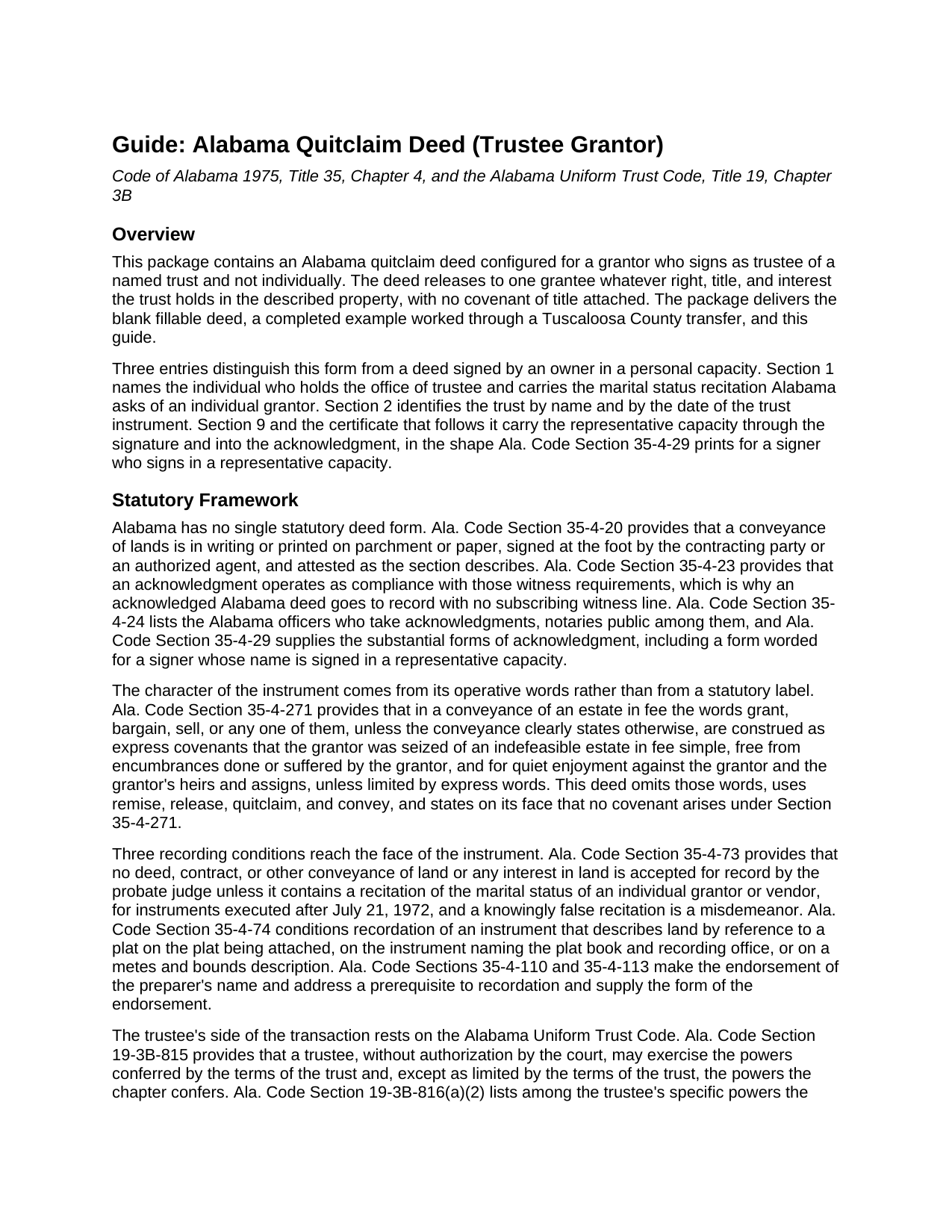
Lowndes County Quitclaim Deed (Trustee Grantor) Guide
Line by line guide explaining every blank on the Quitclaim Deed (Trustee Grantor) form.
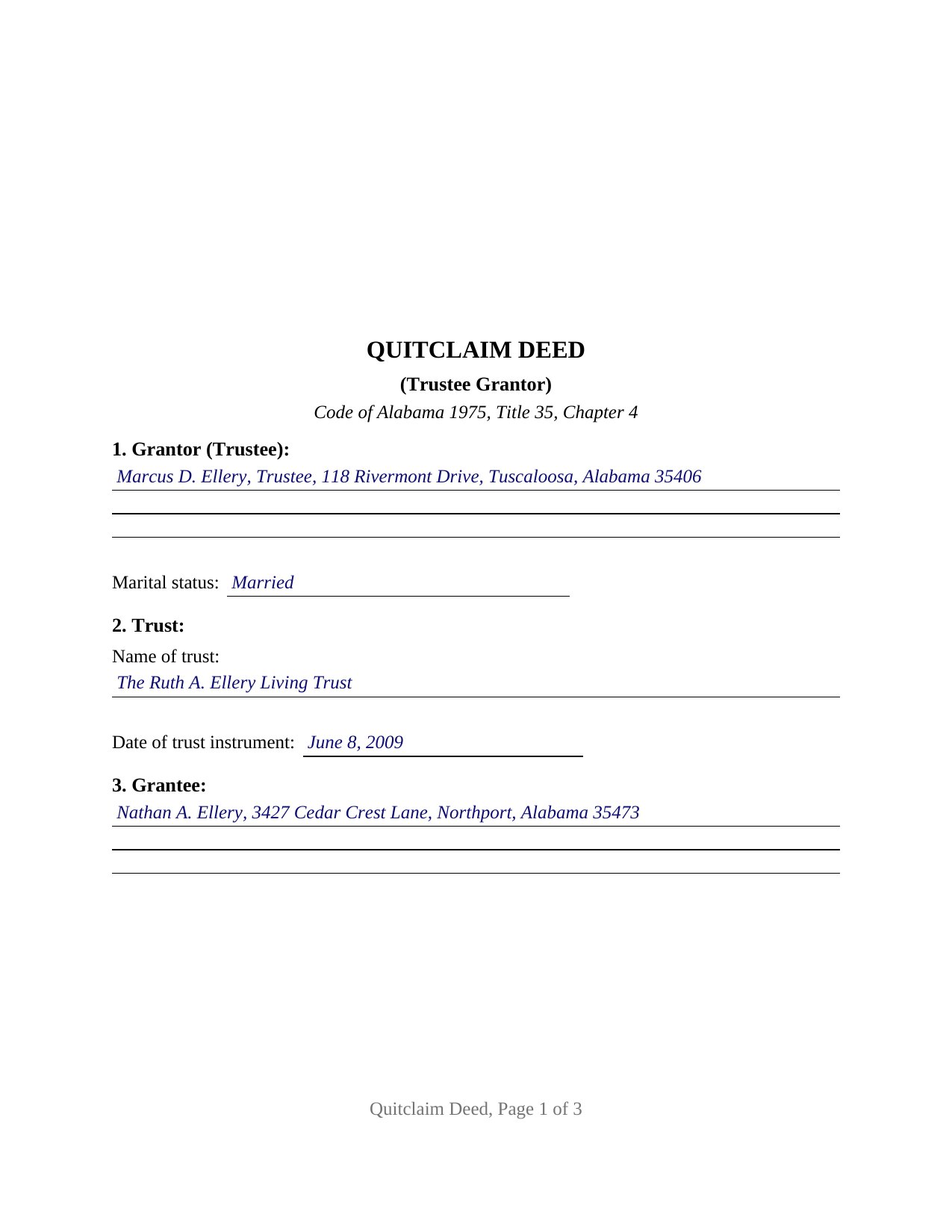
Lowndes County Completed Example of the Quitclaim Deed (Trustee Grantor) Document
Example of a properly completed Alabama Quitclaim Deed (Trustee Grantor) document for reference.
All 3 documents above included • One-time purchase • No recurring fees
Immediate Download • Secure Checkout
Additional Alabama and Lowndes County documents included at no extra charge:
Where to Record Your Documents
Lowndes County Probate Office
Hayneville, Alabama 36040
Hours: 8:00 to 4:30 M-F
Phone: (334) 548-2365
Recording Tips for Lowndes County:
- Bring your driver's license or state-issued photo ID
- Ensure all signatures are in blue or black ink
- Ask about their eRecording option for future transactions
- Avoid the last business day of the month when possible
- Both spouses typically need to sign if property is jointly owned
Cities and Jurisdictions in Lowndes County
Properties in any of these areas use Lowndes County forms:
- Fort Deposit
- Hayneville
- Letohatchee
- Lowndesboro
- Tyler
Hours, fees, requirements, and more for Lowndes County
How do I get my forms?
Forms are available for immediate download after payment. The Lowndes County forms will be in your account ready to download to your computer. An account is created for you during checkout if you don't have one. Forms are NOT emailed.
Are these forms guaranteed to be recordable in Lowndes County?
Yes. Our form blanks are guaranteed to meet or exceed the applicable formatting requirements used for recording in Lowndes County, including margin requirements, font requirements, and other layout standards. This guarantee applies to formatting, not to the legal sufficiency of information entered by the user or the suitability of a form for a particular transaction.
Can I reuse these forms?
Yes. You can reuse the forms for your personal use. For example, if you have multiple properties in Lowndes County you only need to order once.
What do I need to use these forms?
The forms are PDFs that you fill out on your computer. The free Adobe Acrobat Reader is recommended, and most PDF apps also work. You do NOT enter your property information online - you download the blank forms and complete them privately on your own computer.
Are there any recurring fees?
No. This is a one-time purchase. Nothing to cancel, no memberships, no recurring fees.
How much does it cost to record in Lowndes County?
Recording fees in Lowndes County vary. Contact the recorder's office at (334) 548-2365 for current fees.
Questions answered? Let's get started!
The signature line on this deed carries an office. The Alabama Quitclaim Deed (Trustee Grantor) is drafted for a grantor who signs as trustee of a named trust and not individually, releasing to one grantee whatever interest the trust holds in Alabama real property, without warranty. That capacity runs through the instrument: Section 2 names the trust and its date, the operative words move the trust's interest rather than the signer's own, and the acknowledgment is worded for a representative signer.
The certificate Alabama prints for a representative signer
Ala. Code Section 35-4-29 supplies more than one substantial form of acknowledgment. Beside the familiar individual wording sits a representative capacity form: the officer certifies that the person whose name as the stated capacity is signed to the conveyance, known to the officer and informed of its contents, executed it in that capacity on the day it bears date. The certificate here carries that substance, and its wide blank takes the signer's name with the office and the trust. Because an acknowledgment satisfies the attestation requirement of Ala. Code Section 35-4-20 (Section 35-4-23), no subscribing witness signs beneath it.
Where the trustee's authority actually lives
The deed identifies the trust and stops; its terms stay with the trustee. Under Ala. Code Section 19-3B-815 a trustee exercises the powers the terms of the trust confer and, except as those terms limit them, the powers the Alabama Uniform Trust Code confers; Section 19-3B-816(a) lists the power to sell property at public or private sale and to sign and deliver instruments useful to exercising it. Where a buyer or title examiner wants the facts on paper, Ala. Code Section 19-3B-1013 describes the certification of trust a trustee may furnish instead of the trust instrument, prepared separately and no part of this package.
A marital status line on a fiduciary deed
Ala. Code Section 35-4-73 keeps a deed out of the record unless it recites the marital status of an individual grantor or vendor, for instruments executed after July 21, 1972. The signer here is an individual whatever office that person holds, so the entry sits in Section 1. Title stands in the trustee's name for the trust rather than a married person's, so the form carries no spouse signature block; the guide sets out the homestead rule of Ala. Code Section 6-10-3 and the question it leaves open where a residence sits in a settlor's revocable trust.
Configured for one trustee and one grantee
Section 1 takes the trustee's name, address, and marital status; Section 2 the trust name and the date of the trust instrument; Section 9 one signature line captioned for a grantor signing as trustee, and one certificate closes the deed. A successor trustee deeding a parcel to the beneficiary a trust names at the settlor's death, a trustee winding up a terminating trust, and a trustee releasing whatever interest a trust may still hold where its name clouds a chain of title present the pattern this deed recites. The form is not set up for co-trustees who both sign, for a grantor conveying in a personal capacity, or for a grantee who takes as trustee.
Release words, and one trip to the probate office
Alabama reads covenants into operative words: under Ala. Code Section 35-4-271, a fee conveyance using grant, bargain, or sell carries express covenants of an indefeasible fee, of freedom from encumbrances the grantor caused or permitted, and of quiet enjoyment, unless the deed limits them. This instrument omits those words, remises, releases, quitclaims, and conveys, and states that no Section 35-4-271 covenant arises. It goes to the judge of probate where the land lies, and an unrecorded conveyance is void against purchasers, mortgagees, and judgment creditors without notice (Ala. Code Section 35-4-90). That office collects the deed tax measured by the value conveyed (Ala. Code Section 40-22-1) with Alabama's sales value information, commonly on Department of Revenue Form RT-1.
Page one leaves its top three inches open for the stamp, and the preparer endorsement Ala. Code Sections 35-4-110 and 35-4-113 make a recording prerequisite is printed in the instrument. Buyers reach this Alabama quitclaim deed as a trustee's deed, a quit claim deed, or a quick claim deed. The download delivers the blank fillable PDF, a completed example set in Tuscaloosa County, and a guide covering every entry, the capacity language, and the certificate. These pages describe Alabama law generally and are not legal advice; an Alabama attorney can read them against a particular trust and title.
Important: Your property must be located in Lowndes County to use these forms. Documents should be recorded at the county recording office listed above.
This Quitclaim Deed (Trustee Grantor) meets all recording requirements specific to Lowndes County.
Our Promise
The documents you receive here are guaranteed to meet or exceed the applicable Lowndes County recording format requirements. If there is a rejection caused by our formatting, we will correct the issue or refund your payment. This guarantee applies to document formatting only and does not extend to information entered by the user, the selection of the form, or the legal effect of the completed document.
Save Time and Money
Get your Lowndes County Quitclaim Deed (Trustee Grantor) form done right the first time with Deeds.com Uniform Conveyancing Blanks. At Deeds.com, we understand that your time and money are valuable resources, and we don't want you to face a penalty fee or rejection imposed by a county recorder for submitting nonstandard documents. We constantly review and update our forms to meet rapidly changing state and county recording requirements for roughly 3,500 counties and local jurisdictions.
4.8 out of 5 - ( 4,851 Reviews )
MIchelle S. 4 out of 5 stars
You had the generic document that I was looking for Yay! The "example" page was helpful and reassuring. The auto input sections of my document looked ok until i printed it and then it appeared to be out of alignment which is why my rating is lowered to 4 stars it would be nice to have the ability to correct the title (created by me) when downloading PDFs for an e-filing
Thank you for your feedback. We really appreciate it. Have a great day!
Jeanette S. 5 out of 5 stars
Easy to use and instructions were very clear. If possible, it would be nice to be able to download the entire package at one time - it was a little cumbersome to download each item separately. (Of course, I didn't know which of the items I needed, so downloaded them all)
Thank you for your feedback. We really appreciate it. Have a great day!
John S. 5 out of 5 stars
Easy system to use. good information.
Thank you for taking a moment to share your thoughts.
STACIA V. 4 out of 5 stars
I filled out the forms that were somewhat easy. I was surprised that it was recorded by the county recording office. I just hope that it really worked. I think it did. I will find out later this year.
Thank you!
Ted C. 5 out of 5 stars
Everything was straight forward. I think I was able to accomplish my objective.
Thank you!
PAMELA D. 5 out of 5 stars
great response!! Thank you
Thank you!
Dave S. 5 out of 5 stars
Easy to use and get forms I needed. Corporate need for an invoice/receipt could be a bit easier - have to print screen to get any info.
Thank you for your feedback Dave, we really appreciate it.
Tracey P. 5 out of 5 stars
As always, amazing forms and information. A must have for anyone doing it themselves. Everything is available to make it happen but if you need a lot of hand holding you might want to look into a more full service option.
Thank you for your feedback. We really appreciate it. Have a great day!
Adriane L. 5 out of 5 stars
great experience. Great communication and very fast turn around ty Adriane
Your feedback is valuable to us and helps us improve. Thank you for sharing your thoughts!
Carolyn G. 5 out of 5 stars
This information was extremely helpful and needed. The price is so worth it also.
Thank you!
William /. 5 out of 5 stars
Great service would use again
Thank you!
Jesse H. 5 out of 5 stars
Good & friendly software, complete & clear instructions & guidance, generates proper forms that were readily accepted @ Clerk & Recorder Office, all of this @ reasonable cost. Five Stars!
Thank you for your feedback. We really appreciate it. Have a great day!
Dreama R. 5 out of 5 stars
Awesome! I had to correct a quit claim deed and the form on your site made it very easy. Thank you
We appreciate your business and value your feedback. Thank you. Have a wonderful day!
Robert S. 5 out of 5 stars
Documents available immediately as advertised. Was easy to understand the guide and complete the deed form for notarization and filing for recording.
Thank you!
Dapo L. 5 out of 5 stars
The team is very responsive and gets the job done. Thank you.
We appreciate your business and value your feedback. Thank you. Have a wonderful day!