Marshall County Unconditional Lien Waiver on Final Payment Form
Last validated October 15, 2026 by our Forms Development TeamFormatted for recording in Marshall County, for property anywhere in the county: rural and unincorporated areas as well as Albertville, Arab, Boaz, Douglas, Grant, Guntersville, Horton, Union Grove.
- 3 documents included
- Immediate PDF download
- Formatting guarantee
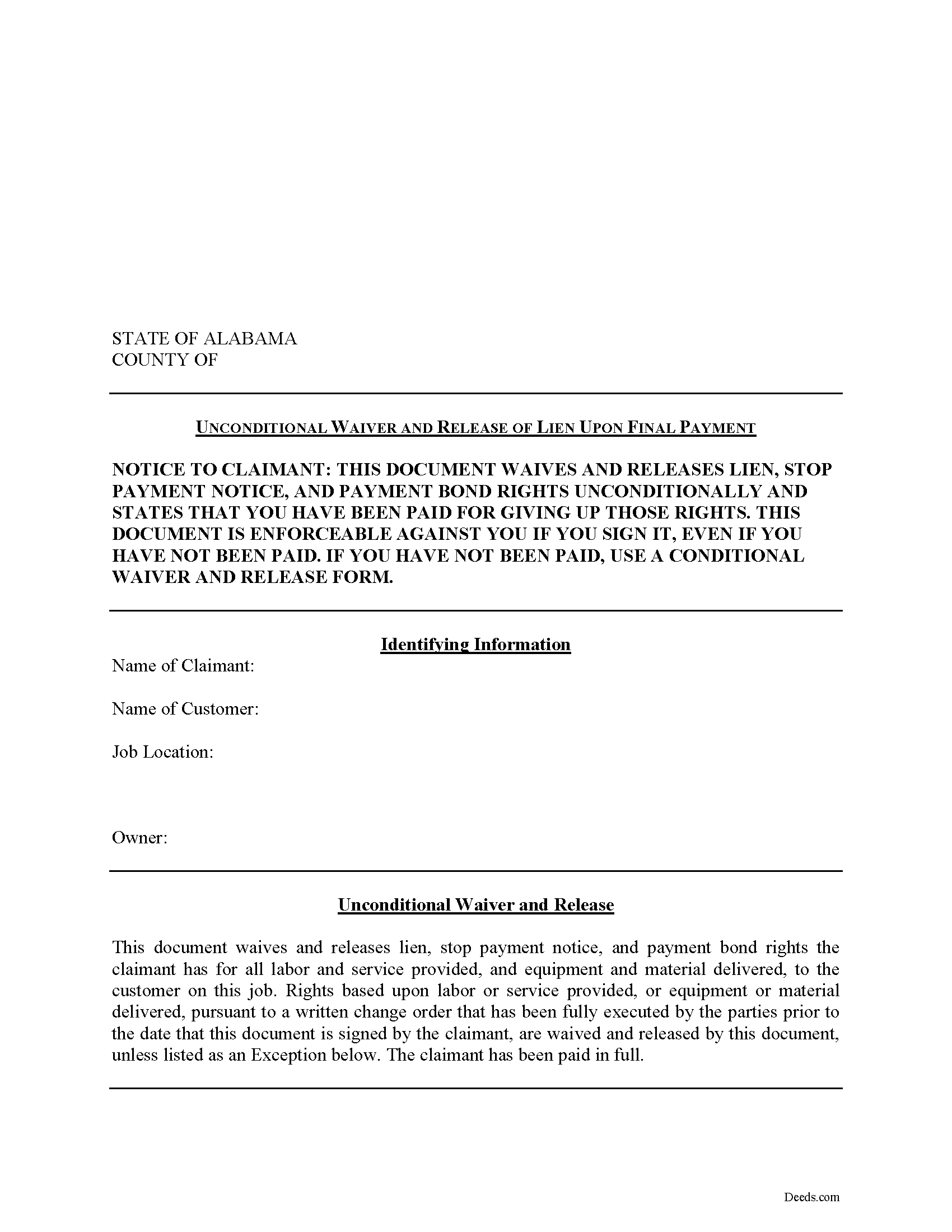
Marshall County Unconditional Lien Waiver on Final Payment Form
Fill in the blank Unconditional Lien Waiver on Final Payment form formatted to comply with all Alabama recording and content requirements.
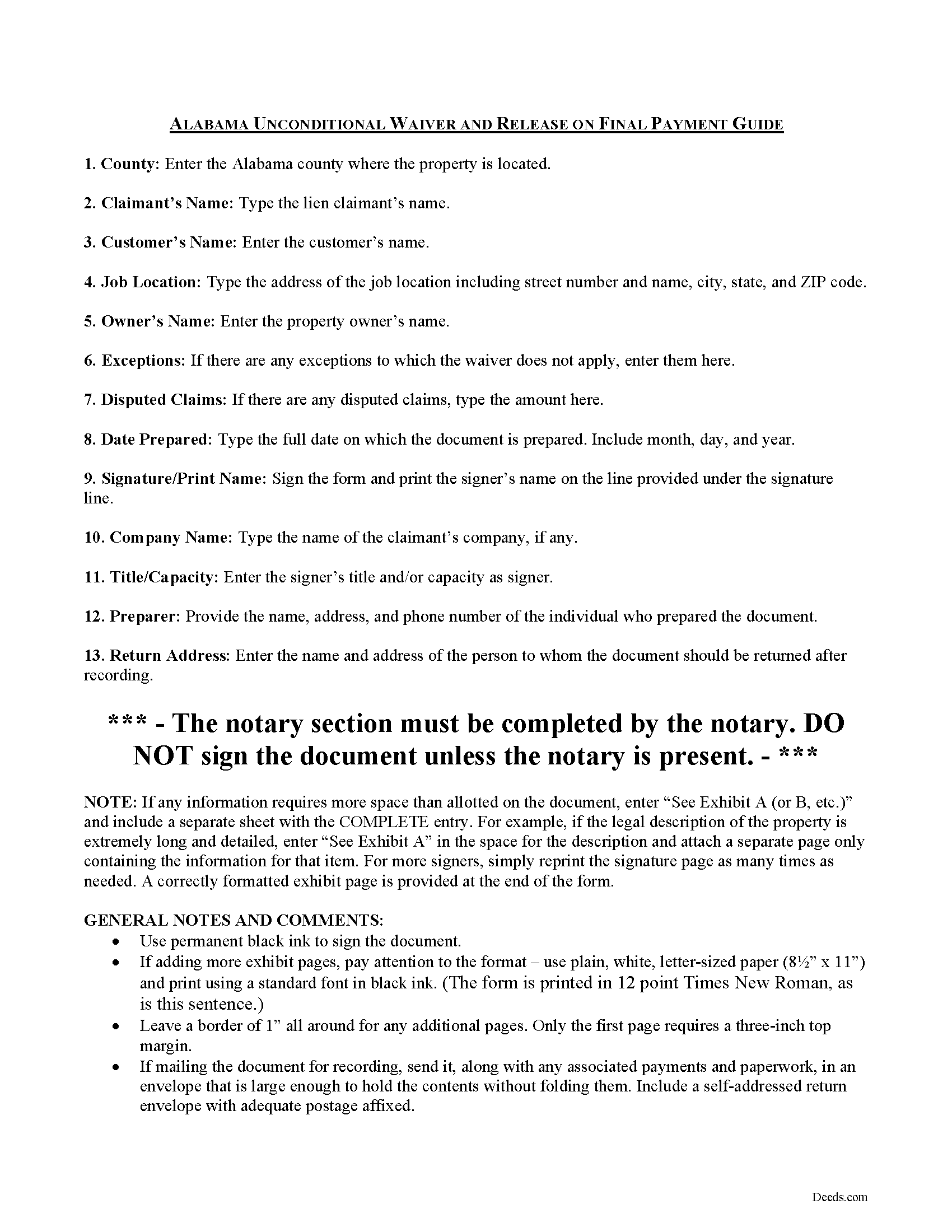
Marshall County Unconditional Lien Waiver on Final Payment Guide
Line by line guide explaining every blank on the form.
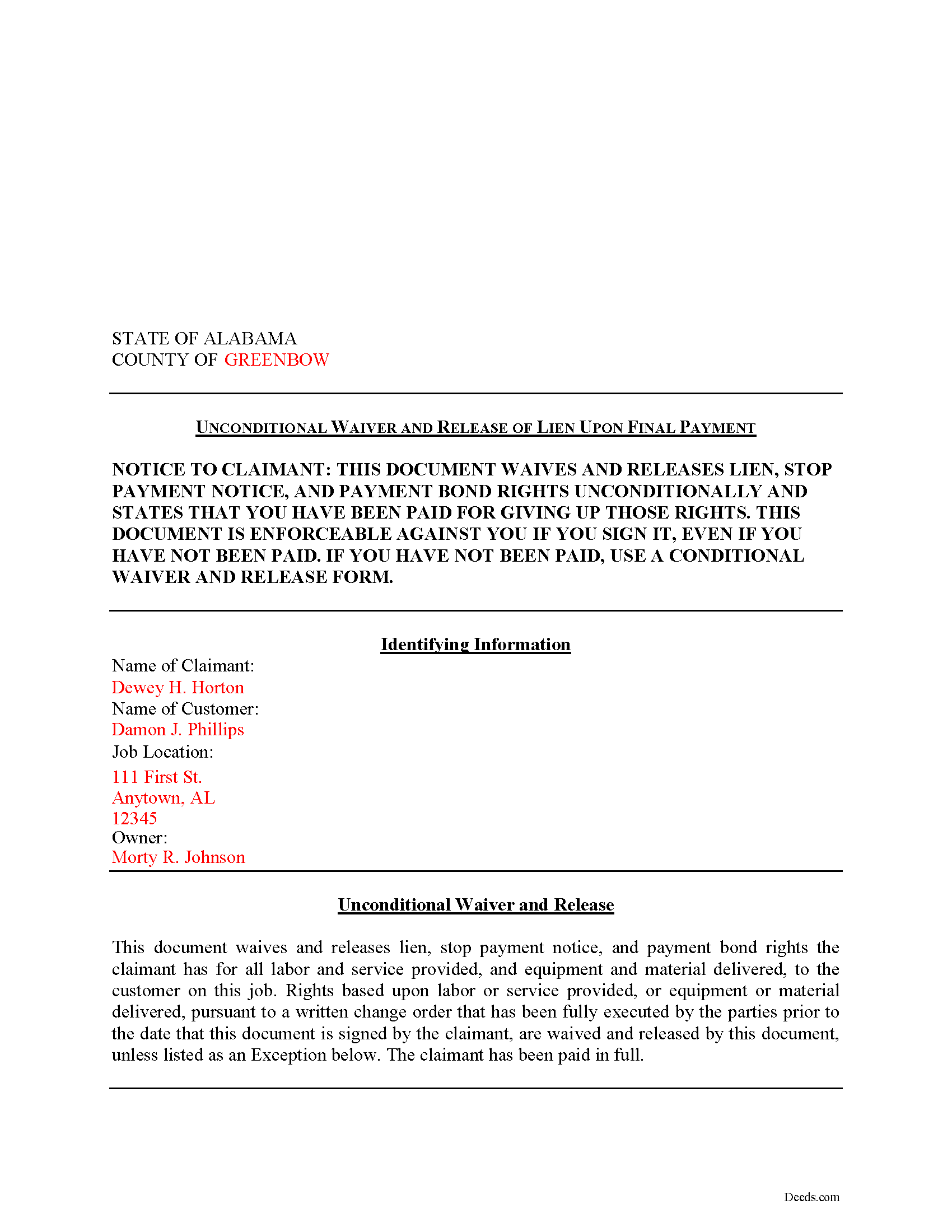
Marshall County Completed Example of the Unconditional Lien Waiver on Final Payment Document
Example of a properly completed form for reference.
All 3 documents above included • One-time purchase • No recurring fees
Immediate Download • Secure Checkout
Additional Alabama and Marshall County documents included at no extra charge:
Where to Record Your Documents
Marshall County Probate Judge
Guntersville, Alabama 35976
Hours: 8:00am to 4:30pm M-F
Phone: (256) 571-7767 x208
Recording Tips for Marshall County:
- Bring your driver's license or state-issued photo ID
- Ensure all signatures are in blue or black ink
- Ask if they accept credit cards - many offices are cash/check only
- Check that your notary's commission hasn't expired
- Documents must be on 8.5 x 11 inch white paper
Cities and Jurisdictions in Marshall County
Properties in any of these areas use Marshall County forms:
- Albertville
- Arab
- Boaz
- Douglas
- Grant
- Guntersville
- Horton
- Union Grove
Hours, fees, requirements, and more for Marshall County
How do I get my forms?
Forms are available for immediate download after payment. The Marshall County forms will be in your account ready to download to your computer. An account is created for you during checkout if you don't have one. Forms are NOT emailed.
Are these forms guaranteed to be recordable in Marshall County?
Yes. Our form blanks are guaranteed to meet or exceed the applicable formatting requirements used for recording in Marshall County, including margin requirements, font requirements, and other layout standards. This guarantee applies to formatting, not to the legal sufficiency of information entered by the user or the suitability of a form for a particular transaction.
Can I reuse these forms?
Yes. You can reuse the forms for your personal use. For example, if you have multiple properties in Marshall County you only need to order once.
What do I need to use these forms?
The forms are PDFs that you fill out on your computer. The free Adobe Acrobat Reader is recommended, and most PDF apps also work. You do NOT enter your property information online - you download the blank forms and complete them privately on your own computer.
Are there any recurring fees?
No. This is a one-time purchase. Nothing to cancel, no memberships, no recurring fees.
How much does it cost to record in Marshall County?
Recording fees in Marshall County vary. Contact the recorder's office at (256) 571-7767 x208 for current fees.
Questions answered? Let's get started!
Alabama Unconditional Waiver and Release of Lien on Final Payment
Alabama mechanic's liens are governed under Chapter 11 of the Alabama Property Code (Section 11). Throughout the construction process, potential claimants may elect to serve the property owner with a lien waiver in exchange for partial or full payment.
The term "waiver" refers to giving up a legal right. In this case, the person granting the waiver is giving up the right to seek a mechanic's lien for all or part of the amount due. This assurance is usually enough to get the other party to pay. In Alabama, there are no statutory forms for waivers although according to the principles of contract law, the parties may agree to such modifications in writing.
Waivers generally come in four varieties: conditional or unconditional, and partial or final. A conditional waiver means the waiver is conditioned upon the claimant receiving the amount due, while unconditional waivers are effective regardless if payment is actually made. Partial waivers are used to waive a lien for up to the partial or progress payment amount, and final waivers release all lien rights based on a customer's full payment.
Use the final unconditional waiver when a full and final payment is made and collectability of the amount due is not an issue. Only grant an unconditional waiver when payment is made through a verified method. The waiver is effective up to the full amount due and the claimant waives any lien rights without condition. This type of waiver is more favorable to property owners, so contractors or materials suppliers should exercise extreme caution and ensure payment is received before granting one.
This article is provided for informational purposes only and should not be relied upon as a substitute for the advice from an attorney. Please contact an attorney with questions about waivers or anything else related mechanic's liens in Alabama.
Important: Your property must be located in Marshall County to use these forms. Documents should be recorded at the county recording office listed above.
This Unconditional Lien Waiver on Final Payment meets all recording requirements specific to Marshall County.
Our Promise
The documents you receive here are guaranteed to meet or exceed the applicable Marshall County recording format requirements. If there is a rejection caused by our formatting, we will correct the issue or refund your payment. This guarantee applies to document formatting only and does not extend to information entered by the user, the selection of the form, or the legal effect of the completed document.
Save Time and Money
Get your Marshall County Unconditional Lien Waiver on Final Payment form done right the first time with Deeds.com Uniform Conveyancing Blanks. At Deeds.com, we understand that your time and money are valuable resources, and we don't want you to face a penalty fee or rejection imposed by a county recorder for submitting nonstandard documents. We constantly review and update our forms to meet rapidly changing state and county recording requirements for roughly 3,500 counties and local jurisdictions.
4.8 out of 5 - ( 4,828 Reviews )
Anne G. 5 out of 5 stars
I used deeds.com's services for the first time while the Stay at Home Order is in effect and found it to be very user friendly and seamless. I am very impressed.
Thank you Anne, glad we could help.
Kenneth H. 5 out of 5 stars
Easy download, informative examples. Very good experience.
We appreciate your business and value your feedback. Thank you. Have a wonderful day!
Greg G. 5 out of 5 stars
Easiest Filing I've ever done, and filed in 24 hours.
Thank you!
Kevin H. 5 out of 5 stars
Quick and easy to find the forms I needed. And the download was easy.
Thank you for your feedback. We really appreciate it. Have a great day!
Nancy N. 5 out of 5 stars
Very easy to use. Appreicate the sample filled out forms and the guide book. Thank you!
Thank you for your feedback. We really appreciate it. Have a great day!
Lucinda L. 5 out of 5 stars
mostly good; however, you need to update the annual exclusion gift amount from $14,000 to $15,000 (where it has ben for several years), and you need to make your Gift Deed final paragraph be gender neutral like "they" or "he or she" rather than just"he". We women lawyers and our women clients appreciate that.
Thank you for your feedback. We really appreciate it. Have a great day!
Regina G. 5 out of 5 stars
Very good customer service. Would recommend them highly.
Thank you!
Joseph K. 5 out of 5 stars
I'm very impressed. We're a small nonprofit, and we usually walk our documents into our county offices for recording. So I was a little bit skeptical about how things would work if we did it electronically. But it was a smooth, quick, painless, and reasonably priced process. I expect that this will be our preferred method even after county offices re-open.
Thank you for your feedback. We really appreciate it. Have a great day!
Lanette H. 5 out of 5 stars
I liked getting the forms but I was charged twice for some reason. I'm not sure what happened with that. Can you reimburse me? Thank you. Lanette
Thank you for your feedback Lanette. In review, it looks like your first payment was declined, second one was approved and processed. What you are seeing is one payment and a hold placed by your financial institution for the declined attempt. We are not sure why they do this but the hold usually falls off after a few day depending on their policy. If you have further questions about this you can contact your financial institution and they will explain. Have a great day.
ROBERT L. 5 out of 5 stars
I got a blank, a sample and detailed instructions, I'm happy. If the recorder's office had a form as they like to see, with your name as they like to see, and the property name as they like to see, no one would ever pay a lawyer for this but a little time to look up the exact names and this package you're all set. I recommend this because, while it isn't difficult, making a mistake could be very bad so getting the details right for a particular county is well worth the cost.
We appreciate your business and value your feedback. Thank you. Have a wonderful day!
Warren R. 4 out of 5 stars
Nice service at a fair price. Website is not very user oriented. Messages accumulate in the messages area but are not emailed to the client. If you used the service regularly, it would be more understandable but for a first time or occasional user, the site can be time consuming.
Thank you!
Jared D. 5 out of 5 stars
Yes it was awsome experience,thank you
Thank you!
Beverly M. 5 out of 5 stars
GREAT FORMS. THANK YOU.
Thank you!
Lora N. 5 out of 5 stars
Excellent, easy to use! Awesome system. Loved it.
Thank you!
brian d. 5 out of 5 stars
I am a Loan Officer and this website saves me a bunch of time. Love it!
We appreciate your business and value your feedback. Thank you. Have a wonderful day!