Skagway Hoonah Angoon Borough Quitclaim Deed (Trustee Grantee) Form
Last validated October 26, 2026 by our Forms Development TeamFormatted for recording in Skagway Hoonah Angoon Borough, for property anywhere in the borough or census area: rural and unincorporated areas as well as Angoon, Elfin Cove, Gustavus, Hoonah, Pelican, Skagway, Tenakee Springs.
- 3 documents included
- Immediate PDF download
- Formatting guarantee
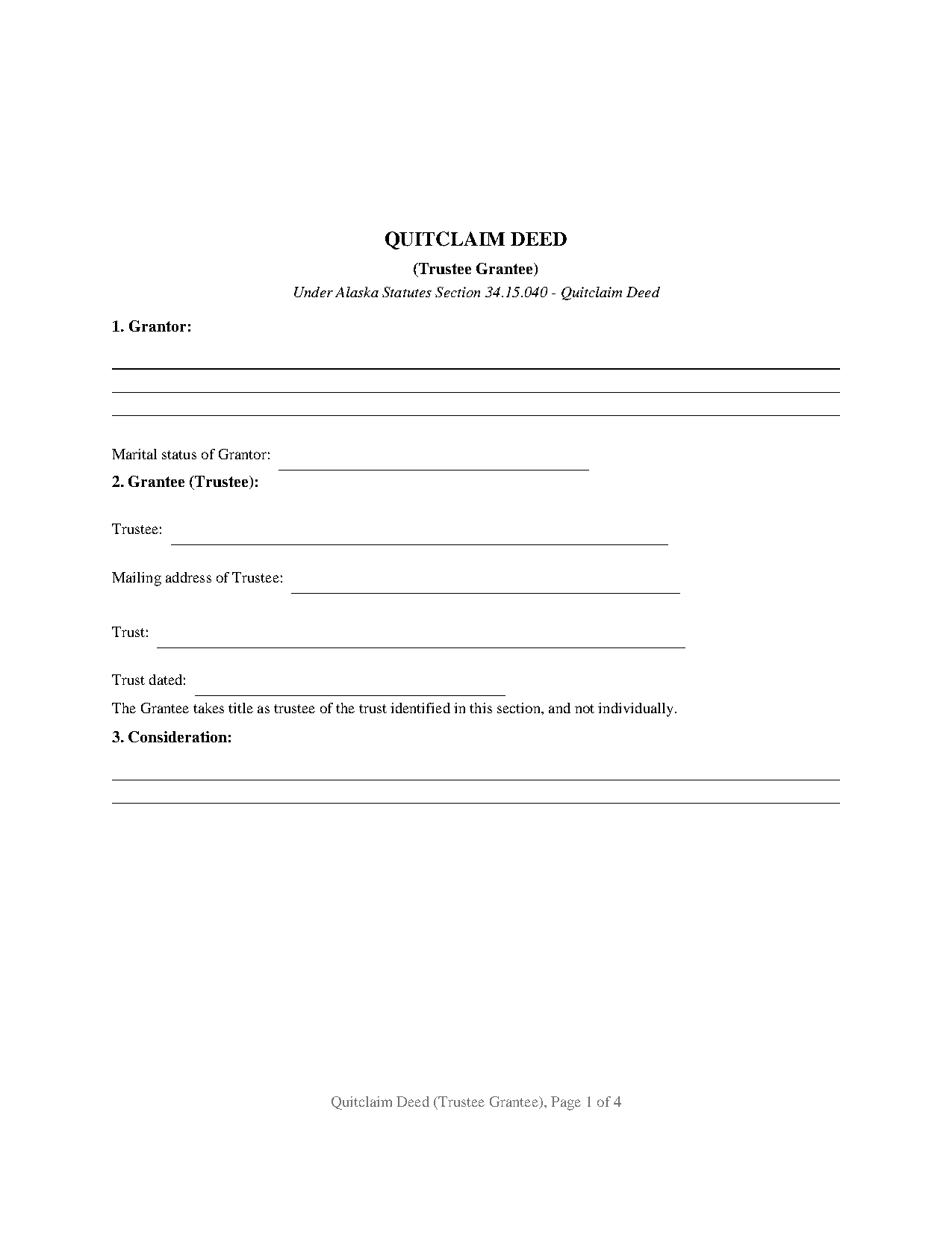
Skagway Hoonah Angoon Borough Quitclaim Deed (Trustee Grantee) Form
Fill in the blank Quitclaim Deed (Trustee Grantee) form formatted to comply with all Alaska recording and content requirements.
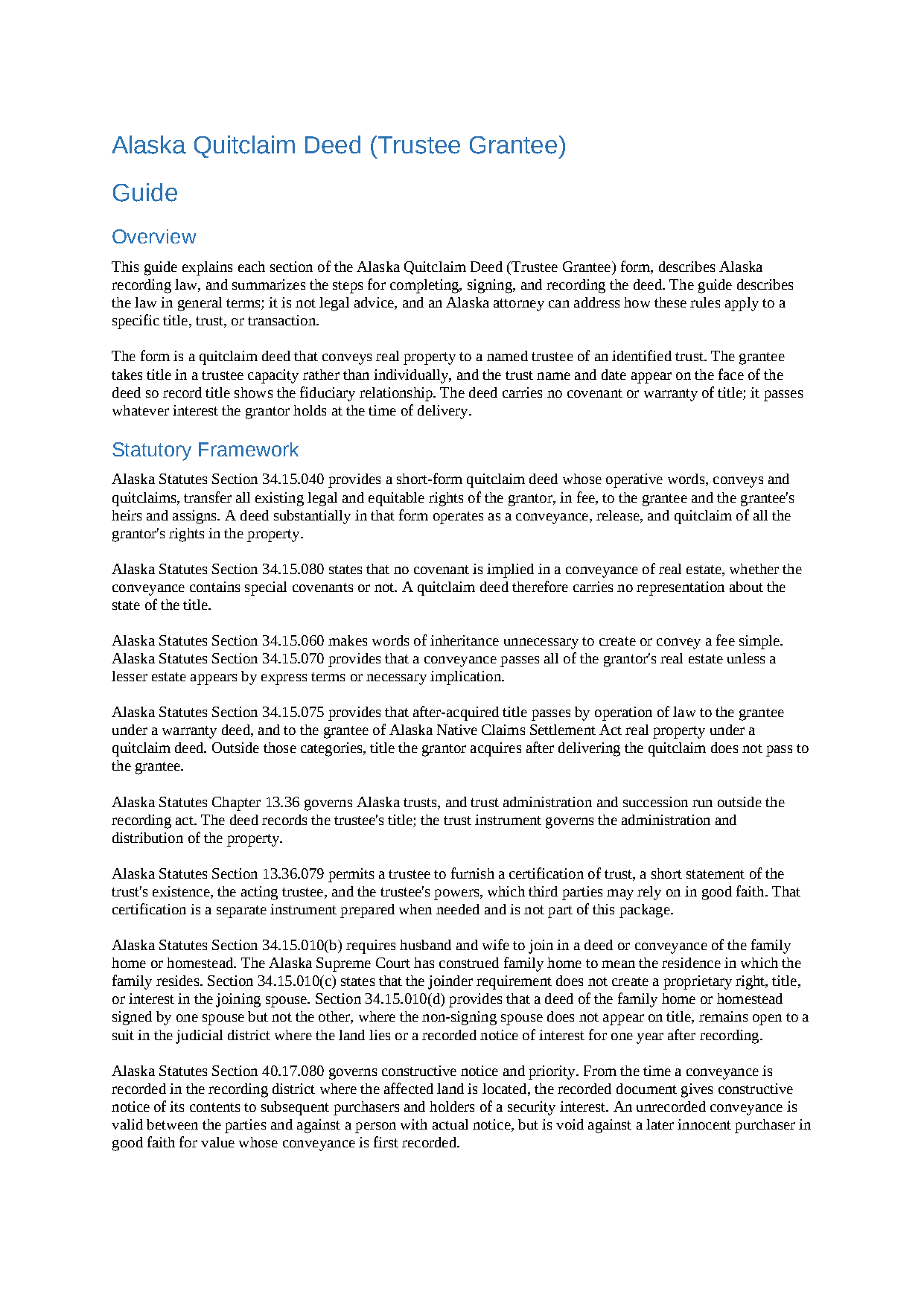
Skagway Hoonah Angoon Borough Quitclaim Deed (Trustee Grantee) Guide
Line by line guide explaining every blank on the Quitclaim Deed (Trustee Grantee) form.
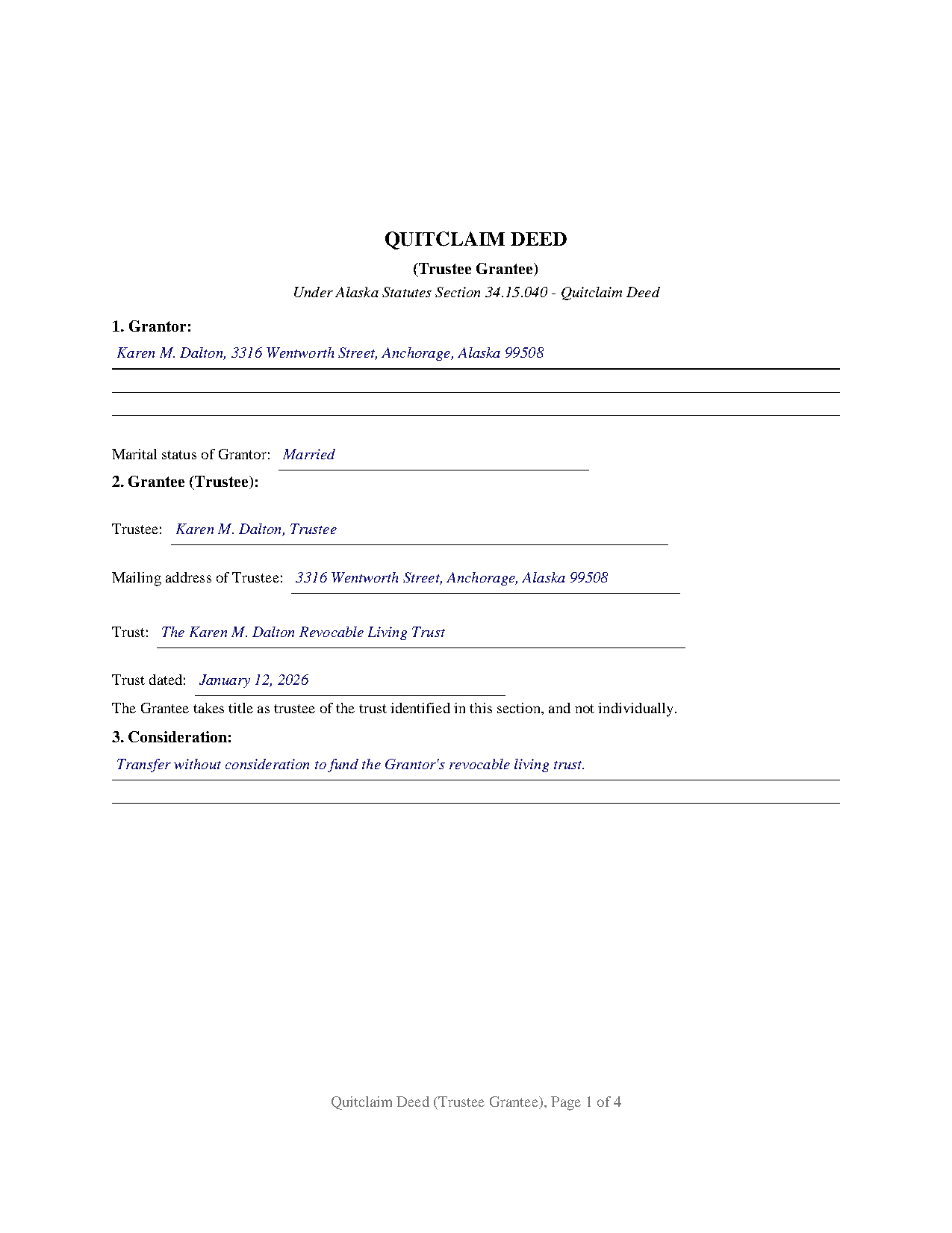
Skagway Hoonah Angoon Borough Completed Example of the Quitclaim Deed (Trustee Grantee) Document
Example of a properly completed Alaska Quitclaim Deed (Trustee Grantee) document for reference.
All 3 documents above included • One-time purchase • No recurring fees
Immediate Download • Secure Checkout
Additional Alaska and Skagway Hoonah Angoon Borough documents included at no extra charge:
Where to Record Your Documents
Juneau Office (for Skagway, Petersburg & Juneau District)
Juneau, Alaska 99801 / 99811-1013
Hours: 8:00 to 3:30 M-F
Phone: (907) 465-2514
Recording Tips for Skagway Hoonah Angoon Borough:
- Bring your driver's license or state-issued photo ID
- Ensure all signatures are in blue or black ink
- Both spouses typically need to sign if property is jointly owned
- Bring extra funds - fees can vary by document type and page count
- Check margin requirements - usually 1-2 inches at top
Cities and Jurisdictions in Skagway Hoonah Angoon Borough
Properties in any of these areas use Skagway Hoonah Angoon Borough forms:
- Angoon
- Elfin Cove
- Gustavus
- Hoonah
- Pelican
- Skagway
- Tenakee Springs
Hours, fees, requirements, and more for Skagway Hoonah Angoon Borough
How do I get my forms?
Forms are available for immediate download after payment. The Skagway Hoonah Angoon Borough forms will be in your account ready to download to your computer. An account is created for you during checkout if you don't have one. Forms are NOT emailed.
Are these forms guaranteed to be recordable in Skagway Hoonah Angoon Borough?
Yes. Our form blanks are guaranteed to meet or exceed the applicable formatting requirements used for recording in Skagway Hoonah Angoon Borough, including margin requirements, font requirements, and other layout standards. This guarantee applies to formatting, not to the legal sufficiency of information entered by the user or the suitability of a form for a particular transaction.
Can I reuse these forms?
Yes. You can reuse the forms for your personal use. For example, if you have multiple properties in Skagway Hoonah Angoon Borough you only need to order once.
What do I need to use these forms?
The forms are PDFs that you fill out on your computer. The free Adobe Acrobat Reader is recommended, and most PDF apps also work. You do NOT enter your property information online - you download the blank forms and complete them privately on your own computer.
Are there any recurring fees?
No. This is a one-time purchase. Nothing to cancel, no memberships, no recurring fees.
How much does it cost to record in Skagway Hoonah Angoon Borough?
Recording fees in Skagway Hoonah Angoon Borough vary. Contact the recorder's office at (907) 465-2514 for current fees.
Questions answered? Let's get started!
The grantee entry is what sets this deed apart: it names a trustee, together with the trust's name and the date of the trust instrument, so record title lands in a fiduciary capacity rather than in an individual's own right. This is the Alaska quitclaim deed configured for a trustee grantee, the conveyance pattern that moves Alaska real property into a trust with no warranty of title. The deed itself then says what the entry means, stating on its face that the grantee takes title as trustee of the identified trust and not individually.
A Grantee Who Takes Title as Trustee
The form recites one grantor and one trustee grantee. Its grantee section carries three identifying entries, the trustee's name with the trustee designation, the trustee's mailing address, and the trust's name and date, followed by the printed capacity sentence. One signature block serves the grantor, with a conditional joinder block for a grantor's spouse when the property conveyed is the family home or homestead under Alaska Statutes Section 34.15.010(b); the form carries a separate acknowledgment certificate for each of those two signatures. The pattern that presents this configuration most often in the record is an owner funding a revocable living trust, signing as grantor and taking title again on the same page as trustee. Conveyances into family trusts and land trusts present the same single-grantor, single-trustee structure. What the form is not set up as: a deed out of a trust, where the trustee signs as grantor in a stated fiduciary capacity, follows a different execution pattern, and a conveyance by multiple record owners or to co-trustees exceeds the party blocks this form carries.
Why a Quitclaim Into a Trust
Alaska Statutes Section 34.15.040 supplies the statutory quitclaim form, built on the words conveys and quitclaims. A deed substantially in that form passes all existing legal and equitable rights of the grantor, in fee, and Section 34.15.080 bars implied covenants, so nothing in the instrument warrants the state of title. Between an owner and that owner's own trust, title covenants have no work to do, which is why the quitclaim form, also searched as a quit claim deed or non-warranty deed, is the instrument that appears again and again in trust funding transfers. The trustee takes exactly the interest the grantor held, and the property's existing title insurance, liens, and recorded restrictions carry forward unchanged.
The Trust Stays Off the Record
Alaska requires neither the trust's beneficiaries nor its terms to appear in the deed, and no certificate of trust is recorded with it. The deed identifies the trust by name and date, and the trust instrument itself stays private. When a later transaction calls for proof of the trustee's authority, Alaska Statutes Section 13.36.079 lets the trustee furnish a certification of trust, a short statement of the trust's existence, the acting trustee, and the trustee's powers that third parties may rely on in good faith; that certification is prepared separately when needed and is not included in this package. The statute even backs the privacy with a penalty for a person who demands the full trust instrument without good faith.
Recording With the District Recorder
The completed deed identifies the recording district where the property is located and is submitted, with the recording fee, to Alaska's statewide recording system administered by the Department of Natural Resources. The state's format rules in 11 AAC 06.040 reserve two inches at the top of the first page for the recorder and set one inch margins elsewhere, and this form is built to those measurements. Alaska imposes no statewide transfer tax on an ordinary deed, and a trustee grantee adds no extra filing: the recorder asks the same things of this deed as of any conveyance, including the trustee's complete mailing address as the acquiring party and a return address for the recorded original. Under the recording statute, AS 40.17.080, the deed is valid between the parties on delivery, but recording is what protects the trustee's title against a later purchaser without notice.
The download package contains the fillable quitclaim deed form built to Alaska's recording standards, a completed example showing a trust funding transfer recorded in the Anchorage Recording District, and a guide that walks through every section of the form and the recording process. The materials are informational and are not legal advice; an Alaska attorney can address how these rules operate on a specific title or trust.
Important: Your property must be located in Skagway Hoonah Angoon Borough to use these forms. Documents should be recorded at the borough or census area recording office listed above.
This Quitclaim Deed (Trustee Grantee) meets all recording requirements specific to Skagway Hoonah Angoon Borough.
Our Promise
The documents you receive here are guaranteed to meet or exceed the applicable Skagway Hoonah Angoon Borough recording format requirements. If there is a rejection caused by our formatting, we will correct the issue or refund your payment. This guarantee applies to document formatting only and does not extend to information entered by the user, the selection of the form, or the legal effect of the completed document.
Save Time and Money
Get your Skagway Hoonah Angoon Borough Quitclaim Deed (Trustee Grantee) form done right the first time with Deeds.com Uniform Conveyancing Blanks. At Deeds.com, we understand that your time and money are valuable resources, and we don't want you to face a penalty fee or rejection imposed by a county recorder for submitting nonstandard documents. We constantly review and update our forms to meet rapidly changing state and county recording requirements for roughly 3,500 counties and local jurisdictions.
4.8 out of 5 - ( 4,839 Reviews )
Linda W. 5 out of 5 stars
Fast service. From the time I sent my Quit Claim Deed to deeds.com, and six hours later my deed was recorded. It was painless, great convenience.
Thank you!
David W. 5 out of 5 stars
Excellent assistance provided by your forms, guide and example.
Thank you!
Dianna K. 5 out of 5 stars
Excellent customer service - couldnt have been any more helpful, with a smile I could hear through the phone!
Thank you!
Kathy O. 5 out of 5 stars
I was so happy to be able to print the Quit Claim Deed form and learn about other forms. Very pleased with this service! Took the stress out of preparing needed deeds for notirization for our Trust. Very grateful. Thank you. Kathy
We appreciate your business and value your feedback. Thank you. Have a wonderful day!
Jan C. 5 out of 5 stars
Wow - finding your service was a lifesaver! I know my forms, but I don't have the time right now to draft them from "scratch". So once I found this site it was a couple of quick clicks and VOILA!! almost a done deal. Thanks for the assistance.
Thank you for your feedback. We really appreciate it. Have a great day!
MARY P. 5 out of 5 stars
Quick easy and reliable. Thank you
Happy we could assist. Thank you for sharing your experience.
Jeanne P. 5 out of 5 stars
very easy to use and at an affordable price. Thank you!!
We appreciate your business and value your feedback. Thank you. Have a wonderful day!
Annie R. 5 out of 5 stars
Excellent service. Documents easy to understand and use.
We appreciate your business and value your feedback. Thank you. Have a wonderful day!
Jacqueline G. 5 out of 5 stars
Great site, user friendly. Exactly what we needed and the detailed instructions/completed sample were a nice touch.
We appreciate your business and value your feedback. Thank you. Have a wonderful day!
Quanah N. 5 out of 5 stars
Instruction easy to follow
Thank you!
Roy M. 5 out of 5 stars
Excellent service. Easy to use
We appreciate your business and value your feedback. Thank you. Have a wonderful day!
Kay C. 5 out of 5 stars
that worked great I like to see what I'm filling out and the extra info is really helpful..
Thank you!
Cynthia G. 5 out of 5 stars
Thank you for this service, very helpful
We appreciate your business and value your feedback. Thank you. Have a wonderful day!
Sue C. 5 out of 5 stars
Very helpful. Easy to use. Able to avoid the cost of having an attorney prepare the document I needed.
Your appreciative words mean the world to us. Thank you and we look forward to serving you again!
John M. 5 out of 5 stars
I ordered my gift deed forms one evening, filled them out the next day, and registered them with the register of deeds the next morning. Boom. Done! Easy peasy, no lawyer expense!
Thank you!