Garland County Scrivener's Error Affidavit Form
Last validated October 26, 2026 by our Forms Development TeamFormatted for recording in Garland County, for property anywhere in the county: rural and unincorporated areas as well as Hot Springs National Park, Hot Springs Village, Jessieville, Lonsdale, Mountain Pine, Pearcy, Royal.
- 3 documents included
- Immediate PDF download
- Formatting guarantee
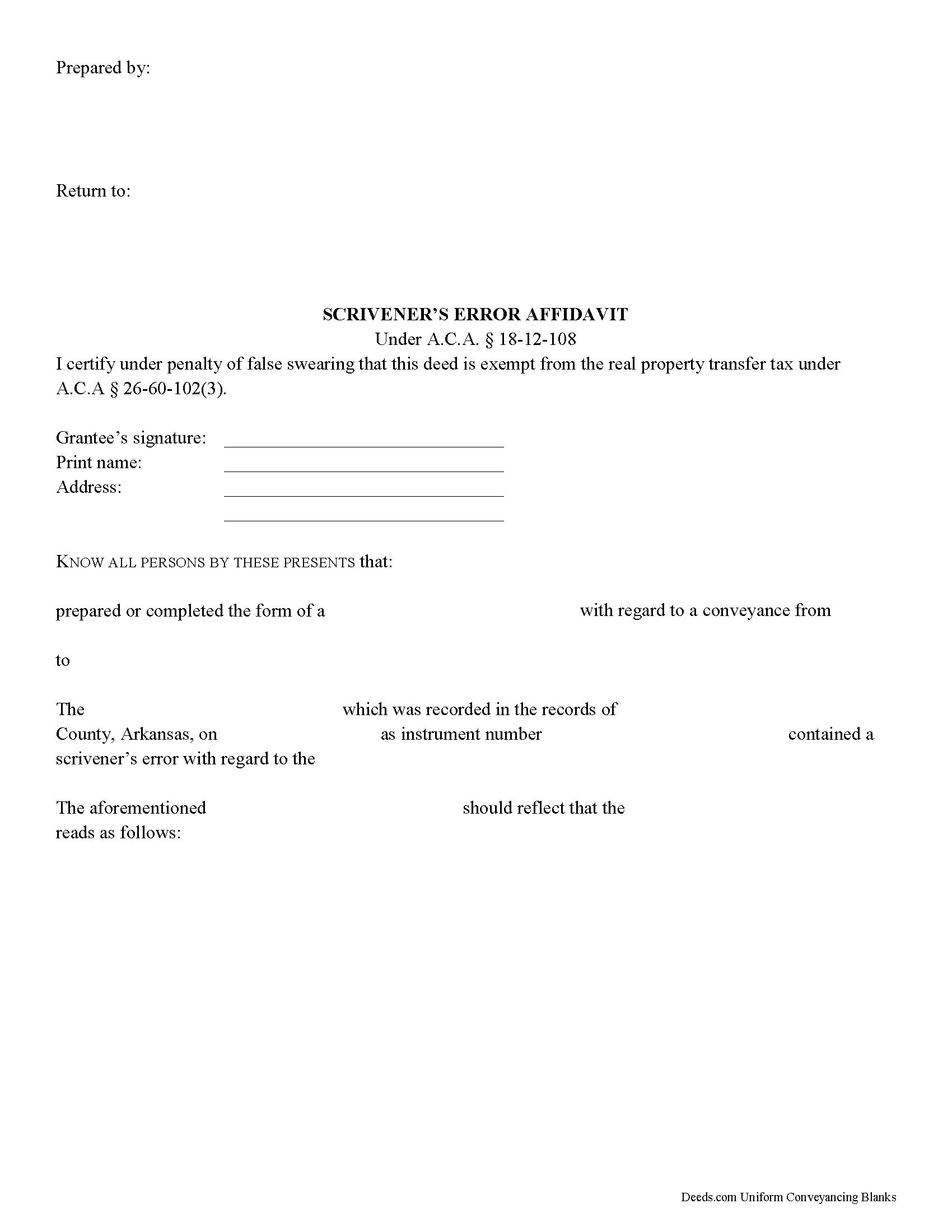
Garland County Scrivener's Error Affidavit Form
Fill in the blank Scrivener's Error Affidavit form formatted to comply with all Arkansas recording and content requirements.
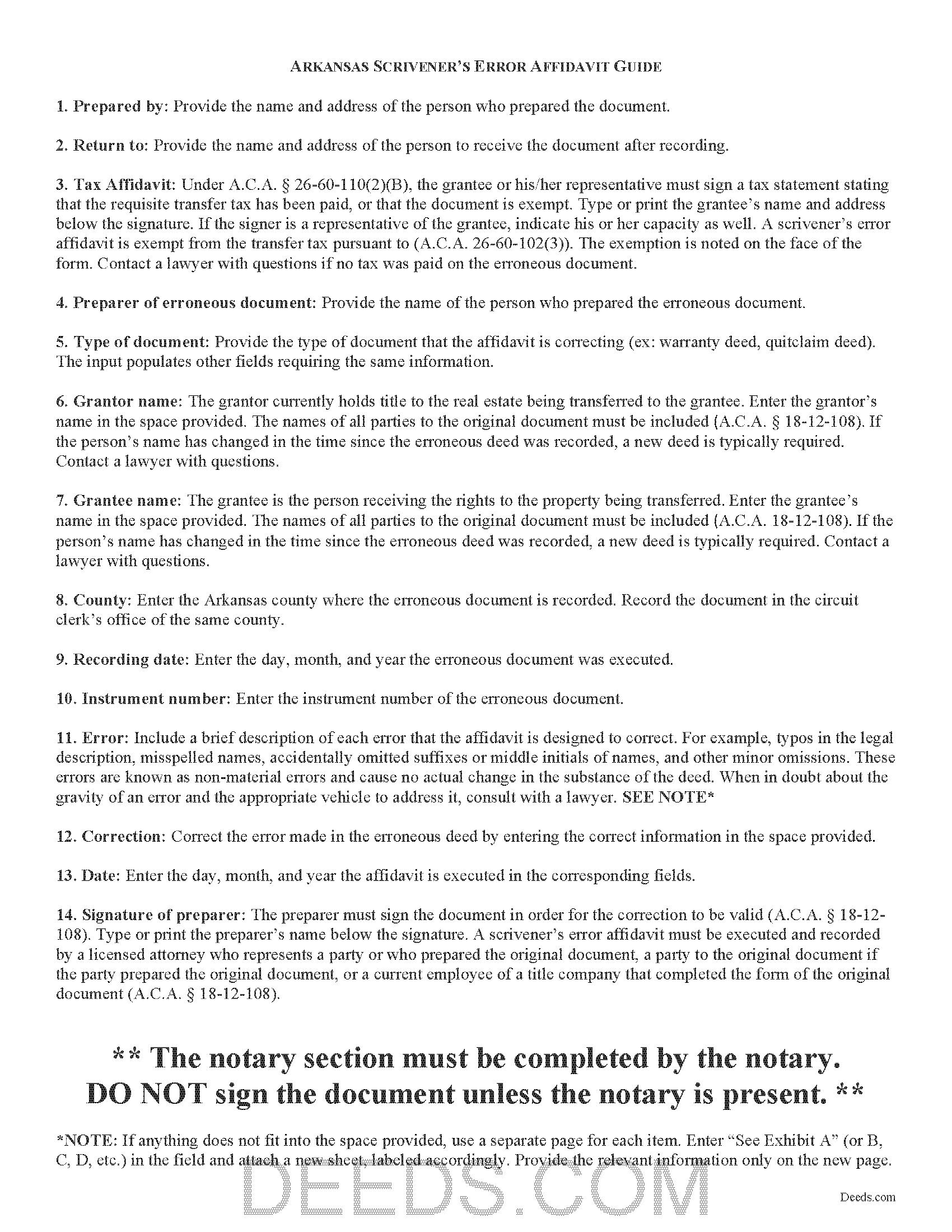
Garland County Scrivener's Error Affidavit Guide
Line by line guide explaining every blank on the Scrivener's Error Affidavit form.
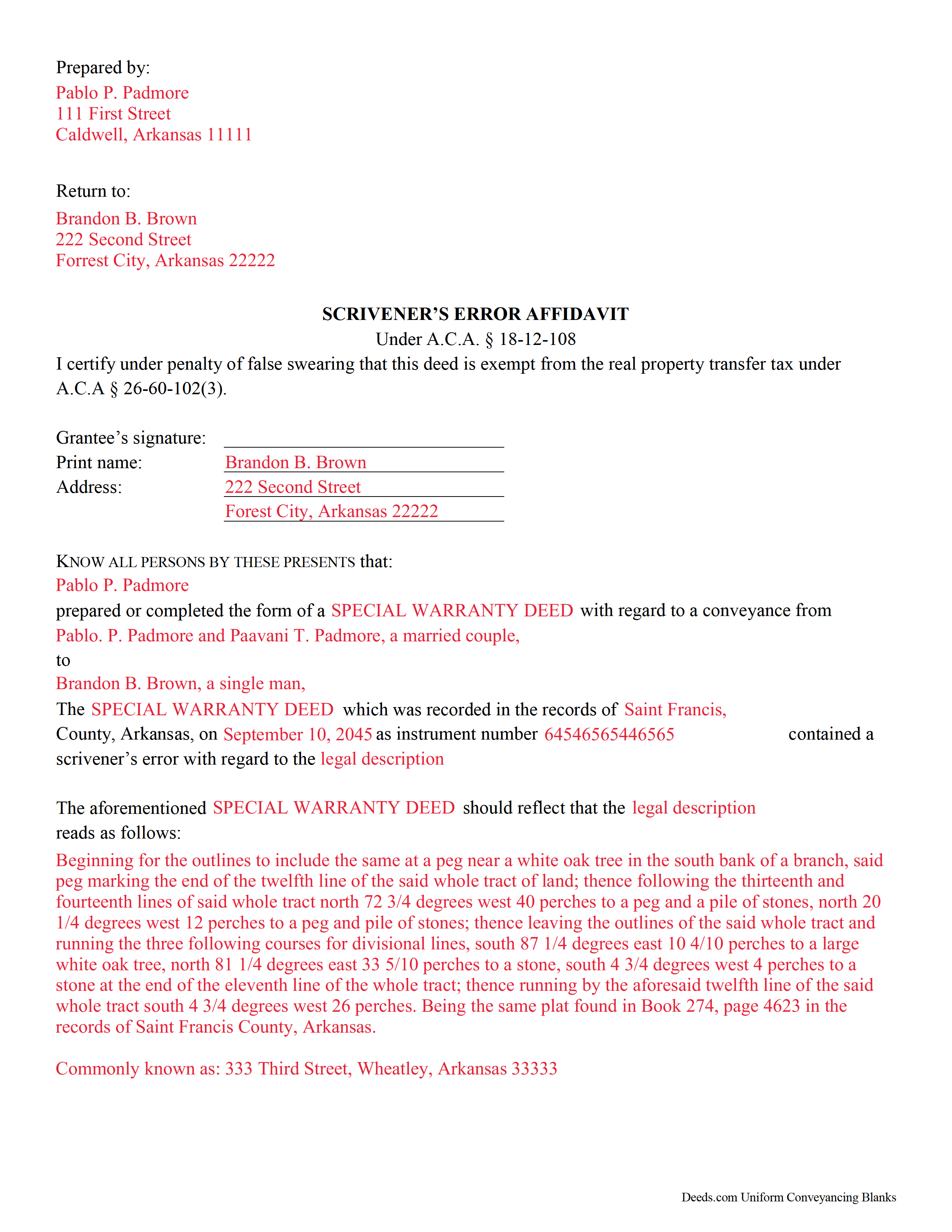
Garland County Completed Example of the Scrivener's Error Affidavit Document
Example of a properly completed Arkansas Scrivener's Error Affidavit document for reference.
All 3 documents above included • One-time purchase • No recurring fees
Immediate Download • Secure Checkout
Additional Arkansas and Garland County documents included at no extra charge:
Where to Record Your Documents
Garland County Circuit Clerk
Hot Springs, Arkansas 71901
Hours: 8:00am-5:00pm M-F
Phone: (501) 622-3630
Recording Tips for Garland County:
- Bring your driver's license or state-issued photo ID
- Ensure all signatures are in blue or black ink
- Make copies of your documents before recording - keep originals safe
- Recorded documents become public record - avoid including SSNs
- Recording fees may differ from what's posted online - verify current rates
Cities and Jurisdictions in Garland County
Properties in any of these areas use Garland County forms:
- Hot Springs National Park
- Hot Springs Village
- Jessieville
- Lonsdale
- Mountain Pine
- Pearcy
- Royal
Hours, fees, requirements, and more for Garland County
How do I get my forms?
Forms are available for immediate download after payment. The Garland County forms will be in your account ready to download to your computer. An account is created for you during checkout if you don't have one. Forms are NOT emailed.
Are these forms guaranteed to be recordable in Garland County?
Yes. Our form blanks are guaranteed to meet or exceed the applicable formatting requirements used for recording in Garland County, including margin requirements, font requirements, and other layout standards. This guarantee applies to formatting, not to the legal sufficiency of information entered by the user or the suitability of a form for a particular transaction.
Can I reuse these forms?
Yes. You can reuse the forms for your personal use. For example, if you have multiple properties in Garland County you only need to order once.
What do I need to use these forms?
The forms are PDFs that you fill out on your computer. The free Adobe Acrobat Reader is recommended, and most PDF apps also work. You do NOT enter your property information online - you download the blank forms and complete them privately on your own computer.
Are there any recurring fees?
No. This is a one-time purchase. Nothing to cancel, no memberships, no recurring fees.
How much does it cost to record in Garland County?
Recording fees in Garland County vary. Contact the recorder's office at (501) 622-3630 for current fees.
Questions answered? Let's get started!
Scrivener's Error Affidavits in Arkansas
What happens when an important document like a deed or a mortgage has been recorded, and an error is spotted after the fact? What can you do to fix it? One option may be filing a corrective scrivener's affidavit.
A scrivener's affidavit is an instrument containing sworn statements by the affiant, or person making the affidavit, that sets forth the intent of the original document by correcting a non-material error in a document which has been recorded at an earlier date. The Arkansas statutes specifically state that scrivener's affidavits may be used to correct the following: the identification, marital status, heirship, relation, death, or the time of death of a person; the identification of a corporation or other legal entity;or the legal description to real property (A.C.A. 18-12-108).
Major, or material, changes to the substance of the document have a legal effect in how property is titled, and therefore require a new deed. Adding or removing a grantee, for example, or making significant modifications to the legal description, may require a new document. When in doubt about the gravity of an error and the appropriate vehicle to address it, consult with a lawyer.
In order to be valid, the affidavit must include the name of the person or entity that completed or prepared the original instrument, and the names of all parties to the original instrument (A.C.A. 18-12-108). If the person's name has changed in the time since the erroneous document was recorded, a new document is typically required. The affidavit must also include the recording information from the original instrument. And of course, the affidavit states a brief description of each error and the correction itself (A.C.A. 18-12-108).
Because a scrivener's affidavit is correcting another document where the transfer tax has already been paid, it is exempt from said transfer tax pursuant to A.C.A. 26-60-102(3). Contact a lawyer with questions if no tax was paid on the recorded document.
The affidavit must be executed and recorded by one of the individuals listed in A.C.A. 18-12-108 who were party to the original document. The affiant must sign the document in order for the correction to be valid (A.C.A. 18-12-108). It must also meet all state and local standards for recorded documents. Submit the completed affidavit at the circuit clerk's office in the county where the real property is located (A.C.A. 18-12-108).
This article is provided for informational purposes only and is not a substitute for legal advice. Contact an attorney with questions about scrivener's affidavits, or for any other issues related to real property in Arkansas.
(Arkansas Correction Deed Package includes form, guidelines, and completed example)
Important: Your property must be located in Garland County to use these forms. Documents should be recorded at the county recording office listed above.
This Scrivener's Error Affidavit meets all recording requirements specific to Garland County.
Our Promise
The documents you receive here are guaranteed to meet or exceed the applicable Garland County recording format requirements. If there is a rejection caused by our formatting, we will correct the issue or refund your payment. This guarantee applies to document formatting only and does not extend to information entered by the user, the selection of the form, or the legal effect of the completed document.
Save Time and Money
Get your Garland County Scrivener's Error Affidavit form done right the first time with Deeds.com Uniform Conveyancing Blanks. At Deeds.com, we understand that your time and money are valuable resources, and we don't want you to face a penalty fee or rejection imposed by a county recorder for submitting nonstandard documents. We constantly review and update our forms to meet rapidly changing state and county recording requirements for roughly 3,500 counties and local jurisdictions.
4.8 out of 5 - ( 4,842 Reviews )
Robert K. 5 out of 5 stars
This document was exactly what I needed and with the corresponding sample I was easily able to complete it. This saved me a lot of money by not having to hire an attorney to fill out a form. Thank you!
Thank you for your feedback. We really appreciate it. Have a great day!
Melody L. 3 out of 5 stars
Beware, you cannot save the information you typed and change it later. It will be a PDF upon saving. So if you need corrections...you have to start all over!
Thank you for your feedback. We really appreciate it. Have a great day!
Douglas T. 5 out of 5 stars
Deeds.com supplied me with forms I needed immediately.
Thank you!
Jon W. 1 out of 5 stars
Useless for me. My deed could not be pulled. After investigation, I got a copy online directly from WV for $3. No one but editors of this will ever see this. Shame.
Thank you for your feedback. We really appreciate it. Have a great day!
Alan K. 5 out of 5 stars
All I needed was a simple Certificate of Trust. Deeds.com had a template for exactly what I needed. I didn't have to make an appt with an attorney, wait for one to be available, nor pay a ridiculous amount for a standardized document. Super easy.
Thank you for your feedback. We really appreciate it. Have a great day!
Jeannine W. 5 out of 5 stars
prompt, efficient service.
We appreciate your business and value your feedback. Thank you. Have a wonderful day!
Judith M. 5 out of 5 stars
You all have been very patient and helpful. Thank you.
Thank you!
Robert F. 5 out of 5 stars
Breeze.... It feels silly to hire an attorney to do this for just one beneficiary. Thanks.
Thank you for your feedback. We really appreciate it. Have a great day!
Abby H. 5 out of 5 stars
Purchased the forms to make a deed. They were available immediately as promised. Easy to use. The guide and example was a big help. Will definitely use again if/when needed. Thanks.
Thank you Abby, we appreciate you. Have a great day!
Linda K C. 5 out of 5 stars
I wanted to do an Enhancement Life Quitclaim deed and the county government lady didn’t know what I was even talking about. I ordered the deed from Deeds.com and filled it all in,submitted to the county clerk who took 10 minutes to study it before she accepted the deed. This was the easiest transaction I’ve ever made! I actually felt smarter than the clerk who worked at the count office over 20 years.
Thank you, Linda! We’re glad the process went smoothly and that our forms helped you complete your recording with confidence. We appreciate you taking the time to share your experience!
Byron M. 5 out of 5 stars
Prompt service... provide thorough explanation of what is needed to complete the recording.
Thank you for your feedback. We really appreciate it. Have a great day!
Tracy E. 5 out of 5 stars
This is so convenient. Thank you.
Thank you!
Esther R. 5 out of 5 stars
Very easy to follow and complete.
Thank you for your feedback. We really appreciate it. Have a great day!
Leesa N. 5 out of 5 stars
Easy, Fast, Inexpensive and Responsive!
We appreciate your business and value your feedback. Thank you. Have a wonderful day!
gary c. 5 out of 5 stars
process was easy and simple to do
Thank you for your feedback. We really appreciate it. Have a great day!