Trinity County Certificate of Trust Form
Last validated October 21, 2026 by our Forms Development TeamFormatted for recording in Trinity County, for property anywhere in the county: rural and unincorporated areas as well as Big Bar, Burnt Ranch, Douglas City, Hayfork, Hyampom, Junction City, Lewiston, Mad River and 4 more.
- 3 documents included
- Immediate PDF download
- Formatting guarantee
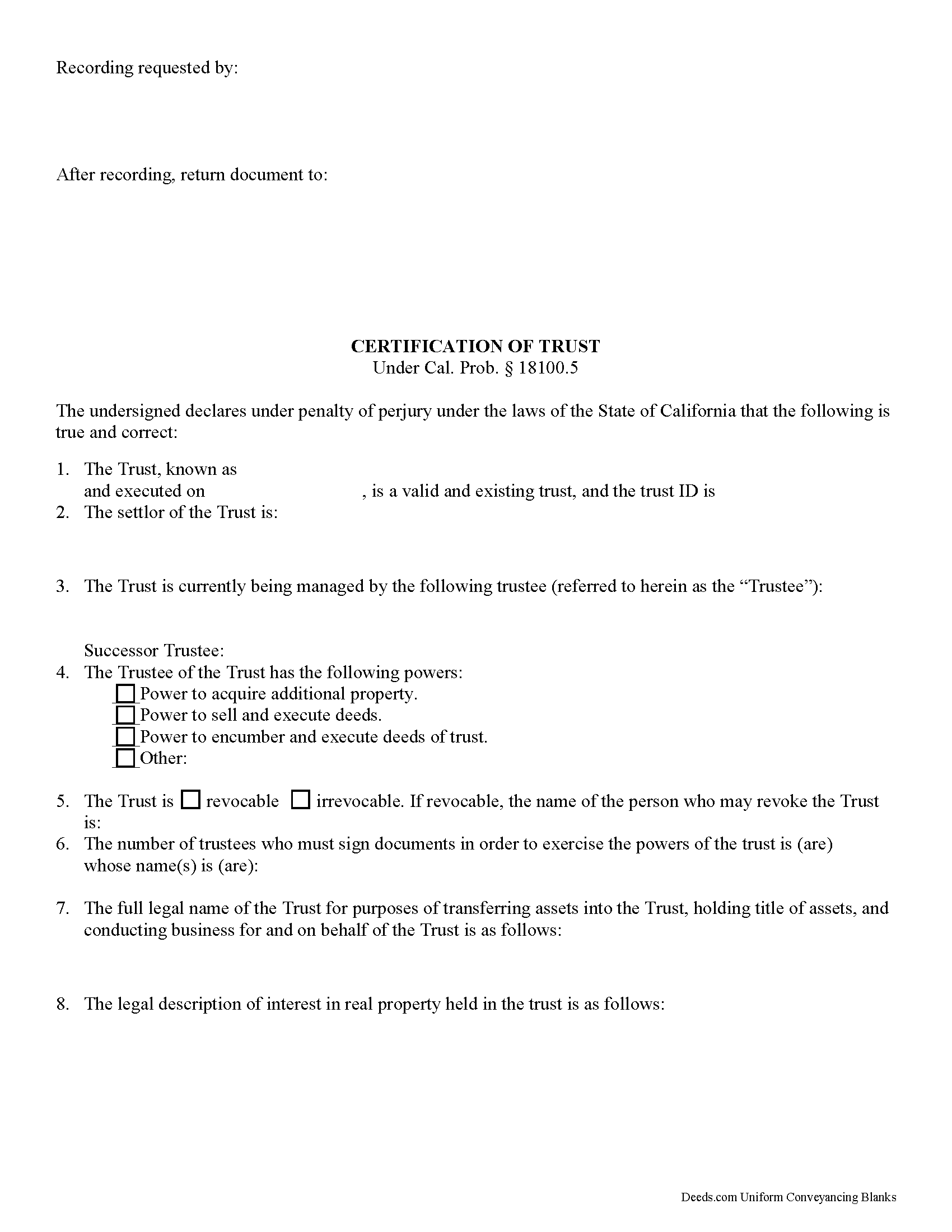
Trinity County Certificate of Trust Form
Fill in the blank form formatted to comply with all recording and content requirements.
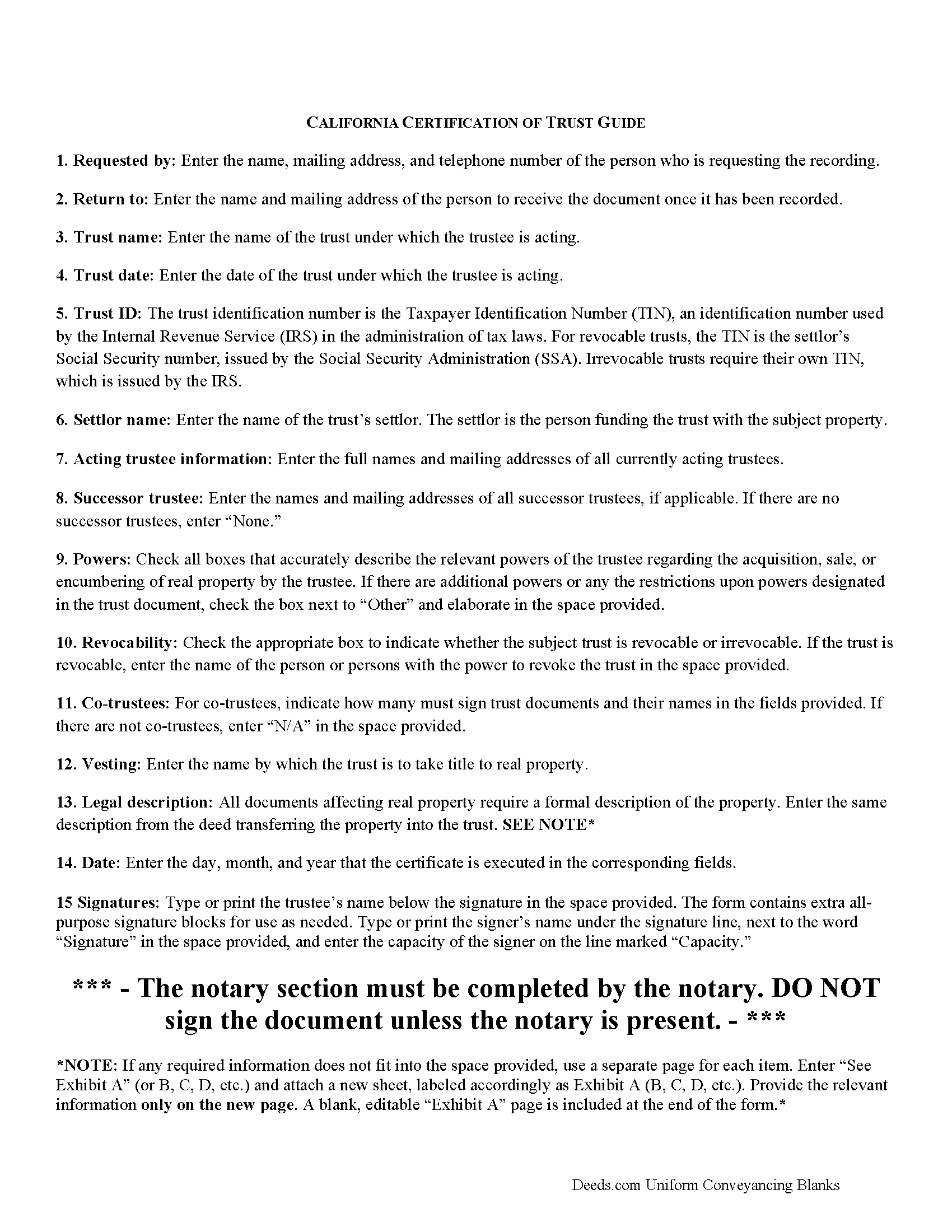
Trinity County Certificate of Trust Guide
Line by line guide explaining every blank on the form.
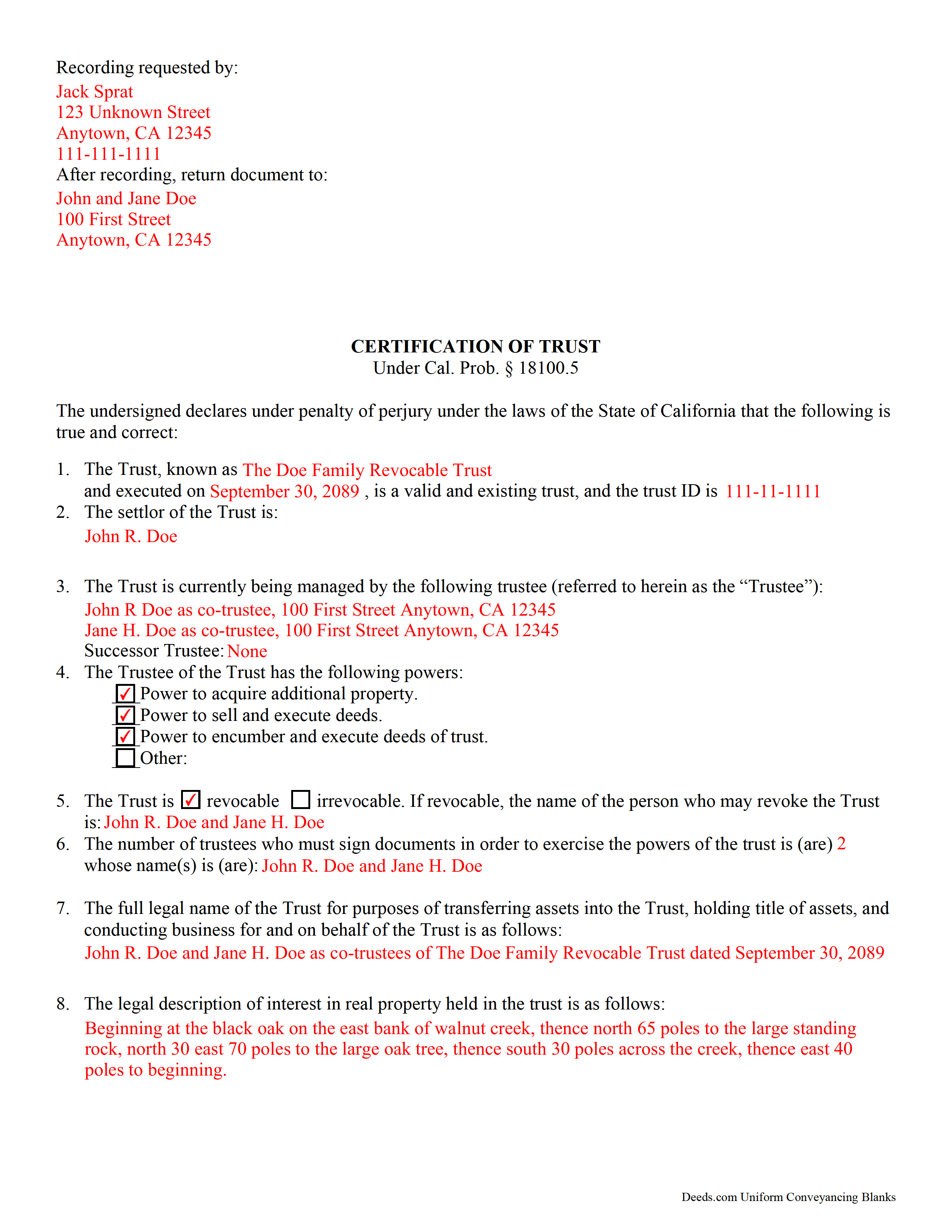
Trinity County Completed Example of the Certificate of Trust Document
Example of a properly completed form for reference.
All 3 documents above included • One-time purchase • No recurring fees
Immediate Download • Secure Checkout
Additional California and Trinity County documents included at no extra charge:
Where to Record Your Documents
County Clerk-Recorder
Weaverville, California 96093
Hours: 9:00 to 1:00 & 2:00 to 4:00 / Telephone Hours: 8:00 to 5:00
Phone: (530) 623-1215
Recording Tips for Trinity County:
- Bring your driver's license or state-issued photo ID
- Ensure all signatures are in blue or black ink
- Recorded documents become public record - avoid including SSNs
- Recording fees may differ from what's posted online - verify current rates
- Request a receipt showing your recording numbers
Cities and Jurisdictions in Trinity County
Properties in any of these areas use Trinity County forms:
- Big Bar
- Burnt Ranch
- Douglas City
- Hayfork
- Hyampom
- Junction City
- Lewiston
- Mad River
- Salyer
- Trinity Center
- Weaverville
- Zenia
Hours, fees, requirements, and more for Trinity County
How do I get my forms?
Forms are available for immediate download after payment. The Trinity County forms will be in your account ready to download to your computer. An account is created for you during checkout if you don't have one. Forms are NOT emailed.
Are these forms guaranteed to be recordable in Trinity County?
Yes. Our form blanks are guaranteed to meet or exceed the applicable formatting requirements used for recording in Trinity County, including margin requirements, font requirements, and other layout standards. This guarantee applies to formatting, not to the legal sufficiency of information entered by the user or the suitability of a form for a particular transaction.
Can I reuse these forms?
Yes. You can reuse the forms for your personal use. For example, if you have multiple properties in Trinity County you only need to order once.
What do I need to use these forms?
The forms are PDFs that you fill out on your computer. The free Adobe Acrobat Reader is recommended, and most PDF apps also work. You do NOT enter your property information online - you download the blank forms and complete them privately on your own computer.
Are there any recurring fees?
No. This is a one-time purchase. Nothing to cancel, no memberships, no recurring fees.
How much does it cost to record in Trinity County?
Recording fees in Trinity County vary. Contact the recorder's office at (530) 623-1215 for current fees.
Questions answered? Let's get started!
California Certification of Trust
In California, the certification of trust is governed by Probate Code Section 18100.5.
A certificate of trust is used by an acting trustee or trustees of a trust to prove to financial institutions or other third parties that he/she/they has/have the authority to act on behalf of the trust. The certificate is used in lieu of the full trust document to keep nonessential information about the trust, such as the identities of trust beneficiaries, confidential.
The certificate verifies the existence of the trust and presents the pertinent details of the trust, such as the settlor, the trustee, the powers granted to the trustee, and, in the case that there are co-trustees, the number and identity of persons required to sign legal documents dealing with the trust. The certificate also specifies how the trust will vest title to real property.
Like all documents affecting real estate, the certification requires a legal description of the real property subject to the trust. In California, the certification also must include the trust's taxpayer ID, a number that is either the SSN of the settlor (in the case of revocable trusts) or an EIN assigned by the IRS (in the case of irrevocable trusts).
Trust law can quickly become complicated, and each case is unique, so contact a lawyer with any questions that arise.
(California Certificate of Trust Package includes form, guidelines, and completed example)
Important: Your property must be located in Trinity County to use these forms. Documents should be recorded at the county recording office listed above.
This Certificate of Trust meets all recording requirements specific to Trinity County.
Our Promise
The documents you receive here are guaranteed to meet or exceed the applicable Trinity County recording format requirements. If there is a rejection caused by our formatting, we will correct the issue or refund your payment. This guarantee applies to document formatting only and does not extend to information entered by the user, the selection of the form, or the legal effect of the completed document.
Save Time and Money
Get your Trinity County Certificate of Trust form done right the first time with Deeds.com Uniform Conveyancing Blanks. At Deeds.com, we understand that your time and money are valuable resources, and we don't want you to face a penalty fee or rejection imposed by a county recorder for submitting nonstandard documents. We constantly review and update our forms to meet rapidly changing state and county recording requirements for roughly 3,500 counties and local jurisdictions.
4.8 out of 5 - ( 4,837 Reviews )
Woody P. 5 out of 5 stars
I was informed that a quit Claim Deed that I had submitted, did not meet county requirements. I ordered the correct form and was surprised that the form included instructions and a sample "completed" form for me to follow. I found it al very helpful. Thank you !!!
Thank you!
Michael M. 5 out of 5 stars
Easy to follow directions and instructions to properly and legally fill-in the Deed that I requested. It was also very easy and convenient. If I was going to employ an Attorney or Legal Documents Preparer, they would easily charge me between $150 to $225 a Deed! For the cost of $19.97, anyone would pursue this price! Thank you, Deeds.com for a wonderful and terrific experience! I'm going to need you again to change Titles for my other Investment Properties.
Thank you for your feedback. We really appreciate it. Have a great day!
William K. 5 out of 5 stars
Thanks for the service which was excellent and timely. Instructions were easy to follow and results worth the cost.
Thank you for your feedback. We really appreciate it. Have a great day!
Gerry C. 4 out of 5 stars
Forms appear to be most current and instructions clear. Inserting grantor/grantee information onto form a bit "clunky" however no major issues. I will be using services again.
Thank you!
Mark M. 5 out of 5 stars
So nice to find the forms I was looking for. Great site!! Thanks
Thank you for your feedback. We really appreciate it. Have a great day!
Dennis S. 5 out of 5 stars
Simple quitclaim form, worked perfectly for my area.
Thank you!
Jamal . 5 out of 5 stars
So far so good!
Thank you!
Dennis T. 5 out of 5 stars
I liked the service very much. The form I ordered wasn't provided by the local government agency and I couldn't find it on the internet. I liked that the form came with easy to follow, line by line, instructions and a sample. I also appreciated that I wasn't forced to take on a trial membership to keep me on the hook. I would definitely use this service again in the future!
Thank you for your feedback. We really appreciate it. Have a great day!
Barbara G. 5 out of 5 stars
High rating, great site and forms were exactly what I needed. Thanks for being there for me.
We appreciate your business and value your feedback. Thank you. Have a wonderful day!
WILLIAM H. 5 out of 5 stars
i also need a "NOTE" and this trust deed is not exactly what i wanted. it may work but not to well.
Thank you for your feedback. We really appreciate it. Have a great day!
Monte J. 5 out of 5 stars
Very helpful.
Thank you!
Shirley W. 5 out of 5 stars
I found the form easy to file out. But everything else was confusing with very little direction and help.
Thank you!
Title H. 1 out of 5 stars
THIS SERVICE IS DIFFICULT TO USE AND TROUBLESOME, IN MY PROFESSIOBAL OPINION; a true NUGHTMARE! As a Title / Petroleum Land Professional (Landman), I use a wide variert of online title research tools and services. Mist are EXTREMELY COMPREHENSIVE, and relatively easy to perform one’s research. I am beginning to beliece that there is no search intrrfaxe here; just a long list of instructions full of circular references that simply tuns the researcher around and around to the same pages repeatedly. This service takes users NOWHERE. Good luck to those seeking to waste their time reading a vast set of redundant words and NO INTERFACE FOR CREATING OR EXECUTING AN AXTUAL SEARCH.
Thank you for sharing your feedback with us. We're genuinely sorry to hear about the difficulties you faced while using our service. As a Title / Petroleum Land Professional, your experience is invaluable to us, and we regret that our website did not meet your expectations.
We are committed to making the necessary changes to enhance our platform and provide a better experience for all users, including professionals like yourself.
Ed S. 5 out of 5 stars
This is the first time that I have used this service. An employee at the Clerk and Register office in Arizona suggested that I try Deeds.com to find the form I needed and the county office could not provide. I am a licensed Realtor in Colorado with a 43-year career and this service has not been necessary in my own state but it was extremely helpful in finding a form in Arizona. Five star rating for the very user-friendly website!
Thank you for your feedback. We really appreciate it. Have a great day!
Samuel T. 5 out of 5 stars
So far, so good. explanations provided for the forms and instructions on how I should proceed were clear as a bell, and it was nice to get immediate delivery of the forms. I'll be looking for other ways to take advantage of this site, for sure.
Thank you!