Osceola County Certificate of Trust Form
Last validated November 4, 2026 by our Forms Development TeamFormatted for recording in Osceola County, for property anywhere in the county: rural and unincorporated areas as well as Intercession City, Kenansville, Kissimmee, Saint Cloud.
- 3 documents included
- Immediate PDF download
- Formatting guarantee
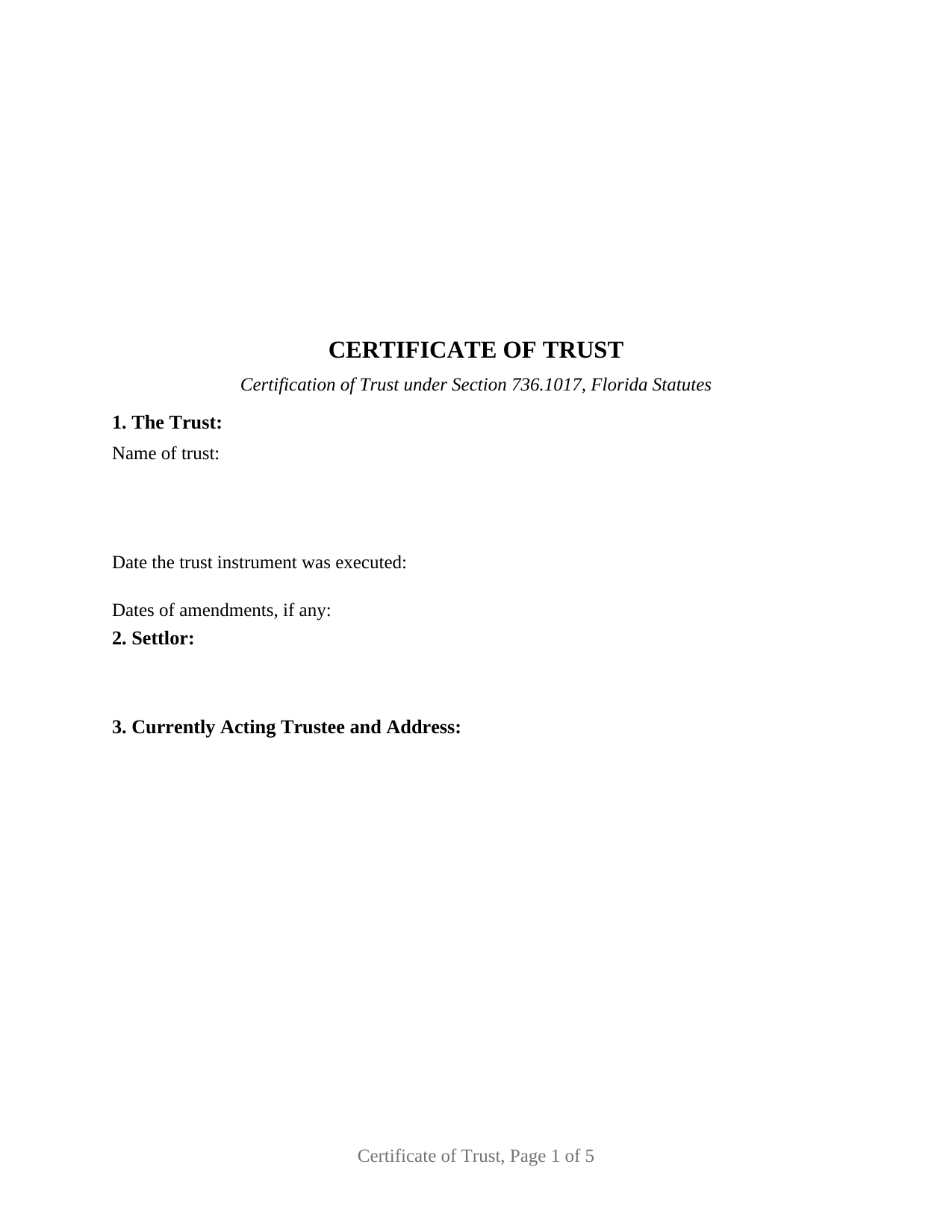
Osceola County Certificate of Trust Form
Fill in the blank Certificate of Trust form formatted to comply with all Florida recording and content requirements.
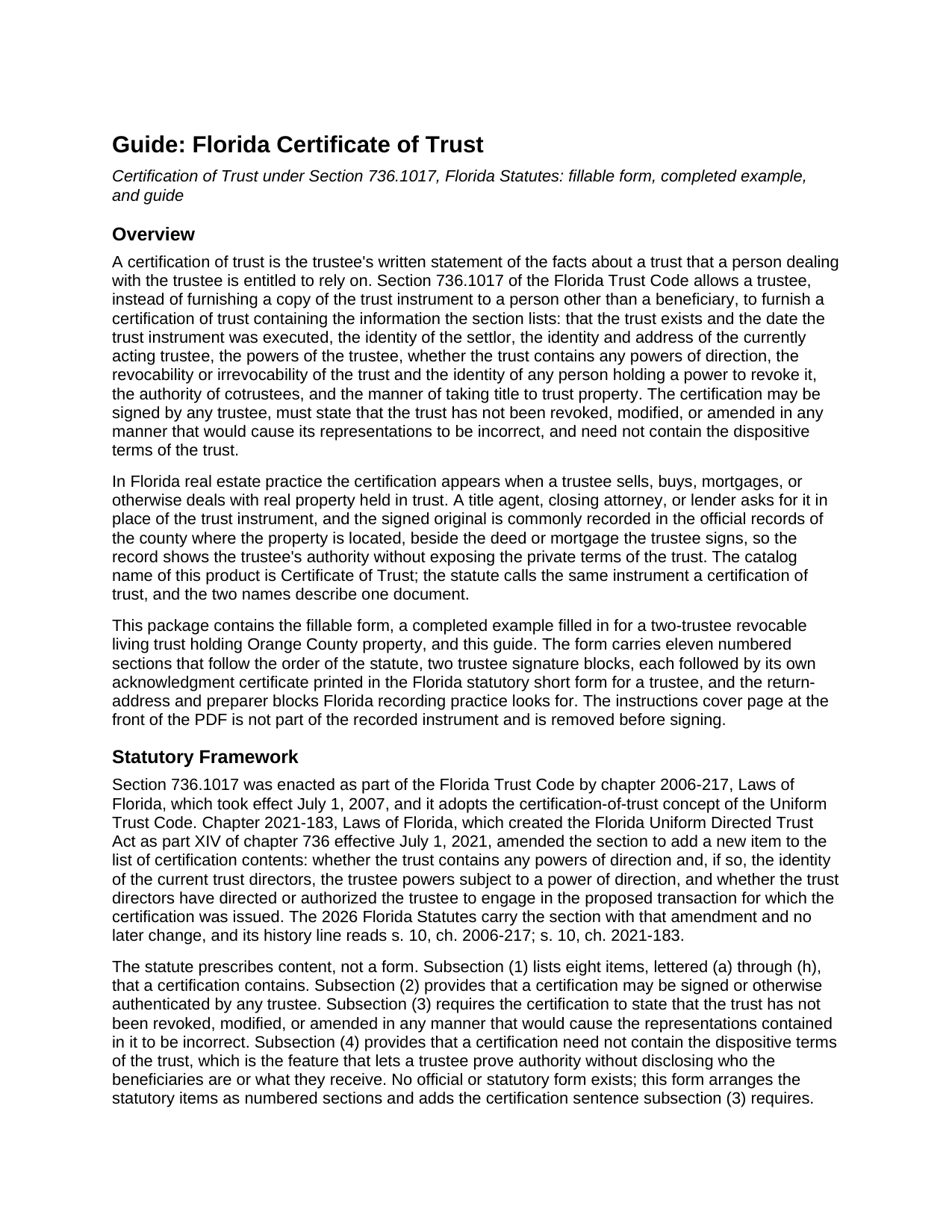
Osceola County Certificate of Trust Guide
Line by line guide explaining every blank on the Certificate of Trust form.
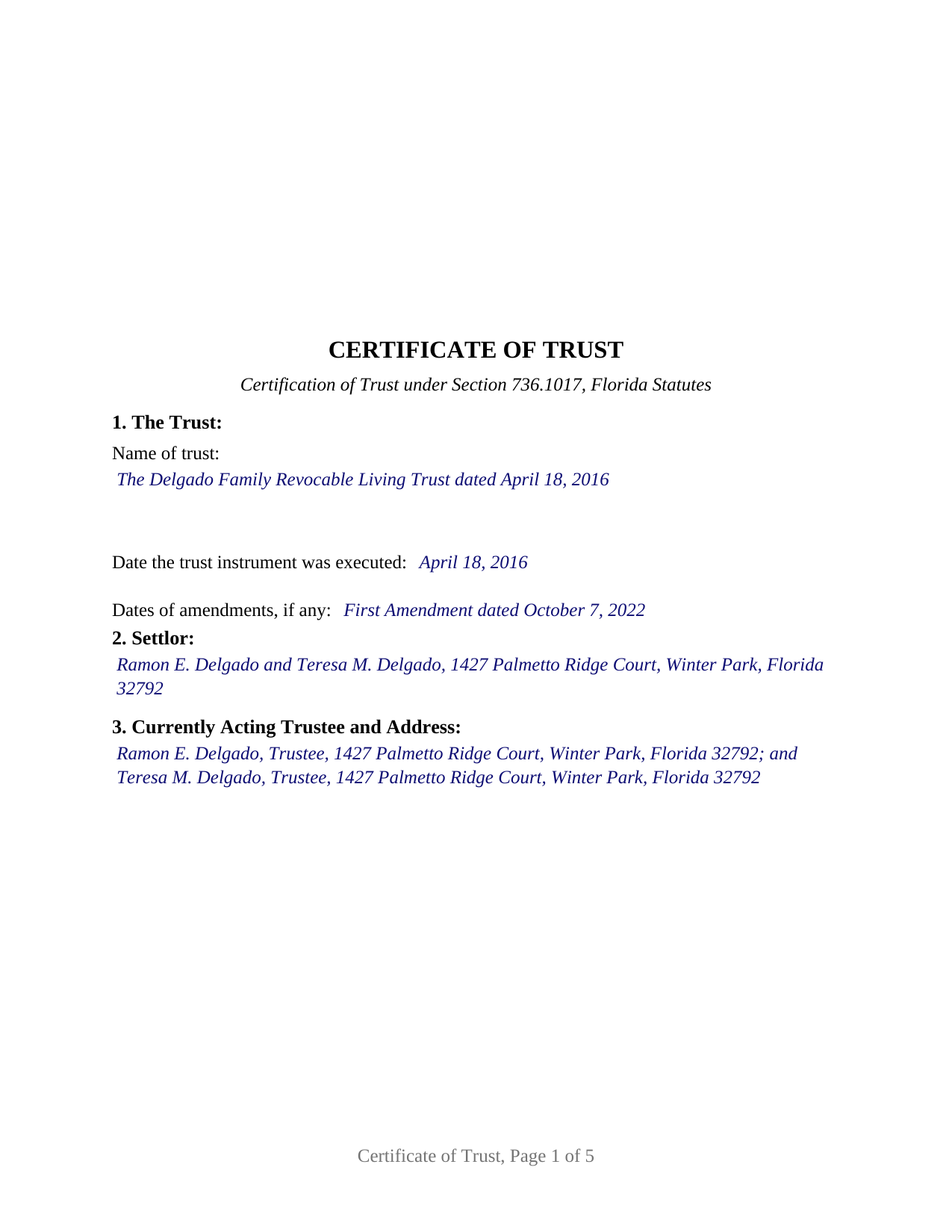
Osceola County Completed Example of the Certificate of Trust Document
Example of a properly completed Florida Certificate of Trust document for reference.
All 3 documents above included • One-time purchase • No recurring fees
Immediate Download • Secure Checkout
Additional Florida and Osceola County documents included at no extra charge:
Where to Record Your Documents
County Recording Department
Kissimmee, Florida 34741
Hours: 8:00am to 5:00pm M-F The Recording Department stops recording promptly at 4:30PM.
Phone: 407-742-3500
Recording Tips for Osceola County:
- Bring your driver's license or state-issued photo ID
- Ensure all signatures are in blue or black ink
- White-out or correction fluid may cause rejection
- Ask about their eRecording option for future transactions
- Avoid the last business day of the month when possible
Cities and Jurisdictions in Osceola County
Properties in any of these areas use Osceola County forms:
- Intercession City
- Kenansville
- Kissimmee
- Saint Cloud
Hours, fees, requirements, and more for Osceola County
How do I get my forms?
Forms are available for immediate download after payment. The Osceola County forms will be in your account ready to download to your computer. An account is created for you during checkout if you don't have one. Forms are NOT emailed.
Are these forms guaranteed to be recordable in Osceola County?
Yes. Our form blanks are guaranteed to meet or exceed the applicable formatting requirements used for recording in Osceola County, including margin requirements, font requirements, and other layout standards. This guarantee applies to formatting, not to the legal sufficiency of information entered by the user or the suitability of a form for a particular transaction.
Can I reuse these forms?
Yes. You can reuse the forms for your personal use. For example, if you have multiple properties in Osceola County you only need to order once.
What do I need to use these forms?
The forms are PDFs that you fill out on your computer. The free Adobe Acrobat Reader is recommended, and most PDF apps also work. You do NOT enter your property information online - you download the blank forms and complete them privately on your own computer.
Are there any recurring fees?
No. This is a one-time purchase. Nothing to cancel, no memberships, no recurring fees.
How much does it cost to record in Osceola County?
Recording fees in Osceola County vary. Contact the recorder's office at 407-742-3500 for current fees.
Questions answered? Let's get started!
A Florida certificate of trust lets a trustee prove the authority to sell, mortgage, or buy real property without handing the trust instrument to a buyer, lender, or title agent. This form prepares the certification of trust described in Section 736.1017 of the Florida Trust Code, for one or two currently acting trustees of a Florida trust, formatted for recording in the county where the property is located.
Proof of authority without the trust document
Section 736.1017 allows a trustee, instead of furnishing a copy of the trust instrument to a person other than a beneficiary, to furnish a certification of trust stating the facts the statute lists: the trust's existence and date, the settlor, the currently acting trustee and address, the trustee's powers, any powers of direction, revocability and who may revoke, the authority of cotrustees, and the manner of taking title to trust property. The certification must state that the trust has not been revoked, modified, or amended in any manner that would cause its representations to be incorrect, and it need not contain the dispositive terms of the trust. The beneficiaries stay private; the authority to act goes on the record.
The statute is what makes a closing agent accept the document: a person who acts in reliance on a certification without knowledge that its representations are incorrect is not liable for so acting, may assume without inquiry that the facts stated in it exist, and may enforce a good-faith transaction against the trust property as if the representations were correct.
Eight statutory items, including powers of direction
The form arranges the statutory contents as numbered sections in the statute's own order. One item is newer than the rest: chapter 2021-183, Laws of Florida, the Florida Uniform Directed Trust Act, added a requirement that the certification state whether the trust contains any powers of direction and, if so, name the current trust directors. A conventional living trust states that none exists; forms drafted before 2021 omit the item. Revocability is entered by marking one of two printed boxes, Revocable or Irrevocable. A final section ties the certification to a particular parcel by county, parcel number, legal description, and the recording reference of the deed into the trustee, so a recorded certification is indexed beside the trustee's deed.
Signed by any trustee, acknowledged in the trustee form
The statute provides that a certification may be signed or otherwise authenticated by any trustee, so one signature satisfies it; the form also carries a second block for a cotrustee whose joinder the trust requires. Each block is followed by its own acknowledgment certificate in the statutory short form of Section 695.25(6) for a trustee, which records whether the trustee appeared by physical presence or online notarization and the identification relied on, with a labeled area reserving room for the rubber-stamp seal Section 117.05 places below or beside the notary's signature. No subscribing witnesses sign a certification of trust: the two-witness rule of Section 689.01 attaches to an instrument that conveys an interest in real property, and the certification conveys none, so the trustee's deed carries the witnesses and the documentary stamp tax. The form also carries the recording data Florida clerks look for: reserved clerk space on every page, printed names beneath every signature, post-office addresses, and a preparer block.
What this configuration carries
The form recites one trust and one or two currently acting trustees who are natural persons signing as trustee; the second signature block and its certificate are left blank where a sole trustee signs. The pattern appears in the record when a settlor-trustee sells a home held in a living trust, when cotrustee spouses refinance, and when a successor trustee conveys after the settlor's death. The form is not set up for a corporate trustee signing through an officer, which calls for the corporation acknowledgment rather than the trustee form, for a trust with three or more cotrustees who must all join, or for a Florida land trust governed by the Land Trust Act rather than the Trust Code.
The package includes the fillable certificate of trust form, a completed example filled in for a two-trustee revocable living trust holding Orange County property, and the guide that explains Section 736.1017 and walks through every numbered section. This description and the guide describe the form and the governing Florida statutes in general terms; they are not legal advice.
Important: Your property must be located in Osceola County to use these forms. Documents should be recorded at the county recording office listed above.
This Certificate of Trust meets all recording requirements specific to Osceola County.
Our Promise
The documents you receive here are guaranteed to meet or exceed the applicable Osceola County recording format requirements. If there is a rejection caused by our formatting, we will correct the issue or refund your payment. This guarantee applies to document formatting only and does not extend to information entered by the user, the selection of the form, or the legal effect of the completed document.
Save Time and Money
Get your Osceola County Certificate of Trust form done right the first time with Deeds.com Uniform Conveyancing Blanks. At Deeds.com, we understand that your time and money are valuable resources, and we don't want you to face a penalty fee or rejection imposed by a county recorder for submitting nonstandard documents. We constantly review and update our forms to meet rapidly changing state and county recording requirements for roughly 3,500 counties and local jurisdictions.
4.8 out of 5 - ( 4,845 Reviews )
Fredrick Z. 5 out of 5 stars
So happy to be able to track down where I purchased TODD forms and be able to sign in and find the forms and use the fillable ones ! I thought they were gone forever and I would have to repurchase or bother people to attain them!
We’re glad to hear things went well. Thank you for the review.
Ronald C. 5 out of 5 stars
My goal was to find the Covenant, Conditions, and Restrictions for my HOA. From what I can read, these documents should be attached to our Deed (single family, patio home in New Hanover County). I am not sure if I have a copy of my Deed. I would need to check my Safe Deposit Box. Unfortunately, I was not successful at finding these documents from your Website. If you can help me find them, I would appreciate that.
It is most common to obtain a copy of CC&Rs directly from the HOA. Alternatively, they are also usually a matter of public record recorded with the local recorder and you can obtain a copy there.
Lori F. 5 out of 5 stars
That was easy!
Thank you for your feedback. We really appreciate it. Have a great day!
Biinah B. 5 out of 5 stars
Wished I had known about this site earlier. Just what we needed. Get tool to get lip to date legal help.
Thank you for your feedback. We really appreciate it. Have a great day!
Kartik S. 5 out of 5 stars
I am extremely happy with the products. I have used Quitclaim Deed. The instructions with a sample completed deed are thorough!
Thank you, Kartik. Glad the quitclaim deed worked out and that the guide and completed sample made the process clear. That is exactly why we include them with every form. We appreciate you taking the time to share your experience.
Joe L. 5 out of 5 stars
Great service, and fast.
We appreciate your business and value your feedback. Thank you. Have a wonderful day!
Martha R. 5 out of 5 stars
Provided all the info that I needed.
We appreciate your business and value your feedback. Thank you. Have a wonderful day!
Sharon B. 5 out of 5 stars
My questions were answered promptly. I was not able to locate the deed I was searching for because my county has not uploaded the documents to be accessed through this system. I am sure I could have found what I was looking for had the information been available through the system. Thank you for your assistance.
Thank you!
Michael M. 5 out of 5 stars
My sale is a land contract and it is complicated. We were thinking we'd have to get an attorney. Your site is very thorough and helpful. We will still have an attorney look over our final papers --and we are still waiting on my deed from the bank to finalize our input. Had several questions, but they seemed to be answered as I went along. The actual process of downloading and saving and having a link went very smoothly. Thank you.
We appreciate your business and value your feedback. Thank you. Have a wonderful day!
JAY W. 5 out of 5 stars
ok
Thank you!
Lauren D. 5 out of 5 stars
Prompt and helpful
Thank you!
James C. 4 out of 5 stars
First time user and was directed there from a search on my home state for a state form. The downloaded form was complete with instructions and sample filled out form. I was not happy about the cost for the form, but it did the job.
Thank you for your feedback. We really appreciate it. Have a great day!
Michael C. 5 out of 5 stars
Thank you very much. I received the exact information I was seeking.
Great to hear Michael, thanks for taking the time to leave your feedback.
Christopher M. 5 out of 5 stars
This was so painless and fast!
Thank you Christopher, that means a lot to us.
irene w. 5 out of 5 stars
Just found this site, what a great resource ! Thank you so much for providing affordable help to those of us navigating estate planning mazes. The forms were all very easy to download, even on our rather ancient computer, and the accompanying explanations were in clear, understandable English designed to explain, with appropriate cautions to avoid problems.
Thank you for your feedback. We really appreciate it. Have a great day!