Broward County Enhanced Life Estate Quitclaim Deed Form
Last validated October 12, 2026 by our Forms Development TeamFormatted for recording in Broward County, for property anywhere in the county: rural and unincorporated areas as well as Coconut Creek, Dania, Deerfield Beach, Fort Lauderdale, Hallandale, Hollywood, Lighthouse Point, Pembroke Pines and 1 more.
- 3 documents included
- Immediate PDF download
- Formatting guarantee
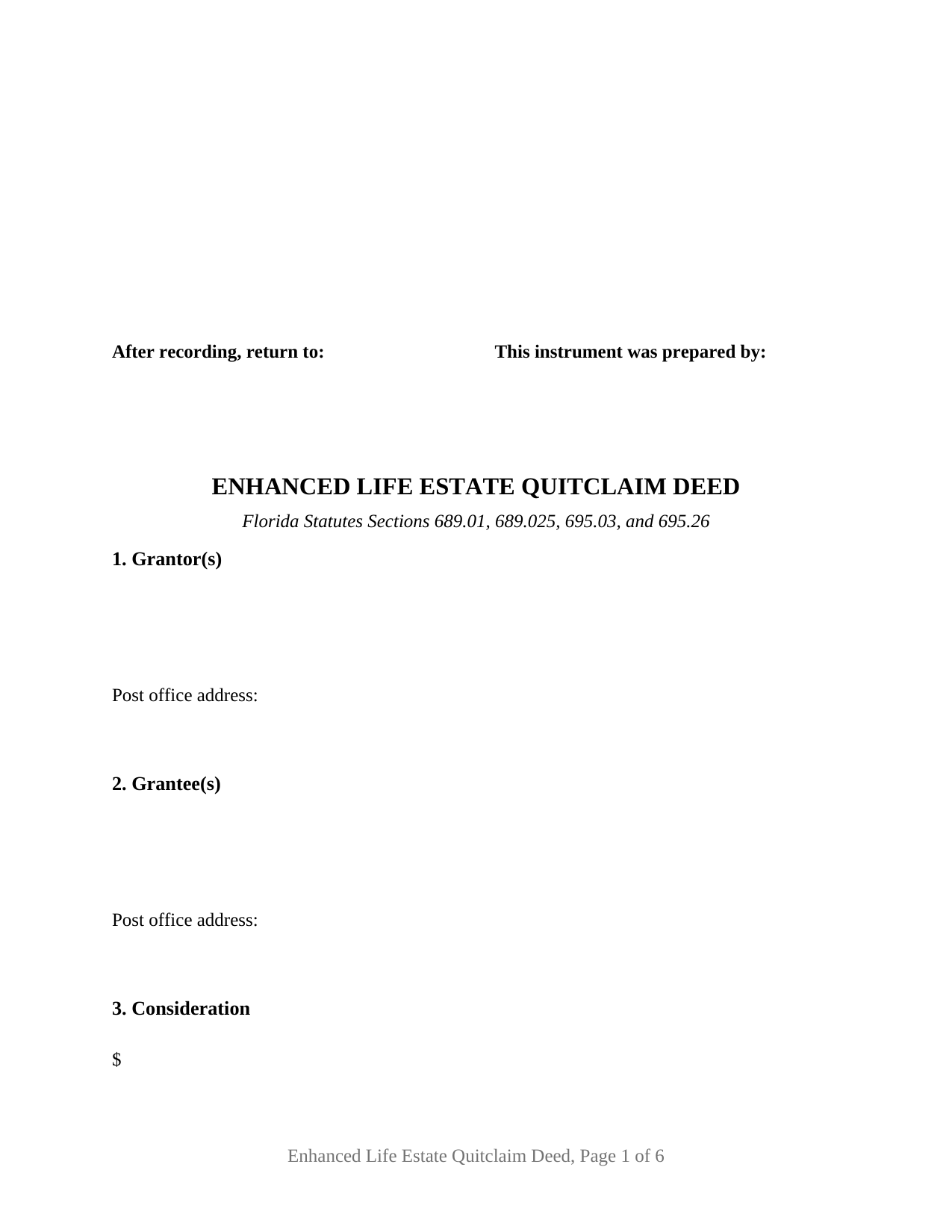
Broward County Enhanced Life Estate Quitclaim Deed Form
Fill in the blank Enhanced Life Estate Quitclaim Deed form formatted to comply with all Florida recording and content requirements.
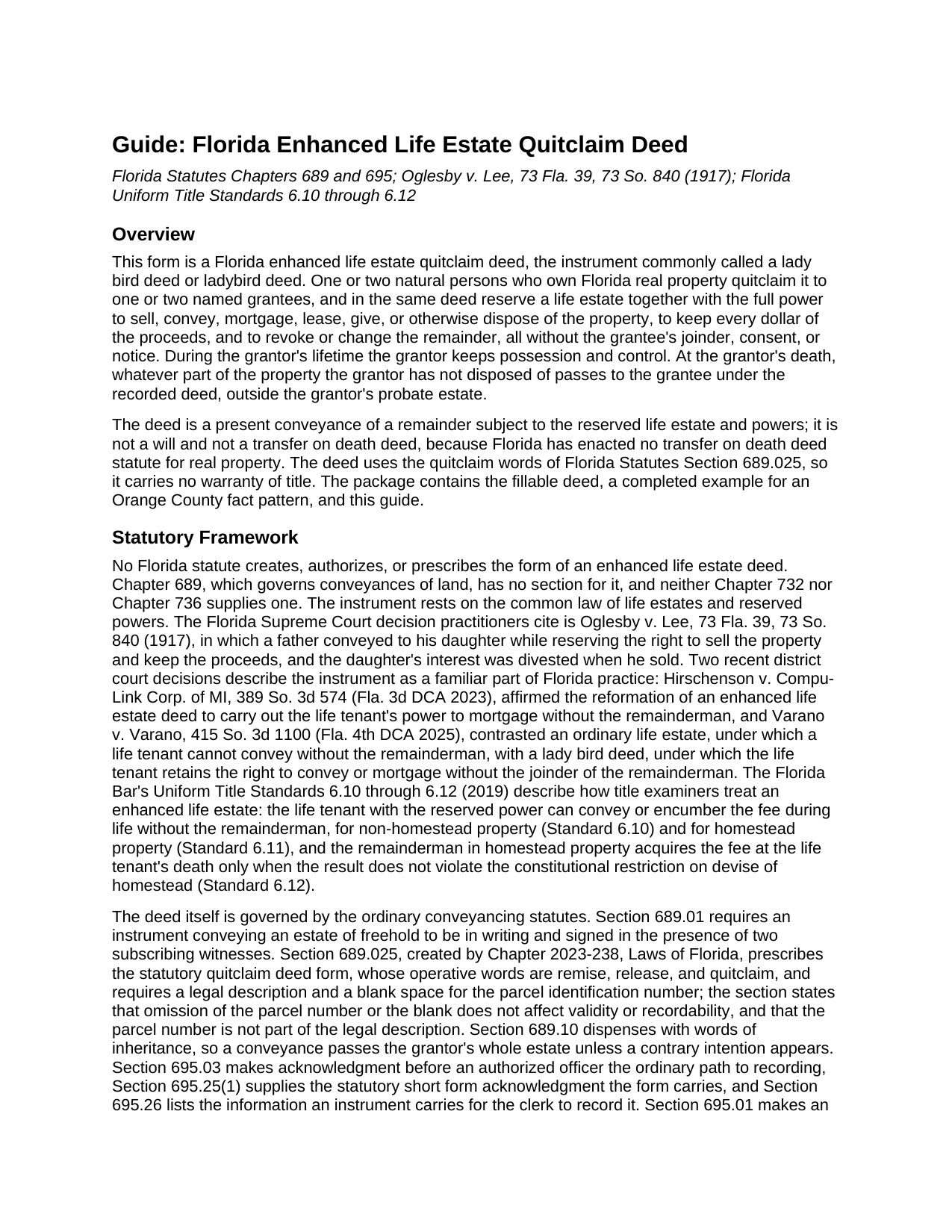
Broward County Enhanced Life Estate Quitclaim Deed Guide
Line by line guide explaining every blank on the Enhanced Life Estate Quitclaim Deed form.
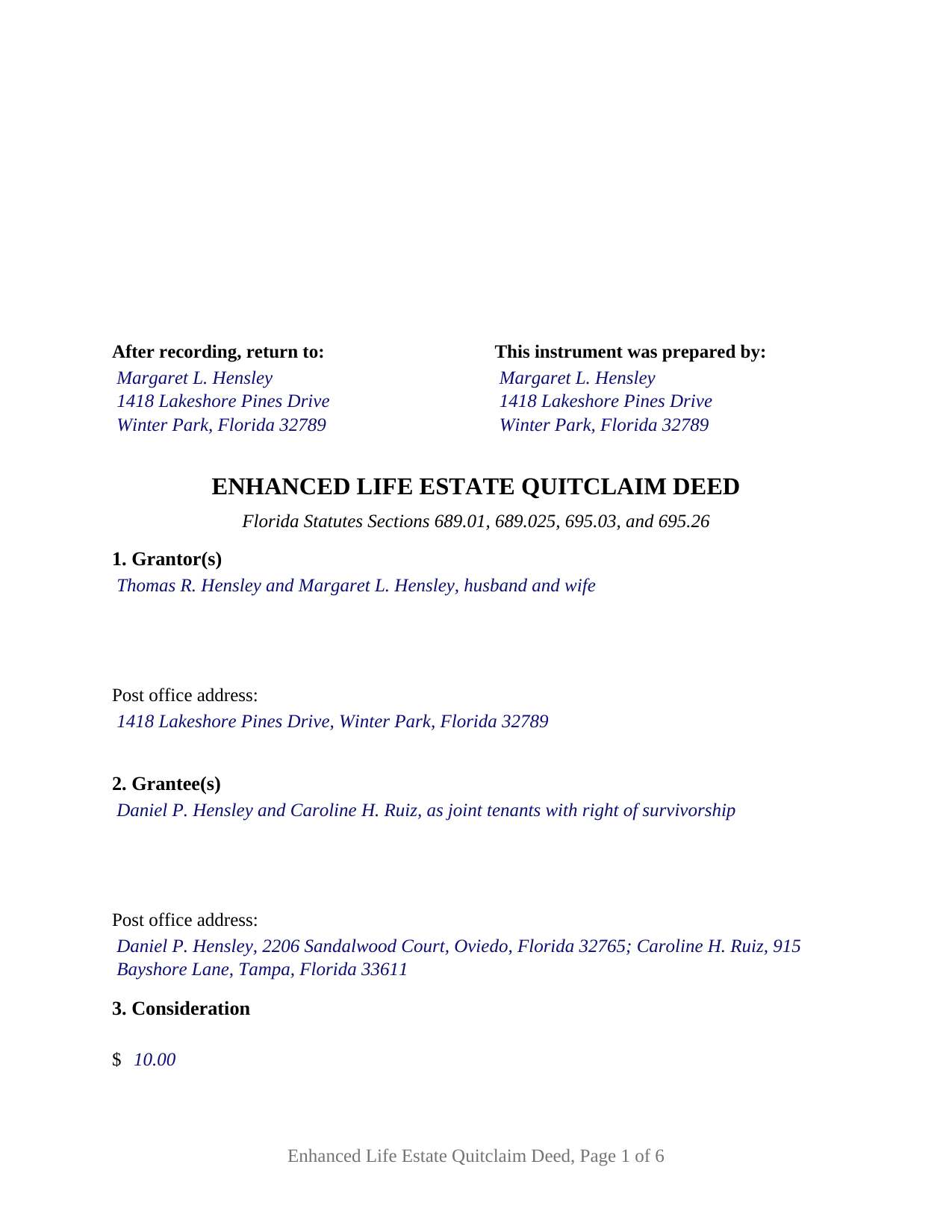
Broward County Completed Example of the Enhanced Life Estate Quitclaim Deed Document
Example of a properly completed Florida Enhanced Life Estate Quitclaim Deed document for reference.
All 3 documents above included • One-time purchase • No recurring fees
Immediate Download • Secure Checkout
Additional Florida and Broward County documents included at no extra charge:
Where to Record Your Documents
Records, Taxes and Treasury Division
Ft. Lauderdale, Florida 33301-1873
Hours: 7:30am to 5:00pm M-F
Phone: (954) 831-6716 / 954-831-4000
Recording Tips for Broward County:
- Bring your driver's license or state-issued photo ID
- Ensure all signatures are in blue or black ink
- Ask if they accept credit cards - many offices are cash/check only
- Check that your notary's commission hasn't expired
- Documents must be on 8.5 x 11 inch white paper
Cities and Jurisdictions in Broward County
Properties in any of these areas use Broward County forms:
- Coconut Creek
- Dania
- Deerfield Beach
- Fort Lauderdale
- Hallandale
- Hollywood
- Lighthouse Point
- Pembroke Pines
- Pompano Beach
Hours, fees, requirements, and more for Broward County
How do I get my forms?
Forms are available for immediate download after payment. The Broward County forms will be in your account ready to download to your computer. An account is created for you during checkout if you don't have one. Forms are NOT emailed.
Are these forms guaranteed to be recordable in Broward County?
Yes. Our form blanks are guaranteed to meet or exceed the applicable formatting requirements used for recording in Broward County, including margin requirements, font requirements, and other layout standards. This guarantee applies to formatting, not to the legal sufficiency of information entered by the user or the suitability of a form for a particular transaction.
Can I reuse these forms?
Yes. You can reuse the forms for your personal use. For example, if you have multiple properties in Broward County you only need to order once.
What do I need to use these forms?
The forms are PDFs that you fill out on your computer. The free Adobe Acrobat Reader is recommended, and most PDF apps also work. You do NOT enter your property information online - you download the blank forms and complete them privately on your own computer.
Are there any recurring fees?
No. This is a one-time purchase. Nothing to cancel, no memberships, no recurring fees.
How much does it cost to record in Broward County?
Recording fees in Broward County vary. Contact the recorder's office at (954) 831-6716 / 954-831-4000 for current fees.
Questions answered? Let's get started!
A Florida enhanced life estate quitclaim deed, the instrument most people call a lady bird deed, lets the owner of Florida real estate name who takes the property at death while keeping every power of ownership during life. This form prepares that deed for one or two natural-person grantors conveying to one or two grantees, with the reserved life estate and powers written into the deed as fixed text.
A remainder the grantor can take back
Under an ordinary life estate deed, neither the life tenant nor the remainderman can sell the whole without the other. This deed reserves more. The grantor keeps a life estate together with the power to sell, convey, mortgage, lease, give, or otherwise dispose of the property in fee simple, to keep all of the proceeds, and to revoke or amend the deed and change the remainder, without the grantee's joinder, consent, or notice. If the grantor never exercises those powers, the property passes to the grantee at the grantor's death under the recorded deed, outside probate.
No statute, a 1917 decision, and the title standards
Florida has no statute that creates an enhanced life estate deed and no transfer on death deed statute for real property. The instrument rests on Oglesby v. Lee, 73 Fla. 39, 73 So. 840 (1917), in which the Florida Supreme Court gave effect to a conveyance that reserved the right to sell and divested the grantee's interest when the grantor sold. Varano v. Varano (Fla. 4th DCA 2025) describes the lady bird deed as the instrument under which the life tenant conveys or mortgages without the remainderman, and the Florida Bar's Uniform Title Standards 6.10 through 6.12 govern how title examiners treat one. With no statute behind it, the drafting carries the weight, and the reservation paragraph states each power expressly.
Quitclaim words, Florida execution
The conveyance uses the words of the statutory quitclaim form, Florida Statutes Section 689.025, remise, release, and quitclaim, so the deed passes whatever interest the grantor holds and warrants nothing. Section 689.01 requires two subscribing witnesses, and Section 695.26 requires each witness's printed name and post office address, the preparer's name and address, and each party's post office address. The deed carries all of it, and each acknowledgment certificate follows the Section 695.25(1) short form with its physical presence or online notarization boxes and a reserved area for the notary's rubber-stamp seal.
One or two grantors, one or two grantees
The form recites nothing about marital status, existing title, or how the grantees will hold the remainder; those words are typed into the party blanks. Two grantor signature blocks, each with two witness blocks, and two acknowledgment certificates carry a deed by two owners; on a deed by one owner the second block and certificate stay blank. Where two grantors sign, the deed's construction paragraph gives the life estate and powers to both for their joint lives and then to the survivor, with the remainder taking effect at the last death. A married couple holding their homestead and a single owner naming two children as joint tenants with right of survivorship each present a pattern the blanks carry. An entity grantor, a representative signer, and three or more owners on either side are configurations this form is not set up as.
Homestead, spouses, and the documentary stamp tax
Article X, Section 4(c) of the Florida Constitution has the spouse join an owner's alienation of homestead by sale, mortgage, or gift, and the second grantor block is where that joinder appears. The same section restricts devise of homestead where a spouse or minor child survives, and Section 732.4017 limits its lifetime-transfer safe harbor to transfers in which the owner retains no power to revoke, a power this deed reserves by design; the guide describes the consequence under Uniform Title Standard 6.12. On the tax side, the Department of Revenue concluded in TAA 20B4-004, a technical assistance ruling under Section 213.22, that an enhanced life estate deed of unencumbered property transfers no present beneficial interest and is not subject to documentary stamp tax, a ruling that binds the Department only as to the taxpayer who asked and that left mortgaged property open.
The package includes the fillable enhanced life estate quitclaim deed, a completed example for an Orange County, Florida fact pattern, and the guide that walks through every section, the homestead rules, execution, and recording. This description and the guide describe the form and the governing law in general terms; they are not legal advice.
Important: Your property must be located in Broward County to use these forms. Documents should be recorded at the county recording office listed above.
This Enhanced Life Estate Quitclaim Deed meets all recording requirements specific to Broward County.
Our Promise
The documents you receive here are guaranteed to meet or exceed the applicable Broward County recording format requirements. If there is a rejection caused by our formatting, we will correct the issue or refund your payment. This guarantee applies to document formatting only and does not extend to information entered by the user, the selection of the form, or the legal effect of the completed document.
Save Time and Money
Get your Broward County Enhanced Life Estate Quitclaim Deed form done right the first time with Deeds.com Uniform Conveyancing Blanks. At Deeds.com, we understand that your time and money are valuable resources, and we don't want you to face a penalty fee or rejection imposed by a county recorder for submitting nonstandard documents. We constantly review and update our forms to meet rapidly changing state and county recording requirements for roughly 3,500 counties and local jurisdictions.
4.8 out of 5 - ( 4,840 Reviews )
Cheryl L. 5 out of 5 stars
So very easy to deal with and purchase. It was exactly what I was looking for. Thank you
Thank you, Cheryl! Glad the form was exactly what you needed and the process was straightforward. We appreciate you taking the time to share your experience.
Philip C. 5 out of 5 stars
The product I purchased looks great and I added Adobe to be able to copy it, but for some reason I can't,so I will delete Adobe and then try again to copy what i paid for. I have all the PDFS' and my computer and printer are fairly new (windows 10),I should have tried to copy it first, I'll get it! Thanks
Thank you for your feedback. We really appreciate it. Have a great day!
Lara C. 5 out of 5 stars
Love it! It was super easy. Will be back!
Thank you for your feedback. We really appreciate it. Have a great day!
Donald S. 5 out of 5 stars
Good
Thank you!
Tamica D. 5 out of 5 stars
Exceptional service. Thank you for your assistance.
Thank you!
Jeffry C. 5 out of 5 stars
Deeds.com has been a lifesaver for my house buying business. Excellent support!
Thank you Jeffry, glad we could help.
Alice M. 5 out of 5 stars
So far, it's been a very seamless experience! Easy way to get documents recorded. Worth the money
Your feedback is appreciated. Thank you for letting us know how we did.
Lutz P. 5 out of 5 stars
Your forms are great but I couldn’t use them with my computer and acrobats reader didn’t work. And then my thermal printer would only print 1/3 size pages with no way to fix it. I ordered a new color printer and we’ll see what happens.
Thank you, Lutz. We're glad you like the forms, and we're sorry getting them working turned into such a hassle. That shrunken page is typical of thermal printers: most use narrow receipt or label paper, so a full page gets scaled down to fit, and no setting can change that. Thermal paper also fades over time, which you don't want on a document you're recording, so the new printer is the right call. When it arrives, print on plain white paper with “Actual size” selected in the print settings so the page comes out full size with its margins intact. If Acrobat Reader gives you trouble again, save the form to your computer first and open the saved file in Acrobat Reader rather than in your web browser. Still stuck? Contact our support team and we'll walk you through it.
Richard T. 5 out of 5 stars
Amazing service from competent individuals that really go above and beyond to get you documents processed.
Thank you!
Randy H. 5 out of 5 stars
Love this has all forms you need
We appreciate your business and value your feedback. Thank you. Have a wonderful day!
michele d. 4 out of 5 stars
It was easy to download, received it quickly, the sample really helped. I would like if some of the text was editable. for instance - the addresses were defaulted with the state of filing while we lived in another one.
Thank you for your feedback. We really appreciate it. Have a great day!
David M. 5 out of 5 stars
Outstanding products and interface. DCM, IL Attorney
We appreciate your business and value your feedback. Thank you. Have a wonderful day!
Johnette E. 5 out of 5 stars
Easy and quick to use!!
Thank you!
Jermaine H. 5 out of 5 stars
Great informative site.... helped me find exactly what I was looking for. DETAILED information on my property!
Thank you for your feedback. We really appreciate it. Have a great day!
Elvira N. 5 out of 5 stars
Very useful, it even includes a guide on filling out the deed form!
Thank you!