Seminole County Quitclaim Deed (Individual) Form
Last validated October 9, 2026 by our Forms Development TeamFormatted for recording in Seminole County, for property anywhere in the county: rural and unincorporated areas as well as Altamonte Springs, Casselberry, Geneva, Goldenrod, Lake Mary, Lake Monroe, Longwood, Mid Florida and 3 more.
- 3 documents included
- Immediate PDF download
- Formatting guarantee
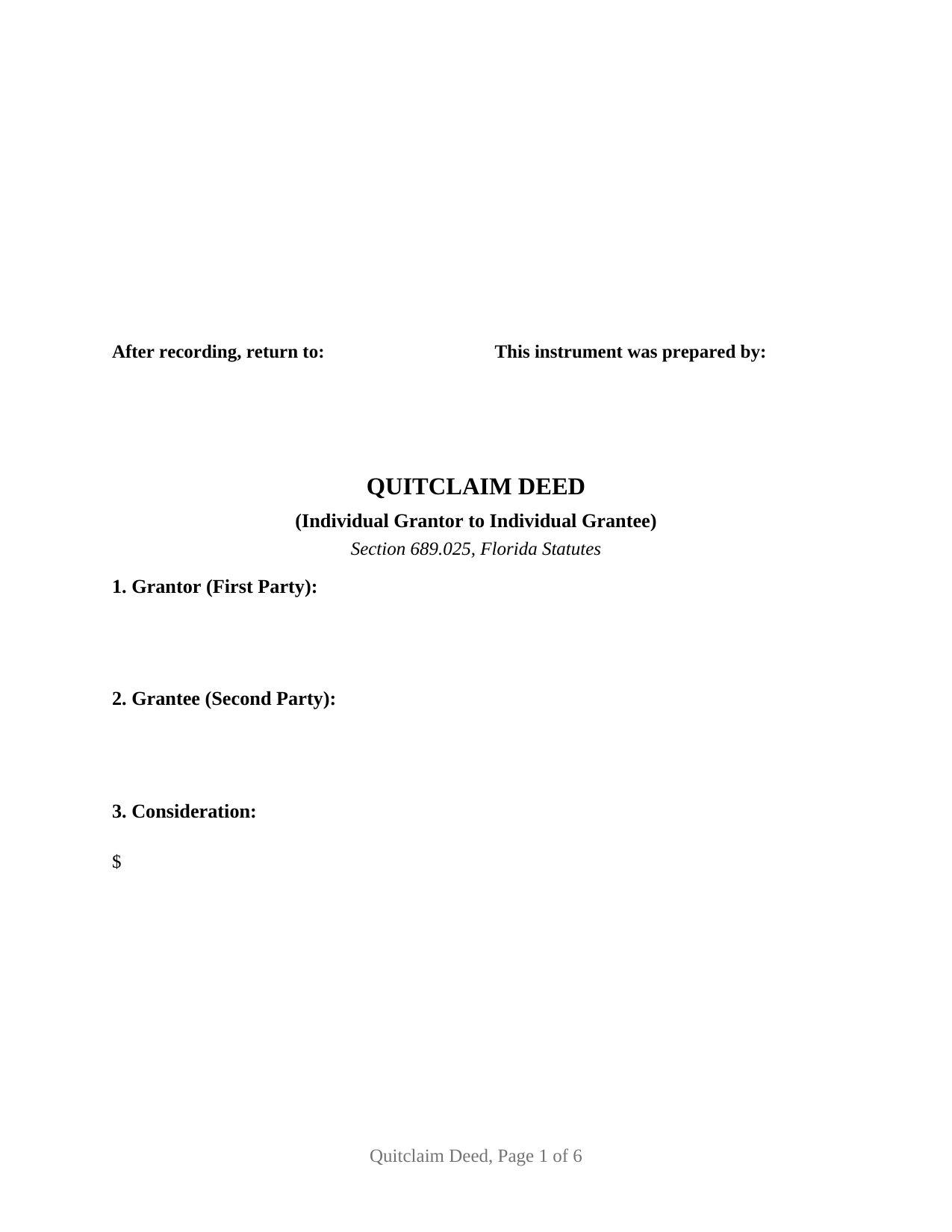
Seminole County Quitclaim Deed (Individual) Form
Fill in the blank Quitclaim Deed (Individual) form formatted to comply with all Florida recording and content requirements.
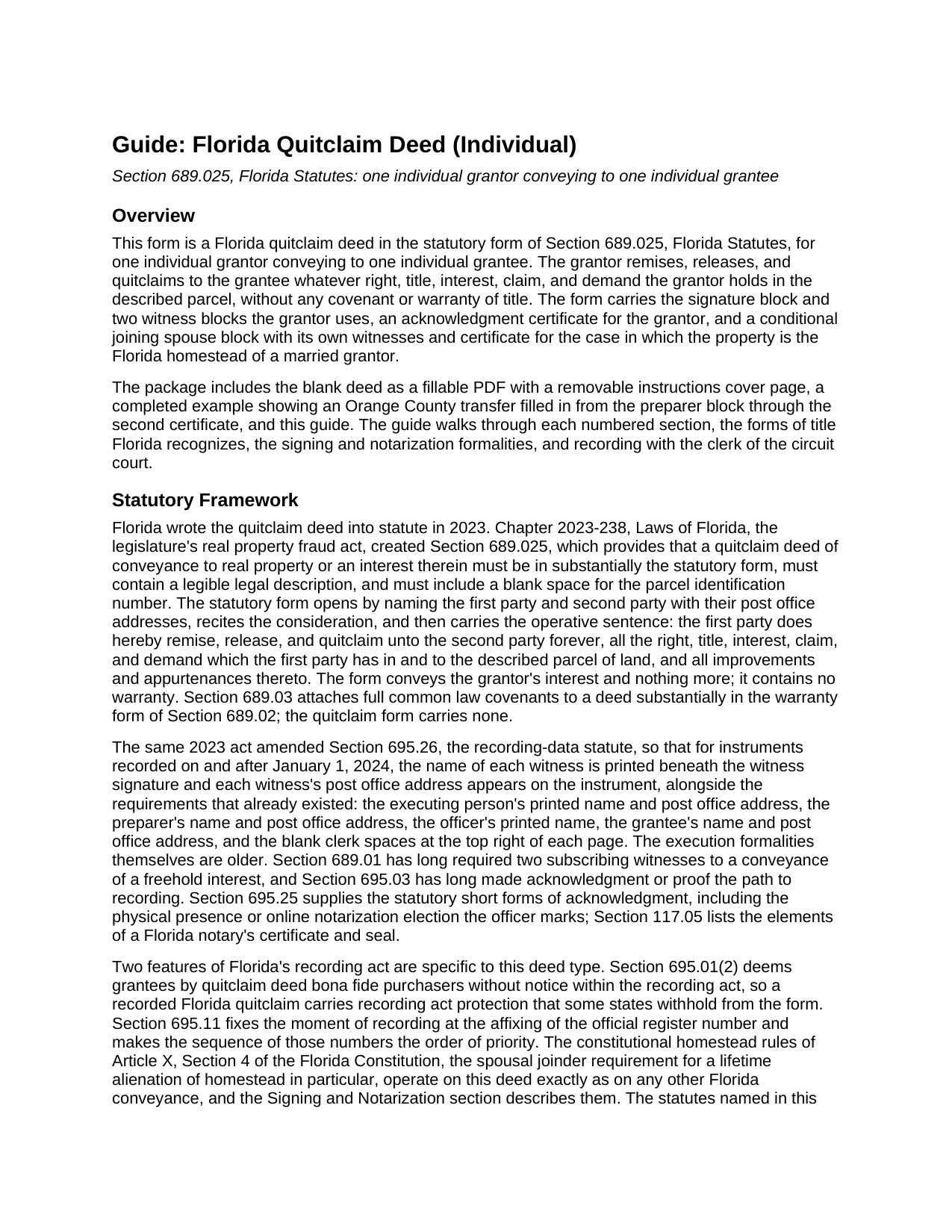
Seminole County Quitclaim Deed (Individual) Guide
Line by line guide explaining every blank on the Quitclaim Deed (Individual) form.
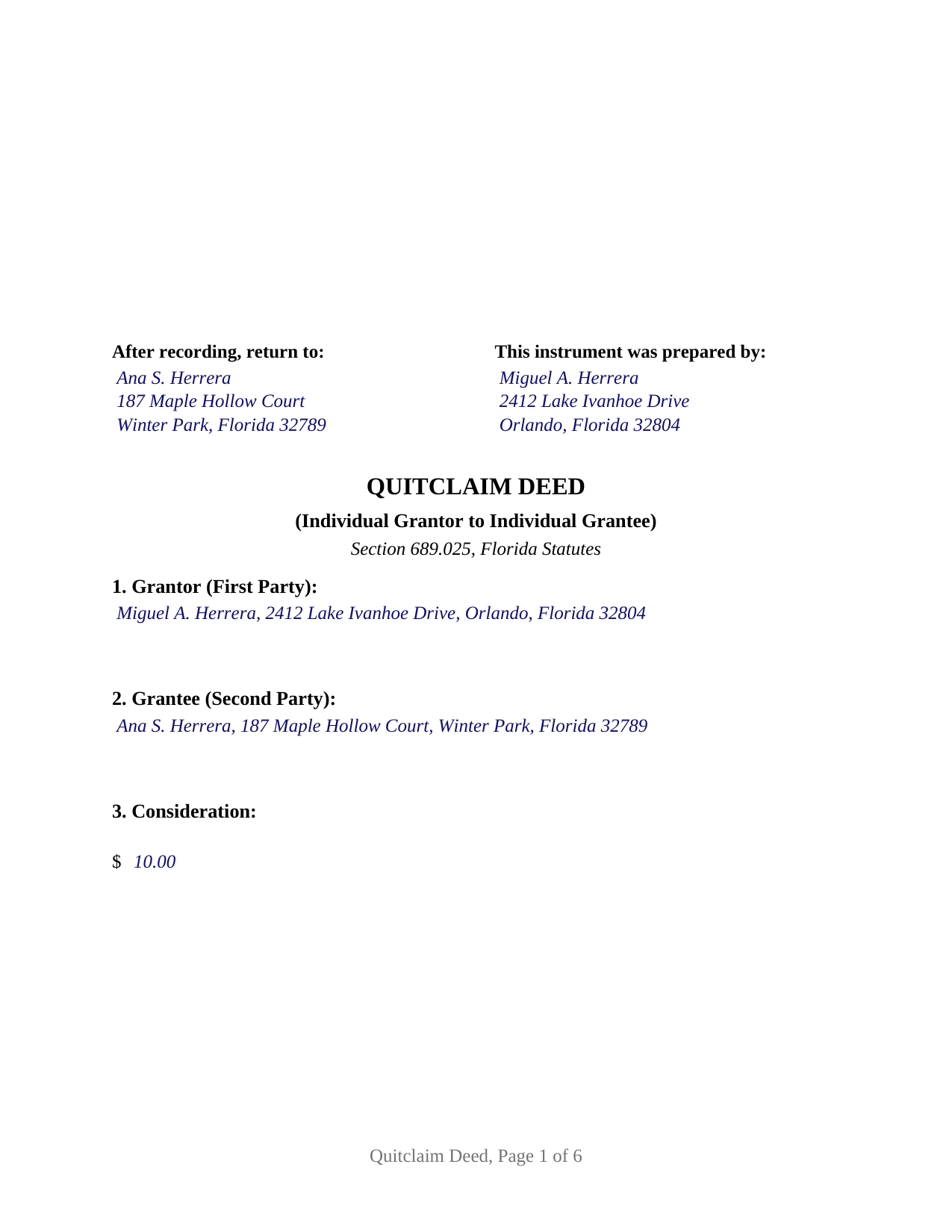
Seminole County Completed Example of the Quitclaim Deed (Individual) Document
Example of a properly completed Florida Quitclaim Deed (Individual) document for reference.
All 3 documents above included • One-time purchase • No recurring fees
Immediate Download • Secure Checkout
Additional Florida and Seminole County documents included at no extra charge:
Where to Record Your Documents
Seminole County Clerk of Court - Records Center
Sanford, Florida 32773 / 32772-8099
Hours: 8:00am to 4:30 pm M-F
Phone: (407) 665-4340
Recording Tips for Seminole County:
- Bring your driver's license or state-issued photo ID
- Ensure all signatures are in blue or black ink
- Ask about their eRecording option for future transactions
- Avoid the last business day of the month when possible
- Both spouses typically need to sign if property is jointly owned
Cities and Jurisdictions in Seminole County
Properties in any of these areas use Seminole County forms:
- Altamonte Springs
- Casselberry
- Geneva
- Goldenrod
- Lake Mary
- Lake Monroe
- Longwood
- Mid Florida
- Oviedo
- Sanford
- Winter Springs
Hours, fees, requirements, and more for Seminole County
How do I get my forms?
Forms are available for immediate download after payment. The Seminole County forms will be in your account ready to download to your computer. An account is created for you during checkout if you don't have one. Forms are NOT emailed.
Are these forms guaranteed to be recordable in Seminole County?
Yes. Our form blanks are guaranteed to meet or exceed the applicable formatting requirements used for recording in Seminole County, including margin requirements, font requirements, and other layout standards. This guarantee applies to formatting, not to the legal sufficiency of information entered by the user or the suitability of a form for a particular transaction.
Can I reuse these forms?
Yes. You can reuse the forms for your personal use. For example, if you have multiple properties in Seminole County you only need to order once.
What do I need to use these forms?
The forms are PDFs that you fill out on your computer. The free Adobe Acrobat Reader is recommended, and most PDF apps also work. You do NOT enter your property information online - you download the blank forms and complete them privately on your own computer.
Are there any recurring fees?
No. This is a one-time purchase. Nothing to cancel, no memberships, no recurring fees.
How much does it cost to record in Seminole County?
Recording fees in Seminole County vary. Contact the recorder's office at (407) 665-4340 for current fees.
Questions answered? Let's get started!
One name on the grantor line, one on the grantee line. This Florida quitclaim deed prepares the simplest configuration the state's statutory form takes: a single individual conveying to a single individual, under Section 689.025, Florida Statutes. The deed carries the prescribed operative wording, the parcel identification number blank the statute calls for, and an express no-warranty statement, all arranged around one signature ceremony, with a conditional joining spouse block standing behind it for the homestead case.
One grantor, one grantee
The form recites one first party and one second party, each an individual, and its own text states that the first party executes the deed as an individual in his or her own right. The grantor's name and post office address sit in Section 1, the grantee's in Section 2, and a single acknowledgment certificate serves the grantor's signature; a second certificate exists only for the joining spouse block. That one-to-one architecture matches the record patterns where a lone individual moves an interest to another: a co-owner releasing a fractional share to the person who keeps the property, one relative passing an inherited interest to another, or an individual releasing a doubtful claim so a title examiner reads a clean chain. The form is not set up as an entity, trustee, or attorney-in-fact conveyance, and it recites a single grantee rather than co-owners taking survivorship or entireties title; the guide describes how a sole grantee holds what the deed delivers.
An interest passed as-is
The operative words of Section 689.025, remise, release, and quitclaim, move whatever right, title, interest, claim, and demand the first party holds at delivery, and the deed says expressly that it conveys without covenant or warranty of title. Nothing in it promises that the grantor owns anything, and encumbrances of record follow the property into the grantee's hands. Florida's recording act still treats the receiving side generously: Section 695.01(2) deems the grantee under a quitclaim deed a bona fide purchaser without notice for recording act purposes, and recording fixes priority by the register number the clerk assigns.
Two witnesses, one certificate, current rules
Execution follows Section 689.01: the grantor signs before two subscribing witnesses. Since January 1, 2024, the recording statute has also demanded each witness's printed name beneath the witness signature and each witness's post office address on the face of the deed, and the form dedicates labeled lines to all of it. The acknowledgment tracks the current Florida certificate: venue lines, the physical presence or online notarization election of Section 117.05, the date, the signer's name, the identification method, and the notary's name, seal, serial number, and commission expiration. A preparer block naming a natural person and the blank clerk spaces of Section 695.26 complete the recording data, with the first page holding the reserved band where the clerk's stamp lands.
The spouse question a single signature raises
A deed built for one signer still meets Florida's constitution when the property is the signer's homestead. Article X, Section 4(c) lets a married owner alienate homestead real estate only with the spouse joined in the instrument, so the form ends with a labeled joining spouse block, carrying its own two witnesses and its own acknowledgment certificate. The deed's text gives that block effect only when someone signs it: an unmarried grantor, or a grantor conveying property that is not homestead, leaves it blank, and the printed deed says the unsigned block has no effect. Documentary stamp tax rides along at recording under Section 201.02, computed on consideration that includes any mortgage on the land, a point that reaches even one-dollar family transfers of encumbered property; the guide walks the computation, the Miami-Dade rate difference, and the minimum tax on nominal-consideration deeds.
The download delivers the blank statutory deed as a fillable PDF with a removable instructions page, a completed example showing an Orange County transfer filled in from the preparer block through the second certificate, and a plain language guide covering every numbered section, the witnessing and notarization ceremony, and recording with the clerk of the circuit court. The materials describe Florida law in general terms; they are informational and are not legal advice.
Important: Your property must be located in Seminole County to use these forms. Documents should be recorded at the county recording office listed above.
This Quitclaim Deed (Individual) meets all recording requirements specific to Seminole County.
Our Promise
The documents you receive here are guaranteed to meet or exceed the applicable Seminole County recording format requirements. If there is a rejection caused by our formatting, we will correct the issue or refund your payment. This guarantee applies to document formatting only and does not extend to information entered by the user, the selection of the form, or the legal effect of the completed document.
Save Time and Money
Get your Seminole County Quitclaim Deed (Individual) form done right the first time with Deeds.com Uniform Conveyancing Blanks. At Deeds.com, we understand that your time and money are valuable resources, and we don't want you to face a penalty fee or rejection imposed by a county recorder for submitting nonstandard documents. We constantly review and update our forms to meet rapidly changing state and county recording requirements for roughly 3,500 counties and local jurisdictions.
4.8 out of 5 - ( 4,864 Reviews )
Jacqueline T. 5 out of 5 stars
Worth it for the time saved as the supplemental forms required were included the purchase. First time user, easy peasy. 5 stars from me.
We appreciate your business and value your feedback. Thank you. Have a wonderful day!
Lisa G. 5 out of 5 stars
Form and info was good
We appreciate your business and value your feedback. Thank you. Have a wonderful day!
Michael J. 5 out of 5 stars
Great site, very easy to use. Thanks
Thank you for your feedback. We really appreciate it. Have a great day!
Lori W. 5 out of 5 stars
Great resource! Nice to have these forms and information available. No problems at the recorder, in fact it was the recorder that referred me to deeds.com they like their forms so much.
Thank you for your feedback. We really appreciate it. Have a great day!
Kenneth K. 5 out of 5 stars
It was fast and easy to use.
Thank you!
Lynda D S. 5 out of 5 stars
Sorry, I did not see that I was in the wrong review and just sent a review of a "product" I ordered online. As for Deeds.com I was very happy with the process and speed of getting the forms. I have used this site before. Highly recommend.
We appreciate your business and value your feedback. Thank you. Have a wonderful day!
Daniel C. 2 out of 5 stars
The fill-in pdf produced a messy document and several of the fields too small to accommodate the text. A tailorable MS Word document would have been far better. I would not recommend using this product.
Thank you for taking the time to share your feedback. We’re sorry to hear that the fill-in PDF did not meet your expectations, particularly with regard to formatting and field sizing.
Based on your comments, we will be reviewing the document to see where improvements can be made. Feedback like yours is genuinely helpful in identifying areas where our forms can be clearer and easier to use.
We’ve gone ahead and canceled your order and refunded your payment in full, so there’s no expectation that you use a product you wouldn’t feel comfortable recommending.
Lisa m. 5 out of 5 stars
Very fast and easy! Thanks!!
Glad we could help. Thank you!
Michele J. 5 out of 5 stars
I found a typo. It would be good to list the documents an individual needs to fill out the form.
Thank you!
Tisha J. 5 out of 5 stars
A quick and efficient way to record! Awesome customer service and SUPER FAST turnaround time.!
Thank you!
Muriel S. 5 out of 5 stars
The three people we dealt with were courteous and helpful.
Thank you!
Dyanna B. 5 out of 5 stars
Got what I needed. Easy access.
Thank you for your positive words! We’re thrilled to hear about your experience.
Herman B. 5 out of 5 stars
Special Warranty Deed I can't seem to type all my info in the blank spaces. It won't allow me to type any more. Maybe you should consider either allowing typists to type more (leaving more space) or allowing more room to type more.
Thank you!
Barbara D. 5 out of 5 stars
Appreciate this service!
Thank you!
Timothy B. 3 out of 5 stars
Excellent sample deed, very helpful. Unfortunately, the fill-able template only allowed for one BENEFICIARY.
Thank you for your feedback. We really appreciate it. Have a great day!