Baker County Warranty Deed (Trustee Grantor) Form
Last validated October 10, 2026 by our Forms Development TeamFormatted for recording in Baker County, for property anywhere in the county: rural and unincorporated areas as well as Glen Saint Mary, Macclenny, Olustee, Sanderson.
- 3 documents included
- Immediate PDF download
- Formatting guarantee
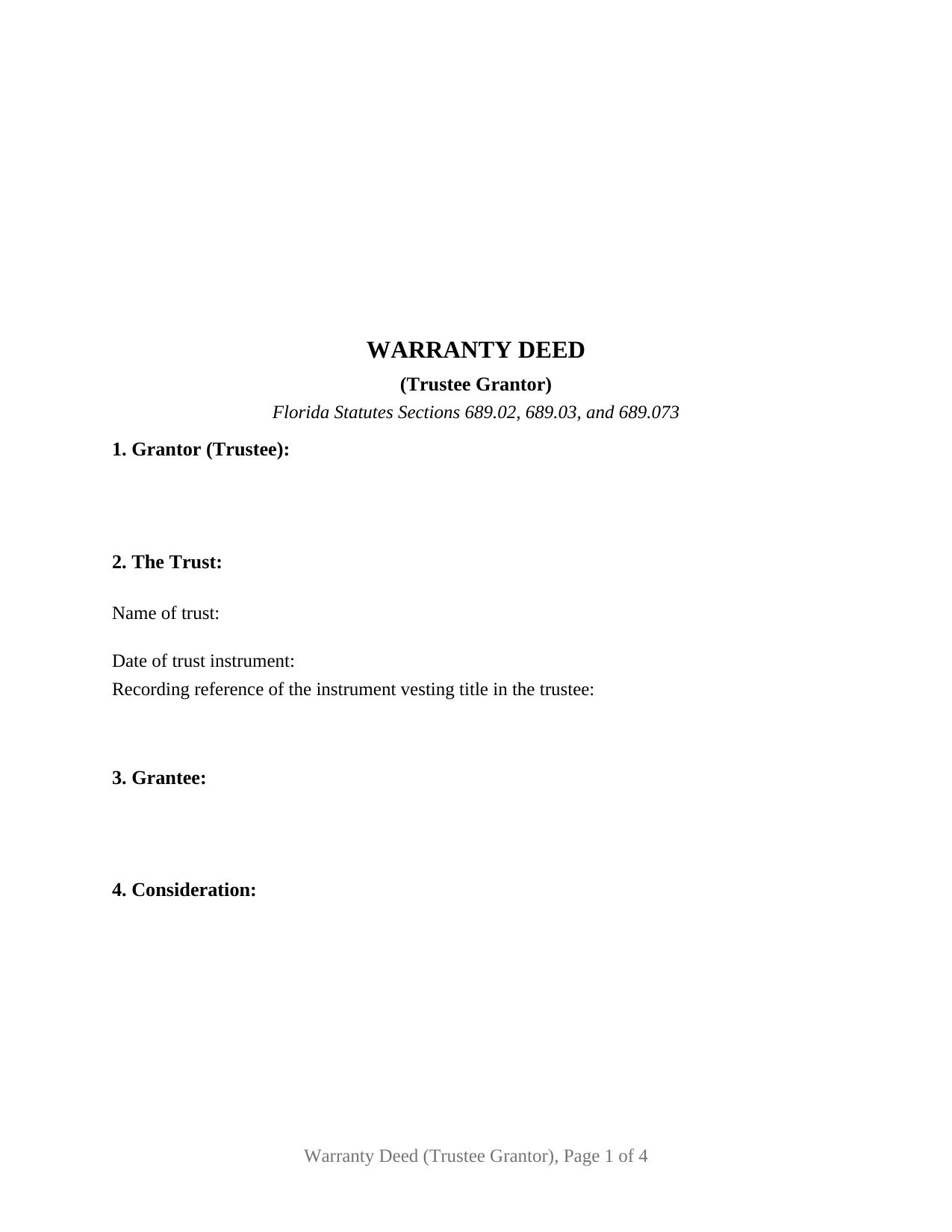
Baker County Warranty Deed (Trustee Grantor) Form
Fill in the blank Warranty Deed (Trustee Grantor) form formatted to comply with all Florida recording and content requirements.
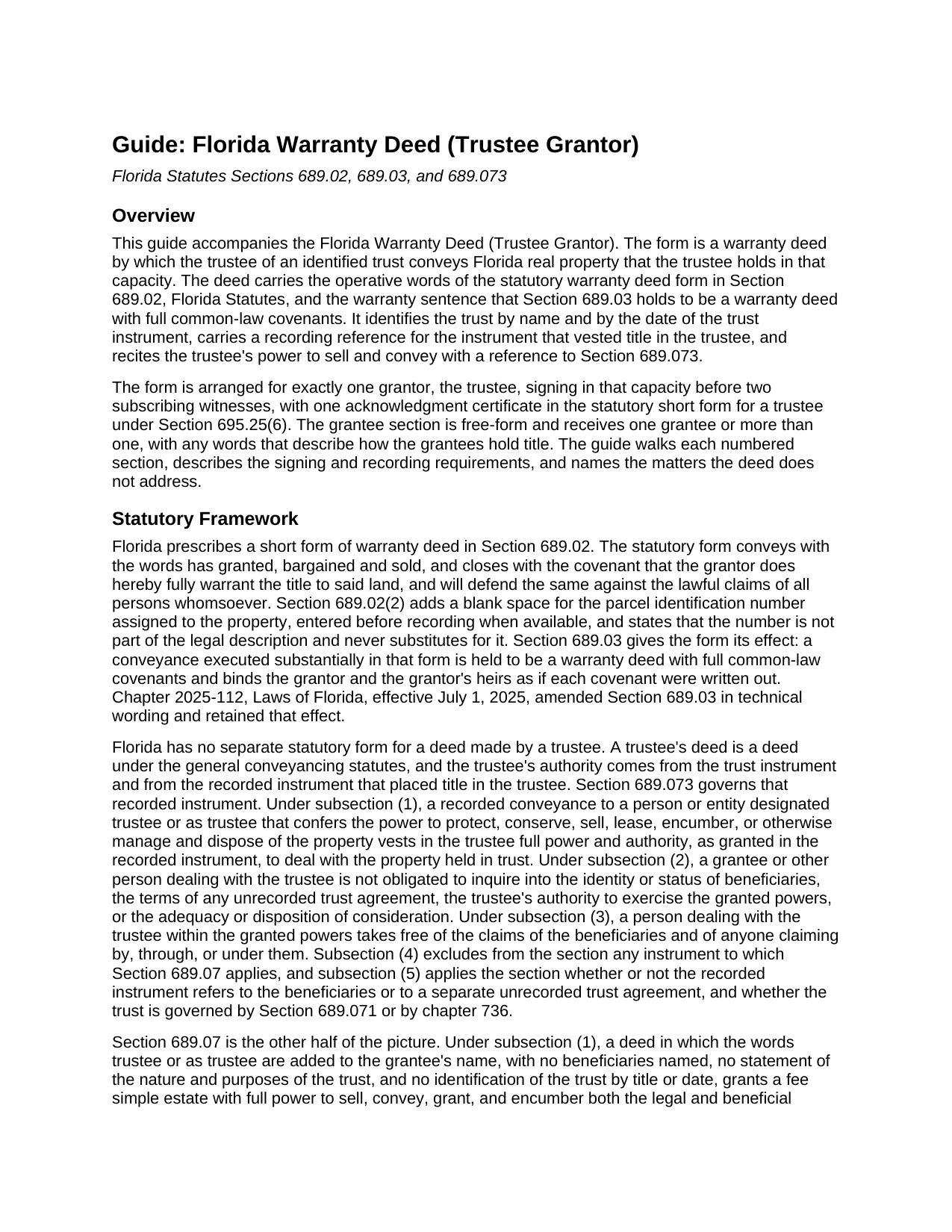
Baker County Warranty Deed (Trustee Grantor) Guide
Line by line guide explaining every blank on the Warranty Deed (Trustee Grantor) form.
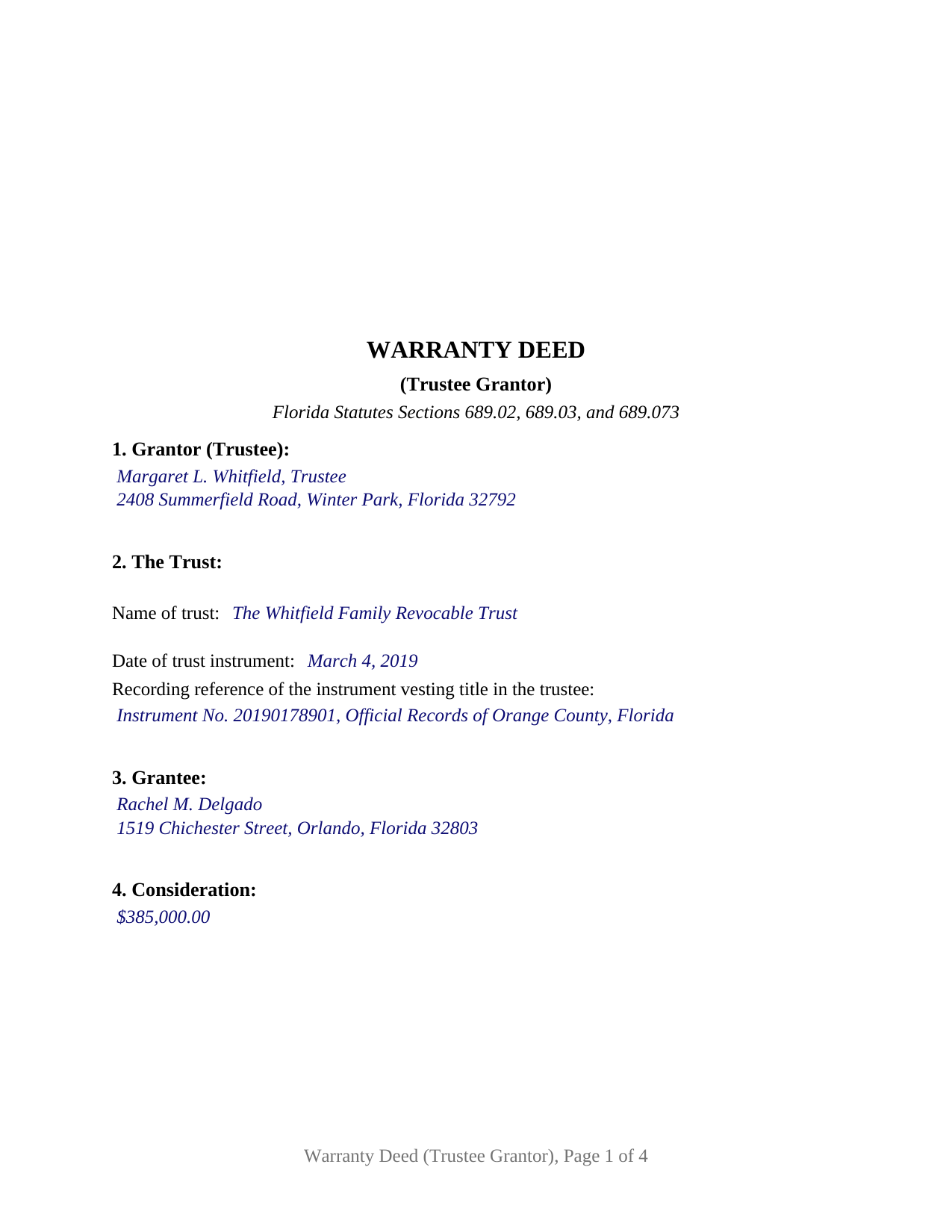
Baker County Completed Example of the Warranty Deed (Trustee Grantor) Document
Example of a properly completed Florida Warranty Deed (Trustee Grantor) document for reference.
All 3 documents above included • One-time purchase • No recurring fees
Immediate Download • Secure Checkout
Additional Florida and Baker County documents included at no extra charge:
Where to Record Your Documents
Baker County Clerk of the Court
Macclenny, Florida 32063
Hours: 8:30am - 4:00pm M-F
Phone: (904) 259-0208
Recording Tips for Baker County:
- Bring your driver's license or state-issued photo ID
- Ensure all signatures are in blue or black ink
- Make copies of your documents before recording - keep originals safe
- Recorded documents become public record - avoid including SSNs
- Recording fees may differ from what's posted online - verify current rates
Cities and Jurisdictions in Baker County
Properties in any of these areas use Baker County forms:
- Glen Saint Mary
- Macclenny
- Olustee
- Sanderson
Hours, fees, requirements, and more for Baker County
How do I get my forms?
Forms are available for immediate download after payment. The Baker County forms will be in your account ready to download to your computer. An account is created for you during checkout if you don't have one. Forms are NOT emailed.
Are these forms guaranteed to be recordable in Baker County?
Yes. Our form blanks are guaranteed to meet or exceed the applicable formatting requirements used for recording in Baker County, including margin requirements, font requirements, and other layout standards. This guarantee applies to formatting, not to the legal sufficiency of information entered by the user or the suitability of a form for a particular transaction.
Can I reuse these forms?
Yes. You can reuse the forms for your personal use. For example, if you have multiple properties in Baker County you only need to order once.
What do I need to use these forms?
The forms are PDFs that you fill out on your computer. The free Adobe Acrobat Reader is recommended, and most PDF apps also work. You do NOT enter your property information online - you download the blank forms and complete them privately on your own computer.
Are there any recurring fees?
No. This is a one-time purchase. Nothing to cancel, no memberships, no recurring fees.
How much does it cost to record in Baker County?
Recording fees in Baker County vary. Contact the recorder's office at (904) 259-0208 for current fees.
Questions answered? Let's get started!
When a Florida trust sells real property, the deed comes from the trustee, and the covenant that deed carries is a drafting decision with statutory weight. This warranty deed for a trustee grantor pairs the two: the trustee of an identified trust conveys with the full warranty of the Florida statutory form, using the operative words "has granted, bargained and sold" and the covenant to fully warrant the title and defend it against the lawful claims of all persons whomsoever. Under Section 689.03, Florida Statutes, a deed substantially in that form takes effect as a warranty deed with full common-law covenants.
A Statutory Warranty, Signed in Trust Capacity
The warranty here reaches the whole chain of title, not only the period the trustee or the trust has owned the property. That is the difference between this covenant and the narrower conveyances Florida law recognizes: a quitclaim deed passes only whatever interest the grantor holds, with no covenant at all, and a special warranty deed limits the covenant to claims arising by, through, or under the grantor. The trustee signs in a representative capacity, and the deed recites the trustee's power to sell and convey, keyed to Section 689.073, the statute that lets a buyer or title examiner rely on powers conferred in a recorded instrument without inquiring into unrecorded trust terms or the beneficiaries.
Naming the Trust Defeats the Section 689.07 Trap
Florida attaches unusual consequences to the bare word "trustee" on a deed. Under Section 689.07, a conveyance to a grantee described only as trustee, with no named beneficiaries, no statement of the trust's nature and purposes, and no trust title and date, can vest a fee simple with full power to sell and encumber, as if no trust existed. This form is built around that rule from the opposite direction: it identifies the trust by name and by the date of the trust instrument and carries a recording reference for the instrument that vested title in the trustee, so the capacity in which the grantor conveys is plain on the face of the record.
One Trustee, One Signature, One Certificate
The deed recites exactly one grantor, a trustee conveying as trustee of the trust named in its second section, and carries one signature block, GRANTOR / TRUSTEE, paired with two subscribing witness blocks. The grantee section is free-form and receives one grantee or two or more grantees with the words that describe how they hold title. The acknowledgment certificate is the statutory short form of Section 695.25(6) for an acknowledgment by a trustee, reciting the trustee's name and title of position after the words "by means of physical presence or online notarization," and it reserves an area below the notary's signature for the rubber-stamp seal Section 117.05 places there. A successor trustee selling a residence the trust has held since the settlor's death, and the settlor-trustee of a revocable trust selling trust-held land to a buyer, present the trustee-grantor pattern this deed recites. The form is not set up for two co-trustees who both sign, for a natural person conveying in his or her own right, or for a company or an attorney in fact as the conveying party; each of those signs under a different pattern and takes a different certificate.
Two Witnesses and a Representative Acknowledgment
Section 689.01 places two subscribing witnesses on a Florida deed conveying a freehold estate, and since January 1, 2024, the recording statute also asks for each witness name printed beneath the witness signature and a post-office address for each witness. The form carries dedicated witness blocks with those lines built in, followed by the trustee acknowledgment and the identification clause the statute prints after the trustee's name.
Documentary Stamps and the Recording Package
The clerk of the circuit court records the deed in the county where the property sits, and documentary stamp tax is collected at recording: 70 cents per $100 of consideration statewide, with Miami-Dade County on its own rate structure. The first page reserves the blank space the clerk's recording stamp requires, and the parcel identification number blank called for by Section 689.02(2) sits beside the legal description. The download includes the fillable deed with a removable instructions page, a completed example worked through an Orange County fact pattern, and a guide that walks each numbered section in order; the materials describe the form and the statutes behind it and are not legal advice.
Important: Your property must be located in Baker County to use these forms. Documents should be recorded at the county recording office listed above.
This Warranty Deed (Trustee Grantor) meets all recording requirements specific to Baker County.
Our Promise
The documents you receive here are guaranteed to meet or exceed the applicable Baker County recording format requirements. If there is a rejection caused by our formatting, we will correct the issue or refund your payment. This guarantee applies to document formatting only and does not extend to information entered by the user, the selection of the form, or the legal effect of the completed document.
Save Time and Money
Get your Baker County Warranty Deed (Trustee Grantor) form done right the first time with Deeds.com Uniform Conveyancing Blanks. At Deeds.com, we understand that your time and money are valuable resources, and we don't want you to face a penalty fee or rejection imposed by a county recorder for submitting nonstandard documents. We constantly review and update our forms to meet rapidly changing state and county recording requirements for roughly 3,500 counties and local jurisdictions.
4.8 out of 5 - ( 4,828 Reviews )
Jill R. 5 out of 5 stars
So helpful and extremely responsive. Such a convenient way to record deeds.
We appreciate your business and value your feedback. Thank you. Have a wonderful day!
Mary-Ann K. 5 out of 5 stars
Very pleasantly pleased so far. Hope to hear from the town registrar Transfer On Death Deed accepted. Wish all legal proceedings were so simple . . .
Thank you for your feedback. We really appreciate it. Have a great day!
Michael W. 5 out of 5 stars
This was really easy and very helpful. Thanks,
Thank you!
Michael L. 5 out of 5 stars
Very helpful and efficient
Thank you!
Phyllis C. 3 out of 5 stars
So far So Good. Ill come back and re review after it is all finished. I have downloaded all the documents. next I need to fill them out.
Thank you!
Katherine H. 5 out of 5 stars
extremely thorough by covering all bases, easy to understand, direct access, fair price with no strings attached. I recommend the service to everyone.
We appreciate your business and value your feedback. Thank you. Have a wonderful day!
Jimmy W. 5 out of 5 stars
The forms where easy to get to and I hope that they will be as easy to fill out.
Thank you!
Richard C. 5 out of 5 stars
Fast, effective, and good communication. I have no complaints at all.
Thank you for your positive words! We’re thrilled to hear about your experience.
Margaret J. 5 out of 5 stars
Forms were clear and understandable
Thank you!
Beatrica G. 5 out of 5 stars
Thanks for your service. I recieved my documents on time and package information as promise.
Thank you for your feedback. We really appreciate it. Have a great day!
Carolyn K. 5 out of 5 stars
Very easy to use and very knowledgeable. All information needed to complete the documents was provided. Affordable too!
Thank you for your kind words and for choosing us.
Ralph H. 5 out of 5 stars
It had all the info I was looking for!
Thank you Ralph, we appreciate your feedback.
Curley B. 5 out of 5 stars
So far, I'm pleased. I am a first-time user, as most of my clients are in California. I look forward to working with you more in the future.
Thank you for your feedback. We really appreciate it. Have a great day!
Christine D. 5 out of 5 stars
Very easy to use and very fast. I was very happy with your service and will definitely use it again in the future!
We appreciate your business and value your feedback. Thank you. Have a wonderful day!
Brenda M. 5 out of 5 stars
It was quick and easy to obtain the document I needed
Thanks so much for your feedback Brenda, we really appreciate it. Have a great day!