Collier County Warranty Deed Form
Last validated October 10, 2026 by our Forms Development TeamFormatted for recording in Collier County, for property anywhere in the county: rural and unincorporated areas as well as Chokoloskee, Copeland, Everglades City, Goodland, Immokalee, Marco Island, Naples, Vanderbilt Beach.
- 3 documents included
- Immediate PDF download
- Formatting guarantee
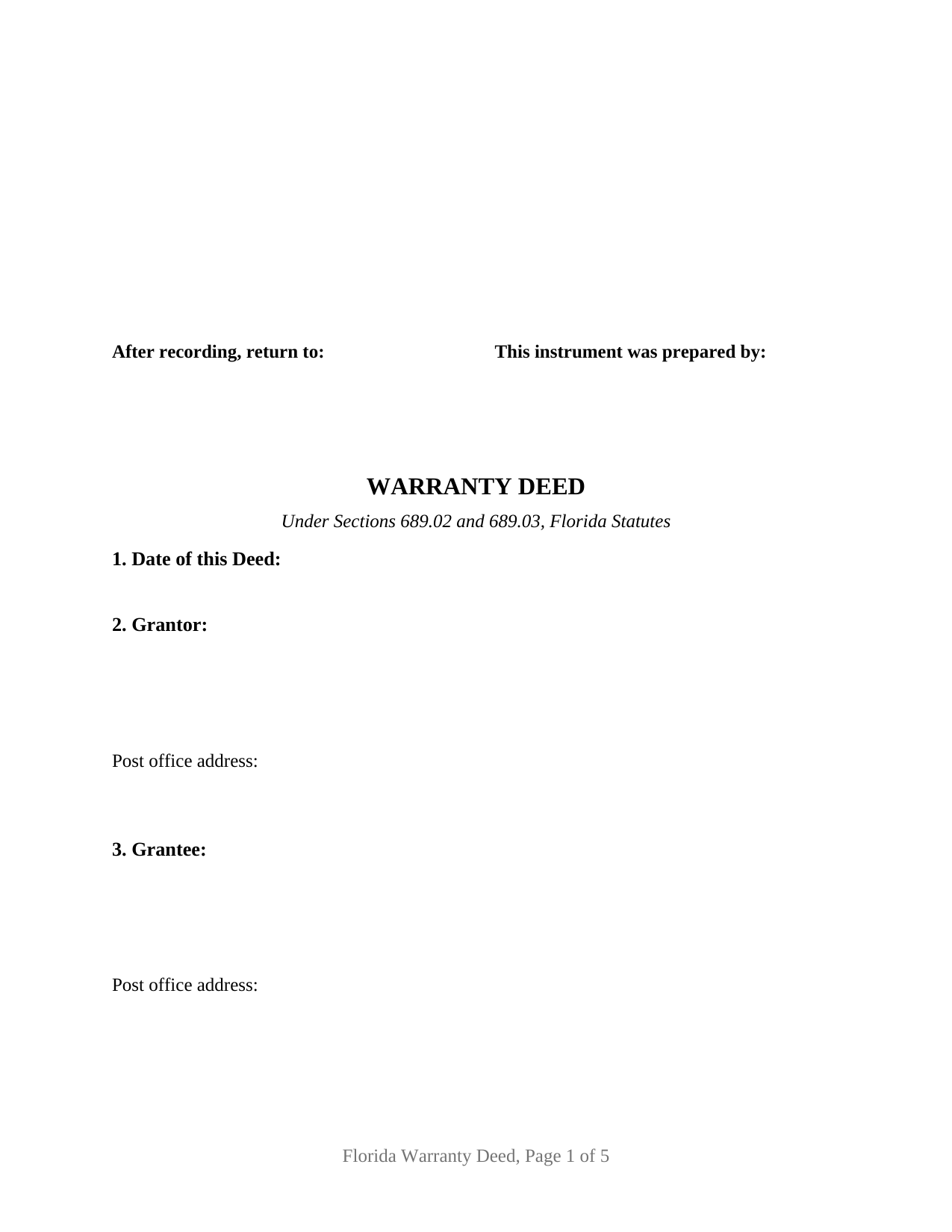
Collier County Warranty Deed Form
Fill in the blank Warranty Deed form formatted to comply with all Florida recording and content requirements.
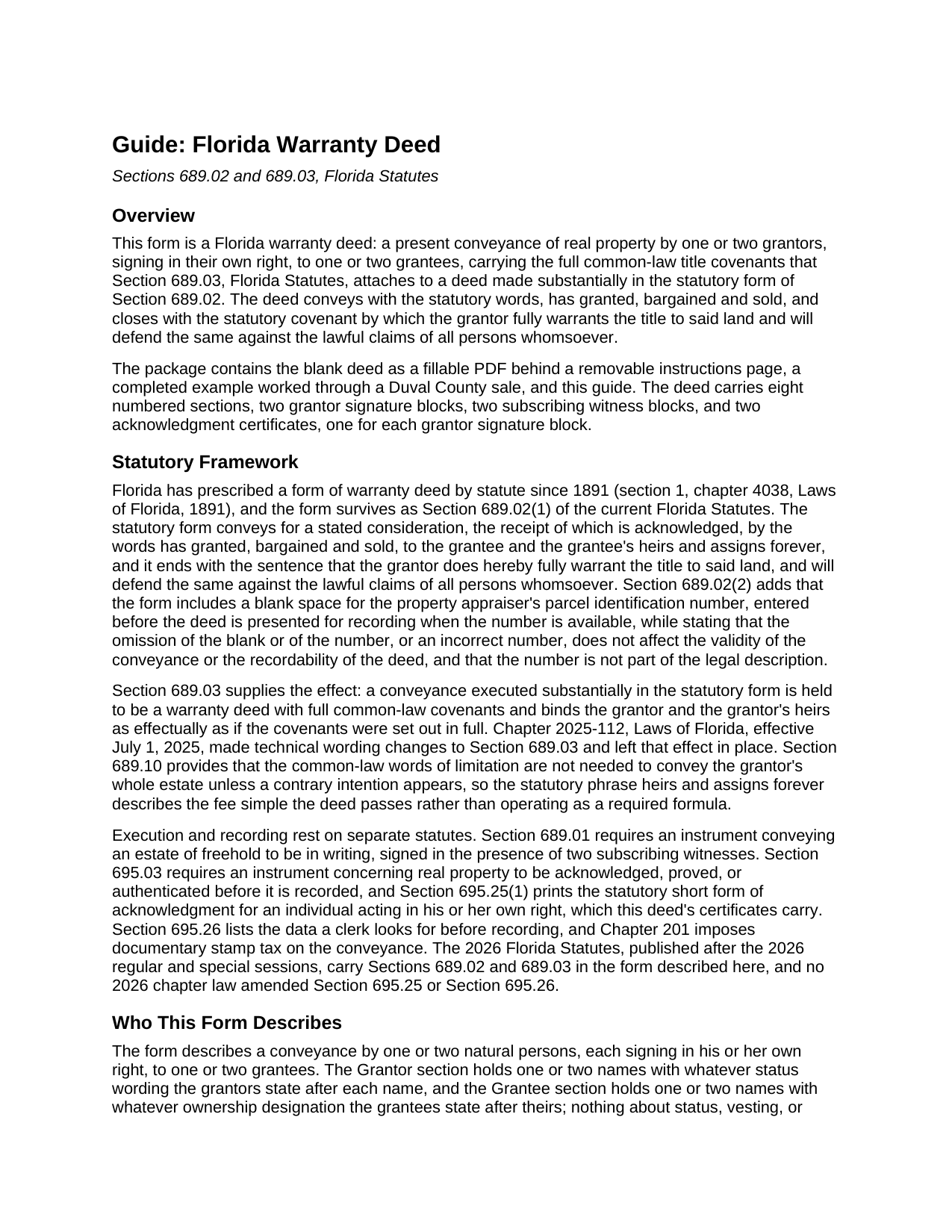
Collier County Warranty Deed Guide
Line by line guide explaining every blank on the Warranty Deed form.
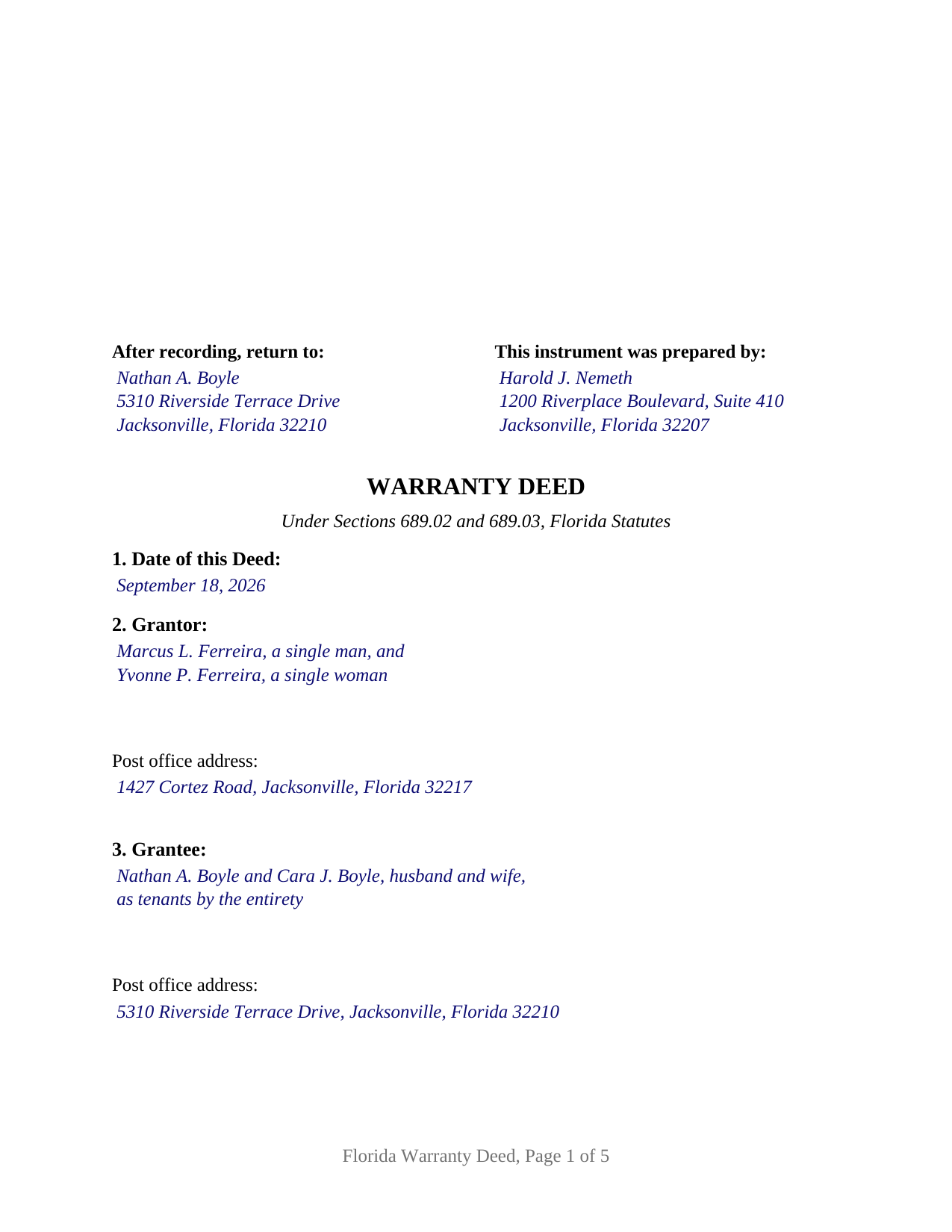
Collier County Completed Example of the Warranty Deed Document
Example of a properly completed Florida Warranty Deed document for reference.
All 3 documents above included • One-time purchase • No recurring fees
Immediate Download • Secure Checkout
Additional Florida and Collier County documents included at no extra charge:
Where to Record Your Documents
Recording Department - Courthouse Annex
Naples, Florida 34112-5324 / 34101-3044
Hours: 8:00am to 5:00pm M-F
Phone: (239) 252-8261
Recording Tips for Collier County:
- Bring your driver's license or state-issued photo ID
- Ensure all signatures are in blue or black ink
- Avoid the last business day of the month when possible
- Both spouses typically need to sign if property is jointly owned
- Bring extra funds - fees can vary by document type and page count
Cities and Jurisdictions in Collier County
Properties in any of these areas use Collier County forms:
- Chokoloskee
- Copeland
- Everglades City
- Goodland
- Immokalee
- Marco Island
- Naples
- Vanderbilt Beach
Hours, fees, requirements, and more for Collier County
How do I get my forms?
Forms are available for immediate download after payment. The Collier County forms will be in your account ready to download to your computer. An account is created for you during checkout if you don't have one. Forms are NOT emailed.
Are these forms guaranteed to be recordable in Collier County?
Yes. Our form blanks are guaranteed to meet or exceed the applicable formatting requirements used for recording in Collier County, including margin requirements, font requirements, and other layout standards. This guarantee applies to formatting, not to the legal sufficiency of information entered by the user or the suitability of a form for a particular transaction.
Can I reuse these forms?
Yes. You can reuse the forms for your personal use. For example, if you have multiple properties in Collier County you only need to order once.
What do I need to use these forms?
The forms are PDFs that you fill out on your computer. The free Adobe Acrobat Reader is recommended, and most PDF apps also work. You do NOT enter your property information online - you download the blank forms and complete them privately on your own computer.
Are there any recurring fees?
No. This is a one-time purchase. Nothing to cancel, no memberships, no recurring fees.
How much does it cost to record in Collier County?
Recording fees in Collier County vary. Contact the recorder's office at (239) 252-8261 for current fees.
Questions answered? Let's get started!
Florida decides contests between deeds with a number. Under Section 695.11, Florida Statutes, an instrument counts as recorded the moment the clerk stamps its official register number on it, and the order of those consecutive numbers fixes priority, the lower number prevailing over the higher. A warranty deed hands a buyer both halves of that protection: a promise from the seller about the condition of the title, and a place in the clerk's numbered sequence. This form prepares that deed for Florida real property.
What the 1891 sentence still does
The Florida Legislature put a warranty deed in the statute book in 1891, and Section 689.02 still prints it. The conveyance runs on the phrase "has granted, bargained and sold," and the seller's undertaking arrives in one sentence: to fully warrant the title to said land, and to defend it against the lawful claims of all persons whomsoever. Section 689.03 is where that sentence grows. A conveyance made substantially in the statutory form takes effect as a deed carrying the full set of common-law title covenants, binding on the grantor and the grantor's heirs as though each were spelled out. It looks backward through the entire chain, so a defect created generations before the seller took title is one the seller has promised to defend. One section of the form lists what stands outside that promise, and the parcel identification blank required by Section 689.02(2) sits with the legal description it never replaces.
One or two people on each side of the deed
This is the base configuration of the Florida warranty deed line, and its party blocks are deliberately empty of preprinted labels. The Grantor block takes one or two natural persons signing in their own right, with the status wording the parties enter after each name. The Grantee block takes one or two names followed by whatever ownership wording the grantees choose, which the guide covers form by form: a tenancy in common, the express survivorship language Section 689.15 demands before survivorship exists in a joint tenancy, or the tenancy by the entirety that arises between spouses. Four count patterns therefore appear on this single instrument, from a sole owner selling to one buyer through two owners conveying to two. The execution page follows the same logic, with two grantor signature blocks and a separate acknowledgment certificate for each, so a deed signed by one grantor leaves the second block and certificate blank. The form is not set up for a company, a trustee, an attorney in fact, or a title held by three or more owners, each of which signs under different statutes.
Two witnesses, plus the address rule from 2024
Section 689.01 keeps a signing formality most states abandoned long ago: a deed of a freehold estate is signed in the presence of two subscribing witnesses, who sign it too. The 2023 real property fraud act then added a detail effective January 1, 2024, and Florida clerks check for it. Along with the printed name under every signature, the recording statute now calls for a printed name and a post office address for each witness, and both witness blocks on this form carry a labeled address line. The certificate tracks the statutory short form for an individual acting in his or her own right, indicating physical presence or online notarization and recording the identification the notary relied on.
Stamps, pages, and the square at the top of page one
Documentary stamp tax comes due at the counter. Chapter 201 taxes a deed at 70 cents for each 100 dollars of consideration, counting any mortgage the land remains subject to whether or not the buyer assumes it, and Miami-Dade alone works from its own rate and surtax. Filing charges are largely statutory, with the large county clerks publishing 10 dollars for a first page and 8 dollars and 50 cents for every page after it. Page one of this form leaves its top three inches clear, which covers the three inch square Section 695.26 hands to the clerk at the upper right, and the preparer and return blocks sit just beneath that space.
The download contains the deed as a fillable PDF behind a removable instructions page, a completed example worked through a Duval County sale from the date line to the notary's commission date, and a plain-language guide covering each numbered section, the vesting choices, and the recording steps. The materials describe Florida law in general terms and are not legal advice.
Important: Your property must be located in Collier County to use these forms. Documents should be recorded at the county recording office listed above.
This Warranty Deed meets all recording requirements specific to Collier County.
Our Promise
The documents you receive here are guaranteed to meet or exceed the applicable Collier County recording format requirements. If there is a rejection caused by our formatting, we will correct the issue or refund your payment. This guarantee applies to document formatting only and does not extend to information entered by the user, the selection of the form, or the legal effect of the completed document.
Save Time and Money
Get your Collier County Warranty Deed form done right the first time with Deeds.com Uniform Conveyancing Blanks. At Deeds.com, we understand that your time and money are valuable resources, and we don't want you to face a penalty fee or rejection imposed by a county recorder for submitting nonstandard documents. We constantly review and update our forms to meet rapidly changing state and county recording requirements for roughly 3,500 counties and local jurisdictions.
4.8 out of 5 - ( 4,839 Reviews )
cosmin B. 5 out of 5 stars
It's all good!!!!
Thank you!
Michelle J. 5 out of 5 stars
I believe this is great! It protects the residents from theft of property. Proud of what Wayne County is doing.
Thank you!
Ronald W. 5 out of 5 stars
Easy to use and very helpful
Thank you!
Katherine H. 5 out of 5 stars
extremely thorough by covering all bases, easy to understand, direct access, fair price with no strings attached. I recommend the service to everyone.
We appreciate your business and value your feedback. Thank you. Have a wonderful day!
Justin C. 5 out of 5 stars
I was a first-time customer to Deeds.com and was very pleased with my ability to navigate the site and find just what I needed in a very short time. Great value for the price.
Thank you for your feedback. We really appreciate it. Have a great day!
Timothy G. 5 out of 5 stars
Easy peezy.
Thank you!
Richard W. 5 out of 5 stars
I found that the product wasn't what I was looking for. But ordering the product was smooth and easy and when I notified them it wasn't the right product for my situation, they promptly refunded my credit card. If looking for docs again, I will try deeds.com again.
Thank you!
Linda J. 5 out of 5 stars
I was referred to you by a recording service for Walton County, Florida. I registered on your website, and 48 hours later I received a copy of a recorded deed. Easy and Fast!
We appreciate your business and value your feedback. Thank you. Have a wonderful day!
Kristina R. 5 out of 5 stars
Fast and friendly service. I will use Deeds.com again.
We appreciate your business and value your feedback. Thank you. Have a wonderful day!
Paul R. 5 out of 5 stars
So far, so good. Great looking site.
Thank you!
Jeffrey G. 5 out of 5 stars
We had a one-time-only recording to make in the District of Columbia. We could not have e-filed the document without the assistance Deeds.com! The service they provided was wonderful.
Thank you for your feedback. We really appreciate it. Have a great day!
Joseph L. 5 out of 5 stars
Very easy to fill out and and saved a lot of extra cost by doing it ourselves and getting it notarized.
Thank you Joseph, we really appreciate your feedback.
Barbara C. 5 out of 5 stars
I have used these forms now at least 3 times in order to sell the same parcel of land. The forms are great and I'm happy that I could use them more than once. To no fault of Deeds.com I used them many times to sell the same land. First the man died that was buying, before it got recorded. Then his wife was going to finish it, but then decided it should be sold to another party who was a friend of hers.
We appreciate your business and value your feedback. Thank you. Have a wonderful day!
Kenny H. 5 out of 5 stars
The forms are extremely helpful. They could use some updating. Promissory note "...in the form of cash, check or money order." is a bit outdated. My note is with my son and we have an automatic bank transfer set up for payments. He could Venmo me. There are many other options and likely to be more changes in the future, so I know this is difficult to maintain.
Thank you for your feedback. We really appreciate it. Have a great day!
Ray L. 5 out of 5 stars
Thank you, I am very satisfied with the process and will provide a final review after the documents are completed and accepted by the state.
Thank you for your feedback. We really appreciate it. Have a great day!