Gilmer County Administrator Deed Form
Last validated October 27, 2026 by our Forms Development TeamFormatted for recording in Gilmer County, for property anywhere in the county: rural and unincorporated areas as well as Cherry Log, East Ellijay, Ellijay.
- 3 documents included
- Immediate PDF download
- Formatting guarantee
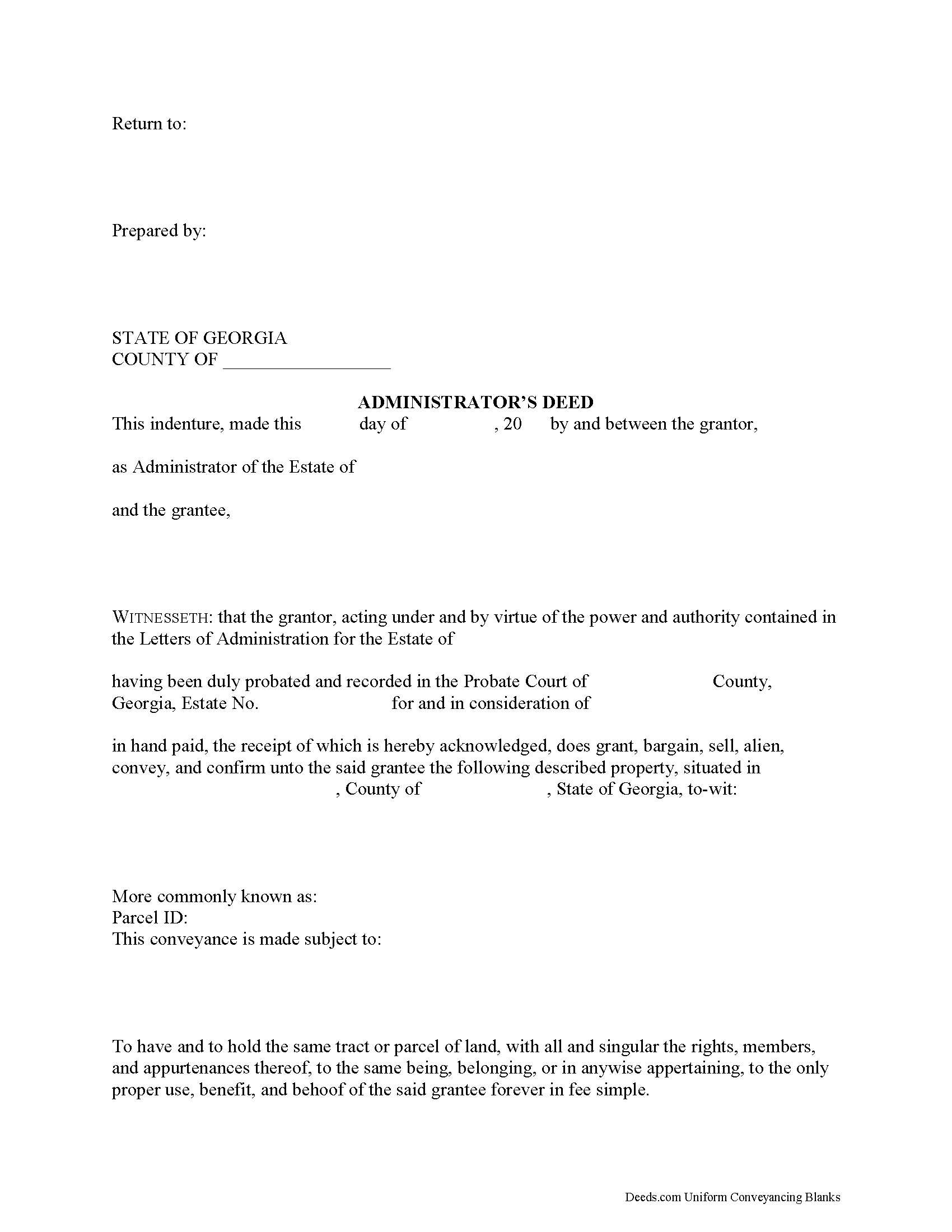
Gilmer County Administrator Deed Form
Fill in the blank form formatted to comply with all recording and content requirements.
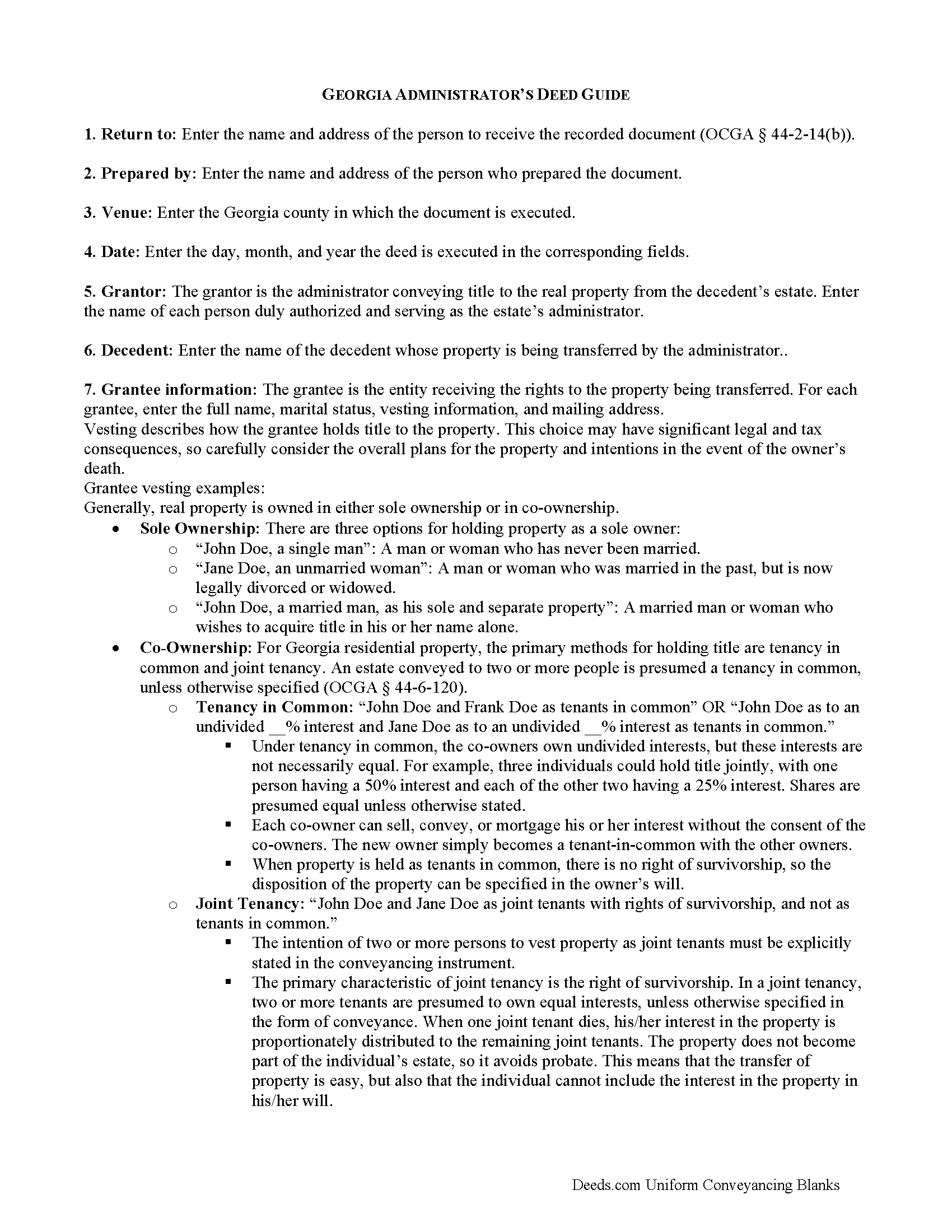
Gilmer County Administrator Deed Guide
Line by line guide explaining every blank on the form.
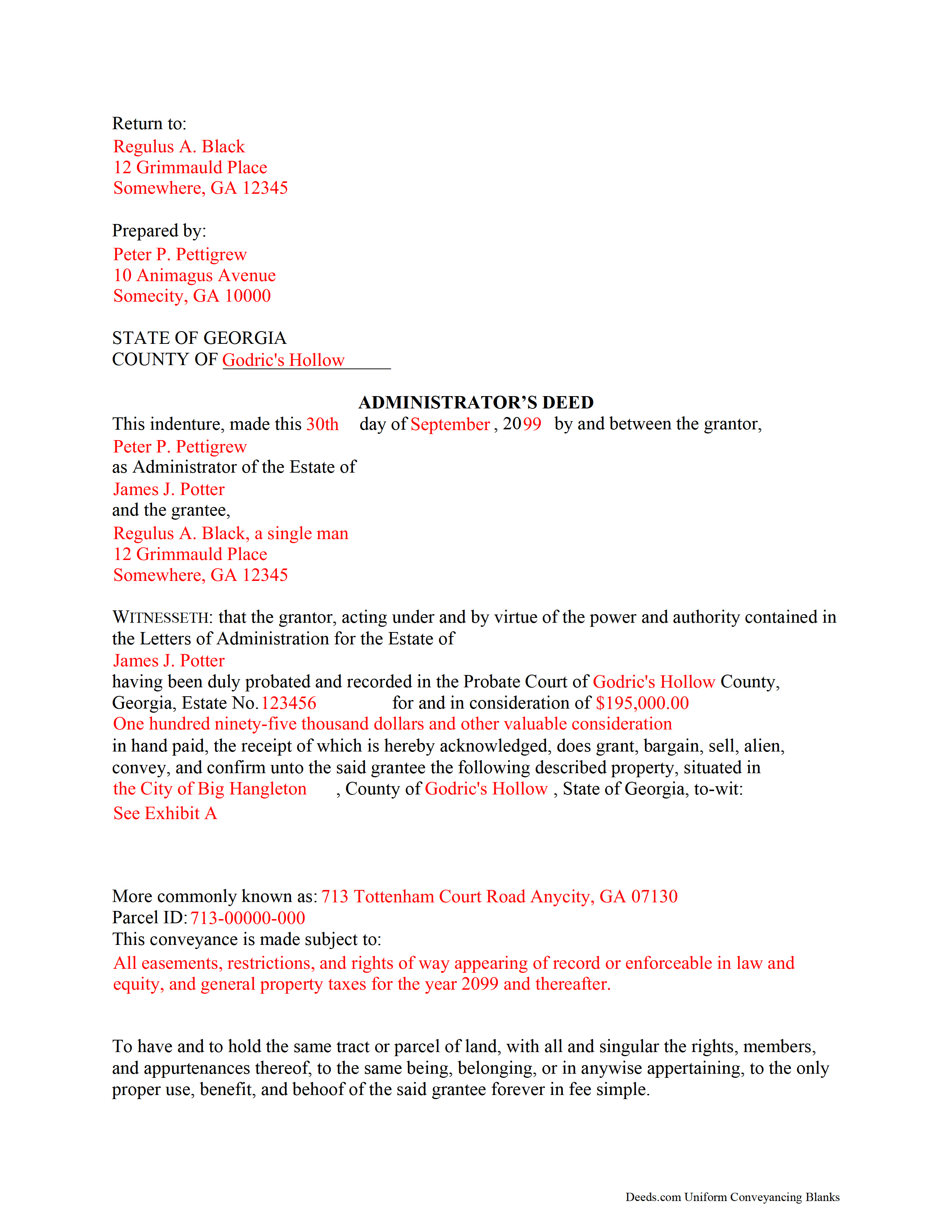
Gilmer County Completed Example of the Administrator Deed Document
Example of a properly completed form for reference.
All 3 documents above included • One-time purchase • No recurring fees
Immediate Download • Secure Checkout
Additional Georgia and Gilmer County documents included at no extra charge:
Where to Record Your Documents
Clerk of Superior Court
Ellijay, Georgia 30540
Hours: 8:30 to 5:00 M-F
Phone: (706) 635-4462
Recording Tips for Gilmer County:
- Bring your driver's license or state-issued photo ID
- Ensure all signatures are in blue or black ink
- Double-check legal descriptions match your existing deed
- Verify all names are spelled correctly before recording
- White-out or correction fluid may cause rejection
Cities and Jurisdictions in Gilmer County
Properties in any of these areas use Gilmer County forms:
- Cherry Log
- East Ellijay
- Ellijay
Hours, fees, requirements, and more for Gilmer County
How do I get my forms?
Forms are available for immediate download after payment. The Gilmer County forms will be in your account ready to download to your computer. An account is created for you during checkout if you don't have one. Forms are NOT emailed.
Are these forms guaranteed to be recordable in Gilmer County?
Yes. Our form blanks are guaranteed to meet or exceed the applicable formatting requirements used for recording in Gilmer County, including margin requirements, font requirements, and other layout standards. This guarantee applies to formatting, not to the legal sufficiency of information entered by the user or the suitability of a form for a particular transaction.
Can I reuse these forms?
Yes. You can reuse the forms for your personal use. For example, if you have multiple properties in Gilmer County you only need to order once.
What do I need to use these forms?
The forms are PDFs that you fill out on your computer. The free Adobe Acrobat Reader is recommended, and most PDF apps also work. You do NOT enter your property information online - you download the blank forms and complete them privately on your own computer.
Are there any recurring fees?
No. This is a one-time purchase. Nothing to cancel, no memberships, no recurring fees.
How much does it cost to record in Gilmer County?
Recording fees in Gilmer County vary. Contact the recorder's office at (706) 635-4462 for current fees.
Questions answered? Let's get started!
When people create their wills, they generally name one or more individuals to supervise the distribution of their assets. The person who fills this role is called an executor. Sometimes, though, the chosen executor is unable, unfit, or unwilling to accept the responsibility. In other situations, the deceased dies intestate (without a will). No matter the reason, if there is no executor, the probate court will appoint an administrator to manage the probate estate.
Georgia customarily uses the term "personal representative" to refer to both executors and administrators, but can get more specific when it comes to conveying title to real estate. During probate, the court may direct an administrator to sell real property to pay the estate's debts or to consolidate the decedent's assets for distribution to any heirs.
An administrator's deed, executed by the appointed personal representative, includes relevant information about the decedent and the probate case, in addition to the state and local requirements. To transfer title to a buyer, record the completed administrator's deed, along with any necessary supporting documents, with the real property records of the appropriate county.
Consult an attorney with questions about the administrator's deed, or with any other issues related to probate in Georgia.
(Georgia Administrator Deed Package includes form, guidelines, and completed example)
Important: Your property must be located in Gilmer County to use these forms. Documents should be recorded at the county recording office listed above.
This Administrator Deed meets all recording requirements specific to Gilmer County.
Our Promise
The documents you receive here are guaranteed to meet or exceed the applicable Gilmer County recording format requirements. If there is a rejection caused by our formatting, we will correct the issue or refund your payment. This guarantee applies to document formatting only and does not extend to information entered by the user, the selection of the form, or the legal effect of the completed document.
Save Time and Money
Get your Gilmer County Administrator Deed form done right the first time with Deeds.com Uniform Conveyancing Blanks. At Deeds.com, we understand that your time and money are valuable resources, and we don't want you to face a penalty fee or rejection imposed by a county recorder for submitting nonstandard documents. We constantly review and update our forms to meet rapidly changing state and county recording requirements for roughly 3,500 counties and local jurisdictions.
4.8 out of 5 - ( 4,839 Reviews )
Charles C. 5 out of 5 stars
I found this site to be very easy to use . I found and printed what I needed in just a few minutes after getting on the sit . Good work setting up this site . Thank you .
Thank you!
Michael D. 1 out of 5 stars
I sent Deeds.com an email with a question, asking for a little guidance as to which form(s) I need, but I'm waiting for a reply. My wife and I own 3 homes (2 in Indiana & 1 in Florida). We are needing to deed each to ourselves and put them into our living trust. I asked Deeds.com to please help by suggesting which forms I need for this. I do not want to get the wrong ones. I have not received a reply yet. When I receive a helpful reply and am able to purchase the correct forms, I am fairly certain my rating will go from 1 to 5. I withhold judgement until later.
Thank you for your feedback Michael. We make available do it yourself deed documents. We do not prepare documents or provide legal advice. If you have done research and are still unsure of which documents you need we are not the website for you. We highly recommend seeking the advice of a legal professional familiar with your specific situation moving forward. Have a wonderful day.
Robert S. 4 out of 5 stars
Process was easy to follow and worked as advertised. Thought the price was a little high.
Thank you!
Denise L. 5 out of 5 stars
It was very easy to get the forms I needed which makes its so much easier than running back and forth. I shall be getting more forms very shortly
Thank you for your feedback. We really appreciate it. Have a great day!
Diane J. 5 out of 5 stars
Worked great very quick and easy without the sample model for my state would have been difficult for me thank's
Thank you for your feedback. We really appreciate it. Have a great day!
Catherine B. 5 out of 5 stars
Trying to get a hold of someone in the office is very difficult. This made it so much easier, thank you!
Thank you for your feedback. We really appreciate it. Have a great day!
Wayne S. 5 out of 5 stars
The website is quick and easy to navigate and the downloading of forms is a simple process.
Thank you, Wayne! We're thrilled to hear that you found our website quick and easy to navigate. Making the process simple for our customers is our goal! If you ever need anything, we're here to help. Appreciate your support!
SUSAN R. 5 out of 5 stars
So easy to download and print. Also the examples are very helpful.
Thank you for your feedback. We really appreciate it. Have a great day!
Bea Lou H. 5 out of 5 stars
easy access and easy to find what I was looking for. Thank you
Thank you for your feedback. We really appreciate it. Have a great day!
Christopher M. 5 out of 5 stars
This was so painless and fast!
Thank you Christopher, that means a lot to us.
DAVID E. 5 out of 5 stars
Very professional and knowledgeable. Great communication.
Your feedback is greatly appreciated. Thank you for taking the time to share your experience!
Lisa m. 5 out of 5 stars
Very fast and easy! Thanks!!
Glad we could help. Thank you!
lindsey r. 5 out of 5 stars
easy to use
Thank you!
Kecia L. 5 out of 5 stars
Great place to find much needed documents. A huge thanks!
We appreciate your business and value your feedback. Thank you. Have a wonderful day!
Timothy P. 5 out of 5 stars
Straightforward, easy to navigate, saves time and gas = a real value for the price!
Thank you for your feedback. We really appreciate it. Have a great day!