Mcduffie County Administrator Deed Form
Last validated September 30, 2026 by our Forms Development TeamFormatted for recording in Mcduffie County, for property anywhere in the county: rural and unincorporated areas as well as Boneville, Dearing, Thomson.
- 3 documents included
- Immediate PDF download
- Formatting guarantee
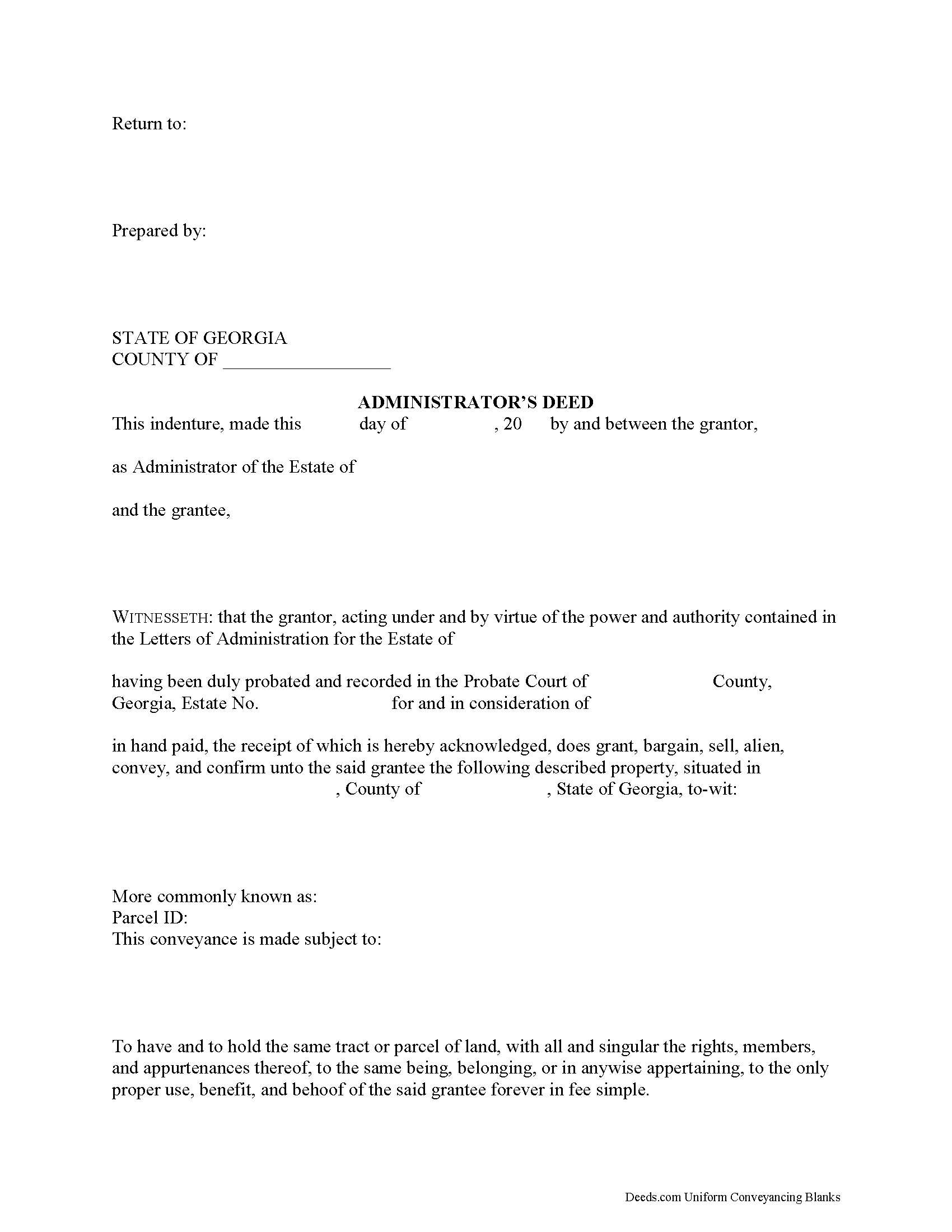
Mcduffie County Administrator Deed Form
Fill in the blank form formatted to comply with all recording and content requirements.
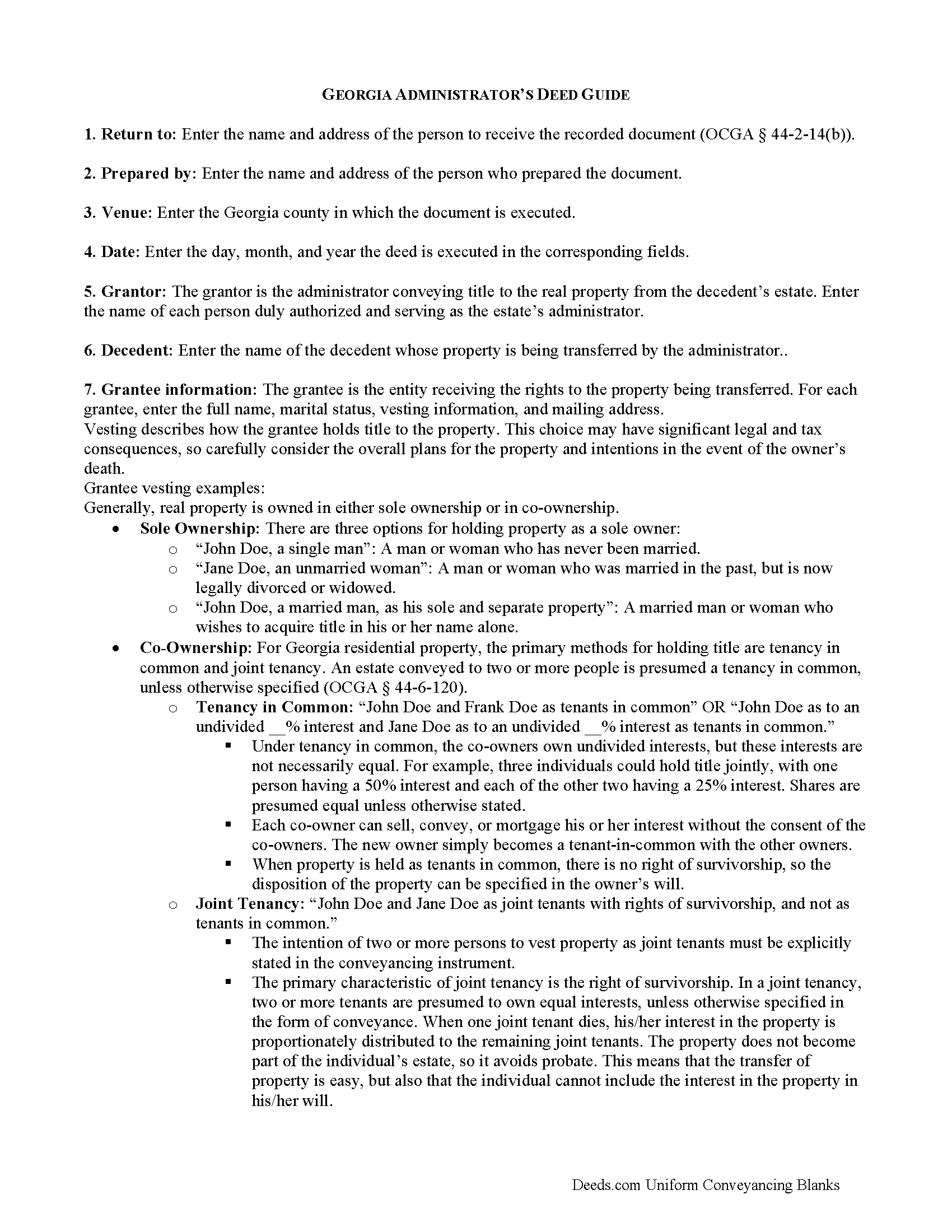
Mcduffie County Administrator Deed Guide
Line by line guide explaining every blank on the form.
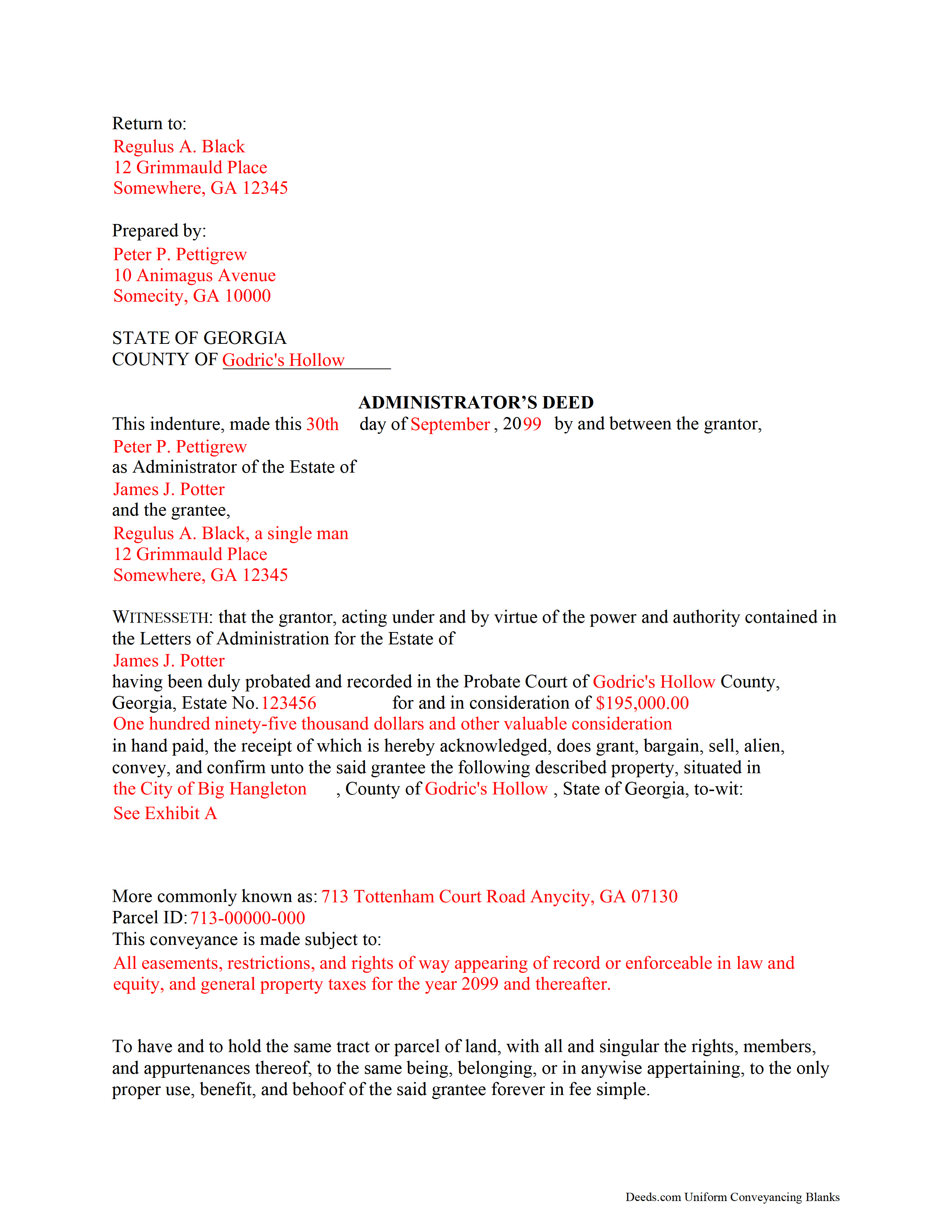
Mcduffie County Completed Example of the Administrator Deed Document
Example of a properly completed form for reference.
All 3 documents above included • One-time purchase • No recurring fees
Immediate Download • Secure Checkout
Additional Georgia and Mcduffie County documents included at no extra charge:
Where to Record Your Documents
Clerk of Superior Court
Thomson, Georgia 30824
Hours: 8:30 to 5:00 M-F
Phone: (706) 595-2134
Recording Tips for Mcduffie County:
- Bring your driver's license or state-issued photo ID
- Ensure all signatures are in blue or black ink
- Ask about accepted payment methods when you call ahead
- Ask for certified copies if you need them for other transactions
- Ask if they accept credit cards - many offices are cash/check only
Cities and Jurisdictions in Mcduffie County
Properties in any of these areas use Mcduffie County forms:
- Boneville
- Dearing
- Thomson
Hours, fees, requirements, and more for Mcduffie County
How do I get my forms?
Forms are available for immediate download after payment. The Mcduffie County forms will be in your account ready to download to your computer. An account is created for you during checkout if you don't have one. Forms are NOT emailed.
Are these forms guaranteed to be recordable in Mcduffie County?
Yes. Our form blanks are guaranteed to meet or exceed the applicable formatting requirements used for recording in Mcduffie County, including margin requirements, font requirements, and other layout standards. This guarantee applies to formatting, not to the legal sufficiency of information entered by the user or the suitability of a form for a particular transaction.
Can I reuse these forms?
Yes. You can reuse the forms for your personal use. For example, if you have multiple properties in Mcduffie County you only need to order once.
What do I need to use these forms?
The forms are PDFs that you fill out on your computer. The free Adobe Acrobat Reader is recommended, and most PDF apps also work. You do NOT enter your property information online - you download the blank forms and complete them privately on your own computer.
Are there any recurring fees?
No. This is a one-time purchase. Nothing to cancel, no memberships, no recurring fees.
How much does it cost to record in Mcduffie County?
Recording fees in Mcduffie County vary. Contact the recorder's office at (706) 595-2134 for current fees.
Questions answered? Let's get started!
When people create their wills, they generally name one or more individuals to supervise the distribution of their assets. The person who fills this role is called an executor. Sometimes, though, the chosen executor is unable, unfit, or unwilling to accept the responsibility. In other situations, the deceased dies intestate (without a will). No matter the reason, if there is no executor, the probate court will appoint an administrator to manage the probate estate.
Georgia customarily uses the term "personal representative" to refer to both executors and administrators, but can get more specific when it comes to conveying title to real estate. During probate, the court may direct an administrator to sell real property to pay the estate's debts or to consolidate the decedent's assets for distribution to any heirs.
An administrator's deed, executed by the appointed personal representative, includes relevant information about the decedent and the probate case, in addition to the state and local requirements. To transfer title to a buyer, record the completed administrator's deed, along with any necessary supporting documents, with the real property records of the appropriate county.
Consult an attorney with questions about the administrator's deed, or with any other issues related to probate in Georgia.
(Georgia Administrator Deed Package includes form, guidelines, and completed example)
Important: Your property must be located in Mcduffie County to use these forms. Documents should be recorded at the county recording office listed above.
This Administrator Deed meets all recording requirements specific to Mcduffie County.
Our Promise
The documents you receive here are guaranteed to meet or exceed the applicable Mcduffie County recording format requirements. If there is a rejection caused by our formatting, we will correct the issue or refund your payment. This guarantee applies to document formatting only and does not extend to information entered by the user, the selection of the form, or the legal effect of the completed document.
Save Time and Money
Get your Mcduffie County Administrator Deed form done right the first time with Deeds.com Uniform Conveyancing Blanks. At Deeds.com, we understand that your time and money are valuable resources, and we don't want you to face a penalty fee or rejection imposed by a county recorder for submitting nonstandard documents. We constantly review and update our forms to meet rapidly changing state and county recording requirements for roughly 3,500 counties and local jurisdictions.
4.8 out of 5 - ( 4,828 Reviews )
Robin G. 5 out of 5 stars
Very user friendly. I was totally amazed. Thank you so much.
We are delighted to have been of service. Thank you for the positive review!
Mark E. 4 out of 5 stars
This was easy to use and only contained one glaring error-where to send the completed form to finish the process. I’ve completed the form, does this mean I get the amended deed sent to me? I think not.
Your insights are invaluable to us and help us strive for better service. Thank you for taking the time to share your thoughts.
Michael M. 5 out of 5 stars
Amazing time saver, fantastic resource if you have an idea of what you are looking for and you can read. No one is going to hold your hand so be prepared to do the research yourself... it is DIY after all.
Thanks for the kind words Michael. Have a wonderful day.
Patricia R. 3 out of 5 stars
Very quick to respond with the obvious answers. I asked what form to use when adding my daughter to deed. Answer: talk to an attorney duh.
Thank you!
Alan S. 5 out of 5 stars
Great job! Fast and easy. Terrific communications.
Thank you!
Fritz C. 5 out of 5 stars
Quick and complete info
Thank you!
Melvin F. 5 out of 5 stars
Was a little frustrated first using your site, but due to my mental state, I expected that! Got what I needed, thank you very much.
Thank you for your feedback. We really appreciate it. Have a great day!
Allan A. 5 out of 5 stars
Excellent service, communication and done in a timely fashion. Worth the cost for the convenience and safety
Thank you!
Kristie B. 1 out of 5 stars
Horrible. As an agent, trying to find a simple answer was never accomplished.
Sorry to hear that Kristie. We do hope that you found what you were looking for elsewhere.
Roderick S. 2 out of 5 stars
It all started out well, then I was abruptly told that I would have to submit the documents directly to the recording office. No explanation was offered and I wasted a lot of time on your website for nothing. Very disappointing, as the concept of e-recording is what is needed in 2026.
We reviewed your order and our support messages. The document uploaded for recording was a very low-quality scan that did not meet the county’s eRecording image requirements. Our staff asked that a clearer scan be uploaded, but the same image was submitted again.
Because the document could not be processed electronically, we advised recording it directly with the county recorder’s office.
E-recording systems require clear, legible document images that meet county standards. When those requirements cannot be met, recording directly with the recorder is often the fastest option.
Jeanne V. 5 out of 5 stars
The service your provide is awesome. I rarely need to file a deed through e-recording, but when an emergency arose and I needed to get the deed recorded fast, your program came through. Well worth the $19.00 cost! It was very convienent and easy to use. I will definitely use this service again!!
Thank you for your feedback. We really appreciate it. Have a great day!
Thomas W. 5 out of 5 stars
easy to use, no problems except in beneficiary box. Need to make the box bigger because I have 4 beneficiaries to list. how do I enlarge the box.
Thanks for reaching out. All available space on the document is being used. As is noted in the guide, if you have information that does not fit in the available space the included exhibit page should be used.
Biagio V. 5 out of 5 stars
Process was quick , through and completed with no problems. Excellent service for the price involved.
We appreciate your business and value your feedback. Thank you. Have a wonderful day!
Jason R. 5 out of 5 stars
Very easy to use. Great examples.
Thank you for your feedback. We really appreciate it. Have a great day!
Roger W. 5 out of 5 stars
worked very good or me
Thank you Roger, have a great day!