Mcduffie County Trustee Deed Form
Last validated September 10, 2026 by our Forms Development TeamFormatted for recording in Mcduffie County, for property anywhere in the county: rural and unincorporated areas as well as Boneville, Dearing, Thomson.
- 3 documents included
- Immediate PDF download
- Formatting guarantee
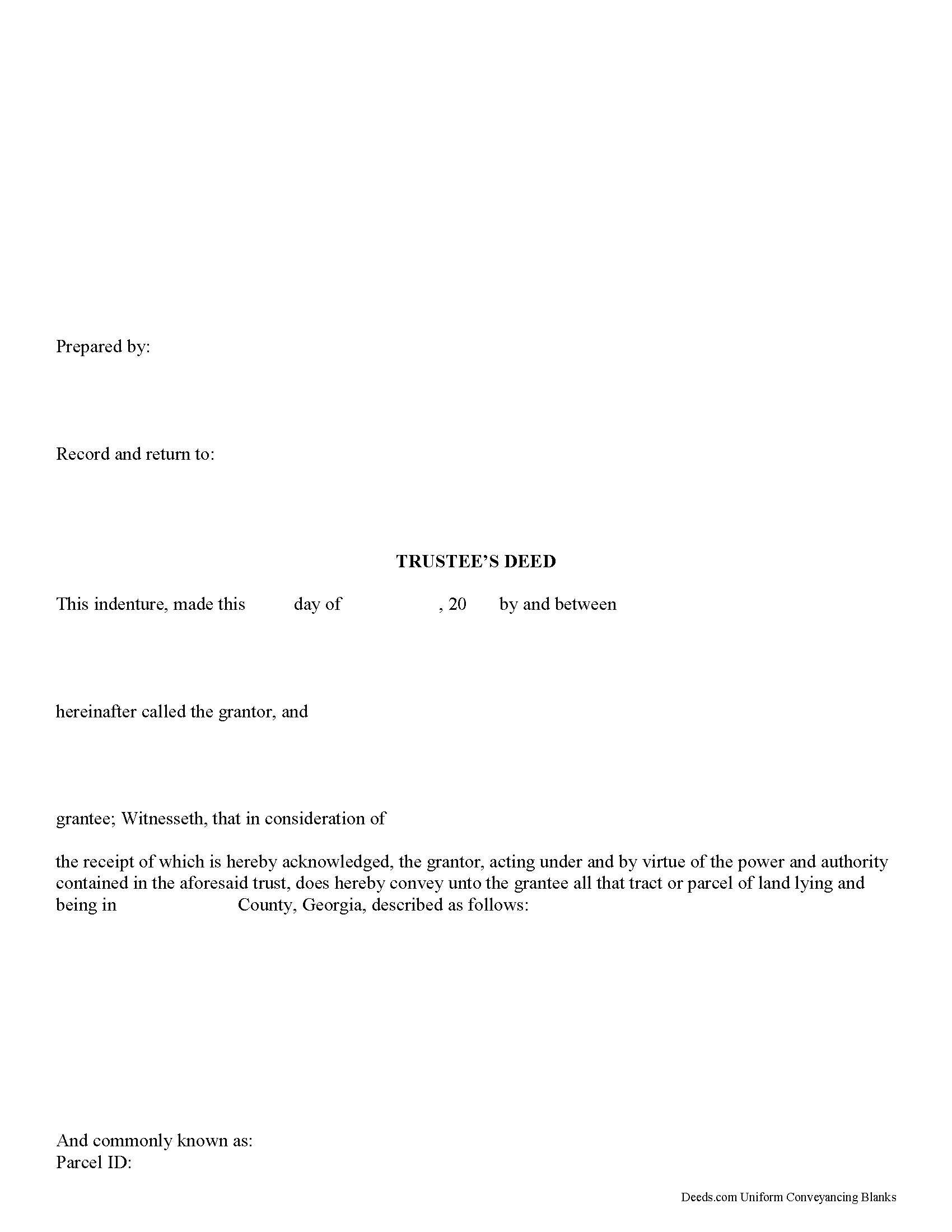
Mcduffie County Trustee Deed Form
Fill in the blank form formatted to comply with all recording and content requirements.
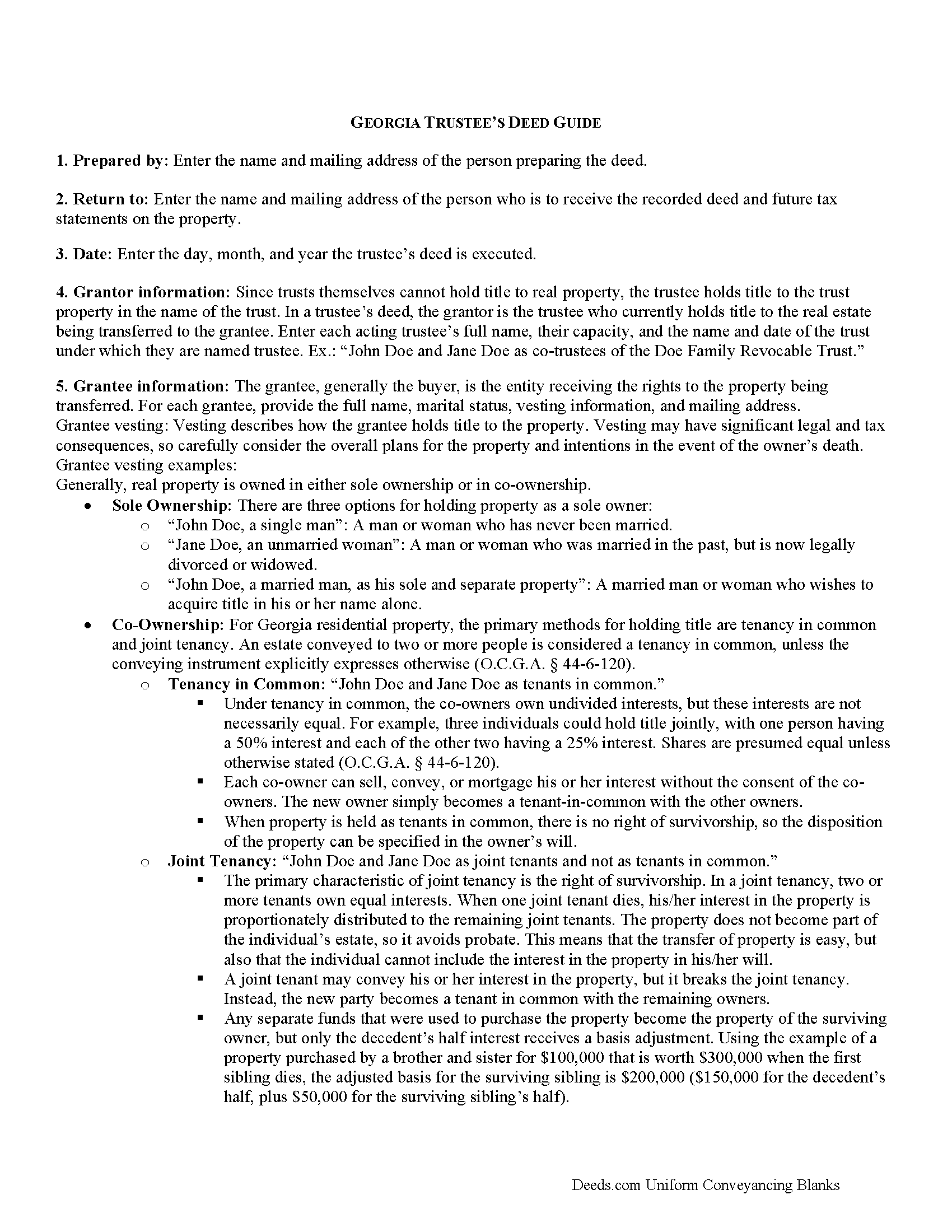
Mcduffie County Trustee Deed Guide
Line by line guide explaining every blank on the form.
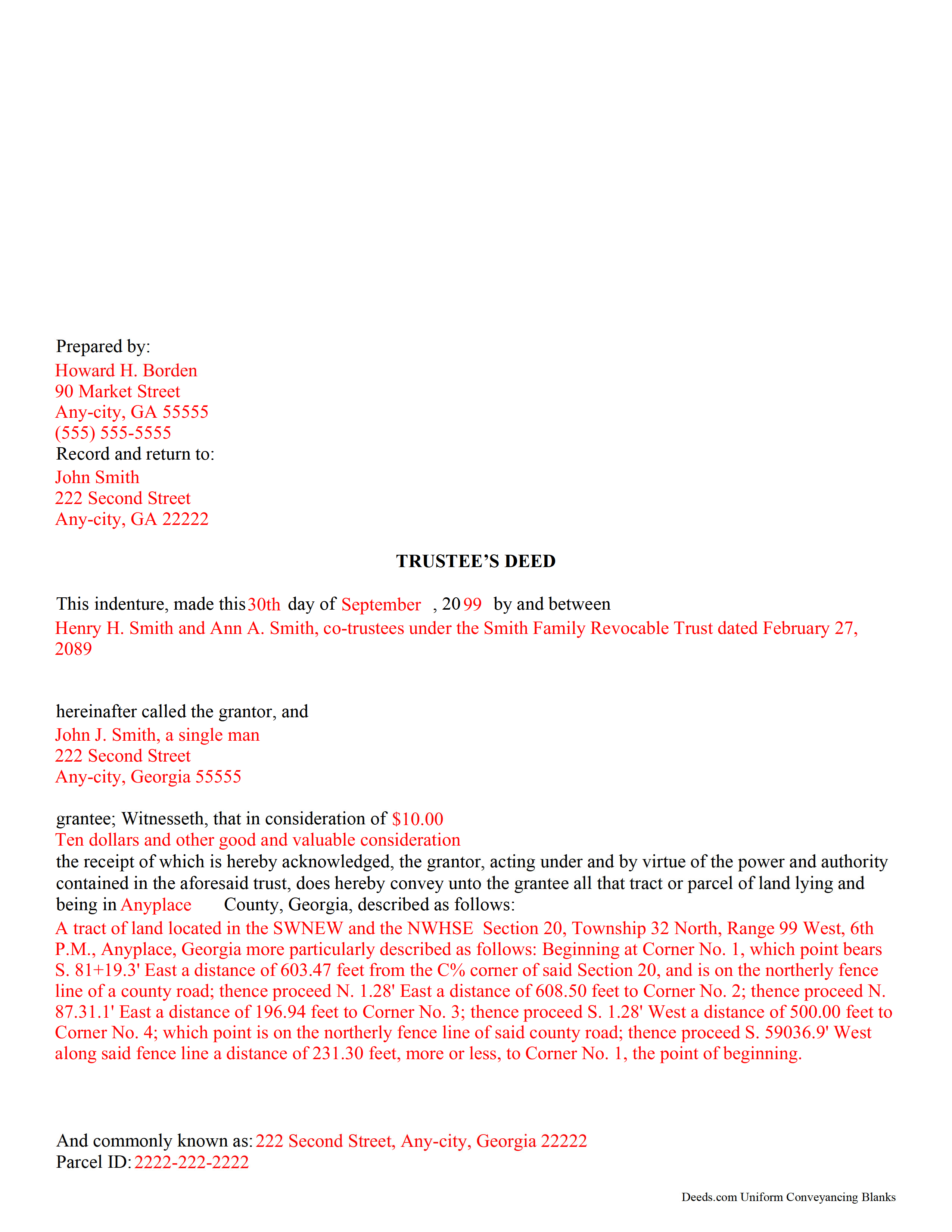
Mcduffie County Completed Example of the Trustee Deed Document
Example of a properly completed form for reference.
All 3 documents above included • One-time purchase • No recurring fees
Immediate Download • Secure Checkout
Additional Georgia and Mcduffie County documents included at no extra charge:
Where to Record Your Documents
Clerk of Superior Court
Thomson, Georgia 30824
Hours: 8:30 to 5:00 M-F
Phone: (706) 595-2134
Recording Tips for Mcduffie County:
- Bring your driver's license or state-issued photo ID
- Ensure all signatures are in blue or black ink
- Ask if they accept credit cards - many offices are cash/check only
- Check that your notary's commission hasn't expired
- Documents must be on 8.5 x 11 inch white paper
Cities and Jurisdictions in Mcduffie County
Properties in any of these areas use Mcduffie County forms:
- Boneville
- Dearing
- Thomson
Hours, fees, requirements, and more for Mcduffie County
How do I get my forms?
Forms are available for immediate download after payment. The Mcduffie County forms will be in your account ready to download to your computer. An account is created for you during checkout if you don't have one. Forms are NOT emailed.
Are these forms guaranteed to be recordable in Mcduffie County?
Yes. Our form blanks are guaranteed to meet or exceed the applicable formatting requirements used for recording in Mcduffie County, including margin requirements, font requirements, and other layout standards. This guarantee applies to formatting, not to the legal sufficiency of information entered by the user or the suitability of a form for a particular transaction.
Can I reuse these forms?
Yes. You can reuse the forms for your personal use. For example, if you have multiple properties in Mcduffie County you only need to order once.
What do I need to use these forms?
The forms are PDFs that you fill out on your computer. The free Adobe Acrobat Reader is recommended, and most PDF apps also work. You do NOT enter your property information online - you download the blank forms and complete them privately on your own computer.
Are there any recurring fees?
No. This is a one-time purchase. Nothing to cancel, no memberships, no recurring fees.
How much does it cost to record in Mcduffie County?
Recording fees in Mcduffie County vary. Contact the recorder's office at (706) 595-2134 for current fees.
Questions answered? Let's get started!
A trustee's deed is an instrument of trust administration used by a trustee to convey real property out of a trust.
A trust is created by a settlor, who funds the trust with real and/or personal property for estate planning purposes. Since a trust is not a person and cannot hold title, when the settlor transfers real property into the trust, title to the property is vested in the name of the trustee. The trustee manages the trust's assets according to the directions set out in the trust document, often for the benefit of a third party, called a beneficiary.
There is no statutory form for conveyances in Georgia, so long as the transfer between parties is clear (O.C.G.A. 44-5-33). A valid trustee's deed names the trustee as the grantor and provides basic information about the trust under which the trustee is acting, including the name and date of the trust. The settlor is not involved in the transfer. However, a certificate of trust is sometimes included, which names the original settlor of the trust, verifies the trust's existence and the trustee's authority to act on its behalf, and confirms the power of sale that the trustee has under the trust.
In Georgia, the basic trustee's deed is similar to a quitclaim deed, in that it offers no warranty of title. Depending on the situation, the trustee can add guarantees to bring the deed in line with special warranty or warranty deeds.
Since a trustee's deed affects real property, in addition to the information regarding the trust, it must also meet the content requirements for recording other deeds, including a legal description of the property subject to the transaction, the parcel identification number, and any restrictions or easements the transfer is subject to. All trustees must sign the deed, which must be witnessed by two people (one of which may be the notary) and acknowledged in the presence of a notary. The deed is then recorded in the county in which the real property subject to the trust is situated.
Trust law can quickly become complicated, and each situation is unique. Contact a lawyer with any specific questions and for guidance on trust law.
(Georgia Trustee Deed Package includes form, guidelines, and completed example)
Important: Your property must be located in Mcduffie County to use these forms. Documents should be recorded at the county recording office listed above.
This Trustee Deed meets all recording requirements specific to Mcduffie County.
Our Promise
The documents you receive here are guaranteed to meet or exceed the applicable Mcduffie County recording format requirements. If there is a rejection caused by our formatting, we will correct the issue or refund your payment. This guarantee applies to document formatting only and does not extend to information entered by the user, the selection of the form, or the legal effect of the completed document.
Save Time and Money
Get your Mcduffie County Trustee Deed form done right the first time with Deeds.com Uniform Conveyancing Blanks. At Deeds.com, we understand that your time and money are valuable resources, and we don't want you to face a penalty fee or rejection imposed by a county recorder for submitting nonstandard documents. We constantly review and update our forms to meet rapidly changing state and county recording requirements for roughly 3,500 counties and local jurisdictions.
4.8 out of 5 - ( 4,836 Reviews )
jonathan f. 5 out of 5 stars
I had a one time event. The website instructions were straightforward; the job was completed quickly; the cost was modest. I am completely satisfied and will not hesitate to use again.
We appreciate your business and value your feedback. Thank you. Have a wonderful day!
Amy R. 4 out of 5 stars
Great personal support via messaging. Website confusing and broken links in emails.
Thank you!
John P. 4 out of 5 stars
Working with one document at a time every thing was great, but the program will not let multiple documents save independently. When I saved a document and created another document the changes I made on the second document were on the 1st document. No big deal if your printing, but if your saving to email later, its an issue.
Thank you for your feedback. We really appreciate it. Have a great day!
Julia M. 5 out of 5 stars
Your PDF form Personal Representative's Deed was exceedingly helpful.
Thank you Julia. Have a fantastic day!
Tai H. 5 out of 5 stars
Great service. Save me a time and effort in filling out LA County Quitclaim Deed.
We appreciate your business and value your feedback. Thank you. Have a wonderful day!
Jeffry C. 5 out of 5 stars
Deeds.com has been a lifesaver for my house buying business. Excellent support!
Thank you Jeffry, glad we could help.
Joseph D. 5 out of 5 stars
Easy to use and a quick turnaround Deed was recorded and retuned within 24 hours
We are grateful for your engagement and feedback, which help us to serve you better. Thank you for being an integral part of our community.
Roxanne C. 5 out of 5 stars
I love that this service is available. Uploading my document took no time at all. I love that we have an option of upload our documentsinsread of going in to file.
Thank you for your feedback. We really appreciate it. Have a great day!
Roland P. 5 out of 5 stars
The website is easy to navigate. Unfortunately, you were not able to record the deed. However, I appreciate the fast response.
Thank you for your feedback. We really appreciate it. Have a great day!
curtice c. 5 out of 5 stars
I bought the Transfer on Death Deed documents. Great product and the accompanying example and guides were great.
Thank you for your feedback. We really appreciate it. Have a great day!
Myron L. 3 out of 5 stars
The forms were not identical to the county's version but it met my needs.
Thank you!
Jaimie F. 5 out of 5 stars
Very easy process and the customer service representatives are very friendly and helpful.
It was a pleasure serving you. Thank you for the positive feedback!
Frank S. 5 out of 5 stars
Pretty easy to register. Menu layout is too follow.
Thank you!
GARY S. 5 out of 5 stars
I thought your forms are great. Easy to use with instructions provided.
We appreciate your business and value your feedback. Thank you. Have a wonderful day!
Kathleen M. 5 out of 5 stars
Wow, this was a breeze!! Best experience and fast. Great way to record documents in a matter of minutes. I recommend Deeds.com for anyone who needs to record documents quickly and conveniently.
Thank you for your feedback. We really appreciate it. Have a great day!