Chattahoochee County Cancellation of Security Deed Form
Last validated October 6, 2026 by our Forms Development TeamFormatted for recording in Chattahoochee County, for property anywhere in the county: rural and unincorporated areas as well as Cusseta.
- 3 documents included
- Immediate PDF download
- Formatting guarantee
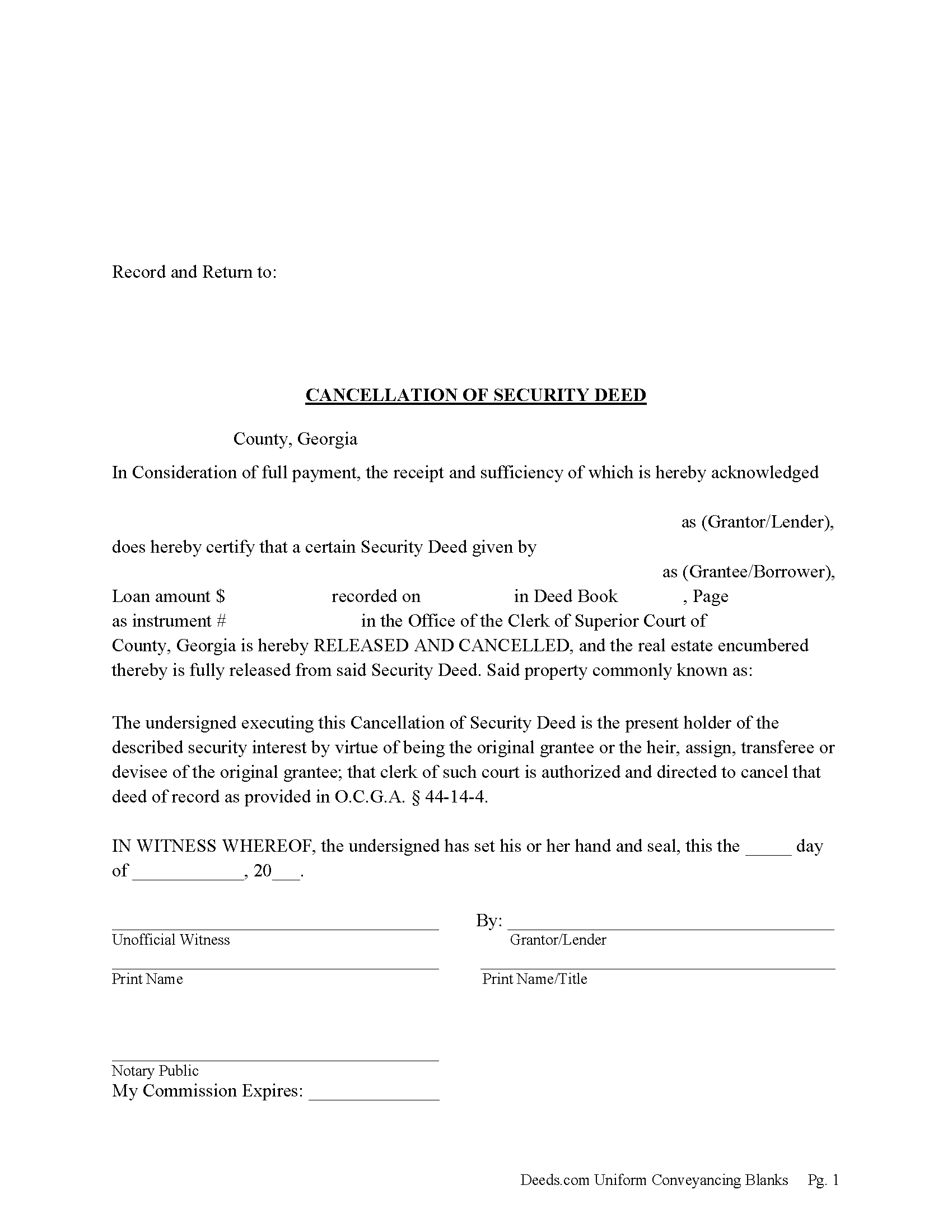
Chattahoochee County Cancellation of Security Deed Form
Fill in the blank form formatted to comply with all recording and content requirements.
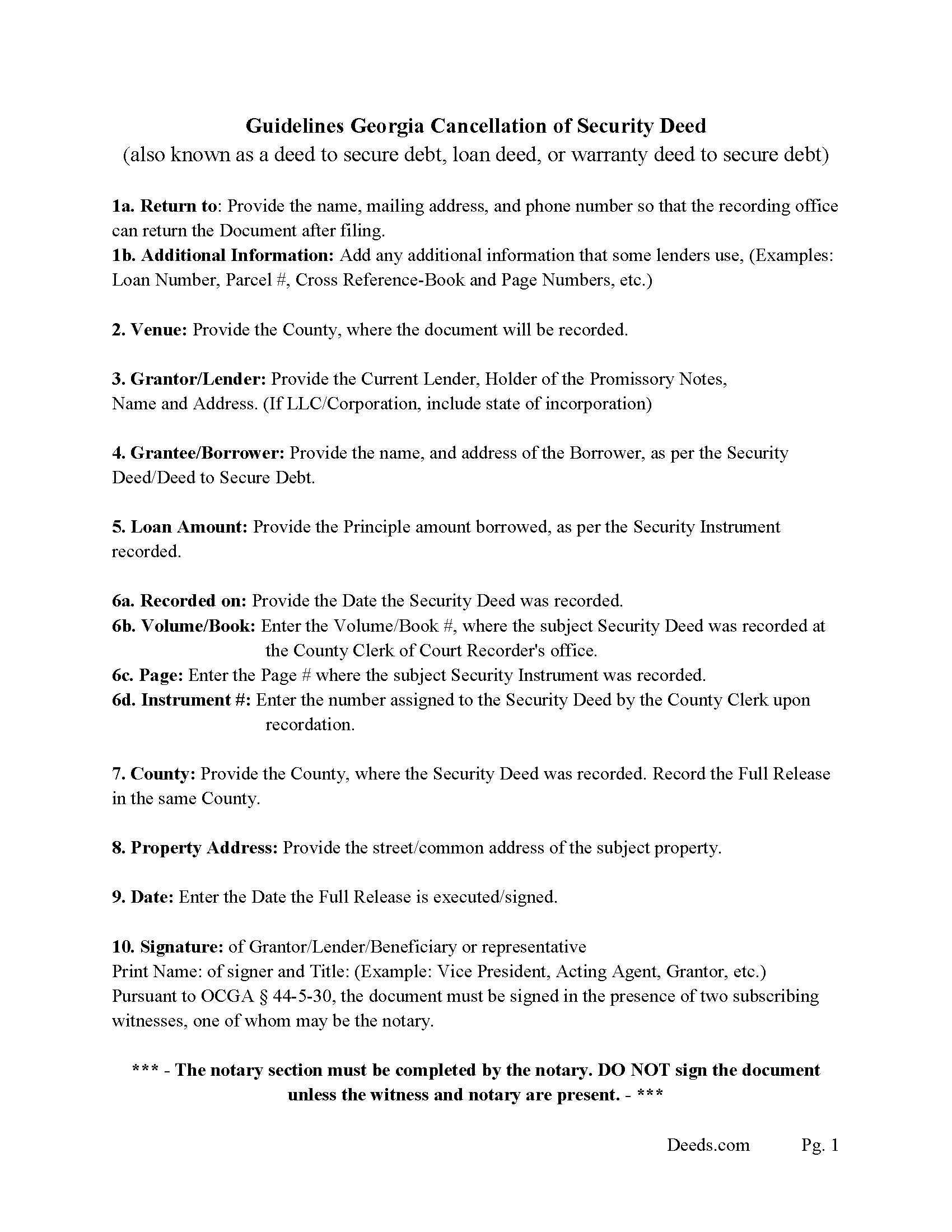
Chattahoochee County Guidelines for Cancellation of Security Deed
Line by line guide explaining every blank on the form.
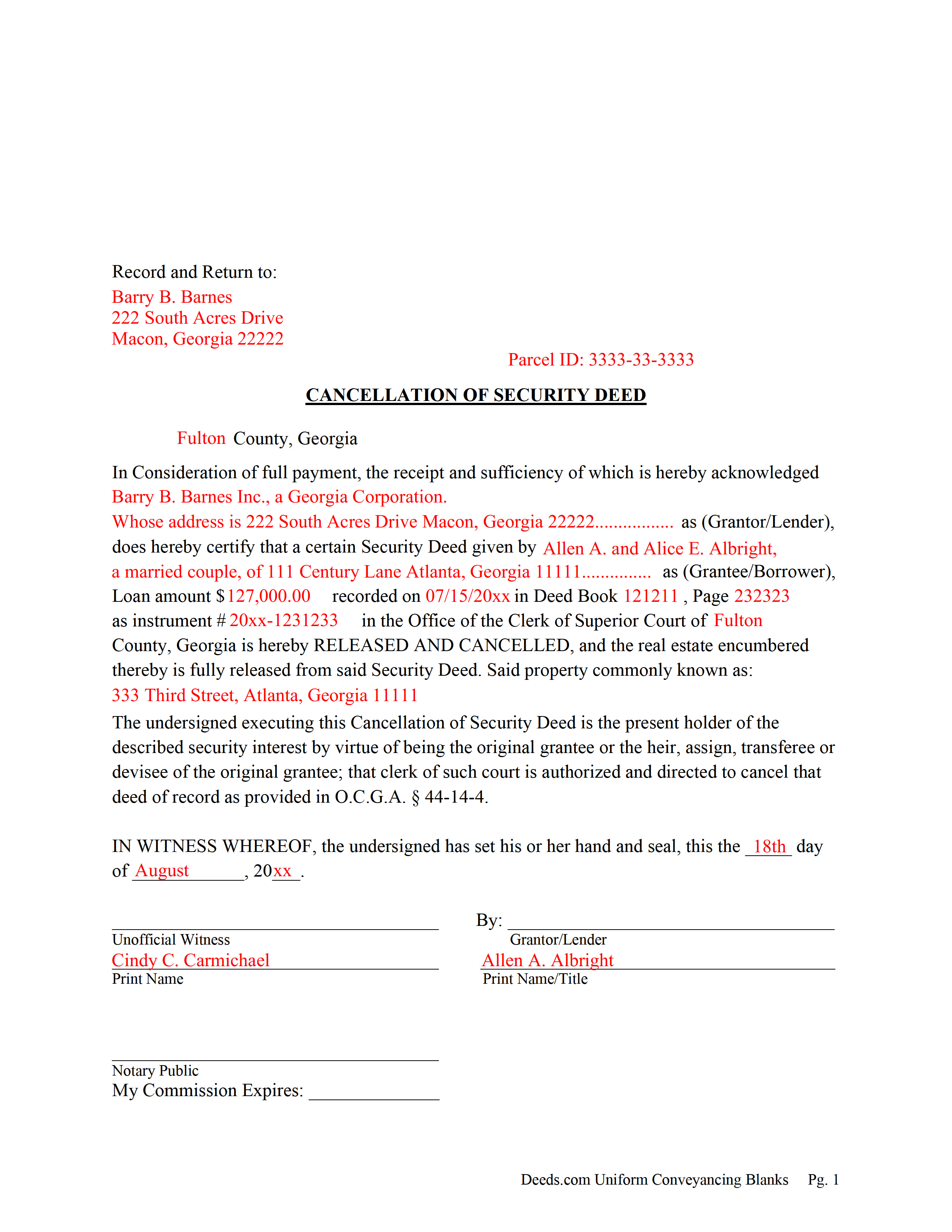
Chattahoochee County Completed Example of the Cancellation of Security Deed
Example of a properly completed form for reference.
All 3 documents above included • One-time purchase • No recurring fees
Immediate Download • Secure Checkout
Additional Georgia and Chattahoochee County documents included at no extra charge:
Where to Record Your Documents
Clerk of Superior Court
Cusseta, Georgia 31805
Hours: 8:00am - 12:00 & 1:00 - 5:00pm Monday - Friday
Phone: (706) 989-3424
Recording Tips for Chattahoochee County:
- Bring your driver's license or state-issued photo ID
- Ensure all signatures are in blue or black ink
- Check margin requirements - usually 1-2 inches at top
- Leave recording info boxes blank - the office fills these
- Make copies of your documents before recording - keep originals safe
Cities and Jurisdictions in Chattahoochee County
Properties in any of these areas use Chattahoochee County forms:
- Cusseta
Hours, fees, requirements, and more for Chattahoochee County
How do I get my forms?
Forms are available for immediate download after payment. The Chattahoochee County forms will be in your account ready to download to your computer. An account is created for you during checkout if you don't have one. Forms are NOT emailed.
Are these forms guaranteed to be recordable in Chattahoochee County?
Yes. Our form blanks are guaranteed to meet or exceed the applicable formatting requirements used for recording in Chattahoochee County, including margin requirements, font requirements, and other layout standards. This guarantee applies to formatting, not to the legal sufficiency of information entered by the user or the suitability of a form for a particular transaction.
Can I reuse these forms?
Yes. You can reuse the forms for your personal use. For example, if you have multiple properties in Chattahoochee County you only need to order once.
What do I need to use these forms?
The forms are PDFs that you fill out on your computer. The free Adobe Acrobat Reader is recommended, and most PDF apps also work. You do NOT enter your property information online - you download the blank forms and complete them privately on your own computer.
Are there any recurring fees?
No. This is a one-time purchase. Nothing to cancel, no memberships, no recurring fees.
How much does it cost to record in Chattahoochee County?
Recording fees in Chattahoochee County vary. Contact the recorder's office at (706) 989-3424 for current fees.
Questions answered? Let's get started!
Current Lender, holder of the Promissory Note uses this form to cancel a Georgia "Security Deed" (also known as a "Deed to Secure Debt", "Loan Deed" or "Warranty Deed to Secure Debt") when it has been satisfied/paid in full. Record this form with the Clerk of the Superior Court in which the Security Instrument was recorded, the same county that the property lies in. (The clerk shall index and record, in the same manner as the original mortgage instrument is recorded, the canceled and satisfied mortgage instrument or such portion thereof as bears the order of the mortgagee or transferee directing that the mortgage be canceled, together with any order of the mortgagee or transferee directing that the mortgage be canceled. The clerk shall show on the index of the cancellation and on the cancellation document the deed book and page number where the original mortgage instrument is recorded.) (Section 44-14-4)
In general, the Lender has 60 days from satisfaction, to release the Security Deed before he/she becomes liable for damages. See Georgia Code Section 44-14-3
(Georgia Cancellation of Security Deed Package includes form, guidelines, and completed example)For use in Georgia Only.
Important: Your property must be located in Chattahoochee County to use these forms. Documents should be recorded at the county recording office listed above.
This Cancellation of Security Deed meets all recording requirements specific to Chattahoochee County.
Our Promise
The documents you receive here are guaranteed to meet or exceed the applicable Chattahoochee County recording format requirements. If there is a rejection caused by our formatting, we will correct the issue or refund your payment. This guarantee applies to document formatting only and does not extend to information entered by the user, the selection of the form, or the legal effect of the completed document.
Save Time and Money
Get your Chattahoochee County Cancellation of Security Deed form done right the first time with Deeds.com Uniform Conveyancing Blanks. At Deeds.com, we understand that your time and money are valuable resources, and we don't want you to face a penalty fee or rejection imposed by a county recorder for submitting nonstandard documents. We constantly review and update our forms to meet rapidly changing state and county recording requirements for roughly 3,500 counties and local jurisdictions.
4.8 out of 5 - ( 4,829 Reviews )
Ira S. 5 out of 5 stars
Hi, 1. I need a password to be able to copy and paste from the deed. 2. It would be more convenient if all documents could be downloaded together. Ira
Thank you for your feedback. We really appreciate it. Have a great day!
Susan N. 5 out of 5 stars
Hope to get form printed out Ok.
Thank you!
Angela D. 5 out of 5 stars
The only problem I had was that it doesn't let you create a file for all documents to go into as one. Mahalo Angie
Thank you for your feedback. We really appreciate it. Have a great day!
Rosanne E. 5 out of 5 stars
Excellent response and all went well with downloading documents. Thank you for offering this important service.
We appreciate your business and value your feedback. Thank you. Have a wonderful day!
MARY LACEY M. 5 out of 5 stars
The service provided by the staff at Deeds.com is consistently excellent with prompt replies and smooth recording transactions. I am grateful to have their service available as driving to downtown Phoenix to record documents is always a daunting prospect. Their assistance in recording our firm's documents has been 100% accurate and a pleasure.
Thank you for your positive words! We’re thrilled to hear about your experience.
Felicia T. 5 out of 5 stars
Great service with all the added resources on the form I requested. Question: How long do the forms stay available on my account?
Thanks for the feedback Felicia. Our goal is to keep the documents available in your account indefinitely. It's a good idea to download the documents and store them yourself just in case.
Philip S. 5 out of 5 stars
This was our first time using Deeds.Com. We were tremendously impressed. The website works well, but the customer service really makes this organization special. The prompt, professional and knowledgeable responses to inquiries and recording issues was refreshing.
We appreciate your business and value your feedback. Thank you. Have a wonderful day!
Sandra W. 5 out of 5 stars
I think this is going to be a very resourceful website, really have not had a chance to fully navigate yet. I look forward to accessing more.
Thank you!
Jacinto A. 5 out of 5 stars
The forms are exactly what was needed. But wish I was able to click on the preview form to make sure it was the correct forms
Thank you for your feedback Jacinto.
CHERYL G. 5 out of 5 stars
After my county rejected a deed from another company, I researched better and purchased my Lady Bird Deed from Deeds.com. Very simple, received everything immediately. Printed out sample and guide sheets and filled out my deed. Very thorough and easy to understand. All the additional forms were awesome. And the best part is, my county recorded my deed this morning! WooHoo! Very happy customer! Thank you!
Glad to hear! Thanks for taking the time to leave your review. We appreciate you. Have a great day.
MARIA P. 5 out of 5 stars
I finally was able to download the forms. Thank you and I know I will be able to use your service anytime I may need a legal document. Thanks again!
Thank you!
Thomas J. 5 out of 5 stars
I'm pleased with the service
Thank you!
Mark S. 5 out of 5 stars
The forms were easy and convenient to use
Thank you Mark. We appreciate your feedback.
Karen R. 5 out of 5 stars
Easy to access and reasonable pricing, thank you deeds.com!
Thank you!
Edward O. 5 out of 5 stars
east too do.. hope it works thanks
Thank you!