Schley County Cancellation of Security Deed Form
Last validated October 6, 2026 by our Forms Development TeamFormatted for recording in Schley County, for property anywhere in the county: rural and unincorporated areas as well as Ellaville.
- 3 documents included
- Immediate PDF download
- Formatting guarantee
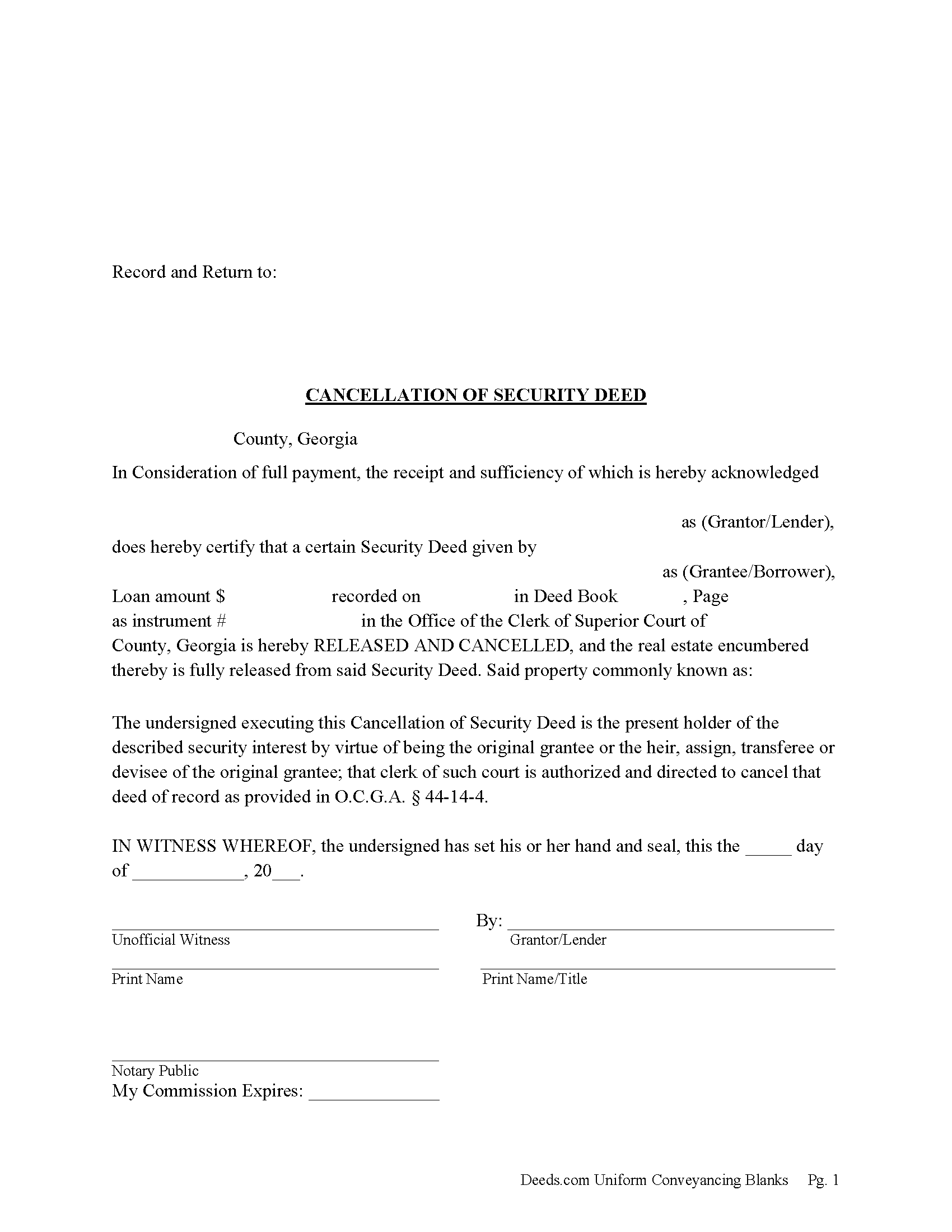
Schley County Cancellation of Security Deed Form
Fill in the blank form formatted to comply with all recording and content requirements.
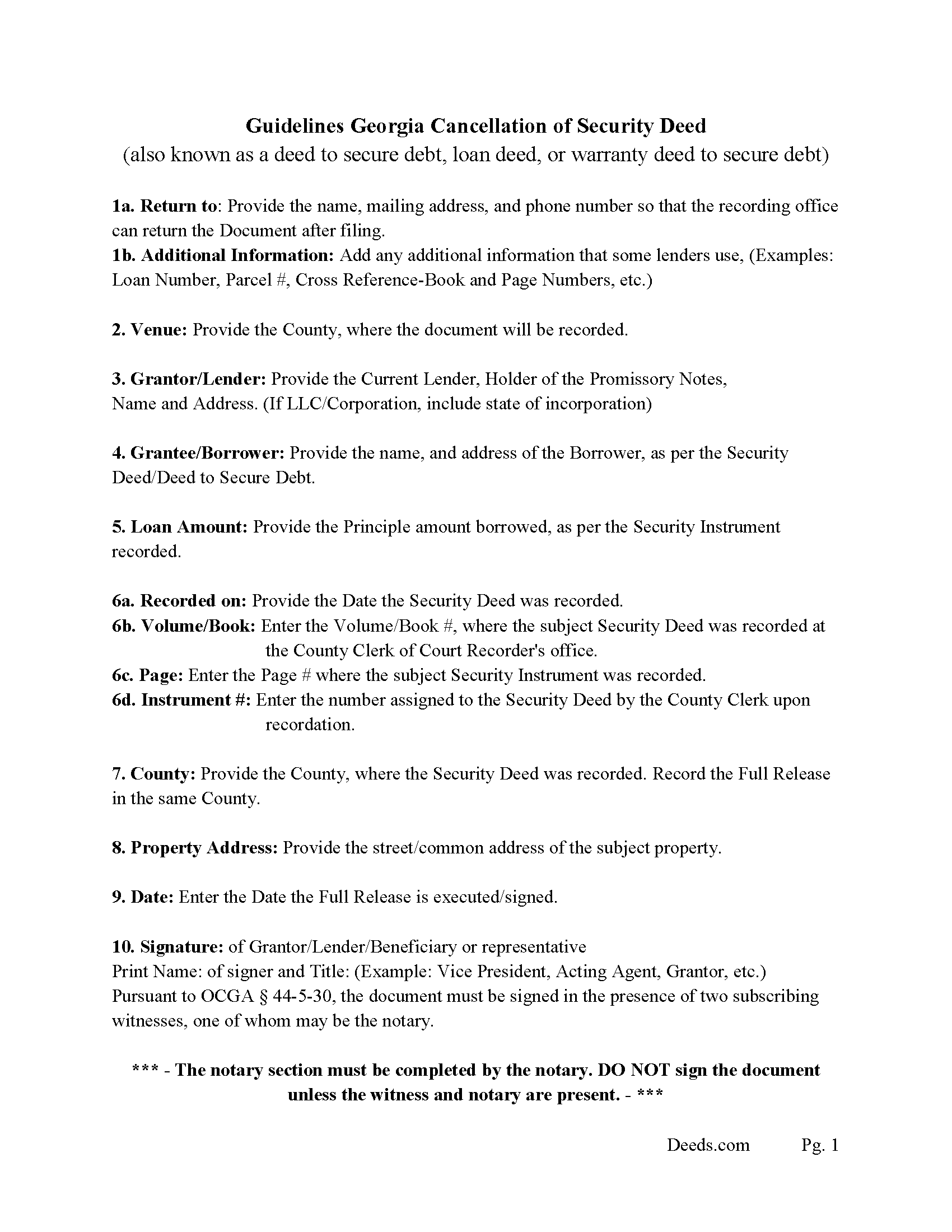
Schley County Guidelines for Cancellation of Security Deed
Line by line guide explaining every blank on the form.
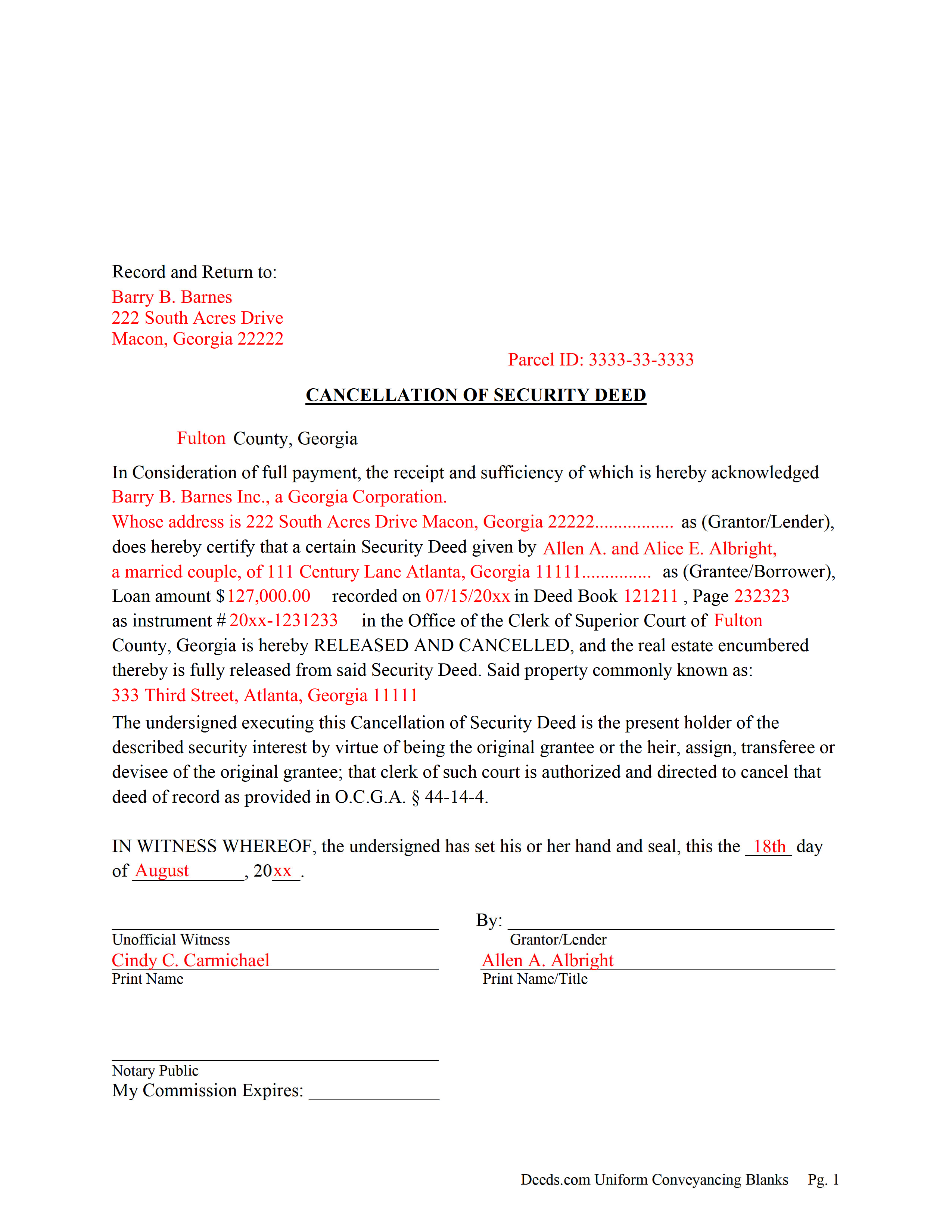
Schley County Completed Example of the Cancellation of Security Deed
Example of a properly completed form for reference.
All 3 documents above included • One-time purchase • No recurring fees
Immediate Download • Secure Checkout
Additional Georgia and Schley County documents included at no extra charge:
Where to Record Your Documents
Clerk of Superior Court
Ellaville, Georgia 31806
Hours: 8:00 - 12:00 & 1:00 - 5:00 Mon through Fri
Phone: (229) 937-5581
Recording Tips for Schley County:
- Bring your driver's license or state-issued photo ID
- Ensure all signatures are in blue or black ink
- Leave recording info boxes blank - the office fills these
- Make copies of your documents before recording - keep originals safe
- Recorded documents become public record - avoid including SSNs
Cities and Jurisdictions in Schley County
Properties in any of these areas use Schley County forms:
- Ellaville
Hours, fees, requirements, and more for Schley County
How do I get my forms?
Forms are available for immediate download after payment. The Schley County forms will be in your account ready to download to your computer. An account is created for you during checkout if you don't have one. Forms are NOT emailed.
Are these forms guaranteed to be recordable in Schley County?
Yes. Our form blanks are guaranteed to meet or exceed the applicable formatting requirements used for recording in Schley County, including margin requirements, font requirements, and other layout standards. This guarantee applies to formatting, not to the legal sufficiency of information entered by the user or the suitability of a form for a particular transaction.
Can I reuse these forms?
Yes. You can reuse the forms for your personal use. For example, if you have multiple properties in Schley County you only need to order once.
What do I need to use these forms?
The forms are PDFs that you fill out on your computer. The free Adobe Acrobat Reader is recommended, and most PDF apps also work. You do NOT enter your property information online - you download the blank forms and complete them privately on your own computer.
Are there any recurring fees?
No. This is a one-time purchase. Nothing to cancel, no memberships, no recurring fees.
How much does it cost to record in Schley County?
Recording fees in Schley County vary. Contact the recorder's office at (229) 937-5581 for current fees.
Questions answered? Let's get started!
Current Lender, holder of the Promissory Note uses this form to cancel a Georgia "Security Deed" (also known as a "Deed to Secure Debt", "Loan Deed" or "Warranty Deed to Secure Debt") when it has been satisfied/paid in full. Record this form with the Clerk of the Superior Court in which the Security Instrument was recorded, the same county that the property lies in. (The clerk shall index and record, in the same manner as the original mortgage instrument is recorded, the canceled and satisfied mortgage instrument or such portion thereof as bears the order of the mortgagee or transferee directing that the mortgage be canceled, together with any order of the mortgagee or transferee directing that the mortgage be canceled. The clerk shall show on the index of the cancellation and on the cancellation document the deed book and page number where the original mortgage instrument is recorded.) (Section 44-14-4)
In general, the Lender has 60 days from satisfaction, to release the Security Deed before he/she becomes liable for damages. See Georgia Code Section 44-14-3
(Georgia Cancellation of Security Deed Package includes form, guidelines, and completed example)For use in Georgia Only.
Important: Your property must be located in Schley County to use these forms. Documents should be recorded at the county recording office listed above.
This Cancellation of Security Deed meets all recording requirements specific to Schley County.
Our Promise
The documents you receive here are guaranteed to meet or exceed the applicable Schley County recording format requirements. If there is a rejection caused by our formatting, we will correct the issue or refund your payment. This guarantee applies to document formatting only and does not extend to information entered by the user, the selection of the form, or the legal effect of the completed document.
Save Time and Money
Get your Schley County Cancellation of Security Deed form done right the first time with Deeds.com Uniform Conveyancing Blanks. At Deeds.com, we understand that your time and money are valuable resources, and we don't want you to face a penalty fee or rejection imposed by a county recorder for submitting nonstandard documents. We constantly review and update our forms to meet rapidly changing state and county recording requirements for roughly 3,500 counties and local jurisdictions.
4.8 out of 5 - ( 4,859 Reviews )
Fabio S. 5 out of 5 stars
Fast, Easy and with great assistance! I will definitely use their services again!
Thank you for your feedback. We really appreciate it. Have a great day!
Lila L. 5 out of 5 stars
Everyone was very responsive and helpful. Thank you. I give you a 5!!
We appreciate your business and value your feedback. Thank you. Have a wonderful day!
Nicole M. 5 out of 5 stars
Very helpful and happy with my service. Thanks much!
Thank you!
DAVID H. 5 out of 5 stars
perfect. follow examples. no problem at court house. good deed layout.
Thank you for your feedback. We really appreciate it. Have a great day!
Peter E. 5 out of 5 stars
I think Deeds is a great site for learning. On recording a document, I had trouble. It was me, because I was new to the site.
Thank you!
Eileen C. 5 out of 5 stars
Easy, fast, affordable. Satisfied customer
Thank you!
Max P. 5 out of 5 stars
Excellent. Timely. Efficient. Smooth. Thank you!
We appreciate your business and value your feedback. Thank you. Have a wonderful day!
Eileen B. 5 out of 5 stars
I was quoted $525 to do the exact same thing from Deeds.com for only $25. Seems like a no brainer to me!
Thank you for your feedback. We really appreciate it. Have a great day!
James G. 1 out of 5 stars
This was very hard to follow, and the form looked horrible.
Sorry to hear that James. Some documents can certainly be more difficult than others. Your order and payment has been canceled. We do hope that you find something more suitable to your needs and aesthetic requirements elsewhere.
Edwart D. 5 out of 5 stars
I tend to not pay attention to the details and then blame other people. Thankfully Deeds.com has my back when I make silly mistakes.
Thank you!
Edith W. 5 out of 5 stars
I was very pleased to be able to get all the legal forms, with instructions, I need to file a beneficiary deed specific to my county in one place. The downloads went smoothly. Deeds.com has saved me time and money by offering this service.
We appreciate your business and value your feedback. Thank you. Have a wonderful day!
William W. 5 out of 5 stars
No fuss-No muss. Very easy!
Thank you!
Joseph I. 5 out of 5 stars
Your instructions and sample are geared towards businesses. It would have been helpful to have included some for us individuals as married couples as well. I also recall one or two spelling errors on the form that I could not fix, and the instructions seem to be for a prior form. This particular registry also required a stamped self-addressed envelope for return of documents. Hey, you asked! Overall, pleased.
Thank you for your feedback. We really appreciate it. Have a great day!
Jaime S. 1 out of 5 stars
To call an affidavit of minor correction a Correction Deed in your descriptions is incorrect. They are two different products. I did not intend to purchase an affidavit. I intended to purchase a Correction Deed.
Thank you!
Thomas D. 2 out of 5 stars
The documents themselves are fine and the information provided with them is helpful. I find the actual processing of the documents, however, to be difficult particularly once the document has been saved. First, I note that the box for the date only allows entry of the last 2 digits of the year. Unfortunately, my download only allows me to enter one of the 2 digits required. When I delete it repeatedly, it eventually allows both digits to be entered but puts them in extremely small text and in superscrypt. I have not found a solution to this problem and am not sure the deed can even be recorded with this problem. Another problem is that if you try to revise the document after you have saved it the curser goes to the end of the line after each key entry. This means that there basically is no way to efficiently save the document for reworking later since you will have to delete everything you have entered in the text box unless you only need to make a single keystroke change or are willing to replace the curser after each entry. Try that with a long property description! Please note that I am using a Mac to prepare my documents and perhaps this is part of an "incompatibility problem". However, I didn't see a disclaimer regarding Mac use and so would expect the documents to perform correctly. Overall, I give the program a "2 star" rating because I am experiencing significant difficulties in entering dates in the documents even before saving them and because saving your work for later revision appears to be basically unworkable.
Thank you for your feedback Thomas, we appreciate you being specific about the issues you encountered. Adobe and Mac have a fairly long history of issues working together.