Telfair County Quitclaim Deed (Corrective) Form
Last validated October 23, 2026 by our Forms Development TeamFormatted for recording in Telfair County, for property anywhere in the county: rural and unincorporated areas as well as Helena, Jacksonville, Lumber City, Mc Rae, Scotland.
- 3 documents included
- Immediate PDF download
- Formatting guarantee
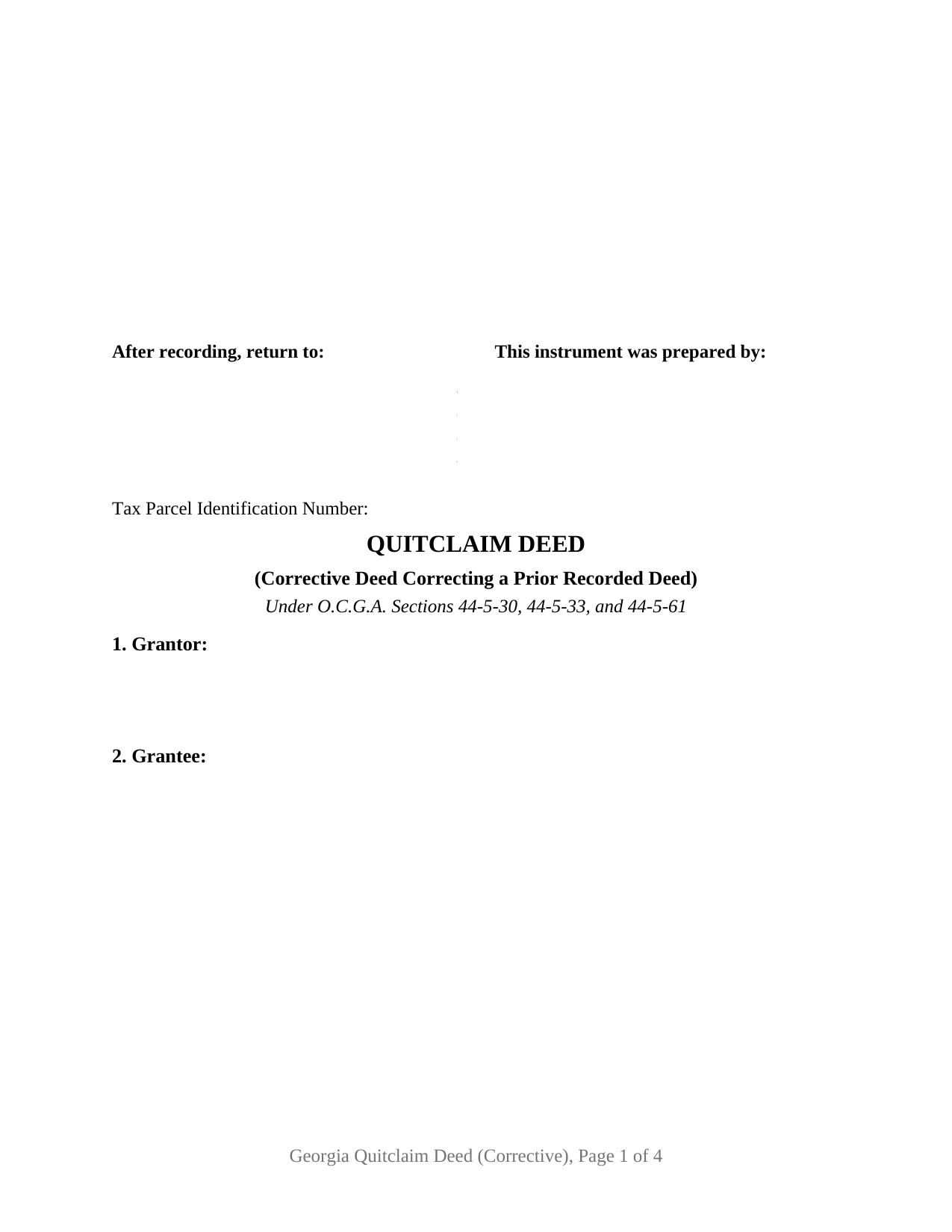
Telfair County Quitclaim Deed (Corrective) Form
Fill in the blank Quitclaim Deed (Corrective) form formatted to comply with all Georgia recording and content requirements.
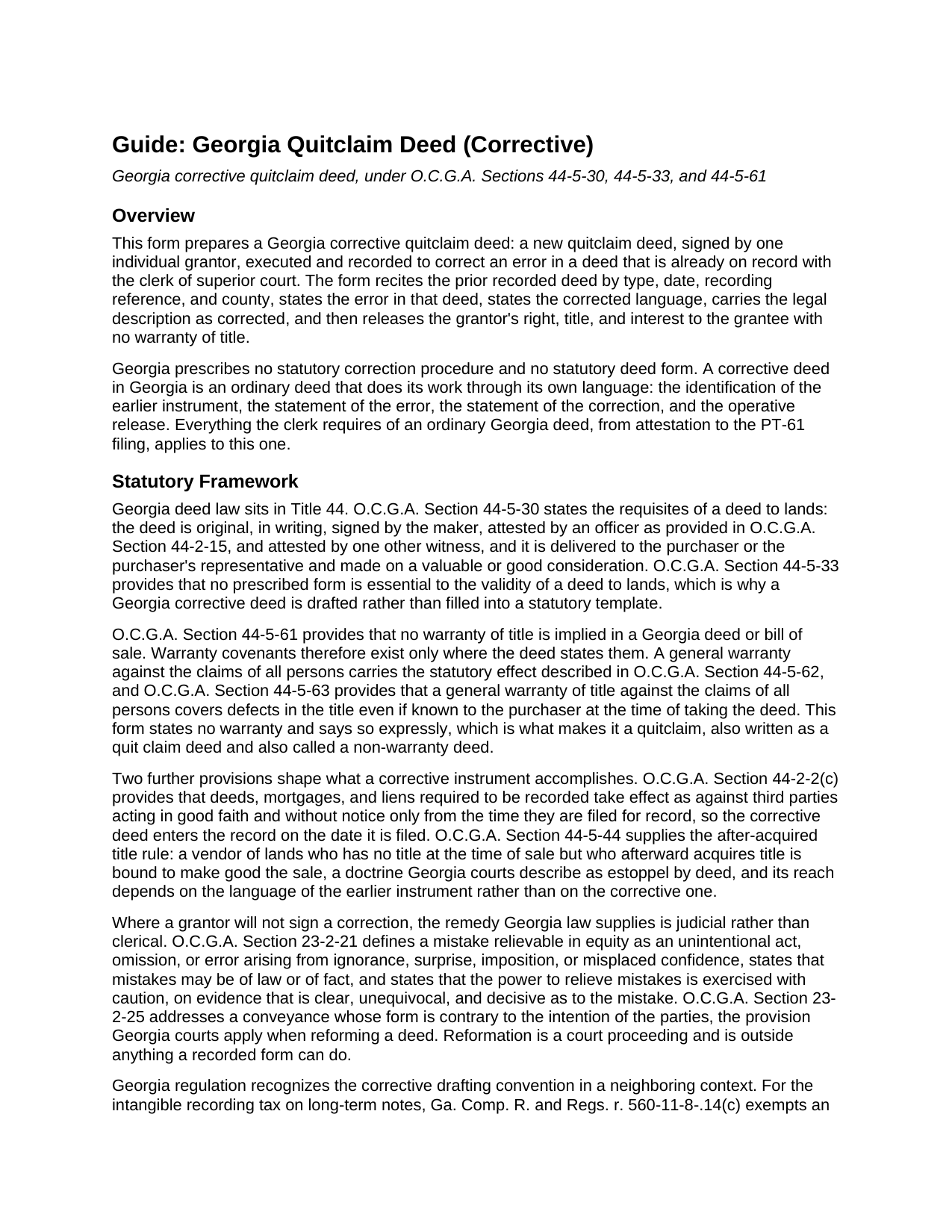
Telfair County Quitclaim Deed (Corrective) Guide
Line by line guide explaining every blank on the Quitclaim Deed (Corrective) form.
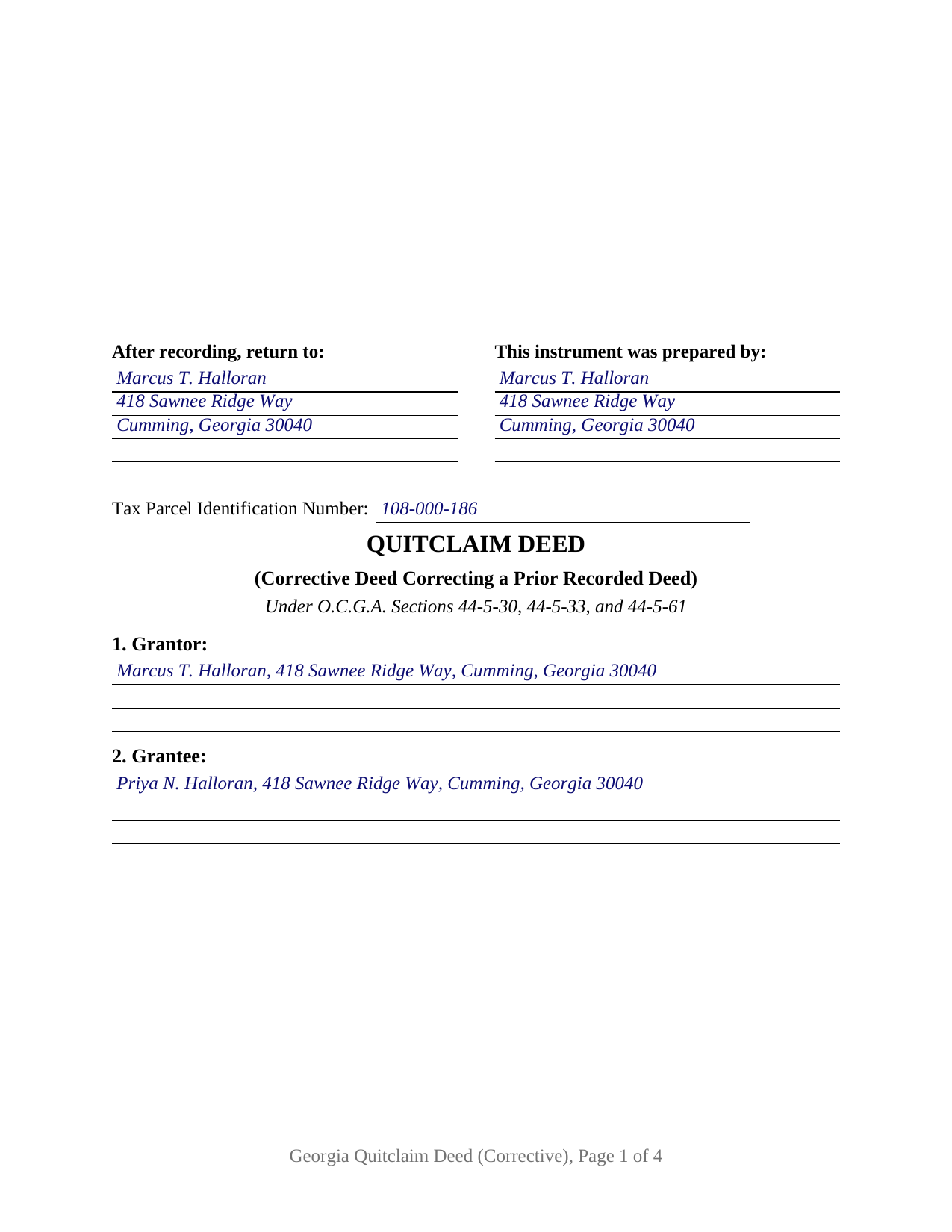
Telfair County Completed Example of the Quitclaim Deed (Corrective) Document
Example of a properly completed Georgia Quitclaim Deed (Corrective) document for reference.
All 3 documents above included • One-time purchase • No recurring fees
Immediate Download • Secure Checkout
Additional Georgia and Telfair County documents included at no extra charge:
Where to Record Your Documents
Clerk of Superior Court
McRae, Georgia 31055
Hours: 8:00am - 5:00pm Monday - Friday
Phone: (229) 868-6525
Recording Tips for Telfair County:
- Bring your driver's license or state-issued photo ID
- Ensure all signatures are in blue or black ink
- Check margin requirements - usually 1-2 inches at top
- Leave recording info boxes blank - the office fills these
- Make copies of your documents before recording - keep originals safe
Cities and Jurisdictions in Telfair County
Properties in any of these areas use Telfair County forms:
- Helena
- Jacksonville
- Lumber City
- Mc Rae
- Scotland
Hours, fees, requirements, and more for Telfair County
How do I get my forms?
Forms are available for immediate download after payment. The Telfair County forms will be in your account ready to download to your computer. An account is created for you during checkout if you don't have one. Forms are NOT emailed.
Are these forms guaranteed to be recordable in Telfair County?
Yes. Our form blanks are guaranteed to meet or exceed the applicable formatting requirements used for recording in Telfair County, including margin requirements, font requirements, and other layout standards. This guarantee applies to formatting, not to the legal sufficiency of information entered by the user or the suitability of a form for a particular transaction.
Can I reuse these forms?
Yes. You can reuse the forms for your personal use. For example, if you have multiple properties in Telfair County you only need to order once.
What do I need to use these forms?
The forms are PDFs that you fill out on your computer. The free Adobe Acrobat Reader is recommended, and most PDF apps also work. You do NOT enter your property information online - you download the blank forms and complete them privately on your own computer.
Are there any recurring fees?
No. This is a one-time purchase. Nothing to cancel, no memberships, no recurring fees.
How much does it cost to record in Telfair County?
Recording fees in Telfair County vary. Contact the recorder's office at (229) 868-6525 for current fees.
Questions answered? Let's get started!
Nothing already written into the Georgia deed records can be erased. A deed filed with a transposed lot number or a misspelled grantor stays in the book exactly as it went in, and the fix is a second instrument that names the first, says what is wrong with it, and puts the corrected language on record over the original grantor's signature. This form prepares that second instrument as a quitclaim deed: one individual grantor, one grantee, and a correction the clerk of superior court indexes in its own right.
Three sections do the correcting
Section 3 identifies the deed being corrected by type, date, recording date, recording reference, and county, so an examiner holding this instrument can pull the earlier one from the book and page it names. Section 4 states the error in the words of that deed, Section 5 states the corrected language meant to replace it, and Section 6 carries the legal description in corrected form. Georgia regulation applies the same drafting standard nearby: for the intangible recording tax, an instrument given to correct a previously recorded one earns its exemption only where the body identifies the existing instrument and specifically states its purpose (Ga. Comp. R. and Regs. r. 560-11-8-.14(c)).
One grantor, signing a second time
The form recites exactly one grantor, the natural person who granted the deed being corrected, signing again in an individual capacity, and it carries a single execution set: one signature block, one unofficial witness line, one officer certificate. Two owners correcting a deed they both granted, or a company officer correcting a corporate release, present signature patterns this form does not recite. The single-grantor correction turns up in familiar shapes: a family transfer whose description carried the wrong lot, a release whose grantee name lost a middle initial, a title examiner's letter that stops a closing until the record reads correctly.
A release with no warranty, and no prescribed form to fill
The operative words remise, release, and forever quitclaim the grantor's right, title, interest, claim, and demand, and the correction language follows in the same section: the deed corrects and confirms the earlier instrument and conveys no interest beyond what that instrument purported to convey. Because O.C.G.A. Section 44-5-61 reads no warranty into any Georgia deed, the instrument states in capital letters that it gives none, so every security deed and easement of record rides through untouched. Georgia prescribes no statutory deed form at all (O.C.G.A. Section 44-5-33), so a Georgia correction deed is drafted rather than filled into a template; buyers search it as a corrective deed, a deed of correction, a quit claim deed, or a non-warranty deed.
Where the correction stops
Errors that live in the words of the earlier deed are what a later deed can reach. Changing who takes the property is a fresh conveyance rather than a correction, and Georgia treats it as the conveyance it is. A record problem that is a fact rather than deed language belongs instead to a recorded affidavit under O.C.G.A. Section 44-2-20, which makes such affidavits notice of matters like the identity of parties whose names appear differently in a chain of title, and which is prepared and recorded separately. Where the grantor cannot be found or will not sign, the Georgia answer is reformation in equity under O.C.G.A. Sections 23-2-21 and 23-2-25, a court proceeding no recorded form can perform.
Attested again, filed on its own date
Georgia's execution pattern reaches the correction exactly as it reached the original: the grantor's signature is attested by an officer named in O.C.G.A. Section 44-2-15, ordinarily a notary public, and by one other witness (O.C.G.A. Section 44-5-30), under a certificate captioned as an attestation. The corrected instrument takes effect against third parties from the moment it is filed (O.C.G.A. Section 44-2-2(c)), and a PT-61 real estate transfer tax filing travels with it even though a nominal recital leaves nothing to pay, transfer tax being measured on consideration or value above one hundred dollars (O.C.G.A. Section 48-6-1). The completed example corrects a transposed lot number on a Forsyth County parcel, signed three months after the deed it corrects.
Three files arrive with the purchase: the corrective quitclaim deed as a fillable PDF, that completed Forsyth County example, and a plain language guide covering every numbered section, the attestation and witness formalities, the grantee vesting forms Georgia recognizes, and the PT-61 and electronic filing path. The materials describe Georgia law in general terms and are not legal advice.
Important: Your property must be located in Telfair County to use these forms. Documents should be recorded at the county recording office listed above.
This Quitclaim Deed (Corrective) meets all recording requirements specific to Telfair County.
Our Promise
The documents you receive here are guaranteed to meet or exceed the applicable Telfair County recording format requirements. If there is a rejection caused by our formatting, we will correct the issue or refund your payment. This guarantee applies to document formatting only and does not extend to information entered by the user, the selection of the form, or the legal effect of the completed document.
Save Time and Money
Get your Telfair County Quitclaim Deed (Corrective) form done right the first time with Deeds.com Uniform Conveyancing Blanks. At Deeds.com, we understand that your time and money are valuable resources, and we don't want you to face a penalty fee or rejection imposed by a county recorder for submitting nonstandard documents. We constantly review and update our forms to meet rapidly changing state and county recording requirements for roughly 3,500 counties and local jurisdictions.
4.8 out of 5 - ( 4,833 Reviews )
Kay Y. 5 out of 5 stars
Fast and easy service.
Your words of encouragement and feedback are greatly appreciated. They motivate us to maintain high standards in our service.
Lori S. 5 out of 5 stars
The documents I created on deeds com turned out beautiful and very professional looking. The example they gave along with the instruction booklet made it very easy t create a professional looking document for our land Sale. I was very pleased with how easy it was and would recommend it to anyone needing professional documents without having to go thru an attorney or title company. I was very impressed!
We appreciate your business and value your feedback. Thank you. Have a wonderful day!
Patrick U. 5 out of 5 stars
Great product. They processed and transmitted the deed promptly. A small question I had was answered quickly and professionally. I would use again if the need arises and will recommend to friends.
Your feedback is greatly appreciated. Thank you for taking the time to share your experience!
Jeremy C. 5 out of 5 stars
Really impressed with the speed and professionalism of the service. I would recommend putting a grey background on the form field inputs as I had trouble seeing them in the user interface, but otherwise I was really impressed and would happily return as a customer.
Thank you for your feedback. We really appreciate it. Have a great day!
Jason James H. 5 out of 5 stars
Th forms were correct, exactly what I needed.
Thanks Jason, we appreciate the feedback.
Alice L. 5 out of 5 stars
County accepted Quit Claim Deed without any issues! Saved money using Deeds.com - thank you!!!!
Thank you for your feedback. We really appreciate it. Have a great day!
Larry M. 5 out of 5 stars
Everything went well except that any information that I typed in on the computer download moves upward so that the letters or numbers are somewhat elevated above the line that should be even with the words on the form. I think it will be acceptable to the county recorder, but I don't especially like to submit things that appear uneven. I asked for help but just received a robotic reply that said to take steps that I already had done. So unless you know a way to correct this I likely won't use your forms again.
Thank you!
Susan J. 5 out of 5 stars
Simple and easy to use. I was thrilled to find deeds.com during my online search for deed forms and more pleased that I could narrow it down by state and county. Thanks
We appreciate your business and value your feedback. Thank you. Have a wonderful day!
Patricia R. 3 out of 5 stars
Very quick to respond with the obvious answers. I asked what form to use when adding my daughter to deed. Answer: talk to an attorney duh.
Thank you!
Dennis S. 5 out of 5 stars
Simple quitclaim form, worked perfectly for my area.
Thank you!
Monte J. 5 out of 5 stars
Very helpful.
Thank you!
Dallas S. 5 out of 5 stars
Very easy
Thank you!
Roman F. 5 out of 5 stars
You form was good the only thing that did not work was the download to fill it out !!! I use a Mac system and maybe that's what the issue was. I filled it out by hand and it worked for the purpose .
Thanks for the kind words, Roman. Glad the form worked for you. For the fillable fields, the PDF opens best in a dedicated reader like Preview or Adobe Acrobat rather than inside a browser window, which can sometimes flatten them out. We appreciate your business.
Cyndi E. 5 out of 5 stars
Outstanding service! So efficient and easy! Within 2 hours my document was reviewed, invoiced and forwarded to the DC ROD. This saved me so much time.
Thank you!
Brennan H. 5 out of 5 stars
I had worked for a couple of months sending things back and forth to the county and still had no success. I decided to use deeds.com and it was all done in a few hours. Such a relief! While I find this to be wrong and the county should work with property owners as well as they work with third parties, I was still grateful for this service.
Thank you for your feedback. We really appreciate it. Have a great day!