Wheeler County Quitclaim Deed (Divorce) Form
Last validated October 20, 2026 by our Forms Development TeamFormatted for recording in Wheeler County, for property anywhere in the county: rural and unincorporated areas as well as Alamo, Glenwood.
- 3 documents included
- Immediate PDF download
- Formatting guarantee
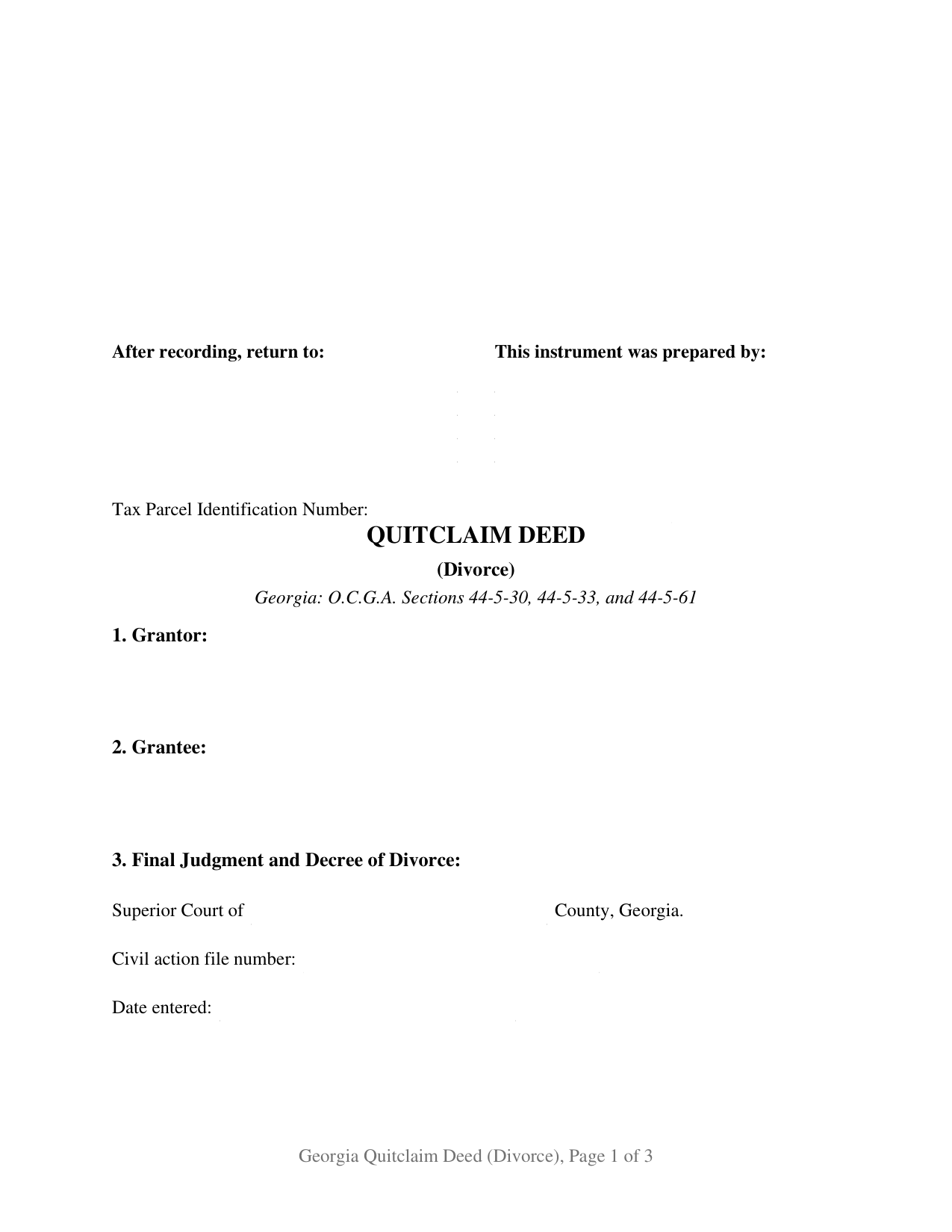
Wheeler County Quitclaim Deed (Divorce) Form
Fill in the blank Quitclaim Deed (Divorce) form formatted to comply with all Georgia recording and content requirements.
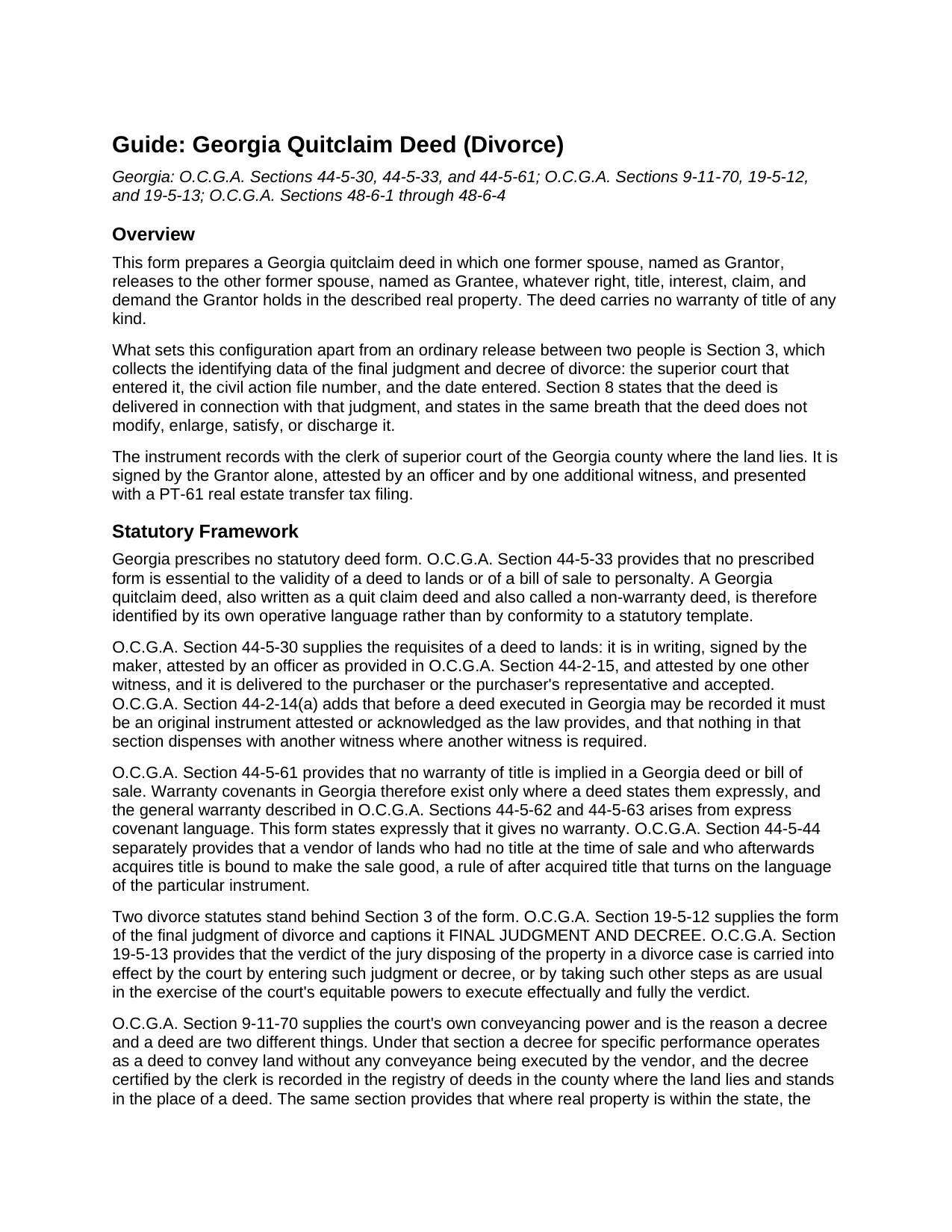
Wheeler County Quitclaim Deed (Divorce) Guide
Line by line guide explaining every blank on the Quitclaim Deed (Divorce) form.
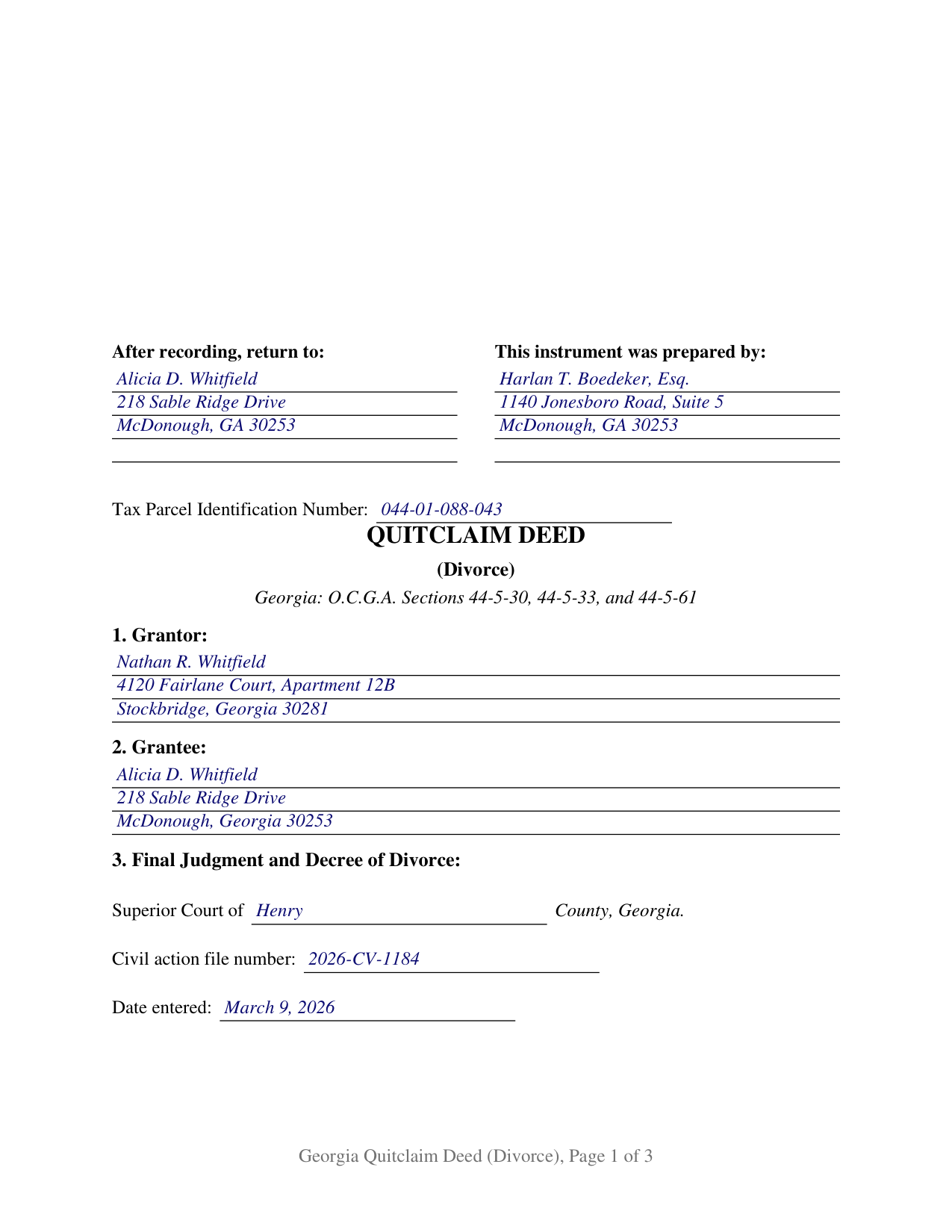
Wheeler County Completed Example of the Quitclaim Deed (Divorce) Document
Example of a properly completed Georgia Quitclaim Deed (Divorce) document for reference.
All 3 documents above included • One-time purchase • No recurring fees
Immediate Download • Secure Checkout
Additional Georgia and Wheeler County documents included at no extra charge:
Where to Record Your Documents
Clerk of Superior Court
Alamo, Georgia 30411
Hours: 8:30am - 5:00pm Monday - Friday
Phone: (912) 568-7137
Recording Tips for Wheeler County:
- Bring your driver's license or state-issued photo ID
- Ensure all signatures are in blue or black ink
- Leave recording info boxes blank - the office fills these
- Make copies of your documents before recording - keep originals safe
- Recorded documents become public record - avoid including SSNs
Cities and Jurisdictions in Wheeler County
Properties in any of these areas use Wheeler County forms:
- Alamo
- Glenwood
Hours, fees, requirements, and more for Wheeler County
How do I get my forms?
Forms are available for immediate download after payment. The Wheeler County forms will be in your account ready to download to your computer. An account is created for you during checkout if you don't have one. Forms are NOT emailed.
Are these forms guaranteed to be recordable in Wheeler County?
Yes. Our form blanks are guaranteed to meet or exceed the applicable formatting requirements used for recording in Wheeler County, including margin requirements, font requirements, and other layout standards. This guarantee applies to formatting, not to the legal sufficiency of information entered by the user or the suitability of a form for a particular transaction.
Can I reuse these forms?
Yes. You can reuse the forms for your personal use. For example, if you have multiple properties in Wheeler County you only need to order once.
What do I need to use these forms?
The forms are PDFs that you fill out on your computer. The free Adobe Acrobat Reader is recommended, and most PDF apps also work. You do NOT enter your property information online - you download the blank forms and complete them privately on your own computer.
Are there any recurring fees?
No. This is a one-time purchase. Nothing to cancel, no memberships, no recurring fees.
How much does it cost to record in Wheeler County?
Recording fees in Wheeler County vary. Contact the recorder's office at (912) 568-7137 for current fees.
Questions answered? Let's get started!
A Georgia final judgment and decree of divorce can settle which former spouse keeps the house, and the land records notice nothing until a deed says so. This quitclaim deed is that instrument. It names one former spouse as Grantor and the other as Grantee, and Section 3 puts the judgment on the face of the deed: the court that entered it, the civil action file number, and the date entered.
Why a decree and a deed are two different documents
Georgia hands the divorce court genuine conveyancing power, which is why the two documents are not interchangeable. Under O.C.G.A. Section 9-11-70 a decree for specific performance operates as a deed without any conveyance executed by the vendor, and once certified by the clerk it is recorded and stands in the place of a deed. The same section lets a court divest one party's title and vest it in another by judgment, with the effect of a conveyance executed in due form of law. A judgment doing neither leaves the parties to convey by deed, and under O.C.G.A. Section 19-5-13 the court carries a property disposition into effect by whatever step is usual to its equitable powers. Usually that step is a signed deed.
What the release records, and what it leaves alone
The operative words remise, release, and forever quitclaim the Grantor's right, title, interest, claim, and demand. O.C.G.A. Section 44-5-61 reads no warranty into a Georgia deed and O.C.G.A. Section 44-5-33 prescribes no template to fill, so the instrument states its own terms: capital letters disclaiming warranty, and a sentence delivering the deed in connection with the Section 3 judgment while modifying, satisfying, and discharging none of it. A security deed the Grantor signed stays exactly where it was. Buyers reach it searching for a divorce quitclaim deed or a non-warranty deed.
One signature, after the marriage has already ended
The form recites one Grantor and one Grantee, natural persons in individual capacities, with a single Grantor signature block, one unofficial witness block, and one officer certificate captioned as an attestation. A recordable deed under O.C.G.A. Section 44-5-30 carries two attesting signatures beside the Grantor's: an officer drawn from the list at O.C.G.A. Section 44-2-15, most commonly a notary, and a second person Georgia practice calls the unofficial witness. No line invites a spouse to join, and once a decree is final there is no spouse to invite; dower and curtesy went out with O.C.G.A. Section 53-1-3, and Georgia keeps neither a community regime nor an entireties estate. Three post-decree situations bring it to the counter: a judgment directing one party to release the marital residence within a stated number of days, a refinance held up because the lender needs one name in the chain, and a sale years later where an examiner finds the decree in the civil file and no conveyance in the deed book.
Survivorship, and the affidavit this deed cannot replace
Divorce does not quietly undo an express survivorship estate. O.C.G.A. Section 44-6-190(4) converts a joint tenancy with right of survivorship into a tenancy in common once a divorced party records an affidavit averring the divorce and an intent to terminate the survivorship, identifying the deed book and page and attaching the final order and legal description, unless it already disposed of them. That affidavit is its own recorded instrument, prepared apart from this deed.
Filing it with the clerk
Filing happens in the county holding the land at a flat twenty five dollars (O.C.G.A. Section 15-6-77), with a PT-61 transfer tax filing prepared in the state clerks' authority system before the clerk certifies the tax (O.C.G.A. Section 48-6-4). O.C.G.A. Section 48-6-2(a)(5) exempts a transfer of real estate between a husband and wife in connection with a divorce case, the exemption the completed example claims; the guide flags that the subsection speaks of a husband and wife while the form is drafted for a judgment already entered. Page one keeps its top three inches clear for the recording notation, opens with the return-to name and address under O.C.G.A. Section 44-2-14(b), and carries a parcel number line for DeKalb County.
Three files arrive with the purchase: the fillable deed, a completed example set in Henry County, where a former husband releases a McDonough residence four weeks after the decree, and a plain language guide covering the eight numbered sections, the attestation formalities, Georgia's ownership forms, and the filing path. These materials describe Georgia law generally and are not legal advice.
Important: Your property must be located in Wheeler County to use these forms. Documents should be recorded at the county recording office listed above.
This Quitclaim Deed (Divorce) meets all recording requirements specific to Wheeler County.
Our Promise
The documents you receive here are guaranteed to meet or exceed the applicable Wheeler County recording format requirements. If there is a rejection caused by our formatting, we will correct the issue or refund your payment. This guarantee applies to document formatting only and does not extend to information entered by the user, the selection of the form, or the legal effect of the completed document.
Save Time and Money
Get your Wheeler County Quitclaim Deed (Divorce) form done right the first time with Deeds.com Uniform Conveyancing Blanks. At Deeds.com, we understand that your time and money are valuable resources, and we don't want you to face a penalty fee or rejection imposed by a county recorder for submitting nonstandard documents. We constantly review and update our forms to meet rapidly changing state and county recording requirements for roughly 3,500 counties and local jurisdictions.
4.8 out of 5 - ( 4,836 Reviews )
Steve W. 5 out of 5 stars
Simple and easy transaction
Thank you for your feedback. We really appreciate it. Have a great day!
PAUL L. 5 out of 5 stars
Outstanding site in every way and reasonably priced.
We appreciate your business and value your feedback. Thank you. Have a wonderful day!
Robert P. 5 out of 5 stars
excellent reference
Thank you for your feedback. We really appreciate it. Have a great day!
Caroline M. L. 5 out of 5 stars
Hopefully, I am on the correct site to transfer ownership of a time share to my son. I am a senior, and this site is easy to follow if I am on the correct site. : )
Thank you for your feedback. We really appreciate it. Have a great day!
Regina W. 5 out of 5 stars
So glad I found this form. Very easy to download and looks like all the instructions are there to correctly fill out my paperwork. Thanks.
We appreciate your business and value your feedback. Thank you. Have a wonderful day!
Corey G. 5 out of 5 stars
Very informative and helpful Thank you so much
Thank you for the kinds words Corey, glad we could help.
Donna W. 5 out of 5 stars
Answered all of my questions and was very easy to use. I will use Deeds.com to do all of my real estate forms from now on. Thanks.
Thank you!
Marites T. 5 out of 5 stars
Extremely helpful team of professionals who are patient when you need to get things filed correctly. Very small price for the comfort of knowing your DOCUMENTS are FILED with you local Recorder's Office. Some of the filings, if they are correctly formatted are already uploaded and official within a few hours. Here's the ALTERNATIVE you may encounter. For Example: King County Recorder's Office moved which means most filings are backed up 7-10 days if you DROP your filing in a BOX with your CHECK or MAIL IT. Neither is a great option, since they have no WALK IN HOURS.
We appreciate your business and value your feedback. Thank you. Have a wonderful day!
Gary F. 5 out of 5 stars
A+
Thank you — we appreciate you taking the time to leave a review.
Emily P. 4 out of 5 stars
Used the quitclaim form and the erecording service. Very smooth transaction, everything worked as it should.
Thank you for your feedback. We really appreciate it. Have a great day!
Michael M. 5 out of 5 stars
Received the documents as ordered in a timely fashion. Can't ask for much better than that!
Thank you!
Ashley H. 5 out of 5 stars
Thank you for the quick response time messaging back and forth to get this completed, and also the fairly speedy e-recording! Excellent customer service!!!
We appreciate your business and value your feedback. Thank you. Have a wonderful day!
Robert J D. 5 out of 5 stars
I accidentally ordered 2 forms for the affidavit of death. I only need one.
Thanks for your feedback. Looking at your account we do not see any duplicate orders. Our system does stop duplicate orders before they are processed in many cases. Have a great day.
Jennifer M P. 5 out of 5 stars
Locating the deed I needed was not too hard. I love that you can download and complete it on your time frame.
Thank you!
Stephen D. 5 out of 5 stars
Very good hope to use in the future.
Thank you for your feedback. We really appreciate it. Have a great day!