Wilcox County Quitclaim Deed Form
Last validated October 8, 2026 by our Forms Development TeamFormatted for recording in Wilcox County, for property anywhere in the county: rural and unincorporated areas as well as Abbeville, Pineview, Pitts, Rochelle, Seville.
- 3 documents included
- Immediate PDF download
- Formatting guarantee
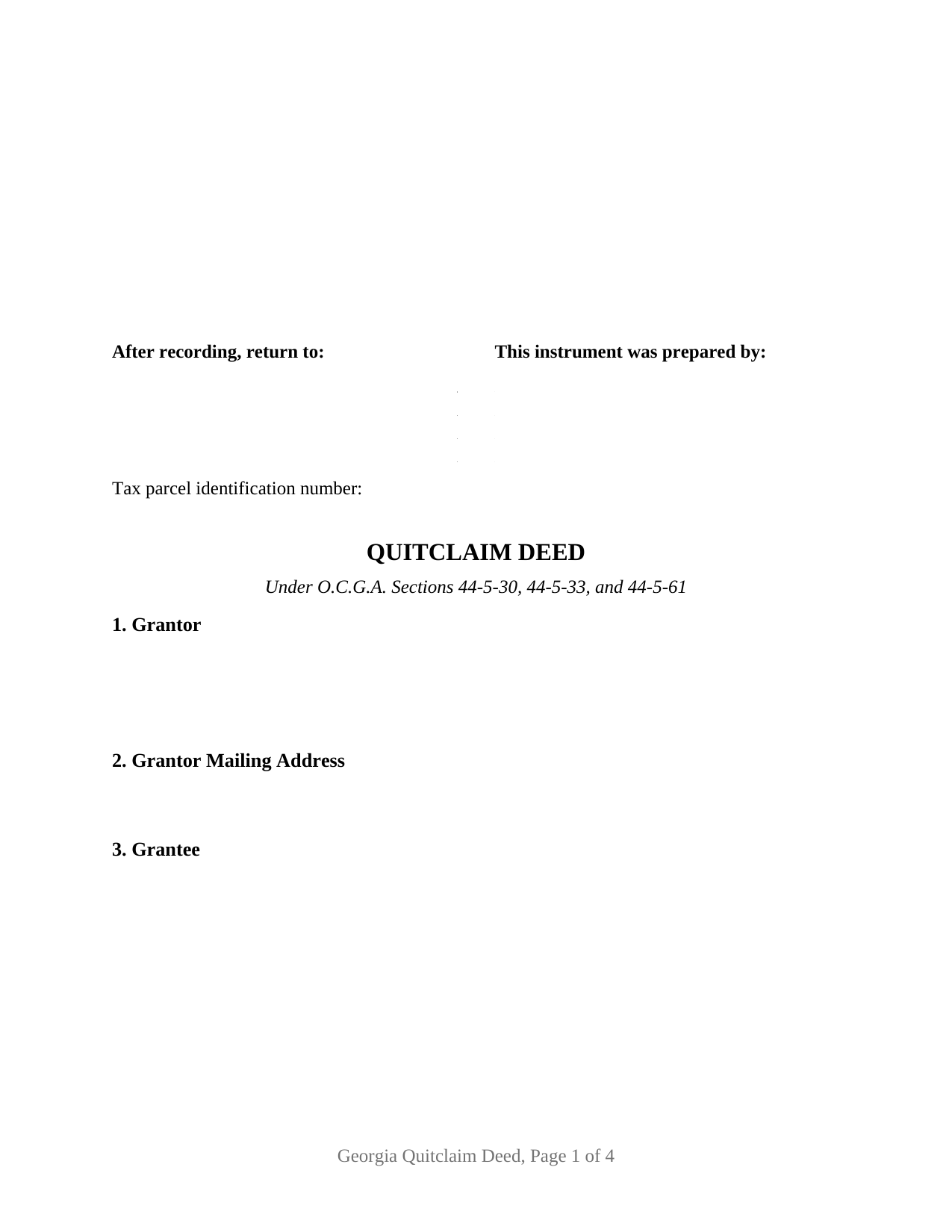
Wilcox County Quitclaim Deed Form
Fill in the blank Quitclaim Deed form formatted to comply with all Georgia recording and content requirements.
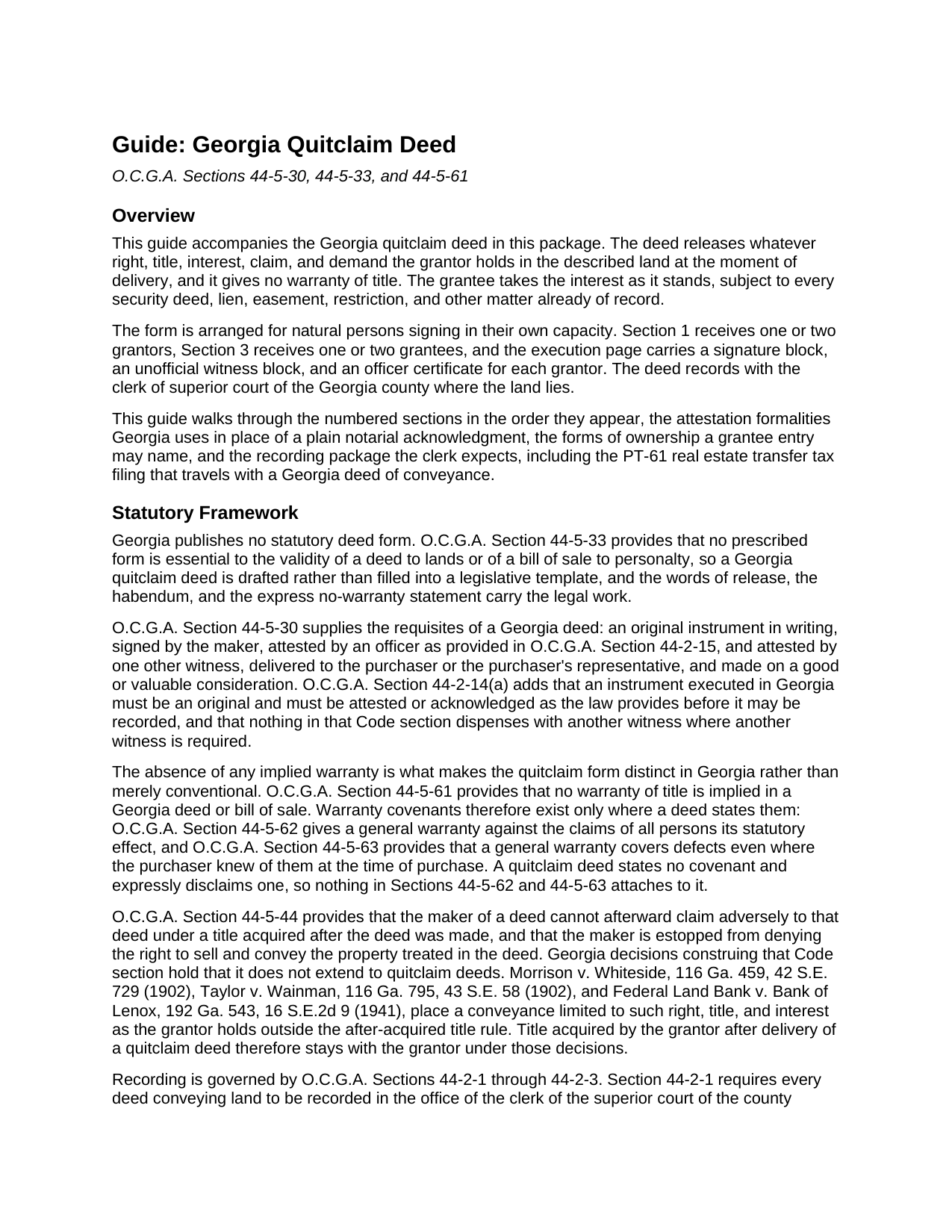
Wilcox County Quitclaim Deed Guide
Line by line guide explaining every blank on the Quitclaim Deed form.
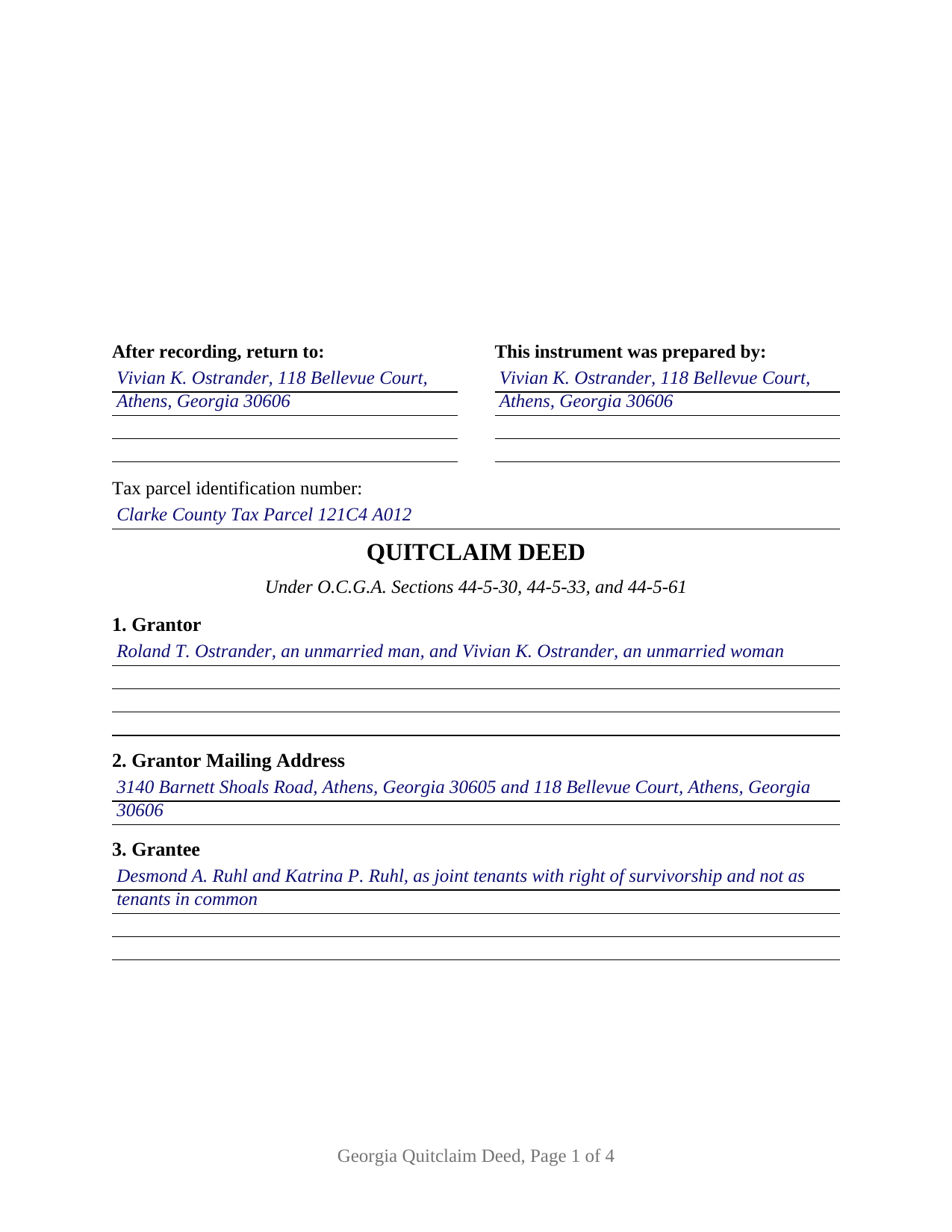
Wilcox County Completed Example of the Quitclaim Deed Document
Example of a properly completed Georgia Quitclaim Deed document for reference.
All 3 documents above included • One-time purchase • No recurring fees
Immediate Download • Secure Checkout
Additional Georgia and Wilcox County documents included at no extra charge:
Where to Record Your Documents
Clerk of Superior Court
Abbeville, Georgia 31001
Hours: 9:00am to 5:00pm M-F
Phone: (229) 467-2442
Recording Tips for Wilcox County:
- Bring your driver's license or state-issued photo ID
- Ensure all signatures are in blue or black ink
- Documents must be on 8.5 x 11 inch white paper
- Double-check legal descriptions match your existing deed
- Verify all names are spelled correctly before recording
Cities and Jurisdictions in Wilcox County
Properties in any of these areas use Wilcox County forms:
- Abbeville
- Pineview
- Pitts
- Rochelle
- Seville
Hours, fees, requirements, and more for Wilcox County
How do I get my forms?
Forms are available for immediate download after payment. The Wilcox County forms will be in your account ready to download to your computer. An account is created for you during checkout if you don't have one. Forms are NOT emailed.
Are these forms guaranteed to be recordable in Wilcox County?
Yes. Our form blanks are guaranteed to meet or exceed the applicable formatting requirements used for recording in Wilcox County, including margin requirements, font requirements, and other layout standards. This guarantee applies to formatting, not to the legal sufficiency of information entered by the user or the suitability of a form for a particular transaction.
Can I reuse these forms?
Yes. You can reuse the forms for your personal use. For example, if you have multiple properties in Wilcox County you only need to order once.
What do I need to use these forms?
The forms are PDFs that you fill out on your computer. The free Adobe Acrobat Reader is recommended, and most PDF apps also work. You do NOT enter your property information online - you download the blank forms and complete them privately on your own computer.
Are there any recurring fees?
No. This is a one-time purchase. Nothing to cancel, no memberships, no recurring fees.
How much does it cost to record in Wilcox County?
Recording fees in Wilcox County vary. Contact the recorder's office at (229) 467-2442 for current fees.
Questions answered? Let's get started!
Whatever the grantor owns on the day of delivery is what a Georgia quitclaim deed carries, and Georgia stops the instrument there. O.C.G.A. Section 44-5-44 binds the maker of a deed against a title acquired afterward, but the decisions construing that Code section place a conveyance limited to such right, title, and interest as the grantor holds outside the rule: Morrison v. Whiteside and Taylor v. Wainman in 1902, and Federal Land Bank v. Bank of Lenox in 1941. An interest the signer picks up next year stays with the signer.
A release measured at delivery
That boundary is the character of the instrument, not a technicality in it. The operative sentence remises, releases, and forever quitclaims all right, title, interest, claim, and demand of the grantor, and the habendum runs to the grantee and to the heirs, successors, and assigns of the grantee. Since O.C.G.A. Section 44-5-61 reads no warranty into any Georgia conveyance, the deed announces in capital letters that it carries none, and what stands of record stays of record: security deeds, judgment and tax liens, easements, and restrictive covenants all survive the transfer. No legislative template governs the drafting either, because O.C.G.A. Section 44-5-33 makes no prescribed form essential to a deed of lands, which is why the same instrument is indexed as a quit claim deed and described as a non-warranty deed.
Blanks that count to two on either side
This is the base configuration of the Georgia quitclaim line. Section 1 receives one or two natural persons signing in their own capacity and Section 3 receives one or two grantees, both as open blanks: no status wording, ownership form, or capacity language is preprinted anywhere on the instrument, so the entries carry the names as record title carries them. The execution page follows the same count, with a GRANTOR block and a SECOND GRANTOR (if applicable) block, an unofficial witness line under each, and a separate officer certificate for each signature; a deed from one grantor leaves the second set unused. Where two grantees take together, the words after their names decide the ownership form: O.C.G.A. Section 44-6-120 leaves two names holding as tenants in common when the deed says nothing more, while the express survivorship wording of O.C.G.A. Section 44-6-190 creates a survivorship estate instead. Four configurations sit outside this form: an entity grantor executing through an officer, a fiduciary conveying in a representative capacity, an agent signing the owner's name under a power of attorney, and three or more owners on one side.
Attested rather than acknowledged
Georgia signs deeds in a pattern that surprises anyone arriving from a plain notarial state. Under O.C.G.A. Section 44-5-30 the maker signs, an officer from the O.C.G.A. Section 44-2-15 list attests the signature, and one more person attests it too, the signer Georgia practice calls the unofficial witness. The certificate here is captioned ATTESTATION for that reason, and O.C.G.A. Section 44-14-33 states the principle: where the officer attests, a formal certificate of acknowledgment is not necessary. Each grantor block carries its own certificate, so one signature never waits on the other.
Twenty-five dollars, a PT-61, and a first page built for the clerk
Filing goes to the clerk of superior court of the county holding the land (O.C.G.A. Section 44-2-1) at a flat twenty-five dollar fee, whatever the page count (O.C.G.A. Section 15-6-77(f)). A PT-61 real estate transfer tax filing travels with the deed through the state clerks' authority system, and the clerk certifies the tax before recording (O.C.G.A. Section 48-6-4). Tax accrues above one hundred dollars of consideration or value (O.C.G.A. Section 48-6-1), which on the twenty-seven thousand dollars recited in the completed Clarke County example produces twenty-seven dollars. Anyone filing without a Georgia attorney, title agent, or other listed professional files electronically as a self-filer with verified government identification, the rule in force since January 1, 2025. The instrument opens below three clear inches for the recording notation, then the return-to name and address that O.C.G.A. Section 44-2-14(b) puts at the top of a Georgia deed, then a tax parcel line answering DeKalb County's local requirement.
Three files come with the purchase: the fillable deed, the Clarke County example filled at full capacity with two grantors releasing to two grantees, and a plain language guide that takes the sections in order and then treats the ownership forms Georgia recognizes, the attestation rules, and the trip to the counter. The materials explain Georgia law generally and are not legal advice.
Important: Your property must be located in Wilcox County to use these forms. Documents should be recorded at the county recording office listed above.
This Quitclaim Deed meets all recording requirements specific to Wilcox County.
Our Promise
The documents you receive here are guaranteed to meet or exceed the applicable Wilcox County recording format requirements. If there is a rejection caused by our formatting, we will correct the issue or refund your payment. This guarantee applies to document formatting only and does not extend to information entered by the user, the selection of the form, or the legal effect of the completed document.
Save Time and Money
Get your Wilcox County Quitclaim Deed form done right the first time with Deeds.com Uniform Conveyancing Blanks. At Deeds.com, we understand that your time and money are valuable resources, and we don't want you to face a penalty fee or rejection imposed by a county recorder for submitting nonstandard documents. We constantly review and update our forms to meet rapidly changing state and county recording requirements for roughly 3,500 counties and local jurisdictions.
4.8 out of 5 - ( 4,839 Reviews )
John T. 5 out of 5 stars
Amazing! Very helpful. Very specific.
Thank you for your feedback. We really appreciate it. Have a great day!
Keith H. 5 out of 5 stars
These forms were helpful and comprehensive. Thank you.
Thank you for your feedback. We really appreciate it. Have a great day!
Maura M. 5 out of 5 stars
Easy user friendly website
Thank you!
Mike H. 5 out of 5 stars
Great
Thank you!
thomas C. 5 out of 5 stars
Thank you for being there for me when I couldn't get it done myself. I was a little confused with the operation at first but then became easy. I will definitely be using you again and again. Even after the pandemic is over.It's approximately 15 miles one way to downtown Orlando to do what you did for me sitting at my house
Glad we could help Thomas, have a great day!
Virginia C. 5 out of 5 stars
I had a nice surprise seeing how fast the process was to download in a safe manner the documents. The example and guide to fill the original document are very valuable to facilitate the filling in. Thank you!!
Thank you for your feedback. We really appreciate it. Have a great day!
Ronald S. 5 out of 5 stars
got what i wanted
Thank you for your feedback. We really appreciate it. Have a great day!
William A. 5 out of 5 stars
great service and very accommodating generally, and especially during these times.
We appreciate your business and value your feedback. Thank you. Have a wonderful day!
Troy D. 5 out of 5 stars
Excellent Service. Great time savings over having to send someone to the recording office. Am planning on utilizing this service for our recording needs.
We appreciate your business and value your feedback. Thank you. Have a wonderful day!
Tracy A. 5 out of 5 stars
Thanks, it was a big help!!!
Thank you!
Sylvia B. 5 out of 5 stars
What a wonderful resource! Forms are so easy to use, made the process a breeze. Deeds even helped with the recording. Thank you.
We appreciate your business and value your feedback. Thank you. Have a wonderful day!
yaakov f. 5 out of 5 stars
you are awesome never had such a great expriance will be back with other transfers you the best
Great to hear Yaakov! Hope you have a great day!
Edward S. 1 out of 5 stars
The spaces do not line up correctly with the text.
Thank you for your feedback. We really appreciate it. Have a great day!
Veda J. 5 out of 5 stars
Good Work!
Thank you!
Leroy B. 5 out of 5 stars
I have a Timeshare in Florida and started looking to sell it. Just finally downloaded this site, it looks fairly simple. I will start getting more serious soon. Looking forward to working with Deeds.com.
Thank you!