Habersham County Release of Claim of Lien Form
Last validated October 29, 2026 by our Forms Development TeamFormatted for recording in Habersham County, for property anywhere in the county: rural and unincorporated areas as well as Alto, Clarkesville, Cornelia, Demorest, Mount Airy, Turnerville.
- 3 documents included
- Immediate PDF download
- Formatting guarantee
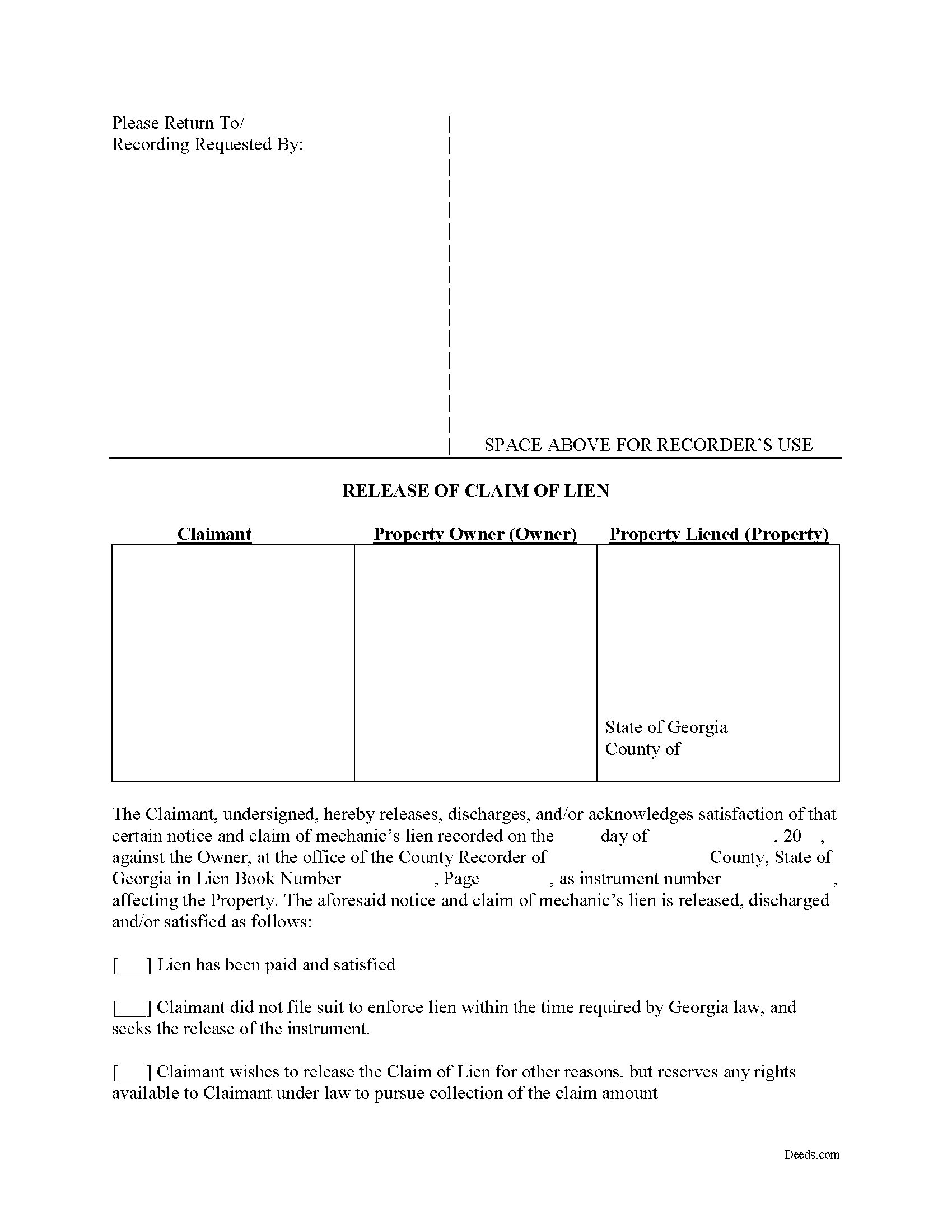
Habersham County Release of Claim of Lien Form
Fill in the blank Release of Claim of Lien form formatted to comply with all Georgia recording and content requirements.
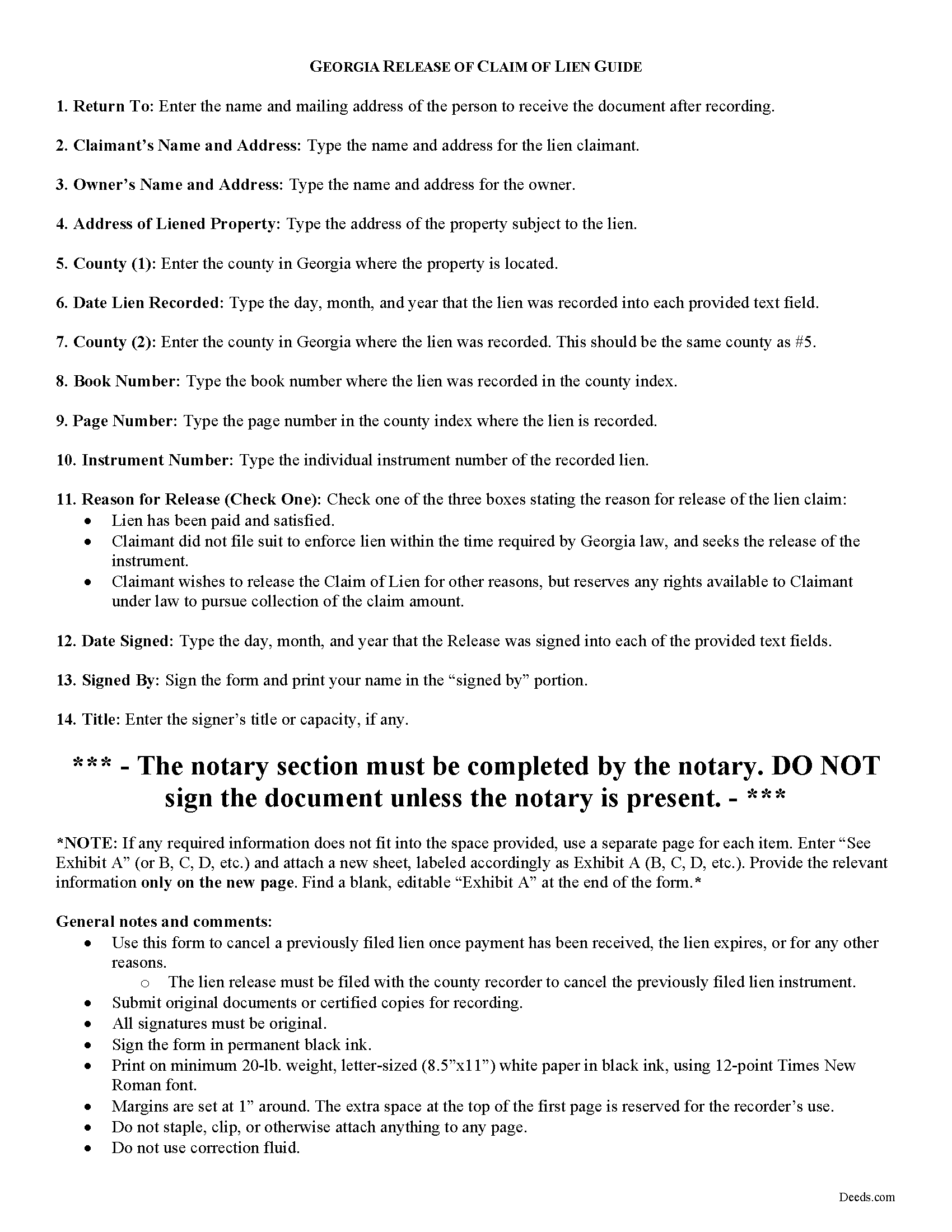
Habersham County Release of Claim of Lien Guide
Line by line guide explaining every blank on the form.
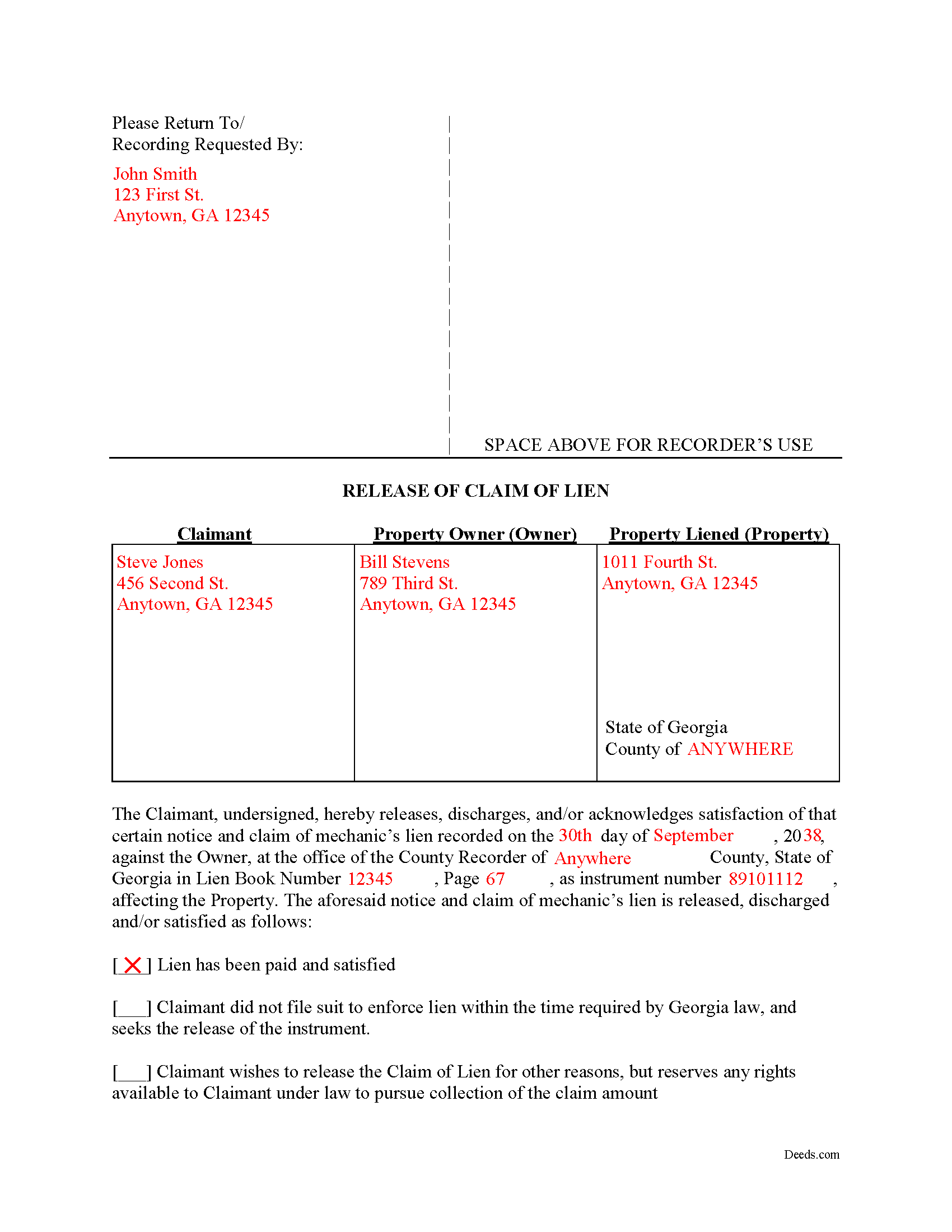
Habersham County Completed Example of the Release of Claim of Lien Document
Example of a properly completed form for reference.
All 3 documents above included • One-time purchase • No recurring fees
Immediate Download • Secure Checkout
Additional Georgia and Habersham County documents included at no extra charge:
Where to Record Your Documents
Clerk of Superior Court
Clarkesville, Georgia 30523
Hours: 8:00am-5:00pm M-F
Phone: (706) 839-0300
Recording Tips for Habersham County:
- Bring your driver's license or state-issued photo ID
- Ensure all signatures are in blue or black ink
- Check that your notary's commission hasn't expired
- Documents must be on 8.5 x 11 inch white paper
- Double-check legal descriptions match your existing deed
Cities and Jurisdictions in Habersham County
Properties in any of these areas use Habersham County forms:
- Alto
- Clarkesville
- Cornelia
- Demorest
- Mount Airy
- Turnerville
Hours, fees, requirements, and more for Habersham County
How do I get my forms?
Forms are available for immediate download after payment. The Habersham County forms will be in your account ready to download to your computer. An account is created for you during checkout if you don't have one. Forms are NOT emailed.
Are these forms guaranteed to be recordable in Habersham County?
Yes. Our form blanks are guaranteed to meet or exceed the applicable formatting requirements used for recording in Habersham County, including margin requirements, font requirements, and other layout standards. This guarantee applies to formatting, not to the legal sufficiency of information entered by the user or the suitability of a form for a particular transaction.
Can I reuse these forms?
Yes. You can reuse the forms for your personal use. For example, if you have multiple properties in Habersham County you only need to order once.
What do I need to use these forms?
The forms are PDFs that you fill out on your computer. The free Adobe Acrobat Reader is recommended, and most PDF apps also work. You do NOT enter your property information online - you download the blank forms and complete them privately on your own computer.
Are there any recurring fees?
No. This is a one-time purchase. Nothing to cancel, no memberships, no recurring fees.
How much does it cost to record in Habersham County?
Recording fees in Habersham County vary. Contact the recorder's office at (706) 839-0300 for current fees.
Questions answered? Let's get started!
Cancelling a Georgia Mechanic's Lien After Payment
To dissolve previously filed mechanic's lien claims, claimants must file a Release of Claim of Lien. Construction liens must be canceled once payment has been received, the lien expires, or for any other reason. The lien release must be filed with the county recorder to cancel the previously filed lien instrument. The lien release is different than a lien waiver because it discharges an already filed lien, while a waiver surrenders the right to file one in the first place.
A Release form contains the following information: 1) lien claimant's name and address; 2) property owner's name and address; 3) address of the subject property; 4) date the lien was recorded; 5) the book number, page number, and instrument number as indexed by the county; and 6) reason for cancellation (lien has been paid, expired, or any other reason for discharge). The Release must be signed in front of a notary public who then signs as a notary and/or affixes his or her seal.
This article is provided for informational purposes only and does not constitute legal advice. Please speak with an attorney regarding releases or any other issues related to liens in Georgia.
Important: Your property must be located in Habersham County to use these forms. Documents should be recorded at the county recording office listed above.
This Release of Claim of Lien meets all recording requirements specific to Habersham County.
Our Promise
The documents you receive here are guaranteed to meet or exceed the applicable Habersham County recording format requirements. If there is a rejection caused by our formatting, we will correct the issue or refund your payment. This guarantee applies to document formatting only and does not extend to information entered by the user, the selection of the form, or the legal effect of the completed document.
Save Time and Money
Get your Habersham County Release of Claim of Lien form done right the first time with Deeds.com Uniform Conveyancing Blanks. At Deeds.com, we understand that your time and money are valuable resources, and we don't want you to face a penalty fee or rejection imposed by a county recorder for submitting nonstandard documents. We constantly review and update our forms to meet rapidly changing state and county recording requirements for roughly 3,500 counties and local jurisdictions.
4.8 out of 5 - ( 4,864 Reviews )
Dennis M. 3 out of 5 stars
Deeds was responsive and got back to me right away suggesting I go to the county and retrieve copies of the deed there. It's a couple of hundred miles away so was hoping I could do it online. A pretty good website though. Sorry we couldn't do business.
Thank you for your feedback. We really appreciate it. Have a great day!
Jon I. 5 out of 5 stars
I liked the information I download. Just what I was looking for.
We appreciate your business and value your feedback. Thank you. Have a wonderful day!
Christine P. 5 out of 5 stars
I was hoping to find information of a property belonging to my grandparents. Your site says it can go back 10-20 years I will just have to go to the courthouse and research. But very good site if your looking for recent information.
Thank you for your feedback. We really appreciate it. Have a great day!
Alexandra M. 5 out of 5 stars
Needed a Limited Power of Attorney form for a real estate transaction in another state. Proper form came up immediately and was fairly easy to complete. I think the sample completed form should have been more completely explained in layman's language instead of legalese (such as person granting permission instead of grantor or something like your name and address and the person who will be signing on your behalf) but since the form was one price no matter how many ways it was printed out, it was fine. I just filled it out several ways and had it notarized and sent it to my sister. Whichever combination is appropriate she and the lawyer will have. I found the site easy to navigate
We appreciate your business and value your feedback. Thank you. Have a wonderful day!
Stephen M. 5 out of 5 stars
Using the service is very quick and easy. The staff was very attentive, knowledgeable, professional and followed up promptly, and kept me informed regarding the status of my package.
Thank you, Stephen! We appreciate your feedback and are glad our team made the process smooth and efficient for you.
Barbara D. 5 out of 5 stars
Very helpful, clear and precise. The example further clarifies exactly what is needed to be included in information.
Thank you!
Lisa C. 5 out of 5 stars
Great. Thank you. Received information quickly. Helped out a lot.
Thank you!
Michael D. 1 out of 5 stars
I sent Deeds.com an email with a question, asking for a little guidance as to which form(s) I need, but I'm waiting for a reply. My wife and I own 3 homes (2 in Indiana & 1 in Florida). We are needing to deed each to ourselves and put them into our living trust. I asked Deeds.com to please help by suggesting which forms I need for this. I do not want to get the wrong ones. I have not received a reply yet. When I receive a helpful reply and am able to purchase the correct forms, I am fairly certain my rating will go from 1 to 5. I withhold judgement until later.
Thank you for your feedback Michael. We make available do it yourself deed documents. We do not prepare documents or provide legal advice. If you have done research and are still unsure of which documents you need we are not the website for you. We highly recommend seeking the advice of a legal professional familiar with your specific situation moving forward. Have a wonderful day.
James R. 5 out of 5 stars
This site is a blessing in disguise-/>
Thank you!
Jany F. 5 out of 5 stars
Great and quick service.
Thank you!
GLENN C. 5 out of 5 stars
Your response was very thorough
Thank you for your feedback. We really appreciate it. Have a great day!
Gloria R. 5 out of 5 stars
Great system
Thank you!
Richard W. 5 out of 5 stars
I found that the product wasn't what I was looking for. But ordering the product was smooth and easy and when I notified them it wasn't the right product for my situation, they promptly refunded my credit card. If looking for docs again, I will try deeds.com again.
Thank you!
ZENOBIA D. 5 out of 5 stars
I Love Deeds.com. They have all of the documents you need to take care of your needs. IT is also safe and convenient way to send your documents safely and secure.
Thank you!
Thomas D. 2 out of 5 stars
The documents themselves are fine and the information provided with them is helpful. I find the actual processing of the documents, however, to be difficult particularly once the document has been saved. First, I note that the box for the date only allows entry of the last 2 digits of the year. Unfortunately, my download only allows me to enter one of the 2 digits required. When I delete it repeatedly, it eventually allows both digits to be entered but puts them in extremely small text and in superscrypt. I have not found a solution to this problem and am not sure the deed can even be recorded with this problem. Another problem is that if you try to revise the document after you have saved it the curser goes to the end of the line after each key entry. This means that there basically is no way to efficiently save the document for reworking later since you will have to delete everything you have entered in the text box unless you only need to make a single keystroke change or are willing to replace the curser after each entry. Try that with a long property description! Please note that I am using a Mac to prepare my documents and perhaps this is part of an "incompatibility problem". However, I didn't see a disclaimer regarding Mac use and so would expect the documents to perform correctly. Overall, I give the program a "2 star" rating because I am experiencing significant difficulties in entering dates in the documents even before saving them and because saving your work for later revision appears to be basically unworkable.
Thank you for your feedback Thomas, we appreciate you being specific about the issues you encountered. Adobe and Mac have a fairly long history of issues working together.