Lumpkin County Trustee Deed Form
Last validated September 10, 2026 by our Forms Development TeamFormatted for recording in Lumpkin County, for property anywhere in the county: rural and unincorporated areas as well as Dahlonega.
- 3 documents included
- Immediate PDF download
- Formatting guarantee
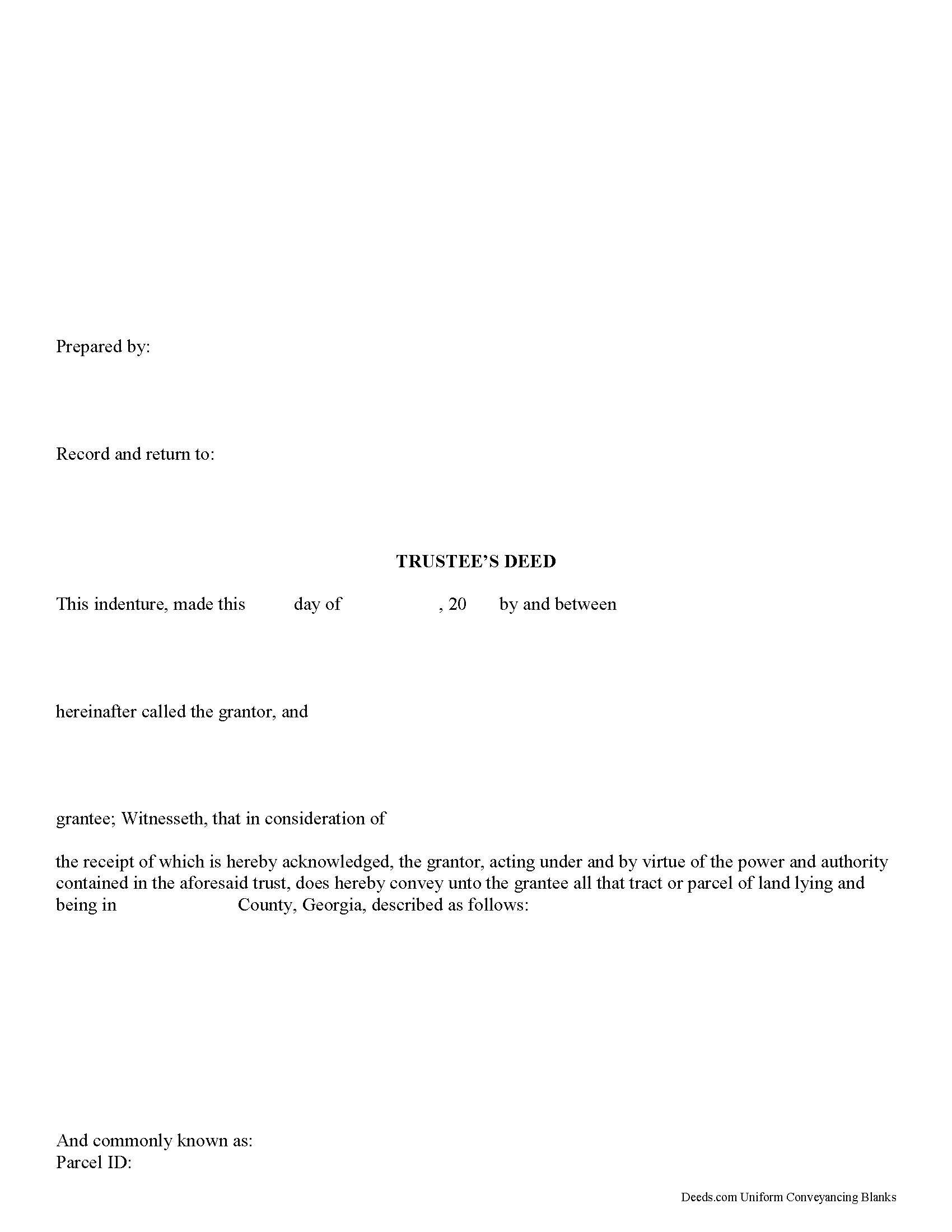
Lumpkin County Trustee Deed Form
Fill in the blank form formatted to comply with all recording and content requirements.
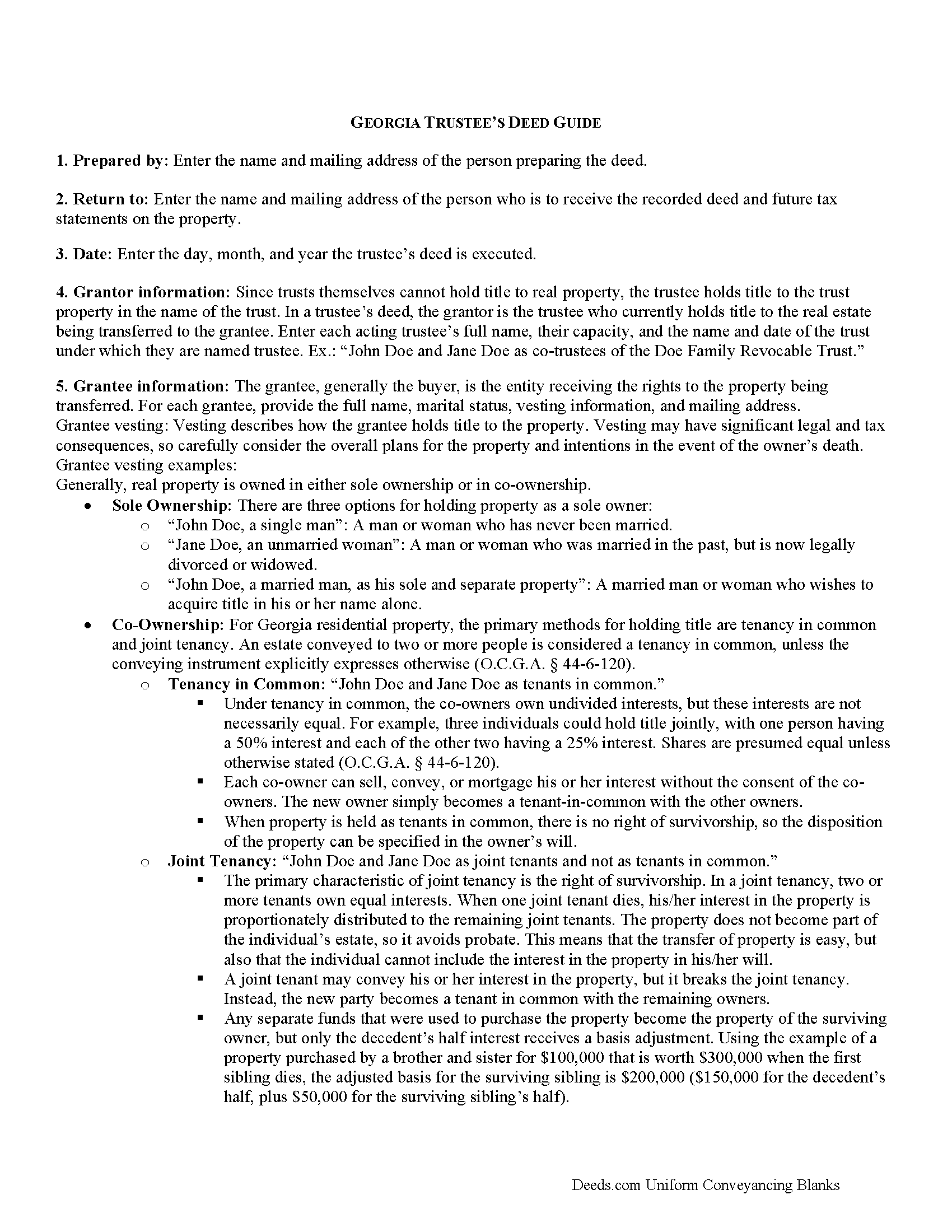
Lumpkin County Trustee Deed Guide
Line by line guide explaining every blank on the form.
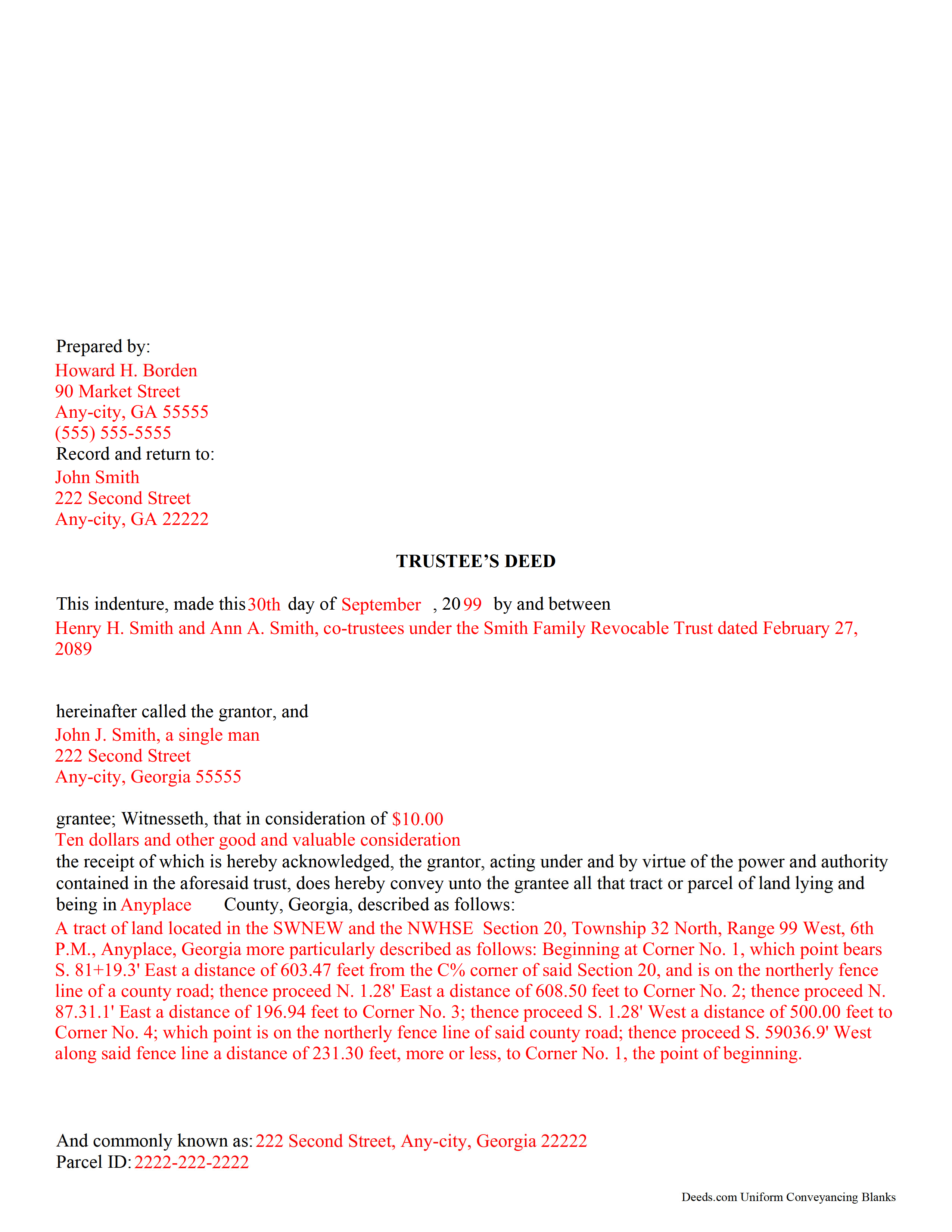
Lumpkin County Completed Example of the Trustee Deed Document
Example of a properly completed form for reference.
All 3 documents above included • One-time purchase • No recurring fees
Immediate Download • Secure Checkout
Additional Georgia and Lumpkin County documents included at no extra charge:
Where to Record Your Documents
Clerk of Superior Court
Dahlonega, Georgia 30533-0820
Hours: 8:00am-5:00pm M-F
Phone: (706) 864-3736
Recording Tips for Lumpkin County:
- Bring your driver's license or state-issued photo ID
- Ensure all signatures are in blue or black ink
- Ask about accepted payment methods when you call ahead
- Ask for certified copies if you need them for other transactions
- Ask if they accept credit cards - many offices are cash/check only
Cities and Jurisdictions in Lumpkin County
Properties in any of these areas use Lumpkin County forms:
- Dahlonega
Hours, fees, requirements, and more for Lumpkin County
How do I get my forms?
Forms are available for immediate download after payment. The Lumpkin County forms will be in your account ready to download to your computer. An account is created for you during checkout if you don't have one. Forms are NOT emailed.
Are these forms guaranteed to be recordable in Lumpkin County?
Yes. Our form blanks are guaranteed to meet or exceed the applicable formatting requirements used for recording in Lumpkin County, including margin requirements, font requirements, and other layout standards. This guarantee applies to formatting, not to the legal sufficiency of information entered by the user or the suitability of a form for a particular transaction.
Can I reuse these forms?
Yes. You can reuse the forms for your personal use. For example, if you have multiple properties in Lumpkin County you only need to order once.
What do I need to use these forms?
The forms are PDFs that you fill out on your computer. The free Adobe Acrobat Reader is recommended, and most PDF apps also work. You do NOT enter your property information online - you download the blank forms and complete them privately on your own computer.
Are there any recurring fees?
No. This is a one-time purchase. Nothing to cancel, no memberships, no recurring fees.
How much does it cost to record in Lumpkin County?
Recording fees in Lumpkin County vary. Contact the recorder's office at (706) 864-3736 for current fees.
Questions answered? Let's get started!
A trustee's deed is an instrument of trust administration used by a trustee to convey real property out of a trust.
A trust is created by a settlor, who funds the trust with real and/or personal property for estate planning purposes. Since a trust is not a person and cannot hold title, when the settlor transfers real property into the trust, title to the property is vested in the name of the trustee. The trustee manages the trust's assets according to the directions set out in the trust document, often for the benefit of a third party, called a beneficiary.
There is no statutory form for conveyances in Georgia, so long as the transfer between parties is clear (O.C.G.A. 44-5-33). A valid trustee's deed names the trustee as the grantor and provides basic information about the trust under which the trustee is acting, including the name and date of the trust. The settlor is not involved in the transfer. However, a certificate of trust is sometimes included, which names the original settlor of the trust, verifies the trust's existence and the trustee's authority to act on its behalf, and confirms the power of sale that the trustee has under the trust.
In Georgia, the basic trustee's deed is similar to a quitclaim deed, in that it offers no warranty of title. Depending on the situation, the trustee can add guarantees to bring the deed in line with special warranty or warranty deeds.
Since a trustee's deed affects real property, in addition to the information regarding the trust, it must also meet the content requirements for recording other deeds, including a legal description of the property subject to the transaction, the parcel identification number, and any restrictions or easements the transfer is subject to. All trustees must sign the deed, which must be witnessed by two people (one of which may be the notary) and acknowledged in the presence of a notary. The deed is then recorded in the county in which the real property subject to the trust is situated.
Trust law can quickly become complicated, and each situation is unique. Contact a lawyer with any specific questions and for guidance on trust law.
(Georgia Trustee Deed Package includes form, guidelines, and completed example)
Important: Your property must be located in Lumpkin County to use these forms. Documents should be recorded at the county recording office listed above.
This Trustee Deed meets all recording requirements specific to Lumpkin County.
Our Promise
The documents you receive here are guaranteed to meet or exceed the applicable Lumpkin County recording format requirements. If there is a rejection caused by our formatting, we will correct the issue or refund your payment. This guarantee applies to document formatting only and does not extend to information entered by the user, the selection of the form, or the legal effect of the completed document.
Save Time and Money
Get your Lumpkin County Trustee Deed form done right the first time with Deeds.com Uniform Conveyancing Blanks. At Deeds.com, we understand that your time and money are valuable resources, and we don't want you to face a penalty fee or rejection imposed by a county recorder for submitting nonstandard documents. We constantly review and update our forms to meet rapidly changing state and county recording requirements for roughly 3,500 counties and local jurisdictions.
4.8 out of 5 - ( 4,823 Reviews )
Samuel T. 5 out of 5 stars
So far, so good. explanations provided for the forms and instructions on how I should proceed were clear as a bell, and it was nice to get immediate delivery of the forms. I'll be looking for other ways to take advantage of this site, for sure.
Thank you!
William P. 1 out of 5 stars
VERY difficult to work with. Nice people. But difficult system. Ask for MANY changes. Why dont you do that as a
Sorry to hear of your struggle William. We do hope that you found something more suitable to your needs elsewhere.
Sherri S. 5 out of 5 stars
Easy to access forms, and reasonably priced. I'll definitely use again in the future.
We appreciate your business and value your feedback. Thank you. Have a wonderful day!
Sheri L. 5 out of 5 stars
Very helpful even though what I'm looking for hasnt updated yet. I'll use you again.
Thank you!
Robert B. 5 out of 5 stars
Excellent Service I was looking for a copy of deeds on a few properties. Researched online and ended up at Deeds.com. I signed up for a new account, entered the pertinent information, paid a nominal fee and received all deeds within 40 minutes. Seamless and very impressed! Bob
Thank you!
Joyce F. 5 out of 5 stars
The forms are simple to follow. I was hoping I would be able to add my personal info. That would make the forms even more simple.
We appreciate your business and value your feedback. Thank you. Have a wonderful day!
Brian B. 5 out of 5 stars
Very good price. It came with instructions and a sample filled out. Very helpful.
Thank you for your feedback. We really appreciate it. Have a great day!
LISA B. 5 out of 5 stars
GOT WHAT I NEEDED FORMS WORKED FINE.
Thank you!
Leticia A. 5 out of 5 stars
Down to the point,covers every angle with great tips:Don't forget Probate.
Thank you!
Kevin M. 5 out of 5 stars
good so far. will wait to see what happens
Thank you!
Clint J. 5 out of 5 stars
Deeds.com is a great way for people that are unfamiliar with legal documents to get things done. Thank you
We appreciate your business and value your feedback. Thank you. Have a wonderful day!
Monica U. 5 out of 5 stars
Thank You. Good Service. Questions were answered.
Thank you for your feedback. We really appreciate it. Have a great day!
Scott S. 5 out of 5 stars
Awesome service. I'm impressed.
We appreciate your business and value your feedback. Thank you. Have a wonderful day!
roby m. 5 out of 5 stars
I found exactly what I needed and the download system allowed me to use the files immediately. Will use the service again.
Thank you for your feedback. We really appreciate it. Have a great day!
Roman F. 5 out of 5 stars
You form was good the only thing that did not work was the download to fill it out !!! I use a Mac system and maybe that's what the issue was. I filled it out by hand and it worked for the purpose .
Thanks for the kind words, Roman. Glad the form worked for you. For the fillable fields, the PDF opens best in a dedicated reader like Preview or Adobe Acrobat rather than inside a browser window, which can sometimes flatten them out. We appreciate your business.