Elmore County Certificate of Trust Form
Last validated October 16, 2026 by our Forms Development TeamFormatted for recording in Elmore County, for property anywhere in the county: rural and unincorporated areas as well as Atlanta, Glenns Ferry, Hammett, King Hill, Mountain Home, Mountain Home A F B.
- 3 documents included
- Immediate PDF download
- Formatting guarantee
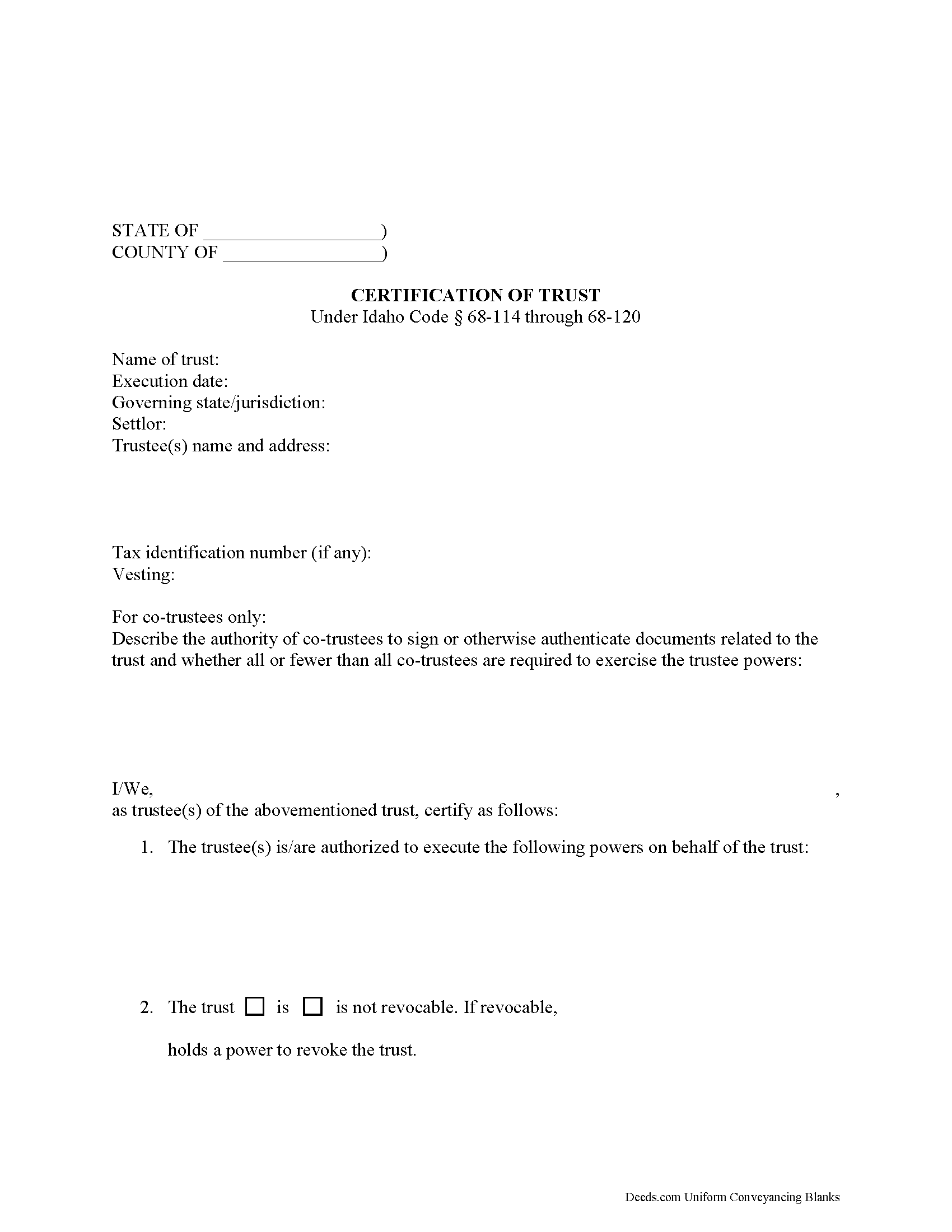
Elmore County Certificate of Trust Form
Fill in the blank form formatted to comply with all recording and content requirements.
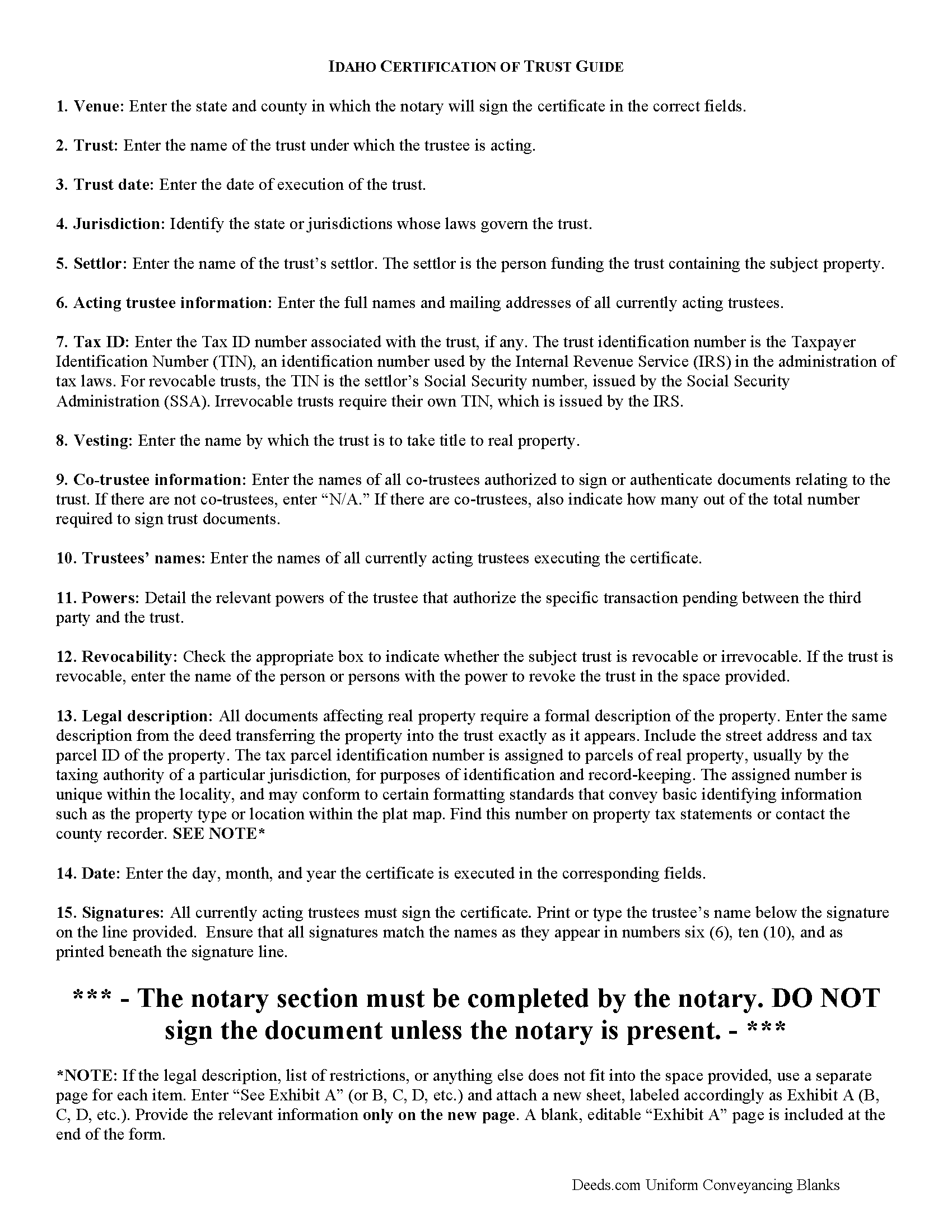
Elmore County Certificate of Trust Guide
Line by line guide explaining every blank on the form.
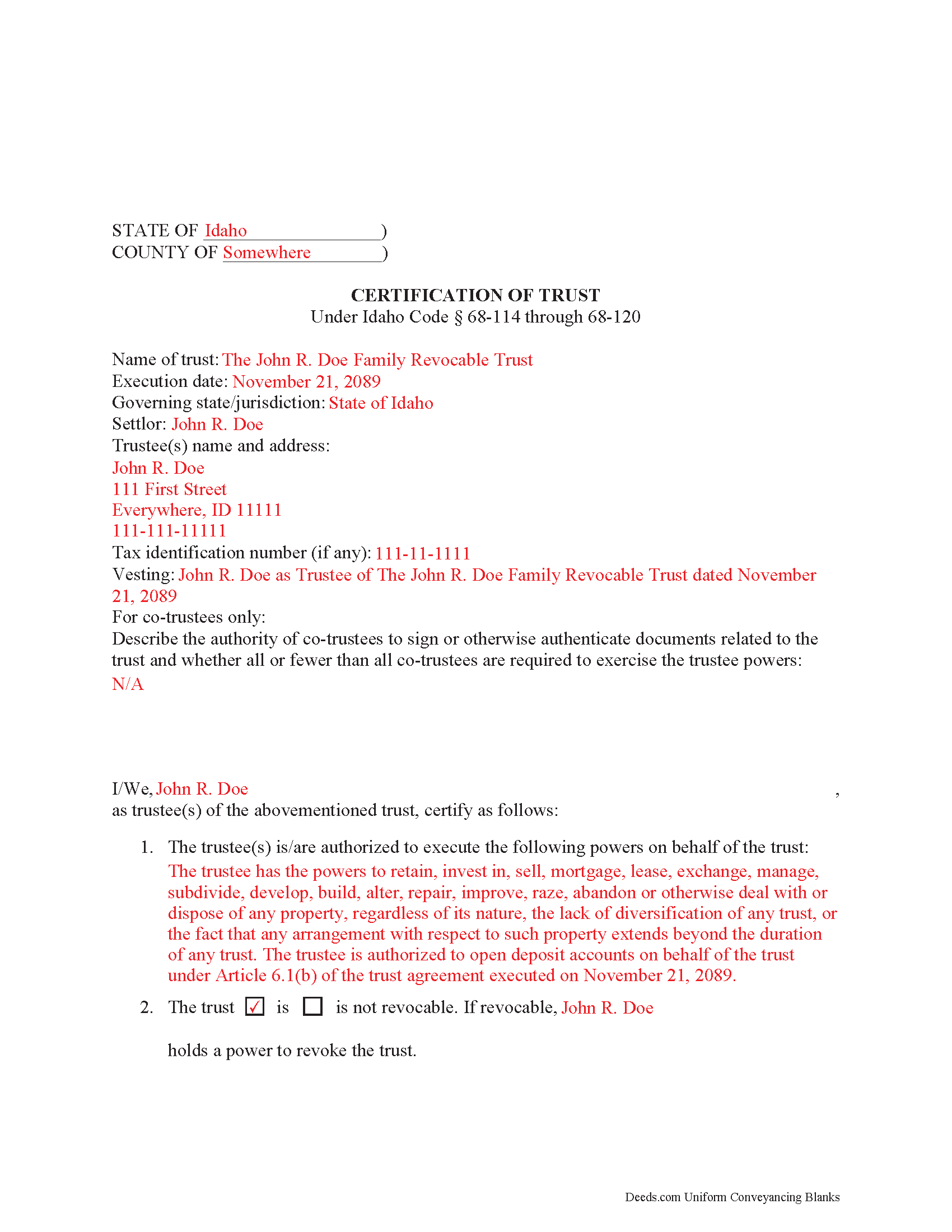
Elmore County Completed Example of the Certificate of Trust Document
Example of a properly completed form for reference.
All 3 documents above included • One-time purchase • No recurring fees
Immediate Download • Secure Checkout
Additional Idaho and Elmore County documents included at no extra charge:
Where to Record Your Documents
Elmore County Recorder
Mountain Home, Idaho 83647
Hours: 9:00am to 5:00pm Monday-Friday
Phone: (208) 587-2130 Ext. 500
Recording Tips for Elmore County:
- Bring your driver's license or state-issued photo ID
- Ensure all signatures are in blue or black ink
- Avoid the last business day of the month when possible
- Both spouses typically need to sign if property is jointly owned
- Bring extra funds - fees can vary by document type and page count
Cities and Jurisdictions in Elmore County
Properties in any of these areas use Elmore County forms:
- Atlanta
- Glenns Ferry
- Hammett
- King Hill
- Mountain Home
- Mountain Home A F B
Hours, fees, requirements, and more for Elmore County
How do I get my forms?
Forms are available for immediate download after payment. The Elmore County forms will be in your account ready to download to your computer. An account is created for you during checkout if you don't have one. Forms are NOT emailed.
Are these forms guaranteed to be recordable in Elmore County?
Yes. Our form blanks are guaranteed to meet or exceed the applicable formatting requirements used for recording in Elmore County, including margin requirements, font requirements, and other layout standards. This guarantee applies to formatting, not to the legal sufficiency of information entered by the user or the suitability of a form for a particular transaction.
Can I reuse these forms?
Yes. You can reuse the forms for your personal use. For example, if you have multiple properties in Elmore County you only need to order once.
What do I need to use these forms?
The forms are PDFs that you fill out on your computer. The free Adobe Acrobat Reader is recommended, and most PDF apps also work. You do NOT enter your property information online - you download the blank forms and complete them privately on your own computer.
Are there any recurring fees?
No. This is a one-time purchase. Nothing to cancel, no memberships, no recurring fees.
How much does it cost to record in Elmore County?
Recording fees in Elmore County vary. Contact the recorder's office at (208) 587-2130 Ext. 500 for current fees.
Questions answered? Let's get started!
Under the Idaho Uniform Trustees' Powers Act, (Sections 68-114 through 68-120, Idaho Code), trustees of Idaho trusts may present a certificate supplying relevant information when engaging in transactions involving trust property. The executed certificate provides assurances about the validity of the trust and protects those who rely on the facts contained in the certificate.
Important: Your property must be located in Elmore County to use these forms. Documents should be recorded at the county recording office listed above.
This Certificate of Trust meets all recording requirements specific to Elmore County.
Our Promise
The documents you receive here are guaranteed to meet or exceed the applicable Elmore County recording format requirements. If there is a rejection caused by our formatting, we will correct the issue or refund your payment. This guarantee applies to document formatting only and does not extend to information entered by the user, the selection of the form, or the legal effect of the completed document.
Save Time and Money
Get your Elmore County Certificate of Trust form done right the first time with Deeds.com Uniform Conveyancing Blanks. At Deeds.com, we understand that your time and money are valuable resources, and we don't want you to face a penalty fee or rejection imposed by a county recorder for submitting nonstandard documents. We constantly review and update our forms to meet rapidly changing state and county recording requirements for roughly 3,500 counties and local jurisdictions.
4.8 out of 5 - ( 4,828 Reviews )
William R. 5 out of 5 stars
Yes I received the forms downloaded them and the example is very helpful as I have not used this form before, Thank you
We’re glad the completed example helped make the process easier for you. Thanks for the review, William, and thank you for choosing us.
Daniel L. 4 out of 5 stars
You could make instructions clearer on the download process and when download is complete. You could also group things together for 1 or 2 "big" downloads.
Thank you for your feedback. We really appreciate it. Have a great day!
Munir S. 5 out of 5 stars
Good service. Easy to use, responsive, fast, and fairly priced. First time user, will continue to use it for future needs. Recommend.
Thank you for your positive words! We’re thrilled to hear about your experience.
Taylor W. 5 out of 5 stars
This was the quickest NOC recording i have ever done. I will definitely be using deeds.com from here on out for recordings!
We appreciate your business and value your feedback. Thank you. Have a wonderful day!
Kaleigh S. 5 out of 5 stars
I used Deeds.com to record two judgments with the County Recorder's Office. The site was very easy to use and I had my recorded copies back the very next day. I highly recommend their service!
We appreciate your business and value your feedback. Thank you. Have a wonderful day!
DEBORAH H. 5 out of 5 stars
I found everything I needed
Your feedback is valuable to us and helps us improve. Thank you for sharing your thoughts!
Laura S. 5 out of 5 stars
Easy to utilize database and instructions!
We are grateful for your feedback and looking forward to serving you again. Thank you!
Mary R. 5 out of 5 stars
Love to use DEEDS>COM
Thank you Mary.
Vita L. 5 out of 5 stars
A coworker recommended this service to me and I was hesitant to try it. Turned out to be a life saver, they filed my document in 24 hours. No standing in line and no confusing government websites to navigate.
Thank you!
Lois B. 5 out of 5 stars
It works pretty well, had trouble with the word December. It printed out Decedmber with weird spacing but I think it will be ok.
Thank you for the feedback. We will take a look at the date field to see if there are any issues. Have a great day!
Sharon B. 5 out of 5 stars
My questions were answered promptly. I was not able to locate the deed I was searching for because my county has not uploaded the documents to be accessed through this system. I am sure I could have found what I was looking for had the information been available through the system. Thank you for your assistance.
Thank you!
Donna R. 5 out of 5 stars
Hi! Is there a setting that I can click on that will make sure I'm notified via email when an update is made to my requests? Thank you!
Thanks for your feedback, we'll have someone look into it.
ARACELI V. 5 out of 5 stars
AWESOME COMPANY RELIABLE FAST AND EASY, VERY ECONOMIC, LOVE TO WORK WITH THEM , GREAT CUSTOMER SERVICE , THEY REPLY TO YOU FAST
Thank you for your feedback. We really appreciate it. Have a great day!
Jesse S. 5 out of 5 stars
I am excited for your service. I'm counting on this working-and calling to see if I can e-file with the County of dealing with, and if so, your service will have saved me more years of stress, worrying about how to correct a deed that was titled incorrectly.
Thank you!
Griselle M. 5 out of 5 stars
This is my third time using Deeds.com and they don't disappoint. Their customer service is outstanding - absolutely excellent - via messages, I communicated with them immediately and 24/7 - on weekends and at night. I would not even try another service as they provide excellence which is so rare these days.
We appreciate your business and value your feedback. Thank you. Have a wonderful day!