Shoshone County Correction Deed Form
Last validated September 11, 2026 by our Forms Development TeamFormatted for recording in Shoshone County, for property anywhere in the county: rural and unincorporated areas as well as Avery, Calder, Clarkia, Kellogg, Kingston, Mullan, Murray, Osburn and 4 more.
- 3 documents included
- Immediate PDF download
- Formatting guarantee
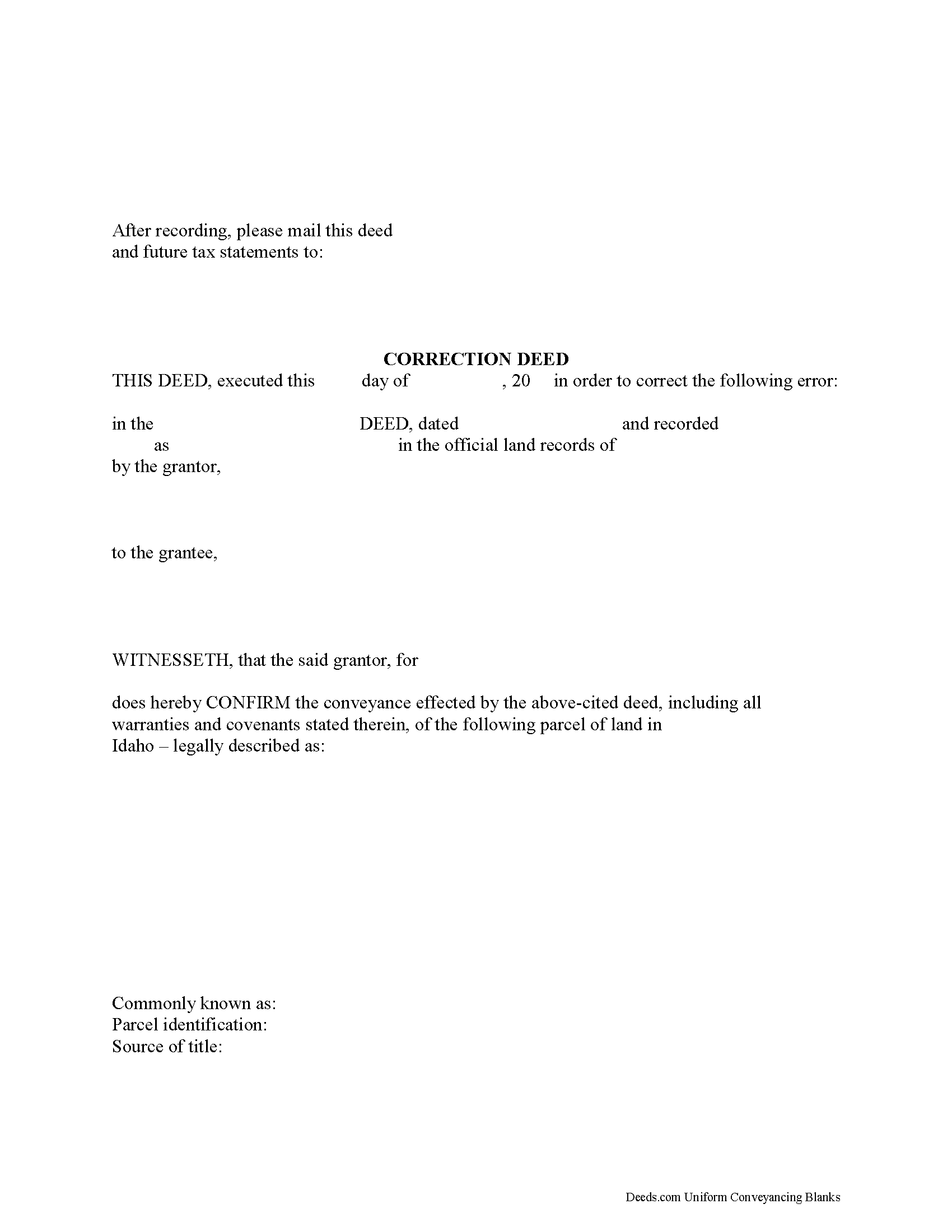
Shoshone County Correction Deed Form
Fill in the blank form formatted to comply with all recording and content requirements.
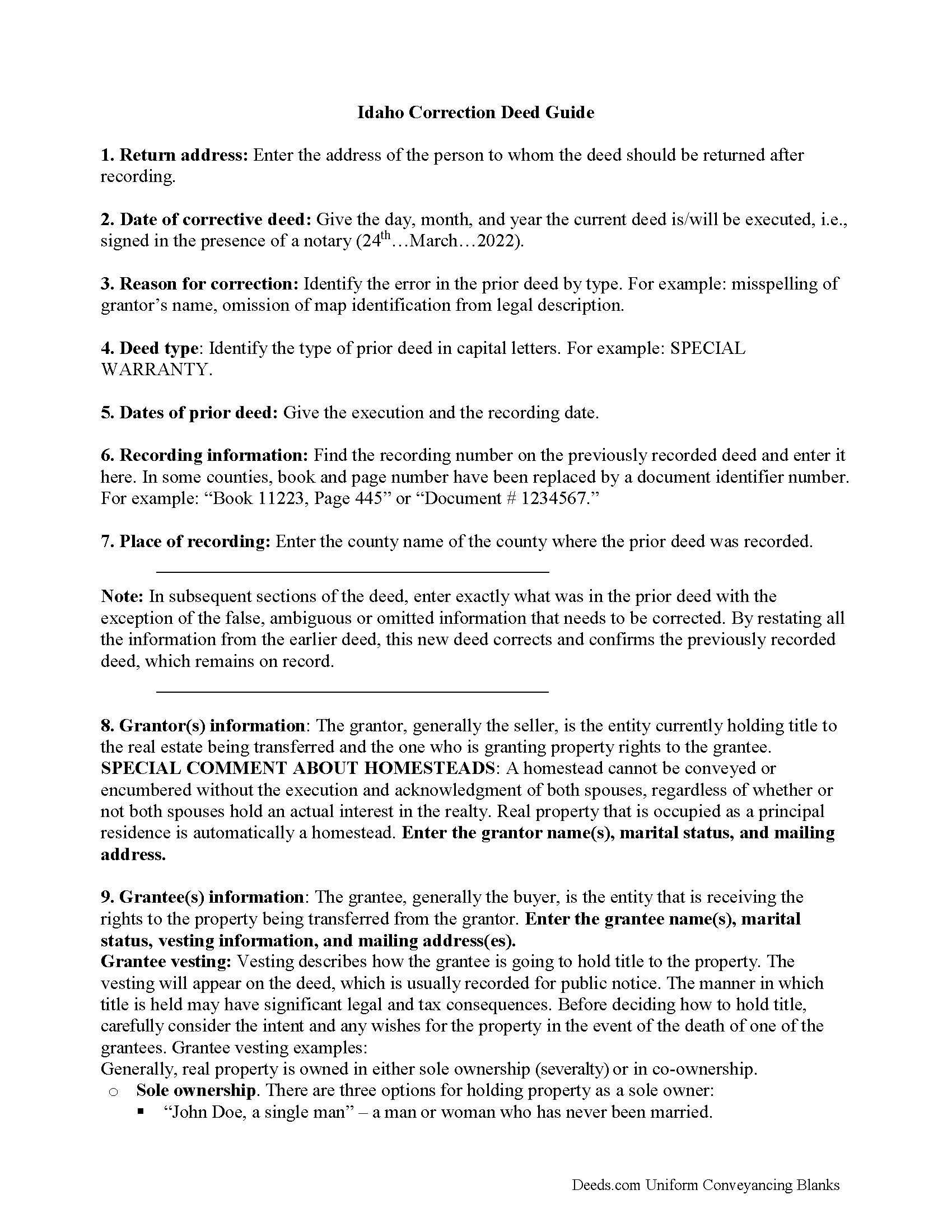
Shoshone County Correction Deed Guide
Line by line guide explaining every blank on the form.
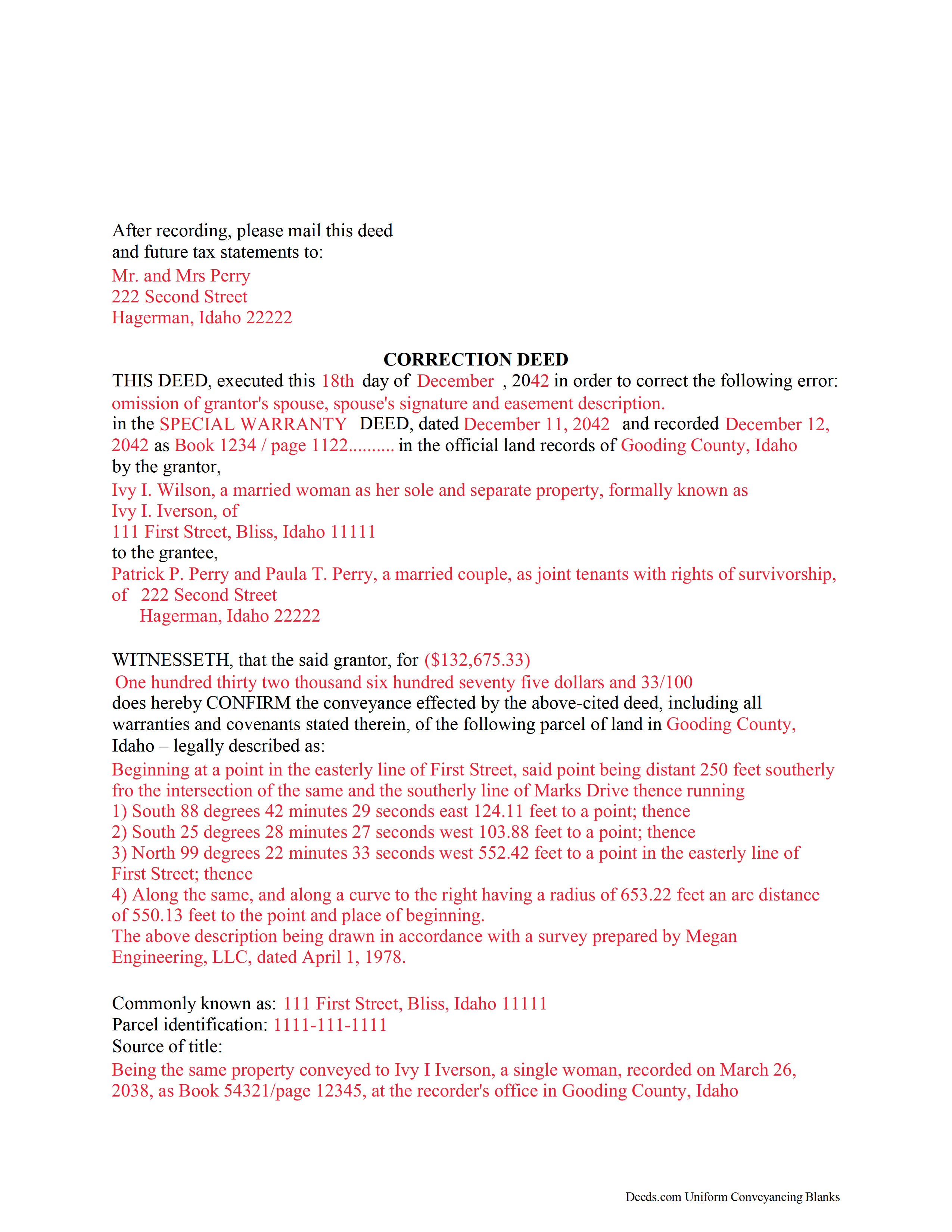
Shoshone County Completed Example of the Correction Deed Document
Example of a properly completed form for reference.
All 3 documents above included • One-time purchase • No recurring fees
Immediate Download • Secure Checkout
Additional Idaho and Shoshone County documents included at no extra charge:
Where to Record Your Documents
Shoshone County Clerk-Auditor-Recorder
Wallace, Idaho 83873
Hours: 9:00am to 5:00pm M-F
Phone: (208) 752-1264
Recording Tips for Shoshone County:
- Bring your driver's license or state-issued photo ID
- Ensure all signatures are in blue or black ink
- Ask about their eRecording option for future transactions
- Avoid the last business day of the month when possible
- Both spouses typically need to sign if property is jointly owned
Cities and Jurisdictions in Shoshone County
Properties in any of these areas use Shoshone County forms:
- Avery
- Calder
- Clarkia
- Kellogg
- Kingston
- Mullan
- Murray
- Osburn
- Pinehurst
- Silverton
- Smelterville
- Wallace
Hours, fees, requirements, and more for Shoshone County
How do I get my forms?
Forms are available for immediate download after payment. The Shoshone County forms will be in your account ready to download to your computer. An account is created for you during checkout if you don't have one. Forms are NOT emailed.
Are these forms guaranteed to be recordable in Shoshone County?
Yes. Our form blanks are guaranteed to meet or exceed the applicable formatting requirements used for recording in Shoshone County, including margin requirements, font requirements, and other layout standards. This guarantee applies to formatting, not to the legal sufficiency of information entered by the user or the suitability of a form for a particular transaction.
Can I reuse these forms?
Yes. You can reuse the forms for your personal use. For example, if you have multiple properties in Shoshone County you only need to order once.
What do I need to use these forms?
The forms are PDFs that you fill out on your computer. The free Adobe Acrobat Reader is recommended, and most PDF apps also work. You do NOT enter your property information online - you download the blank forms and complete them privately on your own computer.
Are there any recurring fees?
No. This is a one-time purchase. Nothing to cancel, no memberships, no recurring fees.
How much does it cost to record in Shoshone County?
Recording fees in Shoshone County vary. Contact the recorder's office at (208) 752-1264 for current fees.
Questions answered? Let's get started!
Use the correction deed to correct an error in a previously recorded quitclaim, warranty or grant deed in Idaho.
Errors in a previously recorded deed can be corrected by re-recording the corrected deed or by preparing and recording a new correction deed. This helps to prevent title flaws, which may cause problems when the current owner attempts to sell the property. The correction deed does not convey title but confirms the prior conveyance.
For small errors, corrections can be made directly on the original deed and initialed by the signors before the deed is re-recorded. For lengthier errors, the best option is to prepare and record a new corrective deed, executed from the original grantor to the original grantee. Apart from supplying the corrected information, it must identify the reason for correcting and reference the prior deed by date, recording number and title.
When correcting the legal description or plat identification, both the grantor and the grantee should sign the corrective deed. If the original grantor is not available for some reason, an affidavit, signed by the grantee and indexed under the name of both the grantor and grantee, may be the best way to effect a correction.
For certain types of changes, however, a correction deed may not be appropriate. Adding or removing a grantee, for example, or changing the manner in which title is held, or making material changes to the legal description, especially deleting a portion of the originally transferred property, may all require a new deed of conveyance instead of a correcting the original deed. When in doubt about how to correct an error, consult with a lawyer.
Important: Your property must be located in Shoshone County to use these forms. Documents should be recorded at the county recording office listed above.
This Correction Deed meets all recording requirements specific to Shoshone County.
Our Promise
The documents you receive here are guaranteed to meet or exceed the applicable Shoshone County recording format requirements. If there is a rejection caused by our formatting, we will correct the issue or refund your payment. This guarantee applies to document formatting only and does not extend to information entered by the user, the selection of the form, or the legal effect of the completed document.
Save Time and Money
Get your Shoshone County Correction Deed form done right the first time with Deeds.com Uniform Conveyancing Blanks. At Deeds.com, we understand that your time and money are valuable resources, and we don't want you to face a penalty fee or rejection imposed by a county recorder for submitting nonstandard documents. We constantly review and update our forms to meet rapidly changing state and county recording requirements for roughly 3,500 counties and local jurisdictions.
4.8 out of 5 - ( 4,820 Reviews )
John K. 5 out of 5 stars
The sample completed form was a big help. While not exactly on point with my situation, it was enough to help me complete it on my own
We appreciate your business and value your feedback. Thank you. Have a wonderful day!
Janalee T. 5 out of 5 stars
Fast, easy. quickly accepted by county recorder.
Thank you!
Michael M. 5 out of 5 stars
Deeds.com had what I needed at the time that I needed it. Thank you very much.
We appreciate your business and value your feedback. Thank you. Have a wonderful day!
Charles F. 5 out of 5 stars
I am happy with the document but did not know that it would still have to go before the court. Thought it could be handled by the recorder of deeds.
Thank you for your feedback. We really appreciate it. Have a great day!
Stanley L. 5 out of 5 stars
Great service
Thank you Stanley.
Albert G. 5 out of 5 stars
Download was smooth. I'll post an update after I get a change to work with the forms.
Thank you!
Herbert W. 5 out of 5 stars
The service was fast and professional. So much easier than going to the courthouse. I recommend this to anyone who has to record documents at the Clerk's office.
We appreciate your business and value your feedback. Thank you. Have a wonderful day!
Mary H. 5 out of 5 stars
Your site was very informative and I was able to instantly and easily download the documents that I needed. I could not be happier with your service. Thank You Mary Harju
Thank you Mary, we really appreciate your feedback.
Richard L. 5 out of 5 stars
Service was very convenient; I received prompt assistance with my document - staff was very helpful.
Thank you!
Brenda R. 5 out of 5 stars
This site was a great help to us. It was worth the money to get it right!
We appreciate your business and value your feedback. Thank you. Have a wonderful day!
Patricia U. 5 out of 5 stars
Quick and easy document recording from home! Wish I knew about this before!
Thank you for your feedback. We really appreciate it. Have a great day!
Carmen R. 5 out of 5 stars
I was able to get the form I needed but it would not adjust properly on the page.
Thank you!
Casey W. 5 out of 5 stars
Excellent service, quick and right to the point, without a monthly subscription! Perfect for filers of single documents! Thanks!
Thank you for your feedback. We really appreciate it. Have a great day!
Carla F. 5 out of 5 stars
Forms were easily accessible along with guides. Great resource. Thank you.
We appreciate your business and value your feedback. Thank you. Have a wonderful day!
Maria M. 5 out of 5 stars
The requested documents I needed were provided and also complete instructions on how to fill them out. I definitely will you this service again.
We appreciate your business and value your feedback. Thank you. Have a wonderful day!