Woodford County Correction Deed Form
Last validated October 2, 2026 by our Forms Development TeamFormatted for recording in Woodford County, for property anywhere in the county: rural and unincorporated areas as well as Benson, Congerville, El Paso, Eureka, Goodfield, Lowpoint, Metamora, Minonk and 2 more.
- 3 documents included
- Immediate PDF download
- Formatting guarantee
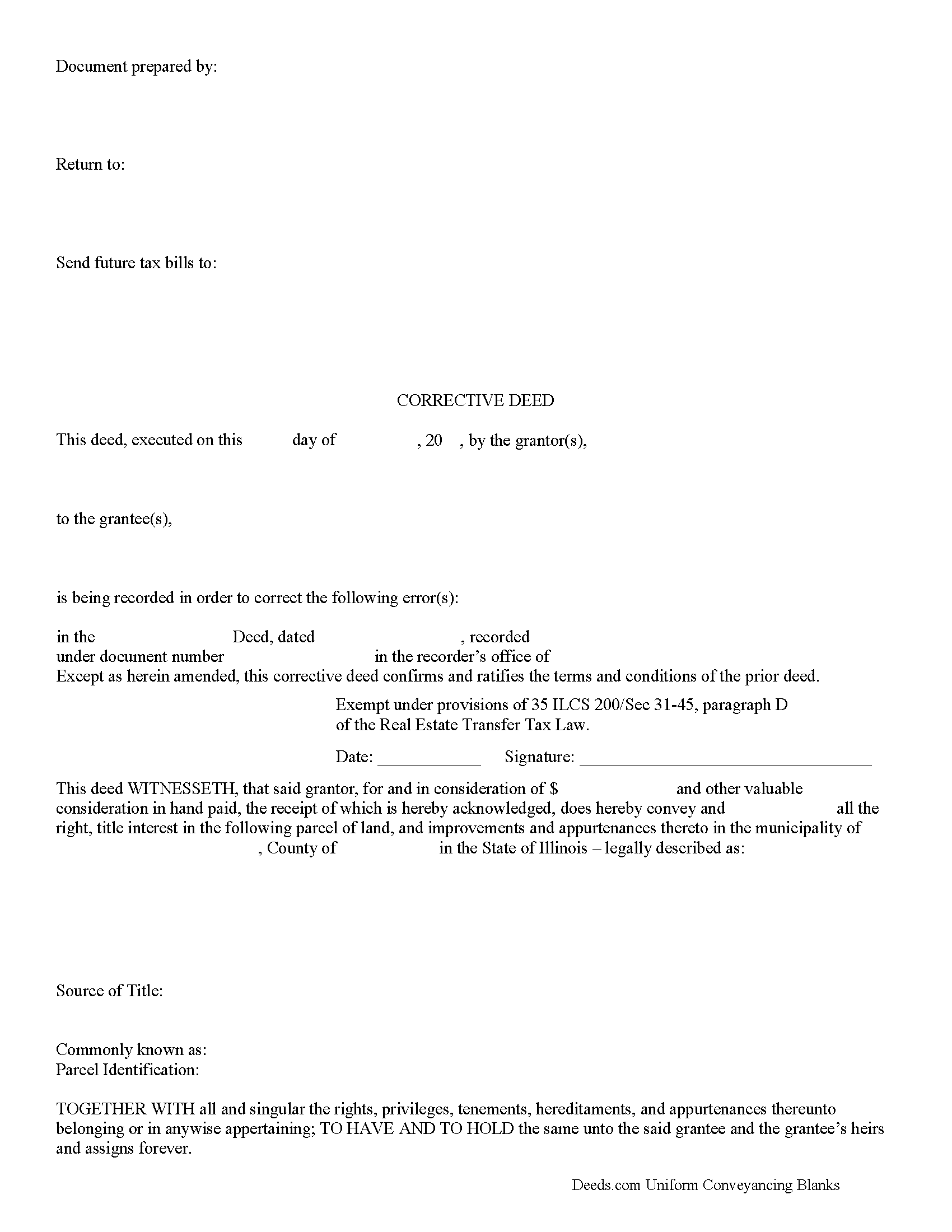
Woodford County Correction Deed Form
Fill in the blank form formatted to comply with all recording and content requirements.
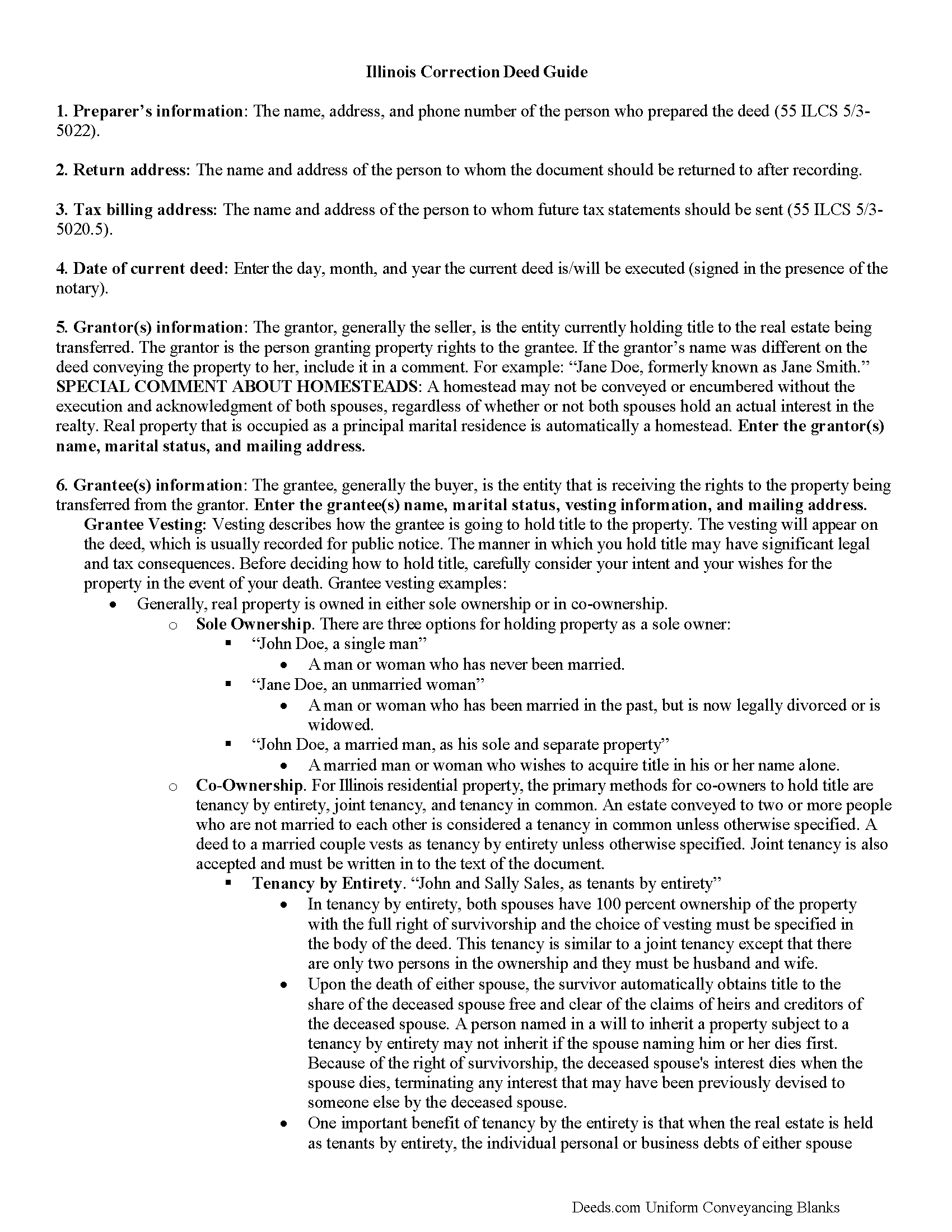
Woodford County Correction Deed Guide
Line by line guide explaining every blank on the form.
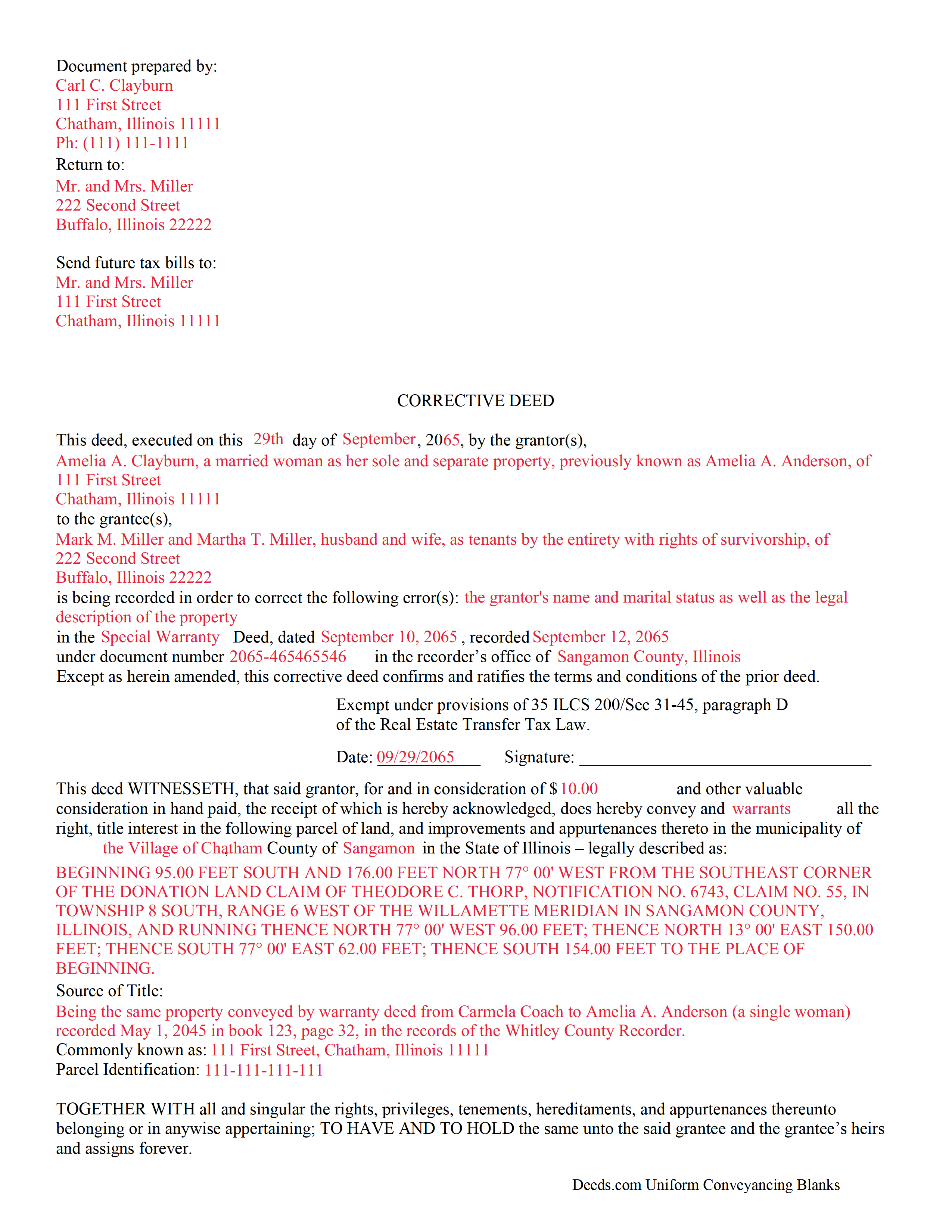
Woodford County Completed Example of the Correction Deed Document
Example of a properly completed form for reference.
All 3 documents above included • One-time purchase • No recurring fees
Immediate Download • Secure Checkout
Additional Illinois and Woodford County documents included at no extra charge:
Where to Record Your Documents
Woodford County Clerk and Recorder - County Courthouse
Eureka, Illinois 61530
Hours: 8:00am to 5:00pm M-F
Phone: (309) 467-2822
Recording Tips for Woodford County:
- Bring your driver's license or state-issued photo ID
- Ensure all signatures are in blue or black ink
- Leave recording info boxes blank - the office fills these
- Make copies of your documents before recording - keep originals safe
- Recorded documents become public record - avoid including SSNs
Cities and Jurisdictions in Woodford County
Properties in any of these areas use Woodford County forms:
- Benson
- Congerville
- El Paso
- Eureka
- Goodfield
- Lowpoint
- Metamora
- Minonk
- Roanoke
- Secor
Hours, fees, requirements, and more for Woodford County
How do I get my forms?
Forms are available for immediate download after payment. The Woodford County forms will be in your account ready to download to your computer. An account is created for you during checkout if you don't have one. Forms are NOT emailed.
Are these forms guaranteed to be recordable in Woodford County?
Yes. Our form blanks are guaranteed to meet or exceed the applicable formatting requirements used for recording in Woodford County, including margin requirements, font requirements, and other layout standards. This guarantee applies to formatting, not to the legal sufficiency of information entered by the user or the suitability of a form for a particular transaction.
Can I reuse these forms?
Yes. You can reuse the forms for your personal use. For example, if you have multiple properties in Woodford County you only need to order once.
What do I need to use these forms?
The forms are PDFs that you fill out on your computer. The free Adobe Acrobat Reader is recommended, and most PDF apps also work. You do NOT enter your property information online - you download the blank forms and complete them privately on your own computer.
Are there any recurring fees?
No. This is a one-time purchase. Nothing to cancel, no memberships, no recurring fees.
How much does it cost to record in Woodford County?
Recording fees in Woodford County vary. Contact the recorder's office at (309) 467-2822 for current fees.
Questions answered? Let's get started!
Use a correction or corrective deed to clear up a title flaw in a deed recorded in Illinois. This form allows for correction of errors in one or multiple sections of the deed.
When correcting an error in a deed in Illinois, there are two basic options: 1) re-record the original deed with corrections made on the face of it by striking out the wrong item; or 2) record a correction or corrective deed. While some counties prefer re-recording the original deed, others recommend the cleaner recording of a new deed. So it is always a good idea to check with the local recorder's office. The gravity of the error and correction it requires also will determine which option to choose. Use the re-recording of the original deed primarily for smaller typographical mistakes.
When correcting a minor error and re-recording the prior deed, use the original deed only, strike through the wrong information, and write the correction down close to it and by hand. Usually, a cover page must be added, stating the important identifiers, as well as the reason for re-recording. For a more involved error, the correction deed might be a better option. Except for the corrected error, it restates and confirms all information of the prior deed, referencing it by date, recording number, and identifying the corrected error by type. In terms of recording fees, there may be a small difference between the two options in some counties.
A corrective deed is exempt from transfer tax according to 35 ILCS 200/35-41 (d). Add a sentence stating this exemption to the cover page when re-recording the original deed. On the corrective deed form, a tax statement, along with a line for the signature of the buyer, seller, or a representative, serves that purpose.
(Illinois Correction Deed Package includes form, guidelines, and completed example)
Important: Your property must be located in Woodford County to use these forms. Documents should be recorded at the county recording office listed above.
This Correction Deed meets all recording requirements specific to Woodford County.
Our Promise
The documents you receive here are guaranteed to meet or exceed the applicable Woodford County recording format requirements. If there is a rejection caused by our formatting, we will correct the issue or refund your payment. This guarantee applies to document formatting only and does not extend to information entered by the user, the selection of the form, or the legal effect of the completed document.
Save Time and Money
Get your Woodford County Correction Deed form done right the first time with Deeds.com Uniform Conveyancing Blanks. At Deeds.com, we understand that your time and money are valuable resources, and we don't want you to face a penalty fee or rejection imposed by a county recorder for submitting nonstandard documents. We constantly review and update our forms to meet rapidly changing state and county recording requirements for roughly 3,500 counties and local jurisdictions.
4.8 out of 5 - ( 4,815 Reviews )
David O. 5 out of 5 stars
I had overwhelming emotions taking my deceased wife's name off my condo, so it took me a year to steel myself to submit the form. I filed in Multnomah county, OR which also requires a cover sheet documented here: https://www.multco.us/recording/recording-requirements But, I'm totally happy with the service and quality from Deeds.com getting me what I needed to get this done.
Your feedback is greatly appreciated. Thank you for taking the time to share your experience!
Ron E. 5 out of 5 stars
Seems like this is a very easy process to get what you need.
We appreciate your business and value your feedback. Thank you. Have a wonderful day!
VICKI R. 5 out of 5 stars
Thank you for your helpful information.
Thank you!
Jean K. 4 out of 5 stars
The website worked fine and I would have been happy to pay the extra money except the deed I needed was "not available". Ended up calling the courthouse anyway.
Thank you for your feedback. We really appreciate it. Have a great day!
Qingqiu H. 5 out of 5 stars
I ordered the wrong forms at first because I'm an idiot and didn't do my research. When I told the customer service about my error they were understanding.
Thank you for your feedback. We really appreciate it. Have a great day!
William B. 4 out of 5 stars
The forms, and other information, are all excellent. I would be giving a 5-star review if it were not for the fact that downloading a "bundle" about quitclaim deeds required I download every single file independently (15 files). I would far prefer a zip file, or one click to download the whole pile of independent files.
Your feedback is valuable to us and helps us improve. Thank you for sharing your thoughts!
Tracy M. 3 out of 5 stars
The form is easy to use. However, the quit claim deed form seems to be for parcel of land, because the word "real property" is not in the form.
Thank you for your feedback. We really appreciate it. Have a great day!
Santos V. 5 out of 5 stars
Great and easy to understand.
We appreciate your business and value your feedback. Thank you. Have a wonderful day!
Stephen D. 5 out of 5 stars
Very good hope to use in the future.
Thank you for your feedback. We really appreciate it. Have a great day!
Beverly L J. 3 out of 5 stars
The process for receiving the quitclaim document worked well. I couldn't use the document. If I had been able to view the document before I had to pay for it, I would have known, but that isn't how your process works. However, that's the only snag I found. Otherwise the process for paying and downloading the document worked well. Thank you.
Thank you for your feedback Beverly. We certainly do not want you to pay for something you are unable to use. To that end we have canceled your order and refunded your payment. We do hope that you find something more suitable to your needs. Have a wonderful day.
Thomas W. 5 out of 5 stars
Found what I needed, thanks.
Thank you!
Pamela P. 5 out of 5 stars
I liked the speed and efficiency of your website.
Thank you for your feedback. We really appreciate it. Have a great day!
Fawn T. 5 out of 5 stars
So easy, forms were great, examples of filled out forms, and instructions guide. Made it way easier, totally worth it!
We appreciate your business and value your feedback. Thank you. Have a wonderful day!
Christine K. 5 out of 5 stars
While I was initially disappointed I could not go to the local County to file my paperwork due to Covid-19, I was thrilled to work with Deeds.com. Their staff was INCREDIBLY FAST, super knowledgeable and the whole process happened from my computer in minutes. Very positive experience.
We appreciate your business and value your feedback. Thank you. Have a wonderful day!
KIMTIEN L. 5 out of 5 stars
VERY GOOD INFORMATION ESPECIALLY FOR ME WHO IS IN CALIFORNIA AND OWN PROPERTY IN FLORIDA.
We appreciate your business and value your feedback. Thank you. Have a wonderful day!