Calhoun County Easement Deed Form
Last validated October 16, 2026 by our Forms Development TeamFormatted for recording in Calhoun County, for property anywhere in the county: rural and unincorporated areas as well as Batchtown, Brussels, Golden Eagle, Hamburg, Hardin, Kampsville, Michael, Mozier.
- 4 documents included
- Immediate PDF download
- Formatting guarantee
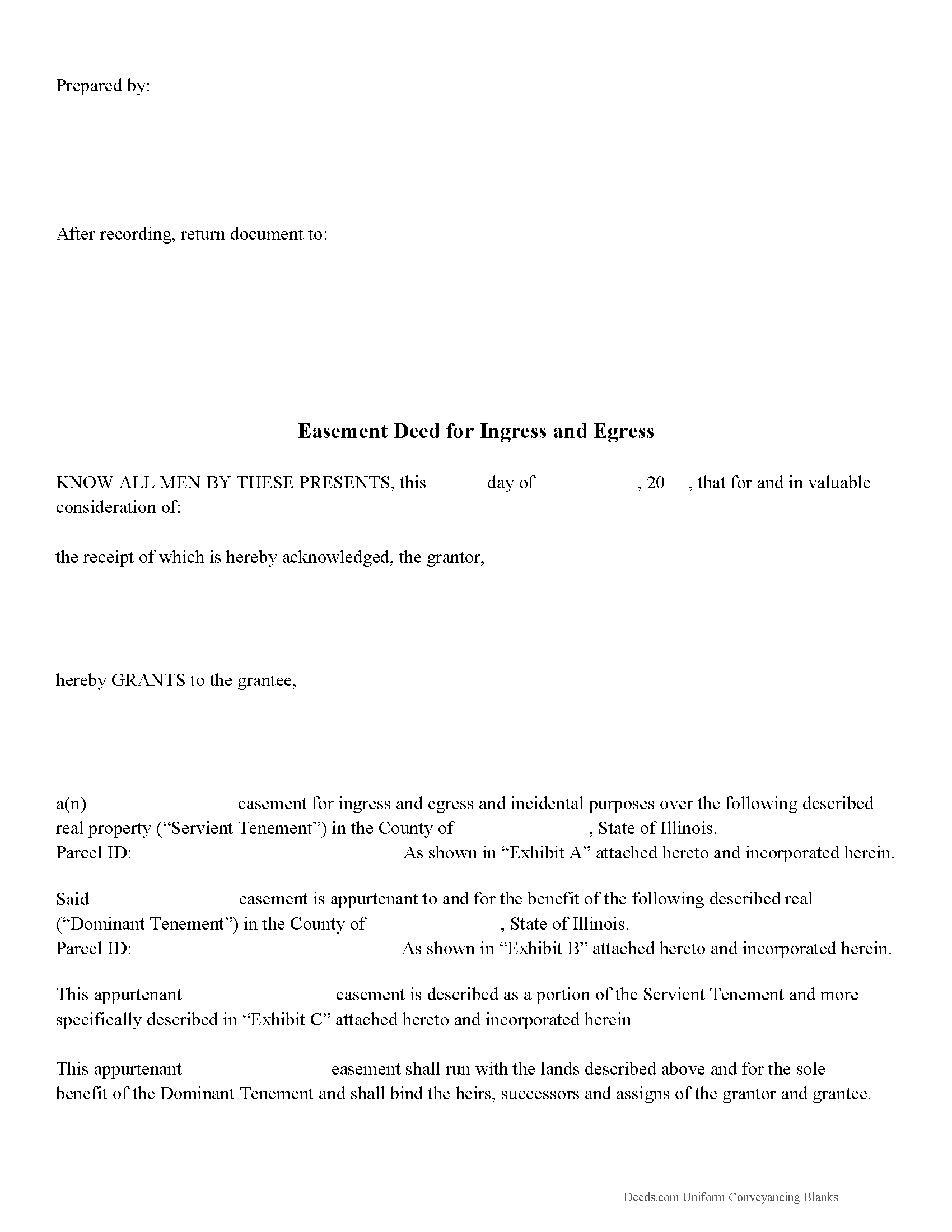
Calhoun County Easement Deed Form
Fill in the blank form formatted to comply with all recording and content requirements.
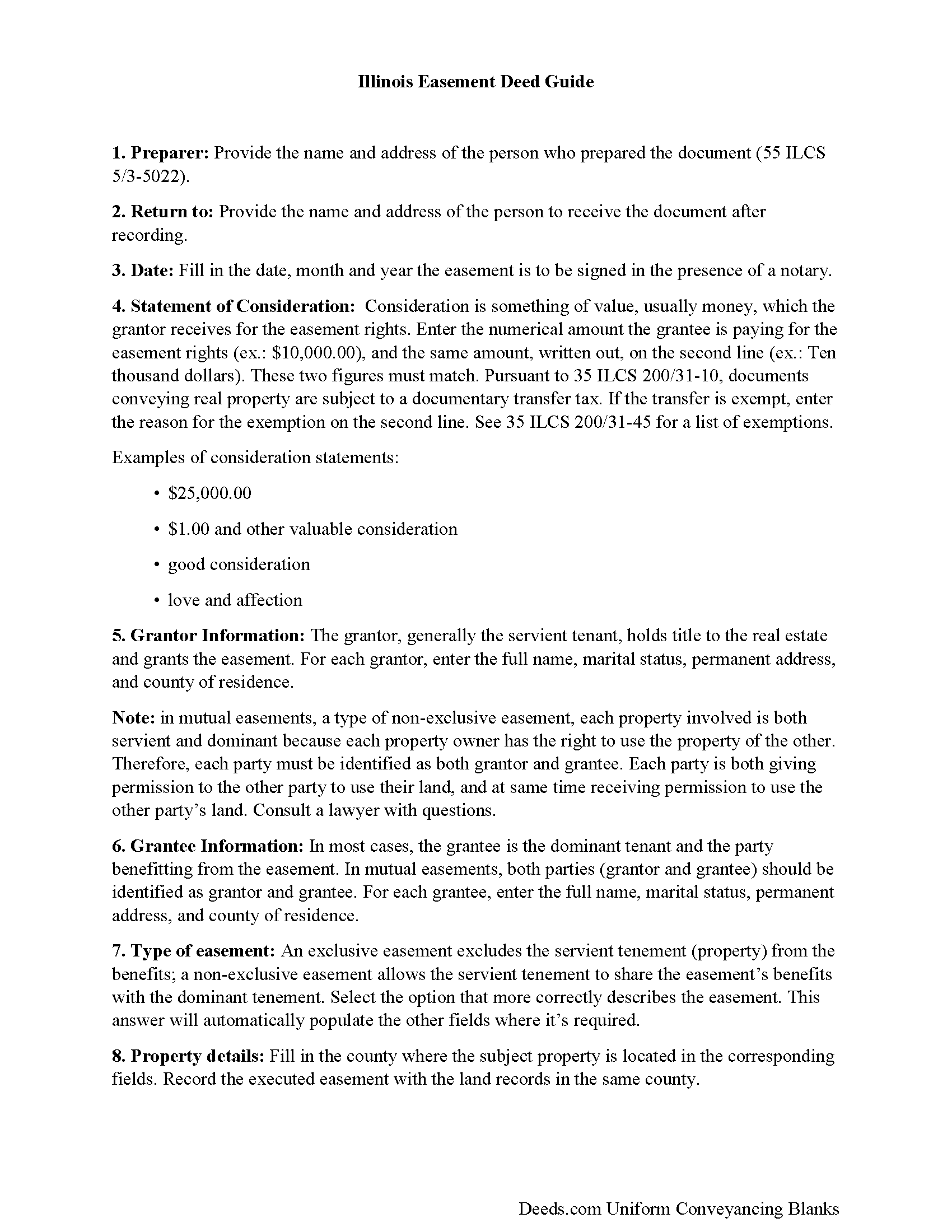
Calhoun County Easement Deed Guide
Line by line guide explaining every blank on the form.
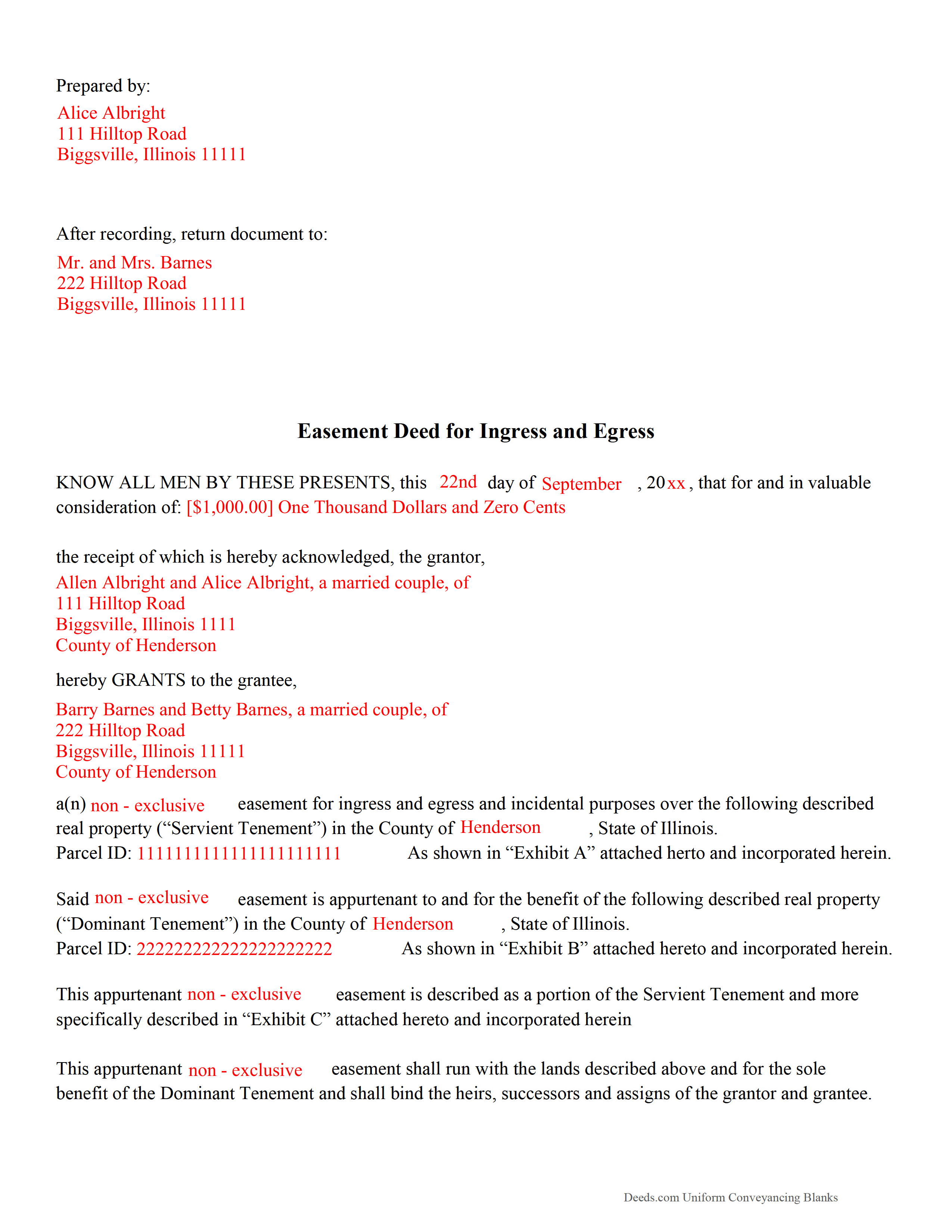
Calhoun County Completed Example of the Easement Deed Document
Example of a properly completed form for reference.
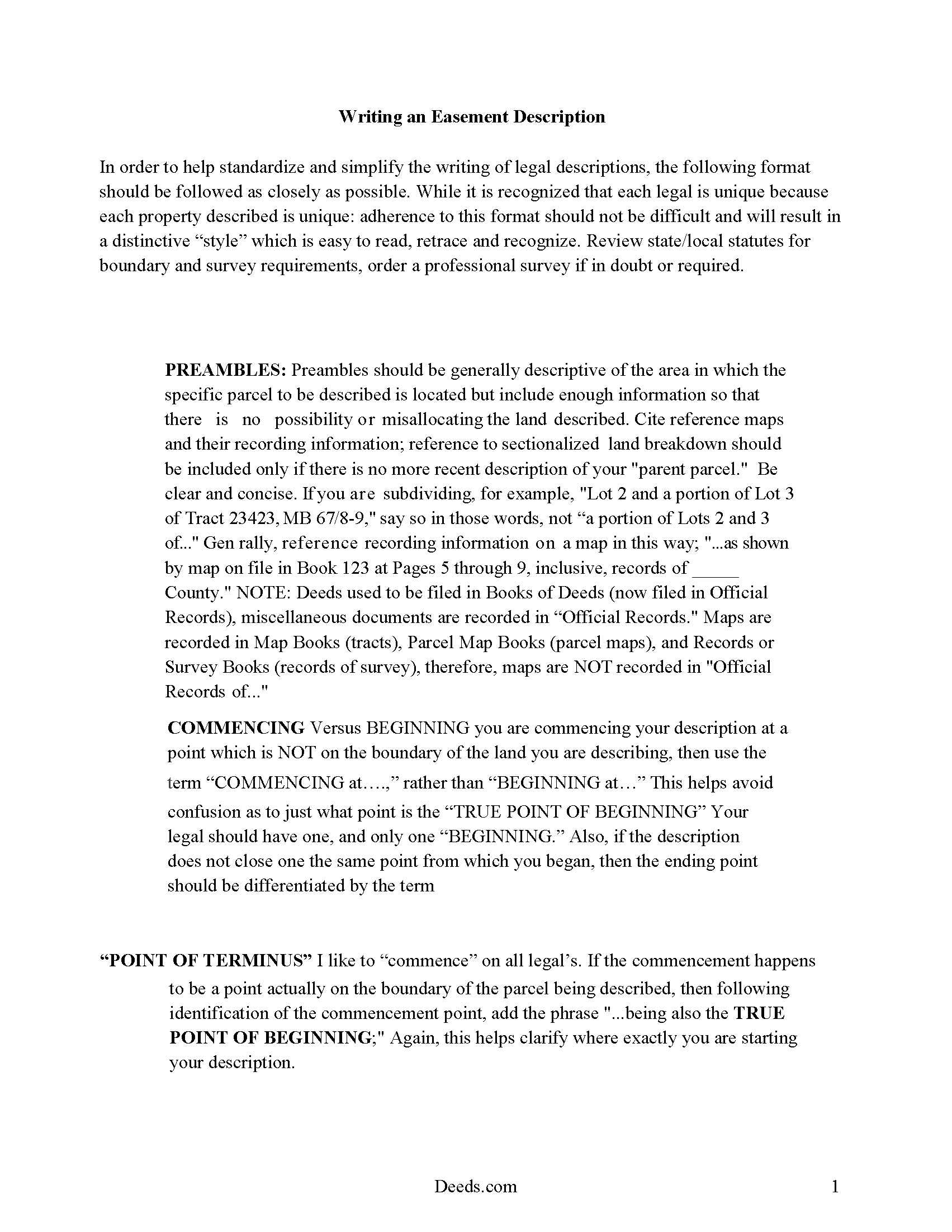
Calhoun County Guide to Writing an Easement Description
A Description of the Easement will be required. This will show how to write an acceptable description for a Right of Way Easement, which gives access, to and from - point A to point B.
All 4 documents above included • One-time purchase • No recurring fees
Immediate Download • Secure Checkout
Additional Illinois and Calhoun County documents included at no extra charge:
Where to Record Your Documents
Calhoun County Clerk & Recorder
Hardin, Illinois 62047
Hours: 8:30 to 4:30 M-F
Phone: 618-576-9700 ext. 2
Recording Tips for Calhoun County:
- Bring your driver's license or state-issued photo ID
- Ensure all signatures are in blue or black ink
- Recording fees may differ from what's posted online - verify current rates
- Request a receipt showing your recording numbers
- Ask about accepted payment methods when you call ahead
Cities and Jurisdictions in Calhoun County
Properties in any of these areas use Calhoun County forms:
- Batchtown
- Brussels
- Golden Eagle
- Hamburg
- Hardin
- Kampsville
- Michael
- Mozier
Hours, fees, requirements, and more for Calhoun County
How do I get my forms?
Forms are available for immediate download after payment. The Calhoun County forms will be in your account ready to download to your computer. An account is created for you during checkout if you don't have one. Forms are NOT emailed.
Are these forms guaranteed to be recordable in Calhoun County?
Yes. Our form blanks are guaranteed to meet or exceed the applicable formatting requirements used for recording in Calhoun County, including margin requirements, font requirements, and other layout standards. This guarantee applies to formatting, not to the legal sufficiency of information entered by the user or the suitability of a form for a particular transaction.
Can I reuse these forms?
Yes. You can reuse the forms for your personal use. For example, if you have multiple properties in Calhoun County you only need to order once.
What do I need to use these forms?
The forms are PDFs that you fill out on your computer. The free Adobe Acrobat Reader is recommended, and most PDF apps also work. You do NOT enter your property information online - you download the blank forms and complete them privately on your own computer.
Are there any recurring fees?
No. This is a one-time purchase. Nothing to cancel, no memberships, no recurring fees.
How much does it cost to record in Calhoun County?
Recording fees in Calhoun County vary. Contact the recorder's office at 618-576-9700 ext. 2 for current fees.
Questions answered? Let's get started!
An easement is the right to use the land of another for a specific purpose. An easement can exist in any portion of the real estate and can be made by agreement at any time, created by the seller when property is conveyed, or by operation of law. The creation of an easement always involves two separate parties, one of whom is the owner of the land over which the easement runs. Easements can be broken down into two categories: easements appurtenant and easements in gross.
An easement is recorded just like any other property interest in Illinois. This means that an easement deed should be signed and acknowledged by the grantor. If acknowledged in Illinois, acknowledgments can be made before a notary public, United States commissioner, county clerk, or any court, judge, clerk, or deputy clerk of such court. If acknowledgments are taken before a notary public or United States commissioner, the acknowledgment should be attested by his or her official seal. Acknowledgements taken before a judge or clerk of court should be attested by the seal of such court (765 ILCS 5/20). Easement deeds acknowledged outside of Illinois must still comply with the Illinois recording requirements and can be acknowledged before any of the officers listed in 765, 5/20 of the Illinois Compiled Statutes.
Easement deeds can be recorded in the county where the property is located (765 ILCS 5/28). All easement deeds that are authorized to be recorded will take effect and be in force from and after the time the deed is filed for record with the county recorder, and not before, as to all creditors and subsequent purchasers without notice. All such deeds will be void as to all such creditors and subsequent purchasers without notice until they are filed for record (765 ILCS 5/30).
(Illinois Easement Deed Package includes form, guidelines, and completed example)
Important: Your property must be located in Calhoun County to use these forms. Documents should be recorded at the county recording office listed above.
This Easement Deed meets all recording requirements specific to Calhoun County.
Our Promise
The documents you receive here are guaranteed to meet or exceed the applicable Calhoun County recording format requirements. If there is a rejection caused by our formatting, we will correct the issue or refund your payment. This guarantee applies to document formatting only and does not extend to information entered by the user, the selection of the form, or the legal effect of the completed document.
Save Time and Money
Get your Calhoun County Easement Deed form done right the first time with Deeds.com Uniform Conveyancing Blanks. At Deeds.com, we understand that your time and money are valuable resources, and we don't want you to face a penalty fee or rejection imposed by a county recorder for submitting nonstandard documents. We constantly review and update our forms to meet rapidly changing state and county recording requirements for roughly 3,500 counties and local jurisdictions.
4.8 out of 5 - ( 4,828 Reviews )
Heidi G. 5 out of 5 stars
Very happy with the service that you offer. My office will use you again.
Great to hear Heidi, glad we could help. Have an amazing day!
Chanda B. 5 out of 5 stars
So easy to use!
Thank you!
Patrick R. 5 out of 5 stars
I was satisfied and would refer this website to others.
Thank you for your feedback. We really appreciate it. Have a great day!
Henry J. 5 out of 5 stars
Worked out Great!
We appreciate your business and value your feedback. Thank you. Have a wonderful day!
Chase J. 5 out of 5 stars
This is the best service. It has made my life so easy when I have to record things with the county! Thanks so much for such a streamlined no hassle process.
We appreciate your business and value your feedback. Thank you. Have a wonderful day!
Christine K. 5 out of 5 stars
This site was fast and easy to use. I would highly recommend using them. Thank you Deeds.com!!!!
We appreciate your business and value your feedback. Thank you. Have a wonderful day!
Jeffery H. 5 out of 5 stars
Very easy to use. Thanks for your quick response on my document submissions and follow up and guidance on specific questions.
Thank you for your positive words! We’re thrilled to hear about your experience.
Sandra W. 5 out of 5 stars
No issues with the forms.
Thank you!
David K. 3 out of 5 stars
Price seemed high (~$28) for just some forms (especially because we may not actually use the forms), but it beats navigating the Hawaii state and Honolulu county websites for forms. It would be better if a single button push would download all 7 or 8 forms.
Thank you for your feedback. We really appreciate it. Have a great day!
Yvonne R. 5 out of 5 stars
Quick and easy, however, I couldn't get the guide to download.
Thank you for your feedback. We really appreciate it. Have a great day!
Nancy O. 5 out of 5 stars
Have not actually filed as yet but package seems to answer all my questions and believe this will be a walk in the park instead a a headache or expensive endeavor. Thanks.
Thank you for your feedback. We really appreciate it. Have a great day!
Steven B. 5 out of 5 stars
County accepted the TODD form. Easy to understand and don’t have to hire an attorney! Excellent
Appreciate this, Steven. That's exactly the outcome we're aiming for. Wishing you well.
WALTER L. 5 out of 5 stars
GREAT SITE, HAD ALL THE FORMS I NEEDED AND INSTRUCTIONS WITH ILLUSTRATIONS.
Thank you!
Charles C. 5 out of 5 stars
Using an I pad and cannot type on form that was downloaded. I do not have a computer Charles
Thank you for your feedback Charles. You might want to make sure you have the Adobe app on your Ipad: https://itunes.apple.com/us/app/adobe-fill-sign/id950099951?mt=8
Teri B. 5 out of 5 stars
Glad to have all of the helpful extra information, even though they don't answer all questions for all situations. So, I accessed public records and asked questions at the auditor's office. Also, on my Mac computer, filling out the actual deed form is a challenge because the screen jumps to the last page everytime I try to type a few letters or hit the return key, so I'm rollling back up to the first 2 pages after most keystrokes. A bit annoying. Overall, happy to have these form options are available! There is really no need to wait and pay for an attorney when all the information needed is available via public records. Fill in the blanks!
Thanks so much for the feedback Teri. There are known issues between Adobe and Mac, we try to work around them as much as possible. Have a wonderful day!