Calhoun County Transfer on Death Revocation Form
Last validated October 6, 2026 by our Forms Development TeamFormatted for recording in Calhoun County, for property anywhere in the county: rural and unincorporated areas as well as Batchtown, Brussels, Golden Eagle, Hamburg, Hardin, Kampsville, Michael, Mozier.
- 3 documents included
- Immediate PDF download
- Formatting guarantee
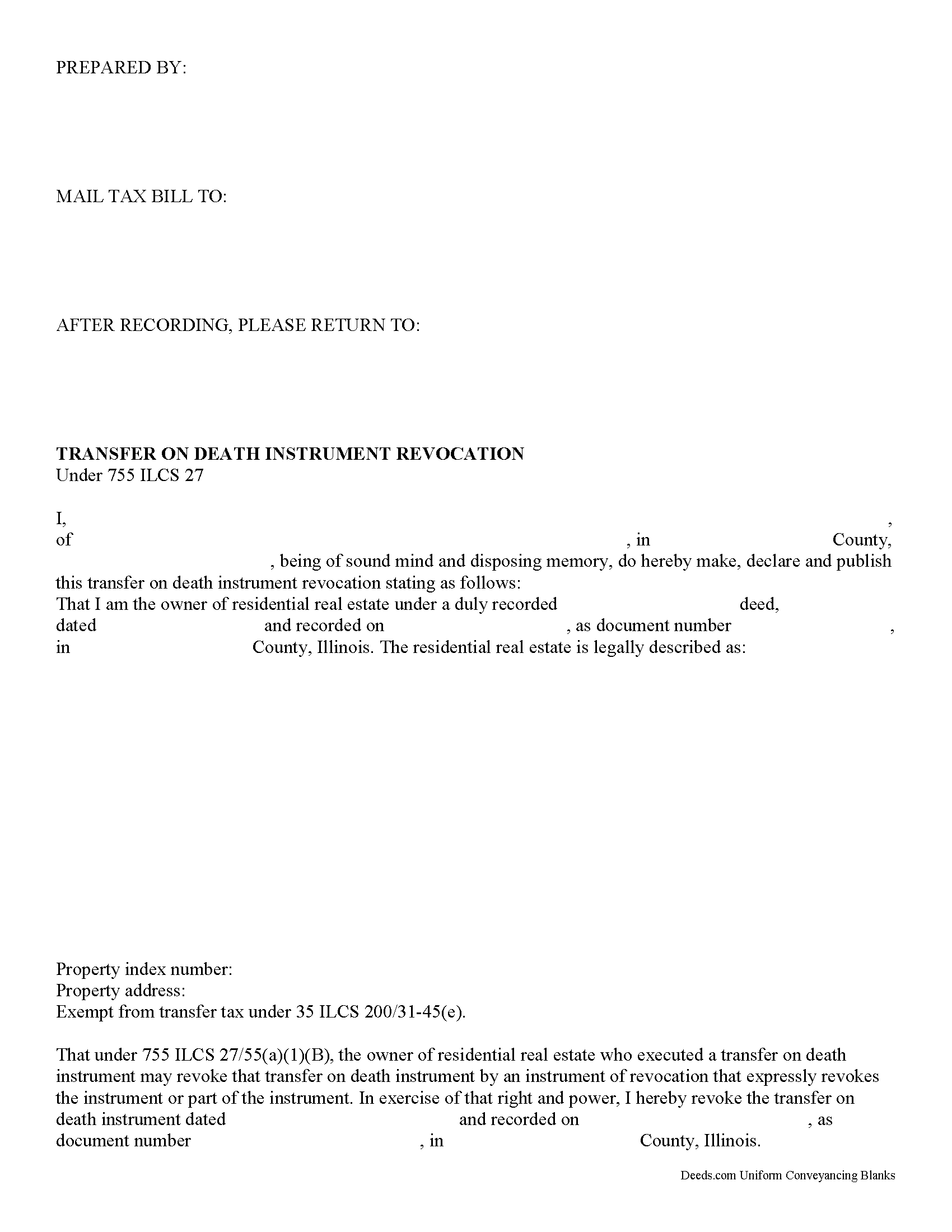
Calhoun County Transfer on Death Revocation Form
Fill in the blank form formatted to comply with all recording and content requirements.
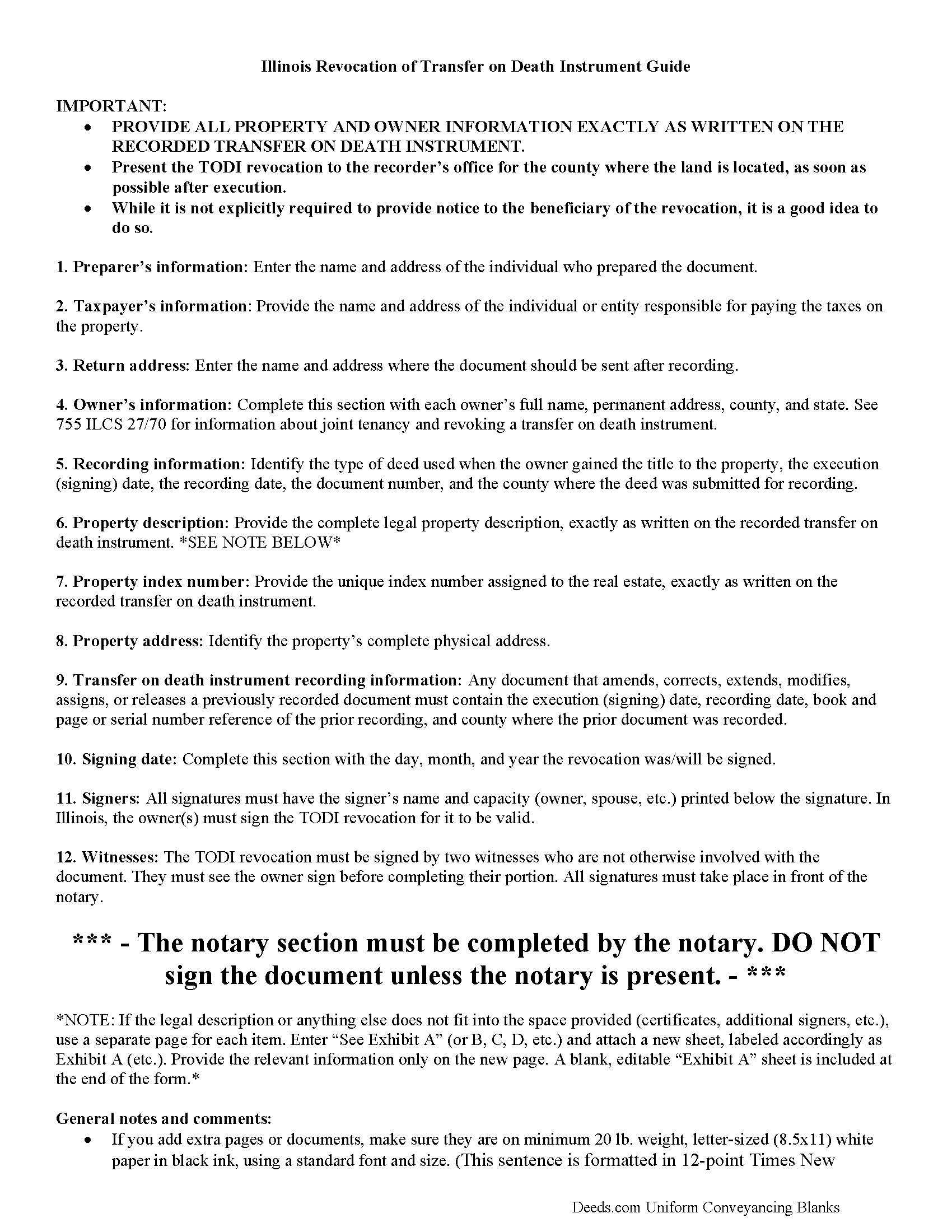
Calhoun County Transfer on Death Revocation Guide
Line by line guide explaining every blank on the form.
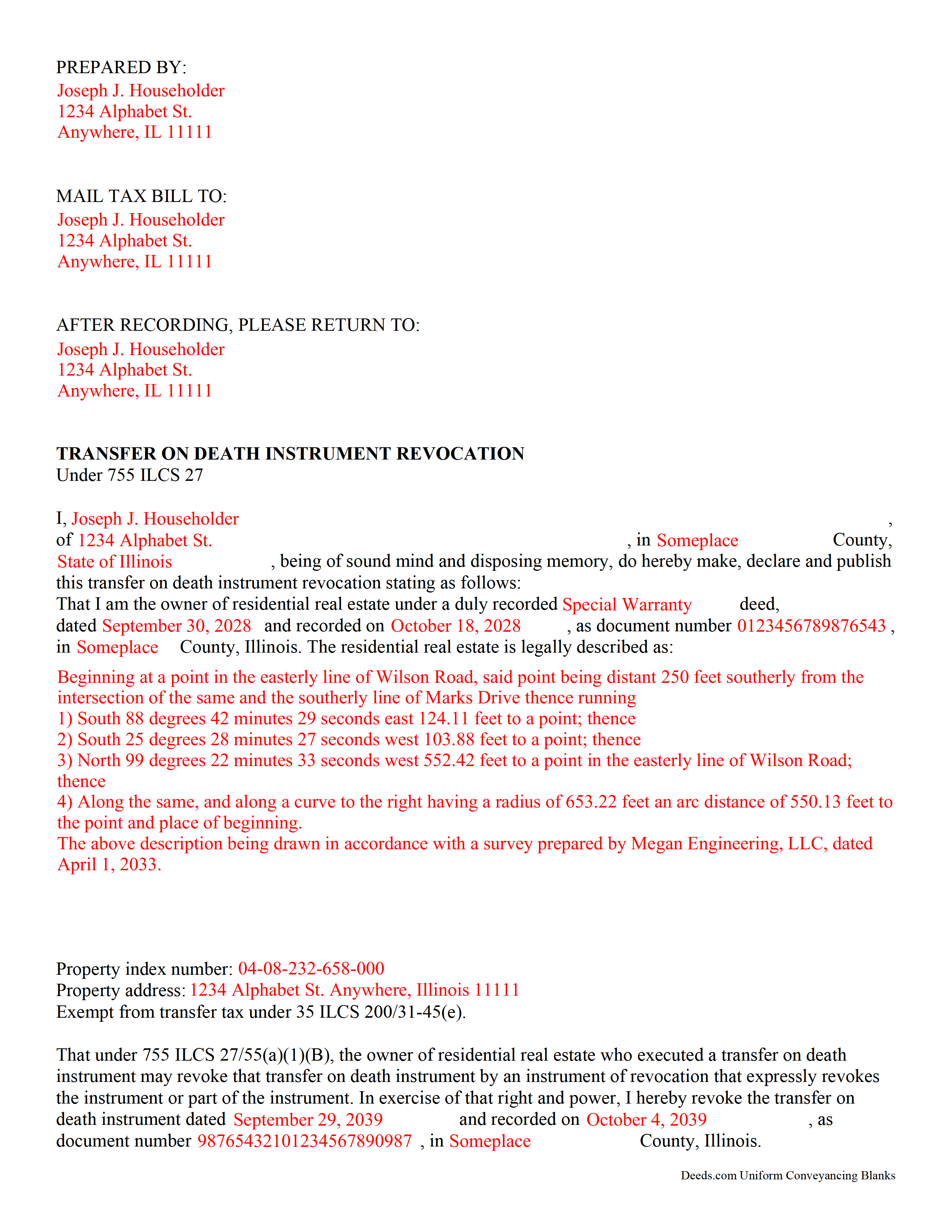
Calhoun County Completed Example of the Transfer on Death Revocation Document
Example of a properly completed form for reference.
All 3 documents above included • One-time purchase • No recurring fees
Immediate Download • Secure Checkout
Additional Illinois and Calhoun County documents included at no extra charge:
Where to Record Your Documents
Calhoun County Clerk & Recorder
Hardin, Illinois 62047
Hours: 8:30 to 4:30 M-F
Phone: 618-576-9700 ext. 2
Recording Tips for Calhoun County:
- Bring your driver's license or state-issued photo ID
- Ensure all signatures are in blue or black ink
- White-out or correction fluid may cause rejection
- Ask about their eRecording option for future transactions
- Avoid the last business day of the month when possible
Cities and Jurisdictions in Calhoun County
Properties in any of these areas use Calhoun County forms:
- Batchtown
- Brussels
- Golden Eagle
- Hamburg
- Hardin
- Kampsville
- Michael
- Mozier
Hours, fees, requirements, and more for Calhoun County
How do I get my forms?
Forms are available for immediate download after payment. The Calhoun County forms will be in your account ready to download to your computer. An account is created for you during checkout if you don't have one. Forms are NOT emailed.
Are these forms guaranteed to be recordable in Calhoun County?
Yes. Our form blanks are guaranteed to meet or exceed the applicable formatting requirements used for recording in Calhoun County, including margin requirements, font requirements, and other layout standards. This guarantee applies to formatting, not to the legal sufficiency of information entered by the user or the suitability of a form for a particular transaction.
Can I reuse these forms?
Yes. You can reuse the forms for your personal use. For example, if you have multiple properties in Calhoun County you only need to order once.
What do I need to use these forms?
The forms are PDFs that you fill out on your computer. The free Adobe Acrobat Reader is recommended, and most PDF apps also work. You do NOT enter your property information online - you download the blank forms and complete them privately on your own computer.
Are there any recurring fees?
No. This is a one-time purchase. Nothing to cancel, no memberships, no recurring fees.
How much does it cost to record in Calhoun County?
Recording fees in Calhoun County vary. Contact the recorder's office at 618-576-9700 ext. 2 for current fees.
Questions answered? Let's get started!
Revoking an Illinois transfer on death instrument is governed by 755 ILCS 27.
One of the many useful aspects of the Illinois transfer on death instrument (TODI) is the ability to revoke it with no penalty to the owner and no obligation to the beneficiary. If the owner, who already executed and recorded a TODI, decides, for any reason, to cancel the future transfer, completing, executing, and recording a revocation will negate the prior document and prevent the former beneficiary from gaining ownership of the residential real property covered by the TODI.
Complete, sign, and record this form to revoke a previously executed and recorded transfer on death instrument for residential real property in the state of Illinois.
Note that the requirements for executing a revocation are similar to those of the TODI. The owner must sign the revocation in the presence of two adult witnesses who are not otherwise involved with the transaction. Additionally, a notary public or other individual who is authorized by the courts to administer oaths must be present to certify the identities and signatures of the owner and the witnesses.
(Illinois Transfer on Death Revocation Package includes form, guidelines, and completed example)
Important: Your property must be located in Calhoun County to use these forms. Documents should be recorded at the county recording office listed above.
This Transfer on Death Revocation meets all recording requirements specific to Calhoun County.
Our Promise
The documents you receive here are guaranteed to meet or exceed the applicable Calhoun County recording format requirements. If there is a rejection caused by our formatting, we will correct the issue or refund your payment. This guarantee applies to document formatting only and does not extend to information entered by the user, the selection of the form, or the legal effect of the completed document.
Save Time and Money
Get your Calhoun County Transfer on Death Revocation form done right the first time with Deeds.com Uniform Conveyancing Blanks. At Deeds.com, we understand that your time and money are valuable resources, and we don't want you to face a penalty fee or rejection imposed by a county recorder for submitting nonstandard documents. We constantly review and update our forms to meet rapidly changing state and county recording requirements for roughly 3,500 counties and local jurisdictions.
4.8 out of 5 - ( 4,828 Reviews )
sara g. 5 out of 5 stars
THIS WAS A USER FRIENDLY FORM, WAS ABLE TO COMPLETE WITHIN A SHORT TIME. THANK YOU
We appreciate your business and value your feedback. Thank you. Have a wonderful day!
Deborah H. 5 out of 5 stars
Wonderful service, very fast and great customer service will be using you guys from now on. Thanks a bunch
Thank you for your feedback. We really appreciate it. Have a great day!
Mercedes B. 5 out of 5 stars
Great site. It lets your fingers do the walking. It took me half a day to get deed info a couple of years ago. Thanks Deeds.com
Thank you for your feedback. We really appreciate it. Have a great day!
Katherine N. 5 out of 5 stars
Very easy to understand and complete.
We appreciate your business and value your feedback. Thank you. Have a wonderful day!
Edward S. 5 out of 5 stars
Easy to use and comprehensive in content. Would recommend to anyone that is looking for a cheaper alternative to a lawyer. (They hate services that cut into their business)
Thank you!
Deirdre M. 5 out of 5 stars
Good documents good price saved me a lot of money and time.
Thanks for the feedback Deirdre, we appreciate it.
Wanda R. 5 out of 5 stars
Very satisfied with the ease of using your database. Excellent place to get help with deeds.
We appreciate your business and value your feedback. Thank you. Have a wonderful day!
Allison M. 5 out of 5 stars
Completely painless process! Great customer service! Thank you for everything!
Your words of encouragement and feedback are greatly appreciated. They motivate us to maintain high standards in our service.
James S. 5 out of 5 stars
easy to use
Thank you James.
Nancy C. 3 out of 5 stars
Very disappointed that you had certain documents but did not have the accompanying documents needed to complete the transfer. I also had issues with the documents not allowing you to fill in the pages... example the document was prefilled in as so ... Page 1 of_____ but you could not fill in the blank... I tried reaching out to your customer service, but they had no solution for me. So, I had to write in the page, which didn't look professional. I think I could have gotten documents just as good for free if I'd research a little longer.
Thank you for your feedback, Nancy.
The Virginia Transfer on Death Deed and the Virginia Transfer on Death Beneficiary Affidavit are separate documents and are offered individually because many customers only need one, depending on their situation. In your case, the affidavit was later ordered separately.
Regarding the page numbering (“Page 1 of ___”), that field is intentionally left blank. The total number of pages is not known until the document is finalized, signed, notarized, and all attachments (such as exhibits or legal descriptions) are included. It is standard practice to complete that portion by hand at execution so the final page count accurately reflects the recorded document.
We are unable to locate a customer service inquiry associated with your order, but we are always glad to assist when contacted directly.
We appreciate your feedback and wish you the best with your transfer.
Danny A. 5 out of 5 stars
This app is a fast and convenient way to download documents you need.
Thank you!
Ruby C. 5 out of 5 stars
very easy to use this site as I live out of state.
Tanks Ruby, glad we could help.
Phyllis C. 3 out of 5 stars
So far So Good. Ill come back and re review after it is all finished. I have downloaded all the documents. next I need to fill them out.
Thank you!
Daniel F. 5 out of 5 stars
We have been very happy with all that Deeds have done very timely and helpful
Thank you!
Robert D. 5 out of 5 stars
These forms made it so easy to update the property deed and the instructions and sample filled out form were most helpful. You might want to add some brief information on when or why to use the Acknowledgment in Individual Capacity notary form. In my case the notary was required to use it but also filled in the brief notarize section on the Affidavit as well. She said the one on the Affidavit had some value because it showed she had witnessed the my signature. But this was only after I suggested both be filled in as she initially thought to just strike through it and just use the Acknowledgment in Individual Capacity form.
Thank you for your feedback. We really appreciate it. Have a great day!