Edwards County Easement Deed Form
Last validated October 16, 2026 by our Forms Development TeamFormatted for recording in Edwards County, for property anywhere in the county: rural and unincorporated areas as well as Albion, Bone Gap, Browns, Ellery, West Salem.
- 4 documents included
- Immediate PDF download
- Formatting guarantee
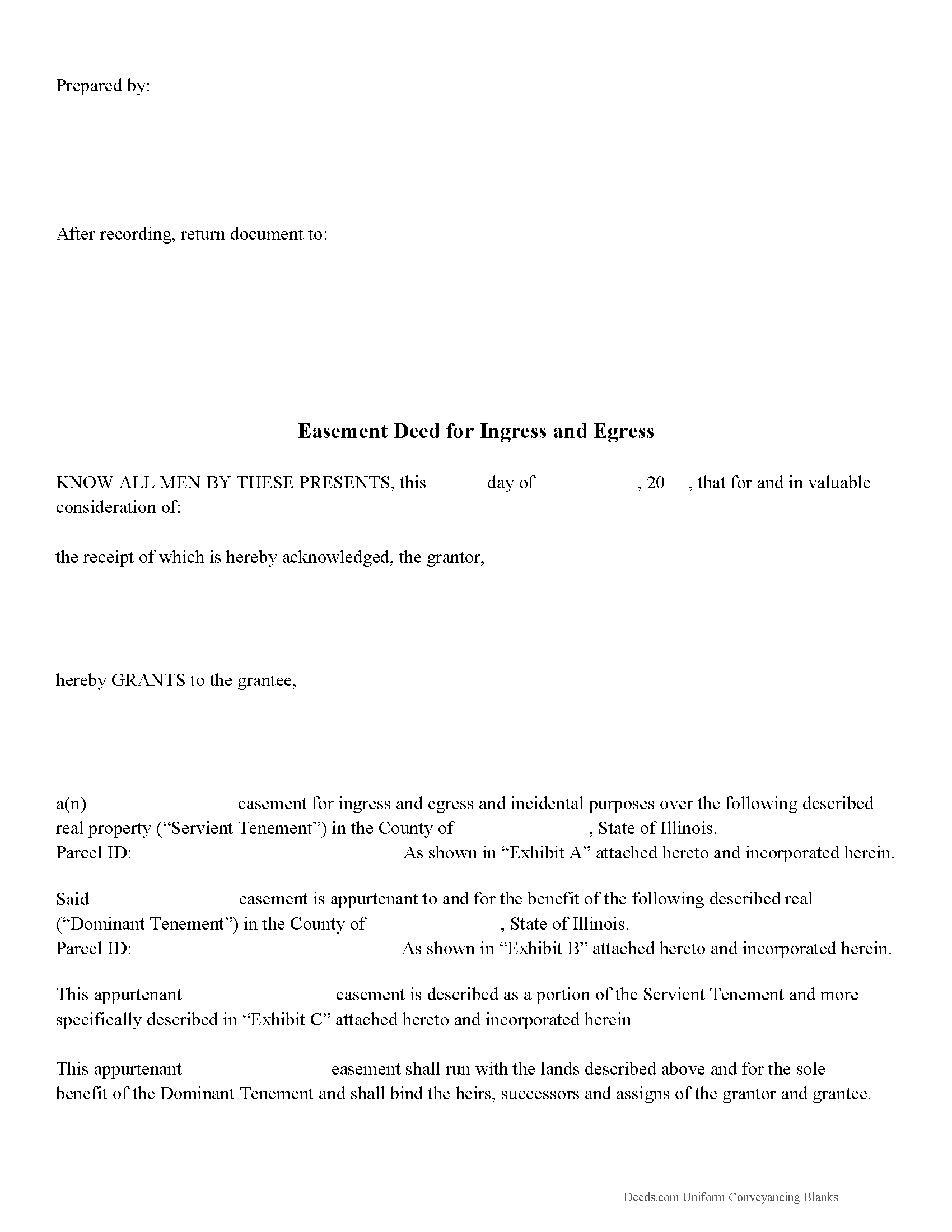
Edwards County Easement Deed Form
Fill in the blank form formatted to comply with all recording and content requirements.
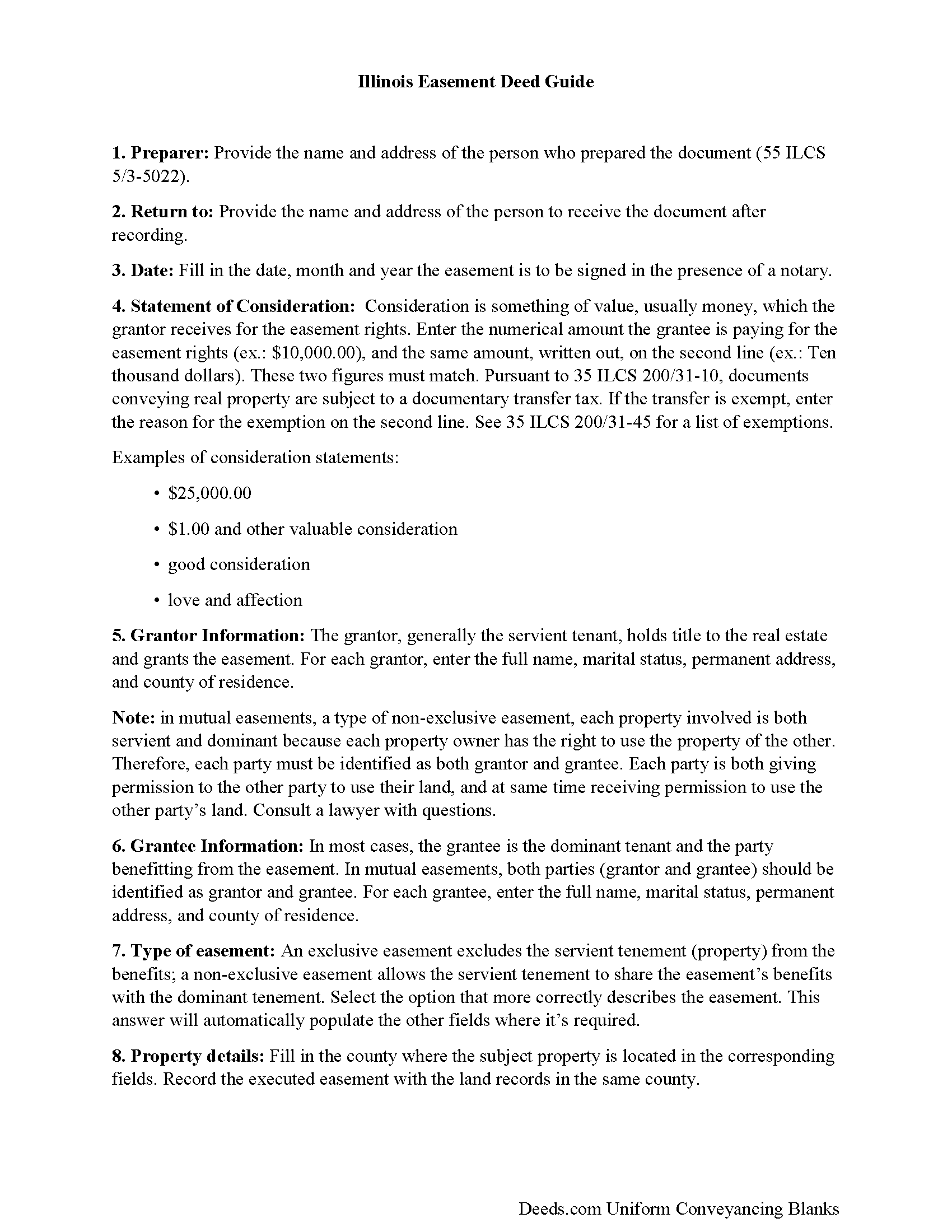
Edwards County Easement Deed Guide
Line by line guide explaining every blank on the form.
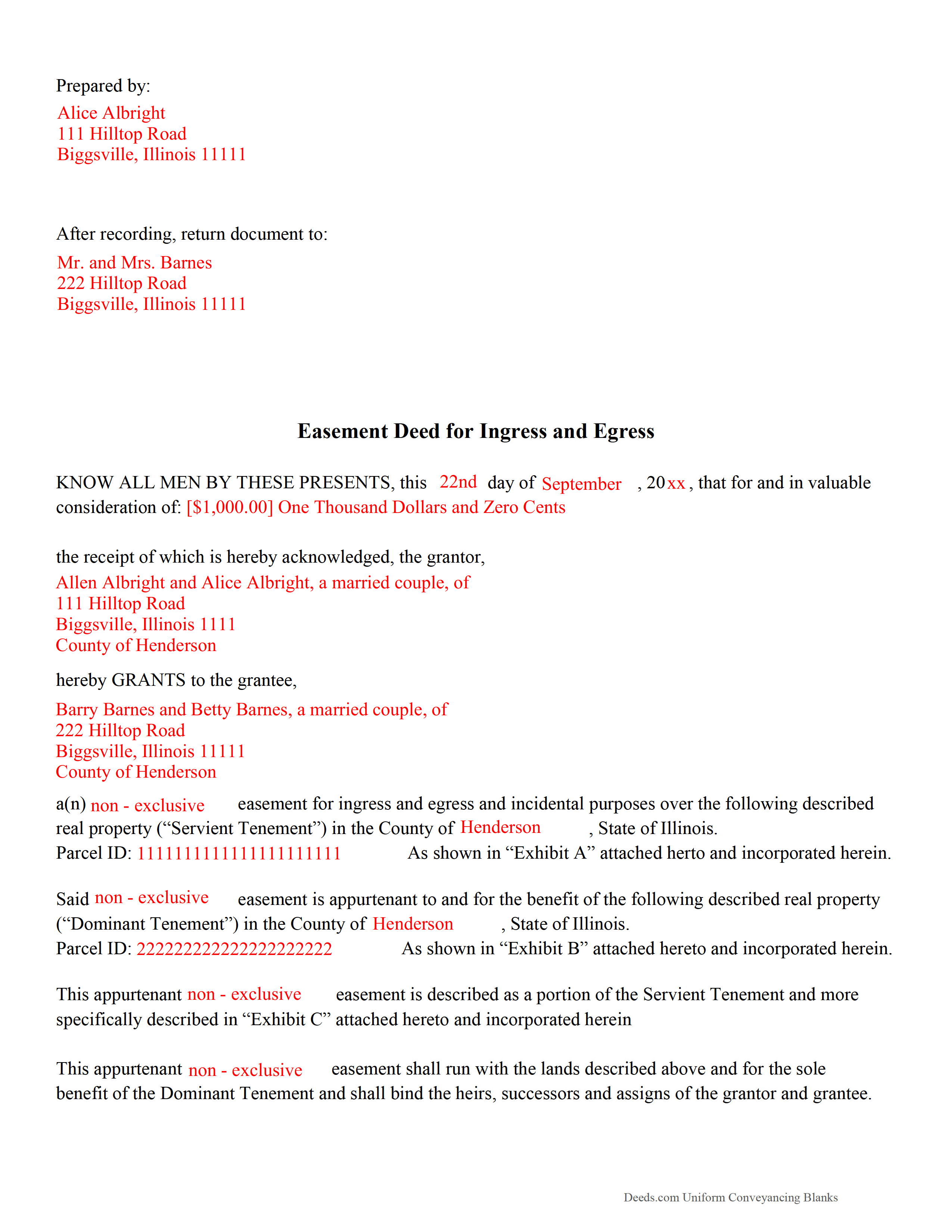
Edwards County Completed Example of the Easement Deed Document
Example of a properly completed form for reference.
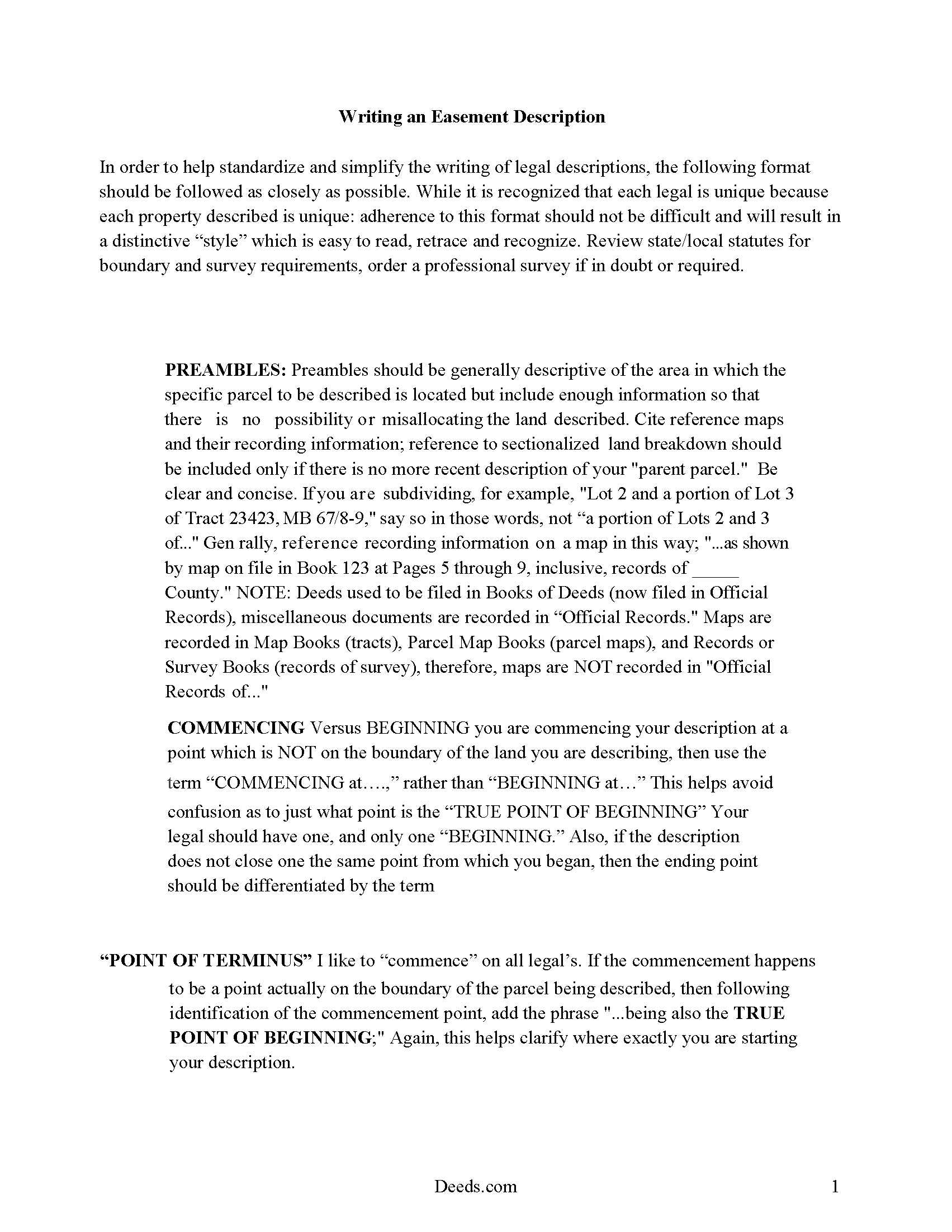
Edwards County Guide to Writing an Easement Description
A Description of the Easement will be required. This will show how to write an acceptable description for a Right of Way Easement, which gives access, to and from - point A to point B.
All 4 documents above included • One-time purchase • No recurring fees
Immediate Download • Secure Checkout
Additional Illinois and Edwards County documents included at no extra charge:
Where to Record Your Documents
Edwards County Clerk/Recorder
Albion, Illinois 62806
Hours: 8:00 to 4:00 M-F
Phone: (618) 445-2115
Recording Tips for Edwards County:
- Bring your driver's license or state-issued photo ID
- Ensure all signatures are in blue or black ink
- Ask for certified copies if you need them for other transactions
- Ask if they accept credit cards - many offices are cash/check only
- Check that your notary's commission hasn't expired
Cities and Jurisdictions in Edwards County
Properties in any of these areas use Edwards County forms:
- Albion
- Bone Gap
- Browns
- Ellery
- West Salem
Hours, fees, requirements, and more for Edwards County
How do I get my forms?
Forms are available for immediate download after payment. The Edwards County forms will be in your account ready to download to your computer. An account is created for you during checkout if you don't have one. Forms are NOT emailed.
Are these forms guaranteed to be recordable in Edwards County?
Yes. Our form blanks are guaranteed to meet or exceed the applicable formatting requirements used for recording in Edwards County, including margin requirements, font requirements, and other layout standards. This guarantee applies to formatting, not to the legal sufficiency of information entered by the user or the suitability of a form for a particular transaction.
Can I reuse these forms?
Yes. You can reuse the forms for your personal use. For example, if you have multiple properties in Edwards County you only need to order once.
What do I need to use these forms?
The forms are PDFs that you fill out on your computer. The free Adobe Acrobat Reader is recommended, and most PDF apps also work. You do NOT enter your property information online - you download the blank forms and complete them privately on your own computer.
Are there any recurring fees?
No. This is a one-time purchase. Nothing to cancel, no memberships, no recurring fees.
How much does it cost to record in Edwards County?
Recording fees in Edwards County vary. Contact the recorder's office at (618) 445-2115 for current fees.
Questions answered? Let's get started!
An easement is the right to use the land of another for a specific purpose. An easement can exist in any portion of the real estate and can be made by agreement at any time, created by the seller when property is conveyed, or by operation of law. The creation of an easement always involves two separate parties, one of whom is the owner of the land over which the easement runs. Easements can be broken down into two categories: easements appurtenant and easements in gross.
An easement is recorded just like any other property interest in Illinois. This means that an easement deed should be signed and acknowledged by the grantor. If acknowledged in Illinois, acknowledgments can be made before a notary public, United States commissioner, county clerk, or any court, judge, clerk, or deputy clerk of such court. If acknowledgments are taken before a notary public or United States commissioner, the acknowledgment should be attested by his or her official seal. Acknowledgements taken before a judge or clerk of court should be attested by the seal of such court (765 ILCS 5/20). Easement deeds acknowledged outside of Illinois must still comply with the Illinois recording requirements and can be acknowledged before any of the officers listed in 765, 5/20 of the Illinois Compiled Statutes.
Easement deeds can be recorded in the county where the property is located (765 ILCS 5/28). All easement deeds that are authorized to be recorded will take effect and be in force from and after the time the deed is filed for record with the county recorder, and not before, as to all creditors and subsequent purchasers without notice. All such deeds will be void as to all such creditors and subsequent purchasers without notice until they are filed for record (765 ILCS 5/30).
(Illinois Easement Deed Package includes form, guidelines, and completed example)
Important: Your property must be located in Edwards County to use these forms. Documents should be recorded at the county recording office listed above.
This Easement Deed meets all recording requirements specific to Edwards County.
Our Promise
The documents you receive here are guaranteed to meet or exceed the applicable Edwards County recording format requirements. If there is a rejection caused by our formatting, we will correct the issue or refund your payment. This guarantee applies to document formatting only and does not extend to information entered by the user, the selection of the form, or the legal effect of the completed document.
Save Time and Money
Get your Edwards County Easement Deed form done right the first time with Deeds.com Uniform Conveyancing Blanks. At Deeds.com, we understand that your time and money are valuable resources, and we don't want you to face a penalty fee or rejection imposed by a county recorder for submitting nonstandard documents. We constantly review and update our forms to meet rapidly changing state and county recording requirements for roughly 3,500 counties and local jurisdictions.
4.8 out of 5 - ( 4,839 Reviews )
Anthony F. 5 out of 5 stars
quick, easy and simple. Also thank you for having the e-submission area particularly with the Covid-19 /Shelter in place things happening.
Thank you for your feedback. We really appreciate it. Have a great day!
Dennis S. 5 out of 5 stars
Simple quitclaim form, worked perfectly for my area.
Thank you!
Viviana Hansen M. 5 out of 5 stars
I was thrilled that I could execute the paperwork for a lady bird deed here in Florida ! Thank you
We are grateful for your feedback and looking forward to serving you again. Thank you!
Richard L. 5 out of 5 stars
Thanks for the complete and reasonably priced set of docs. I was specifically looking for and glad to find a current version of a TOD deed following the California extension.
Thank you for your feedback. We really appreciate it. Have a great day!
Lee C. 5 out of 5 stars
Quick, easy and reasonably priced.
Thank you!
Rebecca H. 5 out of 5 stars
I thought the forms were reasonably priced, the instructions included in the packet were thorough, and the examples helpful. Thank you for the additional CDR forms too. I contacted the Recorder's office via email with a question and Jennifer Bowser answered promptly. Job well done! However, when I delivered the deed and Real Property Transfer Declaration to the Clerk's office in Lafayette, the clerk was unfamiliar with the Declaration document being submitted and it took some time to convince her to submit the form without charging the recording fee. She even tried to phone the recorder's office for clarification, but no one answered. There then was an additional form at that office that I had to complete called Recording Request/Transmittal Form. I would suggest including that form with instructions in your on-line packet to speed up the process when a Deed is delivered to the County Clerk's satellite office. I do not expect every clerk to know all the particulars of recording requirements but a little knowledge wouldn't hurt.
Thank you for your feedback. We really appreciate it. Have a great day!
SHASTA S. 3 out of 5 stars
Ordered quitclaim deed form for Knox county Illinois. It got the job done however it was not a very good format. I had to explain all to the county recorder & was worried she would reject it. I would not recommend this item.
Thank you!
SAMANTHA P. 5 out of 5 stars
Very easy very clear very informative of direct information stating the obvious and the underlining of both contexts. Right place for the right Tools to establish ,verify ,correct then guidance for not only myself, but for our legacy that should and will be live on to be know. Thank you deeds.com!
Thank you!
John K. 5 out of 5 stars
Very pleased. Responsive staff and fast recordation.
Thank you for the kind words John. Our staff appreciates you and your feedback. Have an amazing day!
Hal M. 5 out of 5 stars
Very good, and easy and fast to use.
Thank you!
Conrad R. 5 out of 5 stars
Easy to obtain form, easy to use. Came with instrucions and references to state statutes. Very Helpful.
We appreciate your business and value your feedback. Thank you. Have a wonderful day!
Vallerie M. 5 out of 5 stars
Amazing! Great prompt service and follow up. I couldn’t be happier
We are grateful for your engagement and feedback, which help us to serve you better. Thank you for being an integral part of our community.
Ben F. 5 out of 5 stars
My initial review during download and before reading the guide and forms looks promising.
Thank you!
Mary D. 5 out of 5 stars
LOVE this site.. easy to use and very very quick to record
Thank you for your feedback. We really appreciate it. Have a great day!
David L. 5 out of 5 stars
Good quick service. The forms helped guide and explain each section and question.
Thank you for your feedback. We really appreciate it. Have a great day!