Mcdonough County Quitclaim Deed (Married Couple as Grantors) Form
Last validated October 15, 2026 by our Forms Development TeamFormatted for recording in Mcdonough County, for property anywhere in the county: rural and unincorporated areas as well as Adair, Bardolph, Blandinsville, Bushnell, Colchester, Good Hope, Industry, Macomb and 3 more.
- 3 documents included
- Immediate PDF download
- Formatting guarantee
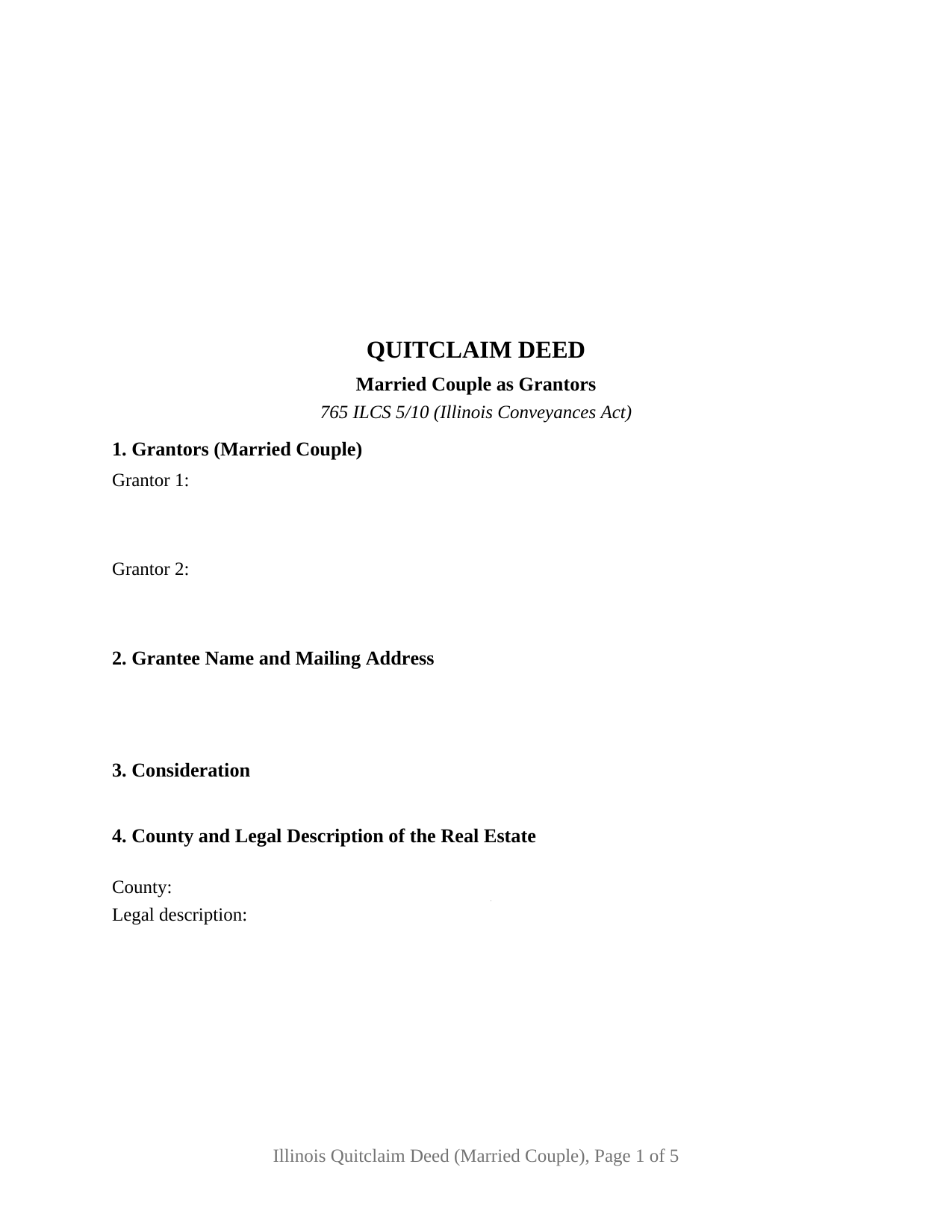
Mcdonough County Quitclaim Deed (Married Couple as Grantors) Form
Fill in the blank Quitclaim Deed (Married Couple as Grantors) form formatted to comply with all Illinois recording and content requirements.
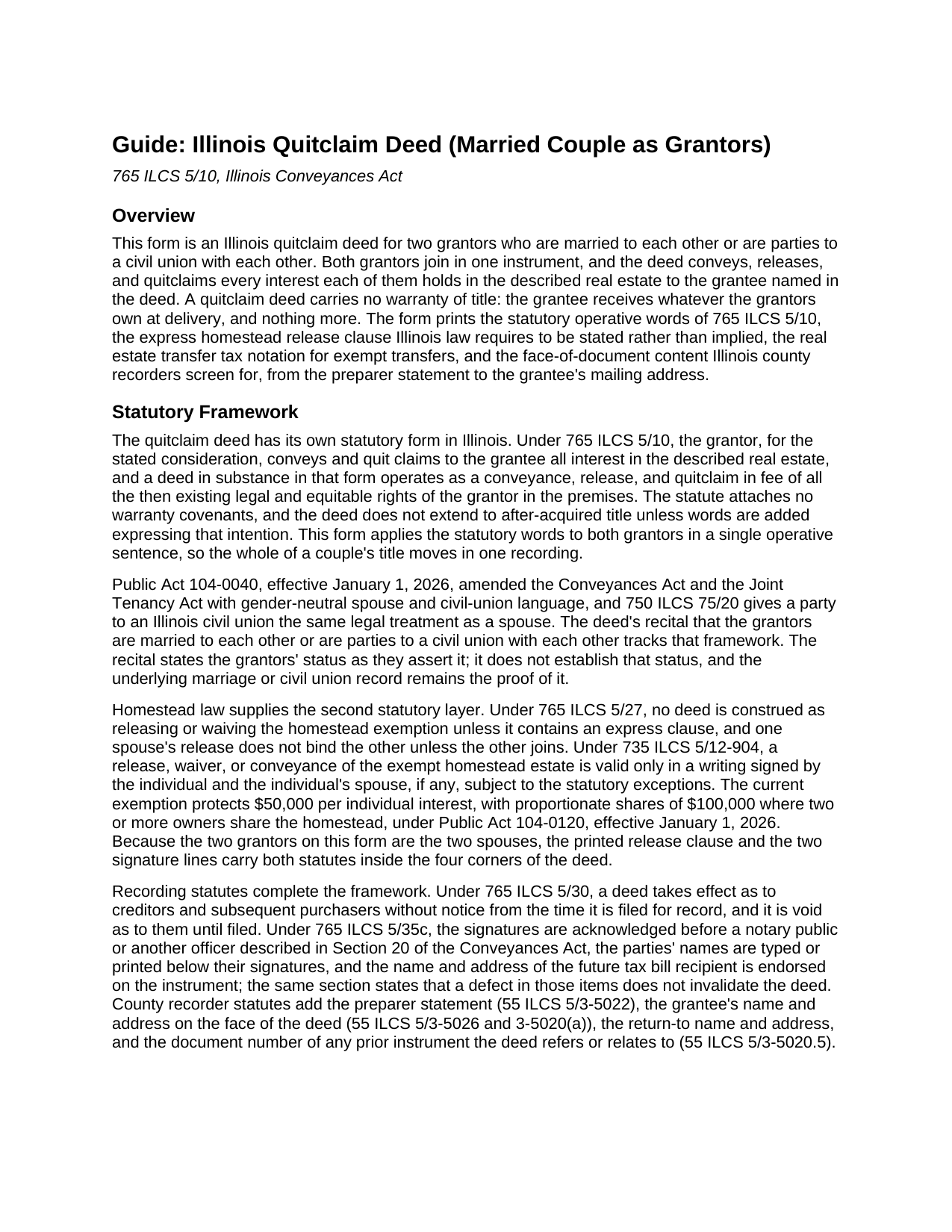
Mcdonough County Quitclaim Deed (Married Couple as Grantors) Guide
Line by line guide explaining every blank on the Quitclaim Deed (Married Couple as Grantors) form.
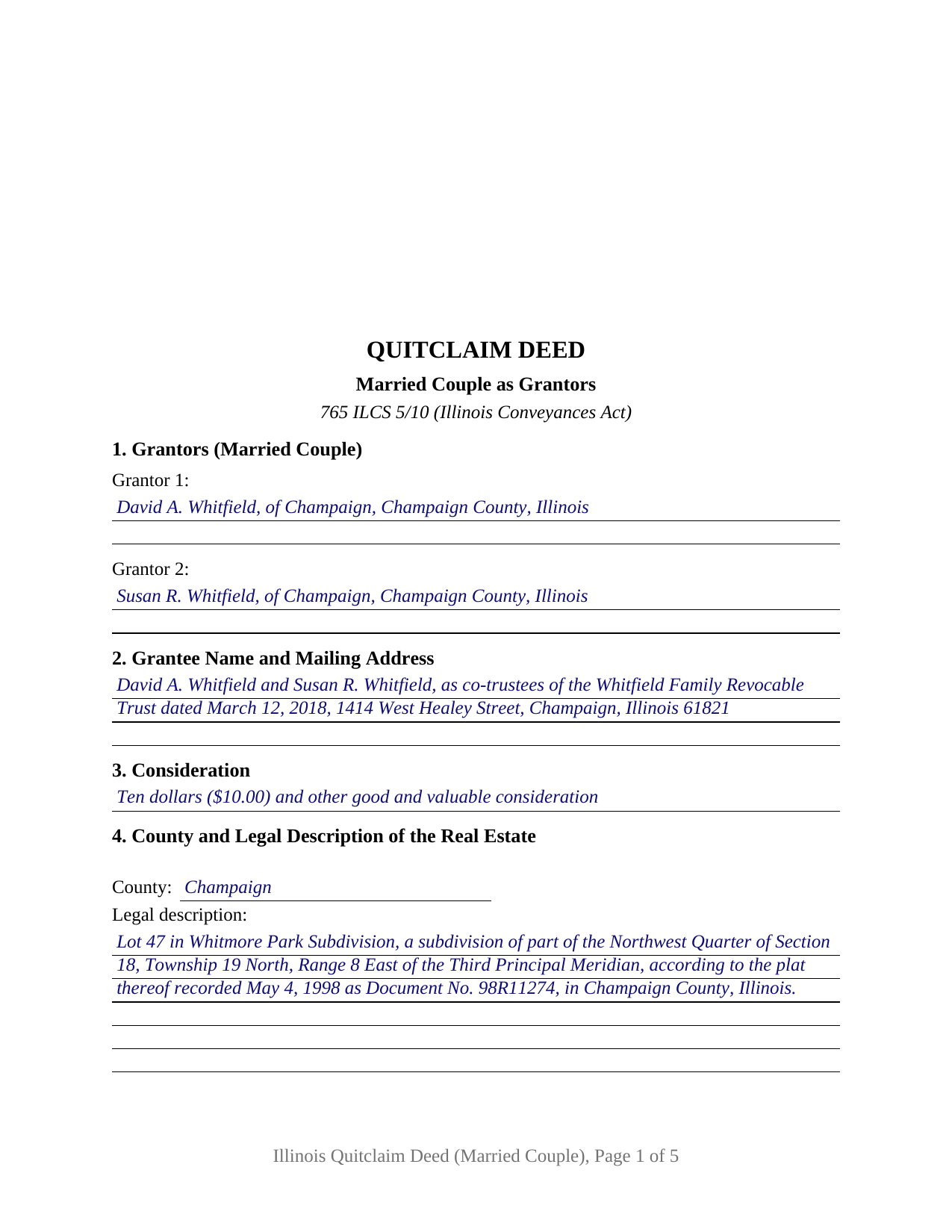
Mcdonough County Completed Example of the Quitclaim Deed (Married Couple as Grantors) Document
Example of a properly completed Illinois Quitclaim Deed (Married Couple as Grantors) document for reference.
All 3 documents above included • One-time purchase • No recurring fees
Immediate Download • Secure Checkout
Additional Illinois and Mcdonough County documents included at no extra charge:
Where to Record Your Documents
McDonough County Clerk/Recorder
Macomb, Illinois 61455
Hours: 8:00 to 4:00 M-F
Phone: (309) 833-2474
Recording Tips for Mcdonough County:
- Bring your driver's license or state-issued photo ID
- Ensure all signatures are in blue or black ink
- Request a receipt showing your recording numbers
- Ask about accepted payment methods when you call ahead
- Ask for certified copies if you need them for other transactions
Cities and Jurisdictions in Mcdonough County
Properties in any of these areas use Mcdonough County forms:
- Adair
- Bardolph
- Blandinsville
- Bushnell
- Colchester
- Good Hope
- Industry
- Macomb
- Prairie City
- Sciota
- Tennessee
Hours, fees, requirements, and more for Mcdonough County
How do I get my forms?
Forms are available for immediate download after payment. The Mcdonough County forms will be in your account ready to download to your computer. An account is created for you during checkout if you don't have one. Forms are NOT emailed.
Are these forms guaranteed to be recordable in Mcdonough County?
Yes. Our form blanks are guaranteed to meet or exceed the applicable formatting requirements used for recording in Mcdonough County, including margin requirements, font requirements, and other layout standards. This guarantee applies to formatting, not to the legal sufficiency of information entered by the user or the suitability of a form for a particular transaction.
Can I reuse these forms?
Yes. You can reuse the forms for your personal use. For example, if you have multiple properties in Mcdonough County you only need to order once.
What do I need to use these forms?
The forms are PDFs that you fill out on your computer. The free Adobe Acrobat Reader is recommended, and most PDF apps also work. You do NOT enter your property information online - you download the blank forms and complete them privately on your own computer.
Are there any recurring fees?
No. This is a one-time purchase. Nothing to cancel, no memberships, no recurring fees.
How much does it cost to record in Mcdonough County?
Recording fees in Mcdonough County vary. Contact the recorder's office at (309) 833-2474 for current fees.
Questions answered? Let's get started!
Two spouses can pass their whole title in one Illinois quitclaim deed, and this form is arranged for exactly that transfer: a married couple, or the parties to a civil union, joining as co-grantors in a single instrument under 765 ILCS 5/10. The deed recites the grantors' relationship in its operative clause, applies the statutory convey and quit claim words to both interests at once, and carries the signature set that a couple's conveyance produces.
A deed that recites the marriage
The operative clause states that the grantors are married to each other or are parties to a civil union with each other, wording that tracks the gender-neutral spouse and civil-union amendments to the Conveyances Act effective January 1, 2026, and the equal-treatment rule of 750 ILCS 75/20. The recital states the couple's status; it does not establish that status, and the marriage or civil union record remains its proof. What the recital signals to anyone reading the chain of title is that the spousal signatures Illinois homestead law looks for are on the face of the deed: 765 ILCS 5/27 requires an express clause before any deed releases the homestead exemption, 735 ILCS 5/12-904 makes a release or conveyance of the exempt estate valid only in a writing signed by the individual and spouse, and 765 ILCS 1005/1c makes a deed of homestead property held in tenancy by the entirety effective only when both tenants sign. With the two spouses named as the two grantors, each requirement is answered inside the instrument itself, alongside the printed release clause.
What the married-couple configuration carries
The form recites two grantor blocks, each with a printed name and residence, one operative sentence conveying every interest both grantors hold, and an acknowledgment certificate for each signer, so the spouses may acknowledge on different dates or before different notaries. Illinois law does not call for one certificate per signer; the statutory certificate of 765 ILCS 5/26 covers signers who appear together, and the layout simply accommodates spouses who sign apart. Ownership patterns that present this configuration include spouses funding a shared revocable living trust with their home, a couple deeding a jointly held rental parcel to the limited liability company they organized, and spouses joining in a release that settles a boundary line with a neighbor. The form is not set up as a sole-owner instrument, and it does not recite co-owners outside a marriage or civil union.
Entirety title, into and out of the deed
Tenancy by the entirety runs through this configuration in both directions. Property the couple already holds by the entirety moves only on the signatures of both tenants, which are exactly the signatures this quit claim deed collects. On the receiving side, the additional-provisions section accepts the specific statement 765 ILCS 1005/1c requires when spouses convey homestead title to the trustees of their revocable trust with entirety treatment preserved; a generic deed to a trust does not carry that treatment on its own. The completed example shows the drafting in full: a Champaign County couple conveying their home to themselves as co-trustees of a family trust, with the statutory entirety statement in Section 8 and the transfer tax notation claiming paragraph (e) of 35 ILCS 200/31-45, the exemption for a transfer whose actual consideration is under $100.
The recording package around the signatures
The deed collects what Illinois recorders check at intake: the 55 ILCS 5/3-5022 preparer statement, the grantee name and mailing address the recorder looks for on the face of the instrument (55 ILCS 5/3-5026), the tax bill endorsement of 765 ILCS 5/35c, a return-to block, and the prior deed's document number (55 ILCS 5/3-5020.5). The layout follows statewide format standards, reserving the 3 by 5 inch blank the recorder stamps at the upper right of page one, so the printed husband and wife quitclaim deed presents as a standard-class document on a county's flat fee schedule. A taxable transfer travels with the PTAX-203 declaration, or its MyDec equivalent, and the required stamps; an exempt transfer records on the face-of-deed notation alone.
The purchase includes three items: the deed as a fillable PDF, an example completed start to finish for the Champaign County trust transfer described above, and a guide that explains each numbered entry along with the signing, homestead, and recording rules. Nothing here is legal advice; these materials describe Illinois law in general terms, and questions about a specific marriage, title, or estate plan belong with an Illinois attorney.
Important: Your property must be located in Mcdonough County to use these forms. Documents should be recorded at the county recording office listed above.
This Quitclaim Deed (Married Couple as Grantors) meets all recording requirements specific to Mcdonough County.
Our Promise
The documents you receive here are guaranteed to meet or exceed the applicable Mcdonough County recording format requirements. If there is a rejection caused by our formatting, we will correct the issue or refund your payment. This guarantee applies to document formatting only and does not extend to information entered by the user, the selection of the form, or the legal effect of the completed document.
Save Time and Money
Get your Mcdonough County Quitclaim Deed (Married Couple as Grantors) form done right the first time with Deeds.com Uniform Conveyancing Blanks. At Deeds.com, we understand that your time and money are valuable resources, and we don't want you to face a penalty fee or rejection imposed by a county recorder for submitting nonstandard documents. We constantly review and update our forms to meet rapidly changing state and county recording requirements for roughly 3,500 counties and local jurisdictions.
4.8 out of 5 - ( 4,828 Reviews )
lola d. 5 out of 5 stars
wonderful
Thank you!
Gayela C. 5 out of 5 stars
Easy to use and I really like having the guides that come along with the forms.
Thank you!
Shannon T. 5 out of 5 stars
Very easy to use. Was able to fill out the forms on my phone.
Thank you for your kind words and for choosing us.
Michelle H. 5 out of 5 stars
Fast, easy and helpful. Highly recommend, my document was recorded within 24 hours.
Thank you!
Hayley C. 5 out of 5 stars
Love this site, so easy to work with and customer service is amazing.
We appreciate your business and value your feedback. Thank you. Have a wonderful day!
Lisa W. 5 out of 5 stars
The easiest thing to use ever. Amazing and extremely prompt support. They get the job done with all the information you might need
We appreciate your business and value your feedback. Thank you. Have a wonderful day!
Walton A. 5 out of 5 stars
Thanks ..this was very helpful and easy!
Thank you!
Joseph S. 5 out of 5 stars
THIS IS MY FIRST EXPERIENCE WITH DEEDS.COM. I DLED THE ESTATE DEED FORM THAT I HOPE WILL GO THROUGH OK WITH THE COUNTY. IT WILL BE SOMETIME UNTIL I HAVE IT FILLED IN AND ALL THE NAMES IN, NORARIZED AND FILED. CAN I RECONTACT YOU FOLKS IF THERE IS A PROBLEM? THANK YOU, JOE SEUBERT
We are motivated by your feedback to continue delivering excellence. Thank you!
ronald s. 5 out of 5 stars
easy to use site, directions well laid out
Thank you for your feedback. We really appreciate it. Have a great day!
Kimberly M. 5 out of 5 stars
I love Deeds.com. I've never had any issues with the service, getting documents back, etc.
We appreciate your business and value your feedback. Thank you. Have a wonderful day!
Julie C. 5 out of 5 stars
The process worked great! It's a great solution for recording documents at the county during the pandemic and in the future if you don't want to leave home!!
Thank you!
VICTOR S. 5 out of 5 stars
Wow! Nice and easy!
Thank you!
Gary G. 5 out of 5 stars
My first time dealing with this company and fully satisfied with the product and service.
Thanks, Gary. We really appreciate you giving us a shot. Glad to hear the product and service delivered for you, and we’re happy to have earned your trust.
Debra M. 5 out of 5 stars
Since the recorder's office is closed, due to Covid, this worked well to submit my Quit Claim Deed. I was a bit confused with the direction and download. But, I think I got her done! We'll see if I get recorded and confirmation is received. I may be back
Thank you for your feedback. We really appreciate it. Have a great day!
Sheila P. 5 out of 5 stars
What a great service to provide with excellent directions! At first I thought I would need an attorney, but I walked through the steps and now I have it finished! Saved a ton of money. Thanks Deed.com.
Thank you for your feedback. We really appreciate it. Have a great day!