Cumberland County Special Power of Attorney for the Purchase of Property Form
Last validated November 2, 2026 by our Forms Development TeamFormatted for recording in Cumberland County, for property anywhere in the county: rural and unincorporated areas as well as Greenup, Janesville, Jewett, Neoga, Toledo.
- 3 documents included
- Immediate PDF download
- Formatting guarantee
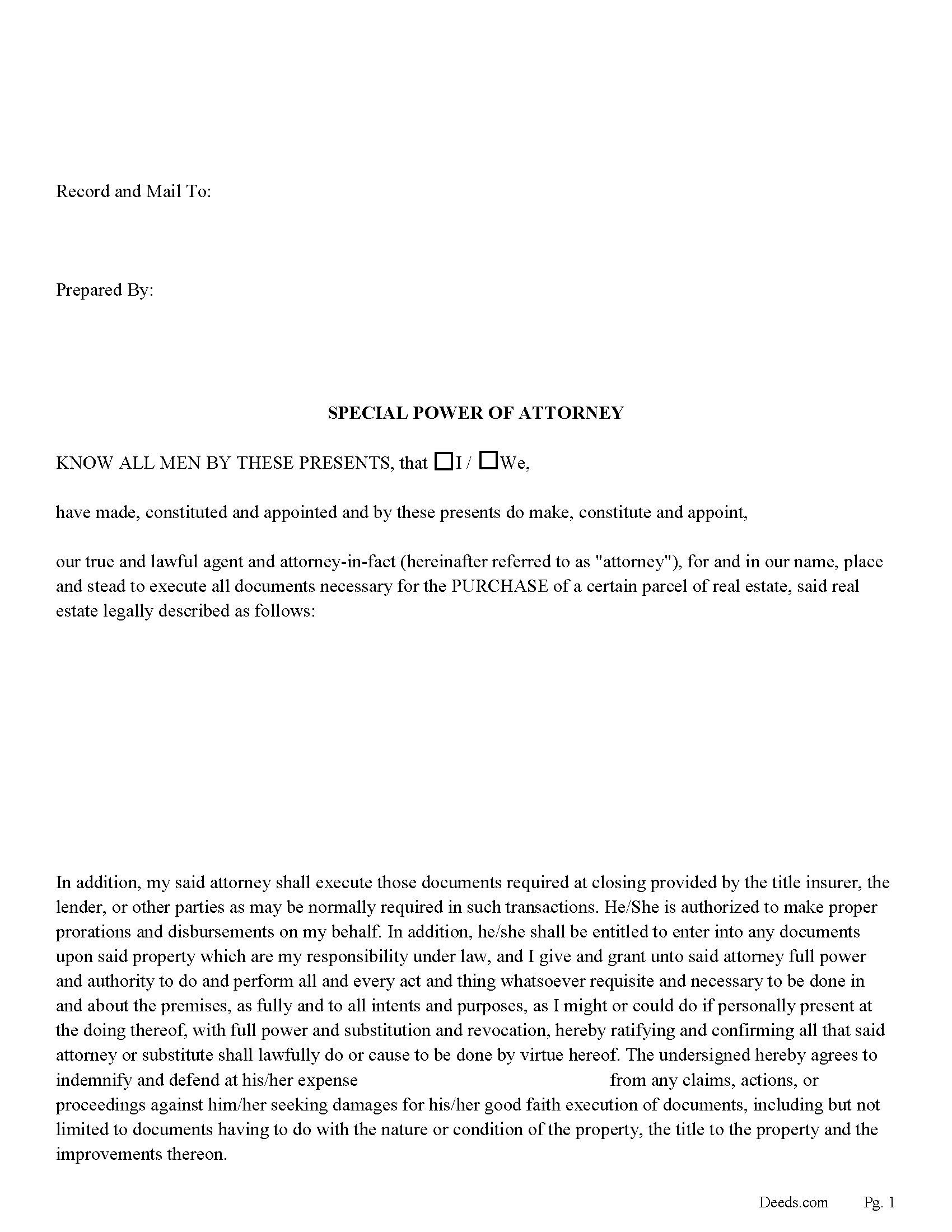
Cumberland County Special Power of Attorney for the Purchase of Property
Fill in the blank form formatted to comply with all recording and content requirements.
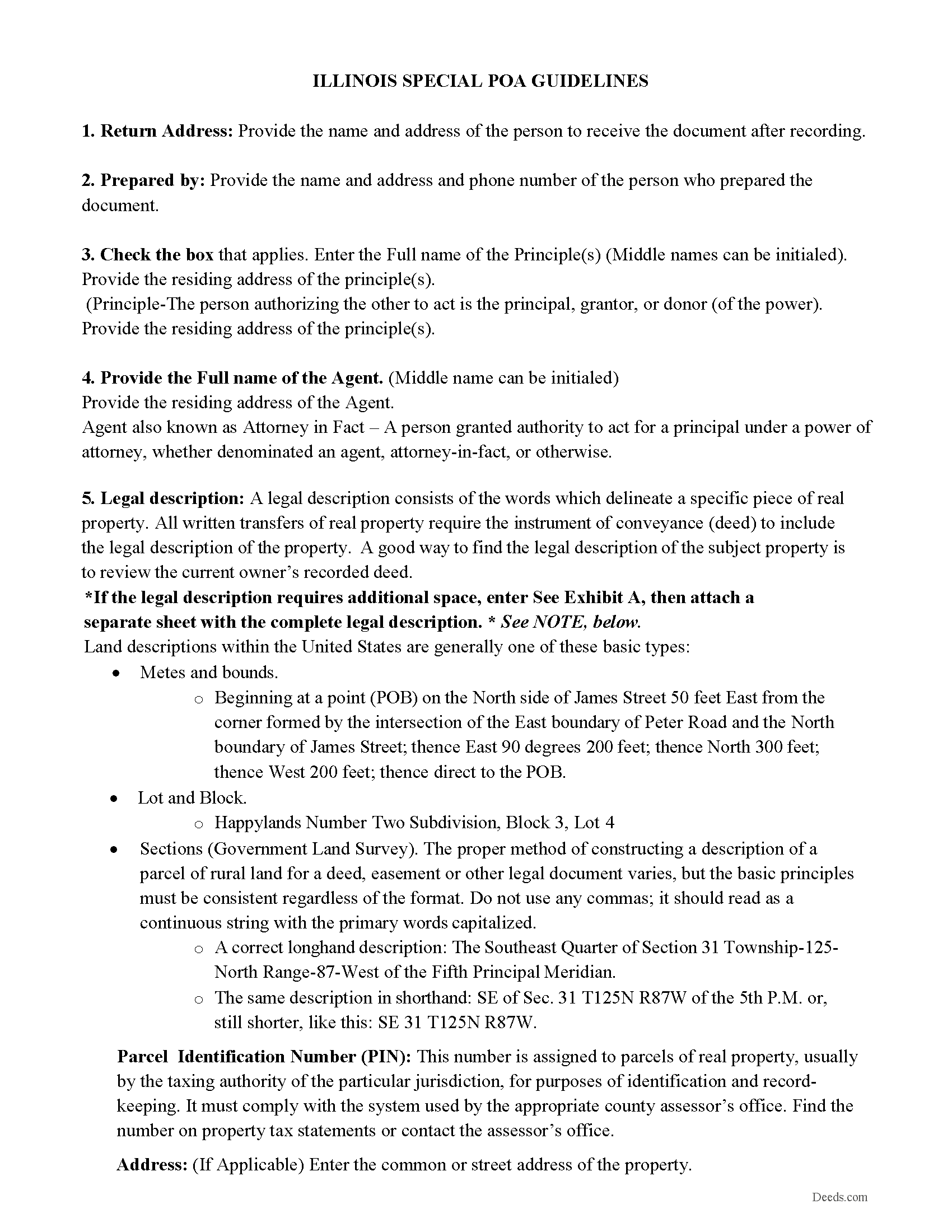
Cumberland County Special Power of Attorney Guidelines
Line by line guide explaining every blank on the form.
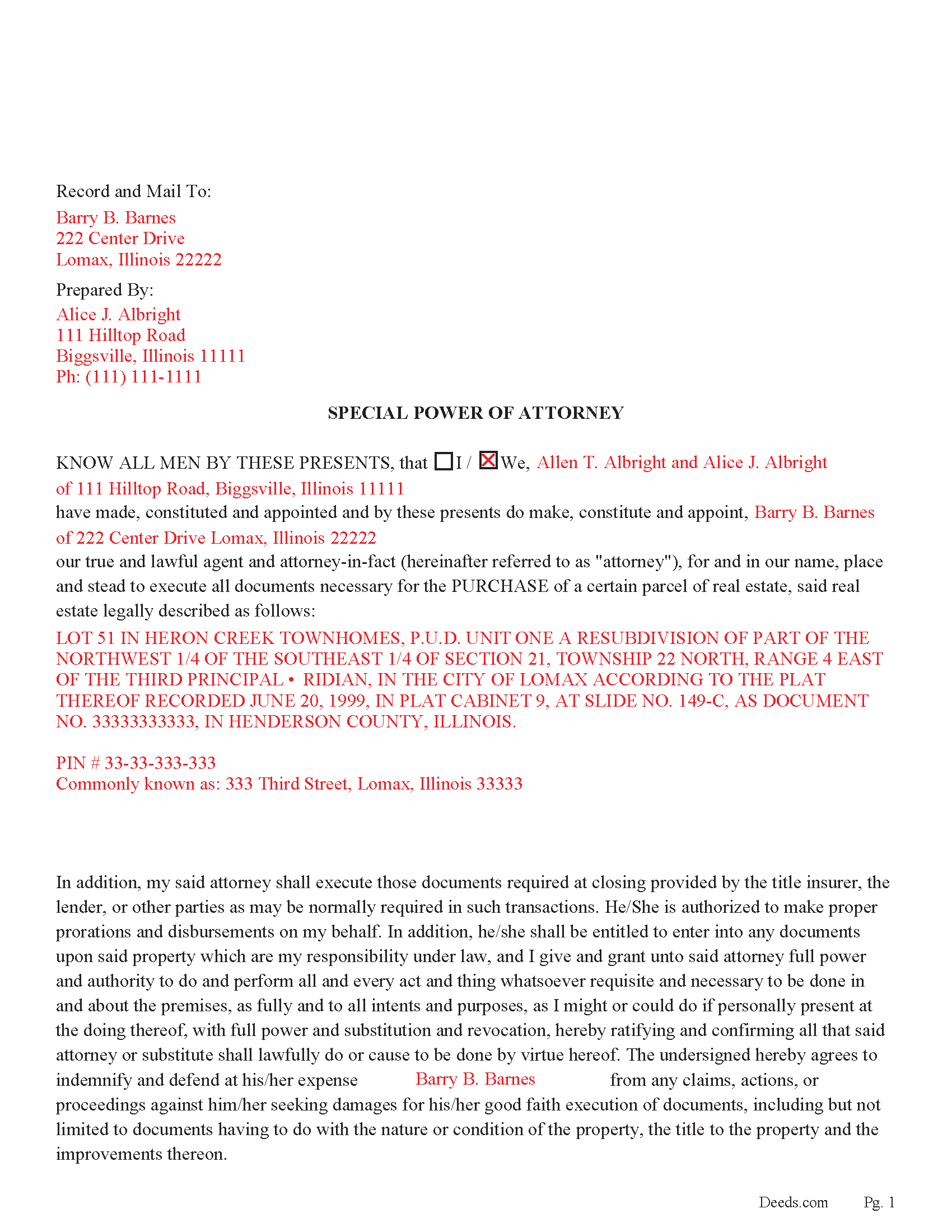
Cumberland County Completed Example of the Special Power of Attorney
Example of a properly completed form for reference.
All 3 documents above included • One-time purchase • No recurring fees
Immediate Download • Secure Checkout
Additional Illinois and Cumberland County documents included at no extra charge:
Where to Record Your Documents
County Clerk - Recorder
Toledo, Illinois 62468
Hours: 8:30 to 4:30 M-F
Phone: (217) 849-2631
Recording Tips for Cumberland County:
- Bring your driver's license or state-issued photo ID
- Ensure all signatures are in blue or black ink
- Avoid the last business day of the month when possible
- Both spouses typically need to sign if property is jointly owned
- Bring extra funds - fees can vary by document type and page count
Cities and Jurisdictions in Cumberland County
Properties in any of these areas use Cumberland County forms:
- Greenup
- Janesville
- Jewett
- Neoga
- Toledo
Hours, fees, requirements, and more for Cumberland County
How do I get my forms?
Forms are available for immediate download after payment. The Cumberland County forms will be in your account ready to download to your computer. An account is created for you during checkout if you don't have one. Forms are NOT emailed.
Are these forms guaranteed to be recordable in Cumberland County?
Yes. Our form blanks are guaranteed to meet or exceed the applicable formatting requirements used for recording in Cumberland County, including margin requirements, font requirements, and other layout standards. This guarantee applies to formatting, not to the legal sufficiency of information entered by the user or the suitability of a form for a particular transaction.
Can I reuse these forms?
Yes. You can reuse the forms for your personal use. For example, if you have multiple properties in Cumberland County you only need to order once.
What do I need to use these forms?
The forms are PDFs that you fill out on your computer. The free Adobe Acrobat Reader is recommended, and most PDF apps also work. You do NOT enter your property information online - you download the blank forms and complete them privately on your own computer.
Are there any recurring fees?
No. This is a one-time purchase. Nothing to cancel, no memberships, no recurring fees.
How much does it cost to record in Cumberland County?
Recording fees in Cumberland County vary. Contact the recorder's office at (217) 849-2631 for current fees.
Questions answered? Let's get started!
Use this document to empower your agent with the right to PURCHASE a specific property on your behalf. The Agent shall be entitled to enter into any documents upon said property which are your responsibility under law, and you give and grant unto said agent full power and authority to do and perform all and every act and thing whatsoever requisite and necessary to be done in and about the premises, as fully and to all intents and purposes, as you might or could do if personally present at the doing thereof.
For use in Illinois only.
(Illinois Special POA - Purchase Package includes form, guidelines, and completed example)
Important: Your property must be located in Cumberland County to use these forms. Documents should be recorded at the county recording office listed above.
This Special Power of Attorney for the Purchase of Property meets all recording requirements specific to Cumberland County.
Our Promise
The documents you receive here are guaranteed to meet or exceed the applicable Cumberland County recording format requirements. If there is a rejection caused by our formatting, we will correct the issue or refund your payment. This guarantee applies to document formatting only and does not extend to information entered by the user, the selection of the form, or the legal effect of the completed document.
Save Time and Money
Get your Cumberland County Special Power of Attorney for the Purchase of Property form done right the first time with Deeds.com Uniform Conveyancing Blanks. At Deeds.com, we understand that your time and money are valuable resources, and we don't want you to face a penalty fee or rejection imposed by a county recorder for submitting nonstandard documents. We constantly review and update our forms to meet rapidly changing state and county recording requirements for roughly 3,500 counties and local jurisdictions.
4.8 out of 5 - ( 4,842 Reviews )
Dorothea B. 4 out of 5 stars
The Affidavit- Death of Joint Tenant form you provided is not the same form as showed on the Los Angeles County property tax website. It appears that the LA county form requires entering additional info that is not included in your form.
Thank you!
Sharon B. 5 out of 5 stars
Awesome and so easy Thanks
Thank you!
Robert M. 5 out of 5 stars
Great service. Easy to use and affordable.
Thank you!
Irma G. 5 out of 5 stars
Although I did not use the forms yet, it appears very easy to understand and navigate.
Thank you for your feedback. We really appreciate it. Have a great day!
Pamela W. 5 out of 5 stars
Signing up was easy and the form was amazing. The ability to type on it (I am on a MAC) was beyond my expectations, the ability to save a blank, save my two documents, save the instructions and sample was excellent. The documents are in the mail and we are hopefully they will be approved. Blessings,
Thank you for your feedback. We really appreciate it. Have a great day!
Traci K. 5 out of 5 stars
Thk u for the forms I needed so badly I really appreciate.
We appreciate your business and value your feedback. Thank you. Have a wonderful day!
Donald W. 5 out of 5 stars
Could not have been any easier to download the quit claim forms. The provided instructions and samples look to be helpful. Only have to set aside the time to fill out. Thanks
Thank you!
Steven G. 5 out of 5 stars
Easy to navigate and easy purchase.
catherine c. 5 out of 5 stars
very efficient with communication and follow-up(s) will be using again, thank you!:)
Thank you!
JUDITH-DIAN W. 5 out of 5 stars
I didn't have any problem downloading and filling out the form on my computer and printing it yesterday. I didn't know what to put for "Source of Title". I called the county recording office; they didn't know either and said to leave it blank. I got the form notarized at my bank and took it in to the recording office. They checked it, accepted it, I paid a fee, and it's done. So easy. My children will appreciate that I've done this. Added note: You do have one typo on your form--you left out 'at'. It should read: "You should carefully read all information at the end of this form."
Thank you for your feedback. We really appreciate it. Have a great day!
Donna F. 5 out of 5 stars
Straight forward easy to understand completing my document. The guide readily explained filing all portions of the document.
Thank you Donna, we appreciate your feedback.
David S. 3 out of 5 stars
I downloaded the quit claim deed form and saved it on my computer. I opened it with Adobe and filled it out. The space for the legal description was too small (2 lines only) which did not allow enough room for the long property description that I had.
Thank you for your feedback. We really appreciate it. Have a great day!
David P. 5 out of 5 stars
Thank you. I was just looking but still think it is a great website. Used it a couple of years ago for a deed. Thank you.
Thank you for your feedback. We really appreciate it. Have a great day!
Evelyn A. 5 out of 5 stars
Was easy to use. Just didnt find what i needed
Thank you for your feedback. We really appreciate it. Have a great day!
Clifford A. 5 out of 5 stars
Very efficient and smooth process. Thank you!
Thank you!