Boone County Subcontractor Final Waiver and Release of Lien Form
Last validated September 29, 2026 by our Forms Development TeamFormatted for recording in Boone County, for property anywhere in the county: rural and unincorporated areas as well as Belvidere, Caledonia, Capron, Garden Prairie, Poplar Grove.
- 3 documents included
- Immediate PDF download
- Formatting guarantee
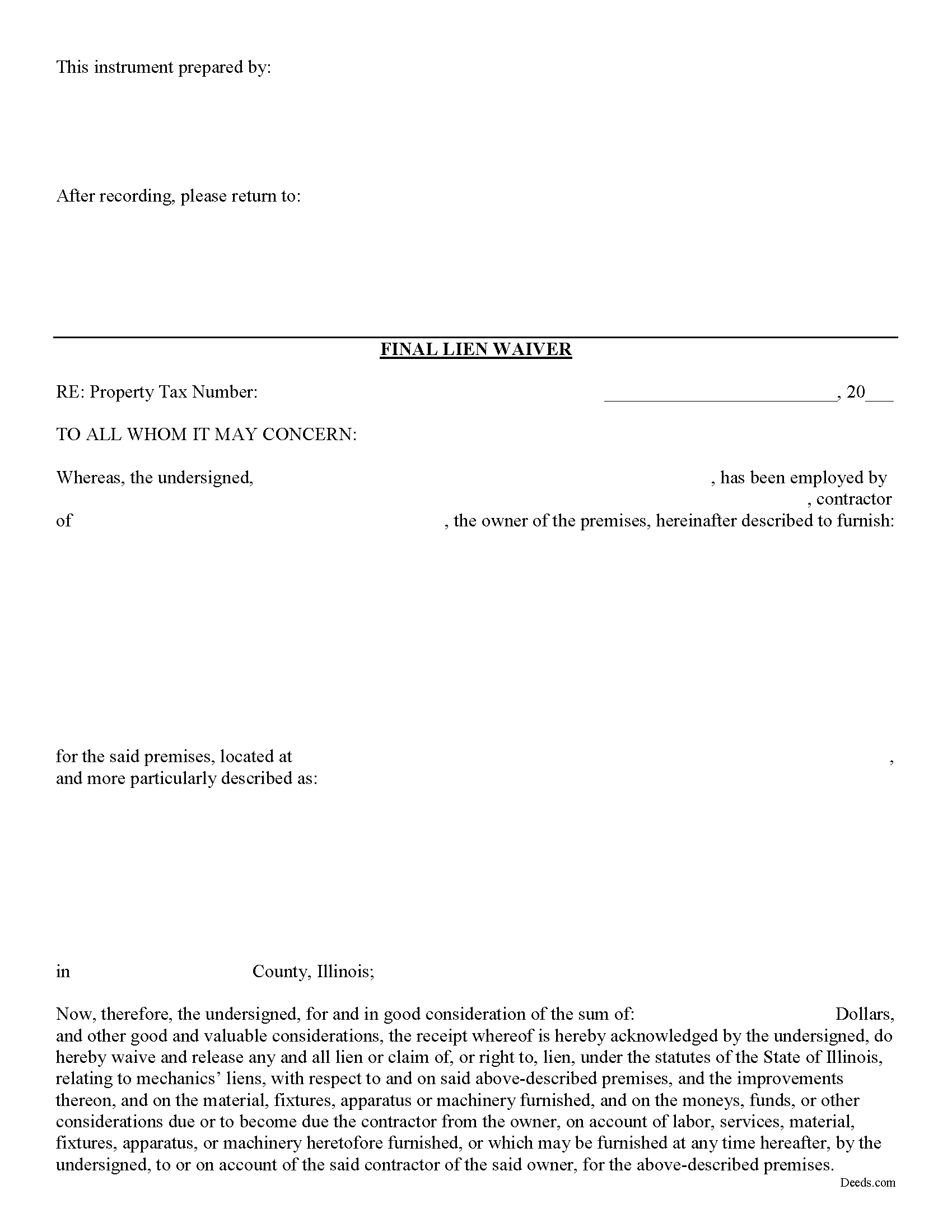
Boone County Subcontractor Final Waiver and Release of Lien Form
Fill in the blank Subcontractor Final Waiver and Release of Lien form formatted to comply with all Illinois recording and content requirements.
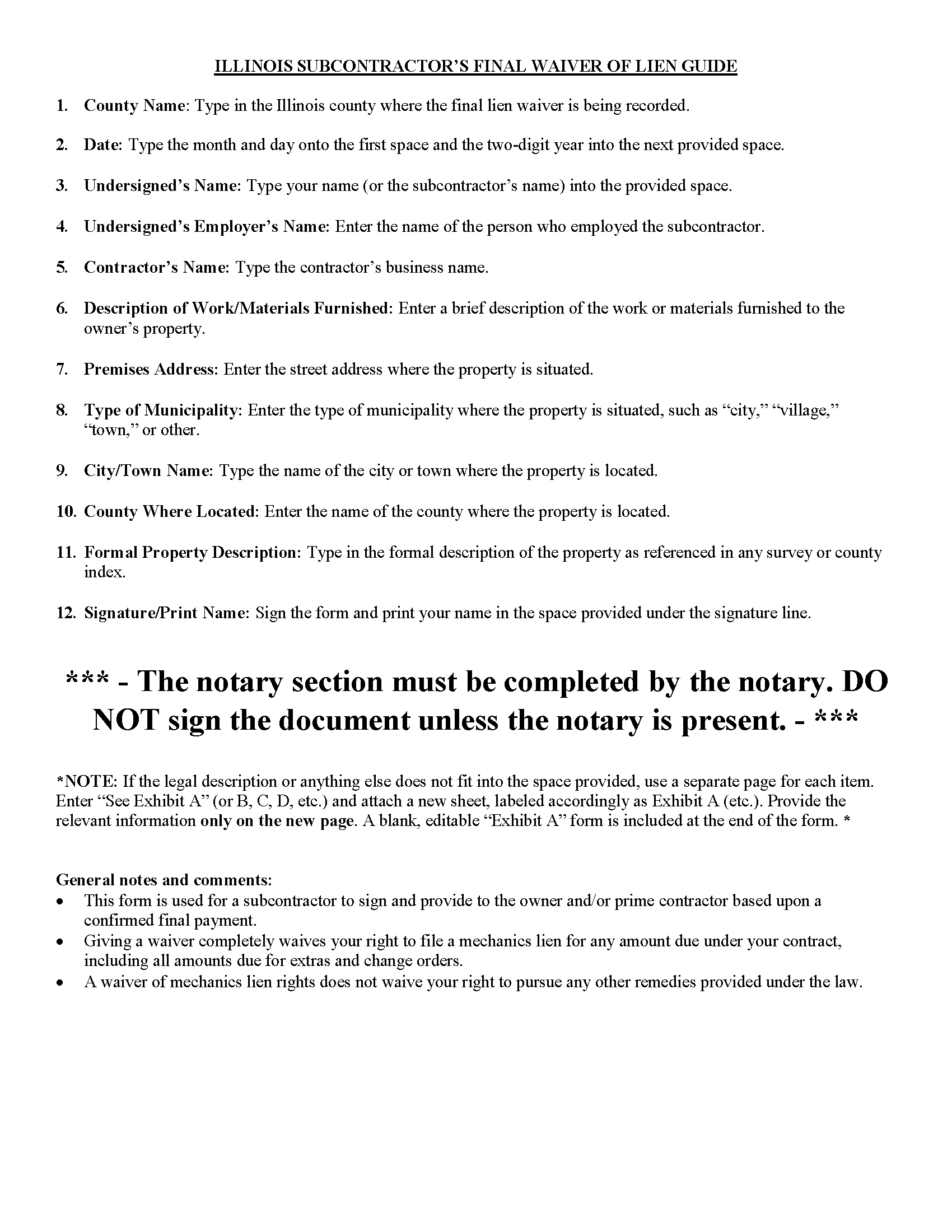
Boone County Subcontractor Final Waiver and Release of Lien Guide
Line by line guide explaining every blank on the form
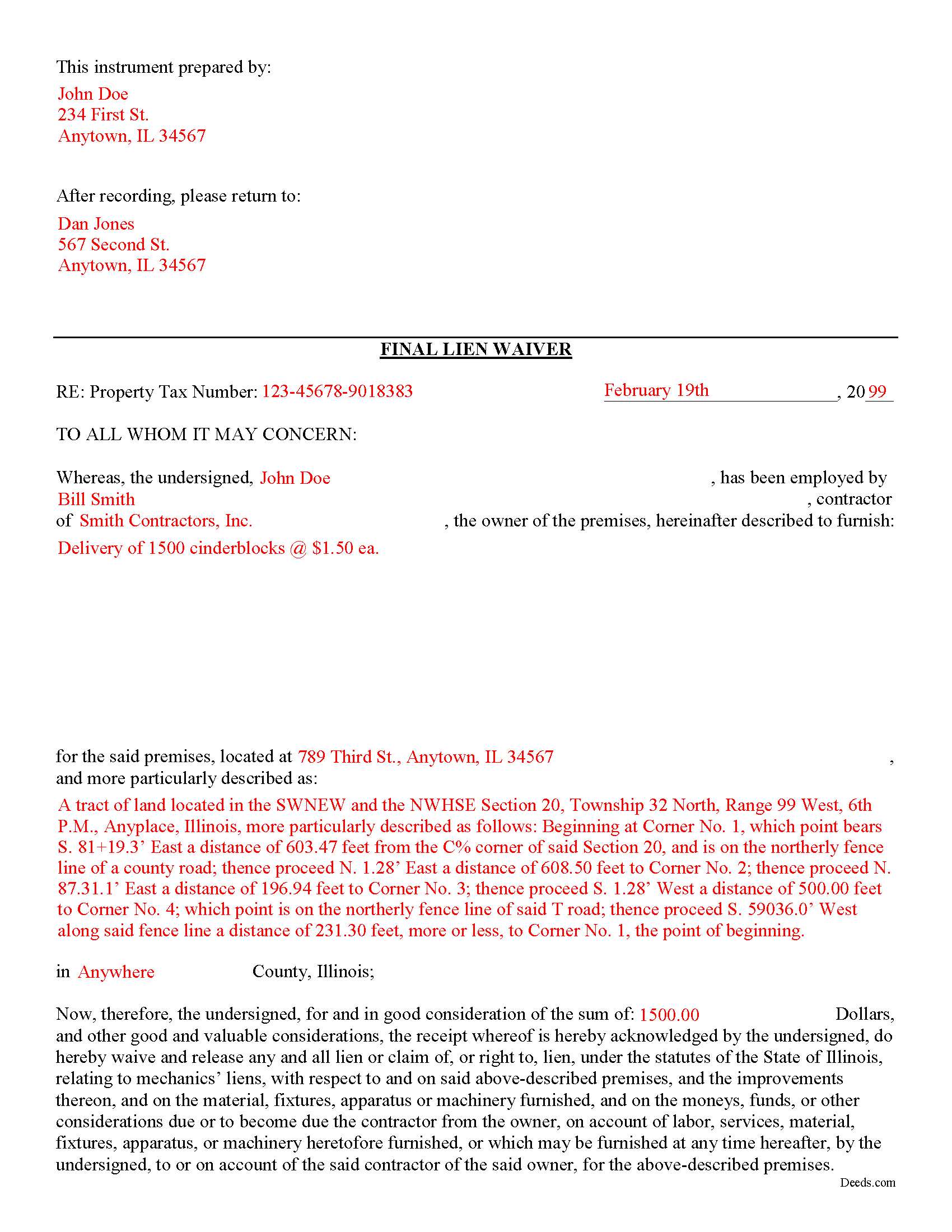
Boone County Completed Example of the Subcontractor Final Waiver and Release of Lien Document
Example of a properly completed form for reference.
All 3 documents above included • One-time purchase • No recurring fees
Immediate Download • Secure Checkout
Additional Illinois and Boone County documents included at no extra charge:
Where to Record Your Documents
Boone County Clerk/Recorder
Belvidere, Illinois 61008
Hours: 8:30 to 5:00 M-F
Phone: (815) 544-3103
Recording Tips for Boone County:
- Bring your driver's license or state-issued photo ID
- Ensure all signatures are in blue or black ink
- Documents must be on 8.5 x 11 inch white paper
- Double-check legal descriptions match your existing deed
- Verify all names are spelled correctly before recording
Cities and Jurisdictions in Boone County
Properties in any of these areas use Boone County forms:
- Belvidere
- Caledonia
- Capron
- Garden Prairie
- Poplar Grove
Hours, fees, requirements, and more for Boone County
How do I get my forms?
Forms are available for immediate download after payment. The Boone County forms will be in your account ready to download to your computer. An account is created for you during checkout if you don't have one. Forms are NOT emailed.
Are these forms guaranteed to be recordable in Boone County?
Yes. Our form blanks are guaranteed to meet or exceed the applicable formatting requirements used for recording in Boone County, including margin requirements, font requirements, and other layout standards. This guarantee applies to formatting, not to the legal sufficiency of information entered by the user or the suitability of a form for a particular transaction.
Can I reuse these forms?
Yes. You can reuse the forms for your personal use. For example, if you have multiple properties in Boone County you only need to order once.
What do I need to use these forms?
The forms are PDFs that you fill out on your computer. The free Adobe Acrobat Reader is recommended, and most PDF apps also work. You do NOT enter your property information online - you download the blank forms and complete them privately on your own computer.
Are there any recurring fees?
No. This is a one-time purchase. Nothing to cancel, no memberships, no recurring fees.
How much does it cost to record in Boone County?
Recording fees in Boone County vary. Contact the recorder's office at (815) 544-3103 for current fees.
Questions answered? Let's get started!
Illinois Subcontractor's Final Waiver and Release of Mechanic's Lien
Under 770 ILCS 60, Illinois' Mechanic's Lien act, lien waivers are used between a contractor (including a sub or general) and a property owner to induce or encourage final or partial payments in exchange for forfeiting the claimant's right to a mechanic's lien.
Use the Final Lien Waiver after the confirmed final payment on an outstanding mechanic's lien. A subcontractor signs this form and provides to the owner and/or prime contractor in exchange for final payment on the job.
Contact an attorney with questions about the Subcontractor's Final Waiver and Release, or with any other issues related to mechanic's liens in Illinois.
Important: Your property must be located in Boone County to use these forms. Documents should be recorded at the county recording office listed above.
This Subcontractor Final Waiver and Release of Lien meets all recording requirements specific to Boone County.
Our Promise
The documents you receive here are guaranteed to meet or exceed the applicable Boone County recording format requirements. If there is a rejection caused by our formatting, we will correct the issue or refund your payment. This guarantee applies to document formatting only and does not extend to information entered by the user, the selection of the form, or the legal effect of the completed document.
Save Time and Money
Get your Boone County Subcontractor Final Waiver and Release of Lien form done right the first time with Deeds.com Uniform Conveyancing Blanks. At Deeds.com, we understand that your time and money are valuable resources, and we don't want you to face a penalty fee or rejection imposed by a county recorder for submitting nonstandard documents. We constantly review and update our forms to meet rapidly changing state and county recording requirements for roughly 3,500 counties and local jurisdictions.
4.8 out of 5 - ( 4,828 Reviews )
Theresa S. 5 out of 5 stars
So far everything ive had to do is very simple and easy. Thanks
Thank you for your kind words and for choosing us.
Cynthia S. 4 out of 5 stars
Good find, provides guide to use.
We appreciate your business and value your feedback. Thank you. Have a wonderful day!
Richard A. 5 out of 5 stars
Great product. It would be better if the document files were not embedded within other files. It made downloading a little confusing. The titles of the forms did not match exactly word for word, which required a lot of back and forth to make sure I had downloaded the proper document. What would be great is if once you download a document, the hyperlink changed color, or somehow denoted the document had been downloaded. Just a suggestion. You have my email address if you have questions. STILL! Five stars for you guys. I would not let that hiccup dissuade me from buying any form package from you guys. Thanks!
Thank you for your feedback. We really appreciate it. Have a great day!
Donald T. 5 out of 5 stars
very user friendly. includes an example you can reference, and explanation of terms, which helps greatly in understanding.
Thank you!
Anna C. 4 out of 5 stars
While I don't know if my filing will be accepted which is the penultimate test, I was happy with the product.
Thank you!
raymond w. 5 out of 5 stars
answeed many questions I had.
Thank you!
April L. 5 out of 5 stars
The warranty deed forms I received worked fine.
Thank you!
Kaleigh S. 5 out of 5 stars
I used Deeds.com to record two judgments with the County Recorder's Office. The site was very easy to use and I had my recorded copies back the very next day. I highly recommend their service!
We appreciate your business and value your feedback. Thank you. Have a wonderful day!
Marcia D. 5 out of 5 stars
Excellent... This website was awesome. Exactly what I was looking for.
Thank you!
Deborah C. 5 out of 5 stars
Good organization and guidance.
Thank you!
Ronnie W T. 5 out of 5 stars
Very fast and efficient as soon as we paid for the document, it was downloaded to us immediately.
We appreciate your business and value your feedback. Thank you. Have a wonderful day!
David L. 5 out of 5 stars
Deeds.com makes recording quick and easier than driving a half an hour each way and needing to leave home! The fees are reasonable for the convenience, and while Covid is closing doors. Dave
Thank you!
Stephen E. 5 out of 5 stars
Thank you for your great response on my needs. In less than 24 hours I had my documents in hand as needed. Looking forward to working with Deeds.com again. Steve Esler
Thank you for your feedback Steve, glad we could help.
Lori F. 5 out of 5 stars
That was easy!
Thank you for your feedback. We really appreciate it. Have a great day!
Susan G. 5 out of 5 stars
I was pleased with the example of a completed beneficiary deed and instructions. It made filling out the deed very easy.
Thank you!