Mcdonough County Transfer on Death Instrument (Trust Beneficiary) Form
Last validated October 23, 2026 by our Forms Development TeamFormatted for recording in Mcdonough County, for property anywhere in the county: rural and unincorporated areas as well as Adair, Bardolph, Blandinsville, Bushnell, Colchester, Good Hope, Industry, Macomb and 3 more.
- 3 documents included
- Immediate PDF download
- Formatting guarantee
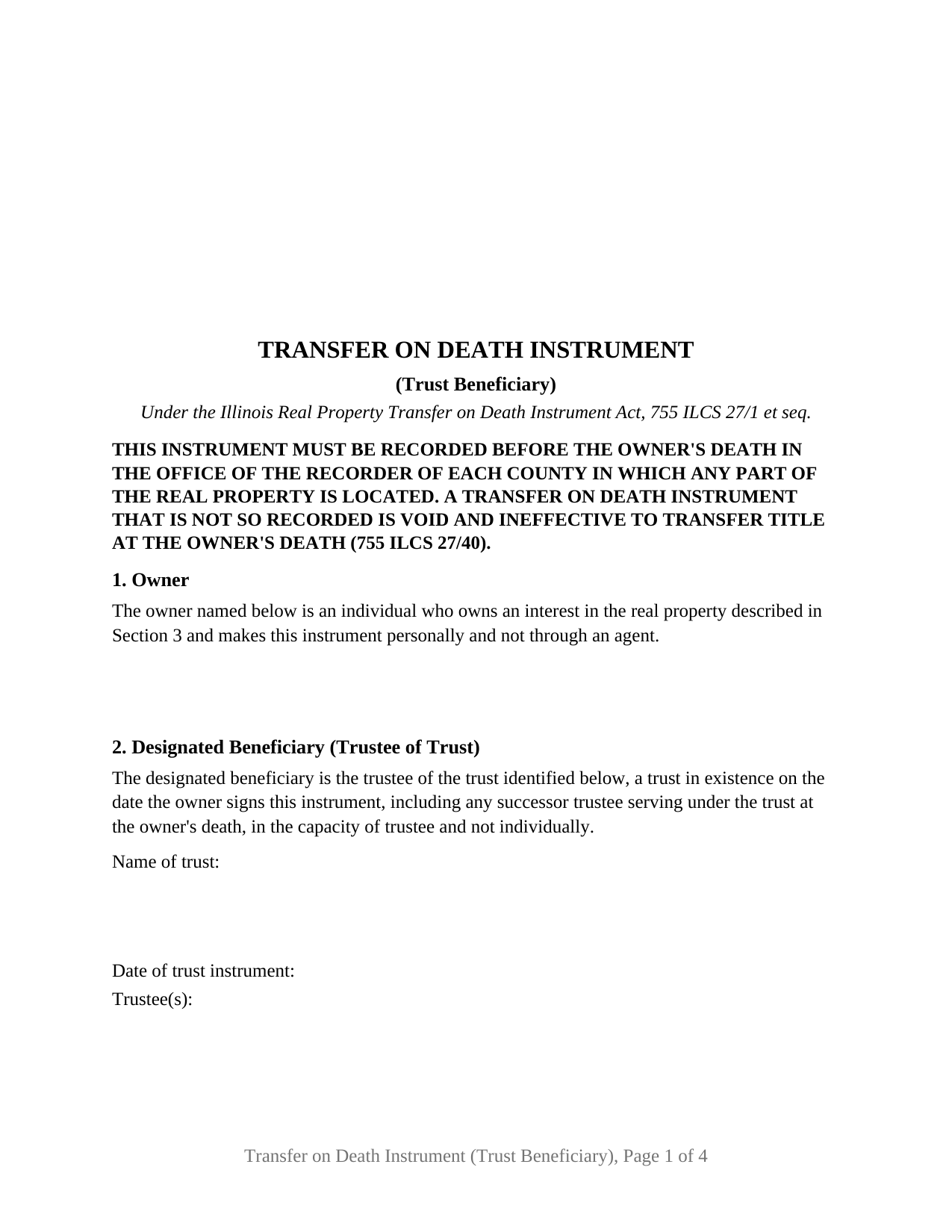
Mcdonough County Transfer on Death Instrument (Trust Beneficiary) Form
Fill in the blank Transfer on Death Instrument (Trust Beneficiary) form formatted to comply with all Illinois recording and content requirements.
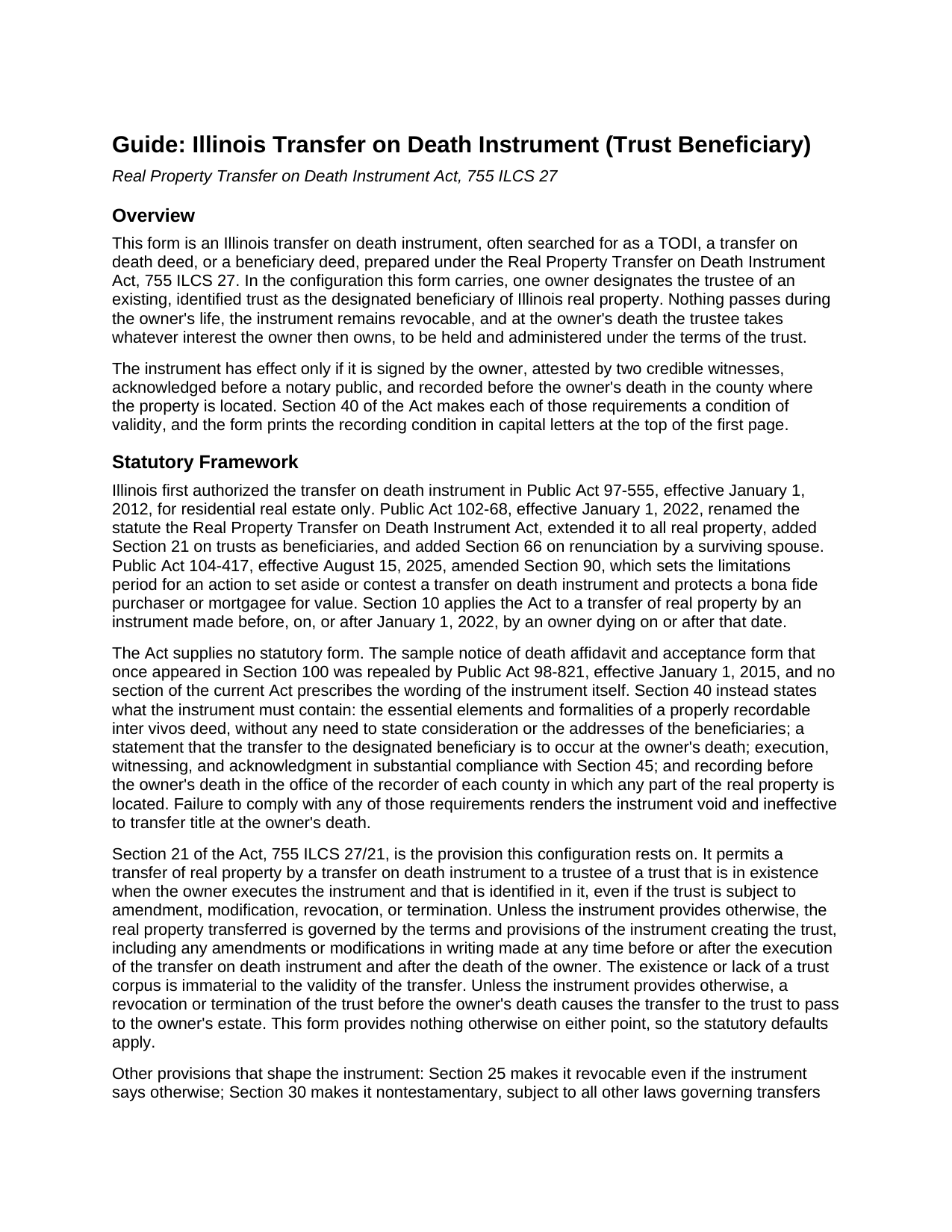
Mcdonough County Transfer on Death Instrument (Trust Beneficiary) Guide
Line by line guide explaining every blank on the Transfer on Death Instrument (Trust Beneficiary) form.
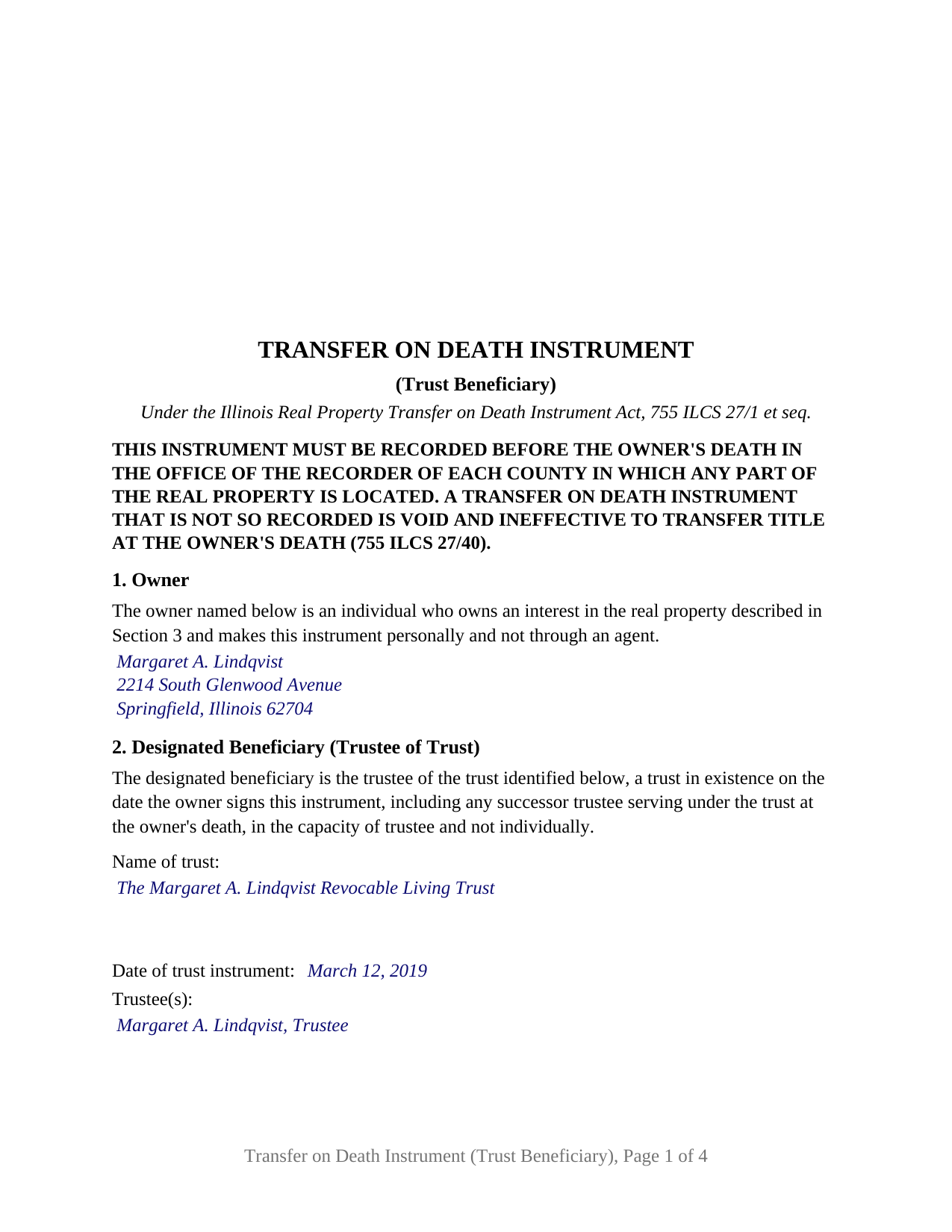
Mcdonough County Completed Example of the Transfer on Death Instrument (Trust Beneficiary) Document
Example of a properly completed Illinois Transfer on Death Instrument (Trust Beneficiary) document for reference.
All 3 documents above included • One-time purchase • No recurring fees
Immediate Download • Secure Checkout
Additional Illinois and Mcdonough County documents included at no extra charge:
Where to Record Your Documents
McDonough County Clerk/Recorder
Macomb, Illinois 61455
Hours: 8:00 to 4:00 M-F
Phone: (309) 833-2474
Recording Tips for Mcdonough County:
- Bring your driver's license or state-issued photo ID
- Ensure all signatures are in blue or black ink
- Ask about accepted payment methods when you call ahead
- Ask for certified copies if you need them for other transactions
- Ask if they accept credit cards - many offices are cash/check only
Cities and Jurisdictions in Mcdonough County
Properties in any of these areas use Mcdonough County forms:
- Adair
- Bardolph
- Blandinsville
- Bushnell
- Colchester
- Good Hope
- Industry
- Macomb
- Prairie City
- Sciota
- Tennessee
Hours, fees, requirements, and more for Mcdonough County
How do I get my forms?
Forms are available for immediate download after payment. The Mcdonough County forms will be in your account ready to download to your computer. An account is created for you during checkout if you don't have one. Forms are NOT emailed.
Are these forms guaranteed to be recordable in Mcdonough County?
Yes. Our form blanks are guaranteed to meet or exceed the applicable formatting requirements used for recording in Mcdonough County, including margin requirements, font requirements, and other layout standards. This guarantee applies to formatting, not to the legal sufficiency of information entered by the user or the suitability of a form for a particular transaction.
Can I reuse these forms?
Yes. You can reuse the forms for your personal use. For example, if you have multiple properties in Mcdonough County you only need to order once.
What do I need to use these forms?
The forms are PDFs that you fill out on your computer. The free Adobe Acrobat Reader is recommended, and most PDF apps also work. You do NOT enter your property information online - you download the blank forms and complete them privately on your own computer.
Are there any recurring fees?
No. This is a one-time purchase. Nothing to cancel, no memberships, no recurring fees.
How much does it cost to record in Mcdonough County?
Recording fees in Mcdonough County vary. Contact the recorder's office at (309) 833-2474 for current fees.
Questions answered? Let's get started!
An Illinois transfer on death instrument, the TODI, can name a trust instead of a person. This form prepares the trust beneficiary configuration under the Real Property Transfer on Death Instrument Act, 755 ILCS 27: one owner of Illinois real property designates the trustee of an existing, identified trust as the designated beneficiary, so that at the owner's death the property passes to the trust without probate. The owner keeps full title for life, and the instrument stays revocable until death.
A deed that waits for death and then follows the trust
Section 21 of the Act, added by Public Act 102-68 effective January 1, 2022, permits a transfer by transfer on death instrument to a trustee of a trust that is in existence when the owner executes the instrument and that is identified in it, even if the trust is subject to amendment, modification, revocation, or termination. Unless the instrument provides otherwise, the real property transferred is governed by the terms of the trust instrument, including later amendments. The form carries no provision otherwise, so those statutory rules apply as written, and if the trust is revoked or terminated before the owner's death, the Act sends the transfer to the owner's estate.
The pattern Illinois practice most often presents is the revocable living trust: the house stays titled in the owner's own name during life, and the trust receives it at death through a recorded instrument rather than a probate proceeding. The form identifies the trust by name, date, and trustee, and its fixed recital reaches any successor trustee serving at the owner's death, in the capacity of trustee and not individually.
Two witnesses, one notary, and a recording deadline
Illinois sets stricter signing formalities for a transfer on death instrument than for an ordinary deed. Section 45 requires the owner's signature, attestation in writing by two credible witnesses, and acknowledgment of the owner's and the witnesses' signatures in front of a notary public, and an instrument without two witnesses is void. The form prints the three-part attestation the statute describes, two witness signature blocks, and a single acknowledgment certificate in the short form of the Illinois Notary Public Act naming the owner and both witnesses. Section 45(c) addresses a witness who is a beneficiary or a beneficiary's spouse, and the guide explains why the trustee and the trustee's spouse sit outside the witness pool.
Recording is a condition of validity, not a formality. Section 40 requires the instrument to be recorded before the owner's death in the office of the recorder of each county in which any part of the property lies, and an instrument that is not so recorded is void and ineffective to transfer title. The form prints that condition in capital letters at the top of its first page. Revocation follows the same path: only a later recorded instrument, executed and witnessed the same way and acknowledged after the original, revokes it; a will or an unrecorded paper does not.
What this configuration recites
The form recites exactly one owner, an individual who owns an interest in the property and signs personally; under Section 35 an agent under a power of attorney has no authority to make one. It recites one designated beneficiary, the trustee of the trust identified in Section 2, and no alternate beneficiaries or share provisions, because the trust takes the whole of the owner's interest and the trust instrument then governs. The owner's marital status is not recited; a married owner and an unmarried owner complete the same blank, and the guide describes the surviving spouse's renunciation right under Section 66, the homestead continuation of 735 ILCS 5/12-902, and the joint owner rules of Section 70. Two owners on one instrument, individual or entity beneficiaries, and a trust created inside the instrument or under a will present different patterns from the one this form recites.
The instrument also carries the preparer statement of 55 ILCS 5/3-5022, the return address, the tax-bill endorsement of 765 ILCS 5/35c, and a transfer tax exemption statement under 35 ILCS 200/31-45, formatted to the statewide standards of 55 ILCS 5/3-5018.2.
The package includes the fillable form, a completed example filled in for a Sangamon County fact pattern in which the owner names her own revocable living trust, and the guide that walks through every section, the signing formalities, and the recording process. This description and the guide describe the form and the governing statutes in general terms; they are not legal advice.
Important: Your property must be located in Mcdonough County to use these forms. Documents should be recorded at the county recording office listed above.
This Transfer on Death Instrument (Trust Beneficiary) meets all recording requirements specific to Mcdonough County.
Our Promise
The documents you receive here are guaranteed to meet or exceed the applicable Mcdonough County recording format requirements. If there is a rejection caused by our formatting, we will correct the issue or refund your payment. This guarantee applies to document formatting only and does not extend to information entered by the user, the selection of the form, or the legal effect of the completed document.
Save Time and Money
Get your Mcdonough County Transfer on Death Instrument (Trust Beneficiary) form done right the first time with Deeds.com Uniform Conveyancing Blanks. At Deeds.com, we understand that your time and money are valuable resources, and we don't want you to face a penalty fee or rejection imposed by a county recorder for submitting nonstandard documents. We constantly review and update our forms to meet rapidly changing state and county recording requirements for roughly 3,500 counties and local jurisdictions.
4.8 out of 5 - ( 4,830 Reviews )
Susan M. 5 out of 5 stars
It was easy to use and clear directions.
Thank you!
Elizabeth H. 5 out of 5 stars
You had just what I was looking for. It was explained well and easy to find. Will recommend you.
We appreciate your business and value your feedback. Thank you. Have a wonderful day!
Lorraine F. 2 out of 5 stars
I followed the instructions to download the form for my Mac, typed in the legal description of the real property but the space provided for it would not expand so I just typed the form into Word as a document. While I appreciate having the form to work with it would have been a breeze if it worked properly.
Your insights are invaluable to us and help us strive for better service. Thank you for taking the time to share your thoughts.
ROBERT P. 5 out of 5 stars
Got what I needed
Thank you!
ANTHONY W. 5 out of 5 stars
It's been extremely easy to communicate across this platform.
Thank you!
Liza B. 5 out of 5 stars
Fantastic forms and service, could not be happier, wish you girls did more than deed forms.
Thank you!
Lynn B. 5 out of 5 stars
Their customer service is impressive to say the least. I sent them an email and I received a response that the issue had been resolved in under an hour. They even apologized for the inconvenience. I haven't used the forms I purchased yet but if they are anything like their Customer service, I know I will be extremely satisfied with my purchase. I will definitely return here for ALL my needs they can provide for in the future.
Thank you for your feedback. We really appreciate it. Have a great day!
Joyce D. 5 out of 5 stars
Good after I figured out the form process. Hopefully I won't be charged for two as I redid the request thinking I might have made a mistake in the first request.
Thank you for your feedback Joyce. We have reviewed your account and there have been no duplicate orders submitted. Have a great day!
Beverly H. 5 out of 5 stars
Thanks!!
Thank you!
Harry S. 5 out of 5 stars
This is my first time using the service. Wow! How efficient and effortless! Keep up the good work!
Thank you!
Rhonda D. 3 out of 5 stars
The boxes do not allow you to add the entire information. The after recording return to box would not let me add a zipcode.
Thanks for the feedback Rhonda, we’ll take a look at that input field.
MIchael T. 5 out of 5 stars
very helpful in a trouble free manner.
Thank you!
PAMELA D. 5 out of 5 stars
great response!! Thank you
Thank you!
Kevin V. 5 out of 5 stars
This is an option for recording that worked flawlessly with my county government. Given Covid19 has closed county offices to the public as well as the personal kiosks options to record shrunk dramatically. I recommend Deeds.Com for your recording needs.
Thank you for your feedback. We really appreciate it. Have a great day!
Jeffery W. 5 out of 5 stars
Great service!
Thank you!