Lee County Trustee Deed Form
Last validated October 6, 2026 by our Forms Development TeamFormatted for recording in Lee County, for property anywhere in the county: rural and unincorporated areas as well as Amboy, Ashton, Compton, Dixon, Eldena, Franklin Grove, Harmon, Lee and 6 more.
- 3 documents included
- Immediate PDF download
- Formatting guarantee
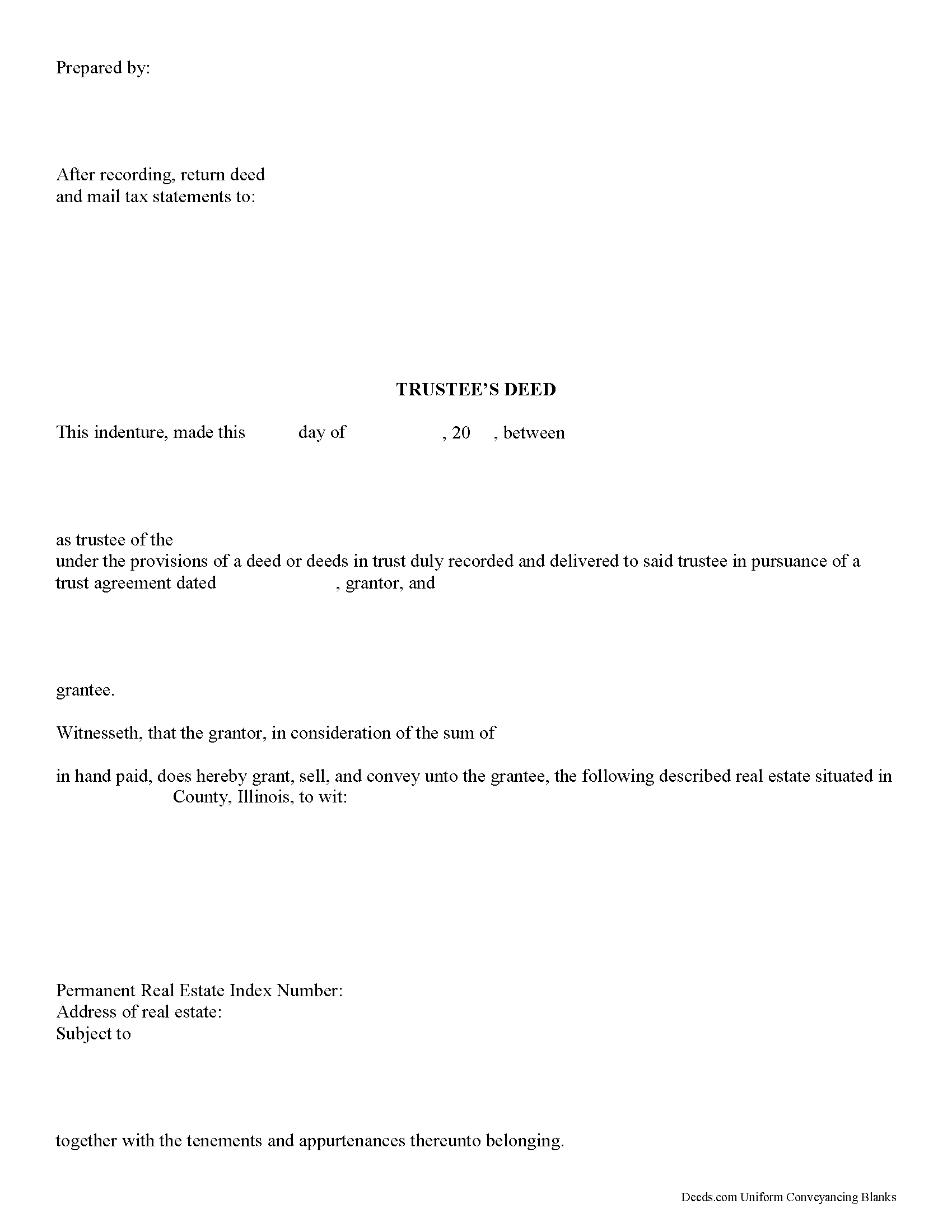
Lee County Trustee Deed Form
Fill in the blank form formatted to comply with all recording and content requirements.
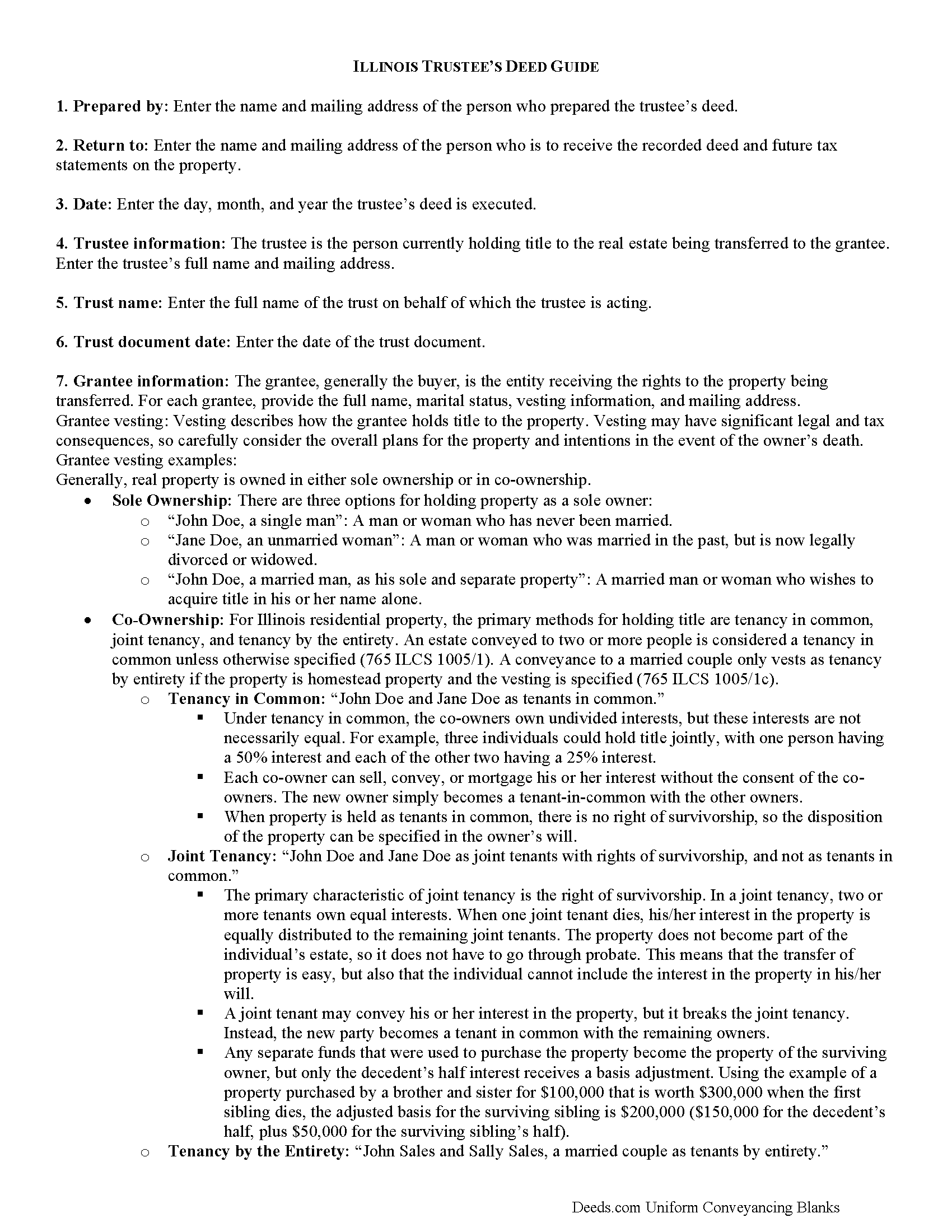
Lee County Trustee Deed Guide
Line by line guide explaining every blank on the form.
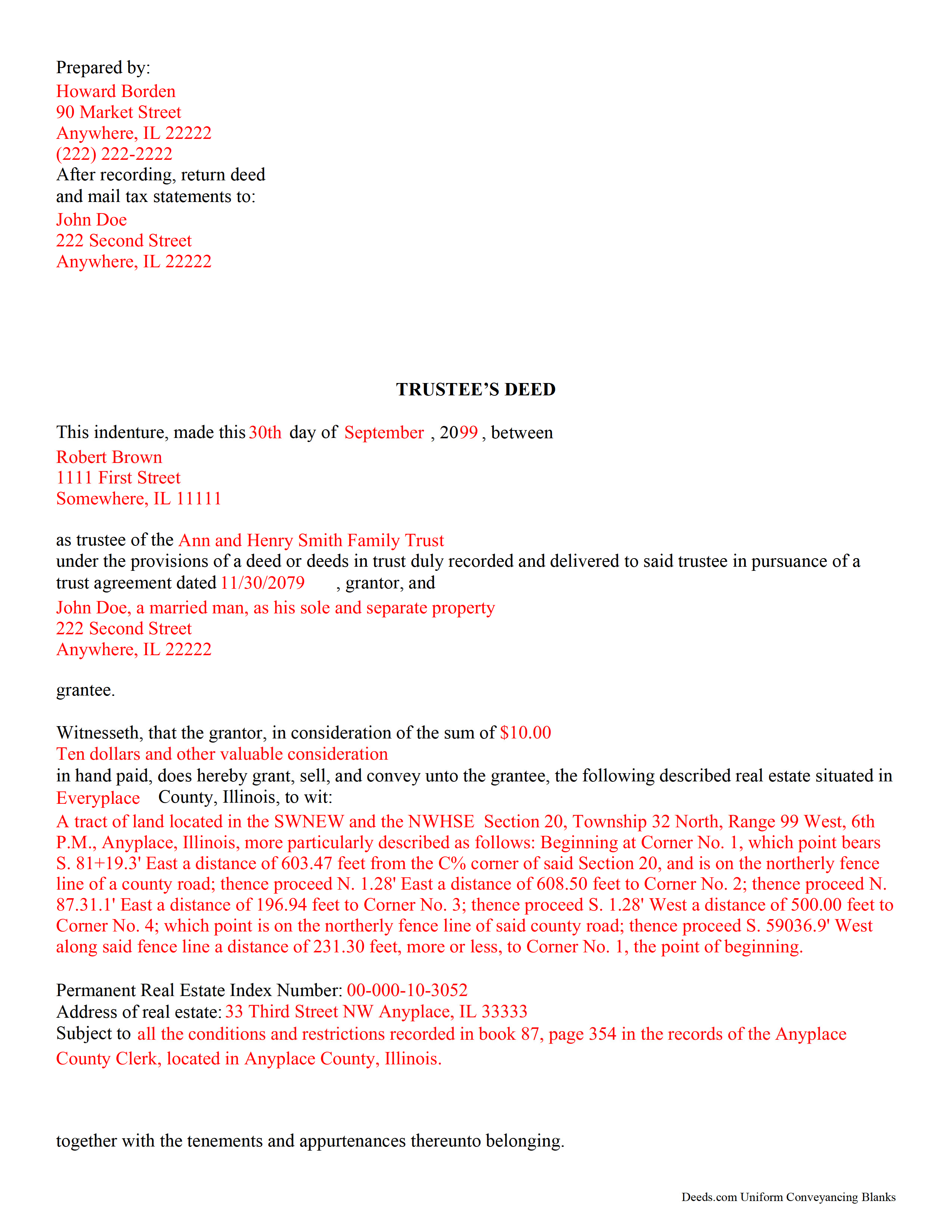
Lee County Completed Example of the Trustee Deed Document
Example of a properly completed form for reference.
All 3 documents above included • One-time purchase • No recurring fees
Immediate Download • Secure Checkout
Additional Illinois and Lee County documents included at no extra charge:
Where to Record Your Documents
Lee County Clerk/Recorder
Dixon, Illinois 61021
Hours: 8:00 to 4:30 Monday through Friday
Phone: (815) 288-3309
Recording Tips for Lee County:
- Bring your driver's license or state-issued photo ID
- Ensure all signatures are in blue or black ink
- Make copies of your documents before recording - keep originals safe
- Recorded documents become public record - avoid including SSNs
- Recording fees may differ from what's posted online - verify current rates
Cities and Jurisdictions in Lee County
Properties in any of these areas use Lee County forms:
- Amboy
- Ashton
- Compton
- Dixon
- Eldena
- Franklin Grove
- Harmon
- Lee
- Lee Center
- Nachusa
- Paw Paw
- Steward
- Sublette
- West Brooklyn
Hours, fees, requirements, and more for Lee County
How do I get my forms?
Forms are available for immediate download after payment. The Lee County forms will be in your account ready to download to your computer. An account is created for you during checkout if you don't have one. Forms are NOT emailed.
Are these forms guaranteed to be recordable in Lee County?
Yes. Our form blanks are guaranteed to meet or exceed the applicable formatting requirements used for recording in Lee County, including margin requirements, font requirements, and other layout standards. This guarantee applies to formatting, not to the legal sufficiency of information entered by the user or the suitability of a form for a particular transaction.
Can I reuse these forms?
Yes. You can reuse the forms for your personal use. For example, if you have multiple properties in Lee County you only need to order once.
What do I need to use these forms?
The forms are PDFs that you fill out on your computer. The free Adobe Acrobat Reader is recommended, and most PDF apps also work. You do NOT enter your property information online - you download the blank forms and complete them privately on your own computer.
Are there any recurring fees?
No. This is a one-time purchase. Nothing to cancel, no memberships, no recurring fees.
How much does it cost to record in Lee County?
Recording fees in Lee County vary. Contact the recorder's office at (815) 288-3309 for current fees.
Questions answered? Let's get started!
In Illinois, a trustee's deed is used to transfer real property out of a trust. The deed is named for the person executing it -- the trustee. According to Black's Law Dictionary, 8th ed., a trustee is someone who, having legal title to property, holds it in trust for the benefit of another and owes a fiduciary duty to that beneficiary. A fiduciary is someone who must exercise a high standard of care in managing another's money or property.
The trustee's deed establishes basic information about the trust, such as the name and date of the trust document. The trustee serves as the grantor in the deed, and transfers the title into the grantee's name. As with all other conveyances of real property, the deed requires a legal description of the property being conveyed, as well as a Property Identification Number (PIN) and commonly known address. For a valid transfer, the trustee must sign the deed in the presence of a notary, who confirms (notarizes) the signature.
(Illinois Trustee Deed Package includes form, guidelines, and completed example)
Important: Your property must be located in Lee County to use these forms. Documents should be recorded at the county recording office listed above.
This Trustee Deed meets all recording requirements specific to Lee County.
Our Promise
The documents you receive here are guaranteed to meet or exceed the applicable Lee County recording format requirements. If there is a rejection caused by our formatting, we will correct the issue or refund your payment. This guarantee applies to document formatting only and does not extend to information entered by the user, the selection of the form, or the legal effect of the completed document.
Save Time and Money
Get your Lee County Trustee Deed form done right the first time with Deeds.com Uniform Conveyancing Blanks. At Deeds.com, we understand that your time and money are valuable resources, and we don't want you to face a penalty fee or rejection imposed by a county recorder for submitting nonstandard documents. We constantly review and update our forms to meet rapidly changing state and county recording requirements for roughly 3,500 counties and local jurisdictions.
4.8 out of 5 - ( 4,828 Reviews )
Robert T. 5 out of 5 stars
Perfect. Downloaded the forms with no issues, filled them out, had them notarized and recorded all in just a few hours (most of that time was spent at the recorder's office). Highly recommend.
Thank you for your feedback. We really appreciate it. Have a great day!
Prentis T. 5 out of 5 stars
So far so good
Thank you for your feedback. We really appreciate it. Have a great day!
Teri B. 5 out of 5 stars
Glad to have all of the helpful extra information, even though they don't answer all questions for all situations. So, I accessed public records and asked questions at the auditor's office. Also, on my Mac computer, filling out the actual deed form is a challenge because the screen jumps to the last page everytime I try to type a few letters or hit the return key, so I'm rollling back up to the first 2 pages after most keystrokes. A bit annoying. Overall, happy to have these form options are available! There is really no need to wait and pay for an attorney when all the information needed is available via public records. Fill in the blanks!
Thanks so much for the feedback Teri. There are known issues between Adobe and Mac, we try to work around them as much as possible. Have a wonderful day!
Patricia C. 4 out of 5 stars
I found there were a large number of documents available to download. The file naming on the PDFs could be more descriptive, and it would be nice to be able to download a complete set with one click.
Thank you for your feedback. We really appreciate it. Have a great day!
Alfred M. 5 out of 5 stars
It was a simple process and easily understood the process was seamless and I would highly recommend this to anyone looking to do this.
Thank you for your feedback. We really appreciate it. Have a great day!
Katherin K. 4 out of 5 stars
Helpful, but some of the blanks aren't large enough, particularly when the grantor is an affiant under a small estate affidavit, and that's the reason for $0 consideration.
Thanks, Katherin — we appreciate the helpful feedback. We’re reviewing the blank sizing and ways to better support small estate affidavit situations, including explanations for $0 consideration.
Adam P. 5 out of 5 stars
So far so good I am happy with the service and the timeliness of the recordings. One of the only recording services that allows for the use of credit card.
Thank you for your feedback. We really appreciate it. Have a great day!
Tom L. 5 out of 5 stars
An excellent service that I would be happy to use again.
Thank you for your feedback. We really appreciate it. Have a great day!
Kimberly H. 5 out of 5 stars
Very fast and easy to use!
Thank you Kimberly. Have a fantastic day.
Yvonne W. 4 out of 5 stars
I'm not certain yet that this is all I need to do what I need to do. Marion Co. Clerk's office has not been helpful. I found this site from that site & hopefully it will help.
Thanks for the feedback Yvonne. We hope you found what you needed. Have a wonderful day!
Ronnie W T. 5 out of 5 stars
Very fast and efficient as soon as we paid for the document, it was downloaded to us immediately.
We appreciate your business and value your feedback. Thank you. Have a wonderful day!
Rosanne E. 5 out of 5 stars
Excellent response and all went well with downloading documents. Thank you for offering this important service.
We appreciate your business and value your feedback. Thank you. Have a wonderful day!
Elexis C. 5 out of 5 stars
Easy, fast & amazing descriptions of all forms needed.
Thank you!
Leesa N. 5 out of 5 stars
Easy, Fast, Inexpensive and Responsive!
We appreciate your business and value your feedback. Thank you. Have a wonderful day!
Susan B. 5 out of 5 stars
This package of documents from Deeds.com has been extremely helpful, particularly for one who has never needed this kind of service before and is unfamiliar with legal documents in general. It is well worth the price; I would recommend this company to anyone needing help with legal documents and information.
We appreciate your business and value your feedback. Thank you. Have a wonderful day!