Miami County Affidavit of Surviving Spouse Form
Last validated October 20, 2026 by our Forms Development TeamFormatted for recording in Miami County, for property anywhere in the county: rural and unincorporated areas as well as Amboy, Bunker Hill, Converse, Deedsville, Denver, Grissom Arb, Macy, Mexico and 2 more.
- 3 documents included
- Immediate PDF download
- Formatting guarantee
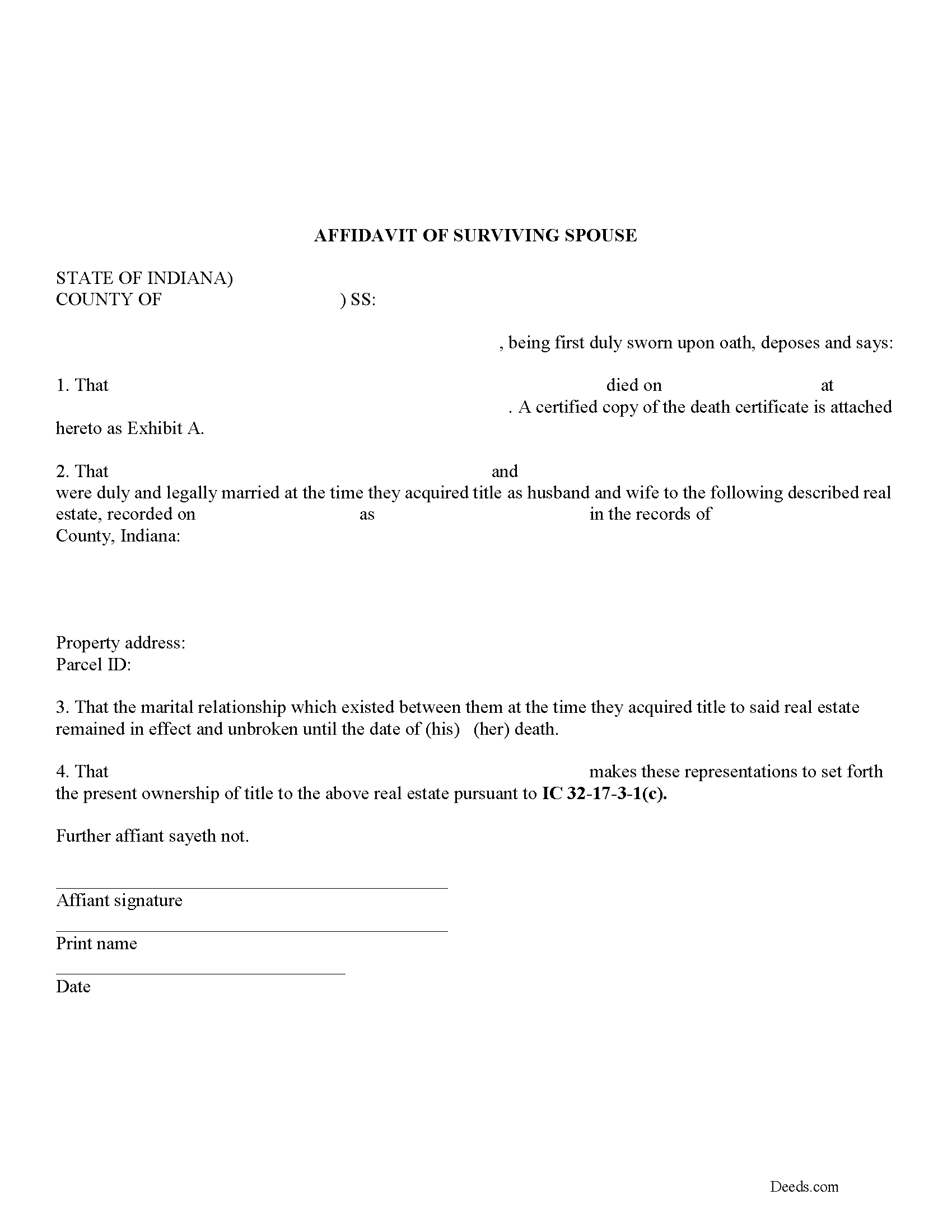
Miami County Affidavit of Surviving Spouse Form
Fill in the blank form formatted to comply with all recording and content requirements.
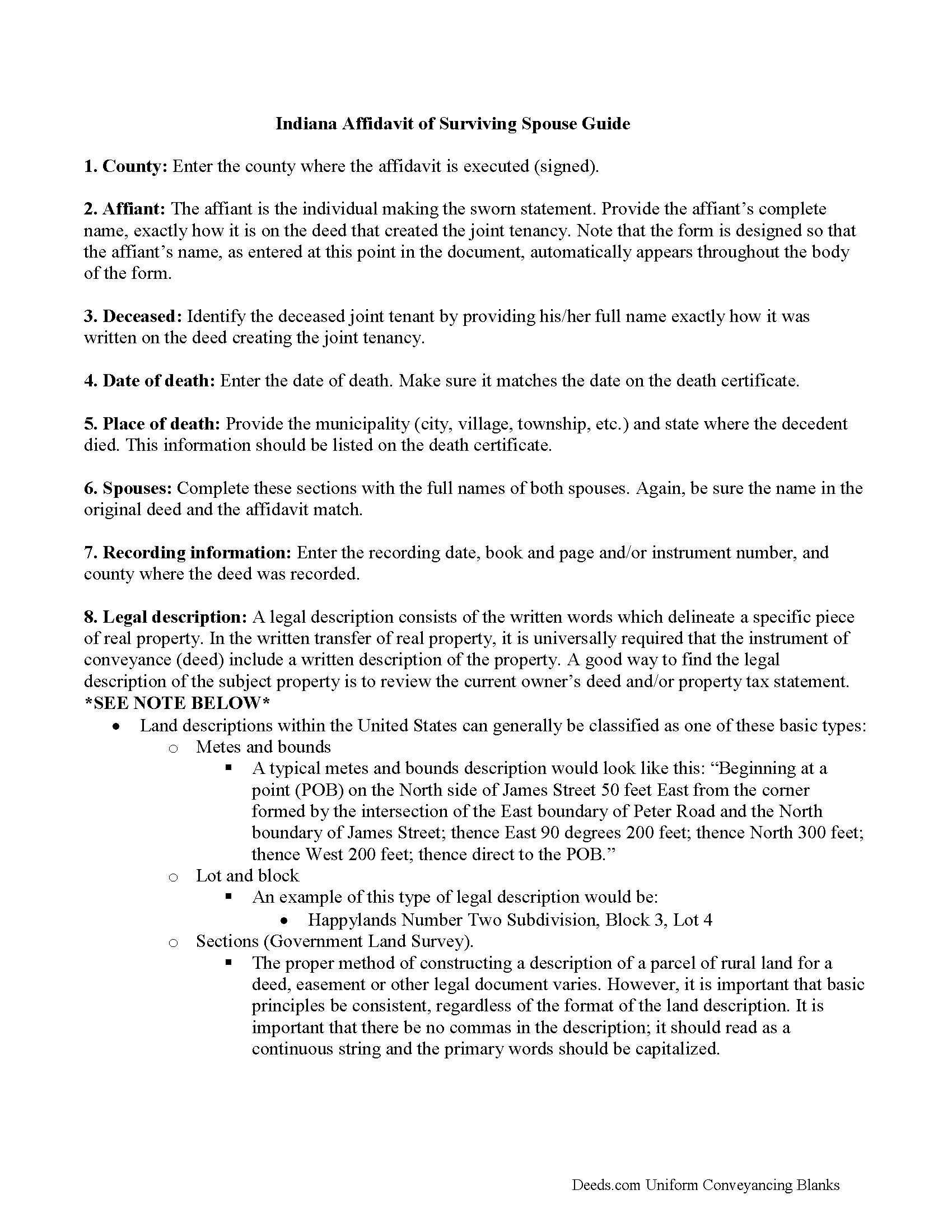
Miami County Affidavit of Surviving Spouse Guide
Line by line guide explaining every blank on the form.
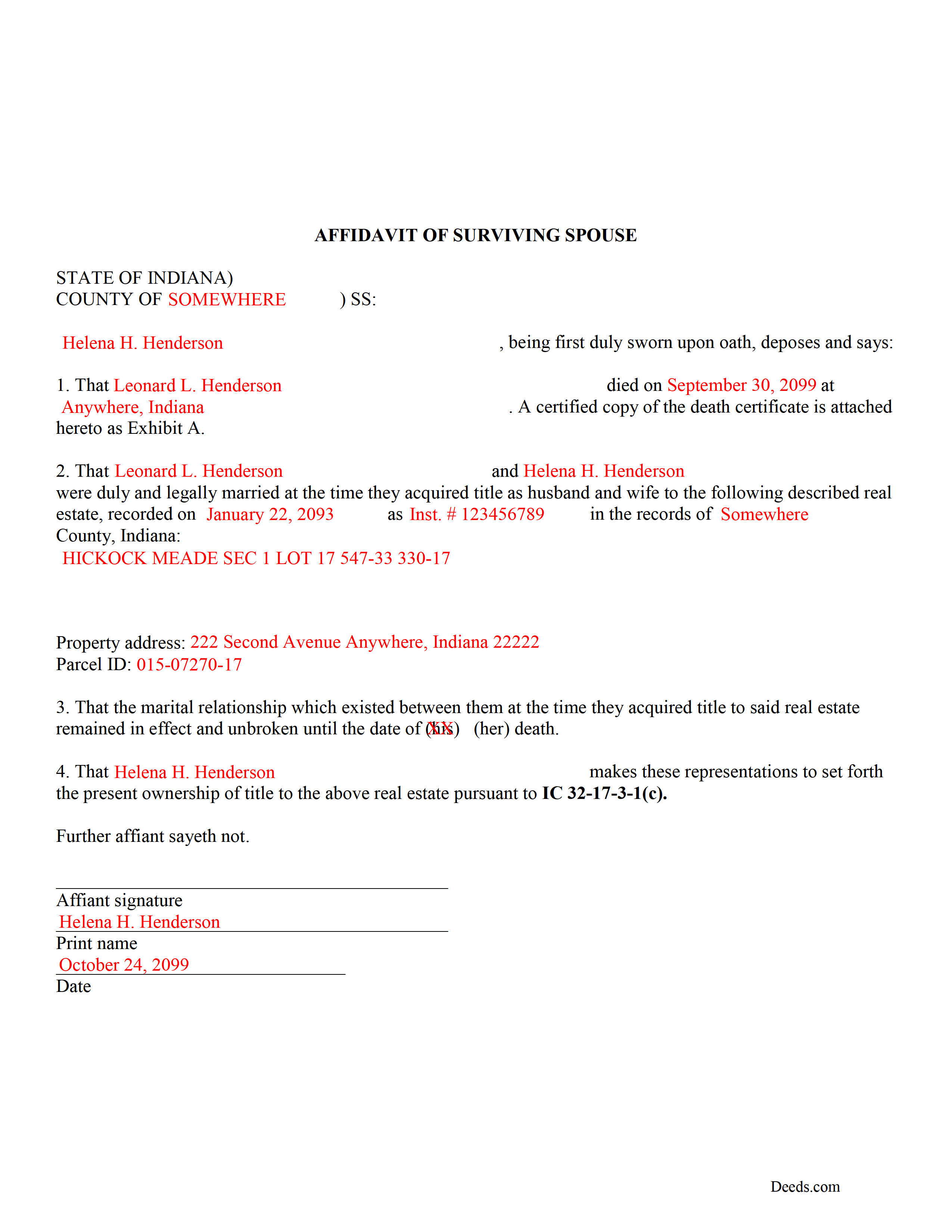
Miami County Completed Example of the Affidavit of Surviving Spouse Document
Example of a properly completed form for reference.
All 3 documents above included • One-time purchase • No recurring fees
Immediate Download • Secure Checkout
Additional Indiana and Miami County documents included at no extra charge:
Where to Record Your Documents
Miami County Recorder
Peru, Indiana 46970
Hours: 8:00 to 4:00 Monday through Friday / Recording until 3:30
Phone: (765) 472-3901 x224
Recording Tips for Miami County:
- Bring your driver's license or state-issued photo ID
- Ensure all signatures are in blue or black ink
- Recording fees may differ from what's posted online - verify current rates
- Request a receipt showing your recording numbers
- Ask about accepted payment methods when you call ahead
Cities and Jurisdictions in Miami County
Properties in any of these areas use Miami County forms:
- Amboy
- Bunker Hill
- Converse
- Deedsville
- Denver
- Grissom Arb
- Macy
- Mexico
- Miami
- Peru
Hours, fees, requirements, and more for Miami County
How do I get my forms?
Forms are available for immediate download after payment. The Miami County forms will be in your account ready to download to your computer. An account is created for you during checkout if you don't have one. Forms are NOT emailed.
Are these forms guaranteed to be recordable in Miami County?
Yes. Our form blanks are guaranteed to meet or exceed the applicable formatting requirements used for recording in Miami County, including margin requirements, font requirements, and other layout standards. This guarantee applies to formatting, not to the legal sufficiency of information entered by the user or the suitability of a form for a particular transaction.
Can I reuse these forms?
Yes. You can reuse the forms for your personal use. For example, if you have multiple properties in Miami County you only need to order once.
What do I need to use these forms?
The forms are PDFs that you fill out on your computer. The free Adobe Acrobat Reader is recommended, and most PDF apps also work. You do NOT enter your property information online - you download the blank forms and complete them privately on your own computer.
Are there any recurring fees?
No. This is a one-time purchase. Nothing to cancel, no memberships, no recurring fees.
How much does it cost to record in Miami County?
Recording fees in Miami County vary. Contact the recorder's office at (765) 472-3901 x224 for current fees.
Questions answered? Let's get started!
Married couples in Indiana may hold title to real estate as tenants by the entireties. This means that when one spouse dies, the other gains full ownership of the property by function of law, and without the need for probate. Use this instrument to formalize the acceptance of ownership rights conveyed when a spouse dies. Complete and sign the affidavit and submit it, along with a certified copy of the decedent's death certificate, to the recorder for the county where the real estate is located.
In order to gain full ownership, the husband or wife submits a completed affidavit of surviving spouse, along with an official copy of the death certificate of the deceased spouse, to the recorder for the county where the land is located.
This does not, however, remove the deceased's name from the deed. To accomplish that, the survivor must execute and record a new deed from the married couple to the remaining spouse only. After completing this final step, the public record and current deed will contain the most up-to-date information.
(Indiana Affidavit of Surviving Spouse Package includes form, guidelines, and completed example)
Important: Your property must be located in Miami County to use these forms. Documents should be recorded at the county recording office listed above.
This Affidavit of Surviving Spouse meets all recording requirements specific to Miami County.
Our Promise
The documents you receive here are guaranteed to meet or exceed the applicable Miami County recording format requirements. If there is a rejection caused by our formatting, we will correct the issue or refund your payment. This guarantee applies to document formatting only and does not extend to information entered by the user, the selection of the form, or the legal effect of the completed document.
Save Time and Money
Get your Miami County Affidavit of Surviving Spouse form done right the first time with Deeds.com Uniform Conveyancing Blanks. At Deeds.com, we understand that your time and money are valuable resources, and we don't want you to face a penalty fee or rejection imposed by a county recorder for submitting nonstandard documents. We constantly review and update our forms to meet rapidly changing state and county recording requirements for roughly 3,500 counties and local jurisdictions.
4.8 out of 5 - ( 4,839 Reviews )
David G. 5 out of 5 stars
Very easy to fill out and understand. Thank You!!
We appreciate your business and value your feedback. Thank you. Have a wonderful day!
Muriel S. 5 out of 5 stars
The three people we dealt with were courteous and helpful.
Thank you!
Dorothy B. 5 out of 5 stars
Love your deed service. Simple and easy.
Thank you!
Michael B. 5 out of 5 stars
It was a breeze to utilize.
Thank you!
Michael S. 5 out of 5 stars
Recording a Warranty Deed with Mohave County AZ was easy and efficient by using Deeds.com. I will be using their service for all of my e-filing going forward. Thank you Deeds.com!!!!
We are delighted to have been of service. Thank you for the positive review!
Marolyn V. 3 out of 5 stars
The booklet is too wordy. Not concise enough for someone who is inexperienced at filling out your form. It would be nice to have a picture example of what you are talking about. When we got to the Registars office we found out they do not have a notary. Would have been nice to know before we went. The form asks for page and book which is no longer needed. So why have it on there?
Thank you, Marolyn, this is useful feedback. A completed sample is actually included with the form, and your note tells us we should make it easier to find and tie it more directly to the instructions, so we'll do that. We'll also add a "before you begin" checklist and a clearer note that the document needs to be notarized in advance, since recording offices don't provide notary service. On the book and page: that reference is required by the Utah statute this affidavit is filed under (§ 57-1-5.1) and still applies to older deeds recorded before counties moved to entry-number-only indexing around 2000. You enter whichever reference appears on your recorded deed and leave the rest blank. Appreciate you taking the time to write in.
Moving Forward V. 5 out of 5 stars
Great Service!
Thank you!
Tracey T. 5 out of 5 stars
Lots of great information. Might need to view it again but found it very helpful!
Thank you!
Linda T. 5 out of 5 stars
The application was extremely easy to use with good instructions. Will definitely use a again.
We appreciate your business and value your feedback. Thank you. Have a wonderful day!
John L. 5 out of 5 stars
Everything worked great. I hope I can get back to the document if I need to make changes. Thanks, John Lazur
Thank you!
Brett T. 5 out of 5 stars
Where have you been my whole life. I will join if I can afford it. Do you have a form for a Private Family Trust Company ....Irrevocable Trust ...Revocable Trust.....send me an email so I will have contact info.
Thank you!
Luis C. 5 out of 5 stars
Excellent forms but the instructions are not to clear.
Thank you for your feedback. We really appreciate it. Have a great day!
Marjorie D. 5 out of 5 stars
Makes recording fast and easy. Great service!
Knowing our customers are happy is our top priority. Thank you for the wonderful feedback!
Dave W. 5 out of 5 stars
Hello, The instructions were clear and easy to navigate. Thanks, Dr. Dave Wayne
We appreciate your business and value your feedback. Thank you. Have a wonderful day!
MARY P. 5 out of 5 stars
Quick easy and reliable. Thank you
Happy we could assist. Thank you for sharing your experience.