Gibson County Correction Deed Form
Last validated October 14, 2026 by our Forms Development TeamFormatted for recording in Gibson County, for property anywhere in the county: rural and unincorporated areas as well as Buckskin, Fort Branch, Francisco, Haubstadt, Hazleton, Mackey, Oakland City, Owensville and 3 more.
- 3 documents included
- Immediate PDF download
- Formatting guarantee
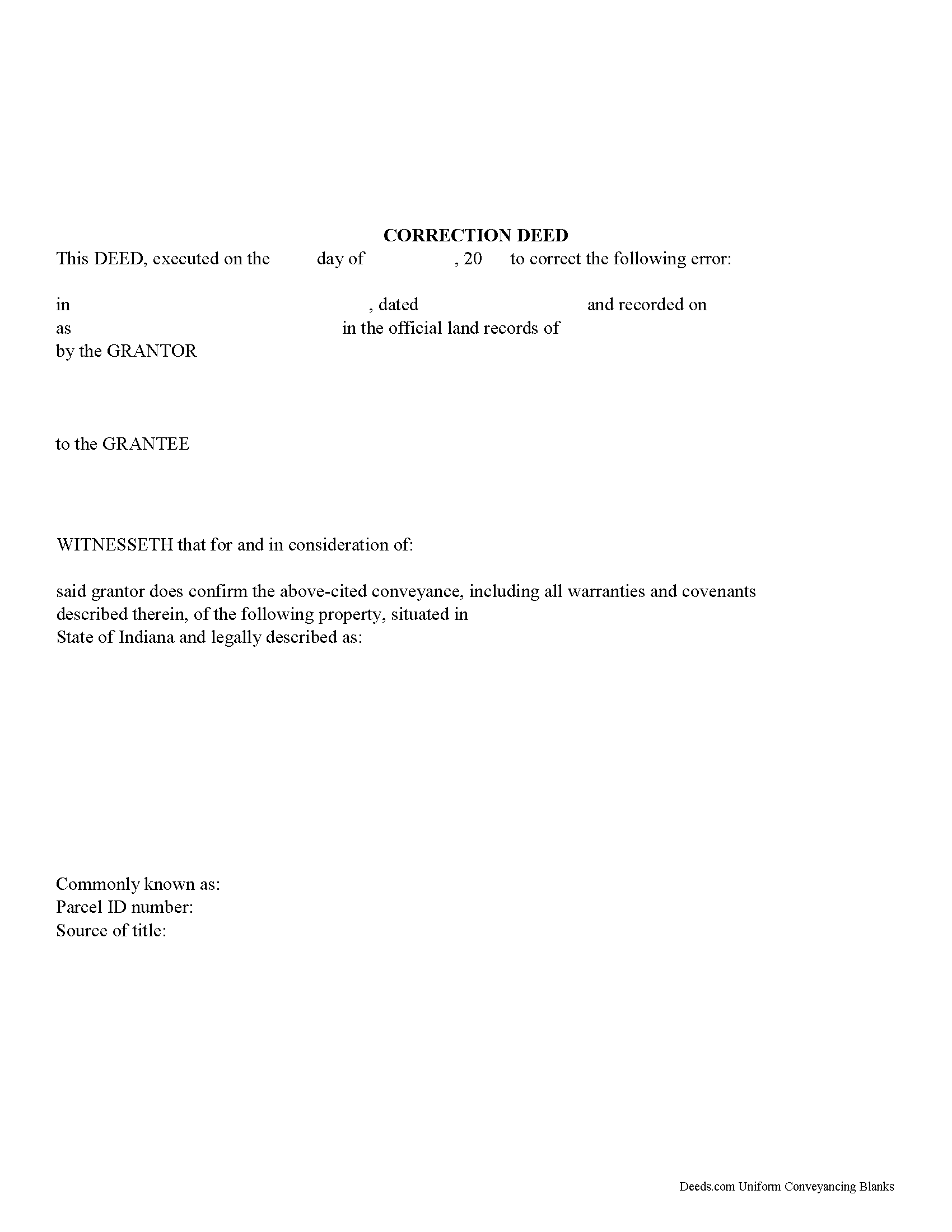
Gibson County Correction Deed Form
Fill in the blank form formatted to comply with all recording and content requirements.
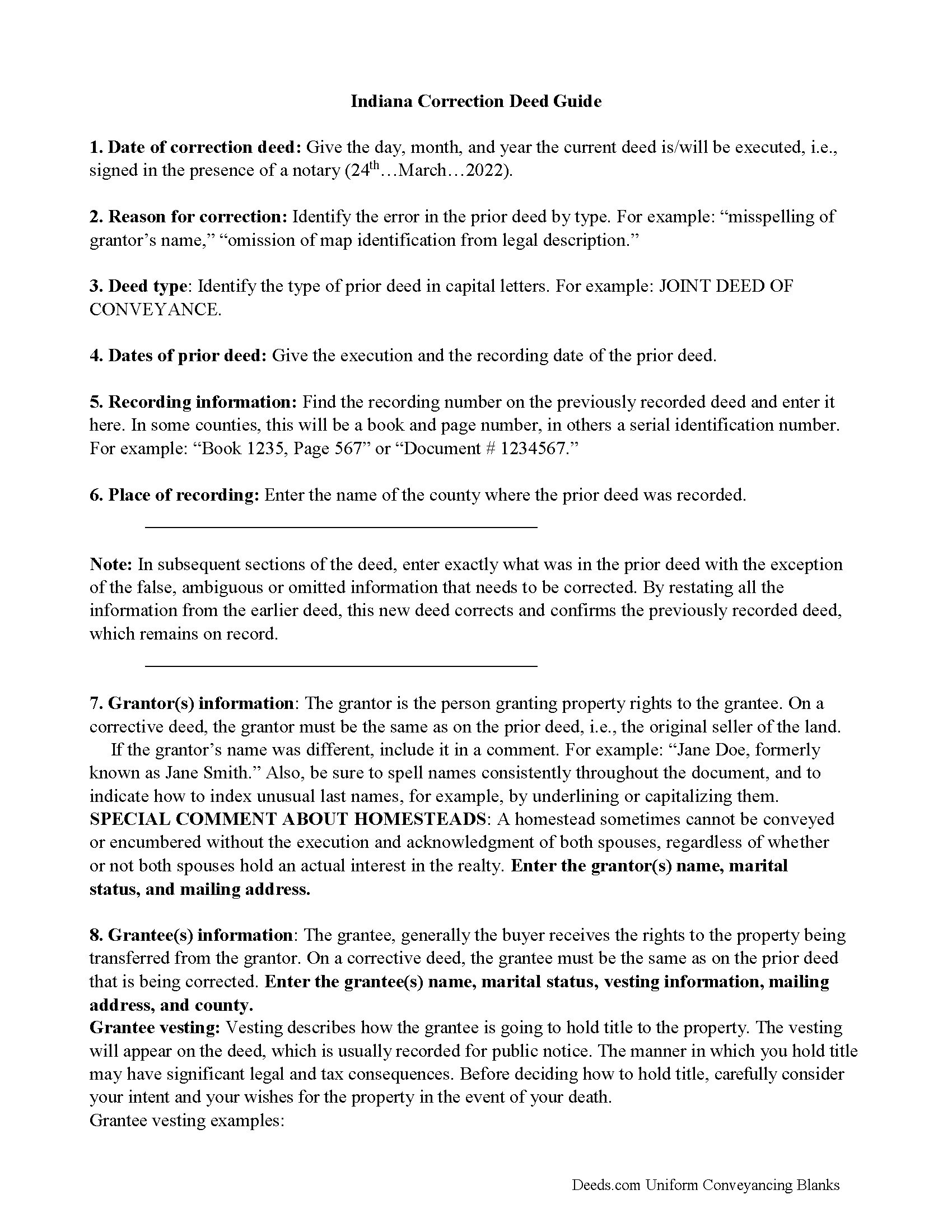
Gibson County Correction Deed Guide
Line by line guide explaining every blank on the form.
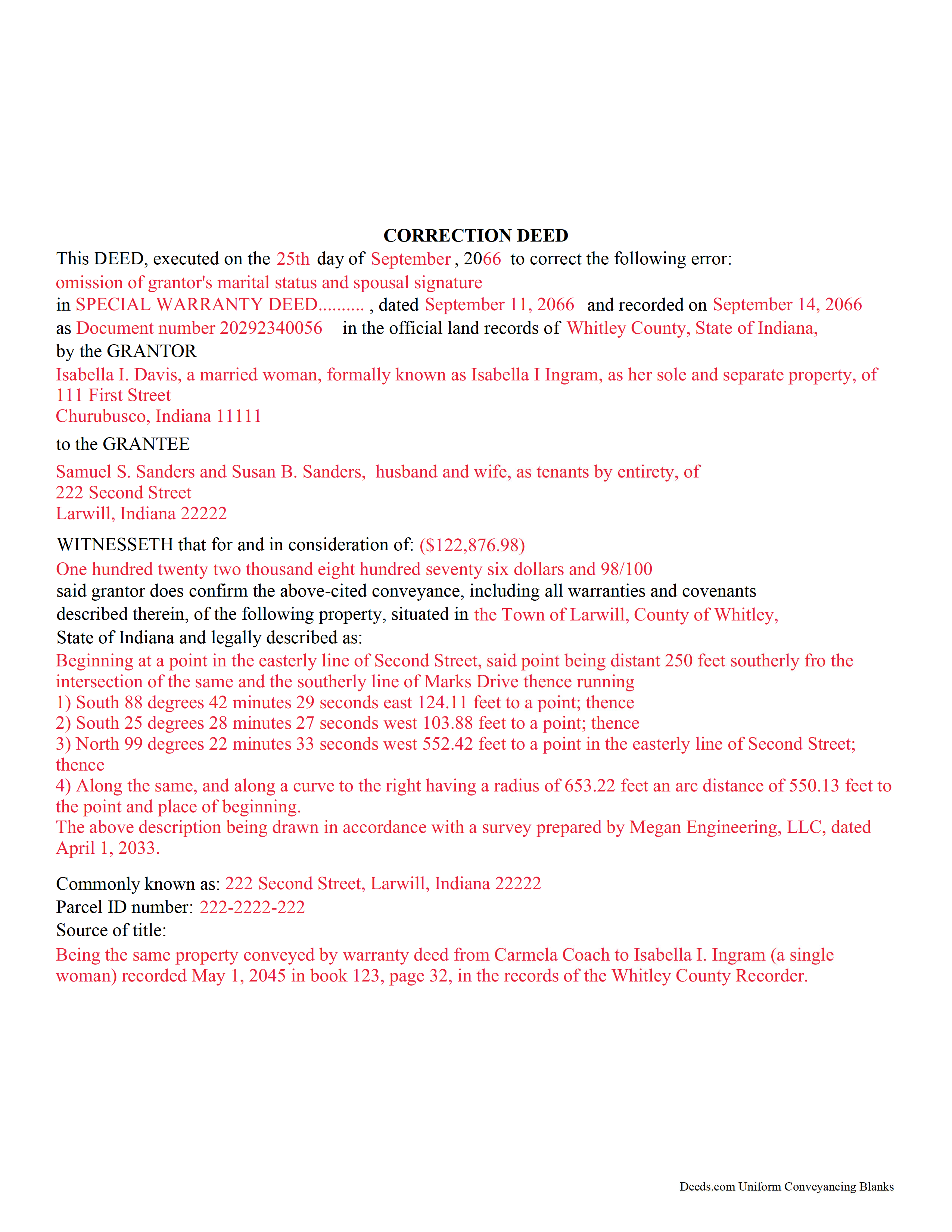
Gibson County Completed Example of the Correction Deed Document
Example of a properly completed form for reference.
All 3 documents above included • One-time purchase • No recurring fees
Immediate Download • Secure Checkout
Additional Indiana and Gibson County documents included at no extra charge:
Where to Record Your Documents
Gibson County Recorder
Princeton, Indiana 47670
Hours: 8:00 to 4:00 M-F
Phone: (812) 385-3332
Recording Tips for Gibson County:
- Bring your driver's license or state-issued photo ID
- Ensure all signatures are in blue or black ink
- Ask about accepted payment methods when you call ahead
- Ask for certified copies if you need them for other transactions
- Ask if they accept credit cards - many offices are cash/check only
Cities and Jurisdictions in Gibson County
Properties in any of these areas use Gibson County forms:
- Buckskin
- Fort Branch
- Francisco
- Haubstadt
- Hazleton
- Mackey
- Oakland City
- Owensville
- Patoka
- Princeton
- Somerville
Hours, fees, requirements, and more for Gibson County
How do I get my forms?
Forms are available for immediate download after payment. The Gibson County forms will be in your account ready to download to your computer. An account is created for you during checkout if you don't have one. Forms are NOT emailed.
Are these forms guaranteed to be recordable in Gibson County?
Yes. Our form blanks are guaranteed to meet or exceed the applicable formatting requirements used for recording in Gibson County, including margin requirements, font requirements, and other layout standards. This guarantee applies to formatting, not to the legal sufficiency of information entered by the user or the suitability of a form for a particular transaction.
Can I reuse these forms?
Yes. You can reuse the forms for your personal use. For example, if you have multiple properties in Gibson County you only need to order once.
What do I need to use these forms?
The forms are PDFs that you fill out on your computer. The free Adobe Acrobat Reader is recommended, and most PDF apps also work. You do NOT enter your property information online - you download the blank forms and complete them privately on your own computer.
Are there any recurring fees?
No. This is a one-time purchase. Nothing to cancel, no memberships, no recurring fees.
How much does it cost to record in Gibson County?
Recording fees in Gibson County vary. Contact the recorder's office at (812) 385-3332 for current fees.
Questions answered? Let's get started!
Use this form to correct an error in a fee simple, quitclaim, or joint deed of conveyance in Indiana, thus eliminating potential title flaws.
In Indiana, a previously recorded deed can be corrected by recording a second deed, called a correction or corrective deed. The sole purpose of such a document is to prevent potential title flaws, which may create problems when the current owner attempts to sell the property to a third party. The correction deed does not convey title but confirms the prior conveyance. For the most part it reiterates the prior deed verbatim, except for the corrected item.
The errors usually adjusted by a corrective deed are minor omissions or typographical mistakes, sometimes called scrivener's errors. Among those are misspelled names, omitted or wrong middle initial, a minor error in the property description, or an omitted execution date.
The corrective deed must state that its sole purpose is to correct a specific error, identified by type. For example: an error in the grantor's name, or an error in the grantor's marital status. The latter might also require an additional signature by the grantor's spouse in the acknowledgement section of the deed. The Indiana sales disclosure form is not required with a deed that does not transfer title, such as a correction deed.
(Indiana Correction Deed Package includes form, guidelines, and completed example)
Important: Your property must be located in Gibson County to use these forms. Documents should be recorded at the county recording office listed above.
This Correction Deed meets all recording requirements specific to Gibson County.
Our Promise
The documents you receive here are guaranteed to meet or exceed the applicable Gibson County recording format requirements. If there is a rejection caused by our formatting, we will correct the issue or refund your payment. This guarantee applies to document formatting only and does not extend to information entered by the user, the selection of the form, or the legal effect of the completed document.
Save Time and Money
Get your Gibson County Correction Deed form done right the first time with Deeds.com Uniform Conveyancing Blanks. At Deeds.com, we understand that your time and money are valuable resources, and we don't want you to face a penalty fee or rejection imposed by a county recorder for submitting nonstandard documents. We constantly review and update our forms to meet rapidly changing state and county recording requirements for roughly 3,500 counties and local jurisdictions.
4.8 out of 5 - ( 4,833 Reviews )
barbara s. 5 out of 5 stars
I was in a rush to record a quit claim deed, however due to covid 19 Miami dade county recorders office are not open to public. According to staff I would have to mail in the quit claim deed and wait approximately two weeks for the deed to get recorded. Thanks to Deeds.com I got my document recorded in less than one day. You guys are awesome, I will use this company anytime I need something like this again. Very reliable.
We appreciate your business and value your feedback. Thank you. Have a wonderful day!
Randall M. 5 out of 5 stars
These forms worked fantastic!
We appreciate your business and value your feedback. Thank you. Have a wonderful day!
Mary K. 5 out of 5 stars
I love this site already! Even though I have not executed my downloads, the documents are so professionally written, and the extras are great. I am impressed with Deeds. Thank you! I will continue to use Deeds as a source for my business and personal needs.
Thank you for your positive words! We’re thrilled to hear about your experience.
Edwina L. 5 out of 5 stars
Awesomeness a true life saver I'm very appreciative.
Thank you!
Kyle K. 5 out of 5 stars
Deeds is extremely helpful and cost effective for small and large businesses. Saves me time to do more valuable tasks.
Thank you for your feedback. We really appreciate it. Have a great day!
Deborah C. 5 out of 5 stars
I would recommend these forms to others.
Thank you!
ronald s. 5 out of 5 stars
easy to use site, directions well laid out
Thank you for your feedback. We really appreciate it. Have a great day!
Patrick M. 5 out of 5 stars
Very useful and easy to use. Great value too. Especially liked the example.
Thank you for your feedback. We really appreciate it. Have a great day!
Caroline W. 5 out of 5 stars
They didn't have what I needed, but they were very quick in responding to let me know and where I needed to go to receive the desired information.
Thank you for your feedback Caroline.
Christine G. 5 out of 5 stars
. Easy to use.
Thank you for your feedback. We really appreciate it. Have a great day!
Eleanor W. 5 out of 5 stars
This link thankfully saved us much time and expense with positive correct completion of the forms needed and verifyed with the county office where to be filed.
Your kind words have lifted our spirits! Thank you for sharing your positive experience.
Kathryn C. 5 out of 5 stars
I truly appreciate you and you service for all you do to help me ThankYou kathrynchertock
Thank you for your feedback. We really appreciate it. Have a great day!
Cleatous S. 3 out of 5 stars
The deed form is hard to fill in. There is no way to fill in the county in the "reviewed by" section. Also, there is no place for the Grantee's address on the form. I had to include it in the fill-in space for the legal description.
Thank you!
Karen C. 5 out of 5 stars
Easily find and print forms necessary for peace of mind.
Thank you for your feedback. We really appreciate it. Have a great day!
Michael G M. 5 out of 5 stars
The download files should have the name of the form included. The present numeric soup is frustrating to navigate.
Thank you for your feedback. We really appreciate it. Have a great day!