La Porte County Correction Deed Form
Last validated October 14, 2026 by our Forms Development TeamFormatted for recording in La Porte County, for property anywhere in the county: rural and unincorporated areas as well as Hanna, Kingsbury, Kingsford Heights, La Crosse, La Porte, Michigan City, Mill Creek, Rolling Prairie and 3 more.
- 3 documents included
- Immediate PDF download
- Formatting guarantee
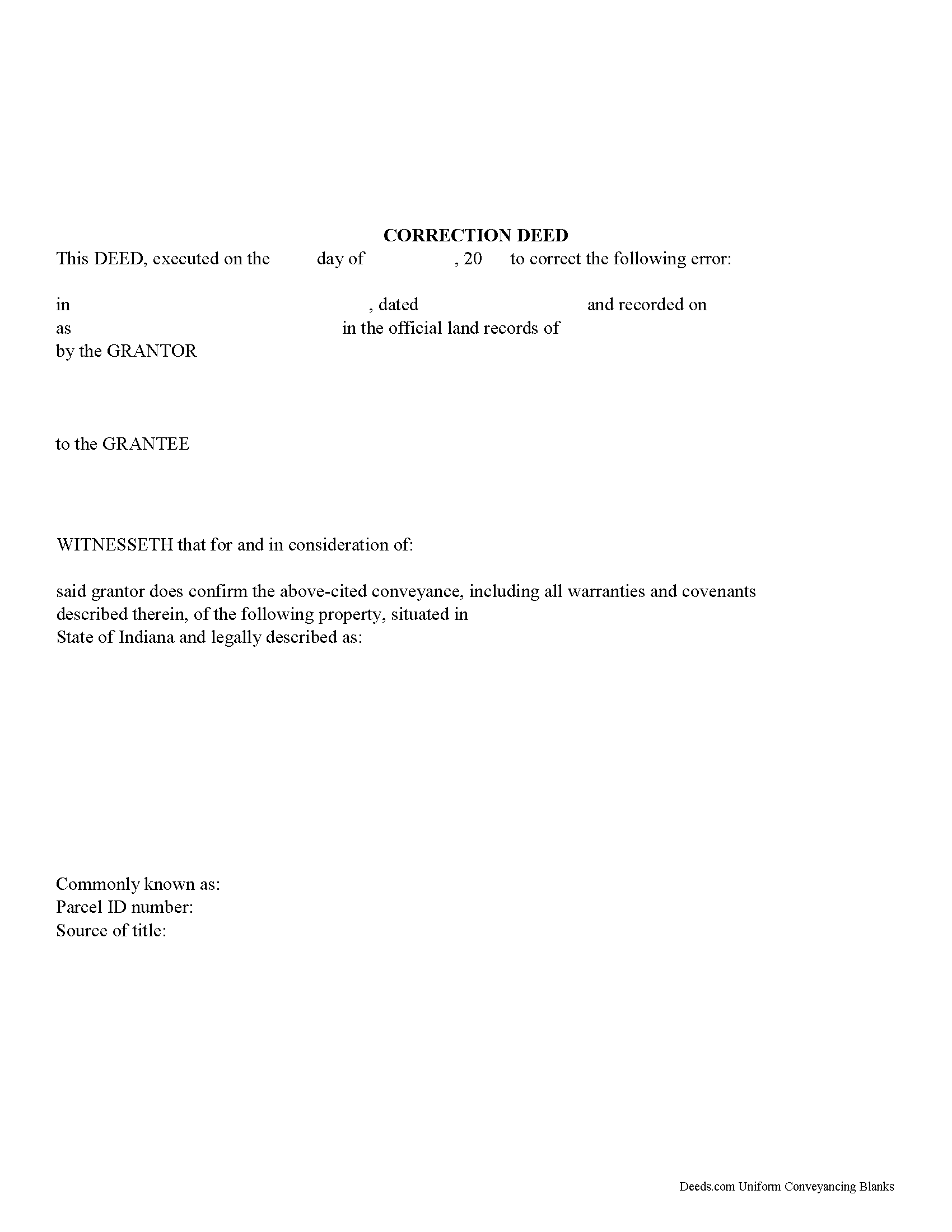
La Porte County Correction Deed Form
Fill in the blank form formatted to comply with all recording and content requirements.
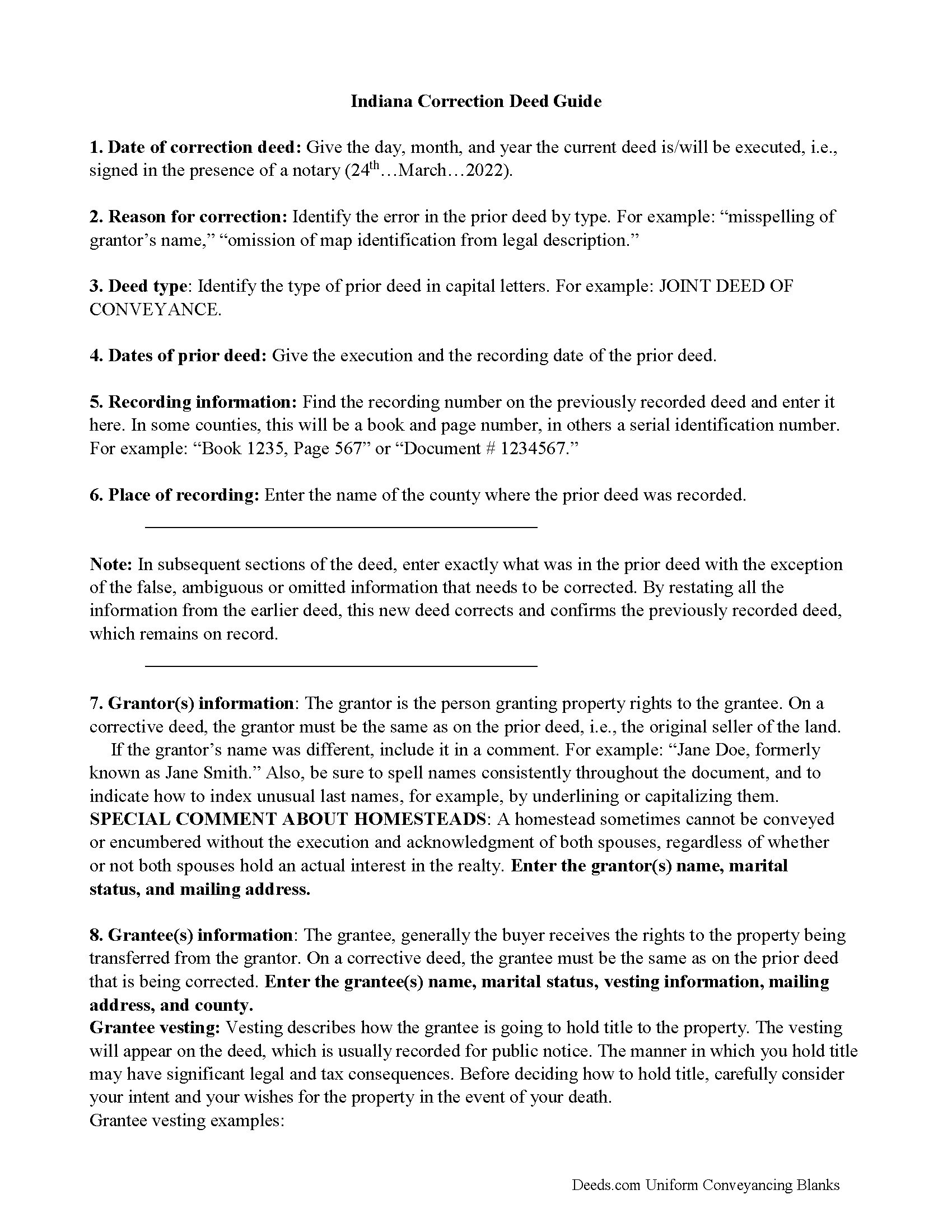
La Porte County Correction Deed Guide
Line by line guide explaining every blank on the form.
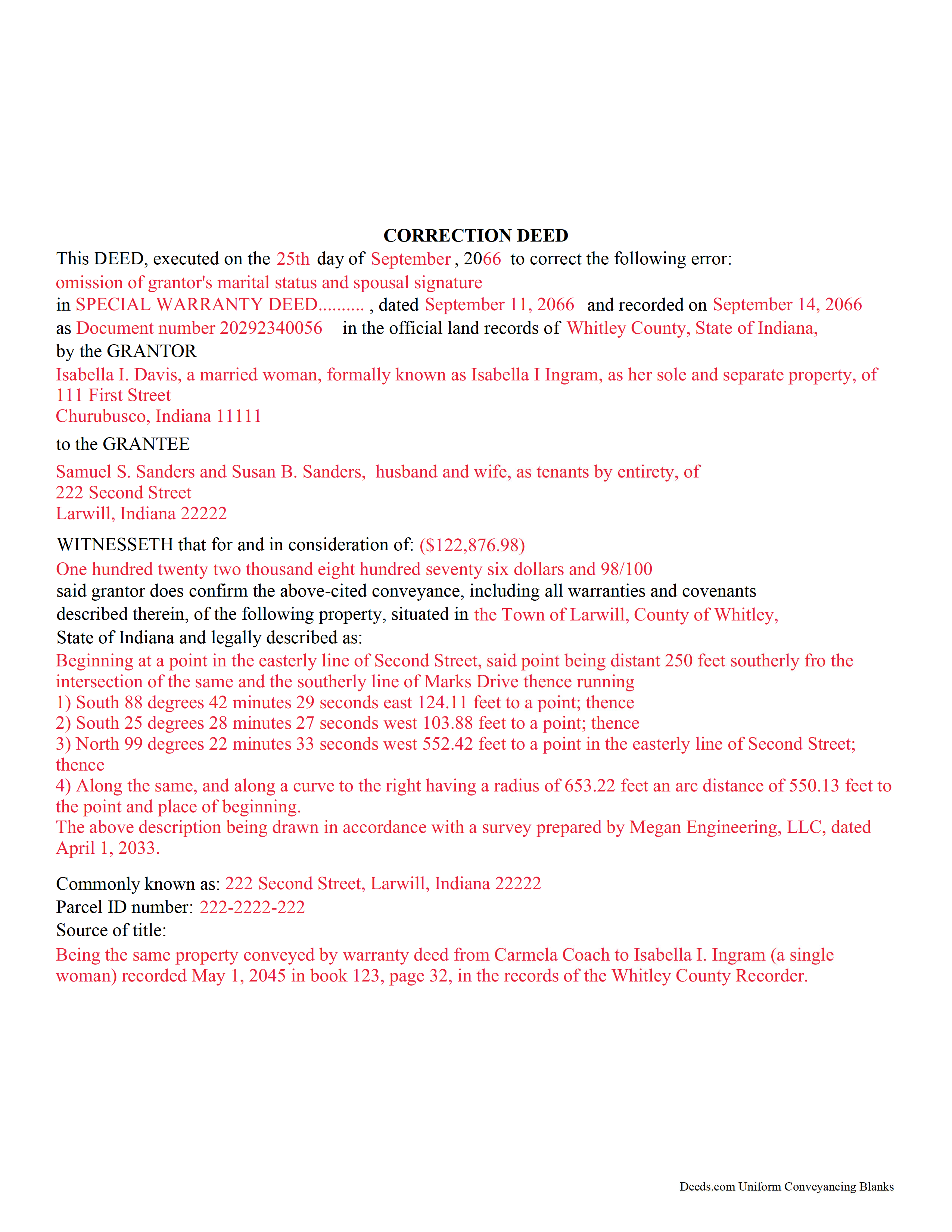
La Porte County Completed Example of the Correction Deed Document
Example of a properly completed form for reference.
All 3 documents above included • One-time purchase • No recurring fees
Immediate Download • Secure Checkout
Additional Indiana and La Porte County documents included at no extra charge:
Where to Record Your Documents
LaPorte County Recorder
LaPorte, Indiana 46350
Hours: 8:00am and 4:00pm M-F (Central)
Phone: (219) 326-6808 ext. 2280, 2234, 2209
Recording Tips for La Porte County:
- Bring your driver's license or state-issued photo ID
- Ensure all signatures are in blue or black ink
- Documents must be on 8.5 x 11 inch white paper
- Double-check legal descriptions match your existing deed
- Verify all names are spelled correctly before recording
Cities and Jurisdictions in La Porte County
Properties in any of these areas use La Porte County forms:
- Hanna
- Kingsbury
- Kingsford Heights
- La Crosse
- La Porte
- Michigan City
- Mill Creek
- Rolling Prairie
- Union Mills
- Wanatah
- Westville
Hours, fees, requirements, and more for La Porte County
How do I get my forms?
Forms are available for immediate download after payment. The La Porte County forms will be in your account ready to download to your computer. An account is created for you during checkout if you don't have one. Forms are NOT emailed.
Are these forms guaranteed to be recordable in La Porte County?
Yes. Our form blanks are guaranteed to meet or exceed the applicable formatting requirements used for recording in La Porte County, including margin requirements, font requirements, and other layout standards. This guarantee applies to formatting, not to the legal sufficiency of information entered by the user or the suitability of a form for a particular transaction.
Can I reuse these forms?
Yes. You can reuse the forms for your personal use. For example, if you have multiple properties in La Porte County you only need to order once.
What do I need to use these forms?
The forms are PDFs that you fill out on your computer. The free Adobe Acrobat Reader is recommended, and most PDF apps also work. You do NOT enter your property information online - you download the blank forms and complete them privately on your own computer.
Are there any recurring fees?
No. This is a one-time purchase. Nothing to cancel, no memberships, no recurring fees.
How much does it cost to record in La Porte County?
Recording fees in La Porte County vary. Contact the recorder's office at (219) 326-6808 ext. 2280, 2234, 2209 for current fees.
Questions answered? Let's get started!
Use this form to correct an error in a fee simple, quitclaim, or joint deed of conveyance in Indiana, thus eliminating potential title flaws.
In Indiana, a previously recorded deed can be corrected by recording a second deed, called a correction or corrective deed. The sole purpose of such a document is to prevent potential title flaws, which may create problems when the current owner attempts to sell the property to a third party. The correction deed does not convey title but confirms the prior conveyance. For the most part it reiterates the prior deed verbatim, except for the corrected item.
The errors usually adjusted by a corrective deed are minor omissions or typographical mistakes, sometimes called scrivener's errors. Among those are misspelled names, omitted or wrong middle initial, a minor error in the property description, or an omitted execution date.
The corrective deed must state that its sole purpose is to correct a specific error, identified by type. For example: an error in the grantor's name, or an error in the grantor's marital status. The latter might also require an additional signature by the grantor's spouse in the acknowledgement section of the deed. The Indiana sales disclosure form is not required with a deed that does not transfer title, such as a correction deed.
(Indiana Correction Deed Package includes form, guidelines, and completed example)
Important: Your property must be located in La Porte County to use these forms. Documents should be recorded at the county recording office listed above.
This Correction Deed meets all recording requirements specific to La Porte County.
Our Promise
The documents you receive here are guaranteed to meet or exceed the applicable La Porte County recording format requirements. If there is a rejection caused by our formatting, we will correct the issue or refund your payment. This guarantee applies to document formatting only and does not extend to information entered by the user, the selection of the form, or the legal effect of the completed document.
Save Time and Money
Get your La Porte County Correction Deed form done right the first time with Deeds.com Uniform Conveyancing Blanks. At Deeds.com, we understand that your time and money are valuable resources, and we don't want you to face a penalty fee or rejection imposed by a county recorder for submitting nonstandard documents. We constantly review and update our forms to meet rapidly changing state and county recording requirements for roughly 3,500 counties and local jurisdictions.
4.8 out of 5 - ( 4,833 Reviews )
Glenella J. 4 out of 5 stars
I wish you had the older deeds online to look at. Other than that, I was very satisfied with my experience.
Thank you for your feedback. We really appreciate it. Have a great day!
LuAnn F. 5 out of 5 stars
Simple and quick access to the form I needed
Thank you!
Robert K. 5 out of 5 stars
I used your TOD document to deed my home to my daughter. Your sample document was very helpful. I had to do it a few times but finally got it right. I didn't check but It was surely cheaper than a lawyer fee.
Thank you for your feedback. We really appreciate it. Have a great day!
Debra W. 5 out of 5 stars
Thorough information, quickly received !! I'm going to order more! Helpful due to an ILLEGAL FORECLOSURE! Thank you!!!
Thank you for your feedback. We really appreciate it. Have a great day!
Paula V. 5 out of 5 stars
Fast, easy, helpful instructions. I’ll use them again!
Thank you for your feedback. We really appreciate it. Have a great day!
Laureen M. 5 out of 5 stars
This service was extremely helpful. I truly appreciated the way I was communicated with every step of the way in getting my Deed recorded.
Thank you!
Randi M. 1 out of 5 stars
We could never figure out how to get to the website to order.
Sorry to hear that Randi. We do hope that you found something more suitable to your needs elsewhere.
James M. 5 out of 5 stars
Just what I needed to help clear ownership of what has been deeded to be by inheritance
We appreciate your business and value your feedback. Thank you. Have a wonderful day!
Steven B. 5 out of 5 stars
Easy peazy to find the right forms and they come with instructions and a sample.
Your feedback is appreciated. Thank you for letting us know how we did.
Eric G. 3 out of 5 stars
Need to offer option to download ALL forms as a single (bookmarked) PDF, rather than as separates... Quite inefficient as is.
Thank you for your feedback. We really appreciate it. Have a great day!
Robyn D. 5 out of 5 stars
Excellent service, knowledgeable and helpful representatives via the messaging service. Reliable information provided by reps, overall excellent experience.
We appreciate your business and value your feedback. Thank you. Have a wonderful day!
Gladys B. 5 out of 5 stars
Good and fast service. Thank you.
Thank you for your feedback. We really appreciate it. Have a great day!
JIM H. 5 out of 5 stars
Excellent service Always find the documents in minutes. Supporting docs is a super plus!
Thank you!
Lisa P. 5 out of 5 stars
Your forms are worth the investment. The guide and example were very helpful and thorough.
We appreciate your business and value your feedback. Thank you. Have a wonderful day!
Richard R. 5 out of 5 stars
Kind of expensive for a 3 page item...but I received it pronto and it will fill the bill.
Thank you!