Starke County Easement Deed Form
Last validated October 5, 2026 by our Forms Development TeamFormatted for recording in Starke County, for property anywhere in the county: rural and unincorporated areas as well as Grovertown, Hamlet, Knox, North Judson, Ora, San Pierre.
- 4 documents included
- Immediate PDF download
- Formatting guarantee
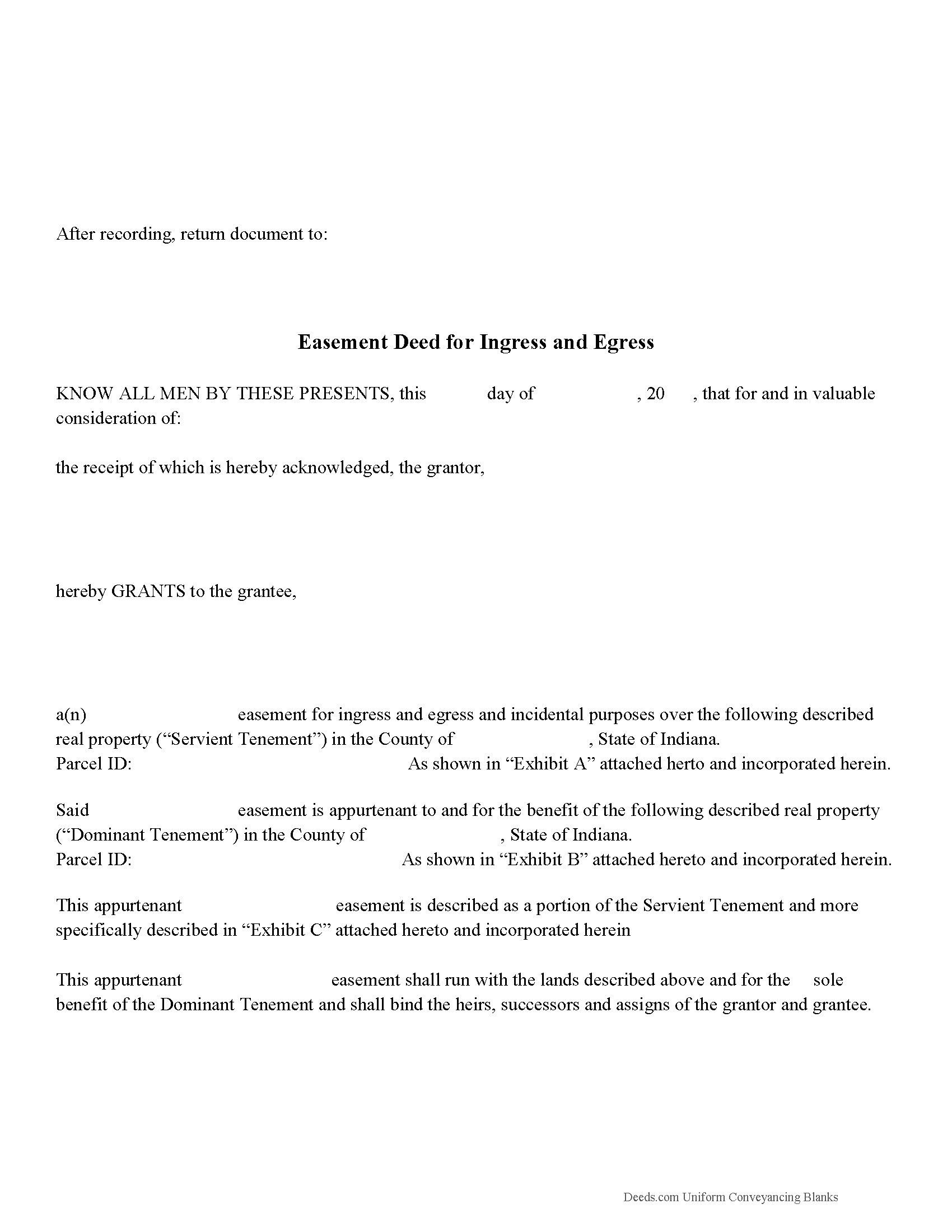
Starke County Easement Deed Form
Fill in the blank form formatted to comply with all recording and content requirements.
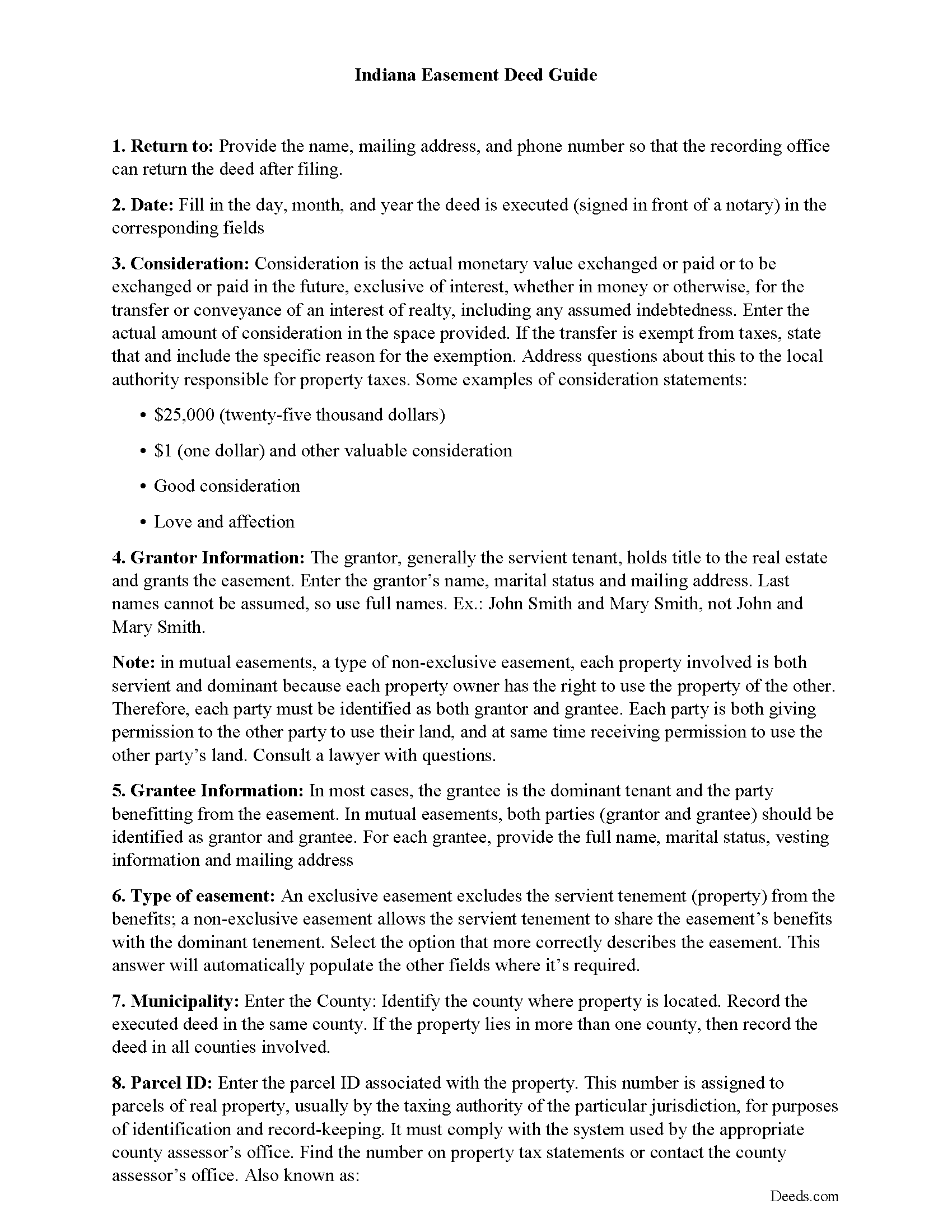
Starke County Easement Deed Guide
Line by line guide explaining every blank on the form.
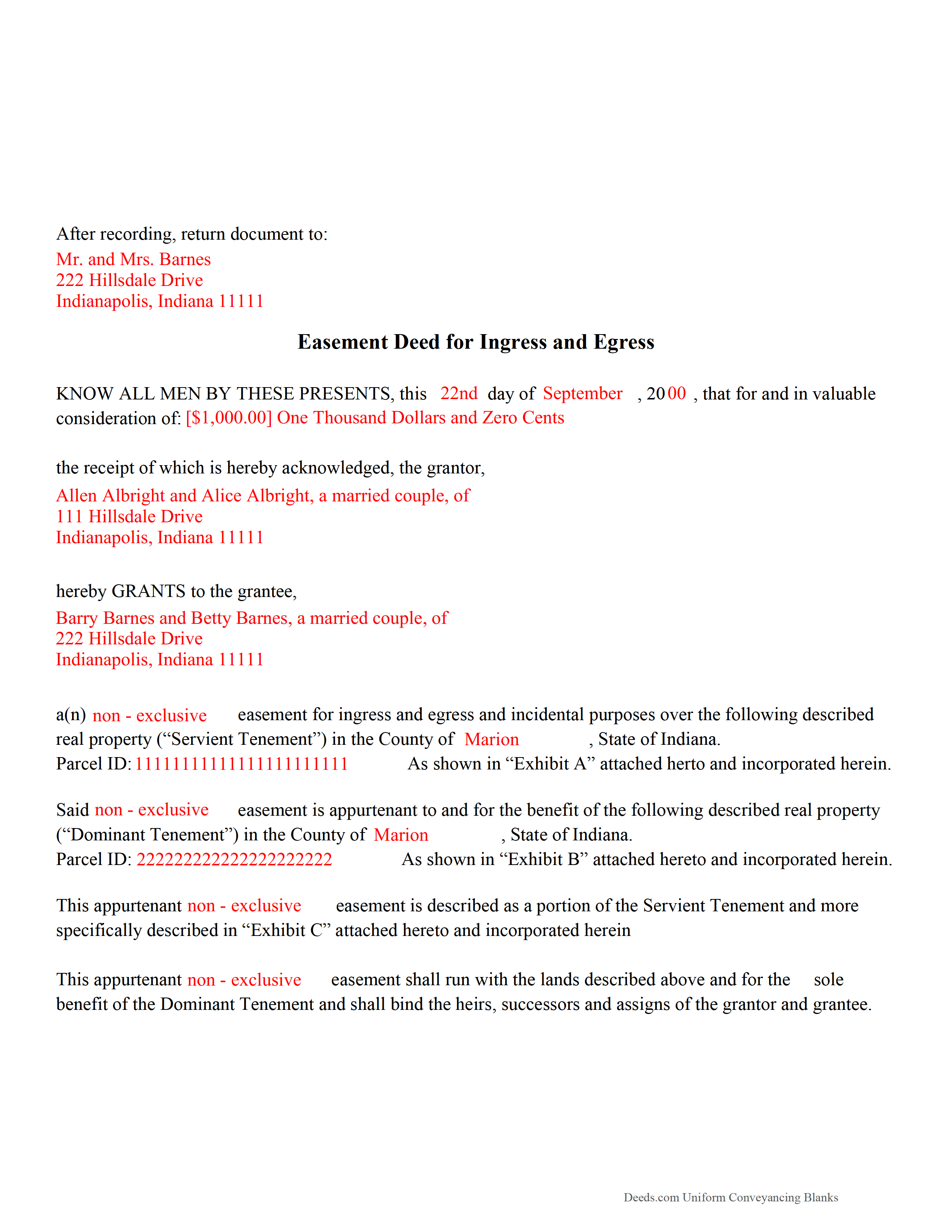
Starke County Completed Example of the Easement Deed Document
Example of a properly completed form for reference.
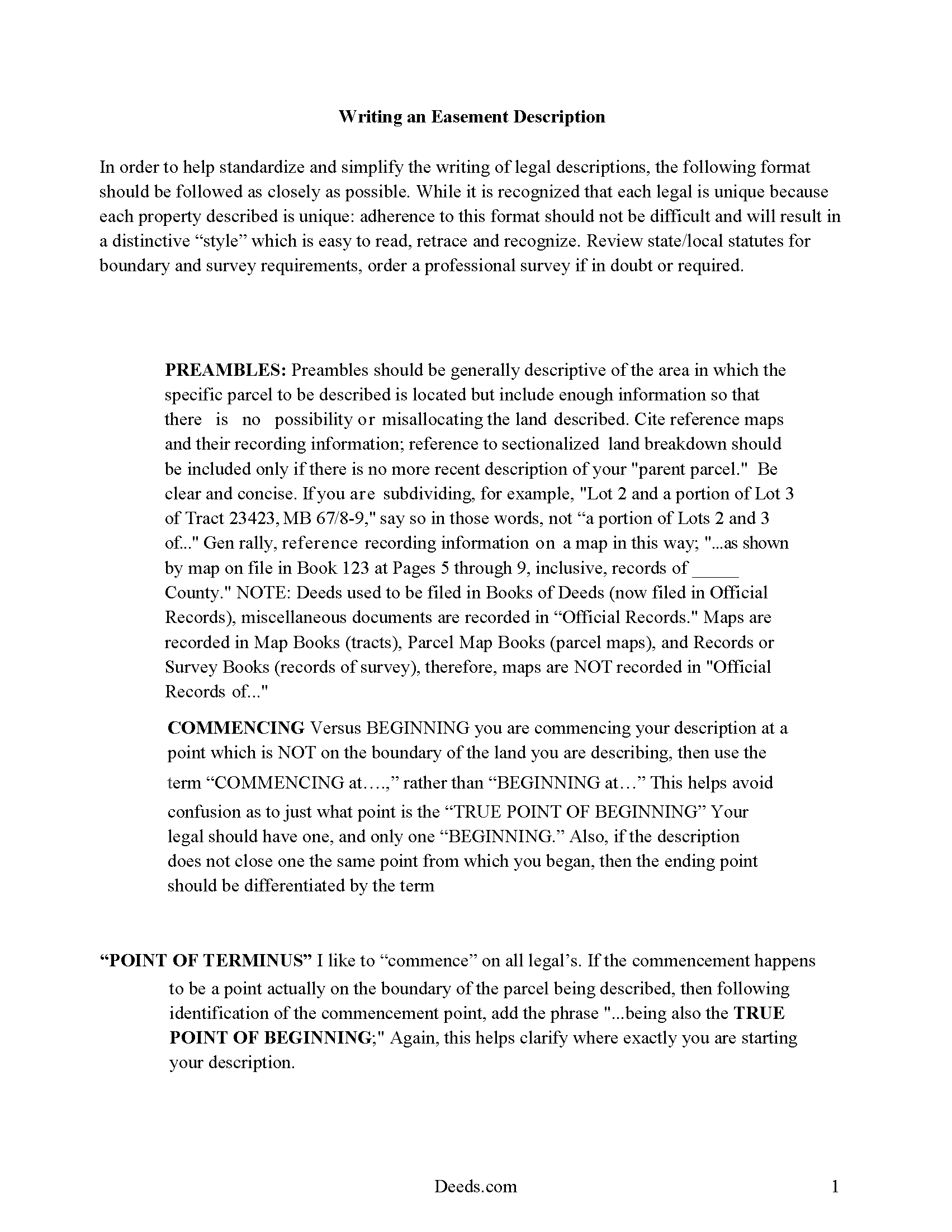
Starke County Easement Deed Description
A Description of the Easement will be required. This will show how to write an acceptable description for a Right of Way Easement, which gives access, to and from - point A to point B.
All 4 documents above included • One-time purchase • No recurring fees
Immediate Download • Secure Checkout
Additional Indiana and Starke County documents included at no extra charge:
Where to Record Your Documents
Stark County Recorder's Office
Knox, Indiana 46534
Hours: Monday - Friday 8:00am - 4:00pm
Phone: 574-772-9109
Recording Tips for Starke County:
- Bring your driver's license or state-issued photo ID
- Ensure all signatures are in blue or black ink
- Check margin requirements - usually 1-2 inches at top
- Leave recording info boxes blank - the office fills these
- Make copies of your documents before recording - keep originals safe
Cities and Jurisdictions in Starke County
Properties in any of these areas use Starke County forms:
- Grovertown
- Hamlet
- Knox
- North Judson
- Ora
- San Pierre
Hours, fees, requirements, and more for Starke County
How do I get my forms?
Forms are available for immediate download after payment. The Starke County forms will be in your account ready to download to your computer. An account is created for you during checkout if you don't have one. Forms are NOT emailed.
Are these forms guaranteed to be recordable in Starke County?
Yes. Our form blanks are guaranteed to meet or exceed the applicable formatting requirements used for recording in Starke County, including margin requirements, font requirements, and other layout standards. This guarantee applies to formatting, not to the legal sufficiency of information entered by the user or the suitability of a form for a particular transaction.
Can I reuse these forms?
Yes. You can reuse the forms for your personal use. For example, if you have multiple properties in Starke County you only need to order once.
What do I need to use these forms?
The forms are PDFs that you fill out on your computer. The free Adobe Acrobat Reader is recommended, and most PDF apps also work. You do NOT enter your property information online - you download the blank forms and complete them privately on your own computer.
Are there any recurring fees?
No. This is a one-time purchase. Nothing to cancel, no memberships, no recurring fees.
How much does it cost to record in Starke County?
Recording fees in Starke County vary. Contact the recorder's office at 574-772-9109 for current fees.
Questions answered? Let's get started!
Easements in Indiana are commonly created by prescription, in gross, in appurtenant, or by necessity. An easement is a non-possessory and non-ownership right of one person to use the real property of another person for a specific purpose. The easement deed is the instrument in writing that creates the right. Additional easements, such as solar easements and conservation easements, can also be obtained in Indiana. A solar easement can be obtained for the purpose of exposure of a solar energy devise or passive solar energy system to the direct rays of the sun (32-23-4-2). A conservation easement is a non-possessory interest of a holder of real property that imposes limitations or affirmative obligations for purposes as outlined in 32-23-5-2 of the Indiana Revised Code. Conservation and solar easements are subject to the same conveyance and recording requirements as other easements in this state.
An easement created after June 30, 1989 must cross reference the original recorded plat. If the real property from which the easement is being created is not platted, the easement must cross reference the most recent deed of record for that property in the recorder's office (32-23-2-5).
Just as with any other real property instrument in Indiana, an easement deed should be dated and signed, sealed, and acknowledged by the grantor. If an acknowledgement is not present on the deed, it can be proved before one of the officers listed in 32-21-2-3. Easement deeds can be acknowledged in the county where the deed is to be recorded, in another county in Indiana, or in another state, or as according to statute. If acknowledged in another county or state, the easement deed must be certified by the clerk of the circuit court in the county where the officer resides and must also be attested by the seal of that court (32-21-2-4). If acknowledgements are taken before an officer having an official seal and are attested by the officer's official seal, it will be sufficient without a certificate. If the certificate of acknowledgment is required, it should be written on the easement deed or attached to it and recorded with it (32-21-2-29). Unless the certificate of acknowledgement is recorded with the easement deed, the deed may not be received or read in evidence (32-21-2-11).
Easement deeds will not be valid or effectual against any person other than the grantor, the grantor's heirs and devisees, and those with notice of the conveyance unless the easement deed is recorded within the time and manner provided by Indiana Statutes (32-21-3-3). An easement deed will take priority according to the time of its filing. Easement deeds in Indiana should be recorded with the county recorder in the county where the property is located.
(Indiana Easement Deed Package includes form, guidelines, and completed example)
Important: Your property must be located in Starke County to use these forms. Documents should be recorded at the county recording office listed above.
This Easement Deed meets all recording requirements specific to Starke County.
Our Promise
The documents you receive here are guaranteed to meet or exceed the applicable Starke County recording format requirements. If there is a rejection caused by our formatting, we will correct the issue or refund your payment. This guarantee applies to document formatting only and does not extend to information entered by the user, the selection of the form, or the legal effect of the completed document.
Save Time and Money
Get your Starke County Easement Deed form done right the first time with Deeds.com Uniform Conveyancing Blanks. At Deeds.com, we understand that your time and money are valuable resources, and we don't want you to face a penalty fee or rejection imposed by a county recorder for submitting nonstandard documents. We constantly review and update our forms to meet rapidly changing state and county recording requirements for roughly 3,500 counties and local jurisdictions.
4.8 out of 5 - ( 4,833 Reviews )
Amy S. 5 out of 5 stars
Fast and easy access.
Thank you!
Cary C. 5 out of 5 stars
I am very grateful for this service! But I was quite surprised to see the fees went up over 50%! The last 5 or 6 recordings I have done we each only $25.00. Thank you, Sally Center
Thank you for your feedback. We really appreciate it. Have a great day!
Laurie F. 5 out of 5 stars
I am so glad I found Deeds.com. You had exactly what I needed and made it easy to download. I have bookmarked you in the event of further inquiry. Thank you.
We appreciate your business and value your feedback. Thank you. Have a wonderful day!
Jeffrey G. 5 out of 5 stars
Transaction went smoothly. The forms in the package were just what was needed.
Thank you for your feedback. We really appreciate it. Have a great day!
Kathrine v. 5 out of 5 stars
i like this service! so convenient! 10 out of the 10
We appreciate your business and value your feedback. Thank you. Have a wonderful day!
TAMARA B. 5 out of 5 stars
Great service
We appreciate your business and value your feedback. Thank you. Have a wonderful day!
Judith F. 5 out of 5 stars
Easy to understand and use!
Thank you!
Natalie F. 5 out of 5 stars
So convenient and easy to use! Will definitely recommend to anyone.
We appreciate your business and value your feedback. Thank you. Have a wonderful day!
FRANCIS P. 5 out of 5 stars
Finding what I needed was easy. The payment process was easy. Using what I found was easy. Easy-peasy and GREAT results. Professional and succinct all for the price of a steak dinner. I'll be back to DEEDS.COM when I need any paperwork/forms related to deeds.
Thank you for your feedback. We really appreciate it. Have a great day!
Maxwell G. 5 out of 5 stars
I am so very happy with the service provided by Deeds.com. The process was simple and saved me a lot of time by not having to go to the courthouse, wait in line, and waste a big part of my day. In addition, the cost is a lot less than I expected. I highly recommend this service.
Your feedback is greatly appreciated. Thank you for taking the time to share your experience!
Jacqueline C. 3 out of 5 stars
Was relieved to see your site actually delivered what I paid for.
Thank you!
Kathy B. 4 out of 5 stars
Works easy enough and good directions on the form, however no help when I got locked out. Had to do a completely new account name and email address.
Thank you!
crystal l. 5 out of 5 stars
Another legal professional directed me to this site. The best advice I've received from the legal profession! Forms were instantly available, easily printed & exactly what I needed at a cost that was more than affordable!! I will definitely be back again!!
Thank you Crystal and please thank your associate for us. Have a fantastic day!
Timothy G. 5 out of 5 stars
Easy peezy.
Thank you!
Thomas C. 5 out of 5 stars
This platform made electronic filing of a lien easy and quick. I was able to accomplish everything from my laptop and phone, and the fees were reasonable. I would recommend deeds.com for efiling property related documents.
We appreciate your business and value your feedback. Thank you. Have a wonderful day!