Starke County Trustee Deed without Warranty Form
Last validated September 24, 2026 by our Forms Development TeamFormatted for recording in Starke County, for property anywhere in the county: rural and unincorporated areas as well as Grovertown, Hamlet, Knox, North Judson, Ora, San Pierre.
- 3 documents included
- Immediate PDF download
- Formatting guarantee
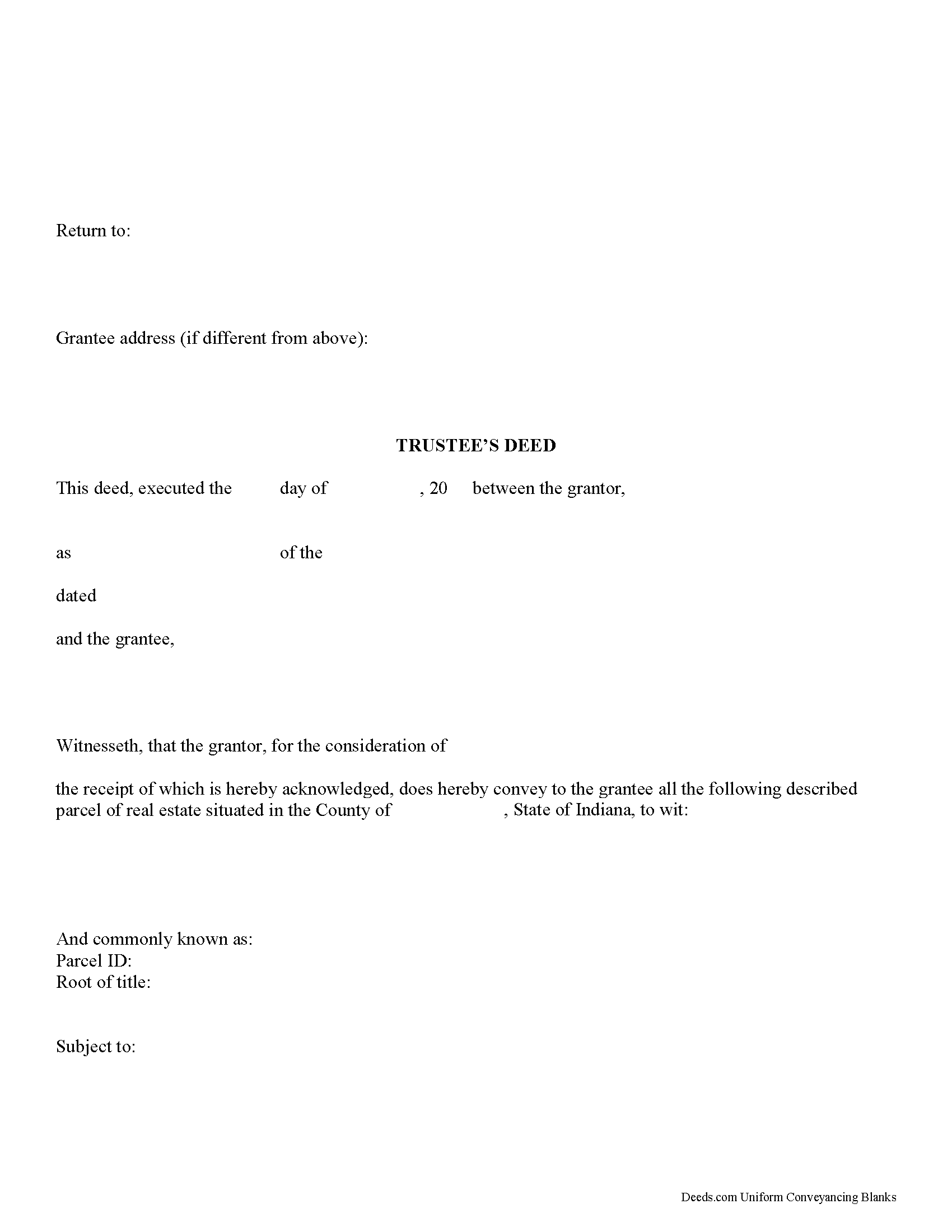
Starke County Trustee Deed Form
Fill in the blank form formatted to comply with all recording and content requirements.
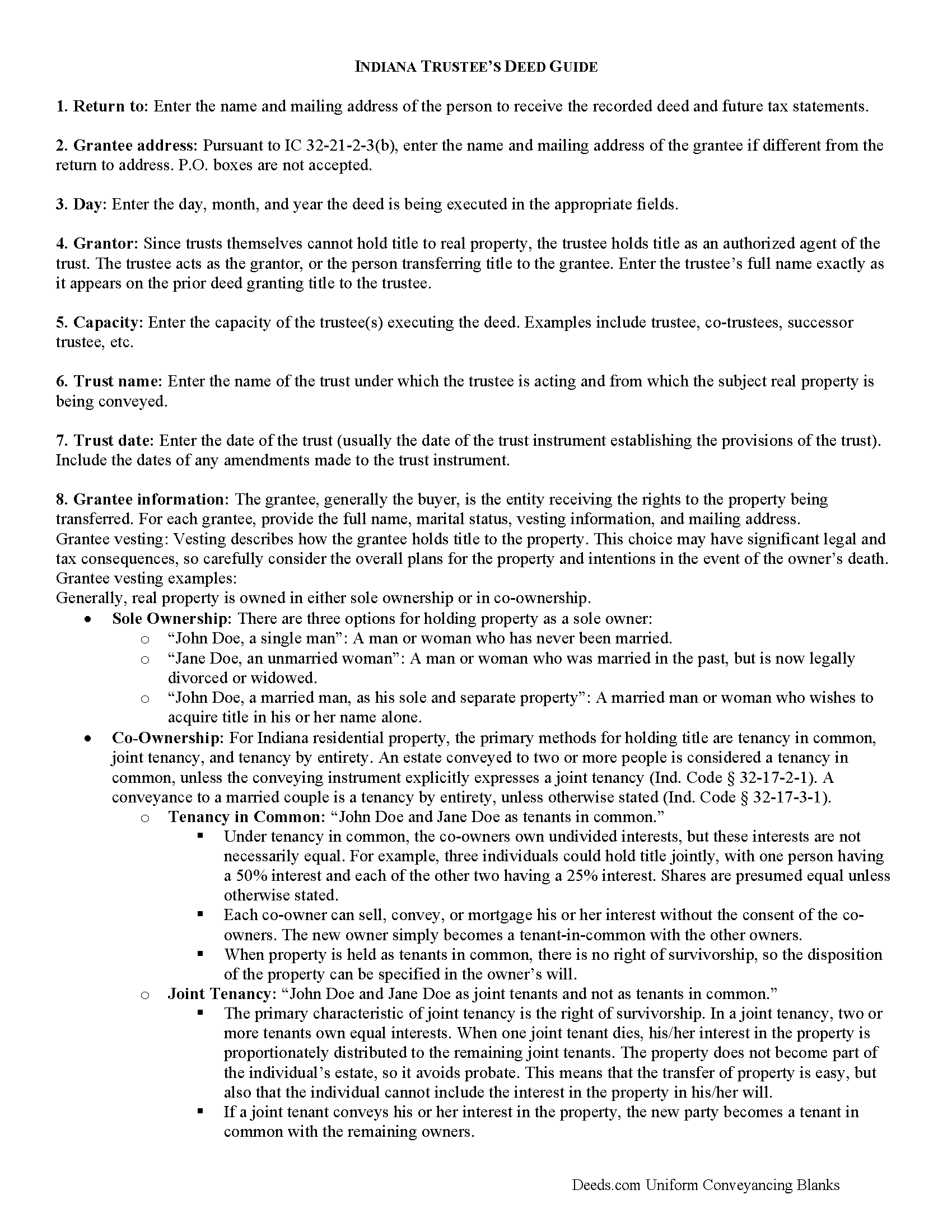
Starke County Trustee Deed Guide
Line by line guide explaining every blank on the form.
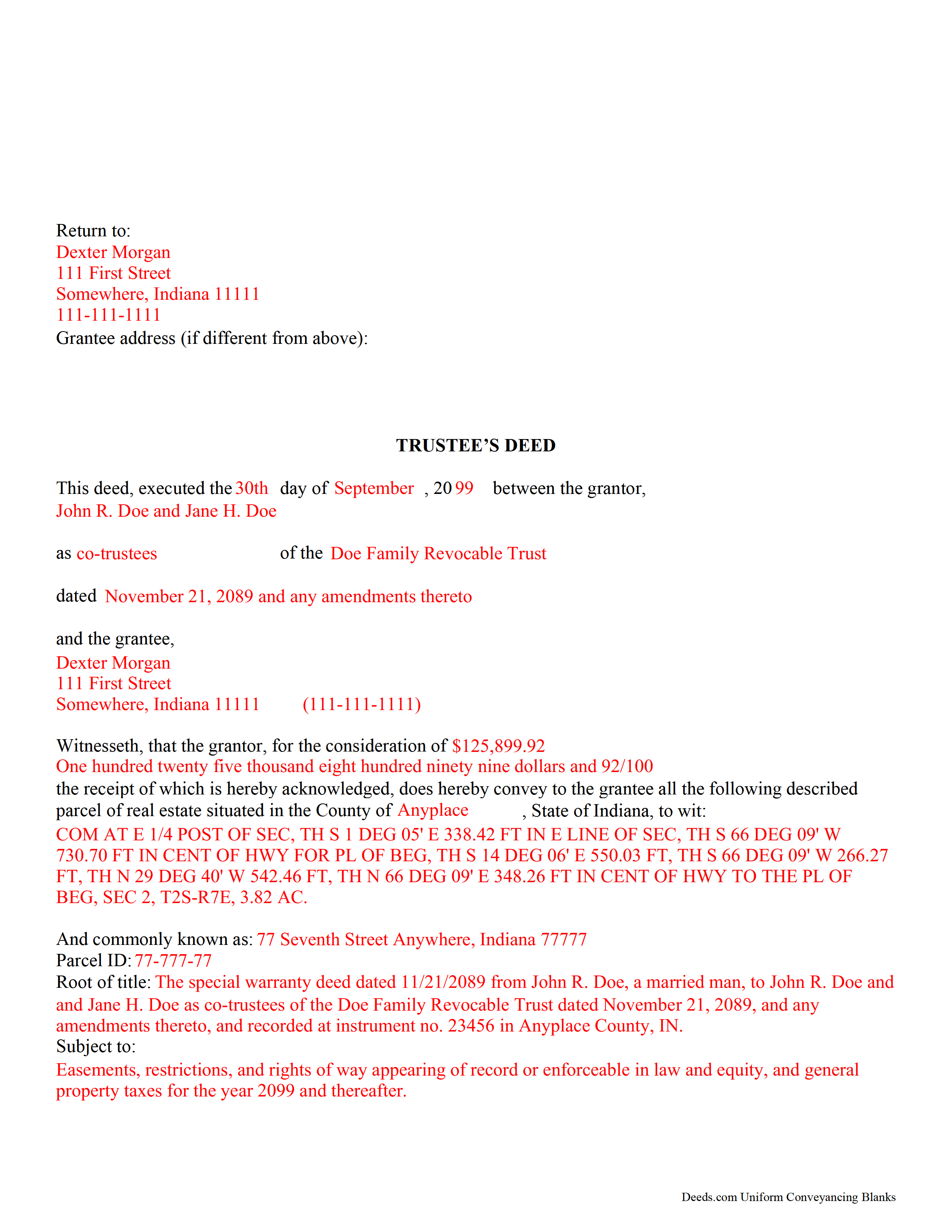
Starke County Completed Example of the Trustee Deed Document
Example of a properly completed form for reference.
All 3 documents above included • One-time purchase • No recurring fees
Immediate Download • Secure Checkout
Additional Indiana and Starke County documents included at no extra charge:
Where to Record Your Documents
Stark County Recorder's Office
Knox, Indiana 46534
Hours: Monday - Friday 8:00am - 4:00pm
Phone: 574-772-9109
Recording Tips for Starke County:
- Bring your driver's license or state-issued photo ID
- Ensure all signatures are in blue or black ink
- Make copies of your documents before recording - keep originals safe
- Recorded documents become public record - avoid including SSNs
- Recording fees may differ from what's posted online - verify current rates
Cities and Jurisdictions in Starke County
Properties in any of these areas use Starke County forms:
- Grovertown
- Hamlet
- Knox
- North Judson
- Ora
- San Pierre
Hours, fees, requirements, and more for Starke County
How do I get my forms?
Forms are available for immediate download after payment. The Starke County forms will be in your account ready to download to your computer. An account is created for you during checkout if you don't have one. Forms are NOT emailed.
Are these forms guaranteed to be recordable in Starke County?
Yes. Our form blanks are guaranteed to meet or exceed the applicable formatting requirements used for recording in Starke County, including margin requirements, font requirements, and other layout standards. This guarantee applies to formatting, not to the legal sufficiency of information entered by the user or the suitability of a form for a particular transaction.
Can I reuse these forms?
Yes. You can reuse the forms for your personal use. For example, if you have multiple properties in Starke County you only need to order once.
What do I need to use these forms?
The forms are PDFs that you fill out on your computer. The free Adobe Acrobat Reader is recommended, and most PDF apps also work. You do NOT enter your property information online - you download the blank forms and complete them privately on your own computer.
Are there any recurring fees?
No. This is a one-time purchase. Nothing to cancel, no memberships, no recurring fees.
How much does it cost to record in Starke County?
Recording fees in Starke County vary. Contact the recorder's office at 574-772-9109 for current fees.
Questions answered? Let's get started!
Use this form to transfer real property located in Indiana out of trust, without warranties of title. The deed should be executed by the trust's acting trustee(s).
A trustee's deed is an instrument used in trust administration to convey real property out of a trust. Unlike other forms of conveyance, which are named for the type of warranties they carry, the trustee's deed is named after the executing trustee.
The trustee is the administrator of a trust who is appointed by the settlor. The settlor is the person who funds the trust with assets -- in this case, real property. The settlor executes a trust instrument, which contains the provisions of the trust, including a designation of the trust's beneficiaries. This document is generally not of public record.
The trustee serves as the grantor in the trustee's deed. If there are multiple trustees or the trustee appears as a successor, this information is included also. The settlor does not enter directly into the transaction . In addition, the deed states the trust name and date under which the trustee is appearing, as well as any amendments made to the trust instrument.
All instruments of conveyance in Indiana require a legal description of the property begin conveyed, the grantee's information, and the root of title, as well as a "prepared by" statement and affirmation statement regarding the redaction of Social Security Numbers. All acting trustees must sign the deed in the presence of a notary public before the deed is recorded in the county in which the real property is situated.
Because trustees act in a fiduciary capacity, they may be asked to provide a certification of trust, demonstrating that the trust exists and their authority to enter into transactions on behalf of the trust.
The trustee's deed may require additional information depending on the situation. These instruments may or may not include warranties of title, so make sure to use the correct form for the situation. Consult a lawyer with specific questions or guidance in preparing a trustee's deed.
(Indiana Trustee Deed without Warranty Package includes form, guidelines, and completed example)
Important: Your property must be located in Starke County to use these forms. Documents should be recorded at the county recording office listed above.
This Trustee Deed without Warranty meets all recording requirements specific to Starke County.
Our Promise
The documents you receive here are guaranteed to meet or exceed the applicable Starke County recording format requirements. If there is a rejection caused by our formatting, we will correct the issue or refund your payment. This guarantee applies to document formatting only and does not extend to information entered by the user, the selection of the form, or the legal effect of the completed document.
Save Time and Money
Get your Starke County Trustee Deed without Warranty form done right the first time with Deeds.com Uniform Conveyancing Blanks. At Deeds.com, we understand that your time and money are valuable resources, and we don't want you to face a penalty fee or rejection imposed by a county recorder for submitting nonstandard documents. We constantly review and update our forms to meet rapidly changing state and county recording requirements for roughly 3,500 counties and local jurisdictions.
4.8 out of 5 - ( 4,818 Reviews )
Mildred S. 5 out of 5 stars
This was an excellent service to amend a deed. It was a little frustrating at first, but well worth it, as they review your documents before submission to your "Recorder of Deeds" to make sure they are not rejected. Would definitely use them again.
We appreciate your business and value your feedback. Thank you. Have a wonderful day!
Marcus W. 5 out of 5 stars
The Service was excellent the county recorder’s can sometimes cause issues and or delays because of certain filing requirements , but overall I am more than satisfied with DEEDS.com fast friendly services.
Thank you Marcus, we appreciate you.
Cheryl B. 5 out of 5 stars
I did this on a desktop using a scanned .pdf file. Simple, straight-forward, excellent instructions, easy, fast, and well documented for each step. From account creation to proof of recording: 4 hours... from the comfort of my home. I would highly recommend this service to anyone, including - and maybe especially - those who are looking for fast recording who aren't well versed in computers and on-line processes. Well done in all ways.
We appreciate your business and value your feedback. Thank you. Have a wonderful day!
Joan B. 5 out of 5 stars
So quick and easy! No searching for a parking place or waiting in line. Thank you!
We appreciate your business and value your feedback. Thank you. Have a wonderful day!
Jan H. 5 out of 5 stars
This is a great service. It was easy to find and the instructions were complete and easy to follow.
Thank you!
Glenn W. 5 out of 5 stars
I love this tool and it is easy to work with. The interface is straight forward and notifications are consistently accurate.
Thank you for your feedback. We really appreciate it. Have a great day!
Russell B. 5 out of 5 stars
complete package as promised at a very reasonable cost. Easy forms to complete. Thank you. Definitely 5 stars!!!
Thank you for your feedback. We really appreciate it. Have a great day!
Sera E. 5 out of 5 stars
East, fast, reliable. Great service!
Thank you!
Cynthia S. 5 out of 5 stars
Great service got everything I needed with a click of a tab. Thank You...
Thank you for your feedback. We really appreciate it. Have a great day!
Michael M. 5 out of 5 stars
Received the documents as ordered in a timely fashion. Can't ask for much better than that!
Thank you!
Melody P. 5 out of 5 stars
5 Stars isn't enough! I worked with KVH today (12-30-20) to get some deeds filed in Dallas County before the end of the year. Timing was critical and I thought my only option was to record in person. Someone suggested I try Deeds.com, and I'm very glad I did. KVH provided excellent service. Everything was quick and efficient, and I highly recommend using this service. Thanks!
We appreciate your business and value your feedback. Thank you. Have a wonderful day!
Mary W. 5 out of 5 stars
Great service. Thank you
We appreciate your business and value your feedback. Thank you. Have a wonderful day!
Wilian B. 5 out of 5 stars
Top 10 experience, Easy-Fast-Affordable
Happy we could assist. Thank you for sharing your experience.
Raecita H. 5 out of 5 stars
This was the first time I had ever had to fill out a Warranty Deed, so if it was not for your example form on how to fill one out, I would be still be here completely lost. I had originally gone to another site for a Warranty Deed & they wanted double the amount of your price & their website had no examples forms. I am so happy with your site & service. Thank you for giving us the opportunity to be able to download the forms as much as we need to because as many mistakes I made,I had to print quite a few to be able to get it done right.
We appreciate your business and value your feedback. Thank you. Have a wonderful day!
Burr A. 5 out of 5 stars
So far so good. Prompt and responsive. Thank you.
Thank you!