Boone County Full Release of Memorandum of Contract Form
Last validated October 27, 2026 by our Forms Development TeamFormatted for recording in Boone County, for property anywhere in the county: rural and unincorporated areas as well as Advance, Jamestown, Lebanon, Thorntown, Whitestown, Zionsville.
- 3 documents included
- Immediate PDF download
- Formatting guarantee
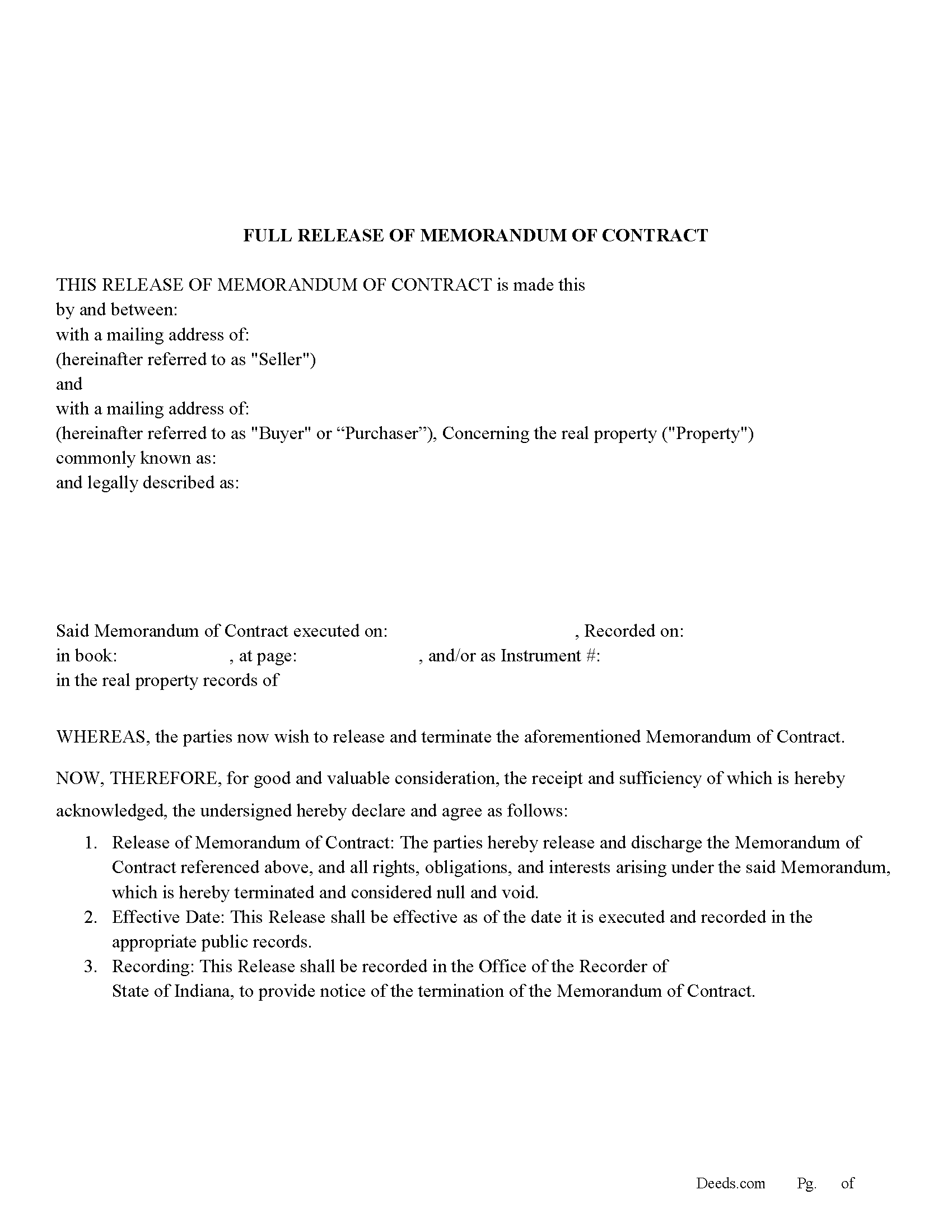
Boone County Full Release of Memorandum of Contract Form
Fill in the blank Full Release of Memorandum of Contract form formatted to comply with all Indiana recording and content requirements.
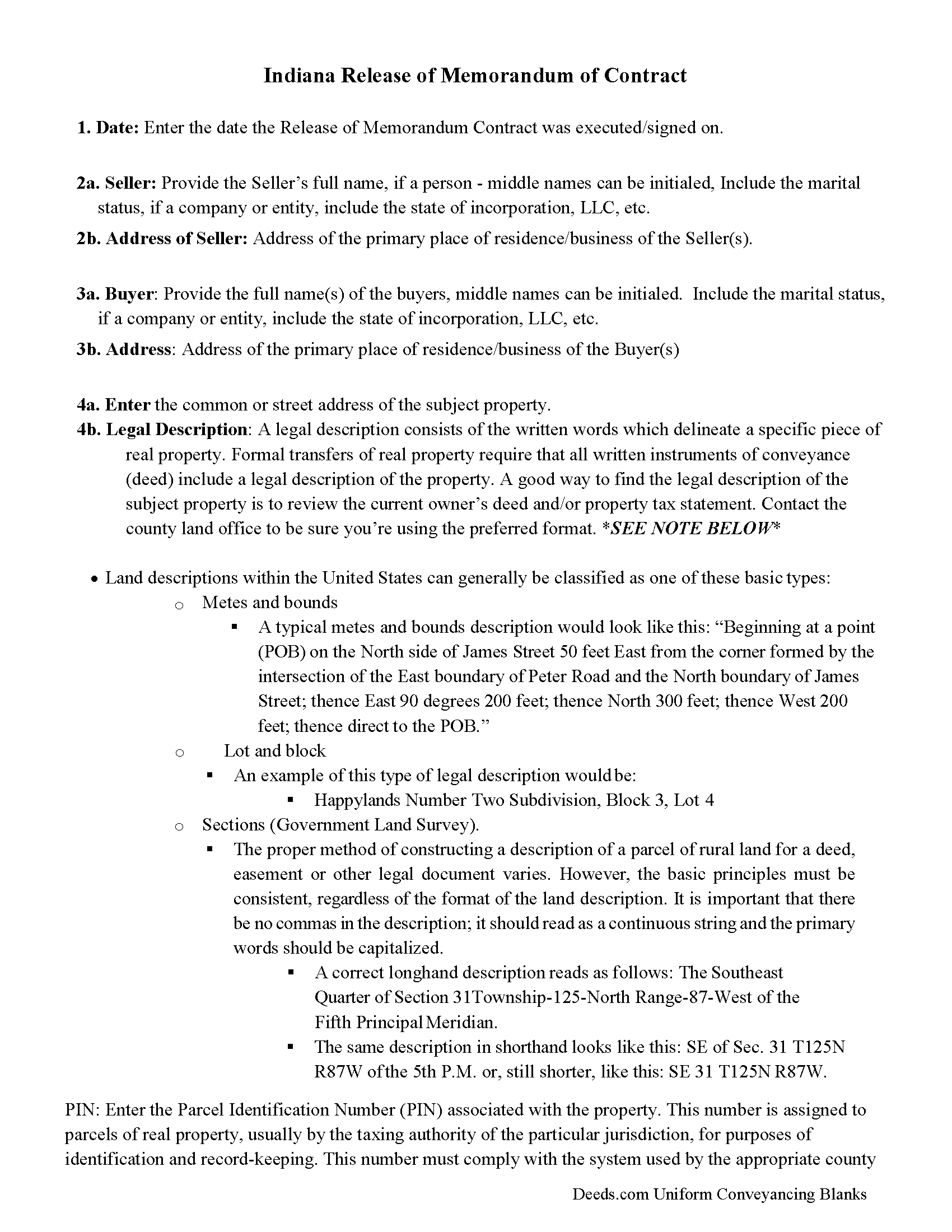
Boone County Full Release of Memorandum of Contract Guide
Line by line guide explaining every blank on the Full Release of Memorandum of Contract form.
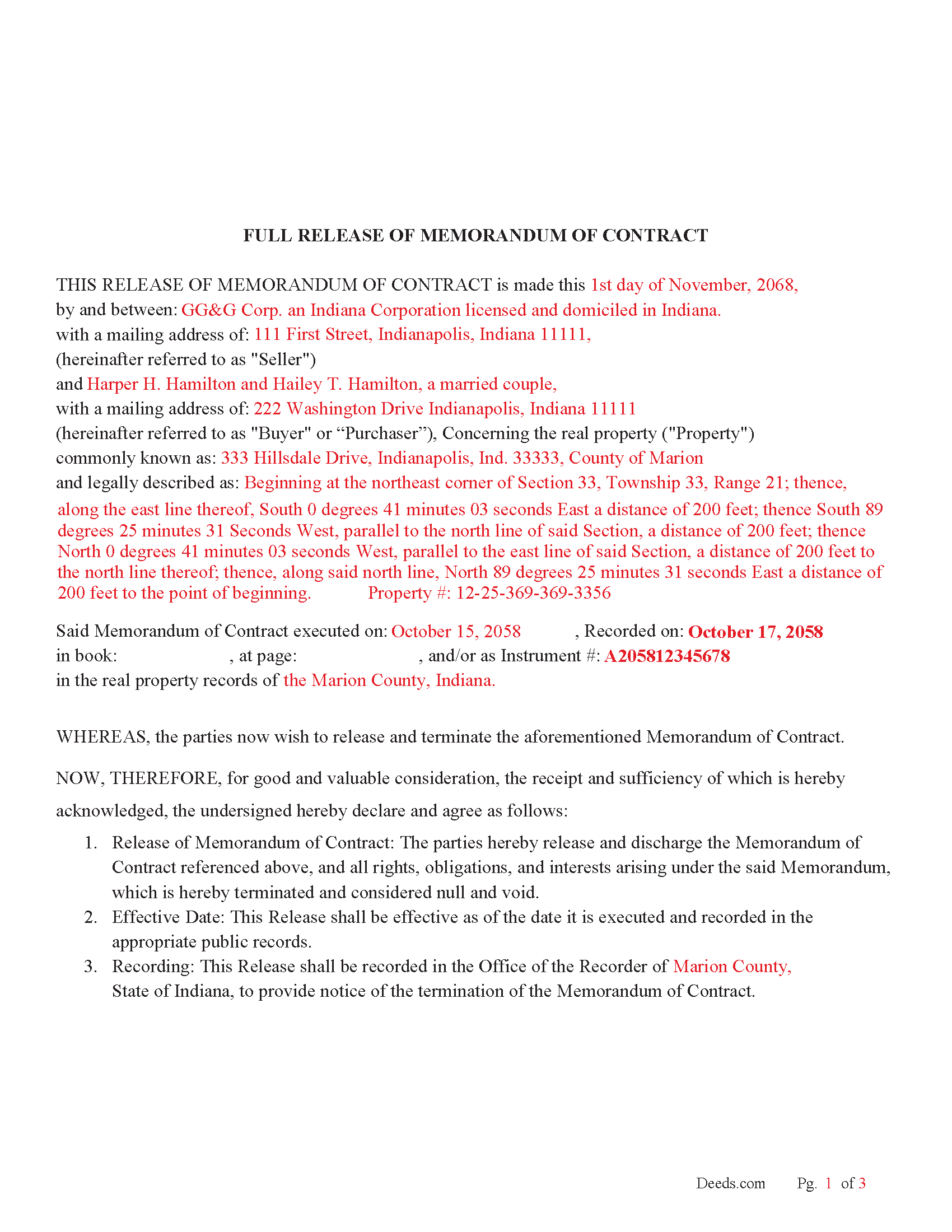
Boone County Completed Example of the Full Release of Memorandum of Contract Document
Example of a properly completed Indiana Full Release of Memorandum of Contract document for reference.
All 3 documents above included • One-time purchase • No recurring fees
Immediate Download • Secure Checkout
Additional Indiana and Boone County documents included at no extra charge:
Where to Record Your Documents
Boone County Recorder
Lebanon, Indiana 46052
Hours: 8:00 to 4:00 M-F / Recording until 3:30
Phone: (765) 482-3070
Recording Tips for Boone County:
- Bring your driver's license or state-issued photo ID
- Ensure all signatures are in blue or black ink
- Double-check legal descriptions match your existing deed
- Verify all names are spelled correctly before recording
- White-out or correction fluid may cause rejection
Cities and Jurisdictions in Boone County
Properties in any of these areas use Boone County forms:
- Advance
- Jamestown
- Lebanon
- Thorntown
- Whitestown
- Zionsville
Hours, fees, requirements, and more for Boone County
How do I get my forms?
Forms are available for immediate download after payment. The Boone County forms will be in your account ready to download to your computer. An account is created for you during checkout if you don't have one. Forms are NOT emailed.
Are these forms guaranteed to be recordable in Boone County?
Yes. Our form blanks are guaranteed to meet or exceed the applicable formatting requirements used for recording in Boone County, including margin requirements, font requirements, and other layout standards. This guarantee applies to formatting, not to the legal sufficiency of information entered by the user or the suitability of a form for a particular transaction.
Can I reuse these forms?
Yes. You can reuse the forms for your personal use. For example, if you have multiple properties in Boone County you only need to order once.
What do I need to use these forms?
The forms are PDFs that you fill out on your computer. The free Adobe Acrobat Reader is recommended, and most PDF apps also work. You do NOT enter your property information online - you download the blank forms and complete them privately on your own computer.
Are there any recurring fees?
No. This is a one-time purchase. Nothing to cancel, no memberships, no recurring fees.
How much does it cost to record in Boone County?
Recording fees in Boone County vary. Contact the recorder's office at (765) 482-3070 for current fees.
Questions answered? Let's get started!
Use this document to release a previously recorded Memorandum of Contract or Purchase Agreement.
IC 32-21-2-3 – Recording Instruments This section of the Indiana Code outlines the general rules for recording documents affecting real estate, which include deeds, mortgages, leases, and releases. It specifies that once an instrument (including releases) is recorded, it provides notice to all persons of the matters contained in the document. This is the general statute governing the recording of documents with the county recorder.
For use in Indiana only
Important: Your property must be located in Boone County to use these forms. Documents should be recorded at the county recording office listed above.
This Full Release of Memorandum of Contract meets all recording requirements specific to Boone County.
Our Promise
The documents you receive here are guaranteed to meet or exceed the applicable Boone County recording format requirements. If there is a rejection caused by our formatting, we will correct the issue or refund your payment. This guarantee applies to document formatting only and does not extend to information entered by the user, the selection of the form, or the legal effect of the completed document.
Save Time and Money
Get your Boone County Full Release of Memorandum of Contract form done right the first time with Deeds.com Uniform Conveyancing Blanks. At Deeds.com, we understand that your time and money are valuable resources, and we don't want you to face a penalty fee or rejection imposed by a county recorder for submitting nonstandard documents. We constantly review and update our forms to meet rapidly changing state and county recording requirements for roughly 3,500 counties and local jurisdictions.
4.8 out of 5 - ( 4,859 Reviews )
Charles C. 5 out of 5 stars
Easy to use. Good price. I like that it came with instructions and an example.
Thank you for your feedback. We really appreciate it. Have a great day!
Francis L. 2 out of 5 stars
You have duplicate documents in your listing of documents. please clean up.
Thank you!
Nancy A. 5 out of 5 stars
First time user and I was pleasantly surprised how quick and easy it was to get my Deed recorded. And the fee was not outrageous.
We appreciate your business and value your feedback. Thank you. Have a wonderful day!
Evelyn T. 5 out of 5 stars
Easy to follow; user friendly.
We appreciate your business and value your feedback. Thank you. Have a wonderful day!
Susan M. 5 out of 5 stars
Loved my experience with deeds.com! Easy and simple to fill in the form, plus the extra instructions were helpful! I will use them again!
Thank you for your feedback. We really appreciate it. Have a great day!
Kellie Z. 5 out of 5 stars
Wow! So much simpler & faster than I had expected. I had thought it would take weeks to get filed & took days- yea! Super easy & speedy!
Thank you!
Mary C. 5 out of 5 stars
The Deeds.com site made is relatively simple to download a Beneficiary Deed form specific to St Louis, which is great, because neither the city or state provide this. Thanks!
Thank you for your feedback. We really appreciate it. Have a great day!
Nicole T. 5 out of 5 stars
Absolutely Amazing Service! I learned about Deeds.com, created my Account, uploaded my documents into my Recording Package, paid my Invoice and received my Three Recorded Deeds all in less than two hours! Awesome!
We appreciate your business and value your feedback. Thank you. Have a wonderful day!
Donna S. 5 out of 5 stars
Very easy forms to fill out and convenient since my county does not carry these forms , great service .
Thank you for your feedback. We really appreciate it. Have a great day!
Monte J. 5 out of 5 stars
Very helpful.
Thank you!
Carlin L. 5 out of 5 stars
I have yet to have my Certification of Trust notarized nor have I gone to my bank to see if it's acceptable I hope it will be it was rather easy to do thank you so much.
Thank you for your feedback Carlin.
Nancy D. 5 out of 5 stars
Program works well. Saves a lot of time trying to find out what you need to do.
Thank you!
Scott S. 5 out of 5 stars
Awesome service. I'm impressed.
We appreciate your business and value your feedback. Thank you. Have a wonderful day!
Randy F. 5 out of 5 stars
SO FAR SO GOOD, DOC'S DOWNLOADED WITHOUT A PROBLEM
Thank you!
Wendy C. 3 out of 5 stars
I purchased a Warranty Deed "package" on Friday and found that the Main download was a working document, but the secondary document (which is required) was not. In other words, I was able to use the fill-in feature on the main document, but not on the second document. I used the portal on the website to report my issue the same day. That was Friday. This is Wednesday. I have not heard a word from them and I have to use my documents in 2 days. I will probably have to resort to pen and ink for that document, but I have already tried filling it out twice and have to keep reprinting and starting over. You can't white out or cross out. I would really prefer to have the complete service that I paid for.
Thank you for your feedback. As is noted on the site, supplemental forms are provided as a courtesy with your order. They are not our forms, we did not create them. They are created and provided by the jurisdiction/agency that requires them. Have a wonderful day.