Hancock County Memorandum of Contract Form
Last validated October 8, 2026 by our Forms Development TeamFormatted for recording in Hancock County, for property anywhere in the county: rural and unincorporated areas as well as Charlottesville, Finly, Fortville, Greenfield, Maxwell, Mc Cordsville, New Palestine, Wilkinson.
- 3 documents included
- Immediate PDF download
- Formatting guarantee
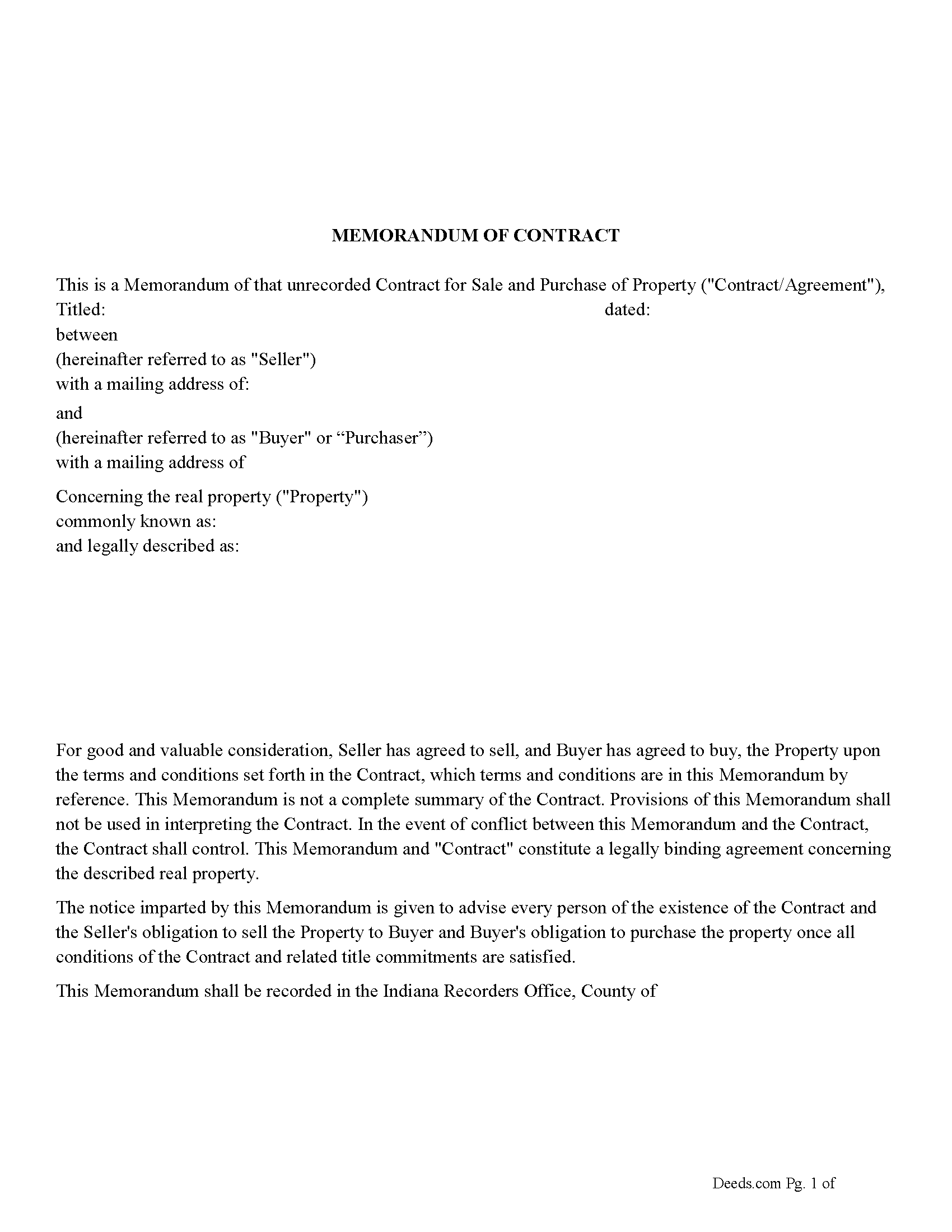
Hancock County Memorandum of Contract Form
Fill in the blank Memorandum of Contract form formatted to comply with all Indiana recording and content requirements.
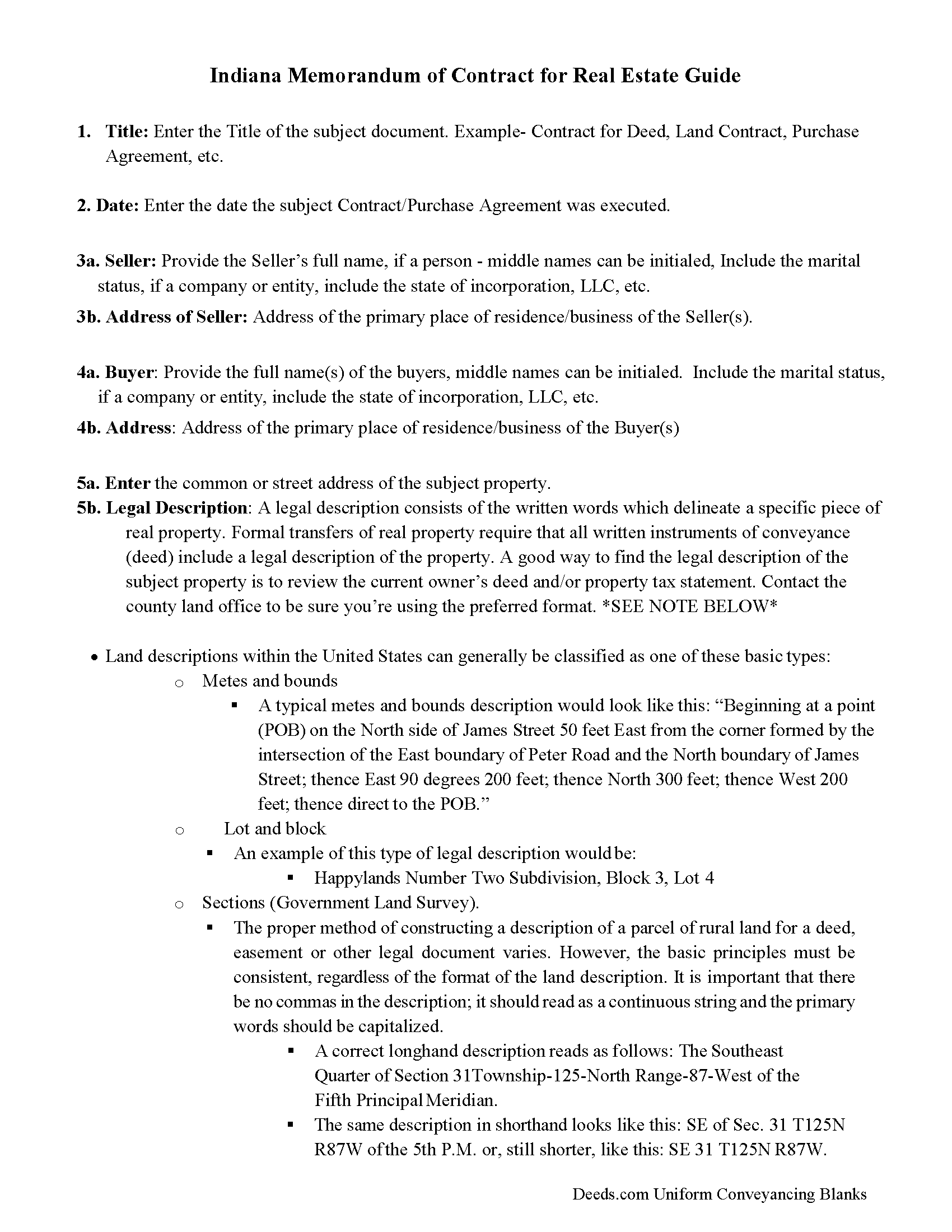
Hancock County Memorandum of Contract Guide
Line by line guide explaining every blank on the Memorandum of Contract form.
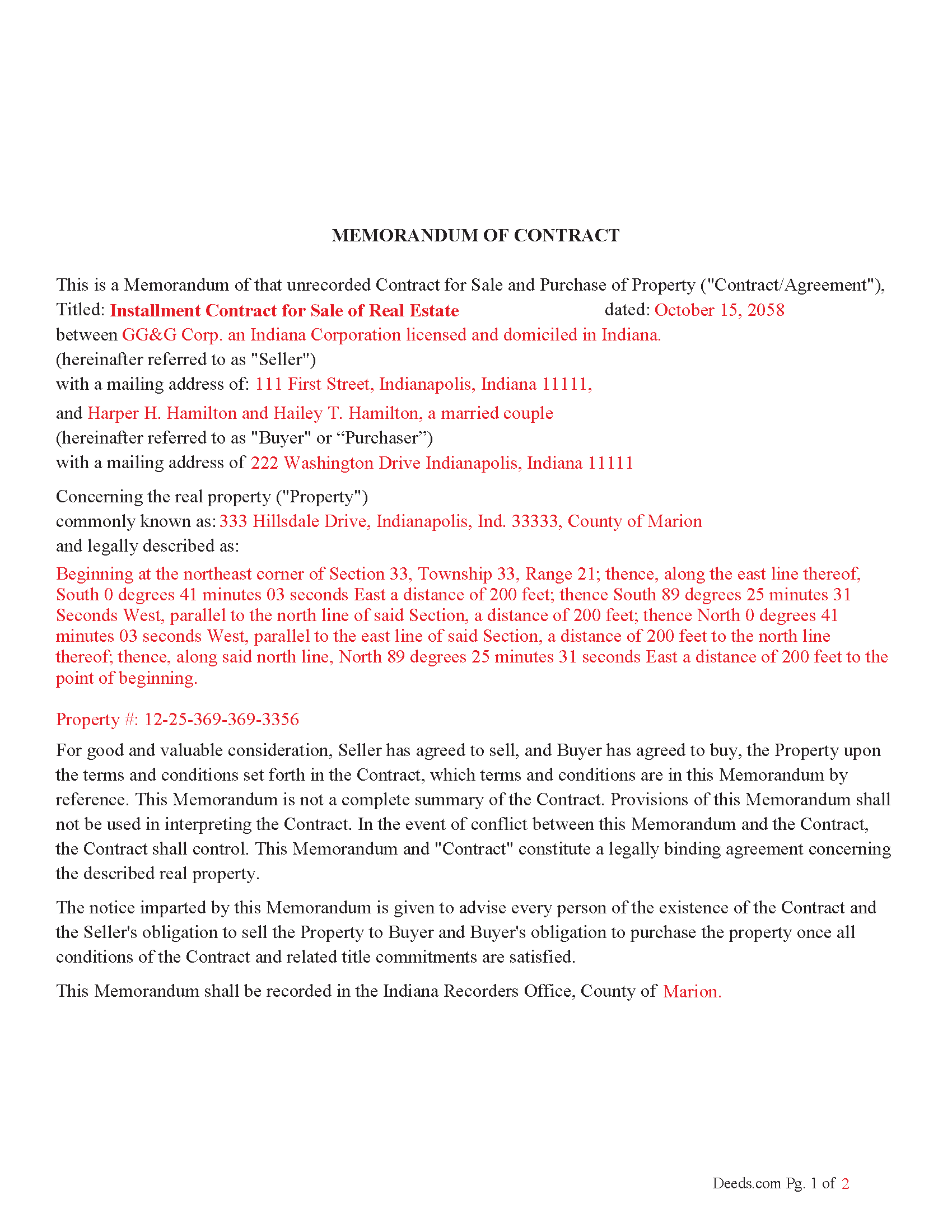
Hancock County Completed Example of the Memorandum of Contract Document
Example of a properly completed Indiana Memorandum of Contract document for reference.
All 3 documents above included • One-time purchase • No recurring fees
Immediate Download • Secure Checkout
Additional Indiana and Hancock County documents included at no extra charge:
Where to Record Your Documents
Hancock County Recorder
Greenfield, Indiana 46140
Hours: Monday - Friday 8:00am - 4:00pm
Phone: (317) 477-1142
Recording Tips for Hancock County:
- Bring your driver's license or state-issued photo ID
- Ensure all signatures are in blue or black ink
- Ask about their eRecording option for future transactions
- Avoid the last business day of the month when possible
- Both spouses typically need to sign if property is jointly owned
Cities and Jurisdictions in Hancock County
Properties in any of these areas use Hancock County forms:
- Charlottesville
- Finly
- Fortville
- Greenfield
- Maxwell
- Mc Cordsville
- New Palestine
- Wilkinson
Hours, fees, requirements, and more for Hancock County
How do I get my forms?
Forms are available for immediate download after payment. The Hancock County forms will be in your account ready to download to your computer. An account is created for you during checkout if you don't have one. Forms are NOT emailed.
Are these forms guaranteed to be recordable in Hancock County?
Yes. Our form blanks are guaranteed to meet or exceed the applicable formatting requirements used for recording in Hancock County, including margin requirements, font requirements, and other layout standards. This guarantee applies to formatting, not to the legal sufficiency of information entered by the user or the suitability of a form for a particular transaction.
Can I reuse these forms?
Yes. You can reuse the forms for your personal use. For example, if you have multiple properties in Hancock County you only need to order once.
What do I need to use these forms?
The forms are PDFs that you fill out on your computer. The free Adobe Acrobat Reader is recommended, and most PDF apps also work. You do NOT enter your property information online - you download the blank forms and complete them privately on your own computer.
Are there any recurring fees?
No. This is a one-time purchase. Nothing to cancel, no memberships, no recurring fees.
How much does it cost to record in Hancock County?
Recording fees in Hancock County vary. Contact the recorder's office at (317) 477-1142 for current fees.
Questions answered? Let's get started!
A "Memorandum of Contract" in Indiana is a legal document used to provide public notice of a contract or agreement concerning real estate without revealing the full details of the contract. When recorded in the county where the property is located, it serves as a way to notify third parties, such as potential buyers or lenders, that there is an existing contract or agreement related to the property.
IN Code § 36-2-11-20 Sec. 20. (a) As used in this section, "contract" means an agreement for a seller to sell real estate to a purchaser that provides for the purchaser to pay the purchase price to the seller in periodic installments, with the seller retaining record title to the real estate and the purchaser acquiring equitable title to the real estate.
Purpose: The primary purpose of a Memorandum of Contract is to secure the parties' interests by making the existence of a contract public without disclosing the full contract terms. Use this form for real property purchase agreements.
IN Code § 36-2-11-20 (g) A memorandum of a lease or a memorandum of contract may be recorded in lieu of the lease or contract itself if the memorandum is executed and acknowledged by the parties and contains:
(1) the names of the parties;
(2) the term of the lease or contract;
(3) any option of the lessee to renew or extend the term of the lease or of the purchaser to renew or extend the term of the contract; and
(4) the specific legal description of the real estate, or a survey or plot plan authorized under subsection (i) showing the location of the real estate.
(h) A memorandum recorded under this section may also contain any other agreement made between the parties in the lease or contract.
Statutory Basis: Indiana has statutes governing the recording of documents affecting real estate. Indiana Code § 32-21-4 provides general guidelines for recording instruments, including those affecting real estate interests. Specific requirements may vary based on the type of contract and the county.
Effect of Recording: Once recorded, the memorandum places a cloud on the title, meaning any future buyers or creditors will be aware of the existing contract. This can protect the parties from unauthorized transactions or encumbrances.
For use in Indiana only.
Termination: If the underlying contract is terminated, parties typically record a document to release the memorandum, clearing the title.
Important: Your property must be located in Hancock County to use these forms. Documents should be recorded at the county recording office listed above.
This Memorandum of Contract meets all recording requirements specific to Hancock County.
Our Promise
The documents you receive here are guaranteed to meet or exceed the applicable Hancock County recording format requirements. If there is a rejection caused by our formatting, we will correct the issue or refund your payment. This guarantee applies to document formatting only and does not extend to information entered by the user, the selection of the form, or the legal effect of the completed document.
Save Time and Money
Get your Hancock County Memorandum of Contract form done right the first time with Deeds.com Uniform Conveyancing Blanks. At Deeds.com, we understand that your time and money are valuable resources, and we don't want you to face a penalty fee or rejection imposed by a county recorder for submitting nonstandard documents. We constantly review and update our forms to meet rapidly changing state and county recording requirements for roughly 3,500 counties and local jurisdictions.
4.8 out of 5 - ( 4,833 Reviews )
LAWRENCE S. 5 out of 5 stars
I am mostly satisfied with my Deeds.Com experience. Not sure if you can do anything about this, but since it is fairly common, I thought the Quit Claim Form would have a section specifically for adding spouse to a deed.
Thank you for your feedback. We really appreciate it. Have a great day!
Kimberly J H. 5 out of 5 stars
The Washington State Transfer on Death Deed I purchased worked perfectly.
Thank you for your feedback. We really appreciate it. Have a great day!
Debbie G. 5 out of 5 stars
Easy to use, I would recommend deeds.com. I would recommend visiting your county recorder before having document notarized. They will review document and make sure everything you need is on the deed, before having notarized.
Thank you Debbie. Have a fantastic day!
Frank R. 5 out of 5 stars
Our notary. Marie was prompt, courteous and professional. Would definitely use again and reccomend
Thank you for your feedback. We really appreciate it. Have a great day!
David M. 5 out of 5 stars
Best $20 ever spent. I'm a bit of an idiot with these things, thankfully there are professionals who know what they are doing so I don't screw things up...
Thank you!
Walter R. 5 out of 5 stars
I was able to get all the Forms I required and it was straight forward and easy. Thank you , Walt R.
Thank you!
Anne H. 5 out of 5 stars
After some initial general confusion -- (we sold a small piece of land privately and therefore do not typically prepare such documentation (!)) -- we were able to purchase and download all forms from Deeds.com and understand how to complete it/them. The help is all there, we just needed to read and study it - the "Example" helped alot. We were able to complete the Document per your online form(s) and then take it to be signed/notarized - and take the completed paper document to the Registry -- and it is now all registered and we are All Set. Took the morning (only). THANK YOU. A wonderful tool!!
We appreciate your business and value your feedback. Thank you. Have a wonderful day!
Daniel L. 4 out of 5 stars
You could make instructions clearer on the download process and when download is complete. You could also group things together for 1 or 2 "big" downloads.
Thank you for your feedback. We really appreciate it. Have a great day!
Gordon J. 5 out of 5 stars
The experience was generally very satisfactory. I was able to fill out the Trust Deed and send it via email no problem. However, I was not able to send the filled out form of the Note. It always erased my fill-ins when it was sent. I found that very frustrating.
Thank you, Gordon. Glad the Trust Deed worked well. Issues like the one you reported with the Note can sometimes be related to how the file is opened or sent. Using Adobe Reader to fill, save, and send the form is recommended. We also pass along all feedback like this to our team to confirm there are no issues.
Peter N. 5 out of 5 stars
Your website was easy to use and I was able to accomplish my task. Thank You very much.
Thank you for your feedback. We really appreciate it. Have a great day!
Thomas J. 5 out of 5 stars
I'm pleased with the service
Thank you!
ROBERET D. 5 out of 5 stars
after a poor start was able to get to the forms page and find what I was looking for and every thing worked good. Just getting to the right area was a struggle but we made thanks Bob
Thank you for your feedback. We really appreciate it. Have a great day!
leslie w. 5 out of 5 stars
Easy to use! Thanks for saving the time and expense of an attorney!
Thank you for your feedback. We really appreciate it. Have a great day!
Richard E. 4 out of 5 stars
Very easy. I copied each doc separately. Is there a way to copy the all docs at once into a folder? Thanks for being there. Rich
Thank you for the feedback Richard. Currently there is no way to download all of the documents at once but we'll definitely look into it. Have a great day!
Karen U. 5 out of 5 stars
Very quick and easy!! Thanks!
Thank you for taking a moment to share your thoughts.