Cass County Quitclaim Deed (Married Grantor with Non-Owner Spouse Joinder) Form
Last validated October 16, 2026 by our Forms Development TeamFormatted for recording in Cass County, for property anywhere in the county: rural and unincorporated areas as well as Galveston, Lake Cicott, Logansport, Lucerne, New Waverly, Onward, Royal Center, Twelve Mile and 2 more.
- 3 documents included
- Immediate PDF download
- Formatting guarantee
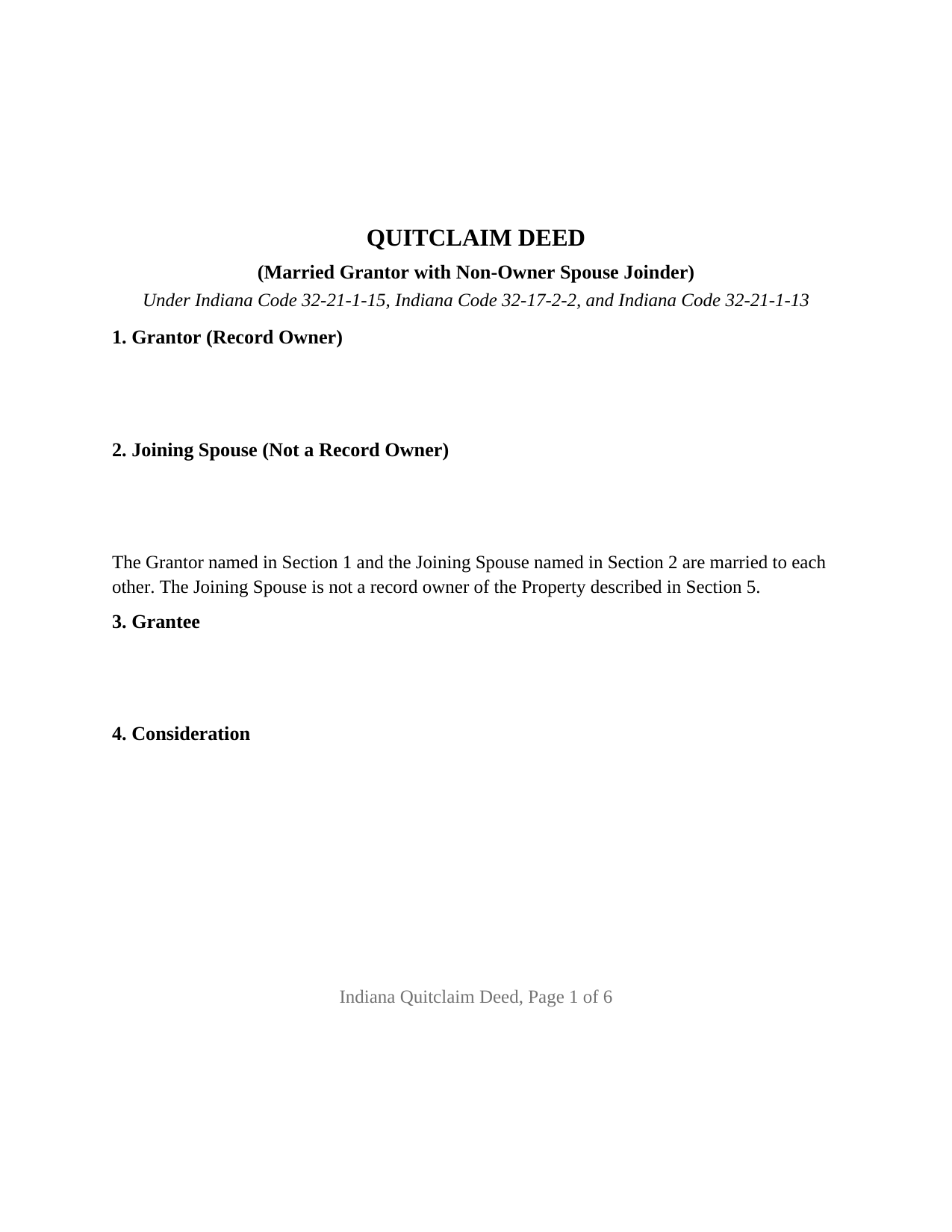
Cass County Quitclaim Deed (Married Grantor with Non-Owner Spouse Joinder) Form
Fill in the blank Quitclaim Deed (Married Grantor with Non-Owner Spouse Joinder) form formatted to comply with all Indiana recording and content requirements.
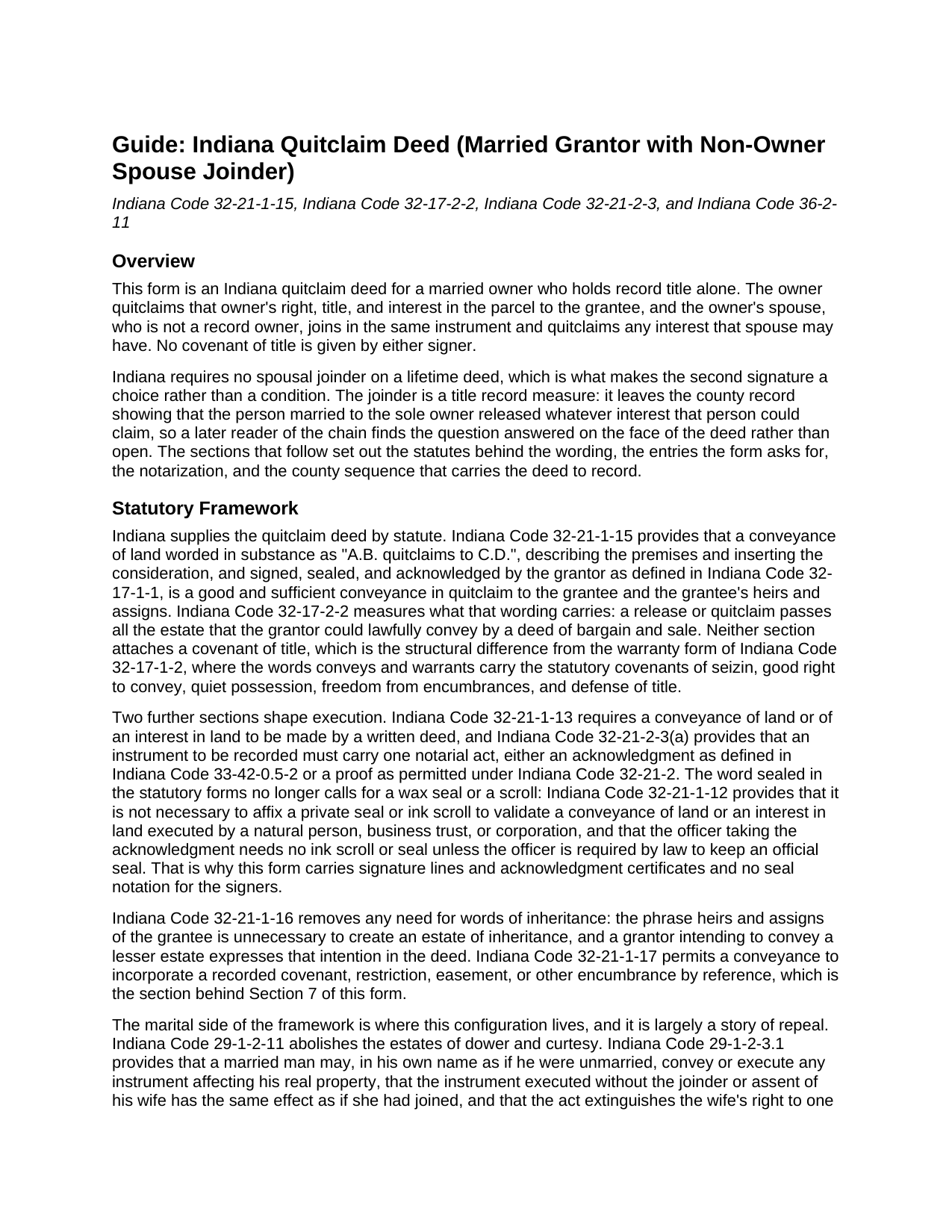
Cass County Quitclaim Deed (Married Grantor with Non-Owner Spouse Joinder) Guide
Line by line guide explaining every blank on the Quitclaim Deed (Married Grantor with Non-Owner Spouse Joinder) form.
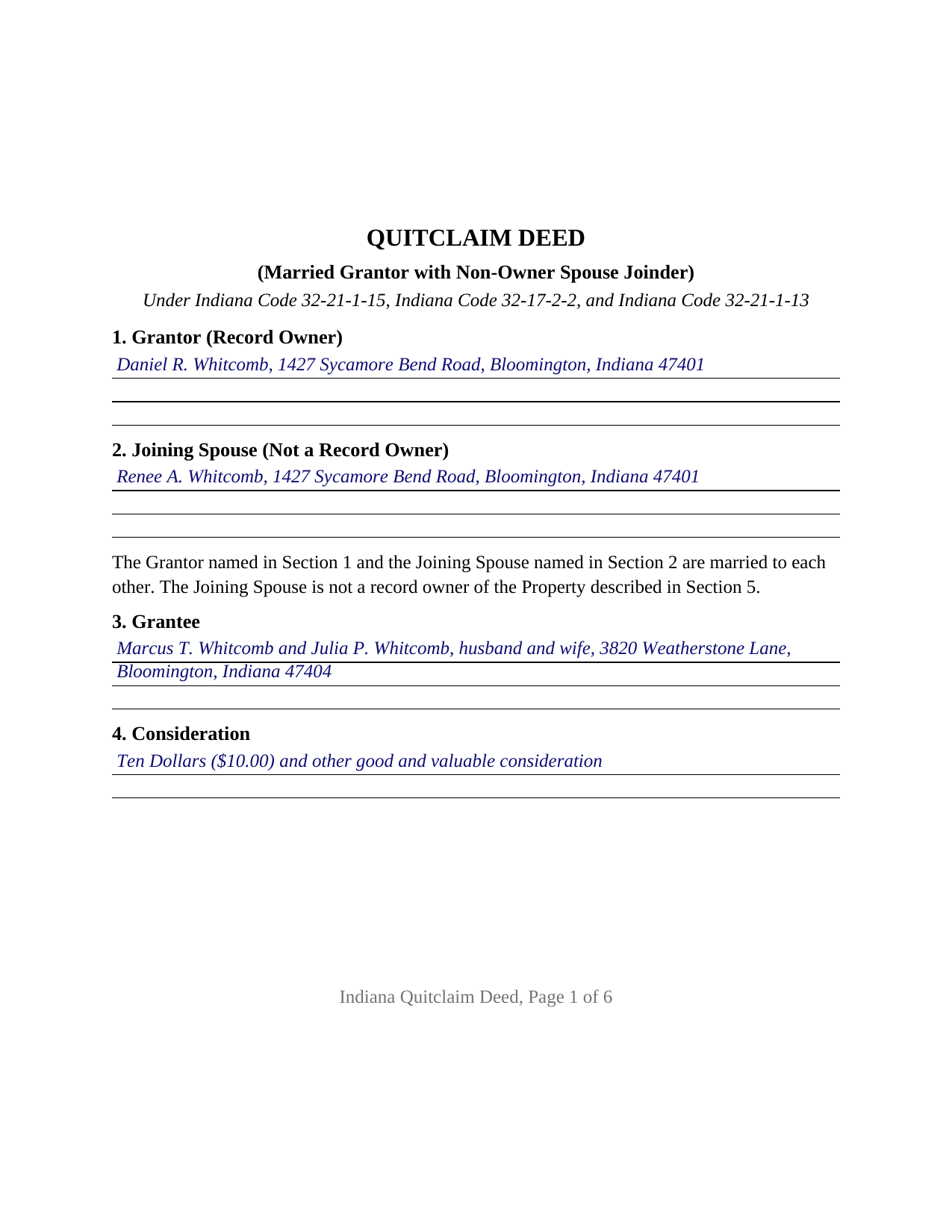
Cass County Completed Example of the Quitclaim Deed (Married Grantor with Non-Owner Spouse Joinder) Document
Example of a properly completed Indiana Quitclaim Deed (Married Grantor with Non-Owner Spouse Joinder) document for reference.
All 3 documents above included • One-time purchase • No recurring fees
Immediate Download • Secure Checkout
Additional Indiana and Cass County documents included at no extra charge:
Where to Record Your Documents
Cass County Recorder
Logansport, Indiana 46947
Hours: 8:00 to 4:00 Monday through Friday
Phone: (574) 753-7810
Recording Tips for Cass County:
- Bring your driver's license or state-issued photo ID
- Ensure all signatures are in blue or black ink
- Documents must be on 8.5 x 11 inch white paper
- Double-check legal descriptions match your existing deed
- Verify all names are spelled correctly before recording
Cities and Jurisdictions in Cass County
Properties in any of these areas use Cass County forms:
- Galveston
- Lake Cicott
- Logansport
- Lucerne
- New Waverly
- Onward
- Royal Center
- Twelve Mile
- Walton
- Young America
Hours, fees, requirements, and more for Cass County
How do I get my forms?
Forms are available for immediate download after payment. The Cass County forms will be in your account ready to download to your computer. An account is created for you during checkout if you don't have one. Forms are NOT emailed.
Are these forms guaranteed to be recordable in Cass County?
Yes. Our form blanks are guaranteed to meet or exceed the applicable formatting requirements used for recording in Cass County, including margin requirements, font requirements, and other layout standards. This guarantee applies to formatting, not to the legal sufficiency of information entered by the user or the suitability of a form for a particular transaction.
Can I reuse these forms?
Yes. You can reuse the forms for your personal use. For example, if you have multiple properties in Cass County you only need to order once.
What do I need to use these forms?
The forms are PDFs that you fill out on your computer. The free Adobe Acrobat Reader is recommended, and most PDF apps also work. You do NOT enter your property information online - you download the blank forms and complete them privately on your own computer.
Are there any recurring fees?
No. This is a one-time purchase. Nothing to cancel, no memberships, no recurring fees.
How much does it cost to record in Cass County?
Recording fees in Cass County vary. Contact the recorder's office at (574) 753-7810 for current fees.
Questions answered? Let's get started!
Indiana asks for one signature on this deed and gets two. The record owner is married, holds the parcel in that owner's name alone, and quitclaims it; the spouse, who is not on the record, signs the same instrument and releases any interest that spouse may have. This Indiana quitclaim deed is configured for that pair of signers, and neither gives a covenant of title.
A Second Signature the Statutes Do Not Ask For
Indiana retired the rules that once made a spouse's signature necessary on a lifetime deed. Dower and curtesy are abolished by IC 29-1-2-11. IC 29-1-2-3.1 goes further: an instrument a married owner executes without the spouse's joinder has the same effect as if the spouse had joined, and it extinguishes the spouse's claim to one third of the real property and any other right, choate or inchoate, arising from the marital relationship. IC 31-11-7-2 puts a married woman's property rights on the same footing as an unmarried woman's. The joinder here is an addition to the record rather than a statutory condition: a later reader of the chain finds the spouse's release on the face of the deed.
What the Joining Spouse Passes
The operative word for both signers comes from IC 32-21-1-15, and IC 32-17-2-2 fixes its reach: a release or quitclaim carries all the estate the signer could lawfully convey by a deed of bargain and sale. For a spouse who is not a record owner, that may be a real interest and it may be nothing, since the release is measured by what the spouse holds, not by what the deed says about it. The instrument states that the two are married and that the spouse is not a record owner, then quitclaims any interest the spouse may have, including any arising by reason of the marital relationship, without warranty. An Indiana quit claim deed with spousal joinder, or a marital interest release, is this instrument.
One Name on the Record, Two Signers on the Deed
The form recites one grantor signing in an individual capacity and one joining spouse identified in the instrument as a non-owner, with a single grantee entry. Each signs above the printed name line that IC 36-2-11-16(c) requires, and each takes an acknowledgment certificate, so the two can appear before a notarial officer on different dates or in different states; that second certificate is the form's own architecture rather than an Indiana requirement. Record patterns presenting this configuration include a parcel that reached one spouse through an estate distribution, a home bought before the wedding and never re-titled, and a sole owner moving that parcel to an adult child. The form is not set up for real estate titled in both spouses, a conveyance by co-owners of record, an entity or trustee instrument, or a deed signed under a power of attorney.
Two Signers, Twice the Name Matching
A joinder doubles the identity work Indiana recorders review. IC 36-2-11-16(c) calls for the printed name of each person executing the instrument beneath that person's signature, reading the same way in the body, in the acknowledgment, and on the printed name line, for the spouse exactly as for the grantor. The deed then closes with the statements Indiana places at the end of a conveyance: the tax statement address and the grantee's street address under IC 32-21-2-3(e), the preparer statement, and the redaction affirmation of IC 36-2-11-15.
Three Offices and One Deadline
Because a quitclaim deed that becomes a source of title for value falls inside the IC 6-1.1-5.5 definition of a conveyance document, a sales disclosure form reaches the county assessor first. The auditor's taxation endorsement under IC 36-2-11-14 follows, and the recorder for the county holding the parcel then takes the instrument on the flat twenty five dollar fee of IC 36-2-7-10; Indiana adds no transfer tax. A separate timing rule sits beside this: once a transfer on death deed is of record, IC 32-21-1-15(b) voids a later conveyance not itself recorded before the owner's death, and that designation instrument is prepared and recorded on its own, outside this package.
What the Download Holds
Three files come with the purchase: the quitclaim deed as a fillable PDF formatted to Indiana's recording standards, a completed example in which a Monroe County owner and his spouse convey to a married couple, and a guide covering the entries, both certificates, the joinder, and the county filing sequence. These pages describe Indiana law generally and are informational, not legal advice.
Important: Your property must be located in Cass County to use these forms. Documents should be recorded at the county recording office listed above.
This Quitclaim Deed (Married Grantor with Non-Owner Spouse Joinder) meets all recording requirements specific to Cass County.
Our Promise
The documents you receive here are guaranteed to meet or exceed the applicable Cass County recording format requirements. If there is a rejection caused by our formatting, we will correct the issue or refund your payment. This guarantee applies to document formatting only and does not extend to information entered by the user, the selection of the form, or the legal effect of the completed document.
Save Time and Money
Get your Cass County Quitclaim Deed (Married Grantor with Non-Owner Spouse Joinder) form done right the first time with Deeds.com Uniform Conveyancing Blanks. At Deeds.com, we understand that your time and money are valuable resources, and we don't want you to face a penalty fee or rejection imposed by a county recorder for submitting nonstandard documents. We constantly review and update our forms to meet rapidly changing state and county recording requirements for roughly 3,500 counties and local jurisdictions.
4.8 out of 5 - ( 4,828 Reviews )
Johnny B. 5 out of 5 stars
This site was a breeze using.
We appreciate your business and value your feedback. Thank you. Have a wonderful day!
Joel M. 5 out of 5 stars
Very easy and efficient. The team was quick to respond when I had questions and made it very simple.
We are delighted to have been of service. Thank you for the positive review!
Michael P. 5 out of 5 stars
WOW!! Thank you for making the availability and access to these forms an unpainful experience at a competitive price. Well done!
We appreciate your business and value your feedback. Thank you. Have a wonderful day!
Kirk G. 5 out of 5 stars
Excellent! I will be back!
Thank you!
Patrick S. 5 out of 5 stars
Excellent!
Thank you!
Theresa J. 5 out of 5 stars
The beginning of the process was very simple. In the middle now waiting for the invoice to move forward.
Thank you for your feedback. We really appreciate it. Have a great day!
Michael K. 5 out of 5 stars
Service seems smooth. I just wonder what the turn around time on recording is (I need proof of recordation).
Thank you!
Dennis S. 5 out of 5 stars
Simple quitclaim form, worked perfectly for my area.
Thank you!
Patricia E. 5 out of 5 stars
Easy to understand and download!
Thank you!
Juliet M. 5 out of 5 stars
So far I am having a good experience.
It was a pleasure serving you. Thank you for the positive feedback!
Matilde A. 5 out of 5 stars
Very easy to navigate... will be back to use!
Thank you for your feedback. We really appreciate it. Have a great day!
ALFRED B. 5 out of 5 stars
The product was just what I needed. Not being the sharpest computer user I stumbled a little but after reading more carefully I navigated the process and I am very satisfied with my experience. deeds certainly saved me a lot of time.
Thank you!
Filomena G. 5 out of 5 stars
very helpful
Thank you!
Kimberly B. 5 out of 5 stars
Absolutely recommend Deeds.com! The process to recording your document is explained step by step. If you have any questions, you just send a message and almost instantly a staff member will reply. Super quick processing. I uploaded my document late Friday afternoon, it was reviewed by Deeds.com staff and sent to the county for recording on Monday. By Tuesday, my document was successfully recorded by the County Recorder's Office and a copy of my recorded document was available for me, as well!
We appreciate your business and value your feedback. Thank you. Have a wonderful day!
Ken W. 5 out of 5 stars
Everything perfect, good price. Completely satisfied
Thank you!